
Master your JBL headphone sound with expert EQ settings. Learn how to adjust bass, mids, and treble for any music genre or JBL model.
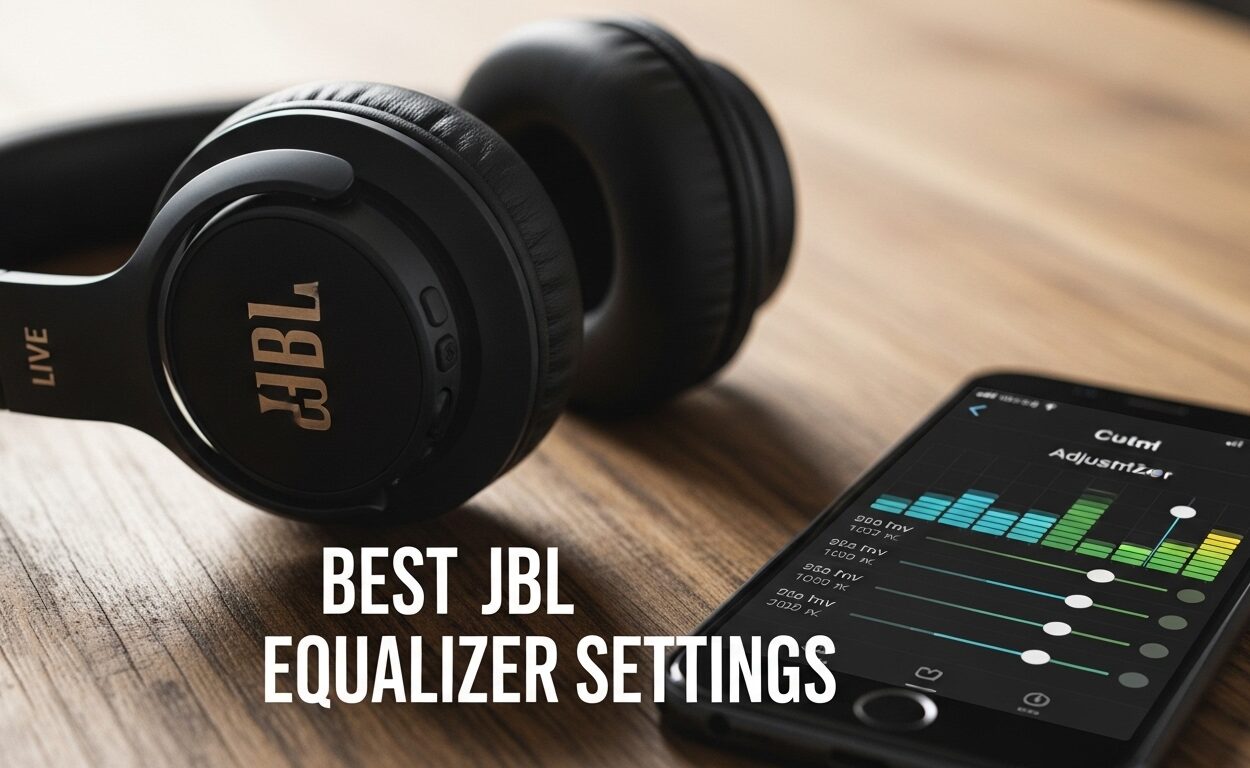
Equalizer Settings for JBL Headphones
Best Equalizer Settings for JBL Headphones: Complete 2026 Guide
The Significance of EQ in JBL Headphones
JBL headphones are known for their powerful bass and energetic sound signature, but the default settings don’t work for everyone. Whether you find the bass too overwhelming, struggle to hear vocals clearly, or simply want to optimize your audio for specific music genres, adjusting your equalizer (EQ) can transform your listening experience.
This comprehensive guide will walk you through everything you need to know about EQ settings for JBL headphones, including step-by-step instructions, genre-specific presets, and model-specific recommendations for popular JBL series like Tune, Live, Charge, Quantum, and Reflect.
Understanding EQ Basics: A Beginner’s Guide
Before diving into specific settings, it’s important to understand what an equalizer actually does. An EQ adjusts the volume of different frequency ranges in your audio, allowing you to boost or cut specific parts of the sound spectrum.
The Main Frequency Bands
Most JBL EQ interfaces divide frequencies into five main bands:
- Bass (20Hz – 250Hz): The low-end punch you feel in your chest. Responsible for kick drums, bass guitars, and deep synth sounds. Too much sounds muddy; too little feels thin.
- Low Mids (250Hz – 500Hz): The body of the sound. Gives warmth to vocals and instruments. Boosting too much creates a “boxy” sound.
- Mids (500Hz – 2kHz): Where most vocal and instrument information lives. Critical for clarity and presence. Cutting makes audio sound distant.
- High Mids (2kHz – 4kHz): Adds attack and definition. Important for vocal clarity and instrument separation.
- Treble (4kHz – 20kHz): The sparkle and airiness. Provides detail to cymbals, strings, and breathy vocals. Excessive treble causes harshness and fatigue.
Popular EQ Curves Explained
Understanding common EQ patterns will help you choose the right settings:
- V-Shape EQ: Boosted bass and treble with reduced mids. Creates an energetic, exciting sound favored by many JBL users. Great for pop, rock, and electronic music.
- Flat/Neutral EQ: No frequency boosts. Presents audio as the artist intended. Ideal for critical listening and accurate sound reproduction.
- Harman Curve: Research-backed target frequency response that most listeners prefer. Balances bass, mids, and treble based on extensive listener testing.
- Bass Boost: Enhanced low frequencies with minimal changes elsewhere. Perfect for EDM, hip-hop, and bass-heavy genres.
- Vocal Boost: Enhanced mid frequencies (1kHz-3kHz). Improves speech intelligibility for podcasts, audiobooks, and vocal-centric music.
How to Access JBL EQ Settings
JBL provides EQ customization through the JBL Headphones app, available for both iOS and Android. The process varies slightly depending on your model, but here’s the general approach:
Step 1: Download and Connect
- Download the JBL Headphones app from the App Store or Google Play Store.
- Enable Bluetooth on your device.
- Put your JBL headphones in pairing mode (usually by holding the Bluetooth button).
- Select your headphones from the app’s device list.
- Wait for the connection to establish (you’ll see a battery indicator and connection status).
Step 2: Locate the EQ Section
Once connected, navigate to the EQ settings:
- For most earbuds (Tune, Live, Reflect series): Tap the “Equalizer” or “EQ” icon on the home screen (usually looks like a slider or frequency curve).
- For Quantum gaming headsets: Look in the “Sound” or “Audio” tab.
- For portable speakers (Charge series): Access via the “Sound Settings” menu.
Step 3: Adjust Your EQ
The JBL app typically offers two EQ modes:
- Presets: Pre-configured settings like “Bass,” “JBL,” “Podcast,” “Treble.” Good for quick adjustments.
- Custom/Manual: Adjust individual frequency sliders (usually 5 bands) for precise control. This is where you’ll enter the specific values provided in this guide.
Pro tip: Always start with a flat EQ (all sliders at 0 or center position) before applying custom settings. This ensures you’re hearing the changes accurately.
Best EQ Presets by Music Genre
Different music genres benefit from different EQ curves. Here are copy-paste settings for the most common genres, using a standard 5-band EQ (Bass, Low Mid, Mid, High Mid, Treble):
For Bass-Heavy Music (EDM, Hip-Hop, Dubstep)
These genres demand powerful, punchy bass without losing high-frequency detail:
- Bass (20-250Hz): +4 to +6 dB
- Low Mid (250-500Hz): -1 dB
- Mid (500-2kHz): -2 dB
- High Mid (2-4kHz): +1 dB
- Treble (4-20kHz): +3 to +4 dB
Result: Classic V-shape curve with thunderous bass and sparkling highs, perfect for electronic beats and hip-hop production.
For Rock and Alternative
Rock music needs punchy drums, clear guitars, and present vocals:
- Bass: +2 to +3 dB
- Low Mid: +1 dB
- Mid: +2 dB
- High Mid: +2 to +3 dB
- Treble: +2 dB
Result: Enhanced midrange brings out guitars and vocals while maintaining bass punch for drums.
For Classical and Jazz
These genres benefit from a balanced, natural sound that preserves the original recording:
- Bass: +1 dB
- Low Mid: 0 dB (flat)
- Mid: +1 dB
- High Mid: +1 dB
- Treble: +1 to +2 dB
Result: Nearly flat response with slight treble boost for instrument detail and airiness.
For Podcasts and Audiobooks
Speech intelligibility is paramount—boost the vocal frequencies:
- Bass: -2 to -3 dB
- Low Mid: -1 dB
- Mid: +3 to +4 dB
- High Mid: +4 to +5 dB
- Treble: +2 dB
Result: Significant midrange and high-mid boost makes speech crystal-clear while reducing distracting bass.
For Pop and Top 40
Pop production is already polished, but JBL’s bass-heavy signature can overwhelm vocals:
- Bass: +2 dB
- Low Mid: -1 dB
- Mid: +1 dB
- High Mid: +2 dB
- Treble: +3 dB
Result: Moderate bass boost with enhanced treble for vocal clarity and sparkle.
Model-Specific EQ Recommendations
Different JBL series have unique sound characteristics. Here are optimized settings for the most popular models:
JBL Tune Series (Tune 130NC, Tune 230NC, Tune 760NC)
The Tune series features JBL’s signature Pure Bass sound, which many users find overwhelming. These settings tame the bass while improving clarity:
- Bass: -1 to -2 dB (reduce the overpowering low end)
- Low Mid: 0 dB
- Mid: +2 to +3 dB (bring out vocals)
- High Mid: +2 dB
- Treble: +2 to +3 dB (add detail and sparkle)
Best for: Daily commuting, pop music, podcasts. The reduced bass and boosted mids address the most common user complaint about the Tune series being too bass-heavy.
JBL Live Series (Live Free 2, Live Flex, Live 660NC)
The Live series offers a slightly more balanced sound than Tune but still benefits from vocal clarity improvements:
- Bass: +1 dB
- Low Mid: 0 dB
- Mid: +2 dB
- High Mid: +2 to +3 dB
- Treble: +2 dB
Best for: Work-from-home, video calls, mixed-genre listening. The midrange boost improves vocal presence for calls and vocals-heavy music.
JBL Charge Series (Charge 5, Charge 6)
These portable speakers are designed for outdoor use and powerful bass. For indoor listening or balanced music:
- Bass: -2 to -3 dB (significantly reduce the boom)
- Low Mid: +1 dB
- Mid: +2 to +3 dB
- High Mid: +2 dB
- Treble: +3 to +4 dB
Best for: Indoor parties, background music, vocal-focused genres. The treble boost is particularly important for speakers, as they need more high-frequency emphasis to achieve clarity.
JBL Quantum Series (Quantum 100, 400, 600, 800, 910)
Gaming headsets require different EQ profiles depending on use case:
For Competitive Gaming (FPS, Battle Royale):
- Bass: -2 dB (reduce distraction)
- Low Mid: 0 dB
- Mid: +3 dB (footsteps, voice chat)
- High Mid: +4 to +5 dB (gunshots, directional cues)
- Treble: +2 dB
For Immersive Single-Player Games:
- Bass: +3 dB (explosions, ambient effects)
- Low Mid: +1 dB
- Mid: +1 dB
- High Mid: +2 dB
- Treble: +2 dB
Best for: The competitive profile prioritizes positional audio clarity, while the immersive profile enhances cinematic impact.
JBL Reflect Series (Reflect Flow, Reflect Mini)
Designed for fitness, these earbuds need to cut through gym noise and stay motivating:
- Bass: +3 to +4 dB (workout energy)
- Low Mid: 0 dB
- Mid: +2 dB
- High Mid: +2 dB
- Treble: +3 dB
Best for: Gym workouts, running, high-intensity training. The boosted bass and treble create an exciting sound that keeps you motivated.
Advanced EQ Techniques
Creating Your Own Custom Curve
Once you’ve experimented with presets, try creating a personalized curve:
- Start flat: Set all sliders to 0 or center position.
- Listen to familiar music: Choose tracks you’ve heard hundreds of times.
- Adjust one band at a time: Make small changes (1-2 dB) and listen for 30 seconds before adjusting another.
- Trust your ears: If it sounds good to you, it is good. There’s no “correct” EQ.
- Save multiple profiles: Create different curves for different genres or situations.
The Harman Curve for JBL Headphones
The Harman curve is a research-backed frequency response that mimics how most people prefer to hear music. While the exact curve varies by headphone model, here’s a generalized approximation for JBL headphones:
- Bass: +3 dB (slight boost for warmth)
- Low Mid: -1 dB
- Mid: +1 to +2 dB
- High Mid: +2 dB
- Treble: +3 to +4 dB (detail and air)
Result: Balanced sound with enhanced bass and treble, reduced low-mid mud, and present vocals. This is an excellent all-purpose curve that works for most genres.
Troubleshooting Common EQ Issues
Problem: Audio Sounds Muddy or Boomy
Cause: Too much bass or low-mid boost.
Solution: Reduce Bass by 2-3 dB and Low Mid by 1-2 dB. Consider adding +1 to +2 dB to High Mids for clarity.
Problem: Vocals Are Unclear or Distant
Cause: Scooped mids (reduced midrange frequencies).
Solution: Boost Mid by +2 to +4 dB and High Mid by +2 to +3 dB. This brings vocals forward.
Problem: High Frequencies Sound Harsh or Fatiguing
Cause: Excessive treble boost.
Solution: Reduce Treble by 2-4 dB. If cymbals still sound splashy, also reduce High Mids by 1-2 dB.
Problem: Music Lacks Energy or Impact
Cause: Too flat or too conservative EQ.
Solution: Try a mild V-shape: Bass +2 dB, Mids -1 dB, Treble +3 dB. This adds excitement without overwhelming bass.
Problem: EQ Changes Don’t Seem to Make a Difference
Cause: Some music apps (Spotify, Apple Music) have their own EQ that overrides the JBL app settings.
Solution: Disable EQ in your music app, or use only one EQ at a time (preferably the JBL app for system-wide changes).
Conclusion: Finding Your Perfect Sound
The best EQ settings for your JBL headphones are the ones that sound best to you. Use this guide as a starting point, but don’t be afraid to experiment and adjust based on your personal preferences, hearing ability, and the music you love most.
Remember that different environments (noisy gym, quiet office, outdoors) and different activities (gaming, podcast listening, music appreciation) may call for different EQ profiles. Save multiple presets in your JBL Headphones app and switch between them as needed.
Most importantly, trust your ears. If a setting makes your music sound better to you, it’s the right setting—regardless of what any guide (including this one) recommends.
Quick Reference: Start with the genre-specific presets in this guide, then fine-tune by adjusting one frequency band at a time until you achieve your ideal sound. Happy listening!
Leave a Comment