
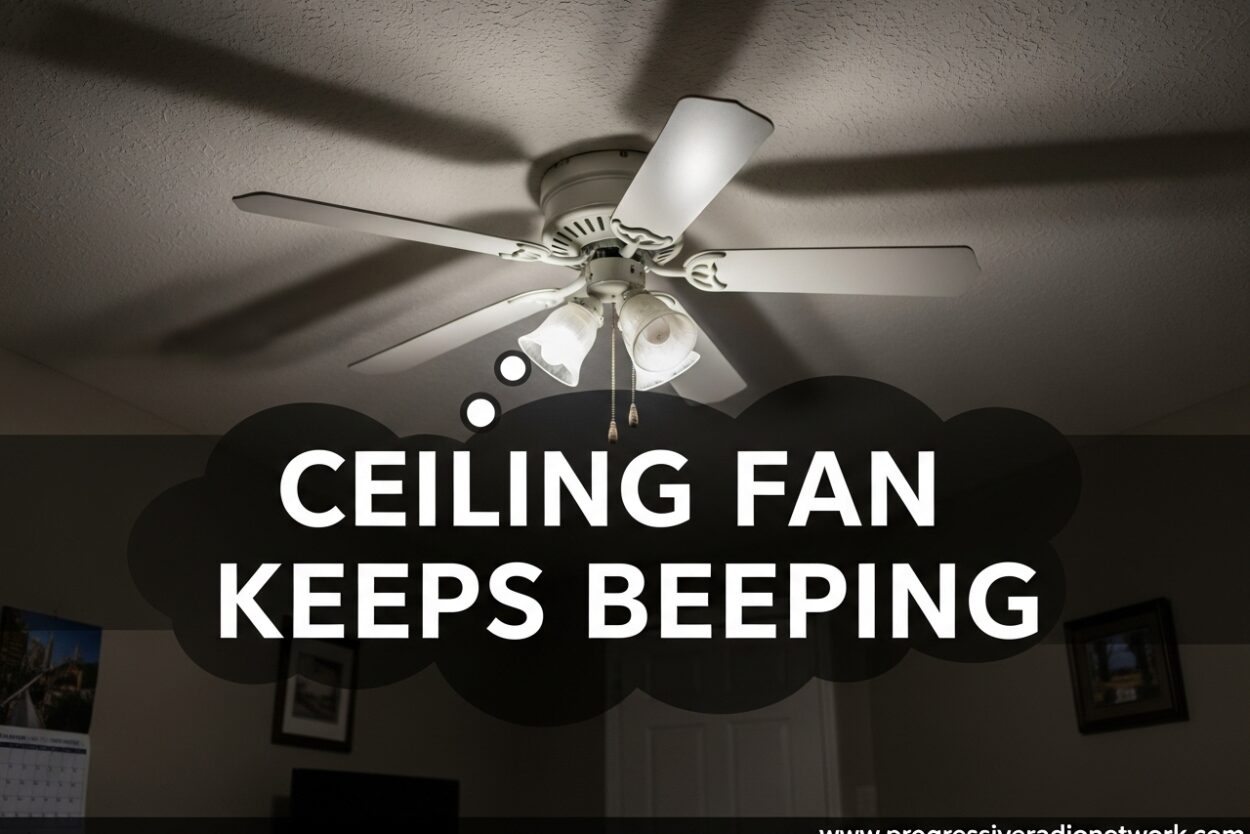
That annoying beep from your ceiling fan in the middle of the night isn’t just frustrating – it’s trying to tell you something. I’ve dealt with my fair share of beeping ceiling fans over the years, and most issues have simple fixes you can handle yourself.
Whether your ceiling fan keeps beeping when you turn it on, beeps three times and won’t start, or just won’t stop making noise, I’ll walk you through exactly what’s happening and how to fix it.
Why Does My Ceiling Fan Keep Beeping?
A beeping ceiling fan is a diagnostic signal from the remote receiver module. Modern ceiling fans with remote controls use these sounds to communicate problems or confirm actions. Here are the most common reasons your ceiling fan keeps beeping:
- Low or dead batteries in the remote control (most common cause)
- Remote sync issues after a power outage or battery replacement
- Stuck or depressed button on the remote control
- Receiver malfunction in the ceiling fan canopy
- Motor overload or capacitor failure (serious issue)
- Wiring problems or loose connections
- Normal operation beep on some fan models when using wall switch
Most of these issues are quick fixes. Let’s start with the easiest solutions and work our way to more complex problems.
Understanding Different Beep Patterns
Not all ceiling fan beeps mean the same thing. Paying attention to the number of beeps can help you diagnose the problem faster:
Single beep when turning on: This is often normal operation for ceiling fans controlled by a wall switch. The beep confirms the fan received the signal and is starting up. If the fan works fine afterward, no action is needed.
Two beeps: This typically indicates a minor issue like low batteries in the remote or the remote being slightly out of range. It’s a warning that something needs attention soon.
Three beeps: This signals a more serious problem – usually a motor overload, receiver failure, or wiring issue. If your ceiling fan beeps three times and won’t turn on, you’re dealing with a hardware problem that may require professional repair.
Continuous or repeated beeping: This often means a button on the remote is stuck, the receiver is malfunctioning, or the fan is stuck in pairing mode.
Quick Fixes You Can Try Now
Before you call an electrician or buy replacement parts, try these quick fixes. I’ve found these solve about 80% of ceiling fan beeping issues:
Step 1: Replace the remote batteries with fresh ones. Even if the remote still lights up, weak batteries can cause beeping issues. Use high-quality alkaline batteries, not cheap generics.
Step 2: Check for stuck buttons on your remote. Press each button several times to ensure they spring back properly. A stuck “off” or “light” button is a common culprit.
Step 3: Power cycle your ceiling fan. Turn off the wall switch (or circuit breaker), wait 60 seconds, then turn it back on. This resets the receiver module.
Step 4: Check that nothing is blocking the signal between your remote and the fan. Move closer to the fan and test again.
How to Reset Your Ceiling Fan Remote
If the quick fixes didn’t work, resetting the remote often solves sync issues. Here’s the standard reset procedure that works for most ceiling fan brands:
Step 1: Turn off the ceiling fan using the wall switch or circuit breaker. Wait at least 60 seconds – this allows the receiver’s capacitor to fully discharge.
Step 2: Remove the batteries from your remote control and press each button once to discharge any remaining power.
Step 3: Locate the small reset button on the receiver inside the ceiling fan canopy. You may need to remove the fan’s bottom cover to access it. Press and hold this button for 5-10 seconds.
Step 4: Turn the power back on. Within 30 seconds, press and hold the “fan” button on your remote (or the “high” speed button) for 5-10 seconds until the fan beeps or the light blinks.
Step 5: Test all remote functions. The fan should now respond properly to all commands without unnecessary beeping.
Ceiling Fan Keeps Beeping After Power Outage
Power outages are a common trigger for ceiling fan beeping issues. When power returns, the remote receiver can lose its pairing with the remote, causing continuous beeping or unresponsiveness.
If your ceiling fan started beeping after a power outage, try the reset procedure above. Most ceiling fans need to be re-paired with their remotes after any power interruption.
I recommend turning off your ceiling fan at the wall switch during extended power outages. This prevents power surges when electricity is restored, which can damage the receiver module.
Brand-Specific Troubleshooting Tips
Different ceiling fan brands have unique quirks when it comes to beeping. Here are brand-specific solutions I’ve discovered:
Hunter ceiling fans: Hunter fans often beep once when turned on via wall switch – this is normal. If your Hunter fan beeps continuously, the reset button is typically located inside the battery compartment of the remote, not in the fan canopy.
Harbor Breeze fans: These fans have a known issue with the receiver module failing after 2-3 years. If reset procedures don’t work, you may need to replace the receiver (about $25-40 and fairly easy to install).
Home Depot ceiling fans: Many generic ceiling fan brands sold at Home Depot use a universal reset. Turn off power, hold the remote’s “fan” and “light” buttons simultaneously, then restore power while still holding both buttons.
Hampton Bay fans: These often require removing the battery cover and pressing a small recessed reset button with a paperclip. The beep will stop once the remote is successfully re-paired.
How to Disable the Beep Mode
Some ceiling fans allow you to disable the beep function entirely if you find it annoying. While not all models support this feature, here’s how to try:
Method 1 – Remote Disable: Hold down the “fan” button (or “off” button on some models) for 5-10 seconds until you hear a confirmation beep or see the remote light flash. This toggles beep mode on many universal ceiling fan remotes.
Method 2 – DIP Switch Settings: Some ceiling fan receivers have DIP switches inside the canopy that control beep functionality. Consult your fan’s manual – there may be a setting to disable audible alerts.
Method 3 – Physical Removal: As a last resort (and only if you’re comfortable working with electronics), you can remove the beeper component from the receiver module. This requires opening the receiver housing and desoldering or cutting the small speaker. Only attempt this if you’re experienced with electronics, and be aware this may void your warranty.
Safety Warning – When to Call a Professional
While most ceiling fan beeping issues are harmless, some situations require professional attention. I’ve seen homeowners ignore warning signs that led to more serious problems.
Call an electrician if:
- Your ceiling fan beeps three times and won’t start at all
- You smell burning plastic or notice unusual heat coming from the fan
- The beeping is accompanied by flickering lights in the room
- You’ve tried all reset procedures and the problem persists
- You’re not comfortable working with electrical wiring
Can a faulty ceiling fan cause a fire? Yes, in rare cases. Faulty wiring, a failing capacitor, or a malfunctioning receiver can create heat buildup and fire hazards, especially in older ceiling fans or improper installations. If your ceiling fan beeps three times and shows signs of electrical issues, stop using it immediately and call a professional.
I’ve personally seen ceiling fans with failing capacitors that caused the motor to overheat. The beeping was a warning sign that the homeowner initially ignored. Don’t make that mistake – unusual beeping patterns combined with any other symptoms warrant professional inspection.
FAQ
Why does my ceiling fan keep beeping?
A ceiling fan keeps beeping because the remote receiver is signaling an issue. The most common causes are low remote batteries, remote sync problems after power outages, stuck buttons on the remote, or a malfunctioning receiver module. Single beeps when turning on the fan are often normal operation.
Can a faulty ceiling fan cause a fire?
Yes, in rare cases. A faulty ceiling fan can cause a fire if there are wiring problems, a failing capacitor, or a malfunctioning receiver that causes electrical components to overheat. Warning signs include unusual heat, burning smells, flickering lights, or repeated three-beep patterns. If you notice these signs, stop using the fan and call an electrician.
How to fix a chirping ceiling fan?
To fix a chirping ceiling fan, first replace the remote batteries with fresh ones. Check for stuck buttons on the remote. Turn off power at the circuit breaker for 60 seconds, then restore power. Reset the remote by holding the fan button for 5-10 seconds. If the chirping persists, the receiver module may need replacement.
How do I reset my ceiling fan control?
To reset your ceiling fan control, turn off power at the wall switch or circuit breaker. Wait 60 seconds. Remove batteries from the remote and press each button. Locate the reset button in the fan canopy or remote battery compartment. Press and hold the reset button for 5-10 seconds. Restore power and re-pair the remote by holding the fan button until you hear a beep.
Why does my ceiling fan beep when I turn it on?
A single beep when turning on your ceiling fan is often normal operation for fans with wall switches. The beep confirms the fan received the power signal and is starting up. However, if the beep is repeated or the fan won’t start, it indicates a problem like low batteries, sync issues, or motor overload requiring troubleshooting.
Conclusion
A ceiling fan that keeps beeping is usually easy to fix once you understand what the beeps mean. Start with the simple solutions – replace batteries, check for stuck buttons, and reset the remote. Most issues resolve within minutes using these steps.
If your ceiling fan keeps beeping after trying these fixes, pay attention to the beep pattern. Single beeps are often normal, but repeated or continuous beeping, especially three-beep patterns, indicate a more serious issue that may require professional repair.
Remember, when your ceiling fan keeps beeping, it’s communicating a problem. Address it promptly to prevent more serious issues and restore peace and quiet to your home.



Leave a Comment