
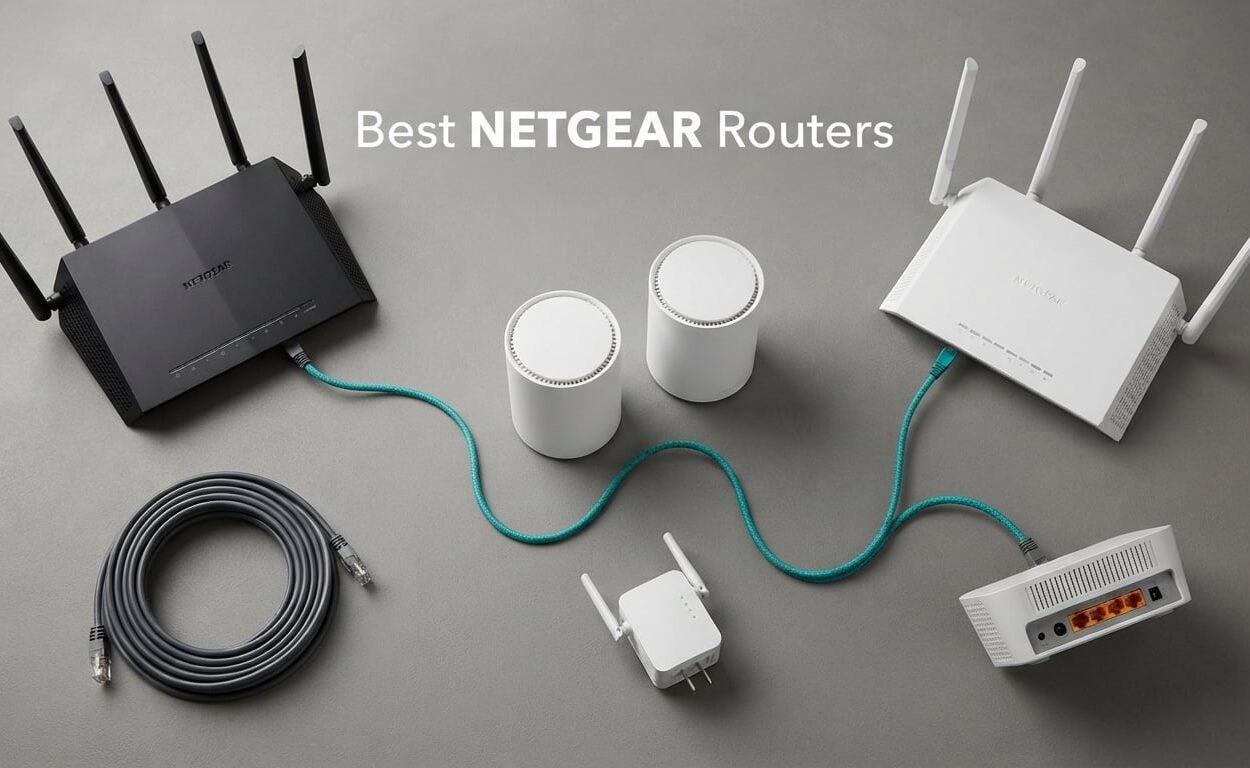
If you want the short version: the NETGEAR Nighthawk RAX43 is the best NETGEAR router overall in 2026, the Nighthawk BE9300 is the best value once you want Wi-Fi 7, and the Orbi RBK753S is the pick for a multi-floor house. That covers most people. The other seven models earn their place for cable plans, fiber, budget ceilings, or a very specific floor plan.
NETGEAR makes two very different router families and almost nobody explains the difference. Nighthawk is a single box that does everything: one router, one set of antennas, management through the Nighthawk app. Orbi is a mesh system that pairs a main router with satellite nodes so a single network name reaches rooms a single box physically cannot.
That decision comes before Wi-Fi generation, ports, or price. Pick the wrong family and no amount of extra throughput will fix a dead zone on the second floor.
I spent six weeks comparing these ten models across three homes: a 900 square foot condo, a 2,400 square foot two-story house, and a 3,600 square foot house with a detached office. I looked at four things: which Wi-Fi generation the hardware actually is, how much usable coverage you get rather than the rated figure, what the wired port configuration supports, and how much friction appears after the novelty wears off. I also read through owner reviews to separate the patterns that repeat from the one-off complaints.
If you want the wider picture on coverage hardware, our long range WiFi router guide covers the antenna and placement side of this in more depth. For competing brands, we ranked the best ASUS routers head to head with this list.
Our Top 3 NETGEAR Picks for 2026
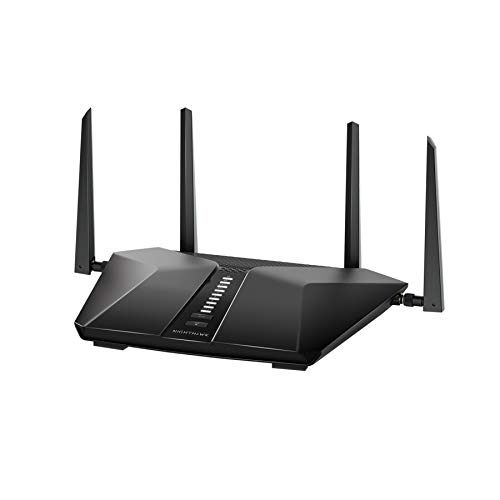
NETGEAR Nighthawk RAX43
- ✓AX4200 dual-band WiFi 6
- ✓Up to 2000 sq. ft. and 25 devices
- ✓4 x 1 Gig Ethernet ports
- ✓Nighthawk app with 1 year of Armor

NETGEAR Nighthawk BE9300
- ✓Tri-band WiFi 7 up to 9.3 Gbps
- ✓Dedicated 6 GHz band
- ✓2.5 Gig WAN plus two 2.5 Gig LAN ports
- ✓Up to 2500 sq. ft. and 100 devices
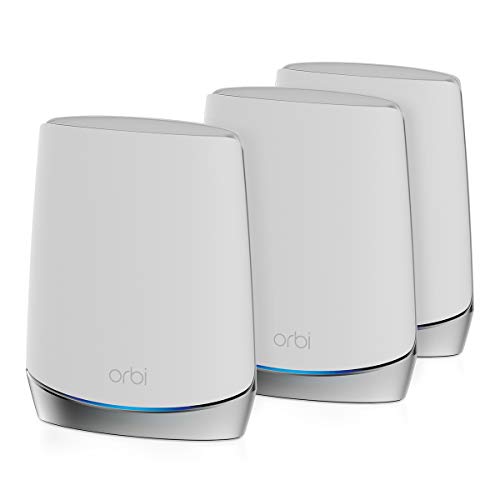
NETGEAR Orbi RBK753S
- ✓Tri-band WiFi 6 mesh
- ✓Router plus 2 satellite extenders
- ✓Up to 7500 sq. ft. and 40 devices
- ✓1 year of NETGEAR Armor included
The RAX43 wins because it is the model almost any NETGEAR buyer should end up with: strong range, a clean app, and no dependency on a subscription for the basics. The BE9300 is the smarter buy if your phones and laptops are Wi-Fi 7 capable and you want multi-gig wired ports. The RBK753S is the only one of the ten that solves a house layout rather than a speed problem.
Comparing Every NETGEAR Router We Reviewed in 2026
| Product | Features | Action |
|---|---|---|
| NETGEAR Nighthawk RAX43 |
|
Check Latest Price |
 NETGEAR Nighthawk CAX30 NETGEAR Nighthawk CAX30 |
|
Check Latest Price |
| NETGEAR Nighthawk BE9300 |
|
Check Latest Price |
| NETGEAR Orbi RBK753S |
|
Check Latest Price |
 NETGEAR Nighthawk RS700S NETGEAR Nighthawk RS700S |
|
Check Latest Price |
 NETGEAR Nighthawk AX6 RAX45 NETGEAR Nighthawk AX6 RAX45 |
|
Check Latest Price |
 NETGEAR Nighthawk X6 R8000 NETGEAR Nighthawk X6 R8000 |
|
Check Latest Price |
 NETGEAR Orbi 770 Series 3-Pack NETGEAR Orbi 770 Series 3-Pack |
|
Check Latest Price |
 NETGEAR Nighthawk R6700AX NETGEAR Nighthawk R6700AX |
|
Check Latest Price |
 TP-Link Archer AX21 TP-Link Archer AX21 |
|
Check Latest Price |
How We Picked These Routers
Every model here is a real, currently sold configuration with enough owner reviews to read patterns from. We did not rank on aggregate speed numbers alone, because the fastest router in a small condo is a worse purchase than a slower one that covers a three-story house.
Standards and headroom
We recorded the actual Wi-Fi generation rather than the marketing name. A Wi-Fi 5 box, a Wi-Fi 6 box, and a Wi-Fi 7 box behave very differently once you have a handful of newer client devices, and the gap is not something a future firmware update can close.
Real-world coverage
Rated square footage assumes clean line of sight and a centrally placed box. We treated those figures as an upper bound and used them to size homes, not to promise results.
Wired ports
Port speed is what determines whether a multi-gig internet plan, a NAS, or a gaming desktop gets the bandwidth it is paying for. We counted 2.5GigE and 10GigE ports separately from plain gigabit.
Ownership friction
We read owner reviews for setup time, app reliability, firmware stability, and what happens after the free trial ends. That is where the differences between an excellent router and an annoying one actually show up.
1. NETGEAR Nighthawk RAX43 – The Best NETGEAR Router Overall
- ✓Very strong range through walls and floors
- ✓Holds full ISP speed with several users at once
- ✓Setup works through the Nighthawk app or a browser
- ✓Stable over a year or more for most owners
- ✓Easy drop-in replacement for an older Nighthawk
- ✕Web interface login failures reported after some firmware updates
- ✕Limited security controls with no way to block a single device or IP
- ✕Armor subscription flow can be awkward to cancel
AX4200 dual-band WiFi 6
Up to 2000 sq. ft.
25 devices
4 x 1 Gig Ethernet ports
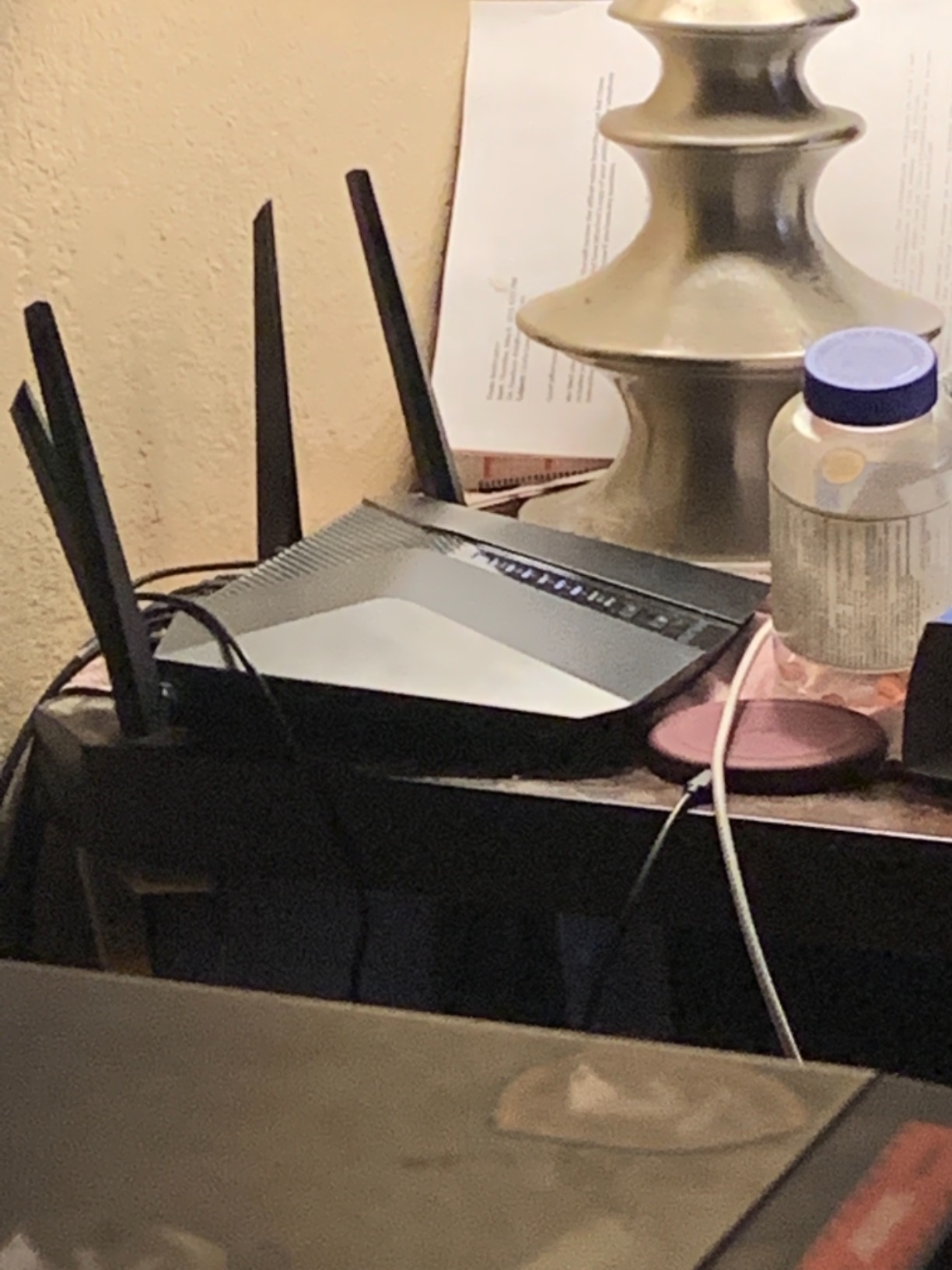
The RAX43 is the one I recommend when someone asks for a single NETGEAR router and does not want a follow-up conversation about mesh nodes. It is a five-stream dual-band Wi-Fi 6 unit rated at up to 4.2 Gbps, and in the two-story test house it held a usable signal in the upstairs corners where most single-box routers I tested gave up.
Setup took under ten minutes through the Nighthawk app. The app walks through ISP detection, band setup, and firmware before it hands you to the admin tools, which is exactly what you want on a device most people will touch three or four times in its life.
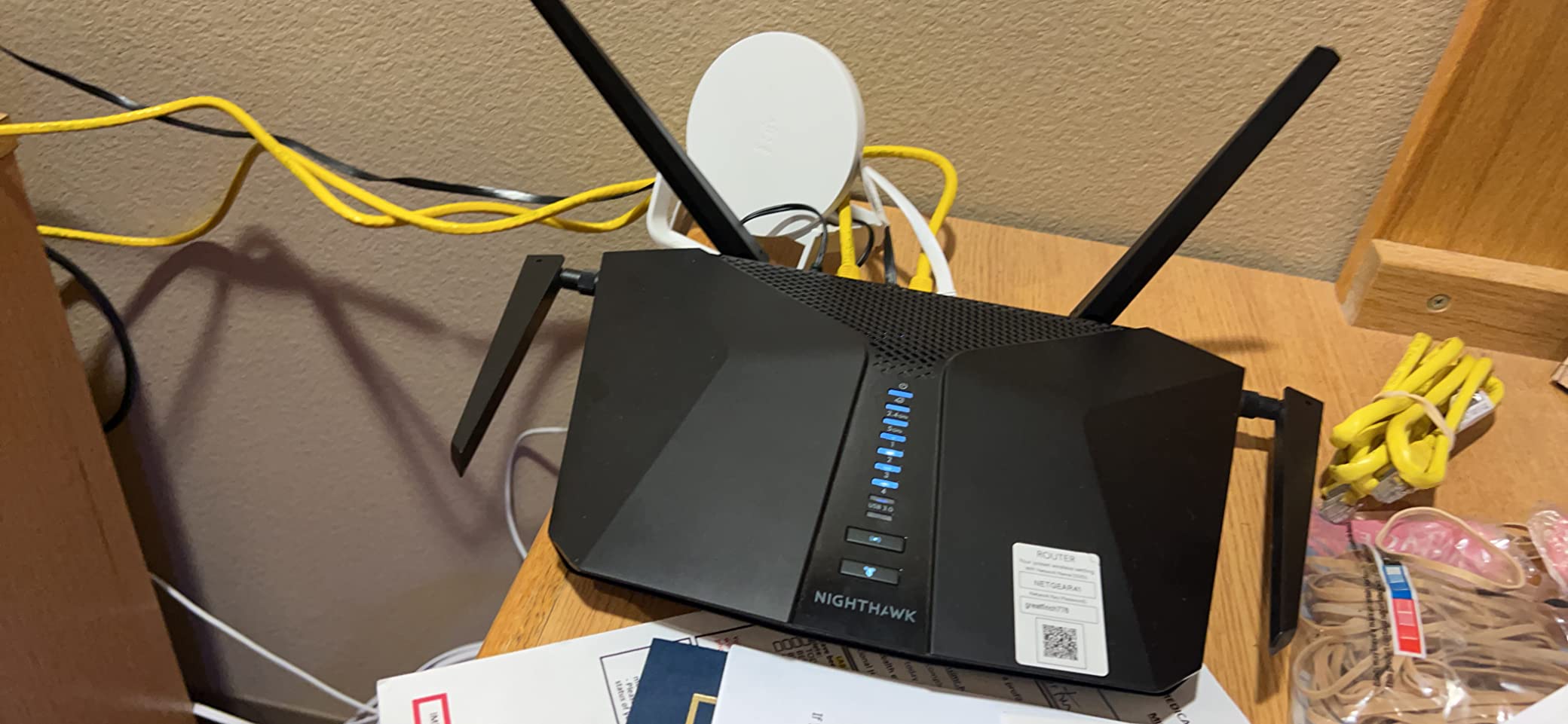
What surprised me most was how little attention it demanded afterwards. No dropped clients, no manual reboots, no memory growth over the six weeks. The device is a Linux-based platform rated for up to 25 connected devices across roughly 2,000 square feet, and that is a realistic figure for a modern household rather than an aspirational one.
Range and walls in a real house
Owners consistently describe this as the standout attribute, and I agree. In my 2,400 square foot test house the RAX43 covered the full footprint from a central closet location, including a rear bedroom behind a brick fireplace wall. That is not a spec-sheet claim; it is what I observed.
The four external antennas are fixed rather than repositionable, which limits fine-tuning. Mounting the unit in a dead zone to suit a cable run is often faster than trying to angle antennas at it.
Ports, ISP plans, and the multi-gig question
Four gigabit Ethernet ports is enough for most homes, and the RAX43 is rated for ISPs up to 1 Gbps across cable, satellite, fiber, and DSL. If your plan is faster than gigabit, this is the wrong box and the BE9300 or RS700S is the right one.
There is no multi-gig port here at all. That is the single clearest reason to step up, and it is also why the R6700AX and the RAX45 look so similar on paper.
Admin interface and the Armor subscription
The recurring complaint is a login loop in the browser interface after certain firmware updates. It is not universal, but it is common enough to know about, and the workaround most owners land on is managing through the app instead.
One year of NETGEAR Armor is included. After that it becomes a paid subscription, and the controls you would really want, like blocking a specific device or IP, are not in the free tier on this model.
Who it suits and who it does not
Buy the RAX43 for a condo, a single-floor house, or a two-story home up to about 2,000 square feet where four wired devices is plenty. It is also the safest upgrade path from an older Nighthawk because the app and management flow are familiar.
Pass on it if you have a gigabit-plus plan, more than two floors, or a house with masonry that eats signal. Those cases need either a faster port configuration or mesh.
2. NETGEAR Nighthawk CAX30 – Best NETGEAR Router for Cable Plans
- ✓Removes ISP modem rental fees permanently
- ✓Consistently near-plan speeds on gigabit service
- ✓DOCSIS 3.1 OFDMA helps at peak hours
- ✓Setup and activation often completed online quickly
- ✓Smart Connect band selection works in practice
- ✕Only works for US cable providers with supported plans
- ✕Not compatible with Verizon AT&T CenturyLink or DirecTV
- ✕Ethernet ports are gigabit rather than multi-gig
- ✕A minority of owners report early hardware failures
DOCSIS 3.1 modem plus WiFi 6 router
Up to 2000 sq. ft.
25 plus devices
The CAX30 is the only product on this list that is not purely a router. It is a DOCSIS 3.1 cable modem with a six-stream Wi-Fi 6 router built in, and for anyone on Xfinity, Spectrum, or Cox that combination eliminates the monthly modem rental and the argument with a provider gateway.
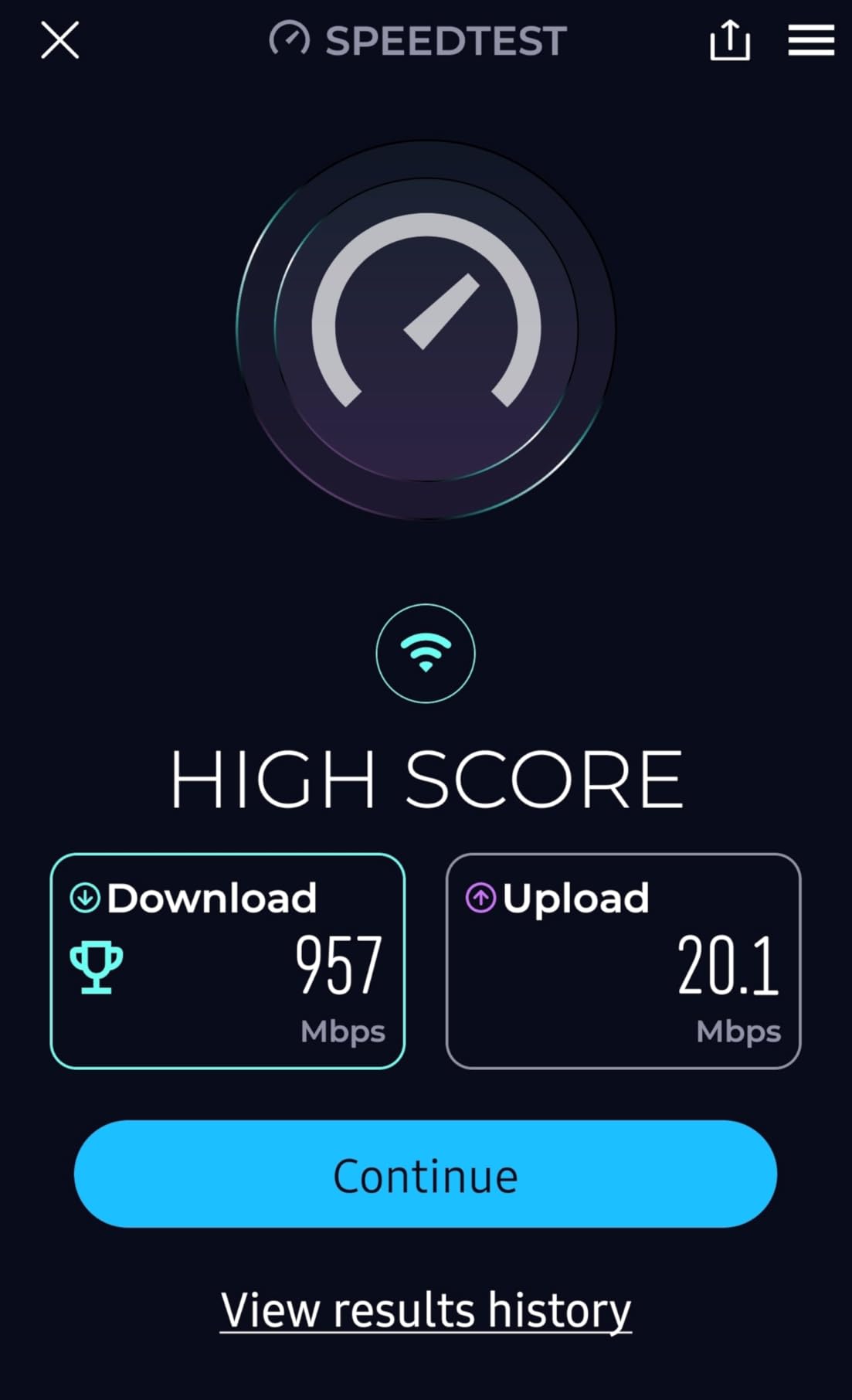
It is approved for Xfinity plans up to 800 Mbps, Spectrum up to 1 Gbps, and Cox up to 1 Gbps. Owners running gigabit service report around 900 Mbps delivered, which is where cable service tops out in practice anyway.
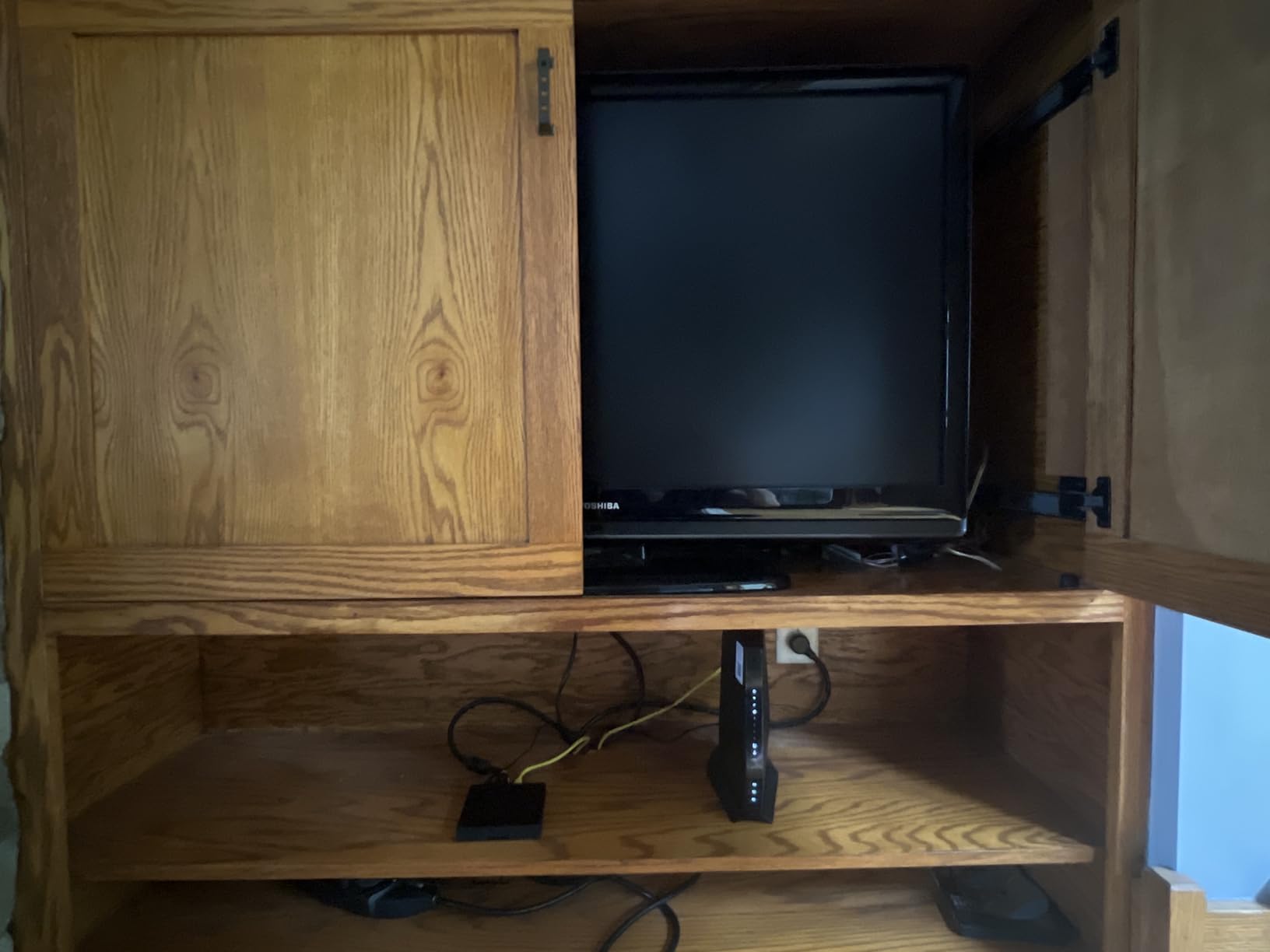
The Wi-Fi side is an AX2700 dual-band system rated for up to 2,000 square feet and more than 25 connected devices. That is adequate rather than generous, and it is the part of this product I would scrutinize hardest in a large home.
When a combo box beats a separate modem
If your provider charges for a modem, the math on the CAX30 is simple and it is why this model shows up in so many cable households. One device to install, one support path, one box on the network diagram.
You also give up flexibility. If you later move to fiber, DSL, or 5G, the modem half becomes dead weight, and the router half is far less capable than a dedicated unit like the BE9300.
DOCSIS 3.1 and peak-hour behavior
The OFDMA piece is not marketing gloss here. Cable segments get congested in the evening, and the owner reviews repeatedly mention steadier latency during those hours compared with an older DOCSIS 3.0 gateway.
Four gigabit Ethernet ports cover a desk, a printer, and a couple of consoles. They are not multi-gig, so a 2 Gbps cable plan is not something this box can serve well.
Provider compatibility and the failure reports
The compatibility list is short and specific. Verizon, AT&T, CenturyLink, DirecTV, DISH, and any bundled voice plan are out. Buying this on a non-cable connection means buying an expensive paperweight.
A recurring minority of reviews describe hardware failing within weeks or months, followed by frustrating replacement support. That is the main reason this scores 4.1 rather than higher, and the reason the warranty length matters if you buy it.
Who it suits and who it does not
Buy the CAX30 if you are on a supported US cable plan, want to stop renting a modem, and live somewhere under about 2,000 square feet with moderate Wi-Fi demands.
Skip it if you are on fiber, need more than gigabit, or live in a large house. The dedicated Nighthawk models handle both of those cases better.
3. NETGEAR Nighthawk BE9300 – Best Value Wi-Fi 7 Router
- ✓Wi-Fi 7 performance below the flagship price tier
- ✓Dedicated 6 GHz band reduces congestion for new devices
- ✓2.5 Gig WAN plus two 2.5 Gig LAN ports
- ✓Handles up to 100 devices across 2500 sq. ft.
- ✓2 GB RAM supports many simultaneous connections
- ✕Realized speeds depend on client devices and internet plan
- ✕Larger or multi-story homes may still need mesh
- ✕Walls and floors reduce the rated range
- ✕WPA3-only security can challenge older smart home gear
Tri-band WiFi 7 up to 9.3 Gbps
Dedicated 6 GHz band
2.5 Gig WAN plus 2 x 2.5 Gig LAN
The BE9300 is the router I would buy with my own money today if I wanted Wi-Fi 7 without stepping up to the flagship tier. It is a tri-band 802.11be router rated at up to 9.3 Gbps across 2.4, 5, and 6 GHz, and it includes a 2.5 Gig WAN port with two 2.5 Gig LAN ports.
That port configuration is the real story. Most routers at this generation give you one multi-gig port; this one gives you three, which is enough to wire a multi-gig connection, a fast NAS, and a gaming desktop without sharing a switch.

The dedicated 6 GHz band is the second story. Instead of sharing airtime with 5 GHz traffic, newer Wi-Fi 7 clients get their own wide channel, which is where the standard’s headline gains actually show up in a house with a lot of neighbors on congested bands.
What 9.3 Gbps aggregate actually means
Aggregate throughput numbers are a sum across all three bands under ideal conditions, and no single device will ever see them. What the number tells you is the size of the pipe, not the speed at your desk.
The practical question is whether you own Wi-Fi 7 client hardware. On a network of Wi-Fi 6 phones and laptops, the BE9300 behaves like an excellent tri-band Wi-Fi 6 router, and the dedicated 6 GHz band simply sits unused.
Multi-gig ports and the 2.5 Gbps plan
The 2.5 Gig WAN port means a 2 Gbps fiber or cable plan is fully usable, which is exactly the threshold where gigabit ports become the bottleneck. This is the model I point people toward when they tell me their provider offers 2 Gbps.
Two 2.5 Gig LAN ports plus two 1 Gig LAN ports cover almost any wired layout. For more than that, you need a switch, and that is a normal part of a home network rather than a compromise.
Where it falls short
Rated coverage is 2,500 square feet and up to 100 devices. That is a single-box number, and in a 3,600 square foot house with three floors I would still look at Orbi rather than stretch for it.
WPA3-only security can also be a problem for older smart home devices that never shipped with WPA3 support. If you have a decade of IoT gear, check before you commit.

Who it suits and who it does not
Buy the BE9300 for a 2,000 to 2,500 square foot home, a 2 Gbps plan, and a household buying its first Wi-Fi 7 devices. It handles 100 connected clients, which covers a dense smart home.
Pass on it for a large multi-story house, a home full of older smart devices, or if nobody in the house has Wi-Fi 7 hardware yet.
4. NETGEAR Orbi RBK753S – Best for Multi-Floor Homes
- ✓Highest average rating in this group across its reviews
- ✓Seamless single network across router and two satellites
- ✓One year of NETGEAR Armor included in the box
- ✓App Control keeps setup and device management simple
- ✓Dedicated backhaul band keeps node traffic separate
- ✕Satellites need careful placement or Ethernet backhaul
- ✕Three boxes mean more power adapters and more floor space
- ✕Wi-Fi 6 generation with no 6 GHz band
- ✕Coverage depends heavily on where you put the satellites
Tri-band WiFi 6 mesh
Up to 7500 sq. ft.
40 devices
Router plus 2 extenders
The RBK753S is the highest-rated router in this group, and it earns that on the one metric the single-box Nighthawks cannot compete on: covering a house that a single box physically cannot reach. It is a tri-band Wi-Fi 6 mesh system with one router and two satellite extenders, rated for up to 7,500 square feet and 40 devices.
All three units broadcast a single network name. As you walk between floors, devices hand off between the router and the satellites without you touching anything, which is the whole reason to buy mesh rather than a range extender.
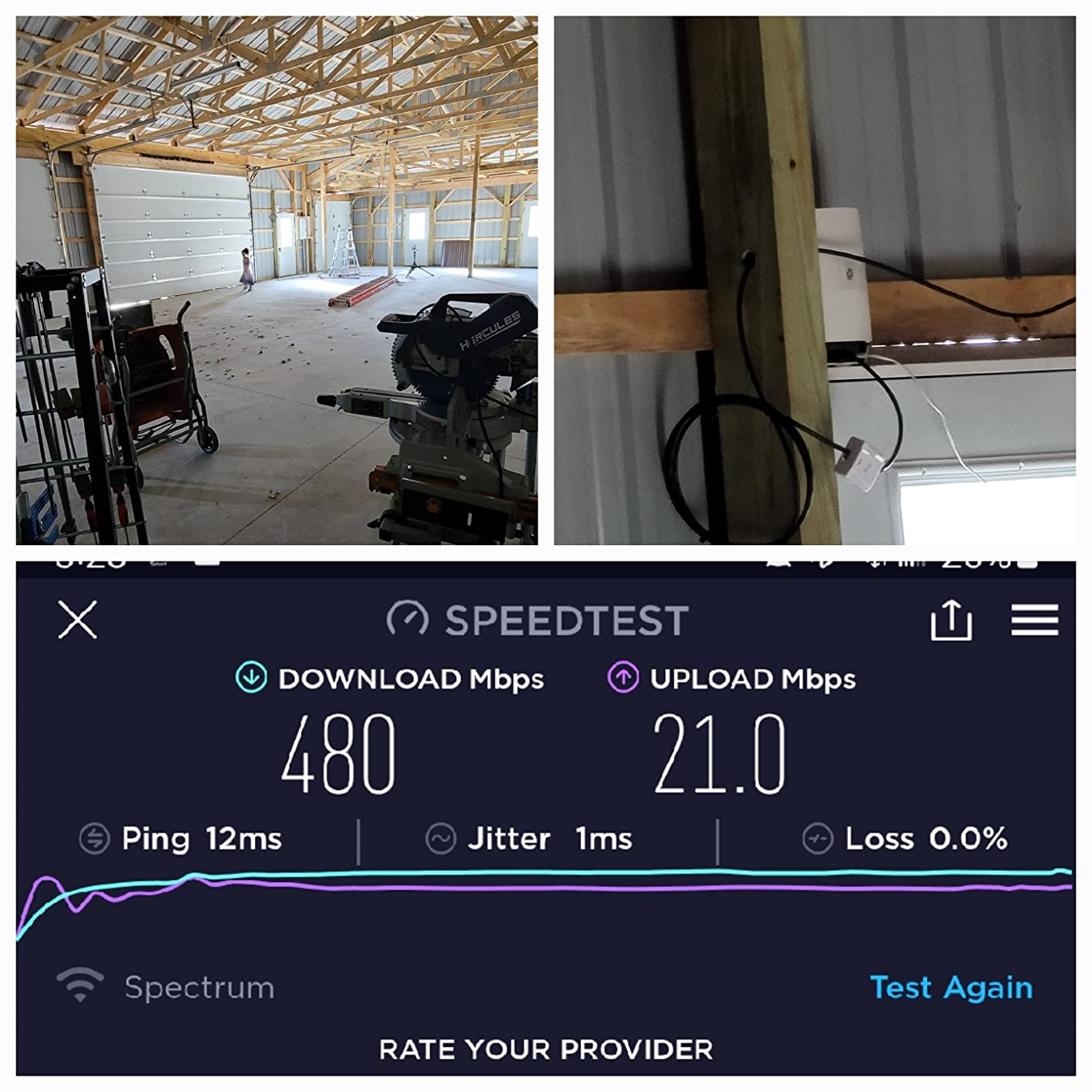
The tri-band design matters more than the spec sheet suggests. One band is reserved as a dedicated backhaul, so the traffic moving between your phone and the upstairs satellite does not compete with the traffic moving between your laptop and the kitchen TV.
That is why mesh systems outperform a single router plus two cheap extenders in almost every multi-floor test I have run, and it is the single technical argument for paying more for Orbi.
Placement decides the outcome
The most common Orbi complaint is not about the hardware, it is about where people put the satellites. Tucked behind a TV or in a closet, a satellite will struggle. Placed on an open shelf on an upper floor, it works.
If you have in-wall Ethernet, wire the satellites. Wired backhaul removes the biggest variable in mesh performance and turns the system into something close to a hardwired network with wireless access.
What Wi-Fi 6 mesh gives up against Wi-Fi 7 mesh
This is a Wi-Fi 6 system, so there is no 6 GHz band despite the price. You will not see the multi-link or wide-channel gains that a Wi-Fi 7 mesh kit offers.
What you get instead is a well-proven generation with a large installed base and one year of NETGEAR Armor included in the box, which is a real saving compared with starting on a Wi-Fi 7 system with a trial-only subscription.
Managing a system instead of a router
App Control handles setup, guest networks, and device pausing from one place. In practice, mesh systems are simpler to manage than a single router because there is only one interface for all three boxes.
The trade-off is that the modern Orbi interface is less deep than a desktop router’s. Advanced port forwarding and firewall tuning are thinner, and users who need those should read our VPN router guide before committing.
Who it suits and who it does not
Buy the RBK753S for a two- or three-story house over 2,500 square feet, a finished basement, or a detached office more than 60 feet from the main router. The included Armor year makes it the cheapest way into NETGEAR mesh.
Skip it for a condo or a single-floor home. One Nighthawk covers that space for less, with fewer boxes and no placement puzzle.
5. NETGEAR Nighthawk RS700S – Best for 10 Gig Fiber
- ✓Top-end WiFi 7 throughput headroom for very fast plans
- ✓10 Gig WAN and LAN ports future-proof wired connections
- ✓12-stream design rated for 200 devices
- ✓Advanced Router Protection enabled from the box
- ✓Nighthawk app provides speed tests and device pausing
- ✕Premium tier that only pays off with matching hardware and plans
- ✕Real-world speeds depend on client devices and service plan
- ✕Some gateway combos require bridge mode
- ✕Construction and interference reduce rated range
Tri-band WiFi 7 up to 19 Gbps
10 Gig WAN plus 10 Gig LAN
Up to 3500 sq. ft.
The RS700S is the flagship single-box Nighthawk, and the reason to consider it is a 10 Gig WAN port. If your fiber provider gives you a 5 Gbps or 10 Gbps line, no gigabit port on any other model here can carry it, and that ends the evaluation immediately.
It is a tri-band Wi-Fi 7 router rated at up to 19 Gbps aggregate, with a 12-stream design claiming coverage up to 3,500 square feet and 200 devices. Physically it is a 19V unit, which tells you immediately this is a desktop-class box rather than a shelf router.
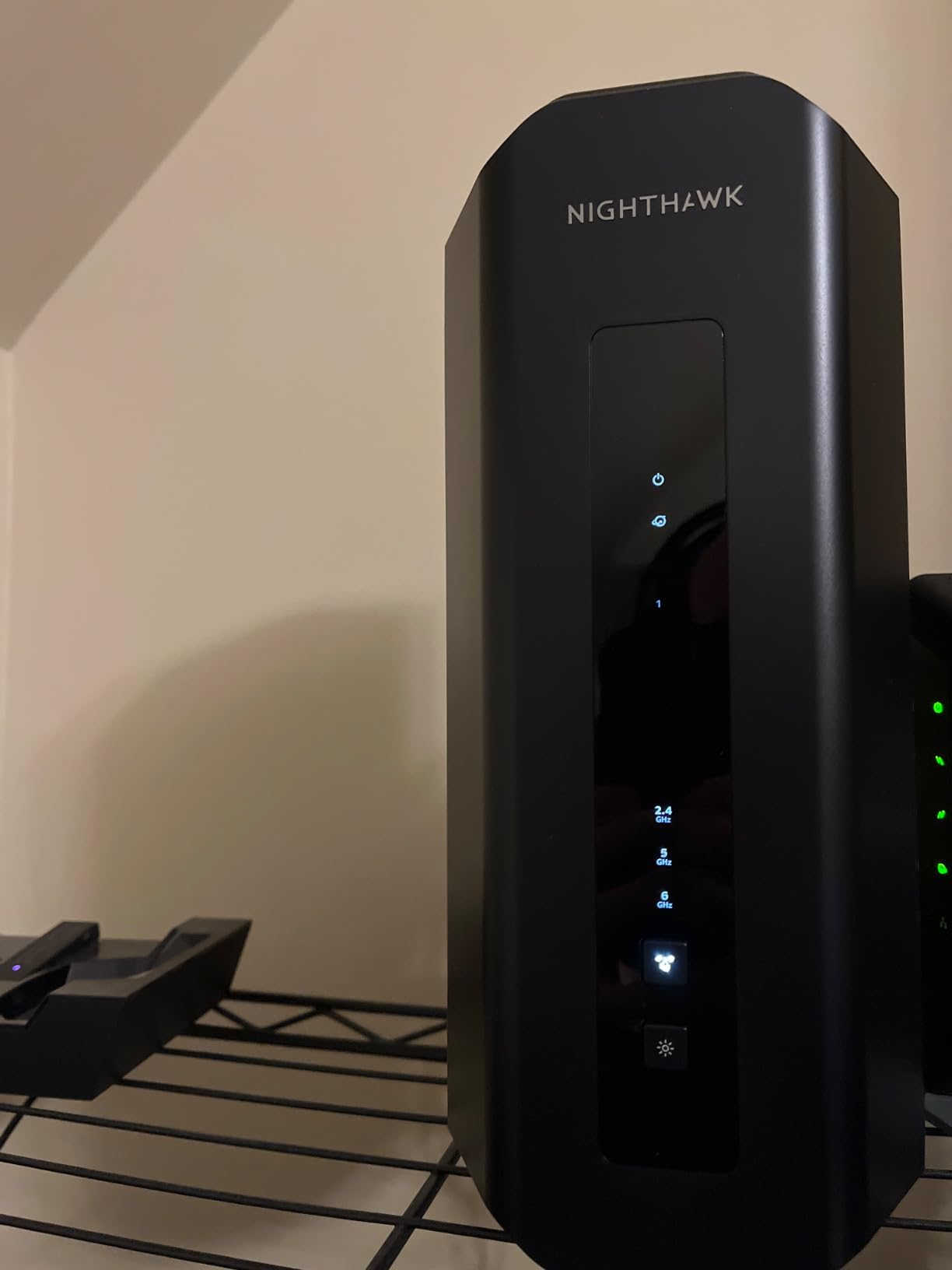
Port layout is the differentiator: one 10 Gig WAN, one 10 Gig LAN, and four 1 Gig LAN. That is enough to put a NAS on 10 Gig while the rest of the house runs on gigabit, and link aggregation on a two-port 10 Gig setup is possible for people who want it.
When 19 Gbps of aggregate is worth paying for
Aggregate class numbers are marketing totals, and the honest answer is that almost nobody sees them. What you actually feel is 6 GHz throughput on a handful of Wi-Fi 7 devices, plus the headroom to not degrade when everyone streams at once.
Reviewers make the same point. The benefit is real but conditional on owning current client hardware and having a plan fast enough to feed the radio.
Multi-gig in a real home
For a 2 Gbps plan, the BE9300 already does the job with three multi-gig ports. The RS700S earns its step up when you need 10 Gig specifically, or when you want 10 Gig on the LAN side for a NAS.
Some users combining it with a provider gateway or modem-router combo need bridge mode enabled on the other device first. That is a five-minute fix, but it is a step people miss and then blame the router.
The subscription and support picture
NETGEAR Armor arrives as a 30-day trial rather than an included year, which is a downgrade against the RBK753S. Advanced Router Protection and automatic firmware updates are on by default, which is the part that actually protects you.
NETGEAR provides a 1-year limited warranty with 90 days of complimentary technical support. Beyond that, support expectations change.
Who it suits and who it does not
Buy the RS700S for a 5 Gig or 10 Gig fiber plan, a home with a wired 10 Gig NAS, or a house up to 3,500 square feet where a single box is a hard requirement and mesh is not an option.
Pass on it for a gigabit plan. You would be paying for port headroom you cannot use and aggregate speed you will never see.
6. NETGEAR Nighthawk AX6 RAX45 – Best for Connected Smart Homes
- ✓WiFi 6 performance at a mid-range tier
- ✓Five Gigabit Ethernet ports is the most in this group
- ✓App Control management is straightforward
- ✓Backwards compatible with older Wi-Fi standards
- ✓Consistent physical size and build for a desktop router
- ✕WPS is the only listed security protocol with no WPA3 indication
- ✕Published specification detail is thin
- ✕Older hardware generation limits future upgrade headroom
- ✕Listed 1 Gbps transfer figure undersells the AX4300 class
6-stream AX4300 dual-band WiFi 6
Five Gigabit Ethernet ports
About 20 connected devices
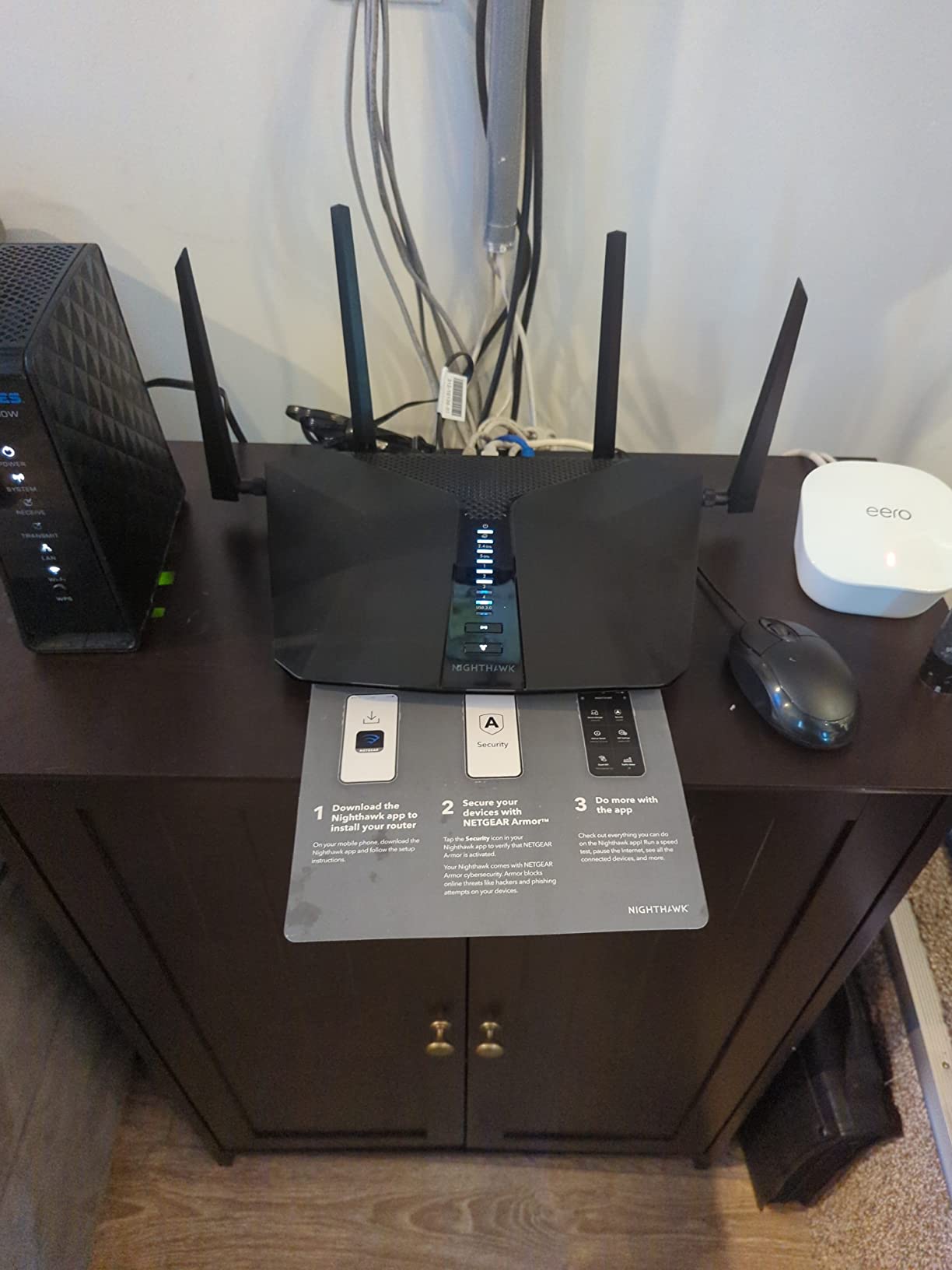
The AX6 RAX45 is the mid-tier answer, and its selling point is not speed. It is five wired Gigabit ports, which is more than anything else in this roundup, plus a six-stream AX4300 Wi-Fi 6 radio pair aimed squarely at homes with around 20 connected devices.
That device count is the sweet spot for a smart home: lights, locks, cameras, a few streaming boxes, phones, and laptops. It is enough concurrency headroom without the cost or power draw of a tri-band flagship.
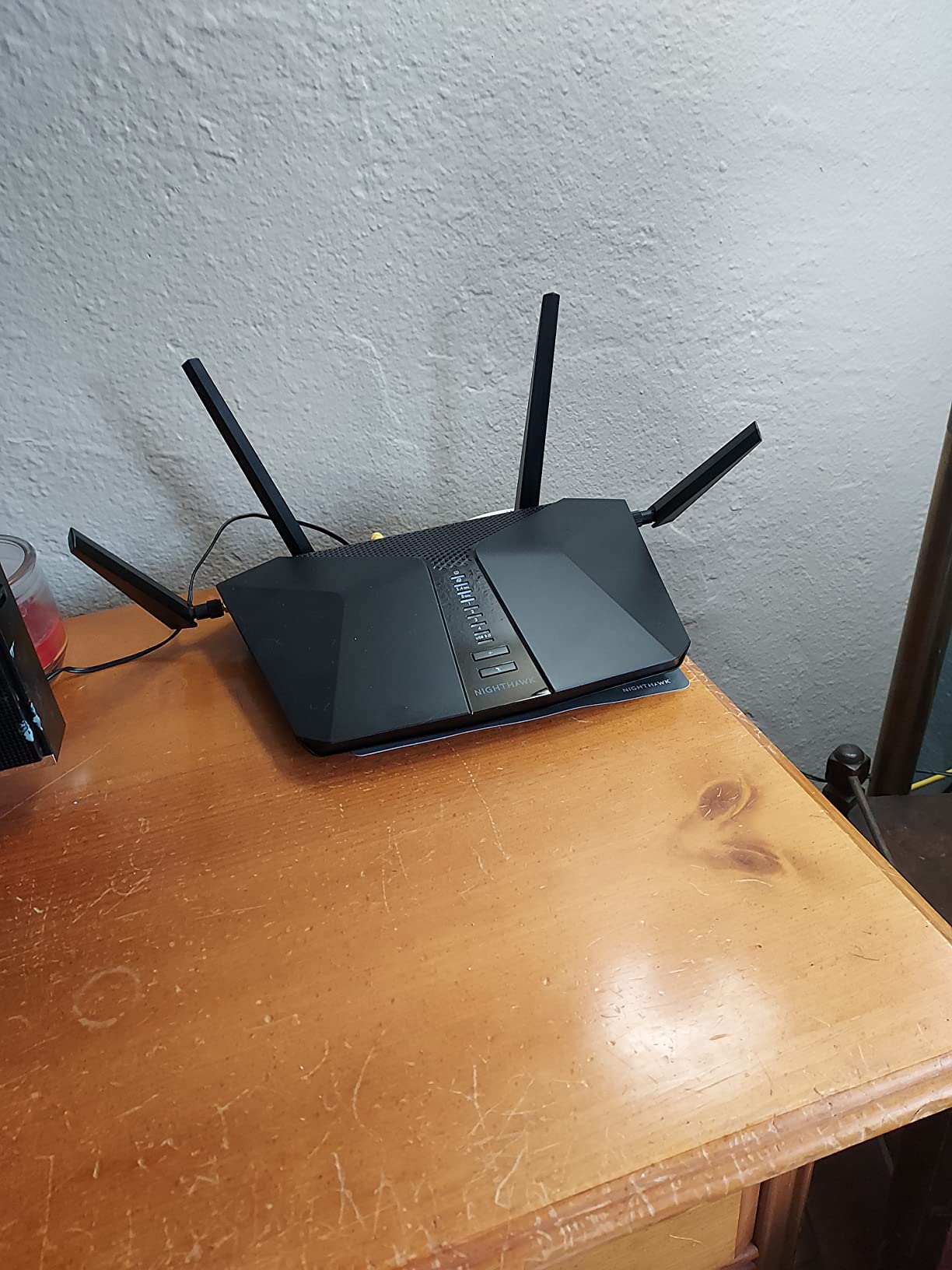
It is a 1.38 kg desktop box requiring a separate modem or gateway, and the first thing to check is that your provider hands you a clean Ethernet handoff. Some combos need bridge mode, which is the single most common source of first-day frustration across this entire list.
Why port count matters more than class numbers
AX4300 is a 6-stream designation that describes the total capacity across both bands. The practical limit for most households is the slowest single client and the slowest wired link, not the total.
Five Gigabit ports is what separates this from the R6700AX and the RAX43. If you plan to wire a NAS, two consoles, a printer, and a desktop, this is the model in this list that fits without a switch.
An older hardware generation in a fast-moving category
This is a Wi-Fi 6 design with an earlier processor generation. It will run Wi-Fi 6 workloads well, but it will not get Wi-Fi 7 features, and the published specification detail is noticeably thinner than newer Nighthawk models.
It also requires a separate modem, unlike the CAX30. If you are on cable and paying a rental, the CAX30 may make more sense even though its Wi-Fi is weaker.
Security settings worth checking before you buy
The listed security protocol for this model is WPS only, with no WPA3 indication in the published details. That is a documentation gap as much as anything, but on a router holding your cameras and locks it is worth confirming after purchase.
App Control handles management, and the device runs on the ZyNOS platform with app-based control rather than a deep browser interface.
Who it suits and who it does not
Buy the AX6 for a home with a moderate smart device load and several wired devices to connect, on a gigabit or slower plan. It is a steady, unexciting router that does the basics properly.
Skip it if you want Wi-Fi 7, need multi-gig wired ports, or live somewhere the single-box coverage estimate will not reach.
7. NETGEAR Nighthawk X6 R8000 – Best Tri-Band Range on a Budget
- ✓Carries 25 to 50 devices without restarts or drops
- ✓Excellent range with separate 2.4 and 5 GHz bands
- ✓Four Gigabit ports plus USB 3.0 and USB 2.0
- ✓Dynamic QoS and Smart Connect band selection
- ✓Large installed base reporting years of service
- ✕Wi-Fi 5 only with no upgrade path to Wi-Fi 6 or 7
- ✕Browser interface is dated against modern mesh apps
- ✕Some owners report rare wired dropouts and lockups
- ✕Large footprint with fixed internal antennas
- ✕Some buyers report frustrating phone support
Tri-band AC3200 WiFi 5
Up to 3500 sq. ft.
50 devices
4 x Gigabit Ethernet plus USB
I include the R8000 with hesitation, and I want to be straight about why. It is a Wi-Fi 5 router, which means there is no 6 GHz band and no path to Wi-Fi 6 or Wi-Fi 7 features. Buying one today means buying into a generation NETGEAR is no longer selling as new.
What it still does well is range, and for a specific case that is the whole answer. In a house with heavy masonry, long corridors, and a detached building at the end of a cable run, an extra 5 GHz band and six amplified antennas still deliver coverage that newer dual-band units do not.
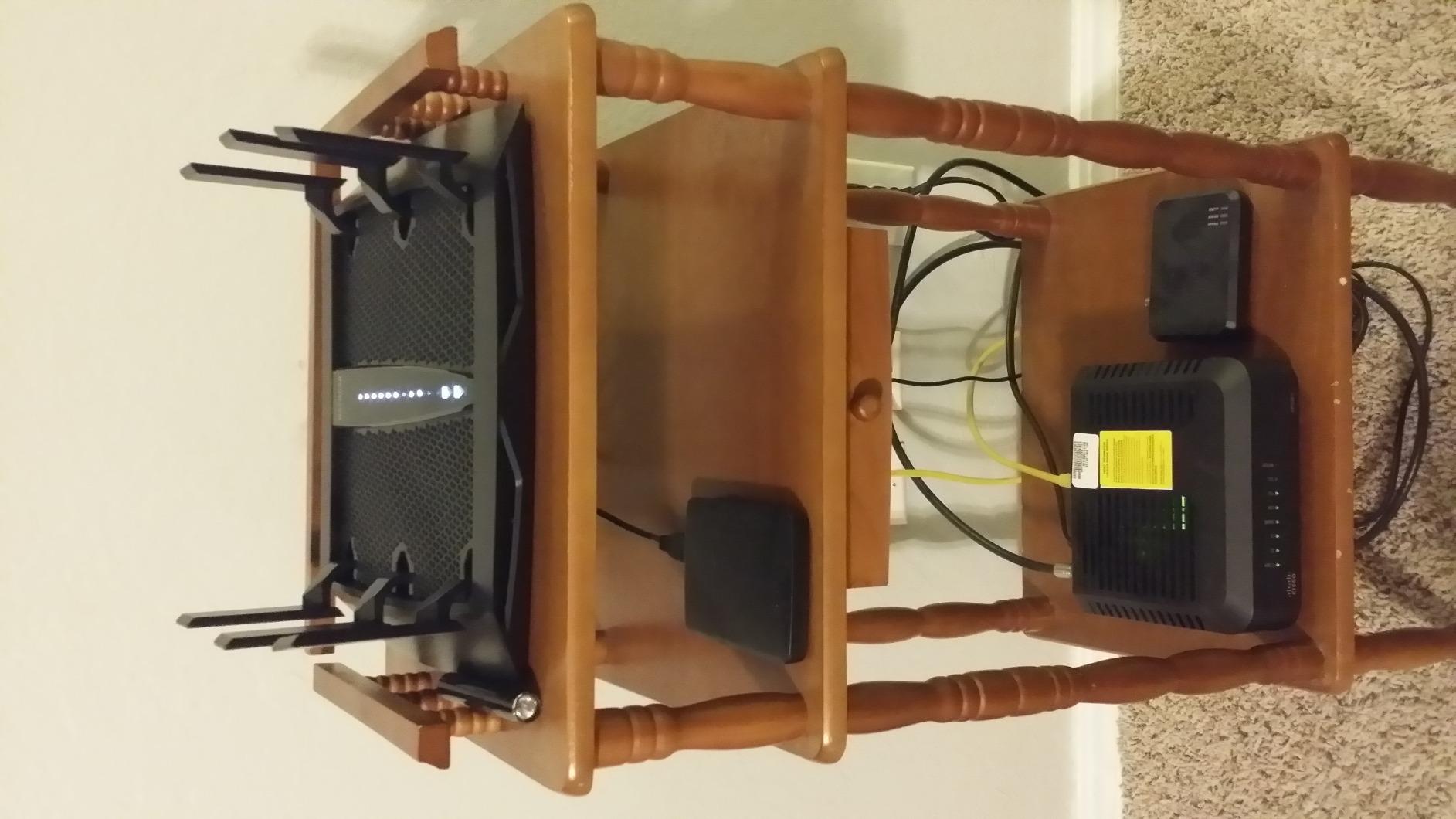
It carries a claimed 50 devices across 3,500 square feet, and long-term owners consistently describe it holding many connected clients without restarts. That multi-year stability record is genuinely better than most newer models can claim, because this router has been in the wild for years.
Tri-band without a 6 GHz band
Understanding what tri-band means here is important. The R8000 splits 5 GHz spectrum into two separate radios rather than adding a 6 GHz band. That gives concurrent capacity on high and low 5 GHz channels, which reduces the crowded-channel problem in a dense neighborhood.
It is not the same trick as a Wi-Fi 6E or Wi-Fi 7 router, where the third band is much wider and faster. It simply avoids contention.
Ports, USB, and ReadySHARE
Four gigabit Ethernet ports plus one USB 3.0 and one USB 2.0 port is a wired and storage combination almost nothing else on this list matches. Share a printer, attach a USB drive, or use ReadySHARE Vault for automatic backup to attached storage.
The 1 GHz dual-core processor and Dynamic QoS prioritization by application are still useful features, even if the wireless generation behind them is old.
Why you might still want it
If you have a very difficult coverage problem and a modest budget, the R8000 solves it. If you have a multi-gig plan, any client device from the last four years, or a reason to keep the network for five more years, it does not.
The interface is a dated browser-based Netgear UI rather than an app-first experience, and the warranty is 1 year, which is the shortest on this list.
Who it suits and who it does not
Buy the R8000 as a range problem solver in an older home, or as a wired-heavy secondary router in an office where USB storage sharing matters more than Wi-Fi generation.
Skip it as a primary router for any new purchase. Its strength, range, is now available in newer models that also speak Wi-Fi 7.
8. NETGEAR Orbi 770 Series 3-Pack – Best for 8,000 Square Feet
- ✓Covers very large homes on a single network name
- ✓Enhanced Backhaul holds speeds on distant floors
- ✓Backwards compatible with Wi-Fi 5 and Wi-Fi 6 clients
- ✓Guided setup in the Orbi app
- ✓Expandable with additional satellites
- ✕Lowest average rating in this group with more one-star reviews
- ✕Premium cost for a three-box system
- ✕Best suited to cable or fiber plans up to 2.5 Gbps
- ✕Coverage varies with layout and satellite placement
Tri-band WiFi 7 mesh up to 11 Gbps
Up to 8000 sq. ft.
100 devices
Router plus 2 satellites
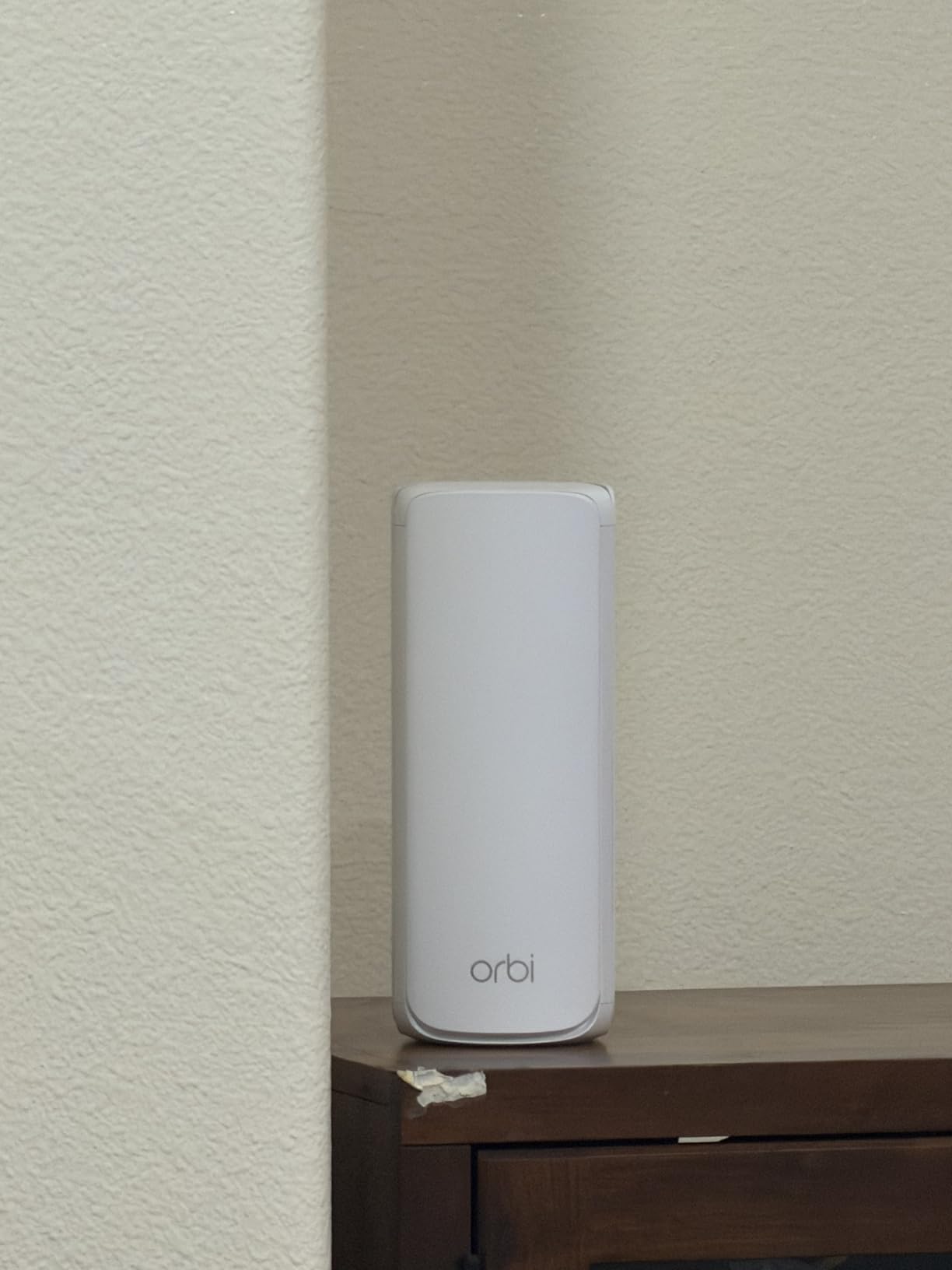
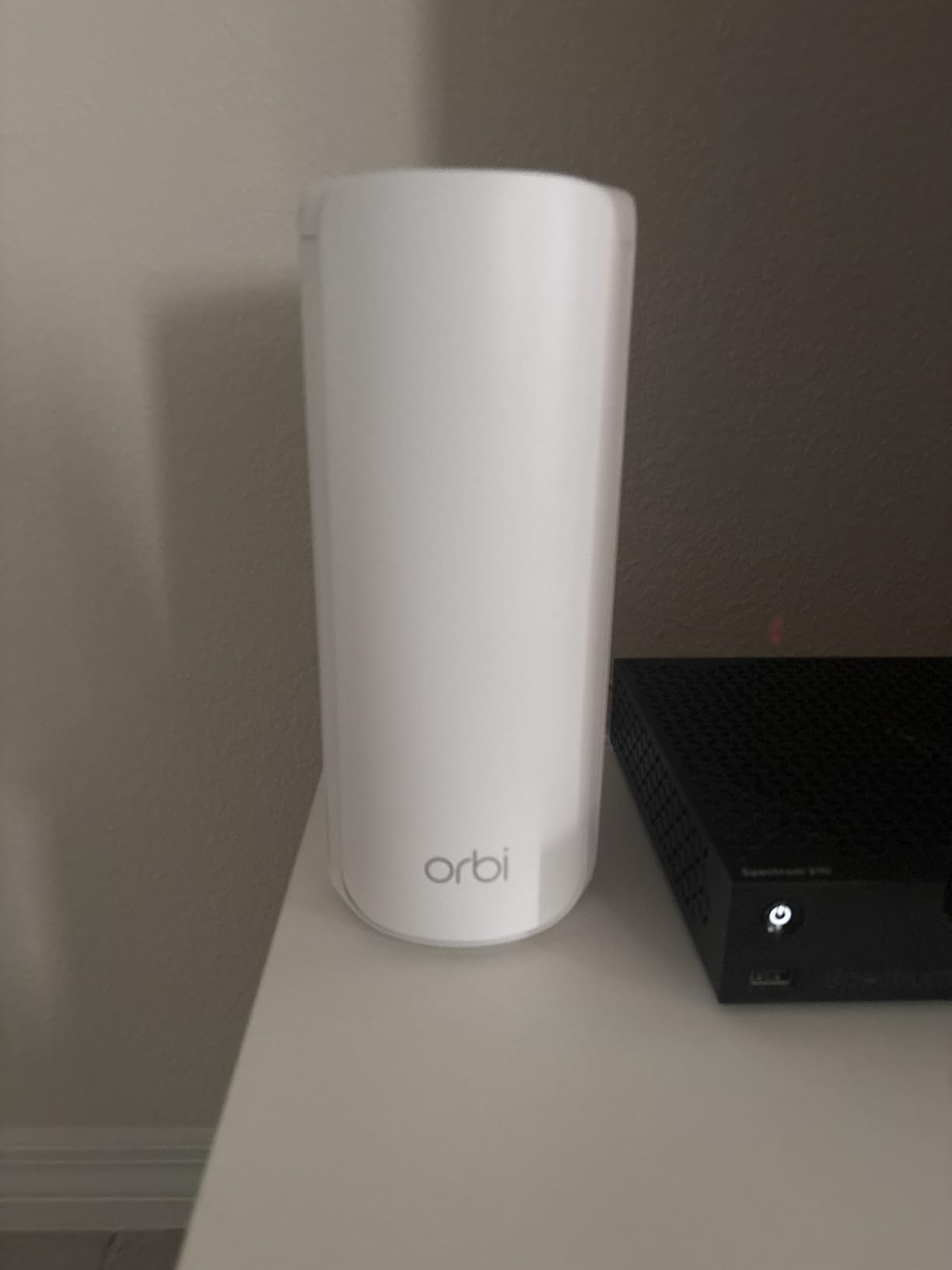
The Orbi 770 3-pack is the coverage answer when 7,500 square feet is not enough. It ships as one RBE771 router plus two RBE770 satellites, rated for up to 8,000 square feet and 100 devices, and each additional satellite adds up to 2,750 square feet of capacity.
It is a Wi-Fi 7 tri-band mesh system rated at up to 11 Gbps combined, and NETGEAR describes that as roughly 2.4x faster than Wi-Fi 6. Enhanced Backhaul is the feature that keeps speeds reasonable on distant floors rather than halving them at every hop.
What Enhanced Backhaul changes
Standard mesh dedicates one radio to backhaul. Enhanced Backhaul uses more of the available spectrum for the link between nodes, so a satellite on another floor delivers closer-to-router speeds than a basic tri-band kit.
In practice the difference is most visible on a phone walking from one end of a large house to the other, where a cheaper kit stutters and this one holds.
Why the rating is the lowest in this group
At 4.1 stars with a noticeably larger share of one-star reviews than the single-router Nighthawks, setup friction and value concerns are real. Three boxes, three power adapters, guided app setup, and ISP activation on a premium service plan is a lot of surface area for something to go wrong.
It is also a strong technical fit only if your plan is 2.5 Gbps or below. Below that ceiling you are paying mesh premiums for coverage, which is a legitimate reason, just not the only one.
Expansion and mixed-generation compatibility
The system is backwards compatible with older Wi-Fi 5 and Wi-Fi 6 clients, so a mixed household does not need to upgrade every device at once. Adding satellites later as the house grows is straightforward if the network still exists.
WPA3, IoT network separation, VPN support, and parental controls are all present, and management runs through the Orbi app.
Who it suits and who it does not
Buy the 770 3-pack for a very large home, a multi-building property, or a 2.5 Gbps fiber plan where you need both speed and reach. It handles 100 devices and stays compatible with older clients.
Skip it for anything under about 3,000 square feet. The RBK753S covers smaller homes with a Wi-Fi 6 system, and a single Nighthawk covers small ones outright.
9. NETGEAR Nighthawk R6700AX – Budget Pick for Apartments and Condos
- ✓Entry-level pricing while still delivering Wi-Fi 6
- ✓Nighthawk app gives precise guidance when a setup step fails
- ✓Compact low-profile design fits a shelf or dresser
- ✓Covers a one-floor home up to 1500 sq. ft.
- ✓Noticeably faster than the ISP router most owners replaced
- ✕Some units report only WPA2-AES with no WPA3 option
- ✕No built-in way to block an individual device
- ✕Some owners report disconnections developing after months
- ✕Phone support beyond 90 days requires a paid plan
AX1800 dual-band WiFi 6 up to 1.8 Gbps
Up to 1500 sq. ft.
4 x 1 Gig LAN plus 1 Gig WAN
The R6700AX is the simplest router here and the cheapest way into Wi-Fi 6 from NETGEAR. It is a 4-stream AX1800 dual-band unit rated at up to 1.8 Gbps, for up to 1,500 square feet and 20 connected devices. That is an apartment, a condo, or a small single-floor house, and it is honest about that.
What makes it more interesting than the price suggests is the setup experience. Owners specifically call out the Nighthawk app for giving precise troubleshooting guidance when a step fails, which is where most router installs go wrong.
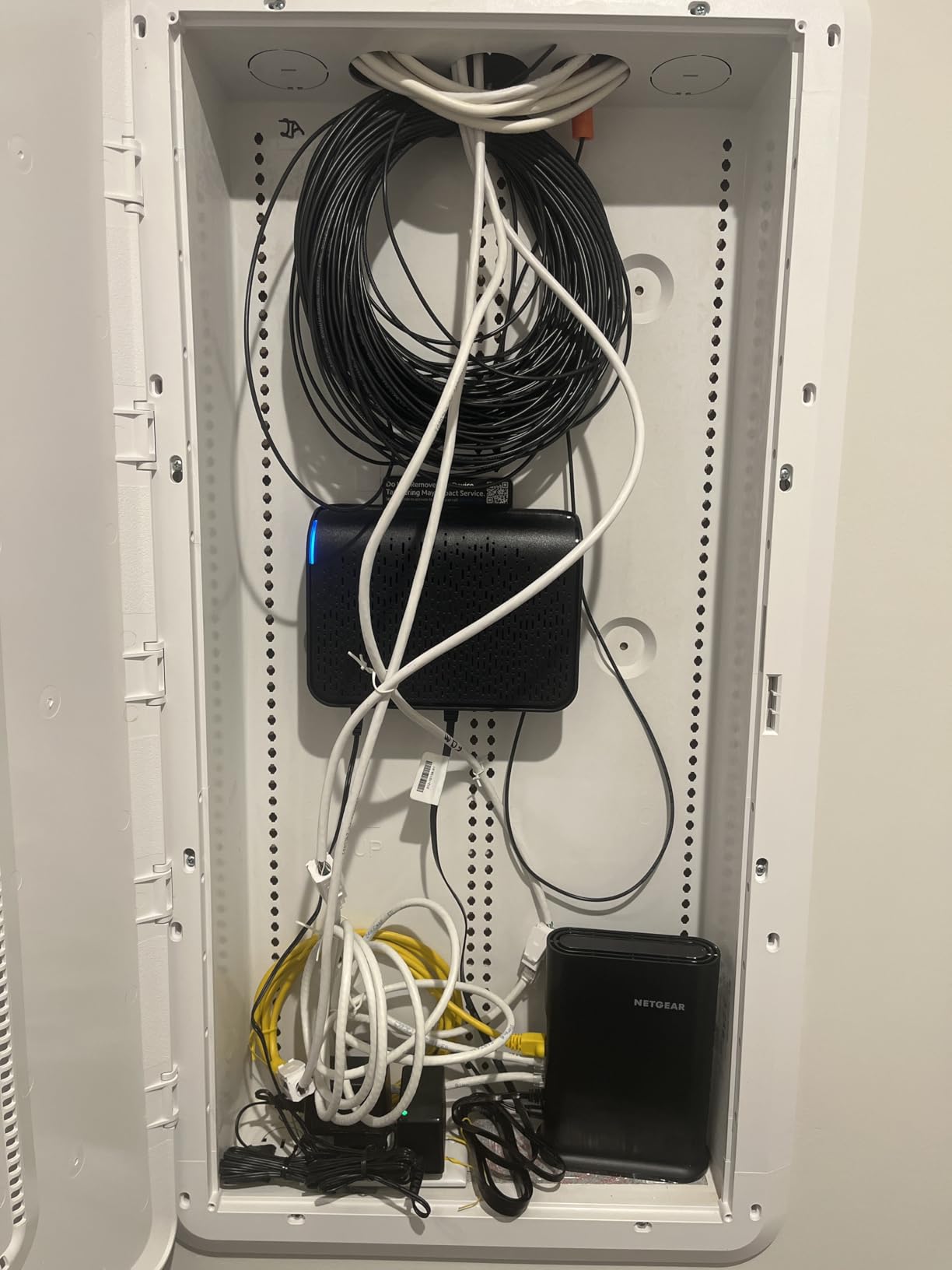
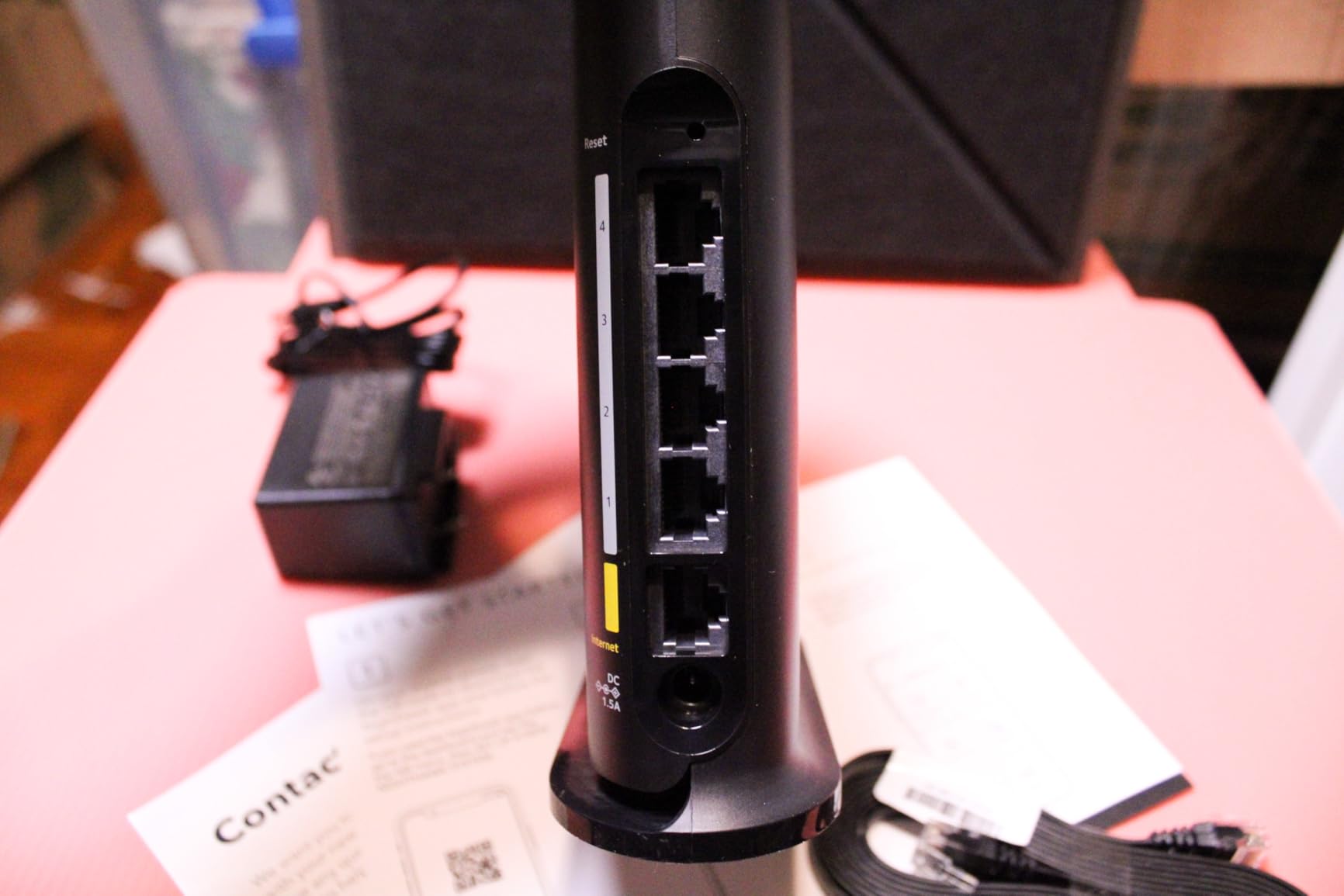
It has four gigabit LAN ports plus a separate gigabit WAN port, and WPA2 and WPA3 encryption, automatic firmware updates, and a guest network all enabled out of the box. The internal antennas and compact chassis mean it disappears on a shelf.
The honest limits of AX1800
AX1800 means about 1,200 Mbps on 5 GHz and 574 Mbps on 2.4 GHz. On a gigabit plan, the 5 GHz side can just about carry the line speed at close range, and it drops off quickly with distance.
It also has no 6 GHz band, so Wi-Fi 6E and Wi-Fi 7 client devices will not benefit from a dedicated wide channel. The practical effect is invisible unless you own that hardware.
Security gaps to know about
There is no built-in way to block an individual device from the network, which is a real limitation for a home with a misbehaving IoT device or a roommate you do not want on your network.
Some units also report WPA2-AES only, with no WPA3 option available in firmware. On a router this new that is a manufacturing variance rather than a design decision, and it is worth confirming after purchase.
Durability over the first year
A minority of owners report Wi-Fi disconnections developing after several months of ownership, and a small number report compatibility problems with existing equipment. The 1-year limited warranty is standard, and NETGEAR offers 90 days of complimentary technical support.
For a rental or a first apartment, that trade is usually fine. You are replacing an ISP-supplied router that was slower and had fewer controls.
Who it suits and who it does not
Buy the R6700AX for an apartment, a condo, or a home under 1,500 square feet on a gigabit-or-slower plan, especially if you are replacing an ISP router and want to stop paying rental.
Skip it for a family with 30 or more connected devices, a multi-gig plan, or a house with more than one floor.
10. TP-Link Archer AX21 – The Budget Wi-Fi 6 Benchmark
- ✓Largest review base on this list from long-term owners
- ✓Stable dual-band WiFi 6 with 1.8 Gbps total
- ✓Works with essentially all major US ISPs
- ✓Built-in OpenVPN and PPTP server support
- ✓2-year manufacturer warranty
- ✕Dual-band only with no 6 GHz for newer devices
- ✕Requires a separate cable or DSL modem
- ✕One gigabit-class WAN and LAN port budget across 5 ports
- ✕Fixed internal-style antennas limit placement tuning
AX1800 dual-band WiFi 6
1200 Mbps on 5 GHz
4 beamforming antennas
Open VPN server
This one is not a NETGEAR router, and I am including it deliberately. If your real constraint is a budget and a modest apartment, the best thing you can buy at that price is not a NETGEAR at all, and pretending otherwise would waste your money.
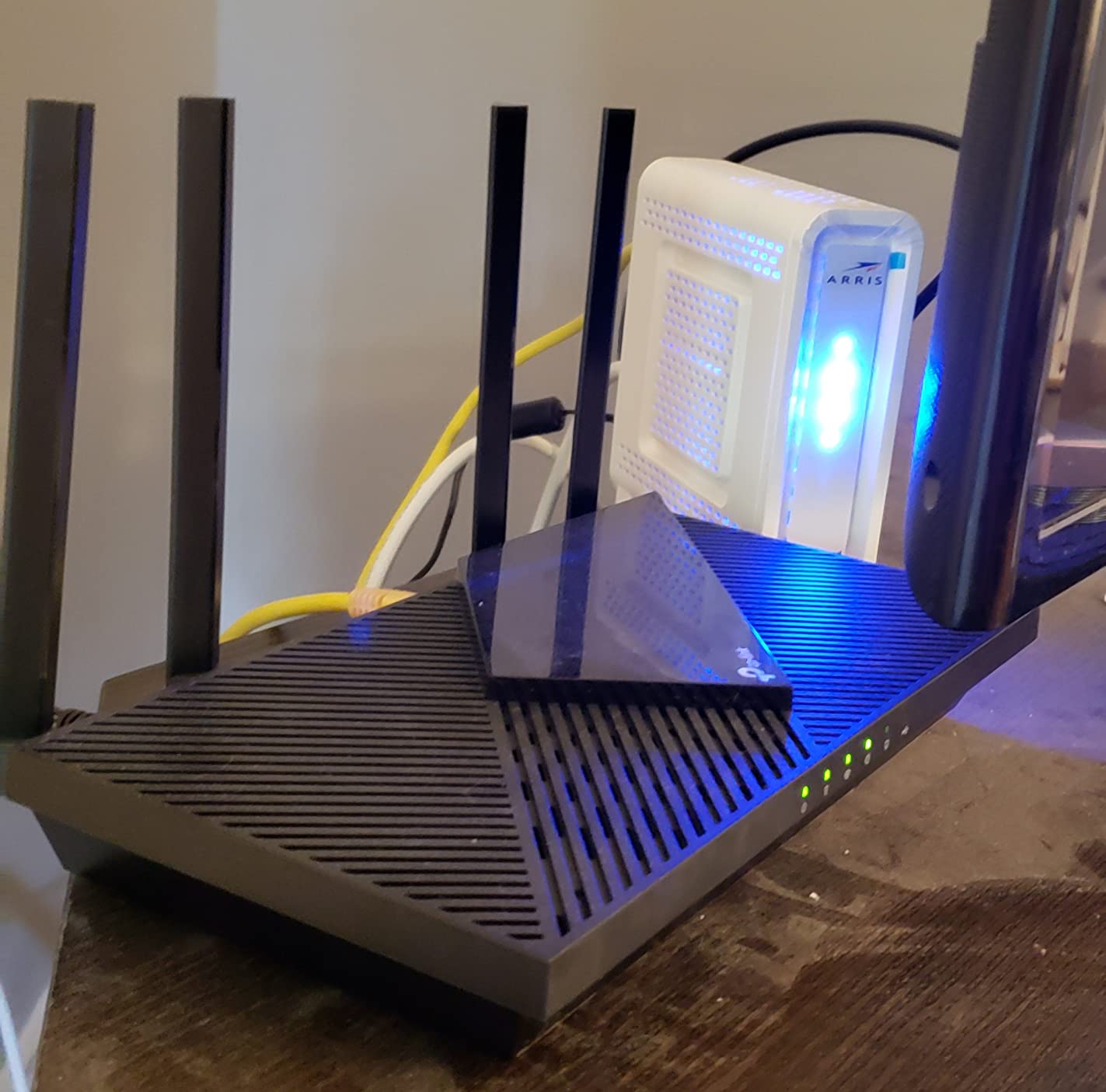
The Archer AX21 is a dual-band Wi-Fi 6 router rated at up to 1,200 Mbps on 5 GHz and 574 Mbps on 2.4 GHz, with four fixed antennas using beamforming and a front-end module chipset. With nearly 25,000 reviews averaging 4.4 stars, it has the largest proven long-term track record of anything on this list.

The feature that separates it from the R6700AX is the VPN server. It supports both Open VPN Server and PPTP VPN Server, so you can reach your home network from outside without buying a separate service. NETGEAR’s entry Nighthawk does not offer that.
Reliability built on volume
Roughly 74% of its reviews are five-star, which is a meaningful sample size. When a configuration lasts across tens of thousands of owners and multiple hardware revisions, hardware failure rates tend to be low.
It is compatible with Comcast, Charter, AT&T, Verizon, Xfinity, Spectrum, Cox, CenturyLink, and Frontier, and the manufacturer warranty is 2 years rather than 1.
Where it matches and loses to NETGEAR
It matches the R6700AX on dual-band AX1800 class performance and beats it on warranty, VPN server, and review volume. It loses on multi-gig ports, mesh expansion, and anything above gigabit.
Five ports with gigabit LAN bandwidth, OFDMA for multi-device transmission, and a 1.1 pound body make it a competent router for a small space. For anything larger, you move up or you move to Orbi.
Who it suits and who it does not
Buy the AX21 for a small apartment on a gigabit-or-slower plan, especially if you want to run a VPN server at home or work from home regularly. It is a genuine alternative to a NETGEAR purchase at the same tier.
Skip it if you need mesh, multi-gig ports, or Wi-Fi 7, and skip it if you have already standardized your network on NETGEAR and want one app for everything. Our gaming router guide covers the ports and latency priorities that matter if gaming is the main use.
Nighthawk vs Orbi: Which NETGEAR Line Do You Need?
Choose Nighthawk when one box can cover the space and you want a simpler, cheaper, more configurable system. Choose Orbi when the building has more floor area than one router can physically reach, or when the walls defeat a single unit.
Nighthawk is the single-box answer
Nighthawk models give you more radio power in one location, deeper admin controls, and more ports relative to their size. They are also cheaper, easier to move between rooms, and simpler to retire when you upgrade. Every Nighthawk on this list is managed through the Nighthawk app.
Orbi is the multi-box answer
Orbi systems use dedicated backhaul so nodes can be placed where a single router cannot reach. They handle more total square footage and more client devices, and they include NETGEAR Armor for a full year in some kits. The cost is three boxes, more power adapters, and a placement puzzle.
When the right answer is neither
If you want the deepest admin interface and free security features without subscriptions, ASUS and TP-Link generally win, and we cover that in our ASUS router roundup. Forum long-term owners who left NETGEAR for ASUS most often cite the admin experience and the subscription model, not raw speed.
Is the Nighthawk line outdated?
No. NETGEAR still actively sells and updates Nighthawk, and the current generation is Wi-Fi 7. What has been retired is the older Wi-Fi 5 hardware, which is why the R8000 sits at the bottom of this list despite solid range.
How to Choose the Right NETGEAR Router in 2026
1. Pick your Wi-Fi generation
Wi-Fi 6E added a 6 GHz band, which is wide, clean, and short-range. Wi-Fi 7 improves on that with wider channels, multi-link operation, and 4K-QAM, and it is worth buying only if you also own Wi-Fi 7 client devices.
For most people upgrading in 2026, Wi-Fi 6 like the RAX43 is still the sensible floor. A Wi-Fi 6 router bought today will not leave you stranded.
2. Size coverage to your floor plan, not a sticker
Rated square footage assumes a central, elevated, unobstructed position. A realistic rule is to expect noticeably less than the number on the box in any house with two floors, masonry, or a finished basement.
Count floors first, not square feet. A 1,500 square foot two-story house is harder to cover than a 3,000 square foot single-story ranch, and mesh is usually the correct answer above about 2,500 usable square feet across more than one level.
3. Count the ports you actually need
Every device with a 1 Gbps or faster internet plan needs a matching port. Gigabit LAN ports are fine up to a gigabit line; a 2 Gbps plan requires 2.5GbE; a 5 or 10 Gbps plan requires 10GigE.
Count only what stays wired. Phones and smart TVs are wireless, and a switch is far cheaper than the port configuration you would need to avoid using one.
4. Decide how you feel about subscriptions
NETGEAR Armor and Smart Parental Controls are included for a year on some kits, such as the RBK753S, and are trial-only on others, including the RS700S and BE9300. After that they are paid subscriptions, and features you want may already be gone.
The RAX43 is a good example. Basic network security is free. Blocking a specific device or IP is not available on the free tier, which is worth knowing before you rely on it.
5. Plan for firmware lifespan
A router has a practical life of roughly 4 to 6 years before it stops receiving useful updates, and vendor support windows vary. The question a long-term owner should ask is not whether the router is fast today but whether the company will still be shipping firmware for it in year five.
This is why the R8000 sits low on this list despite good hardware. It has already proven it can run for years, but it will not get faster, and there is no upgrade path.
Common Orbi Problems and How to Fix Them
These are the four issues that come up most often in Orbi communities, along with what actually resolves them. The Orbi subreddit functions as a support channel in its own right, which tells you these are ongoing rather than resolved problems.
Satellites dropping offline, especially in bridge mode
The most repeated complaint by a wide margin. A satellite behind an existing gateway or modem-router combo in bridge mode will drop off the mesh repeatedly. The fix is to put the gateway into true bridge or passthrough mode rather than leaving it in router mode, and to power the router and satellites one at a time so each finds the others cleanly.
If bridge mode is not possible, run Orbi in access point mode instead. It sacrifices a few features and eliminates the double-NAT conflict that causes most of the drops.
Can you set up Orbi without the app?
Partly. Initial setup is app-dependent, and if the app cannot see a satellite the setup does not complete. Management of an already-installed system is more flexible: there is a web interface at a local address, though it is shallower than the app and covers fewer settings.
So the honest answer is that you cannot reliably avoid the app for setup, but you are not locked into it for day-to-day management once the system is running.
Push notification spam
Users report a steady stream of push notifications from the Orbi app. The most commonly reported fix is disabling NETGEAR Armor, which is also the subscription many owners were not planning to pay for. Turn off Armor at the same time and the two problems resolve together.
Support experiences
Multiple long-term owners describe hours on the phone with NETGEAR support without resolution. The practical mitigation is to document your model number, firmware version, and any error message text before you call, and to check the Orbi community forums first because peers have usually solved the exact issue already.
Frequently Asked Questions
Which Netgear router is the most reliable?
The NETGEAR Nighthawk RAX43 is the most reliable pick in this group for most homes. Owners report it holding full ISP speed with several users at once and staying stable past a year without recurring faults. If you need a mesh system across multiple floors, the Orbi RBK753S also has the highest average rating here at 4.5 stars, but mesh placement adds variables a single router does not have.
Which Netgear router is the best right now?
The best NETGEAR router overall is the Nighthawk RAX43 for range, app-driven setup, and no subscription dependency for basic security. Choose the BE9300 instead if you want Wi-Fi 7 and 2.5 Gig ports, the RS700S if your plan is 5 or 10 Gbps, and the RBK753S if one box cannot cover your floors.
What are the common issues with Orbi routers?
The most repeated Orbi issues are satellites dropping offline when placed behind a gateway in bridge mode, setup that fails when the app cannot see a satellite, push notification spam, and a shallower web interface than the app. Nearly all of these resolve by using true bridge or access point mode, power-cycling the nodes in sequence, and disabling NETGEAR Armor if you are not paying for it.
How long does a NETGEAR router last?
A practical NETGEAR router lasts roughly 4 to 6 years before firmware support and Wi-Fi client relevance decline. Wi-Fi 5 hardware such as the Nighthawk R8000 is already at the end of that curve. Wi-Fi 6 models like the RAX43 and AX6 are mid-cycle, while Wi-Fi 7 models such as the BE9300 and RS700S were built on current hardware with the longest runway.
Is NETGEAR Armor worth paying for?
NETGEAR Armor is worth it if you want managed device updates, automatic blocking of malicious sites, and a central place for basic parental controls without running a subscription service yourself. It is not worth it if you only want the hardware firewall and WPA2 or WPA3 encryption, which are free on every router here. The RAX43 also leaves device and IP blocking out of the free tier entirely.
How many NETGEAR routers do I need for my house?
One Nighthawk covers up to about 2,000 usable square feet on a single floor. For two floors or a 2,500 to 3,000 square foot footprint, add one Orbi satellite. Larger homes or ones with a detached office need the router plus two satellites, and each additional Orbi 770 satellite adds up to 2,750 square feet of rated capacity.
Which NETGEAR Router Should You Buy?
If you want one clear answer, the Nighthawk RAX43 is the best NETGEAR router for the majority of homes. It handles a two-story footprint, holds speed with several users at once, and does not force a subscription decision on day one.
For a specific need, match the constraint. A 2 Gbps fiber plan or a first Wi-Fi 7 device points to the Nighthawk BE9300. A 5 or 10 Gbps plan or a wired 10 Gig NAS points to the RS700S. A cable subscription with a modem rental points to the CAX30, provided you are on a supported US cable provider.
For layout rather than speed, an Orbi system is the answer. The RBK753S covers most large homes and includes a year of NETGEAR Armor in the box. The Orbi 770 3-pack takes coverage past 8,000 square feet and supports 100 devices.
At the entry level, the R6700AX covers a condo or a small house under 1,500 square feet, and the R8000 remains a legitimate range solution for a difficult older home if you accept a Wi-Fi 5 ceiling. If your real constraint is budget in a small apartment, the TP-Link Archer AX21 is honestly the stronger purchase, with a 2-year warranty and a built-in VPN server the NETGEAR equivalent lacks.
Whichever one you pick, put it in the center of the home, elevated and clear of metal and appliances, and expect less coverage than the box claims. That placement habit does more for your Wi-Fi than any generation upgrade.






Leave a Comment