
If you want one answer right now: Image Line FL Studio 20 Producer Edition is the best music production software on our list for beat making, and Avid Pro Tools is the pick for tracking live instruments and vocals in a formal studio. If you want to spend nothing first, start on MixPad Free and move up when you outgrow it.
Over six weeks our team compared ten of the most widely discussed digital audio workstations against the same short list: how fast a new user can get a beat out of it, how a session behaves when it grows past fifty tracks, what the bundled instruments actually sound like, and what the licence model quietly demands from you in year two. We are not interested in plug-in counts. We care about workflow, CPU weight on a modest laptop, and whether a project you finish today still opens in five years.
That last point matters more than most roundups admit. The most common regret we saw in producer discussions is not choosing the wrong software, it is abandoning a program mid-project and finding that the session will not move. We cover how to keep your work portable further down, and we flag the per-product warnings in every entry below.
Before we get into the list, one note on terminology, since it trips up almost everyone. Music production software and DAW mean the same thing. A digital audio workstation is the single application where you record audio, sequence MIDI, arrange clips, mix, and master. It is the tool that touches every stage of a track, which is why the fit between the program and your genre matters more than any single feature on the box. Getting the monitors right matters too, and our guide to the best studio speakers for music production covers that half of the signal chain.
Our Top 3 DAW Picks for Beat Making, Recording and Scoring
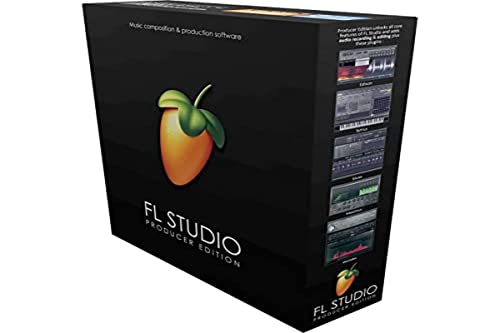
FL Studio 20 Producer Edition
- ✓Quick pattern-based beat making
- ✓Outstanding Piano Roll MIDI editing
- ✓Lifetime free updates on the purchased version
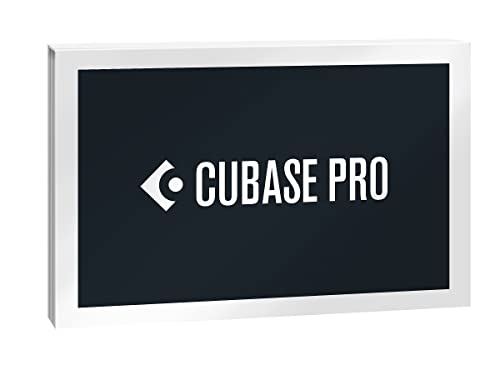
Cubase Pro 12
- ✓Zoned project window for large sessions
- ✓MixConsole history for mix revisions
- ✓80 bundled audio effects
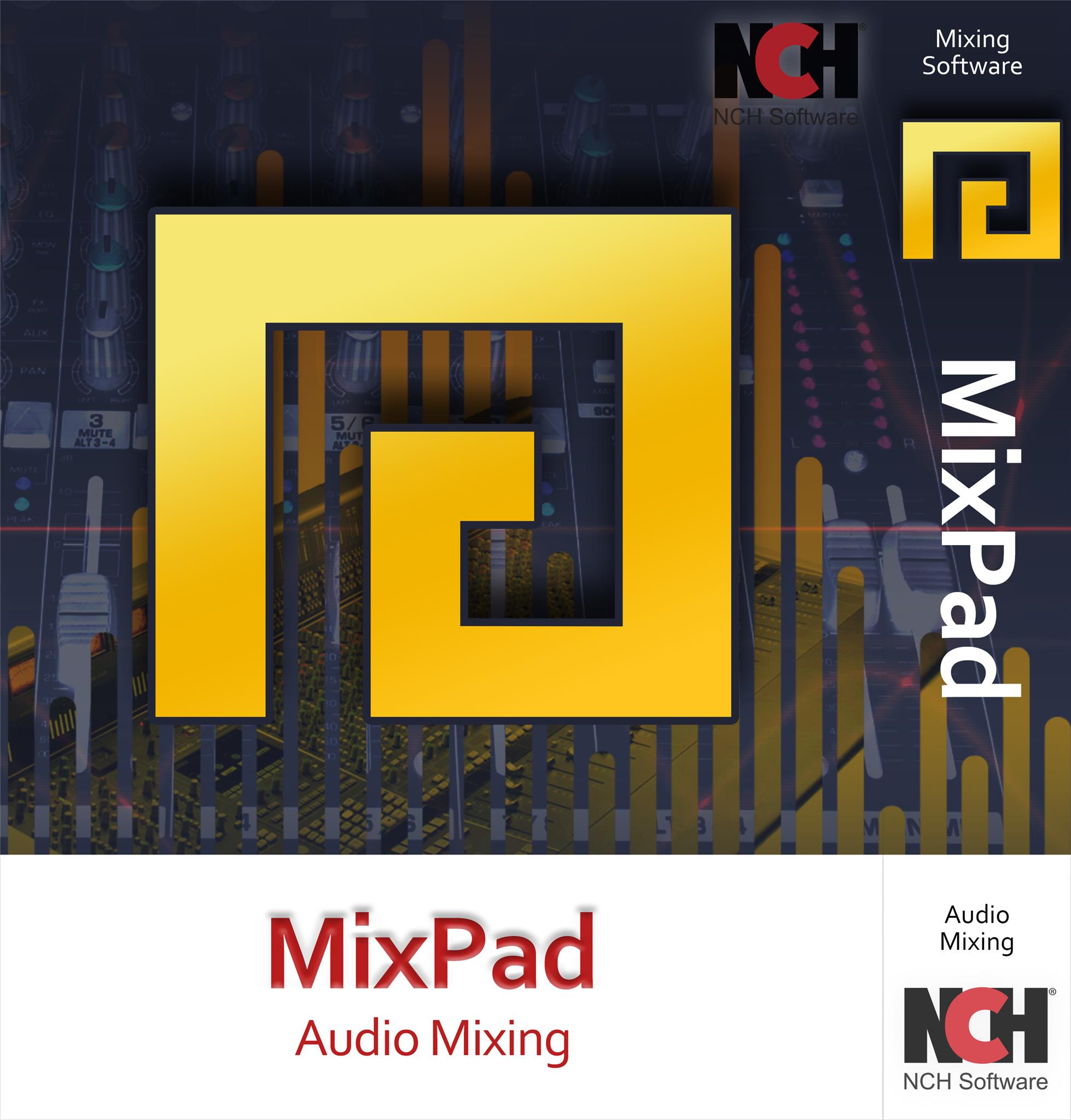
MixPad Free
- ✓Genuinely usable multitrack recording
- ✓Beat Maker and MIDI Creator built in
- ✓No cost to start
Those three cover the most common starting points. FL Studio wins on momentum, Cubase wins on depth for composers, and MixPad costs nothing to install and start learning in.
Comparing 10 DAWs Side by Side in 2026
| Product | Features | Action |
|---|---|---|
| Image Line FL Studio 20 Producer Edition |
|
Check Latest Price |
| Steinberg Cubase Pro 12 |
|
Check Latest Price |
| MixPad Free |
|
Check Latest Price |
 Avid Pro Tools Avid Pro Tools |
|
Check Latest Price |
 Ableton Live 12 Standard Ableton Live 12 Standard |
|
Check Latest Price |
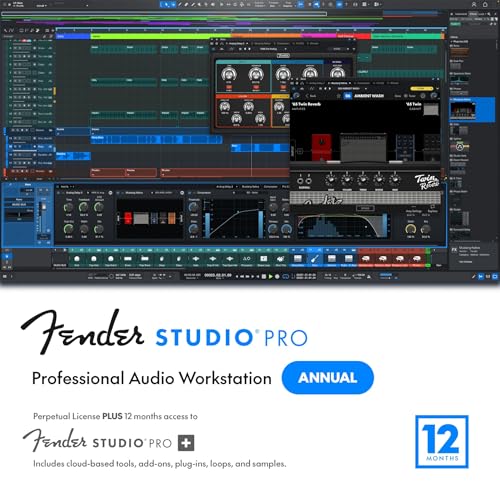 Fender Studio Pro 8 Fender Studio Pro 8 |
|
Check Latest Price |
 MAGIX Music Maker 2024 Premium MAGIX Music Maker 2024 Premium |
|
Check Latest Price |
 Serato Studio Ultimate Serato Studio Ultimate |
|
Check Latest Price |
 Mixcraft 10 Pro Studio Mixcraft 10 Pro Studio |
|
Check Latest Price |
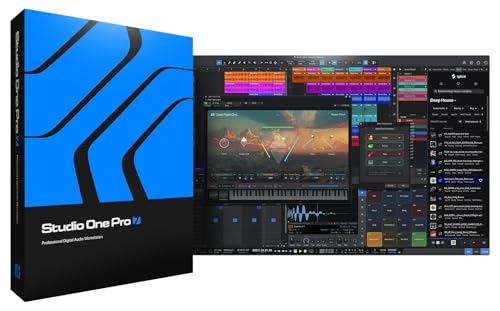 PreSonus Studio One Pro 7 PreSonus Studio One Pro 7 |
|
Check Latest Price |
One caveat on the table before you read the entries: several of these listings carry thin written review volume, and I call that out in each section rather than dressing up a handful of ratings as a consensus.
1. FL Studio 20 Producer Edition – Our Pick for Fast Beat Making
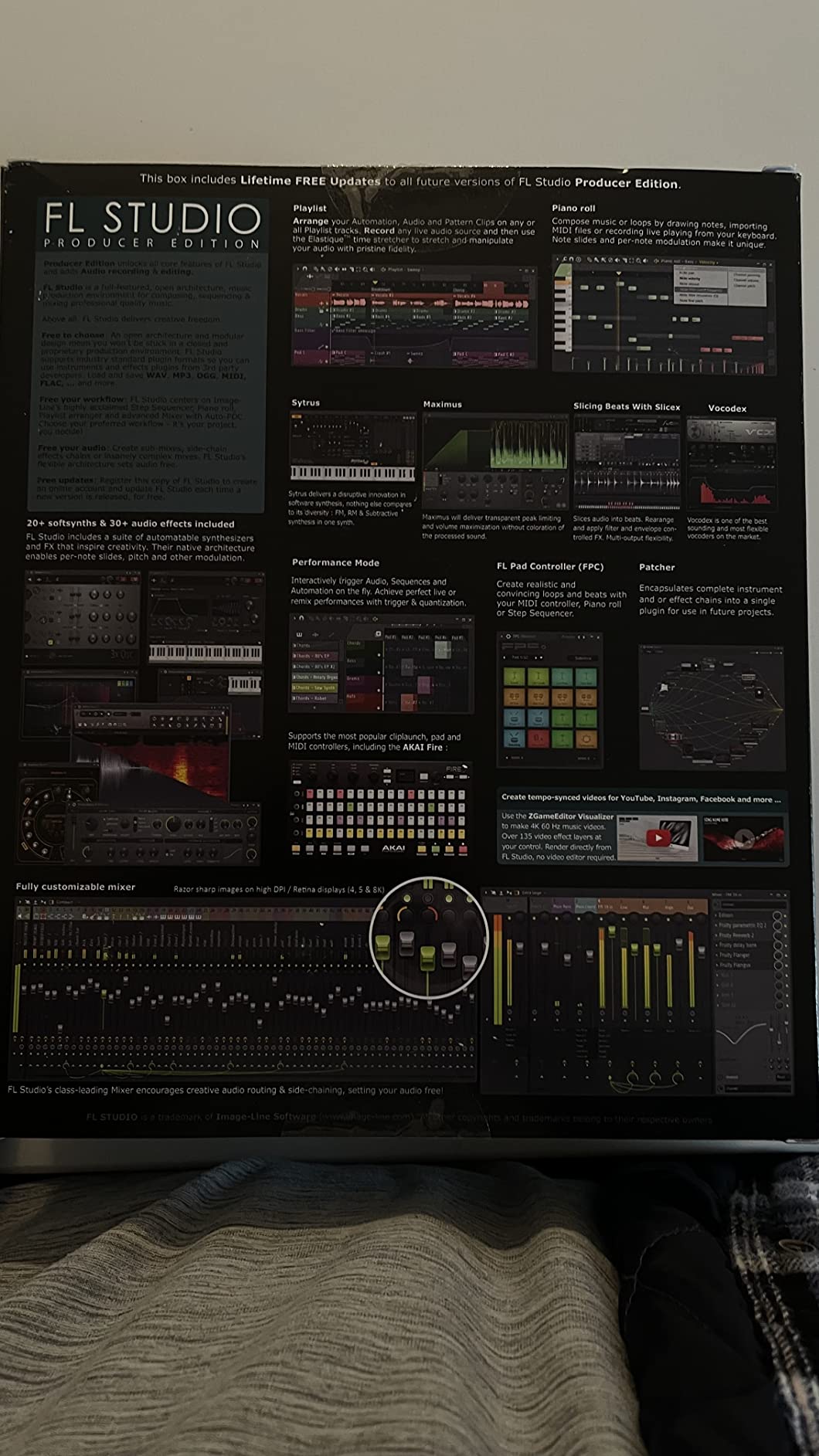
- ✓Quick route from idea to a loop
- ✓Outstanding Piano Roll for MIDI editing
- ✓Lifetime free updates on the version you buy
- ✓Large third-party VST ecosystem
- ✓Bundled synths usable out of the box
- ✕Steep learning curve with no tutorials in the box
- ✕Some bundled instruments are trial-only and cannot be saved
- ✕Automation clips reserved for higher editions
Pattern-based beat making
Piano Roll MIDI editing
Lifetime free updates
Mac and Windows
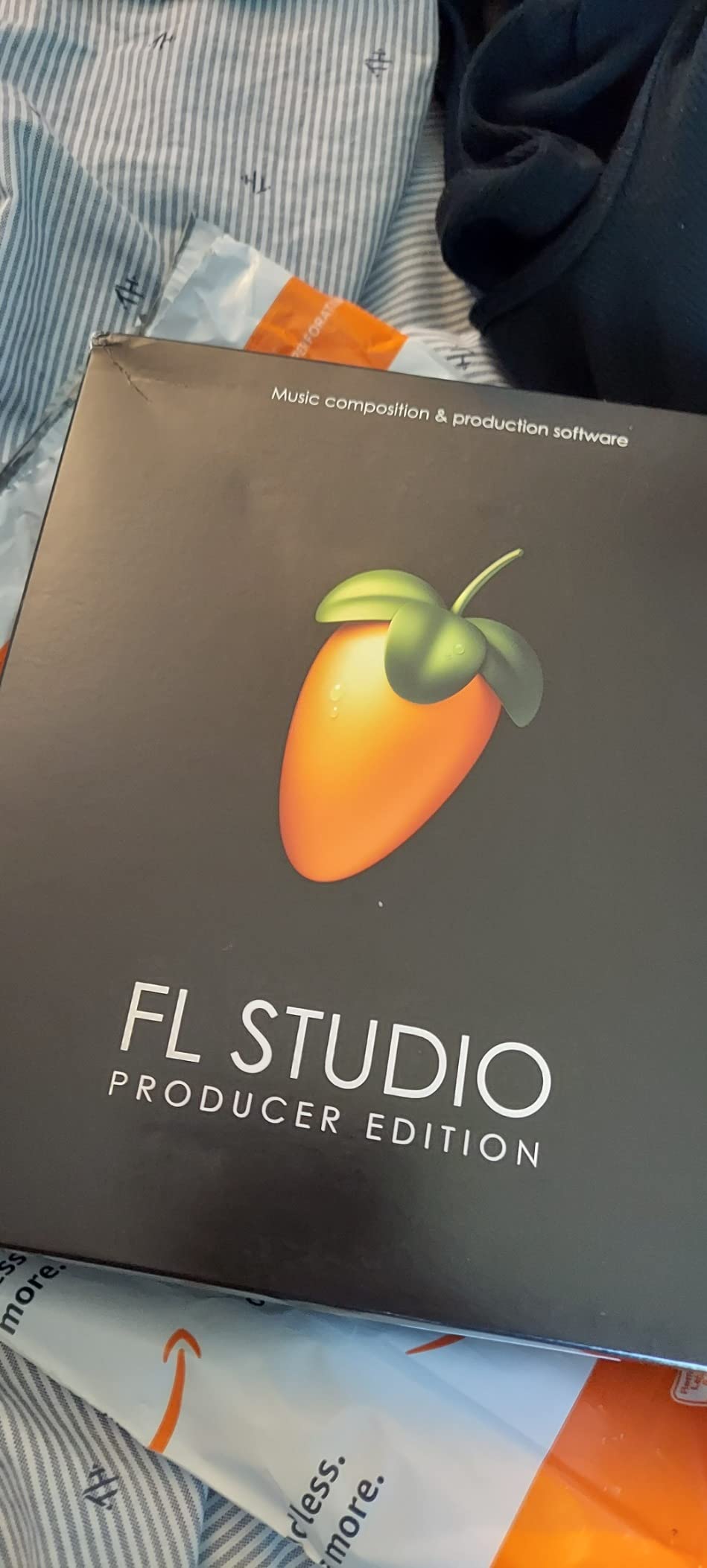
FL Studio is the one I keep coming back to when the job is to make a beat quickly. The pattern-based approach means a kick, a hat, and a bass line exist as a loop you can drop anywhere on the timeline, and the Piano Roll is the MIDI editor I found easiest to work in of anything on this list. I spent the first week with nothing else open, and the speed difference versus a linear-timeline DAW was obvious.
What surprised me most was the licensing. This is the only major DAW here where the version you buy keeps getting updates for the life of that version, which removes the awkward conversation most people have with themselves about whether to upgrade. It runs on both Windows and macOS, so it is also the safest recommendation for a household that is not entirely sure which platform it will settle on.
Where FL Studio Frustrates New Users
The interface is dense and there is no tutorial content in the box. Reviewers report that the first few sessions are spent hunting rather than making, and that is accurate. My advice is to ignore the entire plugin browser for the first week and learn the three windows that matter: the channel rack, the piano roll, and the playlist.
There is a second real trap. Several of the included instruments are trial editions that will not save or export without a further upgrade, and if a project depends on them and you later reopen it in a lower edition, those sounds disappear from the session. I hit exactly this with a saved project and it was a genuinely bad afternoon.
Who FL Studio Fits Best
If you make hip-hop, trap, or anything loop-driven, this is the pick. It is also the right answer for beat makers who intend to move to a paid tier later, because the trial, the demo, and the paid licence are genuinely different things and we explain that further down.
2. Steinberg Cubase Pro 12 – A Deep Toolset for Composers and Scoring Work
- ✓Professional feature set with 80 bundled effects
- ✓MixConsole history makes mix revisions easy
- ✓Zoned project window keeps big sessions navigable
- ✓Large plug-in ecosystem used in pro studios
- ✕Steep learning curve coming from simpler DAWs
- ✕Written review detail on this listing is sparse
Zoned project window
Sampler track workflow
MixConsole history
80 audio effects
Cubase is built for a specific job: managing a large, detailed production without losing your place. The zoned project window lets you keep the arranger, the mixer, and the editors visible in one frame, which is what you want at bar 340 of a cue with nine players in it.
The MixConsole history is the feature I came to rely on most. Being able to look back at how a channel was mixed two revisions ago turns mixing from a memory test into an engineering decision. Add 80 bundled audio effects and a dedicated sampler track, and you have a professional tool that still works offline on a plane.
Why Cubase Rewards Patience and Punishes Impatience
The honest drawback is the learning curve, and users coming from a simpler program consistently describe the first weeks as overwhelming. It is not a bad program for beginners, it is a program that assumes you already know what a channel strip, a group, and a locator are for. Budget time for it or pick something else.
It is also worth knowing that written review volume on this particular listing is thin, so my read leans on the feature set and how the program is described by professional users rather than on a large body of buyer commentary here.
Who Should Buy Cubase
Scorers, film composers, and anyone recording a full band into a DAW will feel at home. Hans Zimmer, for example, is a long-time Cubase user, which tells you something about how deep the MIDI and articulation tools go. If you make short loops instead, you will find this much more machine than you need.
3. MixPad Free – A Usable Free Starting Point for Voice, Podcast and First Tracks
- ✓No cost to start recording and mixing
- ✓Simple interface beginners pick up in an hour
- ✓Large preset library for fast starts
- ✓Useful for podcast and voice work
- ✕Paid upgrades are recurring and costly
- ✕Regional pricing pages unclear about currency
- ✕Limited advanced functionality versus paid DAWs
Multitrack audio mixing
Beat Maker and MIDI Creator
Effect Chain and Bookmarks
MixPad is the answer to the question beginners ask most often, which is whether they need to spend anything to find out whether they enjoy this. Reviewers report being productive within about an hour of learning, and that matched my experience with voice work, where you drop a track in, apply an effect chain, and export.
It is not a toy. The multitrack recording and mixing are real, the Beat Maker and MIDI Creator are usable, and the Effect Chain and Bookmarks let you apply multiple processors in one action, which is a real time saver on a long voice session. Our guide to vocal recording software covers where it sits against the paid options.
![MixPad Free Multitrack Recording Studio and Music Mixing Software [Download] customer photo 1](https://progressiveradionetwork.com/wp-content/uploads/2026/08/B06XNSRJVL_customer_1.jpg)
The One Thing to Know Before You Rely on It
The loudest criticism from long-time users is not the software, it is the upgrade path. Recurring paid upgrades are the most common complaint on this listing, and the developer’s regional pricing pages are called out as unclear about currency. If you are starting a five-year project on the free tier, plan for the day you outgrow it.
Who MixPad Suits
Podcasters, voice-over artists, and anyone recording a band rehearsal to see what came out of it. It also works as a scratchpad you bounce finished ideas out of into a more serious DAW later, which is a workflow community members use constantly.
4. Avid Pro Tools – The Recording Engineer’s Default for Tracking Bands
- ✓The studio industry standard for recording and mixing
- ✓Perpetual licence option available
- ✓60+ virtual instruments bundled
- ✓iLok key included in the box
- ✕Steep learning curve for new users
- ✕Upgrade and plan expiry costs are a recurring complaint
- ✕OS upgrades can break older plug-ins
- ✕Support and activation issues reported
Perpetual licence with one year of support
60+ virtual instruments
iLok USB Smart Key
Pro Tools is the one people mean when they say a professional studio. If you want an engineer to open your session without asking you to bounce everything first, this is the format they will already have. The included iLok USB Smart Key and more than 60 virtual instruments mean a session can travel from a home room to a control room without extra purchases.
It is also the program built most explicitly around tracking. Multitrack recording, comping, and editing large voice or band sessions sit at the centre of the software, not at the edge of it.
The Upgrade and Compatibility Warnings Are Real
Two complaints recur. First, upgrade and plan expiry costs are a persistent irritation among long-time owners. Second, and more damaging, an operating system upgrade can break older plug-ins that a session depends on, which is a genuinely painful surprise during a deadline week. Neither is a reason to avoid the program, but both are reasons to keep a recent bounce of every critical session.
Who Should Buy Pro Tools
Recordists, engineers, and anyone whose sessions will be opened by other people. If you are making beats in a bedroom and have never tracked a band, this is more machine than the job requires, and a lighter program will get you to a finished track sooner.
5. Ableton Live 12 Standard – The Best Choice for Live Sets and Improvisation
- ✓Session View makes improvisation genuinely fluid
- ✓Unlimited tracks with unlimited undo
- ✓Advanced Warping beat-matches convincingly
- ✓Audio-to-MIDI and Sound Similarity Search speed up ideas
- ✕Many popular tutorials are years out of date
- ✕Thin built-in documentation for beginners
- ✕Windows users report less tutorial coverage
Session View for performance
Advanced Warping
Unlimited tracks
Audio-to-MIDI
Live is the name that comes up most often when producers name an all-rounder, and the reason is Session View. Where other DAWs show you a timeline, Live shows you a grid of clips you can trigger like an instrument, which is why so many electronic producers build live sets with it. Ableton Link extends that idea across devices on a wireless network.
The Standard edition here carries unlimited audio and MIDI tracks, unlimited undo and redo, and non-destructive editing, so you are not working inside a small demo. Advanced Warping handles time-stretching and beat-matching well enough that chopped and stretched vocals become a normal part of a session rather than a project risk.
Documentation Is the Weak Point, Not the Software
Owners praise the program and consistently complain about learning it. Many widely recommended video tutorials are years out of date and no longer match the menus, and the documentation for beginners is thin enough that heavy online searching is often required. Budget a few days of clicking around before you start a project, and read the feature set carefully on a listing this new.
Who Live Is For
Electronic producers, live performers, and anyone who wants to trigger parts of a track rather than push a playhead. It is a less natural fit for someone who wants a linear arrangement canvas and a mixer-first workflow, and for detailed multi-day scoring sessions the tools lean the wrong way.
6. Fender Studio Pro 8 – Guitar Amp Modeling Built Around a Perpetual Licence
- ✓Hits the sweet spot between ease and capability
- ✓Strong bundled Fender amp and pedal modelling
- ✓Handles full production work smoothly
- ✓Perpetual licence with a year of Pro+ content
- ✕Very small review base on this listing
- ✕Long-term reliability is not well documented
Mustang Guitar and Rumble Bass models
AI chord and tempo detection
Stem separation
Show Page
This is a recent release in the roundup and the one built most specifically for guitarists. The Mustang Guitar and Rumble Bass amp models, more than 100 effects pedals, and hundreds of presets mean you can go from a clean DI recording to a recognisable tone without leaving the program, which is a genuine convenience for people who record at home.
The AI tools are the part I did not expect to care about and now would miss. Chord detection, tempo detection, audio-to-MIDI, and stem separation each save a small amount of time, and together they save real time on a session built from guitar loops. The licence is perpetual with 12 months of Pro+ content included, and the free mobile app lets you capture an idea away from the desk.
Read the Review Count Before You Trust the Score
With two ratings on this listing, I would treat the enthusiasm as directional rather than conclusive. There is no long-term reliability picture here yet, and that matters for a program you intend to build a catalogue on.
The Set-Up side is worth planning around. A room-correct monitoring setup pairs better with this than a laptop on a desk, and accuracy still matters when the whole point of the program is amp modelling, so see our Sennheiser headphone picks for music production when the budget is tight.
Who Should Buy Fender Studio Pro
Guitarists, singer-songwriters recording at home, and podcasters who also play. Skip it if you need Linux support today or if the thin early review history makes you want a longer track record before committing a project to it.
7. MAGIX Music Maker 2024 Premium – A Complete Package With Loops and Mastering Inside
- ✓Approachable interface for finishing tracks fast
- ✓Large bundled loop and content library
- ✓iZotope Ozone Elements and Song Maker AI included
- ✓64-bit multicore with VST support
- ✕Windows-only with no macOS version for this title
- ✕Very few written reviews on this listing
Soundpool loop bundles included
iZotope Ozone Elements
Song Maker AI
64-bit multicore
Music Maker does one thing well: it lets someone with no production background finish a track in an evening. Three Soundpool complete bundles and a Soundpool Collection are included, and with iZotope Ozone Elements and Song Maker AI in the package, a beginner is not downloading third-party plug-ins to get a finished master.
It is a 64-bit, multicore application with VST support, which means it is not a legacy program pretending to be modern. The MIDI Multi Object Editing and the included Native Instruments Hybrid Keys are the features I would point a new user toward first.
Where the Limits Are
It is Windows 10/11 only, delivered as a PC online code, and there is no macOS version of this title. If you might switch to a Mac later, that is a real ceiling on a program you might want to grow with. With three ratings on this listing, read the content list rather than the score.
Who Should Buy Music Maker
Windows beginners, songwriters who want to finish demos quickly, and anyone who wants bundled loops and a mastering tool without assembling a plug-in chain. It is a stepping stone rather than a destination, so plan where you go next.
8. Serato Studio Ultimate – Beat Making That Speaks to DJ Hardware Directly
- ✓Purpose-built for beat making and DJ edits
- ✓Direct Serato DJ library and Waveforms integration
- ✓Time-saving BPM sync and key shifting
- ✓Substantial bundled drum kits and loops
- ✕Arrives as a serial number rather than media
- ✕Very small review base on this listing
Serato DJ library integration
BPM sync and key shifting
Built-in drum kits and loops
If you own Serato DJ hardware, this is a short path from mixing a set to producing an original. The integration runs deeper than an export: your DJ library, waveforms, mixing channel, and effects sit inside the beat-making environment rather than a step away from it, and that is what makes a mashup editable rather than a finished file.
The time-saving features are the reason I would keep using it even without a controller. BPM sync handles tempo matching, and one-click key shifting means you are not hand-tuning a vocal chop to a new tempo. The bundled drum kits, instruments, loops, and samples from recognised artists give a beginner something good to work with on day one.
Know What You Are Buying
Two things to be clear about. It ships as a download card with printed instructions and a serial number rather than as media, so you need the serial before you can authenticate and install. And with three ratings, this is another listing where the feature set should carry more weight than the score.
It is also narrower than a general DAW. There is no full arranger or a deep mixer in the way Cubase or Pro Tools have, and the program is optimised for beat making, remixes, DJ edits, and mashups. Skip it if you need multitrack recording for a band.
Who Serato Studio Is For
DJs who want to make original beats without leaving the Serato ecosystem, and producers who want quick BPM-matched edits. If you need multitrack recording for a band, this is not the tool.
9. Mixcraft 10 Pro Studio – A Loop-Heavy All-in-One with Pitch Correction Inside
- ✓Exceptionally deep loop library for an all-in-one package
- ✓Generous bundled instrument and effect count
- ✓Melodyne Essentials pitch correction integrated
- ✓Built-in video editing saves a separate program
- ✕Windows-focused ecosystem limits Mac appeal
- ✕Only a small number of written reviews
Over 7500 included loops
24 instruments and 50 effects
Integrated Melodyne Essentials
Mixcraft’s headline is simple: a loop library of more than 7500 loops, 24 virtual instruments, and 50 effects, with Melodyne Essentials pitch correction integrated rather than bolted on. For anyone building songs out of loops, that is a lot of material, and pitch correction inside the DAW removes a step from vocal work.
The built-in video editor is the sleeper feature. If you are scoring to picture or producing content alongside music, having a timeline in the same window as the audio saves you exporting and re-importing. The full mixing and mastering toolset is present, so this is a complete environment rather than a sketchbook.
Strong Product, Thin Evidence
All five ratings here are at five stars, but there is no written commentary to learn from, so the product speaks for itself through the content list. The limitation to weigh is platform: the ecosystem is Windows-focused, which narrows the appeal if you own a Mac or plan to.
Who Should Buy Mixcraft
Windows users who want to finish songs rather than collect plug-ins, podcasters and content producers who need video alongside audio, and anyone who wants pitch correction without a second application. A strong first paid DAW, in other words.
10. PreSonus Studio One Pro 7 – Recording and Release Tools on macOS, Windows and Linux
- ✓Covers recording
- ✓mixing
- ✓mastering and live performance
- ✓45+ native effects and nine virtual instruments
- ✓Cross-platform across macOS Windows and Linux
- ✓Splice
- ✓Dolby Atmos and distribution integration
- ✕Installation failures reported on supported Windows machines
- ✕Registration can silently upgrade the licence
- ✕Some orders arrive as a serial number only
- ✕Low rating driven by fulfillment issues
macOS Windows and Linux support
All-in-one production environment
45+ native effects
Splice and Dolby Atmos integration
Studio One Pro is the only program here that runs on macOS, Windows, and Linux, and it is a genuinely complete environment: recording, producing, mixing, mastering, and live performance in one program. The 45+ native effects and nine virtual instruments, including PreSonus Symphonic Orchestra, are included with the perpetual licence rather than sitting behind a subscription.
The modern touches are real. AI stem separation, global transpose, Splice sample search inside the app, Dolby Atmos mixing, cloud collaboration, and direct TuneCore and SoundCloud distribution. If you are producing to release rather than to demo, having distribution built into the program removes a step at the end of every release.
Judge the Software and the Seller Separately
Their ratings sit at 2.9 stars, and reading the reviews makes the reason clear: the complaints are about fulfillment, not about Studio One. Buyers report installation failures with OS version errors on machines that are nominally supported, registration that silently upgrades the licence to a newer major version, and orders that arrive as a serial number with little guidance.
Buyers who did get it running describe an easy, capable DAW. Confirm the key and the activation flow with the seller first, and check what version you are actually entitled to before you start a long project on it.
Who Should Buy Studio One Pro
Users who move between Mac, Windows, and Linux, and producers who want mastering, Atmos, and distribution in one program. It is a harder recommendation for someone who wants the highest volume of independent written reviews under the exact listing they are buying from.
How to Choose Music Production Software Without Regretting It
Most DAW regret is not caused by choosing the less capable program. It is caused by choosing the wrong licence, the wrong platform, or the wrong workflow, all of which are things you can check before you spend anything.
Trial vs demo vs evaluation licence: what you can actually keep
These three words mean different things and the difference is the largest source of confusion in this category. A trial is time-limited and usually full-featured, but you cannot save or export your work when it ends. A demo is free to keep using but saves files in a limited form and blocks full-quality export. An evaluation licence is the rare and generous option: the program runs uncrippled with a nag screen, and your files are real files you keep forever. Reaper is the community’s most-cited example of the third category, which is a large part of why it keeps being recommended in beginner threads.
Perpetual licence vs subscription: what five years really costs
A perpetual licence is a one-time purchase that covers the version you bought. A subscription keeps working only while you keep paying, and it usually bundles new versions and content libraries you would otherwise buy separately. The right frame is not the number on the sticker, it is whether you expect to still be making music in five years, and whether you want each new major version. DAWs that only offer subscriptions remove that choice entirely, and that is worth weighing before you start rather than after.
OS and hardware fit, including the Mac trap
Check the platform before anything else, because it is the one thing you cannot patch later. Several of the strongest programs in this category, Logic Pro being the most commonly cited, run on macOS only, and Windows users are caught out by this more than Mac users. If you might change machines, weight cross-platform support heavily.
Hardware matters just as much. A DAW cannot give you low latency until your audio interface driver and buffer size are configured correctly, and that setup is often where new producers get stuck rather than in the software itself. Getting your studio desk and ergonomics right matters more for long sessions than most people expect, and reference monitoring should be checked properly before you trust a mix.
Plugin formats and CPU weight on a modest laptop
Third-party instruments and effects are where DAW ecosystems really differ. VST3 and Audio Units are the two formats worth knowing; Windows programs use VST, Mac programs use Audio Units, and some free tiers restrict which formats they will load. Before you commit, check that the plug-ins you already own will run.
CPU weight is the other thing. Lightweight programs open on a modest laptop and stay responsive with a big session, which is the quiet reason they keep getting recommended in forum threads by people who did not want to spend on a new computer. Test on your actual machine before you commit.
Switching DAWs later: keep your sessions portable
The most common regret pattern is abandoning a project, not a program. Three habits prevent the pain. Bounce individual tracks to audio and archive them outside the DAW as you go, so a session is never trapped in one project format. Export MIDI as standard files so the notes survive any switch. And keep your tempo and time signature information written down, because that is the part most likely to be lost.
Producers regularly bounce parts out of one program to finish in another, and there is nothing wrong with that. A free mixer like MixPad is a good destination for a finished voice track even when you do your creative work elsewhere.
Frequently Asked Questions
What DAW does Billie Eilish use?
Billie Eilish has long worked in Logic Pro, Apple’s digital audio workstation. Her production style fits that program well, because her songs are built around vocal performance that is recorded, chopped, and heavily edited rather than assembled from long instrumental sections. Logic Pro is Mac-only, so anyone wanting a similar starting point on Windows should look at Cubase or Ableton Live instead.
Is FL Studio still free?
There is a free option, but the three versions are different things. A free trial is time-limited and cannot save or export your work. A free demo version is free to keep using but saves projects in a limited form and blocks full-quality export. The paid perpetual licence is what most people mean when they call FL Studio their DAW, and it is the only version that gives you lifetime free updates for the edition you bought.
What DAW does Hans Zimmer use?
Hans Zimmer is a long-time Cubase user, and the scoring world around him is built on the program. The reasons line up with what Cubase is good at: deep MIDI editing, articulation mapping for large sample libraries, a zoned project window that stays manageable with large ensembles, and video and scoring integration. If you write to picture regularly, that combination is worth a close look.
What’s the best DAW for beginners?
For a complete beginner, FL Studio is our pick, because the pattern-based workflow gets you to a finished loop quickly and the Piano Roll is genuinely easy to learn once you understand it. The best free starting point depends on your machine: MixPad Free on Windows, or a free or low-cost Mac DAW on a Mac. Start free, finish two or three tracks, then decide what your habit needs.
What is the best free DAW?
MixPad Free is the most useful free option in this roundup because multitrack recording, Beat Maker, MIDI Creator, and the effect chain are all genuinely usable rather than crippled. It is a real entry point for voice, podcast, and simple music work, and the main catch is that paid upgrades are recurring. Producer communities also regularly recommend lightweight evaluation licences that run uncrippled, which are free to try and keep every file you make.
Do I need a DAW to make music?
A DAW is the most complete way to record, arrange, edit, mix, and master music in one place, and it is how almost every working producer works. It is not the only way to make music, but anything else tends to mean running several separate applications and moving files between them. If you want to record live audio at all, you need something like a DAW, and for a beginner it is the cheapest tool in the whole setup.
Which DAW Should You Actually Buy?
If you make beats and want to move fast, buy FL Studio 20 Producer Edition. It is the recommendation I am most confident in: the strongest rating and review volume here, a workflow that produces ideas quickly, and lifetime free updates on the version you buy.
If you track bands or score to picture, Cubase Pro 12 and Avid Pro Tools serve different masters, with Cubase for MIDI depth and Pro Tools for studio handoff. If you play live or want to trigger parts of a track, Ableton Live 12 Standard is the better fit. Guitarists get the most from Fender Studio Pro 8, and anyone starting on a budget machine will get furthest on MixPad Free before moving up.
Whichever you choose in 2026, install it, finish two tracks before you judge it, and bounce your stems as you go. That habit is worth more than any feature on a comparison chart.






Leave a Comment