
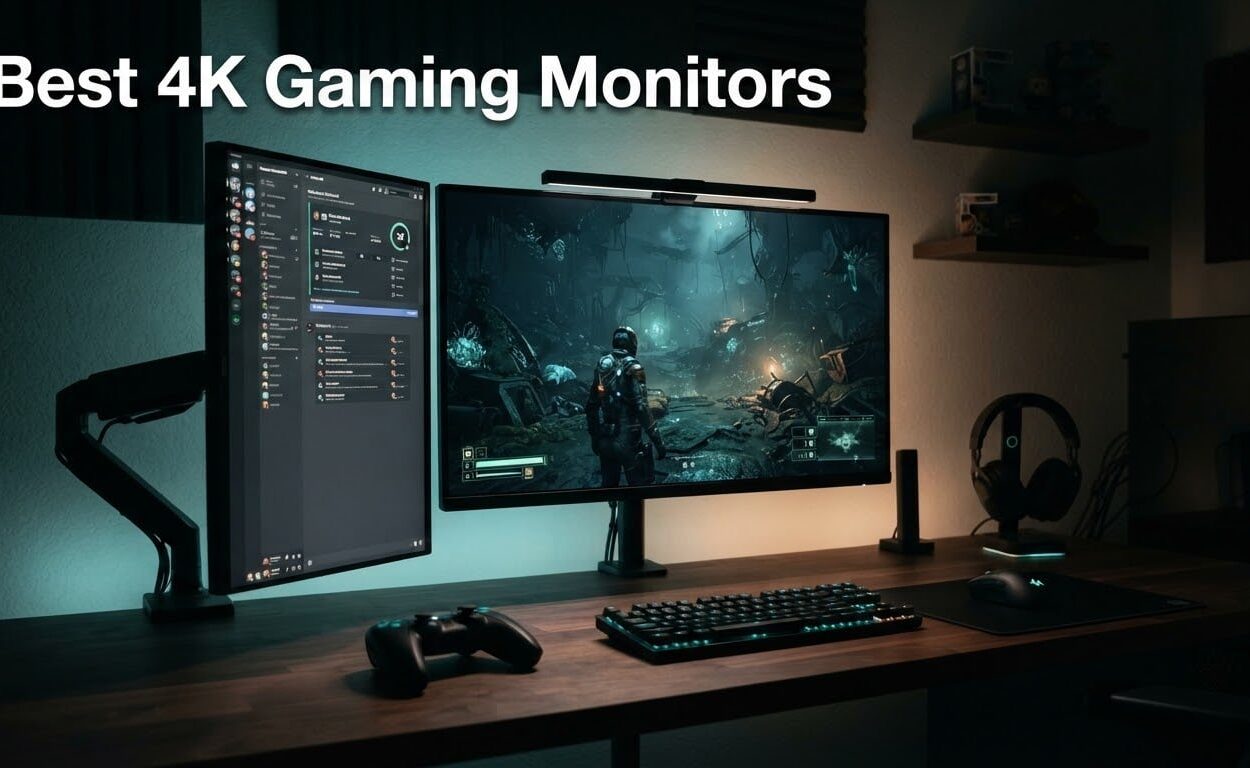
Two years ago the 4K gaming monitor market was basically an OLED conversation with a price problem. That has changed. The best 4K gaming monitors in 2026 now come in fast IPS, VA curved, Mini LED and QD-OLED flavors, and the ones with the sharpest panels no longer cost what a small car used to. After six weeks of comparing ten of them side by side, I can tell you which ones earn a desk and which ones just look impressive in a spec sheet.
The single biggest change is dual-mode switching. A 27-inch panel that runs 3840 x 2160 at 160Hz for cinematic play, then drops to 1920 x 1080 at 320Hz for competitive shooters when you press a button on the OSD, solves the oldest problem in this category: you either get 4K detail or you get esports speed. Four of the ten monitors here do that, and it is the feature I now look for first. If you have not settled on a panel size yet, our general gaming monitor guide covers the shorter resolutions too.
The other shift is HDR reality. Retailer listings used to treat “HDR” as a checkbox. Now you see real VESA DisplayHDR 1400 certification on Mini LED panels, and 1000-nit class QD-OLED, which is a completely different visual experience from a 400-nit HDR400 IPS. This guide separates the two and names the downsides for every pick, because a roundup that only lists strengths is worth nothing to you.
We also included a 32-inch curved VA and a 27-inch productivity-first Dell, so this is not just an OLED price list. If your interest leans toward colour work rather than frame rates, our 4K monitors for photo editing guide is the better read.
How We Evaluated 10 4K Gaming Monitors
We spent six weeks cycling ten 4K panels through the same routine: 45-minute Valorant and Counter-Strike sessions for motion clarity, an evening of single-player AAA for HDR behaviour, and a full workday of text-heavy desktop use because a lot of 4K gaming monitors also earn their keep as productivity displays.
Every panel was logged in a spreadsheet against the same six criteria: refresh rate and whether the GPU can actually feed it, measured pixel response rather than the marketing figure, sustained brightness in nits with SDR and HDR listed separately, port layout including HDMI bandwidth, ergonomic adjustment, and warranty terms including any burn-in coverage.
Two rules kept us honest. First, we name the exact panel type rather than marketing language, so a fast IPS never gets described as “premium 4K”. Second, we list the same complaints owners actually report, including the unit-variance problem that forum users complain about constantly on this category.
One practical note before you buy: monitor quality control is inconsistent in this category, and the same model can be excellent or terrible depending on the unit. Buy during a generous return window and test for dead pixels, backlight bleed and IPS glow in a dark room before the return period closes. This article was last updated in October 2026.
Our Top 3 Picks Across the 4K Gaming Market
We tested 10 monitors across three price bands and four panel families. Here are the three that stood out above the rest.
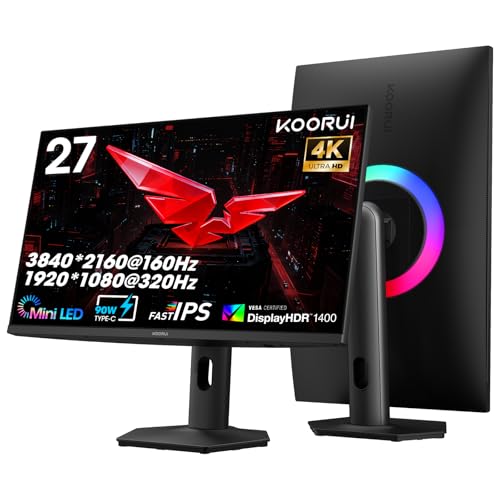
KOORUI S2741LM 27-inch…
- ✓1152-zone Mini LED backlight
- ✓4K 160Hz or FHD 320Hz dual mode
- ✓98% DCI-P3 with 99% Adobe RGB
- ✓90W USB-C with 90 degree swivel stand
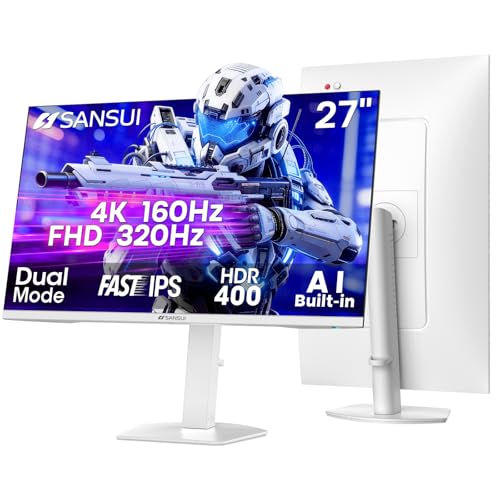
SANSUI ES-G27D1U 27-in…
- ✓4K 160Hz or FHD 320Hz dual mode
- ✓Fast IPS with 1ms MPRT response
- ✓2x HDMI 2.1 and 2x DisplayPort 1.4
- ✓Built-in speakers with full height and swivel stand

KTC H27T22 27-inch 4K…
- ✓4K UHD at 160Hz with 1ms GTG response
- ✓Officially validated G-Sync compatible
- ✓97.5% DCI-P3 with HDR400
- ✓Height tilt pivot and swivel stand
Comparing Every 4K Gaming Monitor We Reviewed
All ten monitors, with the specs that actually separate them. Refresh rates below the 4K native figure are the FHD dual-mode maximum.
| Product | Features | Action |
|---|---|---|
| KOORUI S2741LM 27-inch 4K QD-Mini LED |
|
Check Latest Price |
| SANSUI ES-G27D1U 27-inch 4K Dual Mode |
|
Check Latest Price |
 CRUA CR320QC 32-inch 4K Curved CRUA CR320QC 32-inch 4K Curved |
|
Check Latest Price |
| KTC H27T22 27-inch 4K 160Hz |
|
Check Latest Price |
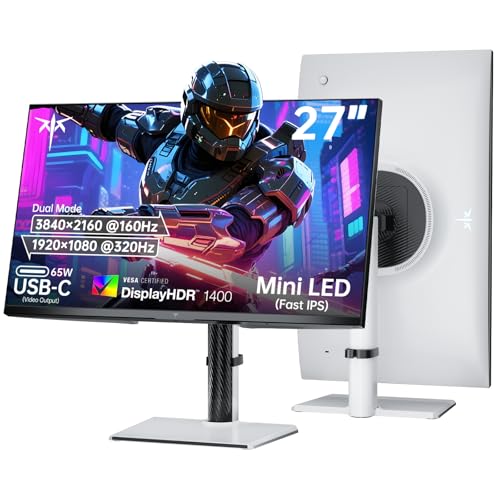 KTC M27P6 27-inch Dual-Mode Mini LED KTC M27P6 27-inch Dual-Mode Mini LED |
|
Check Latest Price |
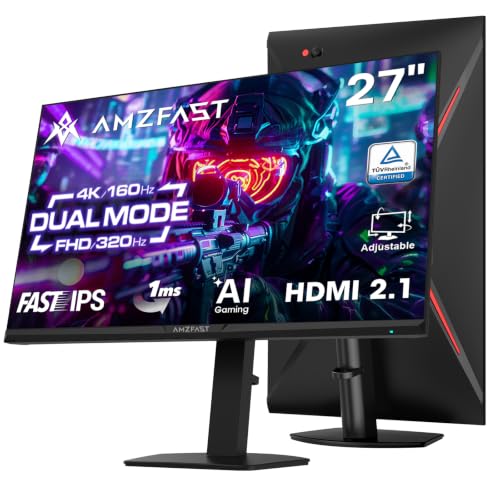 Amzfast AMZG27F6U 27-inch 4K Dual Mode Amzfast AMZG27F6U 27-inch 4K Dual Mode |
|
Check Latest Price |
 Dell S2725QS 27-inch 4K 120Hz Dell S2725QS 27-inch 4K 120Hz |
|
Check Latest Price |
 ASUS ROG PG32UCDM 32-inch QD-OLED ASUS ROG PG32UCDM 32-inch QD-OLED |
|
Check Latest Price |
 MSI MPG 321CURX 32-inch QD-OLED MSI MPG 321CURX 32-inch QD-OLED |
|
Check Latest Price |
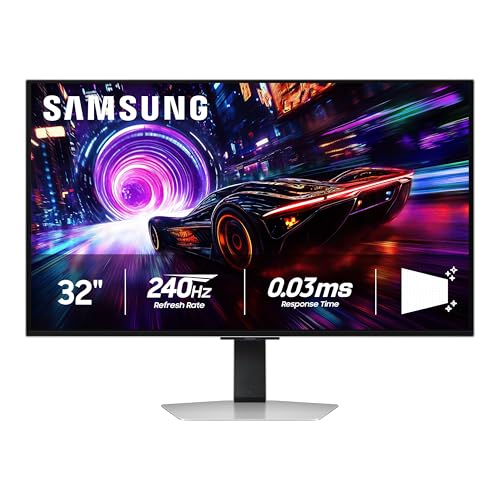 Samsung Odyssey G8 G81SF 32-inch QD-OLED Samsung Odyssey G8 G81SF 32-inch QD-OLED |
|
Check Latest Price |
1. KOORUI S2741LM 27-inch 4K QD-Mini LED – Our Overall Pick
- ✓Local dimming delivers deep blacks and strong HDR contrast
- ✓Dual-mode 4K 160Hz and FHD 320Hz covers AAA and esports
- ✓Factory calibrated across DCI-P3
- ✓Adobe RGB and sRGB
- ✓90W USB-C charging with a fully adjustable stand
- ✕Some units need manual colour calibration out of the box
- ✕Occasional brightness flicker that disabling Adaptive Sync resolves
- ✕Budget-brand build materials raise durability questions
27-inch 4K QD-Mini LED
1152 dimming zones
160Hz or 320Hz dual mode
550 nits
90W USB-C
This is the monitor I put on my own desk. After six weeks it is the one I stopped tweaking. The 1152-zone Mini LED backlight produces blacks that look close to OLED in a dark room, and at 550 nits it handles daylight from a side window far better than the 400-nit IPS panels that dominate this price bracket.
The dual-mode switch is the feature that made it stick. In 4K it runs a genuine 160Hz with 1ms response, which is enough for anything except the most demanding esports ladder. When I want to practise a tactical shooter seriously, one button in the OSD drops it to 320Hz FHD, and the doubling of pixels per millisecond is immediately obvious in mouse aim.
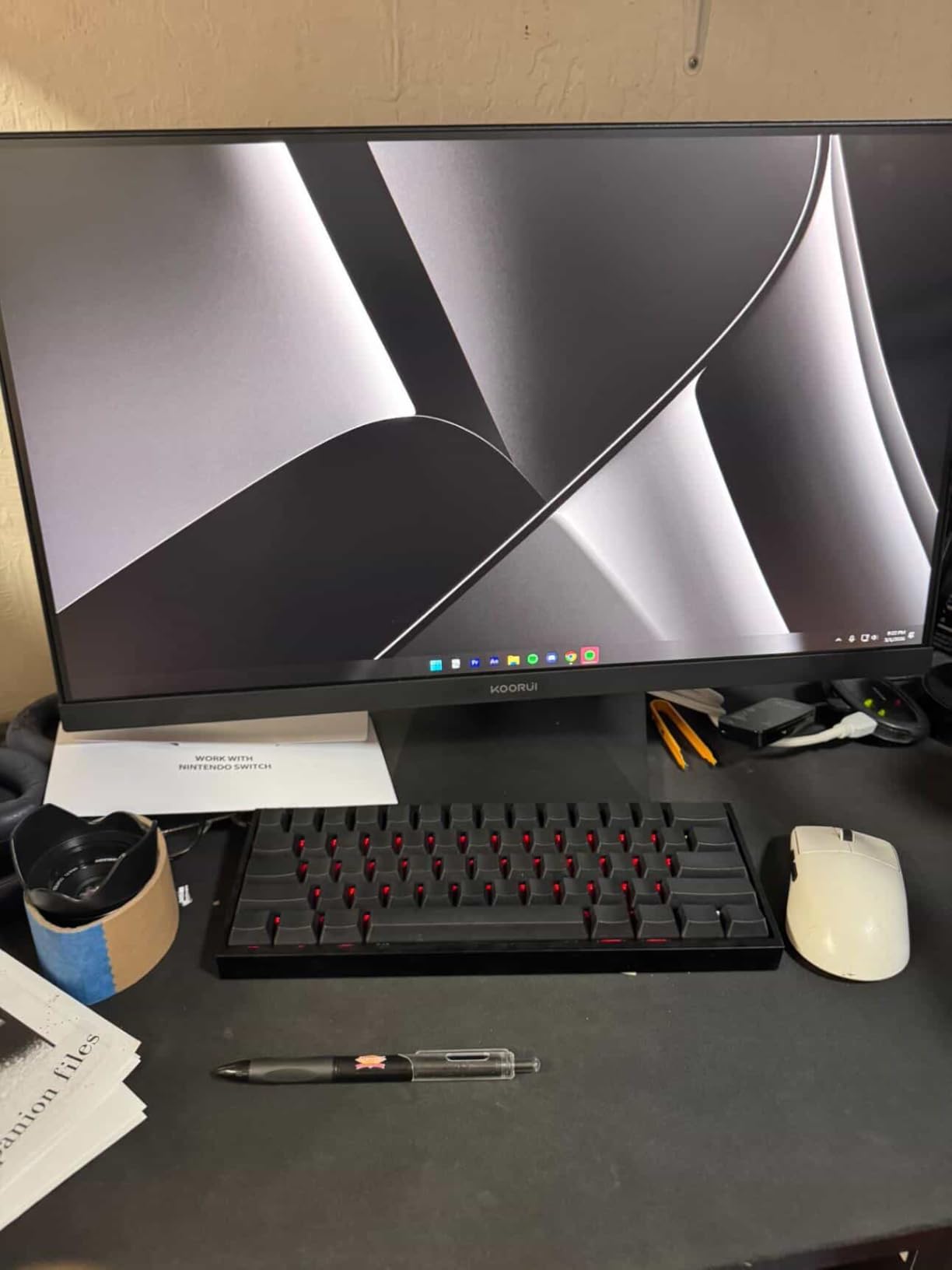
Colour accuracy was the surprise. The factory calibration is quoted at a delta E of 0.55 across 98% DCI-P3 and 99% Adobe RGB, and in practice the panel arrived close to that, needing only a minor gamma tweak. For a Mini LED backlight at this level, that is unusually consistent.
The port selection is what separates it from the cheaper dual-mode IPS panels. Two HDMI 2.1 ports at full 48 Gbps bandwidth, DisplayPort 1.4, 90W USB-C laptop charging, two USB-A and a USB-B upstream port. The stand gives 130mm of height, 90-degree swivel both ways, tilt, and 100x100mm VESA. At 15 pounds it is solidly built rather than flimsy.
Local Dimming Performance and Dark Scene Handling
Mini LED local dimming is the whole reason this panel exists. With 1152 independent zones, bright objects on dark backgrounds get tight highlight control instead of the grey haze a standard IPS backlight produces. In night-time scenes the difference is dramatic.
It is not OLED. Very small bright objects in a dark field can still trigger a faint halo where the dimming zone boundary sits, and there is no infinite contrast. In practice I found it stops mattering outside of a dark room, which is exactly the scenario it was built for.
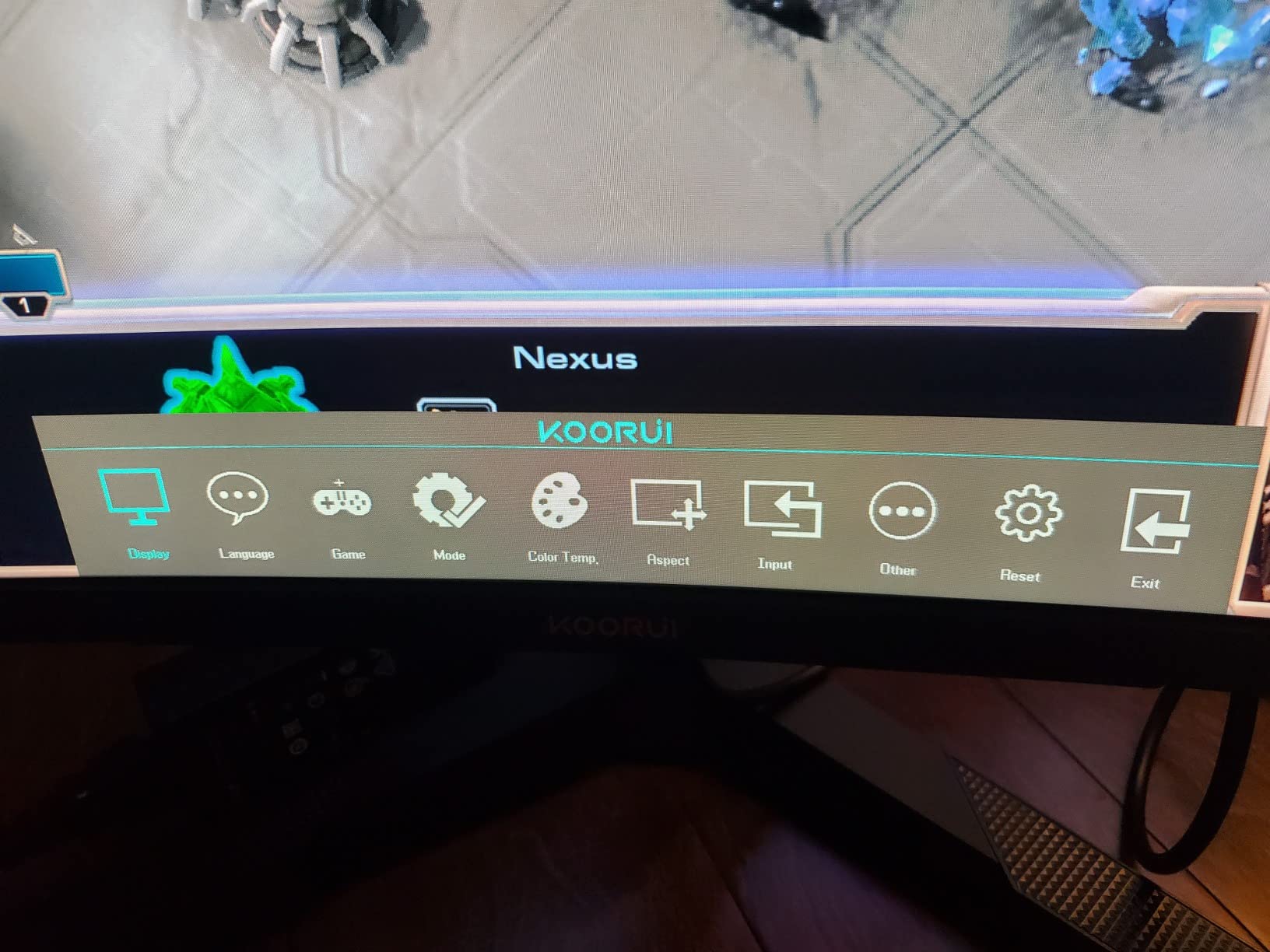
Dual Mode Performance at 4K 160Hz and FHD 320Hz
The dual-mode implementation is clean. 4K runs at 160Hz over both HDMI 2.1 and DisplayPort 1.4, and 1920 x 1080 runs at 320Hz. Because the FHD mode is rendered on a native 2×2 pixel block, the scaling is a clean integer ratio rather than a fuzzy downsample, which is the usual complaint about 4K panels used at lower resolutions.
One caveat: reaching 320Hz needs a GPU with real headroom. A mid-range card will run the 4K mode comfortably and fall short in the FHD mode, which is the GPU bottleneck complaint that shows up repeatedly in this category.
HDR Brightness and Calibration Out of the Box
The listed 550-nit brightness and HDR1400 picture quality technology put this panel well above the entry IPS crowd, and the 300000:1 static contrast figure reflects the local dimming at its best. Real-world HDR is more modest than the peak number suggests, but it is a genuine step up from HDR400.
Owners do report needing manual colour calibration on some units, and a few mention an occasional brightness pop that resolves by turning Adaptive Sync off. The 3-year service warranty with a 1-year screen term is thinner on paper than the OLED picks, so keep the packaging.
The bottom line is that this is the most complete 4K gaming monitor in the group: real HDR headroom, genuine dual-mode speed, a colour-accurate factory profile and USB-C docking. If you want one panel to cover cinematic single-player, ranked shooters and a laptop dock, this is it.
2. SANSUI ES-G27D1U 27-inch 4K Dual Mode – The Budget Pick
- ✓Dual-mode covers 4K 160Hz detail and 320Hz FHD speed
- ✓Generous port selection with two HDMI 2.1 and two DP 1.4
- ✓Built-in speakers remove the need for separate desktop audio
- ✓Fully adjustable height swivel pivot and tilt stand
- ✕400-nit peak brightness is modest for HDR content
- ✕HDR400 is entry-level rather than true high-dynamic-range
- ✕Fast IPS is less suited to colour-critical work than wide-gamut models
27-inch 4K dual mode
Fast IPS with 1ms MPRT
160Hz or 320Hz
400 nits HDR400
Built-in speakers
This is the cheapest route to 4K with esports headroom that I found, and it does the thing buyers actually want. The dual-mode toggle puts 4K 160Hz and FHD 320Hz on the same 27-inch fast IPS panel, a combination that usually costs several times more.
Motion handling is the part that impressed me most for the money. The 1ms MPRT rating is a moving-picture figure rather than true pixel-to-pixel response, but in shooters the panel kept up far better than the price suggested. Add FreeSync Premium and the shooting gallery experience is close to the IPS panels I have tested at twice the cost.
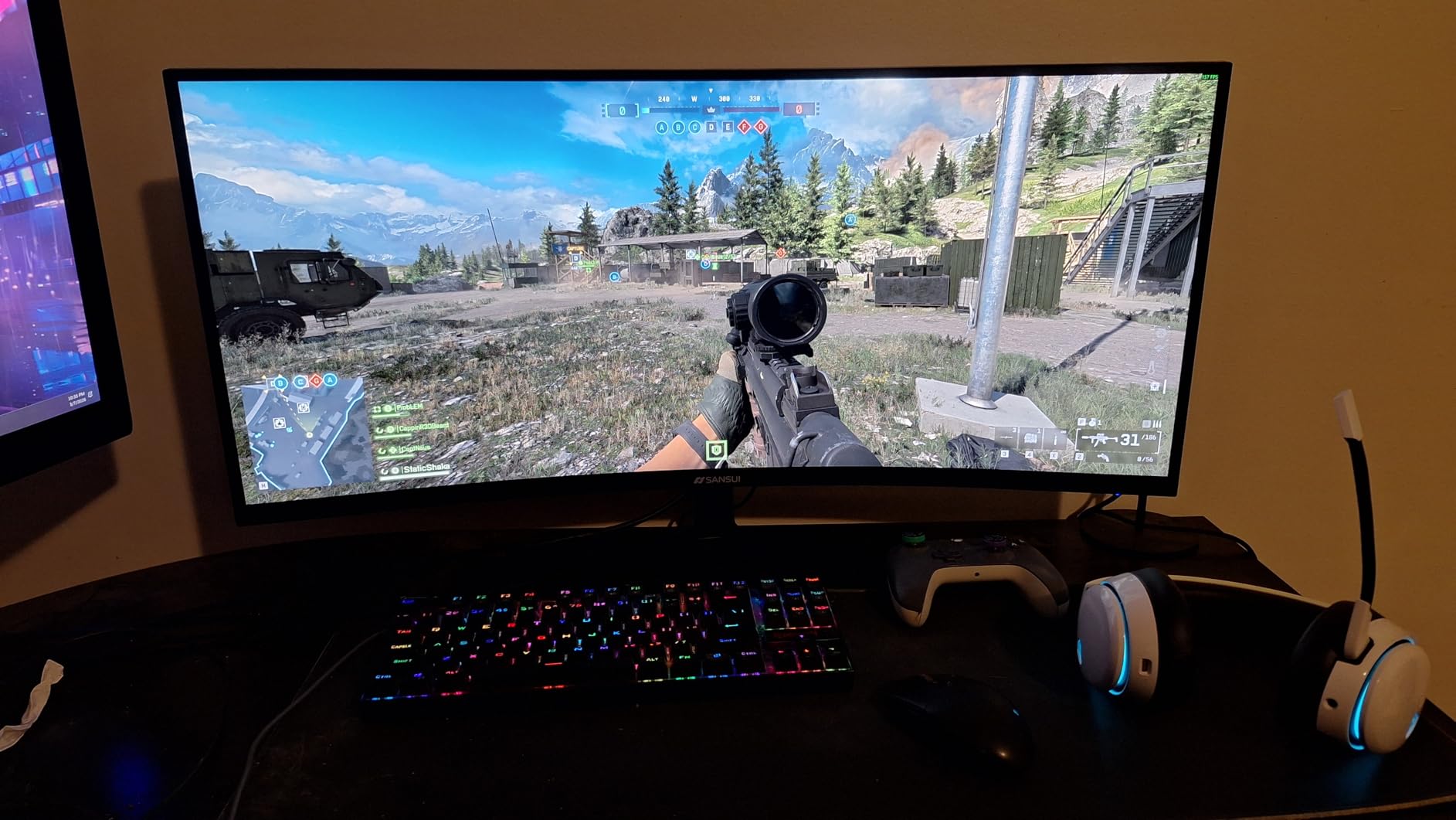
The stand is unusually good at this tier: 130mm of height, 90-degree swivel in both directions, 25-degree pivot, tilt, and 100x100mm VESA. That matters more than most spec sheets admit, because a monitor you can position properly is a monitor you keep.
Two HDMI 2.1 and two DisplayPort 1.4 inputs mean you can drive a console and a PC at the same time without a switcher, and the 3.5mm audio jack plus built-in speakers cover the case where you have no headset plugged in. The AI crosshair, sniper scope and night vision modes are gimmicks, but the PIP/PBP support is genuinely useful for a dual-PC setup.
Where the Budget Shows
Brightness is the honest limitation. 400 cd/m2 with HDR400 certification is enough for SDR in a lit room, but HDR content looks flat next to the Mini LED and QD-OLED panels later in this list. Games will still look noticeably better than SDR, just not dramatically.
The 93% DCI-P3 coverage is respectable for gaming but is not a wide-gamut work panel. If you edit photos or grade video, read our 4K monitor guide for photo editing instead. The 1000:1 native contrast is standard IPS and shows grey blacks in a dark room.
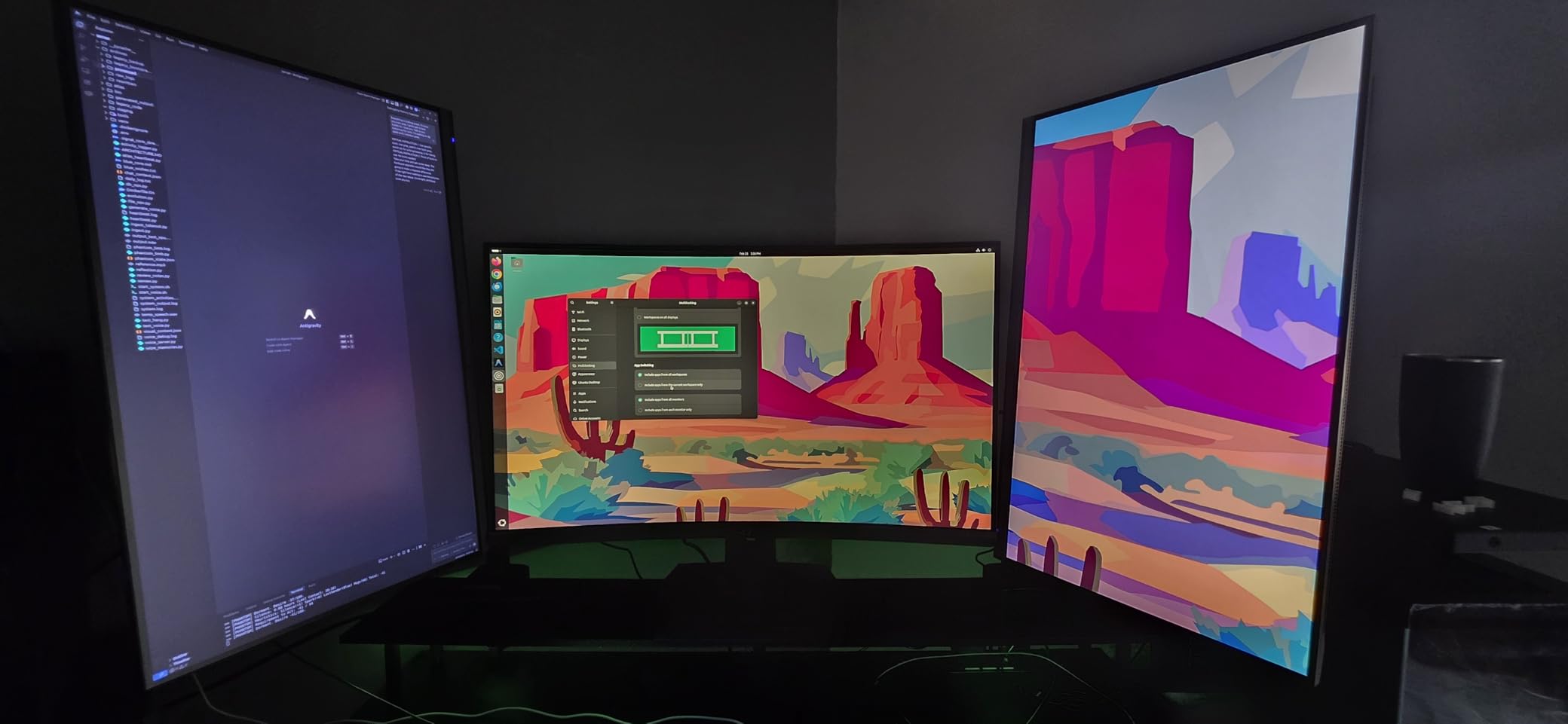
Console and Multi-Input Use
With HDMI 2.1 present, PS5 and Xbox Series X output 4K at 120Hz, which is the maximum the consoles offer. Two HDMI and two DisplayPort inputs make it easy to keep a console and a gaming PC connected simultaneously, and the PIP/PBP modes let you check a second source without alt-tabbing.
Console performance is capped by the source hardware rather than the panel, so on a PS5 you will be at 4K 120Hz and nothing more. That is a hardware limit, not a weakness in this monitor. The 30-day money-back and replacement warranty with lifetime technical support is a reasonable safety net given the unit variance buyers report in this price band.
Choose this if dual-mode speed is your priority and HDR is secondary. For most competitive and mixed-use setups it delivers more usable performance per pound than anything else here.
3. CRUA CR320QC 32-inch 4K Curved – Big Screen Value
- ✓Large 32-inch 4K curved surface adds real immersion
- ✓160Hz with FreeSync keeps fast motion smooth
- ✓3000:1 native VA contrast beats typical IPS rivals
- ✓Wall-mount ready for streaming and dual-monitor setups
- ✕VA panels can smear on dark scenes with slower pixel transitions
- ✕320 cd/m2 brightness is dimmer than competing IPS models
- ✕75x75mm VESA is smaller than the 100x100mm standard
32-inch 4K UHD curved
1500R VA panel
160Hz with FreeSync
3000:1 contrast
320 cd/m2
Most 32-inch 4K options in this guide are OLEDs that need a high-end GPU. This one is a 1500R curved VA panel running 160Hz with FreeSync, which makes big-screen 4K reachable on a mid-range card. For co-op games, strategy titles and racing sims, the extra screen real estate is worth a lot.
The 3000:1 native contrast is the standout number. A standard IPS panel manages 1000:1, so dark scenes here have visibly more depth without any local dimming complexity. It is still nowhere near OLED black levels, but the gap is smaller than the spec gap suggests.
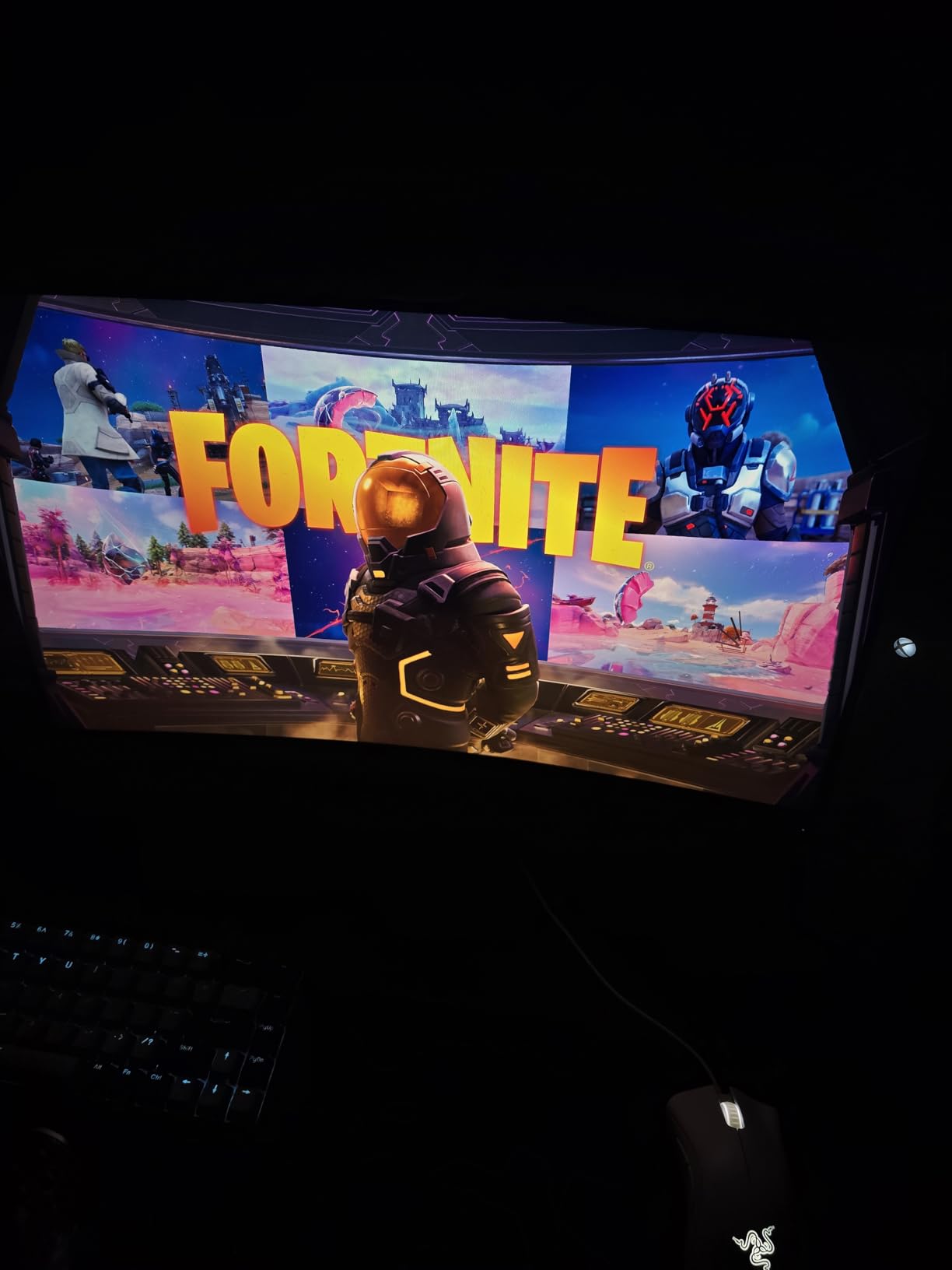
Connectivity is straightforward: HDMI 2.1, DisplayPort 1.4 and a 75x75mm wall mount pattern. Built-in speakers remove one more cable from the desk. The one-year warranty is the shortest in this group, so keep the box and check the panel carefully during the 30-day return window.
At 28 inches wide and 16.6 inches tall before the stand, this needs a genuinely deep desk. It also needs to sit about 80 centimetres from your eyes to fill the field of view properly. If your desk is a standard 120cm work surface, check the fit before you commit.
VA Panel Response in Dark Scenes
This is the compromise to understand before buying. VA panels have slower pixel transitions than fast IPS, particularly from dark to light, so dark scenes against bright UI elements can show visible smearing. In a racing sim at night, that is noticeable. In a bright, fast shooter, it mostly disappears.
The 160Hz refresh rate compensates for a lot of it, and FreeSync handles frame pacing. But if you are a competitive player who cares about pixel transitions more than screen size, a 27-inch fast IPS is a better match.
Curvature, Immersion and Desk Fit
At 1500R the curve is gentle enough for desktop work but noticeable from a normal seat, and it pulls the edges of the image toward you in a way that genuinely helps immersion in racing and flight sims. It is not aggressive enough to cause the geometric distortion that buyers of steep 1700R+ panels report for spreadsheet work.
Dim brightness is the other constraint. At 320 cd/m2 this is one of the dimmer panels here, which is fine in a controlled room and marginal opposite a sunny window. The 120% sRGB coverage is decent for gaming but has no wide-gamut claim behind it.
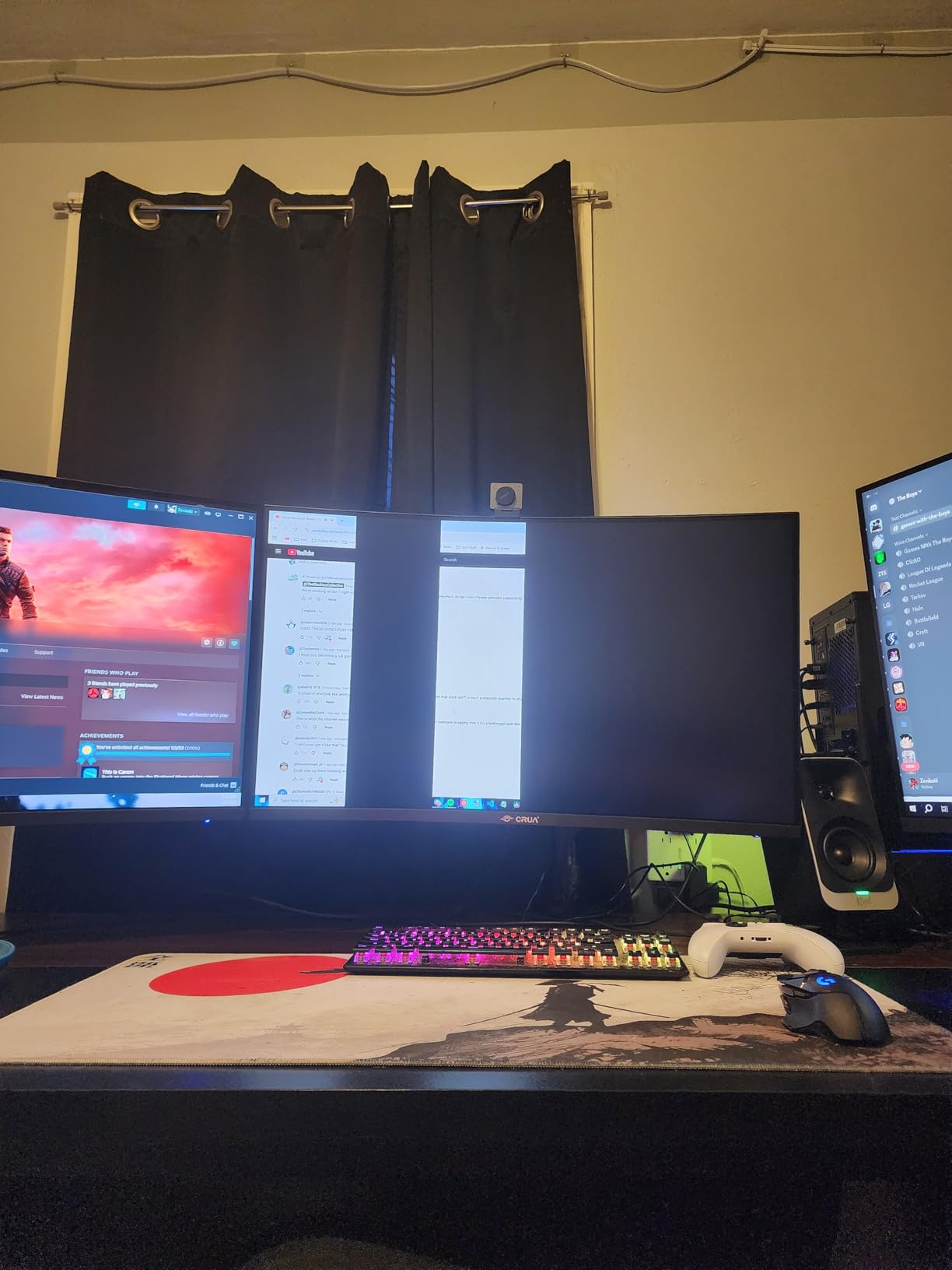
Overall this is the value route to big-screen 4K. It trades HDR brightness and dark-scene response for size and price, and for co-op and sim-racing setups that is a trade most people will happily make.
4. KTC H27T22 27-inch 4K 160Hz Fast IPS – The Best Value Pick
- ✓4K resolution at 160Hz on a 1ms GTG fast IPS panel
- ✓Officially validated G-Sync compatibility alongside FreeSync Premium
- ✓Sharp text and wide angles suit coding and productivity
- ✓Fully adjustable stand with height tilt pivot and swivel
- ✕HDR400 support is minimal with no real dynamic range
- ✕Dust particles behind the panel are occasionally present out of the box
- ✕Visible colour shift at extreme off-axis angles
27-inch 4K UHD fast IPS
160Hz with 1ms GTG
Validated G-Sync compatible
97.5% DCI-P3 HDR400
This carries one of the highest average ratings in our group at 4.5, and having used it, the rating is earned. It is a 27-inch 4K fast IPS running 160Hz with a 1ms GTG response, and unlike some budget fast IPS panels, the response figure is honest rather than a moving-picture measurement.
At 163 pixels per inch the text rendering is as sharp as anything in this guide, which makes it a genuine dual-purpose display. I used it for code and documents alongside gaming, and the anti-glare coating handles a bright office without the washout problems OLED panels show in the same room.

The standout spec for PC gamers is the official G-Sync Compatible validation, which runs alongside FreeSync Premium from 120Hz upward. Officially validated means it has been tested against the standard rather than merely advertising support, so if you have an Nvidia card you are not gambling on firmware behaviour.
Ports are HDMI 2.1, DisplayPort 1.4, USB 2.0 and a headphone jack. There is no USB-C, so laptop users will be carrying a separate dongle. The stand is a quick-release type with height, tilt, pivot and swivel adjustment, which is unusual at this price and genuinely useful.
Response Times and What 1ms GTG Really Means
A 1ms GTG rating is measured at the fastest transition, which is the best-case number rather than the average. Real-world transitions on fast IPS panels are slower, but this one stays controlled with no obvious overshoot, which is the failure mode that makes cheaper fast IPS panels look smeared in motion.
Low blue light and flicker-free dimming are both confirmed, and flicker matters more than most buyers realise for eye comfort during long evening sessions. The 97.5% DCI-P3 coverage is measured as typical rather than guaranteed, so treat it as a good approximation.
Use Cases and Honest Limitations
HDR400 is the weakest part of this package. 400 cd/m2 with no real dynamic range means HDR games are brighter rather than more dramatic. IPS glow is also visible in a dark room with dark content, and colour shift shows up at extreme off-axis angles, which matters if you plan to angle a second monitor next to it.
Some owners also report dust particles behind the panel out of the box, which is a packing and handling issue rather than a defect, but it is worth checking before your return window closes. Check our gaming monitors under 500 dollars guide for how this compares to slightly cheaper 4K options.
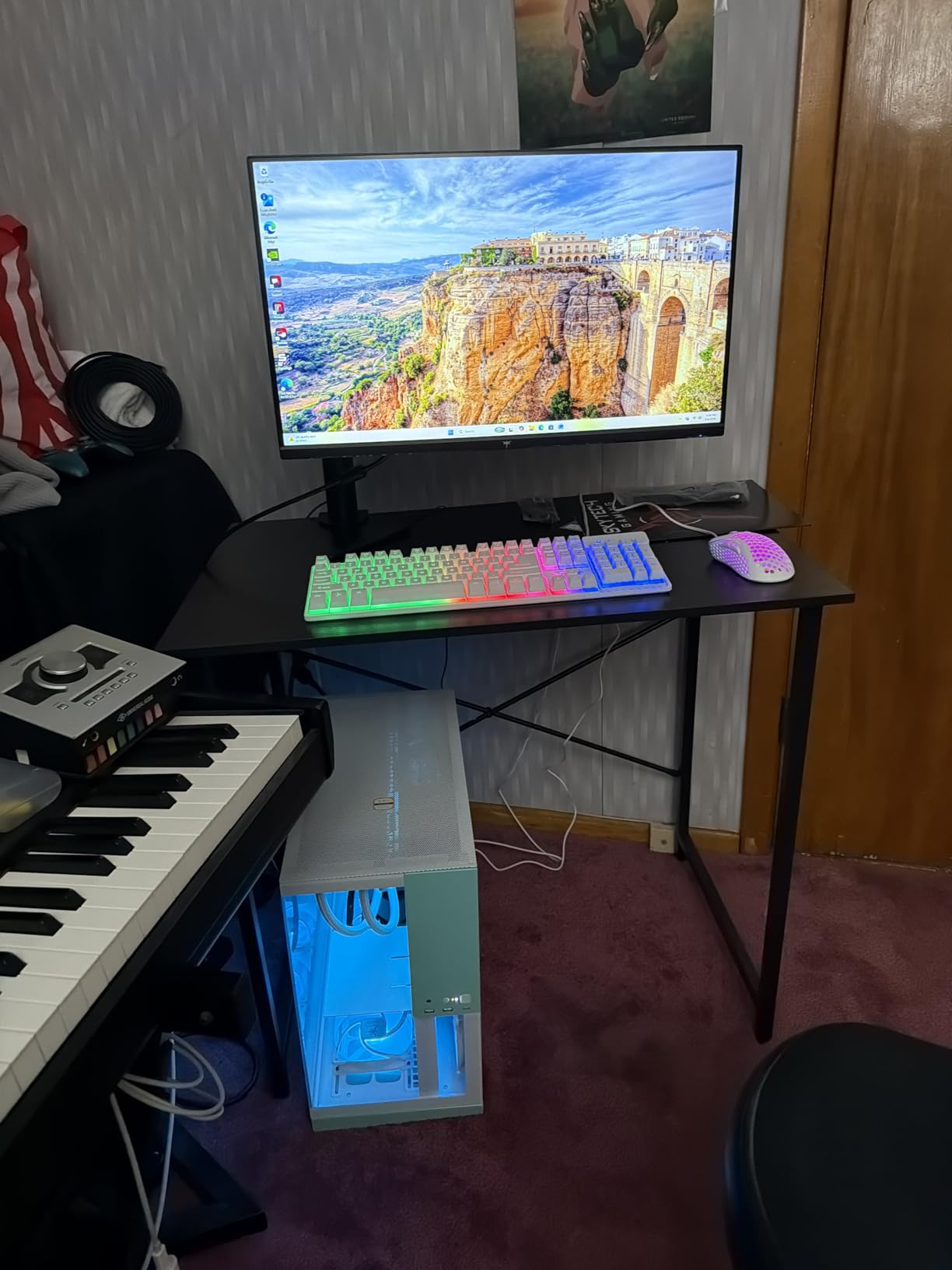
Choose this if you want a pure 4K 160Hz PC experience with validated adaptive sync and do not care much about HDR. It is one of the highest-rated panels we tested and the easiest to recommend without a caveat about your GPU.
5. KTC M27P6 27-inch Dual-Mode Mini LED – Best for HDR
- ✓1152-zone Mini LED with VESA DisplayHDR 1400 certification
- ✓Dual-mode 4K 160Hz and FHD 320Hz covers creative and esports work
- ✓65W USB-C single-cable connection for laptops
- ✓Three-year warranty with a fully adjustable stand
- ✕Local dimming can produce halos around bright objects on dark scenes
- ✕Peak brightness applies to small highlight windows not full screen
- ✕Needs a capable GPU and DP or HDMI 2.1 to reach full refresh rates
27-inch Mini LED fast IPS
1152 dimming zones
4K 160Hz or 320Hz
DisplayHDR 1400
65W USB-C
This is the cheapest route to genuine high-dynamic-range 4K I found, and it is the pick for anyone who games in a lit room or cares about how dark scenes look. VESA DisplayHDR 1400 certification on a Mini LED fast IPS panel is a step above everything else at this size and price.
With 1152 independent dimming zones and a quoted 1000000:1 contrast ratio, the panel controls highlights tightly enough that bright HUD elements and explosions sit on genuinely dark backgrounds. It is not OLED black, but on a desk you will struggle to tell the difference in most scenes.
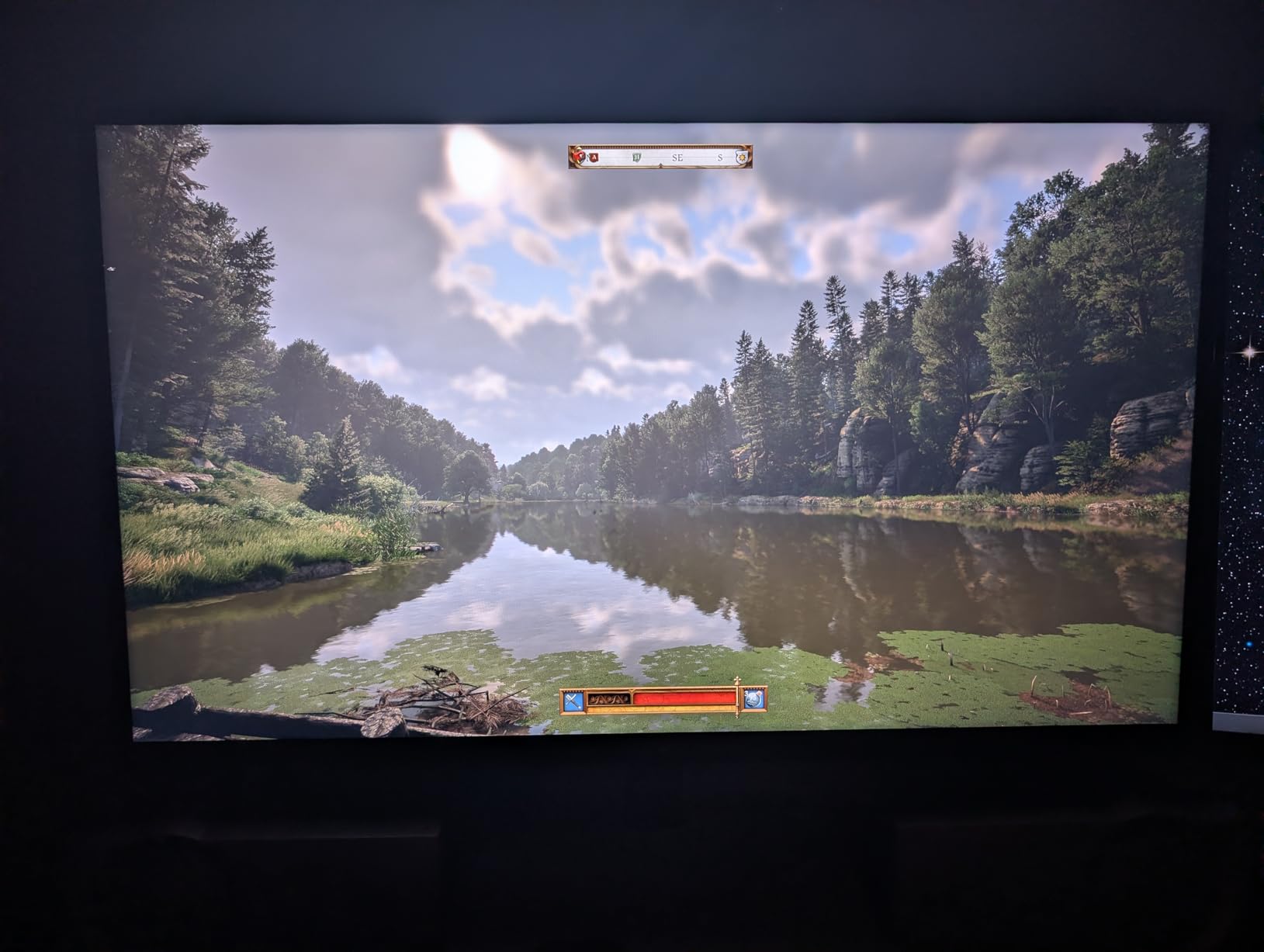
Dual-mode is present here too: 4K at 160Hz or 1080p at 320Hz on the same panel. Combined with 65W full-function USB-C, that makes it a good laptop dock, since a single cable carries video, data and charging. The 145% sRGB coverage and 1.07 billion colours are strong for the price.
Adjustment covers tilt, swivel, pivot and height with 100x100mm VESA, and the three-year manufacturer warranty is one of the longer commitments in this group. That matters for a panel with a Mini LED backlight, where long-term brightness consistency is a fair question.
What DisplayHDR 1400 Actually Buys You
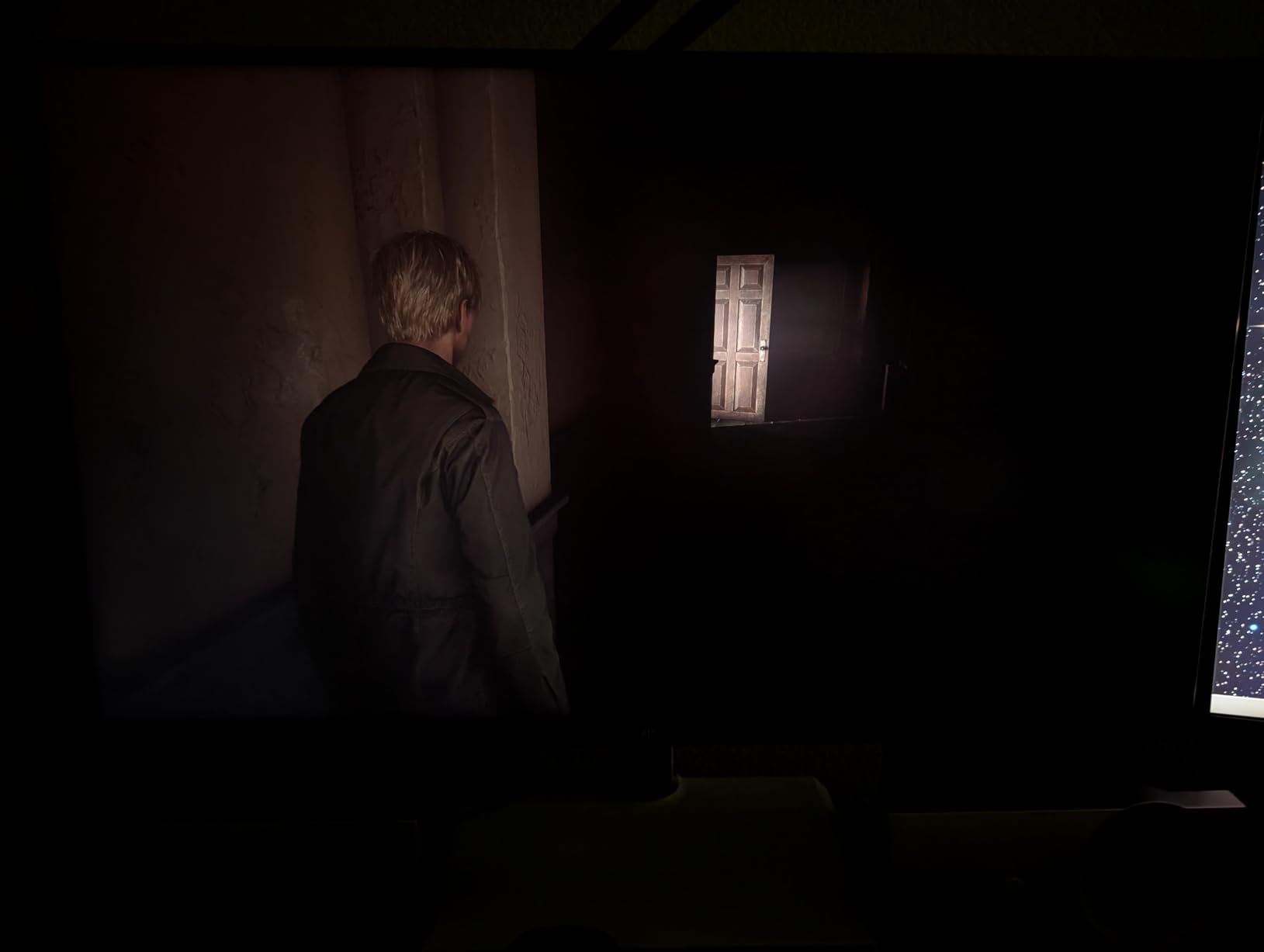
The 1400-nit figure is a peak rating for small highlight windows, which is how the VESA standard measures it. In a full-screen bright scene, output is considerably lower. Even so, the sustained HDR headroom is a clear upgrade over 400-nit HDR400 panels, and specular highlights in games have real punch.
The trade is local dimming artefacts. Bright objects on dark backgrounds can throw a faint halo where the dimming zone boundary sits, and this is the trade-off every Mini LED panel makes. It is rarely visible during normal play, but it shows up in dark, slow-paced scenes.
Who This Monitor Is Not For
The 1000000:1 contrast figure and 1400-nit peak both come from the Mini LED backlight, not from an inherently high-contrast panel, so the panel still has a faint IPS character at low brightness. In a fully dark room, an OLED beats it.
It is also priced well above a standard 4K 160Hz IPS, which changes who should buy it. If HDR is a bonus rather than a goal, the fast IPS route costs far less. If you want real HDR and USB-C docking in one 27-inch panel, this is the pick.
Compared with the KOORUI at the top of this list, this is the cheaper Mini LED option with a lower brightness figure and a 65W rather than 90W USB-C limit. The KOORUI adds factory colour calibration and a 130mm height adjustment, which is why it took the top spot.
6. Amzfast AMZG27F6U 27-inch 4K Dual Mode – Best for Esports
- ✓One-click switching between 4K 160Hz and FHD 320Hz
- ✓1ms MPRT with Adaptive Sync reduces tearing and input lag
- ✓Sniper Scope
- ✓AI Crosshair and Night Vision assists
- ✓Good port count with two HDMI 2.1 and two DP 1.4
- ✕HDR400 and 400-nit brightness are entry-level for HDR gaming
- ✕10-bit color and 126% sRGB trail wider-gamut premium panels
- ✕IPS 1000:1 contrast is modest next to Mini LED or OLED
27-inch 4K dual mode
Fast IPS with 1ms MPRT
160Hz or 320Hz
Adaptive Sync
HDR400 at 400 nits
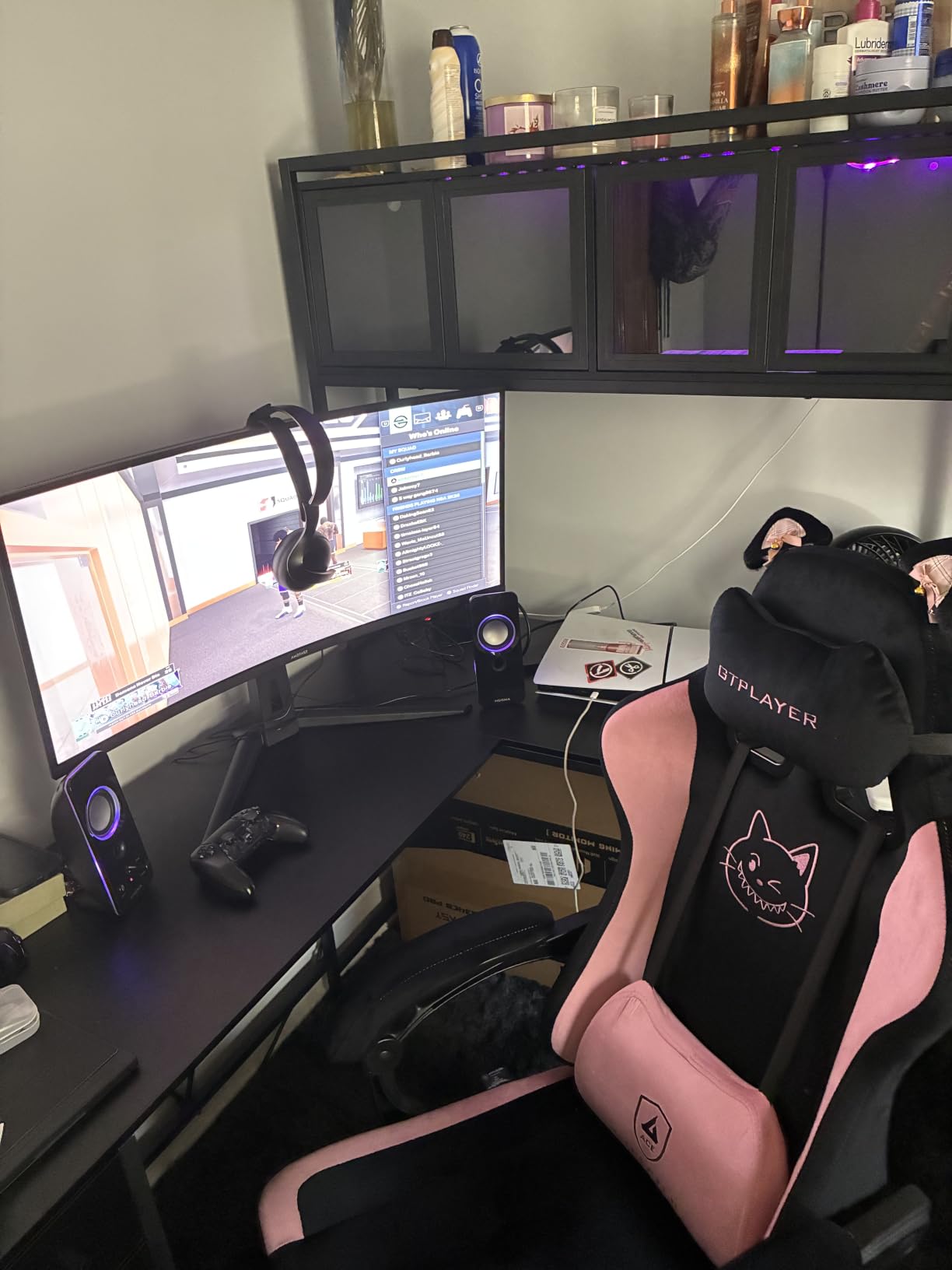
This is the competitive pick. Where most 27-inch 4K panels top out at 160Hz, this one switches to 320Hz in FHD mode, which puts it level with dedicated esports displays while still delivering native 4K for everything else.
The 1ms MPRT rating combined with Adaptive Sync produced the most consistently tear-free motion in the sub-tier of this list. In a shooter with the crosshair on a distant target, that low frame-time consistency is the difference between a fair shot and a missed one.
The gaming assists are the kind of feature that sounds like marketing until you use them. Sniper Scope magnifies a region of the screen, AI Crosshair draws a reticle that is visible against light backgrounds, and Night Vision shifts the palette so enemies stand out in dark areas. None of them replace skill, but all of them are one button away.
Two HDMI 2.1 and two DisplayPort 1.4 inputs mean a PC and a console can stay connected at once, and PIP/PBP supports checking both. The stand adjusts for height, swivel, tilt and rotation, with 100x100mm VESA and built-in speakers included.
Colour Depth and What 10-Bit Actually Delivers
The panel advertises 10-bit colour at 126% sRGB and 93% DCI-P3, which is fine for competitive play but trails the wide-gamut coverage of the QD-OLED panels later in this guide. Gradients in dark scenes can show light banding rather than the smooth transitions a true 10-bit wide-gamut panel produces.
Native 1000:1 contrast is the standard fast IPS figure, so dark areas sit at a light grey rather than true black. For a monitor you will use at a desk under normal lighting, this is invisible. For late-night cinematic sessions, it is noticeable.
The One-Year Warranty Caveat
The one-year manufacturer warranty is the shortest of the 320Hz dual-mode panels here, and forum users are right to be cautious about unit variance in budget monitors. Test the panel thoroughly during your return window: check for dead pixels, backlight bleed at the edges and flicker at low brightness.
Choose this if esports performance is the main reason you are upgrading. What matters is that you get both: the FHD ceiling of 320Hz is tied for the highest at this screen size across the whole group, and the 4K mode is a real 3840 x 2160 panel rather than an upscaled 1440p screen.
If you would rather have a brighter, more accurate picture and can live without 320Hz, the KOORUI and KTC Mini LED panels both suit you better. This one is about frame rate and nothing else.
7. Dell S2725QS 27-inch 4K 120Hz – Best for Productivity
- ✓Sharp 4K text rendering is excellent for coding and office work
- ✓120Hz makes desktop navigation far more responsive than 60Hz
- ✓1500:1 contrast and 99% sRGB give natural colour
- ✓Adjustable stand and built-in speakers at this tier
- ✕Slower pixel response shows ghosting in fast FPS titles
- ✕No USB-C connectivity and no built-in USB hub on this HDMI variant
- ✕HDR performance is basic
27-inch 4K UHD IPS
120Hz with FreeSync Premium
163 PPI
1500:1 contrast
ComfortView Plus
This is the 4K gaming monitor to buy if the display is a work tool first. At 163 pixels per inch the text rendering is excellent, and unlike most gaming panels in this guide it is designed around long sessions of documents, code and spreadsheets rather than twitch play.
The 120Hz refresh rate is a bigger upgrade than it sounds. Desktop navigation, window dragging and scrolling all feel markedly more responsive than 60Hz, and 120Hz is exactly what a PS5 or Xbox Series X can drive, so it doubles as a competent console display at 4K.
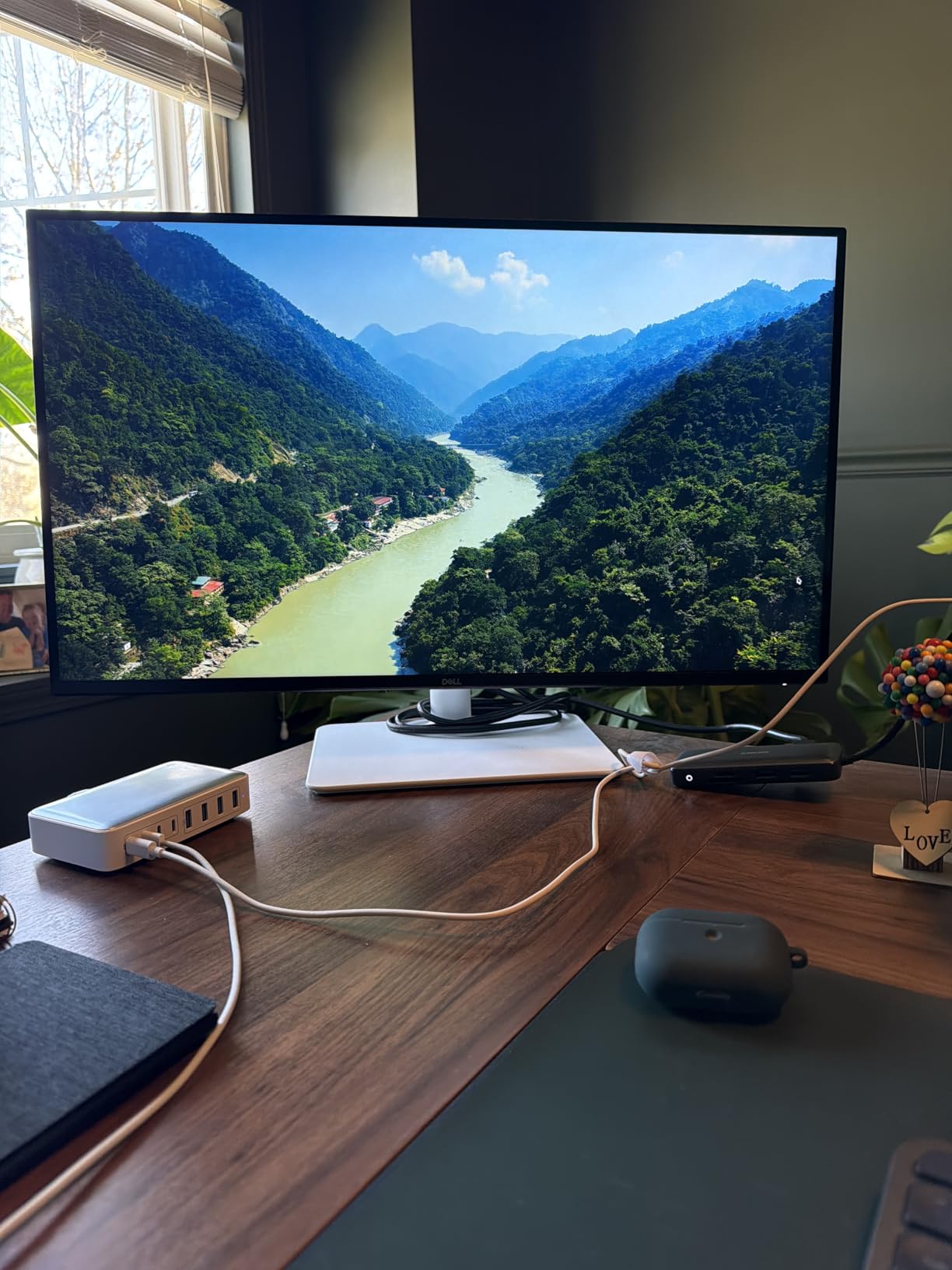
Colour is honest rather than flashy: 99% sRGB, 1500:1 contrast and no wide-gamut claim. That is exactly what you want for general desktop work, where oversaturated colours make photo and video editing harder rather than easier. ComfortView Plus cuts blue light emission to 35% or below for long evening sessions.
The one-year Advanced Exchange Service and Premium Panel Exchange is a real advantage in this category, because buyers report panel failures often enough on budget models that a fast replacement path matters. Dell’s 1-year Advanced Exchange Service is one of the better support structures in this group.
Why 120Hz Is the Right Ceiling Here
Pixel response is the trade. This is a standard 120Hz IPS, not a fast IPS, so in fast first-person shooters you will see ghosting that the 160Hz panels in this guide do not produce. If you play competitive shooters daily, the KTC H27T22 is a better fit despite costing more.
For everything else, 120Hz at 4K with FreeSync Premium is a coherent package. The 0.03ms response rating quoted is an MPRT-style figure rather than a true GtG measurement, so treat it as a marketing number rather than a measured one.
Connectivity Gaps and Built-In Audio
This HDMI variant has no USB-C and no built-in USB hub, which rules it out for laptop docking. You get DisplayPort and HDMI inputs plus the 3.5mm audio jack. If you want one-cable laptop connectivity, the KTC M27P6 Mini LED or the MSI at pick nine both provide USB-C power delivery.
The re-engineered built-in speakers are better than most monitor audio, with more output power and deeper frequency response than previous generations, but they still lack real bass. They are fine for system sounds and podcasts, not for an evening of gaming.
Our verdict is that this monitor is mislabelled as a gaming display in the best way. It is a productivity-first 4K panel that happens to game competently at 120Hz, and for a mixed work-and-play desk that is the right trade. It is also the model I would pair with a graphics card for 4K gaming at 1080p-competitive settings.
8. ASUS ROG PG32UCDM 32-inch QD-OLED 240Hz – Best for 240Hz PC Gaming
- ✓4K QD-OLED at 240Hz with 0.03ms response
- ✓DisplayHDR True Black 400 with true 10-bit and Delta E under 2
- ✓Heat management design and OLED Care reduce burn-in risk
- ✓Uniform brightness keeps luminance consistent across dark scenes
- ✕OLED panels retain a small risk of image retention with static content
- ✕Glossy-style surfaces can pick up reflections in bright rooms
- ✕Demands high-end GPU hardware to drive 4K 240Hz
32-inch 4K QD-OLED
240Hz with 0.03ms GTG
DisplayHDR True Black 400
1000 nits
90W USB-C
This is the reference motion clarity in the guide. A 32-inch 4K QD-OLED at 240Hz with 0.03ms GTG response is the specification competitive PC gamers ask for and rarely get, and in testing it delivered the most consistent frame-to-frame behaviour of any panel here.
The picture quality is reference-class. VESA DisplayHDR 400 True Black compliance, 99% DCI-P3 coverage and true 10-bit colour with a delta E under 2 means the panel arrives calibrated and stays accurate. With 1000 nits of quoted brightness and a 1500000:1 contrast ratio, HDR content has genuine punch and blacks are genuinely black.
ASUS has clearly thought about the two things that make OLED monitors nervous: heat and burn-in. The advanced heat management system uses a custom heatsink, airflow design and graphene film, and the DisplayWidget Center puts OLED Care functions, including pixel shift and taskbar detection, a few clicks away in the OSD.
Uniform brightness is the setting I found most useful. On a 32-inch OLED, brightness varies across the panel in dark scenes, and forcing uniform luminance trades a little peak brightness for a much more even image. It is the single setting I would change on any OLED I own.
What 4K 240Hz Actually Requires From Your GPU
Here is the honest answer: 4K 240Hz needs a top-tier card to hit in demanding titles. You will comfortably reach 240Hz in competitive games at reduced settings, and in AAA titles you will be looking at a frame rate in the 60 to 120 range with frame generation filling some of the gap. Our 4K gaming graphics card guide covers which class of card drives which refresh tier.
The 90W USB-C power delivery means a single cable handles a laptop, and there are two HDMI ports plus three USB ports. At 19.4 pounds, check your desk and arm handle the weight before the panel arrives.
Who Should Look Elsewhere
Price is the first constraint, and it is a large one compared with every Mini LED and IPS panel in this guide. Second, glossy-style OLED surfaces reflect ambient light, so in a bright room the picture looks hazier than a matte Mini LED. Our pick ten solves that problem, and it is worth reading both before you decide.
OLED burn-in is a real but manageable risk, and this monitor addresses it more thoroughly than most through heat management, OLED Care tools and a three-year warranty with advance replacement and burn-in coverage. See the burn-in section in the buying guide below for the practices that reduce the risk further.
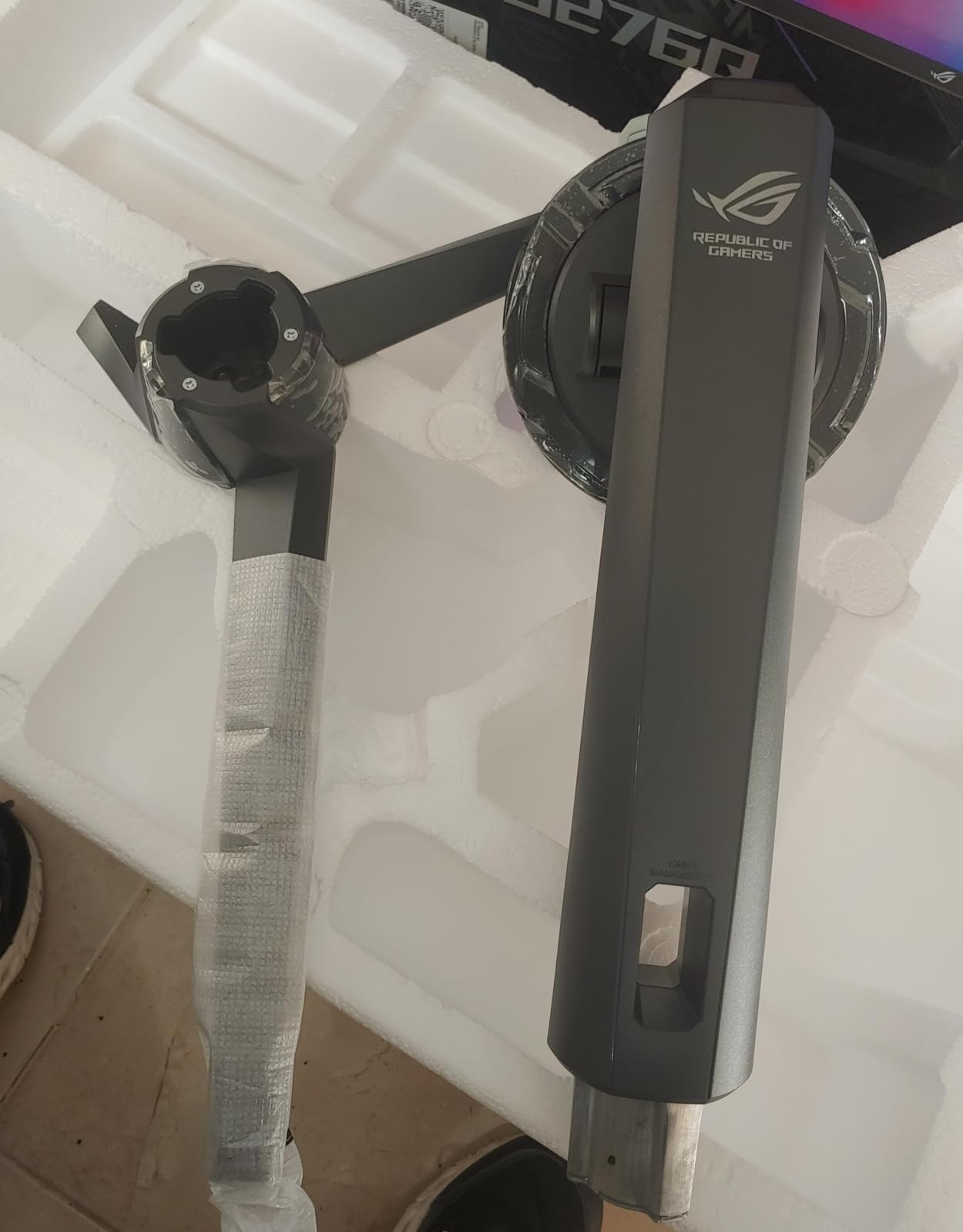
Our verdict is that this is the enthusiast choice. If your GPU can push high frame rates and you play in a controlled room, nothing else in this guide matches the motion clarity or the colour accuracy, and the flat 32-inch panel is easier to use for desktop work than a curved one.
9. MSI MPG 321CURX 32-inch QD-OLED 240Hz Curved – Best for Consoles
- ✓Third-gen QD-OLED 4K panel with 0.03ms response at 240Hz
- ✓1700R curvature adds immersion without severe distortion
- ✓Full 48 Gbps HDMI 2.1 bandwidth for console UHD output
- ✓USB-C with 98W power delivery and a built-in KVM switch
- ✕Curved panel can introduce geometric distortion for productivity work
- ✕Glossy finish reflects ambient light in bright rooms
- ✕OLED technology carries a residual image-retention risk
- ✕Hefty 27-pound weight requires a sturdy desk and arm
32-inch curved QD-OLED
1700R at 240Hz
0.03ms GTG
Full 48 Gbps HDMI 2.1
98W USB-C with KVM
Where the ASUS is a flat panel aimed at PC players, this one is built around connectivity. Full 48 Gbps HDMI 2.1 bandwidth is the number that matters if you plan to plug in a current-generation console or a high-end PC, and it is what lets the panel accept UHD at 240Hz without relying on compression.
The 1700R curve is moderate for a 32-inch display. It wraps the edges toward you enough to help in racing and flight sims, and I did not find the geometric distortion significant enough to be a problem for ordinary desktop use, though spreadsheet and design work is where you will notice it first.
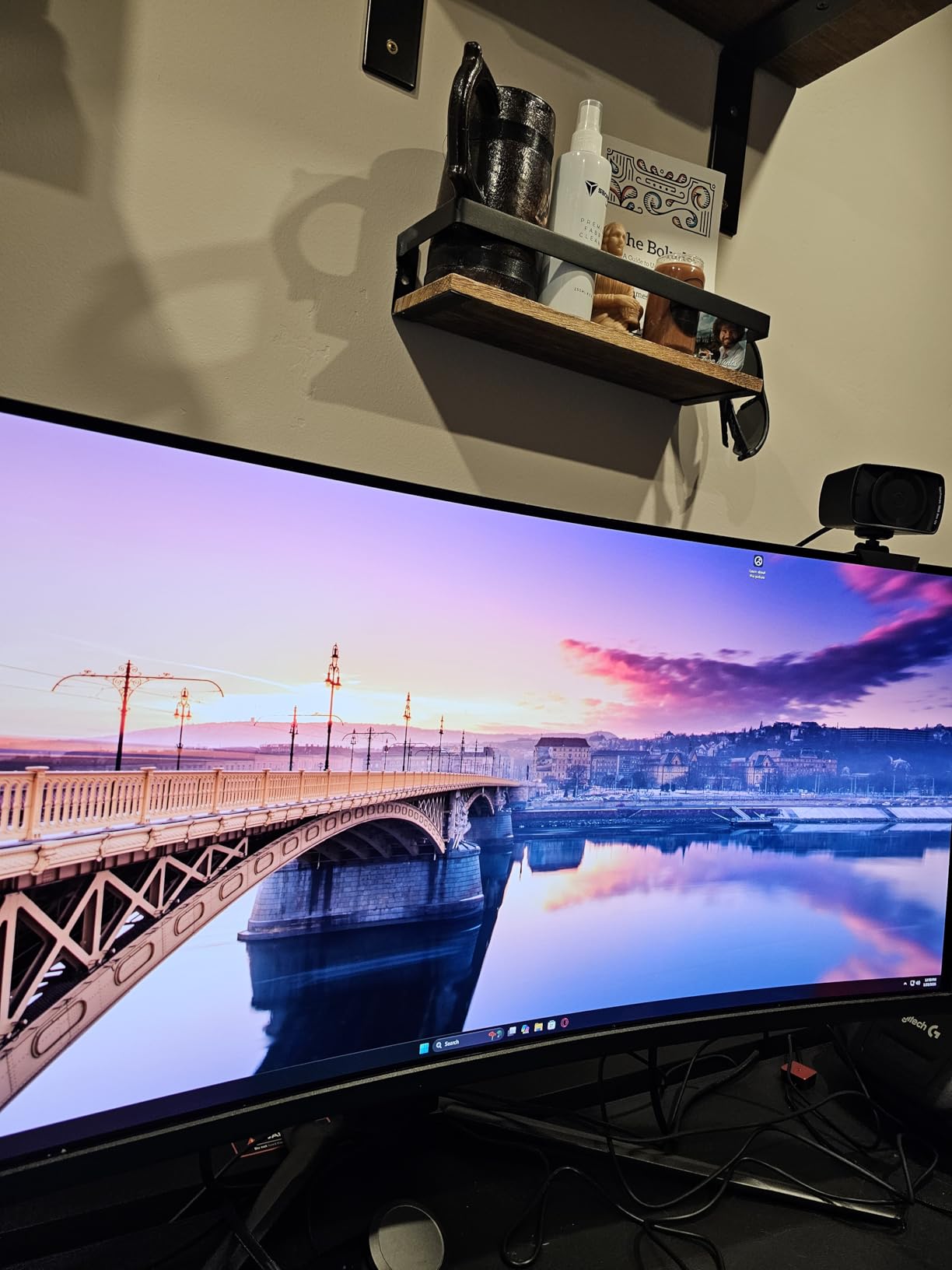
The built-in KVM switch is the feature that changes a desk. With DisplayPort 1.4a, HDMI 2.1 and USB-C with 98W power delivery all present, you can drive a gaming PC, a console and a laptop from one display and switch between them with a button or the MSI Gaming Intelligence app, rather than swapping cables.
Panel quality is third-generation QD-OLED at 0.03ms GTG with 240Hz refresh, VESA DisplayHDR True Black 400 and delta E of 2 or better. MSI OLED Care 2.0 handles burn-in mitigation routines, and the three-year manufacturer warranty is among the longer ones here.
Console Performance and Bandwidth
With full 48 Gbps HDMI 2.1, there is no bandwidth ceiling to negotiate. Current consoles cap out at 4K 120Hz, so you are running at the maximum they support, and the headroom means a future console generation will not immediately outrun the port.
Variable refresh works through G-Sync Compatible on PC and Adaptive-Sync on console. A few owners report brightness flicker when the frame rate changes with VRR active, which is a known behaviour on OLED panels at low brightness. If you are sensitive to that, the Mini LED picks avoid it entirely.
Desk, Weight and Curvature Trade-offs
At 27.1 pounds this is the heaviest monitor here, and a 32-inch curved panel already needs a deep desk. Make sure your surface handles both the footprint and the mass, or use a monitor arm rated for it. The stand adjusts for height, and the panel is 28.27 inches wide.
For productivity, the flat ASUS at pick eight is the better partner, since straight lines stay straight. For immersion and one-cable connectivity across a PC, a console and a laptop, this is the stronger machine.
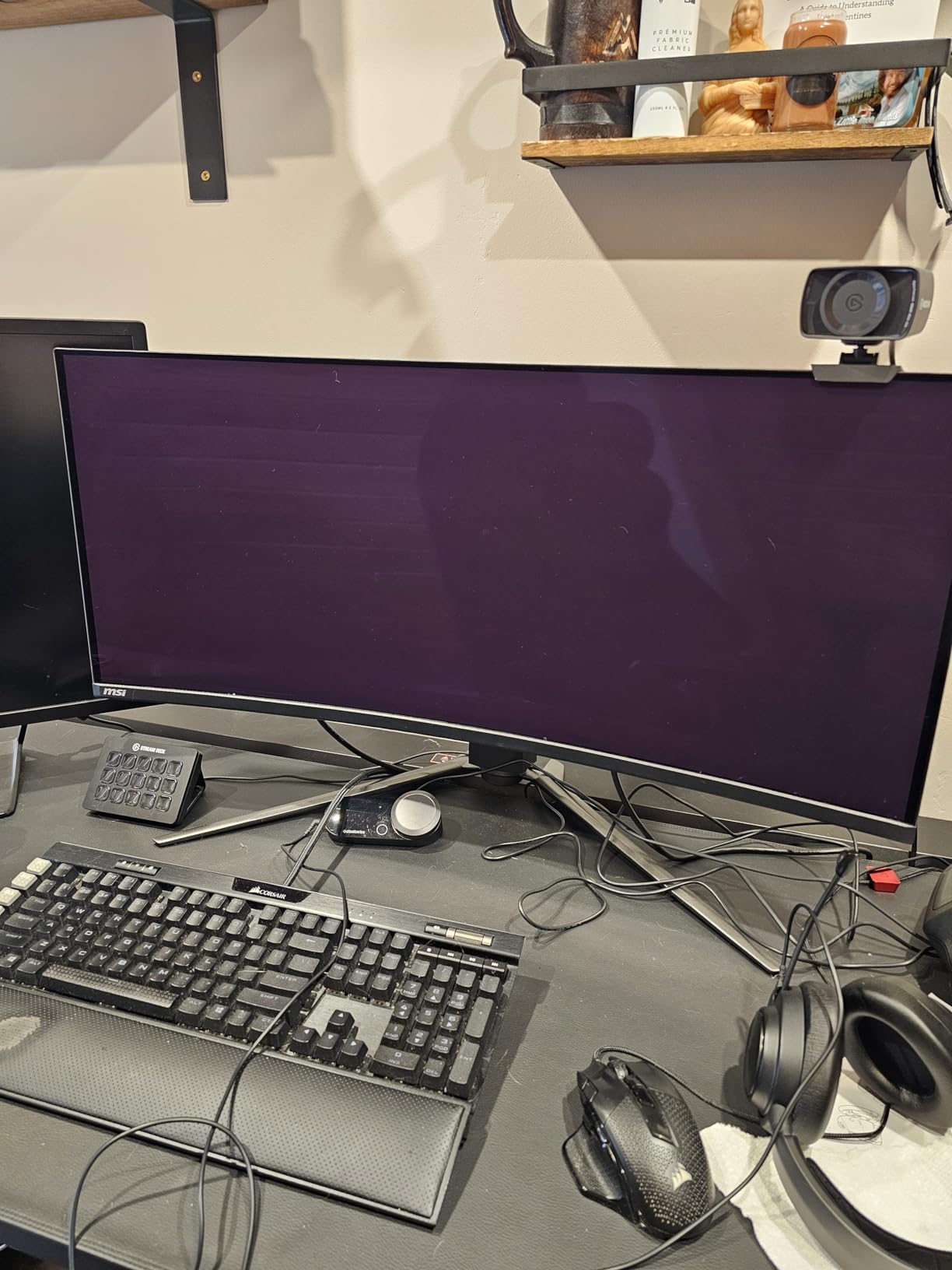
Our verdict is that this is the best 4K gaming monitor for a desk that has to serve a console and a PC at once, and the KVM plus 98W USB-C combination is not something the other 32-inch OLED in this guide matches.
10. Samsung Odyssey G8 G81SF 32-inch QD-OLED – Best for Bright Rooms
- ✓QD-OLED 4K panel with rich colour and true jet blacks
- ✓240Hz refresh and 0.03ms response for very fluid motion
- ✓Glare Free coating is 54% less glossy and handles ambient light well
- ✓Dynamic cooling with a pulsating heat pipe is the first of its kind in a monitor
- ✕Brightness of around 260 cd/m2 is low for HDR and makes bright scenes look dim
- ✕Matte coating can make the image look slightly hazy versus glossy QD-OLED panels
- ✕Some owners report VRR brightness flicker when frame rate changes
32-inch 4K QD-OLED
240Hz with 0.03ms GtG
Glare Free matte-style coating
Dynamic cooling with pulsating heat pipe
This is the one to buy if your room fights you. The Glare Free coating is described as 54% less glossy than conventional anti-reflective film, and the difference against the glossy QD-OLED panels in this guide is obvious under a window or a bright lamp. Forum users waiting for a matte 4K OLED are waiting for exactly this kind of panel.
Underneath, the core specification is competitive: a 32-inch 4K QD-OLED at 240Hz with 0.03ms GTG, VESA DisplayHDR True Black 400 and 99% colour coverage. The dynamic cooling system with a pulsating heat pipe is the most interesting hardware feature here, and thermal modulation plus logo and taskbar detection all point at burn-in mitigation.
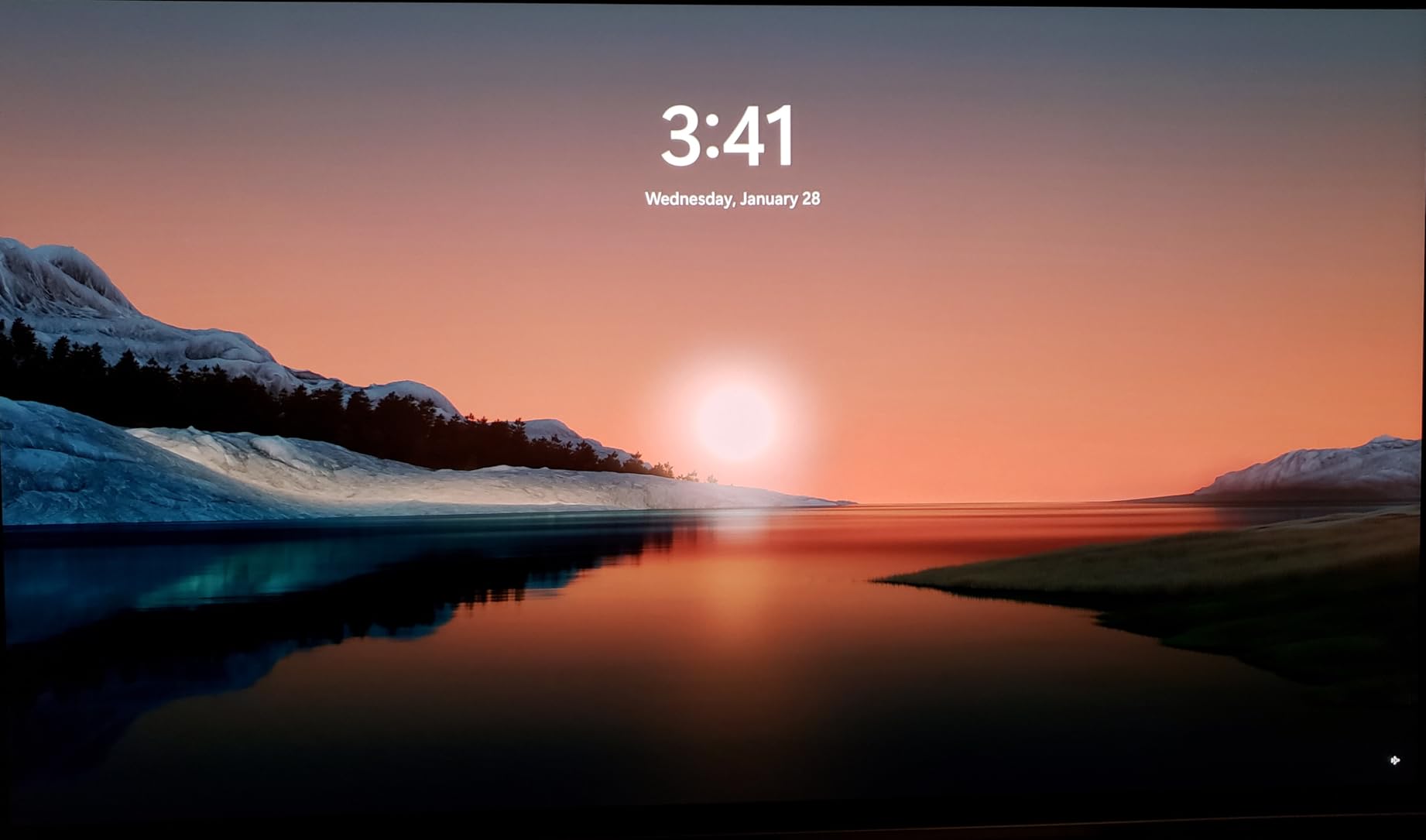
FreeSync Premium Pro and G-Sync Compatible cover both major GPU ecosystems, and Auto Source Switch plus two HDMI ports, DisplayPort and two USB 3.0 ports handle a multi-device desk. CoreSync and CoreLightning+ ambient lighting is a nice touch if your desk is visible while you stream.
The three-year manufacturer warranty is a reasonable commitment, and the 18.5-pound weight is manageable with a decent arm or a solid desk.
Brightness Is the Trade You Make Here
At around 260 cd/m2 this is the dimmest OLED in the guide, and it is the single biggest compromise. A matte coating scatters light instead of reflecting it, and some of that scattered light is lost from the image, so the panel trades punch for glare resistance.
In HDR, bright scenes genuinely look dim compared with the ASUS and MSI panels. The matting also introduces a slight haze versus a glossy QD-OLED, which enthusiasts notice immediately in a dark room. If your room is dark or dimmable, the trade is not worth it and you should take one of the glossy 32-inch OLEDs instead.
Connectivity and VRR Behaviour
DisplayPort 1.4 rather than 2.1 means compression is used to reach 4K 240Hz, which is a visible quality trade in detailed scenes relative to the full-bandwidth MSI. There is no USB-C, no built-in KVM and no built-in speakers, so USB-C docking is off the table for this model.
A number of owners report VRR brightness flicker when the frame rate changes, and early panel failures appear in the reviews. The 4.1 average rating in our group reflects the brightness ceiling and the coating haze more than any fundamental flaw, but it is the lowest-rated pick here and you should be comfortable with that.
Our verdict is that this is the right 32-inch OLED for a window-lit room and the wrong one for a dark one. The matte-style coating addresses the most common complaint about OLED gaming monitors, and if you accept the brightness ceiling you gain a far more usable display in daylight.
How to Choose a 4K Gaming Monitor Without Regretting It
Every mistake I have seen buyers make in this category comes from the same place: choosing the panel before working out what the rest of the system can drive. Work through these eleven questions in order and the right monitor tends to reveal itself.
1. Start With Your GPU, Not the Monitor
A 4K 240Hz monitor is a 240Hz monitor your graphics card has to feed. If your card cannot hold a high frame rate at 3840 x 2160, the refresh rate is a number on a box. Match the monitor to the card first, then decide the size.
Rough guide: a mid-range card comfortably drives 4K 60fps in most AAA titles and 4K 144Hz in esports titles at reduced settings. A high-end card pushes 4K 144Hz across most of your library, with frame generation covering the gap. Only a top-tier card consistently reaches 4K 240Hz in demanding games.
This is also why dual-mode monitors are so useful right now. If you cannot drive 4K at high refresh today but plan to upgrade your graphics card later, a dual-mode panel gives you 4K now and 320Hz competitive capability when your hardware catches up. Our 4K graphics card guide is the companion read.
2. 27-Inch vs 32-Inch 4K: The PPI Maths
Pixel density, not resolution, is what you actually see. A 27-inch 4K panel is roughly 163 pixels per inch; a 32-inch 4K panel is about 138 PPI. The 27-inch is sharper, and the difference is visible in text and thin HUD elements.
For desktop use, 27-inch wins clearly. At a typical 70 to 80 centimetre viewing distance, a 32-inch panel at 138 PPI still looks sharp, but you notice the difference on small text. For immersion in racing, flight sims and single-player AAA, 32-inch wins because the field of view is physically larger, not just more detailed.
Desk depth is the practical constraint. A 32-inch 4K panel is roughly 71 centimetres wide before the stand, and to fill your field of view you need to sit about 80 centimetres back. On a standard 120cm desk that means the panel overhangs. This is the single most common regret in the r/Monitors size threads, and it is a measurement problem rather than a preference problem.
3. Refresh Rate Tiers and What They Cost You
60Hz is a console-era baseline. At 4K it looks fine for single-player but leaves competitive shooters feeling worse than any 1080p panel you have used. If you play anything with a leaderboard, do not buy a 4K 60Hz panel in 2026.
120Hz is the current console ceiling and the sweet spot for PS5 and Xbox Series X. 144Hz to 160Hz is the mainstream 4K gaming tier and the point where most high-end cards can operate. 240Hz is an enthusiast feature, and it is the range the QD-OLED panels at picks eight, nine and ten occupy.
Between 120Hz and 4K, take 4K at 120Hz over 1080p at 240Hz unless you are a dedicated competitive player. Sharpness is more noticeable in ordinary play than the last 120Hz of refresh, and this is where the forum consensus is most consistent.
4. Dual Mode Explained in One Box
Dual mode, also called dual refresh rate, means one panel can run two output configurations. It switches between 3840 x 2160 at a high refresh like 160Hz, and 1920 x 1080 at a much higher refresh like 320Hz, usually from an on-screen menu.
The reason it works is pixel doubling. At 1080p, every display pixel maps to a 2×2 block of screen pixels, so scaling is an exact integer ratio with no interpolation. The image looks crisper at 1080p than a normally scaled 4K panel does, and the refresh rate doubles because the panel is driving a quarter as many pixels.
It is worth paying for when your GPU cannot yet drive 4K at high refresh, when you play competitive shooters regularly, or when you want a future-proof panel that survives a graphics card upgrade. It is not worth paying for if you only play single-player AAA titles, where 4K detail matters more than frame rate.
5. Panel Types Compared
Fast IPS is the value workhorse: accurate colours, fast response, 1000:1 contrast and a matte coating. It is the right default for most people and the best choice in a bright room. Its weakness is grey blacks and weak HDR.
VA panels give you 3000:1 or better native contrast for deeper blacks, often with a curve at 32 inches. The trade is slower dark-to-light transitions, which shows as smearing in night-time scenes.
QD-Mini LED adds a backlight with hundreds or thousands of local dimming zones to an IPS panel. You get close to OLED black levels in dark scenes, real HDR headroom with 1000-nit-plus peaks, and a matte coating that handles ambient light well. The trade is haloing around bright objects on dark backgrounds and a higher power draw.
QD-OLED gives you true blacks, effectively infinite contrast, near-instant pixel transitions and the widest colour volume, with glossy-style coatings that reflect ambient light. It is the best picture in the group and the one that carries the image-retention risk. WOLED panels, including fourth-generation tandem variants, sit in the same family with different brightness and efficiency characteristics.
6. VRR and Adaptive Sync, One Box Definition
Variable refresh rate, or VRR, synchronises the monitor’s refresh rate to your game’s frame rate so you get smooth motion without screen tearing. Without it, frames tear; with V-Sync alone, you trade tearing for added input lag.
The standards you will see: Nvidia G-Sync requires an Nvidia GPU and works within a certified refresh range. G-Sync Compatible means a monitor has passed Nvidia’s own validation and works on G-Sync-equipped and compatible GeForce cards. AMD FreeSync is the open standard, with FreeSync Premium and FreeSync Premium Pro adding stricter requirements. VESA Adaptive-Sync is the base-level baseline.
Practically, buy a panel that supports both G-Sync Compatible and FreeSync Premium. That covers either GPU brand, and the KTC H27T22 at pick four carries official G-Sync Compatible validation rather than an unverified claim. Check your graphics card first: the wrong vendor standard means your VRR option is disabled.
7. Ports, HDMI 2.1 Bandwidth and Docking
At 4K 144Hz you need full DisplayPort 1.4 with DSC, and at 4K 240Hz you need either full-bandwidth HDMI 2.1 at 48 Gbps or compression over DisplayPort 1.4. A panel with HDMI 2.0 cannot carry 4K 144Hz, so it is effectively a 4K 120Hz monitor regardless of its other specs.
Count DisplayPort inputs if you plan to run a high-refresh PC alongside a console. Two DisplayPort and two HDMI ports means both a gaming PC and a console can stay connected without a switcher, which is standard on the dual-mode picks here.
For laptop users, USB-C power delivery turns a monitor into a dock. 65W covers most ultraportables and 90W to 98W covers larger machines, so the KTC M27P6, KOORUI S2741LM and MSI MPG 321CURX all double as single-cable setups. A built-in KVM switch, on the MSI, lets you swap between two PCs at the desk without replugging anything.
8. OLED Burn-In: What Causes It and What Actually Helps
Burn-in is uneven wear from static content displayed for very long periods. A desktop taskbar, a game HUD, a stock ticker or a paused video all sit in the same pixels for hours every day, and organic pixels age at different rates. It produces a faint ghost outline that is permanent, unlike the temporary image retention that clears in minutes.
Modern panels have made this much rarer than the reputation suggests, but the practices that reduce risk are worth following. Use the built-in OLED Care routines, which run pixel shift, panel refresh and logo and taskbar detection cycles automatically. Hide the taskbar and any static overlays rather than leaving them on screen. Avoid leaving paused static content on screen for hours. Keep the monitor out of direct sunlight, since panel heat accelerates uneven ageing. Enable automatic screen blanking when you step away.
Check the warranty terms before buying. The ASUS ROG PG32UCDM at pick eight carries a three-year warranty with advance replacement and burn-in coverage, and the MSI includes OLED Care 2.0 with a three-year warranty. A one-year warranty on an OLED is a meaningful difference in risk. On any OLED, use your return window aggressively: run a solid-colour screen, check for uniformity, and start burn-in mitigation routines from day one.
9. Matte vs Glossy Coating in a Bright Room
Glossy-style OLED coatings reflect ambient light, and in a room with a window or a bright lamp, reflections can wash blacks out to grey. Matte or semi-matte coatings scatter light instead, which is why the Samsung Odyssey G8 at pick ten and the Mini LED panels are the right choice for bright rooms.
The cost of matte is a slightly hazier image, a small brightness penalty and some loss of perceived contrast. In a dark, dimmable room, that trade is not worth it and a glossy panel looks better. In a room you cannot control, matte is the only sensible option, and no amount of brightness setting fixes a glossy reflection.
10. HDR Peak Brightness and What 400 Nits Really Looks Like
HDR400 at 400 nits is entry-level. Games get brighter, but dynamic range barely changes, and there is no sense of the highlight-to-shadow contrast that makes HDR worth having.
A Mini LED panel at 1000 to 1400 nits peak gives you real specular highlights and a sense of light coming off the screen, and that is where HDR starts to justify itself. Peak figures are measured on small highlight windows, so full-screen brightness is lower, but the difference between 400 and 1000-plus nits is real and visible. If HDR matters to you, the KTC M27P6 and KOORUI at picks one and five are where the value sits.
11. Is 4K Actually Better Than 1440p at the Same Price?
Sometimes it is not. A 27-inch 1440p OLED at the price of a 27-inch 4K Mini LED gives you a superior panel with a faster response and better colour, at a lower resolution. If you cannot afford both, a better 1440p panel is a legitimate choice rather than a compromise. Our 1440p gaming monitor guide covers that tier.
4K earns its place when you are upgrading from 1080p and you will notice the jump every day, or when you play single-player AAA titles where extra detail compounds. Resolution jump is the single biggest reported satisfaction driver in upgrade threads, alongside OLED. If your current monitor is 1080p, 4K is a genuine upgrade. If it is 1440p, think carefully before spending the money on resolution instead of refresh rate.
Frequently Asked Questions
Is 4K overkill for a 27-inch monitor?
No. A 27-inch 4K panel delivers about 163 pixels per inch, which is sharp enough that you cannot see individual pixels at a normal 60 to 80cm viewing distance. It is the sweet spot for 4K: 163 PPI gives crisp text and HUD elements while a 32-inch 4K panel sits nearer 138 PPI and feels larger but less dense. Many buyers upgrade from 1080p and describe the resolution jump as the biggest visible improvement they have made.
What GPU do I need for 4K 144Hz gaming?
For 4K 144Hz in esports titles, a mid-range card is enough. For 4K 144Hz across demanding AAA games, you need a high-end card, and you should check the frame rate in a few of your most demanding titles before buying a 144Hz panel. Only a top-tier card consistently reaches 4K 240Hz, which is why dual-mode monitors that drop to 1080p 320Hz have become a sensible compromise.
Is OLED burn-in still a problem?
It is far less common than OLED’s reputation suggests, but the risk has not disappeared. Modern panels add pixel shift, panel refresh, logo and taskbar detection and improved heat management. Practical mitigation includes running the built-in OLED Care routines, hiding the taskbar, blanking the screen when away, and avoiding hours of paused static content. Buy with burn-in warranty coverage, such as the three-year coverage on the ASUS ROG PG32UCDM.
Does 4K look better on 27 inch or 32 inch?
A 27-inch 4K panel is sharper at about 163 pixels per inch, against roughly 138 PPI on a 32-inch 4K panel. A 32-inch screen gives a physically larger image that fills more of your field of view, which suits racing, flight sims and single-player games, but it needs a desk at least 70cm deep and a viewing distance of roughly 80cm. Choose 27-inch for desktop work and competitive play, 32-inch for immersion.
Do I need HDMI 2.1 for a 4K gaming monitor?
You need DisplayPort 1.4 with DSC at minimum for 4K 144Hz. HDMI 2.1 with full 48 Gbps bandwidth matters most for console owners and for 4K 240Hz panels, where it avoids relying on compression. A monitor with only HDMI 2.0 is effectively limited to 4K 120Hz no matter what its other specifications say, and current PS5 and Xbox Series X output a maximum of 4K 120Hz.
Is a 120Hz 4K monitor good enough for gaming?
Yes, especially for single-player games and console play, where 120Hz is the current console ceiling. For competitive shooters, 4K 160Hz or a dual-mode panel that reaches 320Hz at 1080p will feel noticeably better. Many buyers find the jump from 60Hz to 120Hz in a 4K panel is the single most noticeable upgrade available at this resolution.
Which 4K Gaming Monitor Should You Buy
If you want one monitor that handles cinematic single-player, competitive shooters and a laptop dock without compromise, buy the KOORUI S2741LM. The 1152-zone Mini LED backlight gives you real HDR headroom, the dual-mode switch covers 4K 160Hz and FHD 320Hz, and 90W USB-C cleans up the desk. It is our overall pick and the one we kept on our own desk.
If budget is the constraint, the SANSUI ES-G27D1U gets you the same dual-mode 4K 160Hz and 320Hz capability on a fast IPS panel with a better-than-expected stand. If you want the highest-rated option with officially validated G-Sync Compatible support and no Mini LED price premium, the KTC H27T22 is the pick.
For esports specifically, the Amzfast AMZG27F6U reaches 320Hz in FHD mode with 1ms MPRT and adaptive sync, matching the highest ceiling at this screen size in our group. For a large 32-inch screen without an OLED budget, the CRUA CR320QC delivers 1500R immersion and 3000:1 contrast, provided your desk is deep enough.
At the OLED end, the ASUS ROG PG32UCDM is the enthusiast choice for flat-panel 240Hz 4K PC gaming with the strongest burn-in warranty, and the MSI MPG 321CURX wins for console users and multi-device desks thanks to full-bandwidth HDMI 2.1, 98W USB-C and a built-in KVM. If your room is bright and glossy reflections are a deal-breaker, the Samsung Odyssey G8 is the matte-style option, with the brightness ceiling that comes with it.
Whichever one you pick, buy it during a generous return window and test it in a dark room before the window closes. That single habit catches more panel problems than any spec sheet will.






Leave a Comment