
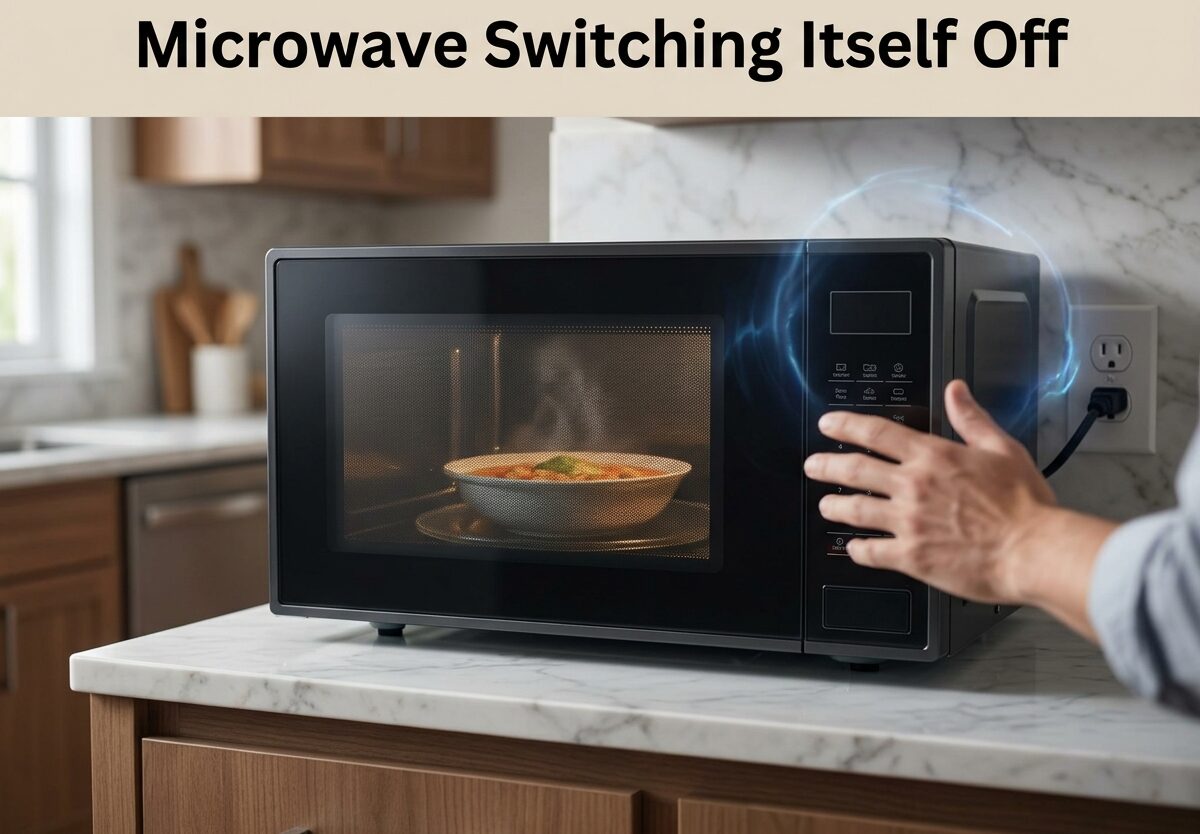
You press start, hear the familiar hum, and begin heating your food. Then, without warning, silence. Your microwave has stopped working mid-cycle. This frustrating issue of a microwave switching itself off happens more often than you might think, and understanding why it’s happening is the first step toward fixing it.
A microwave shutting down unexpectedly is rarely random. It’s typically a safety response triggered by specific conditions inside the unit. The most common culprits include blocked ventilation causing overheating, a failing door switch that can’t detect proper closure, or a malfunctioning cooling fan. Each of these problems triggers your microwave’s internal safety mechanisms to protect both the appliance and your home from potential hazards.
In this guide, I’ll walk you through the specific causes of microwave shutdowns, how to diagnose which issue you’re facing, and practical steps to resolve each problem. Based on my research into hundreds of user reports and professional repair insights, I’ll also help you determine when a fix is worth pursuing and when replacement makes more sense.
Quick Symptom Checklist: What’s Happening With Your Microwave?
Before diving into repairs, identifying your specific symptom pattern can pinpoint the likely cause:
- Microwave stops after 2-3 seconds: Usually indicates door switch failure or latch issues
- Microwave runs for 4-6 minutes then shuts down: Typically overheating from ventilation problems or cooling fan failure
- Interior light goes off but clock display stays on: Suggests thermal cut-out switch activation
- Microwave works only when you hit the control panel: Classic sign of door switch or touchpad malfunction
- Complete power loss including clock: Could be GFI outlet tripping or main control board failure
- Microwave turns off then restarts after cooling: Almost certainly overheating protection activation
⚠️ Critical Safety Warning Before Troubleshooting
Microwave repair involves high-voltage components that can store lethal electrical charges even when unplugged. Before attempting any inspection or repair, follow these safety steps:
- Unplug the microwave from the wall outlet and wait at least 5 minutes before opening the cabinet
- Never touch the high-voltage capacitor – this component can hold enough charge to kill you even days after being unplugged
- Use proper tools – insulated screwdrivers and safety gloves are non-negotiable
- Know your limits – if you’re uncomfortable working with high-voltage appliances, call a professional
- Never bypass safety features – door interlocks and thermal switches exist for your protection
External checks like inspecting air vents and testing outlets are safe for anyone. Internal component testing should only be performed if you have experience with electrical repairs. When in doubt, professional repair is always the safer choice.
Blocked Air Vent: The #1 Cause of Microwave Shutting Down
The most common reason a microwave switches itself off is blocked ventilation. Your microwave generates significant heat while operating, and it requires proper airflow to dissipate this heat. When vents become obstructed, internal temperatures rise rapidly, triggering the thermal cut-out switch to shut down the appliance before damage occurs.
Symptoms of ventilation blockage include your microwave running for several minutes before shutting off, the exterior feeling unusually hot to the touch, or the shutdown happening during longer cooking sessions. Many users report this issue occurs more frequently in warmer months or when using the microwave for extended periods.
Locating and checking your vents: Most microwaves have ventilation slots on the side, top, or rear of the unit. Built-in models often vent through the front grille. Start by inspecting these openings for visible obstructions like dust buildup, grease accumulation, or items stored too close to the appliance.
Microwaves require specific clearance for proper airflow. According to Samsung’s specifications, countertop models need at least 10cm (4 inches) of clearance on both sides and 20cm (8 inches) above the unit. Built-in models have different requirements specified by the manufacturer, but adequate airflow is always essential.
Clearing blocked vents: For surface-level obstructions, simply vacuum the vent areas with a brush attachment or wipe them down with a damp cloth. For grease buildup inside vents, use a degreasing solution and a soft brush to carefully clean the slats. Ensure the microwave has cooled completely before cleaning.
If your microwave is built into a cabinet, check that the installation allows proper airflow. Some installations block ventilation passages, causing chronic overheating issues. In these cases, professional modification of the cabinetry may be necessary.
Door Switch Failure: Why Your Microwave Stops After 2-3 Seconds
If your microwave starts briefly then immediately stops, the door switch assembly is likely the culprit. Door switches are safety components that prevent the microwave from operating if the door isn’t properly closed. When these switches fail or become misaligned, the microwave interprets the door as open and shuts down within seconds of starting.
The telltale sign of door switch failure is the “two-second stop” – the microwave initializes, begins operating, then abruptly stops. Some users report that pressing firmly on the door or hitting the control panel temporarily resolves the issue, which strongly suggests a door alignment or switch problem.
How door switches work: Most microwaves have three door switches – a primary switch, a secondary switch, and a monitor switch. This redundant system ensures the microwave cannot operate with the door open. The primary switch completes the circuit when the door closes, while the monitor switch verifies the door is actually latched. If any switch fails, the microwave won’t operate properly.
Testing door switches requires removing the microwave’s outer cabinet to access the switch assembly. You’ll need a multimeter to test for continuity – the switch should show continuity when the door is closed and no continuity when open. Listen for an audible click when operating the door latch, and inspect for any signs of burning, arcing, or overheating on the switch terminals.
Forum discussions indicate that door switch failure often occurs gradually. Users report the problem becoming more frequent over time, with the microwave working intermittently before failing completely. This intermittent nature can make diagnosis frustrating but also helps confirm the switch is the issue.
Repair considerations: Door switches are inexpensive parts ($10-25) but require some technical skill to replace. The repair involves removing the outer cabinet, disconnecting the switch wires, and installing the new switch. If you’re comfortable with basic electrical repairs, this is a manageable DIY project. Otherwise, expect to pay $75-150 for professional repair.
Cooling Fan Malfunction: When Your Microwave Overheats
The cooling fan is essential for dissipating heat generated during microwave operation. When this fan fails, the interior temperature rises rapidly, triggering the thermal cut-out switch to shut down the appliance. A failing cooling fan typically causes the microwave to run for several minutes before shutting down, with the shutdown time becoming shorter as the problem worsens.
Identifying fan problems: When your microwave is running, listen for the sound of the cooling fan – it should produce steady airflow noise throughout operation. After using your microwave, carefully feel for air coming from the vents (avoid touching hot surfaces). No airflow or unusually weak airflow suggests fan problems.
Common causes of cooling fan failure include debris obstructing the fan blades, worn motor bearings, or electrical failure in the fan motor itself. In some cases, the fan may spin but not move enough air due to dust buildup on the blades or in the ventilation path.
Testing the cooling fan requires accessing the internal components. With the microwave unplugged, you can manually spin the fan blades – they should rotate freely without resistance. Any grinding, binding, or resistance indicates bearing failure. Using a multimeter, you can test the fan motor for proper electrical resistance.
Repair options: If debris is the issue, careful cleaning may restore proper function. For motor failure, replacement of the fan assembly is necessary. This is an intermediate-level repair requiring disassembly of the microwave’s outer shell and careful reconnection of wiring. The part itself typically costs $20-40, while professional repair runs $100-200.
Some users report success with temporary workarounds like placing a portable fan near the microwave’s vents to improve airflow, but this is not a recommended long-term solution and doesn’t address the underlying problem.
Control Board Problems: When Electronics Fail
The main control board acts as your microwave’s brain, coordinating all functions from timing to power regulation. When this component fails, symptoms can include erratic operation, unresponsive buttons, random shutdowns, or complete failure to operate. Control board issues are less common than door switch or ventilation problems but tend to be more expensive to repair.
Distinguishing control board from touchpad issues: The touchpad (the buttons you press) connects to the control board but is a separate component. If specific buttons don’t respond or work intermittently while others function normally, the touchpad is likely the issue. If the microwave displays erratic behavior across multiple functions, shows random error codes, or shuts down unpredictably, the control board is more suspect.
Control board failure often manifests as the microwave doing things completely on its own – starting without input, displaying random numbers, or shutting down mid-cycle with no pattern. Some users report that the microwave works perfectly at certain times of day or in certain weather conditions, which can indicate temperature-sensitive electronic components on the board.
When to suspect the control board: If you’ve ruled out ventilation, door switches, and cooling fan issues, the control board becomes the likely culprit. Other indicators include a burning smell (distinct from food odors), visible damage on the circuit board, or the microwave tripping your circuit breaker when operating.
Repair vs replace: Control board repairs are expensive – parts alone can cost $75-150, with professional labor pushing total repair costs to $200-350. For microwaves over 7 years old, this often exceeds the value of the appliance. If your microwave is relatively new and high-end, control board replacement may be worth considering. For older or budget models, replacement is usually more economical.
GFI Outlet: The Often-Overlooked Culprit
An issue frequently mentioned in forum discussions but rarely addressed in repair guides is the GFI (Ground Fault Interrupter) outlet. These safety outlets, required in kitchens and bathrooms by electrical code, can sometimes cause microwaves to shut down unexpectedly.
How can a GFI outlet affect your microwave? These outlets are designed to trip when they detect even small current imbalances, which could indicate a dangerous electrical situation. Some microwaves, particularly older models or those with internal issues, can cause GFI outlets to trip intermittently, resulting in complete power loss to the appliance.
Testing for GFI issues: The simplest test is to plug your microwave into a different outlet – preferably one on a different circuit if possible. If the microwave operates normally from the new outlet, the GFI is likely the problem. Also check if the GFI’s reset button has tripped – this indicates the outlet has detected an electrical fault.
Forum users report that GFI-related shutdowns often happen randomly, with no specific pattern tied to cooking time or microwave operation. Some users report the microwave works for weeks without issue, then suddenly trips the GFI repeatedly in a single day.
Solutions: If a GFI outlet is causing problems, you have a few options. The microwave itself may have a minor electrical fault that’s triggering the GFI – this could indicate a developing problem with the appliance. Alternatively, the GFI outlet itself may be overly sensitive or failing. Testing with a different GFI outlet can help determine which component is at fault.
While you might be tempted to replace the GFI with a standard outlet, this is not recommended – GFI outlets provide important safety protection in kitchens where water and electricity mix. A better solution is to have an electrician evaluate both the outlet and your microwave to identify the source of the problem.
When to Repair vs Replace: A Practical Decision Framework
Understanding when repair makes sense versus when replacement is the better choice can save you money and frustration. This decision depends on several factors, with the age of your microwave being the most significant consideration.
Age-based guidelines: Microwaves typically last 7-10 years with regular use. If your microwave is under 5 years old, repairs are usually worthwhile – the appliance has plenty of remaining life, and fixing it makes economic sense. For microwaves 5-8 years old, consider the repair cost versus replacement – repairs under $150 are generally worth pursuing. For microwaves over 10 years old, replacement is almost always the better choice; even if repaired, other components will likely fail soon.
Cost considerations: As a general rule, if a repair costs more than 50% of a replacement’s cost, buy new. Basic countertop microwaves start around $100, while mid-range models run $200-400. High-end built-in units can cost $500-1000+. For expensive built-ins, even costly repairs may be worthwhile since replacement involves cabinetry work and installation expenses.
Safety considerations: Some problems signal that a microwave should be replaced rather than repaired. These include radiation leaks (detectable with a simple test from a repair professional), repeated thermal fuse failures, or any repair that requires bypassing safety features. Microwaves with extensive rust or corrosion inside the cooking chamber should also be replaced, as this can cause arcing and present safety hazards.
Efficiency gains: Newer microwaves are often more energy-efficient than older models, and they may include features you’ll find useful. If your current microwave lacks basic conveniences you’d appreciate, upgrading might make sense even if a repair is technically economical.
Signs Your Microwave Is Going Bad (Beyond Just Shutting Off)
While unexpected shutdowns are the most obvious problem, other symptoms can indicate your microwave is approaching the end of its service life. Recognizing these signs early can help you plan for replacement rather than facing a sudden failure.
Slower heating: If your microwave takes longer to heat food than it used to, the magnetron (the component that generates microwaves) may be failing. This is a core component, and replacement is often not economical on older units.
Unusual noises: Grinding, screeching, or buzzing sounds during operation indicate mechanical problems – often the cooling fan, turntable motor, or magnetron. While some of these can be repaired, they often signal broader aging issues.
Sparking or arcing: Visible sparks inside the cooking chamber indicate serious problems. This could be caused by waveguide cover damage, rust spots on the interior, or failing high-voltage components. Any sparking issue requires immediate attention – either professional repair or replacement.
Door or seal problems: If the door doesn’t close properly or the door seal is damaged, the microwave may not be safe to use. Door issues can compromise the microwave’s ability to contain radiation, creating a serious safety hazard.
Frequent fuse failures: If your microwave repeatedly blows thermal fuses or trips circuit breakers, there’s an underlying electrical problem that may not be worth repairing, especially in older units.
Rust or physical deterioration: Extensive rust inside the cooking chamber, particularly on the door or seals, means the microwave should be replaced. Rust can cause arcing and radiation leakage, both of which present safety concerns.
Frequently Asked Questions
Why does my microwave just turn off by itself?
The most common cause is overheating from blocked ventilation. When air vents are obstructed, internal temperatures rise and trigger the thermal cut-out switch to shut down the microwave. Other frequent causes include door switch failure, cooling fan malfunction, or control board problems. The shutdown is a safety feature designed to prevent damage or fire hazards.
What’s the average lifespan of a microwave?
With regular use, a microwave typically lasts 7-10 years. Higher-end models may last longer with proper care, while budget models may fail sooner. Factors like usage frequency, ventilation quality, and power fluctuations can affect lifespan. If your microwave is over 10 years old and experiencing problems, replacement is usually more economical than repair.
Is there a reset button on a microwave?
Most microwaves don’t have a dedicated reset button. If your microwave stops working, try unplugging it from the wall outlet for at least 5 minutes to reset the internal electronics. This can resolve minor control board glitches. For persistent issues, the problem is likely a hardware failure that requires repair or replacement rather than a simple reset.
What are the signs that a microwave is going bad?
Key warning signs include slower heating times, unusual noises during operation, visible sparking or arcing, door seal problems, repeated thermal fuse failures, and rust inside the cooking chamber. If your microwave exhibits any of these symptoms – especially sparking or door issues – discontinue use and consider professional assessment or replacement.
Can a GFI outlet cause a microwave to shut off?
Yes, GFI outlets can cause microwave shutdowns. These safety outlets trip when detecting current imbalances, and some microwaves – particularly older models – can trigger them intermittently. If your microwave works fine when plugged into a different outlet, the GFI may be the culprit rather than the microwave itself.
Conclusion
Dealing with a microwave switching itself off is frustrating, but most causes are identifiable and fixable. Start with the simplest checks – ensure proper ventilation around the unit and verify the outlet isn’t causing problems. These basic steps resolve many cases without requiring any disassembly or repairs.
If ventilation and outlet checks don’t solve the problem, the most likely culprits are door switch failure, cooling fan malfunction, or control board issues – in that order of probability. Remember to prioritize safety, especially when dealing with high-voltage components. If you’re not comfortable with electrical repairs, there’s no shame in calling a professional.
For microwaves over 10 years old or those with multiple failing components, replacement is often the most practical choice. New models offer improved efficiency and features that may make upgrading worthwhile even if a repair is technically possible.
By systematically working through these troubleshooting steps, you can identify why your microwave is shutting down and make an informed decision about repair or replacement. The key is patience – most microwave problems reveal themselves with careful observation and methodical testing.


Leave a Comment