
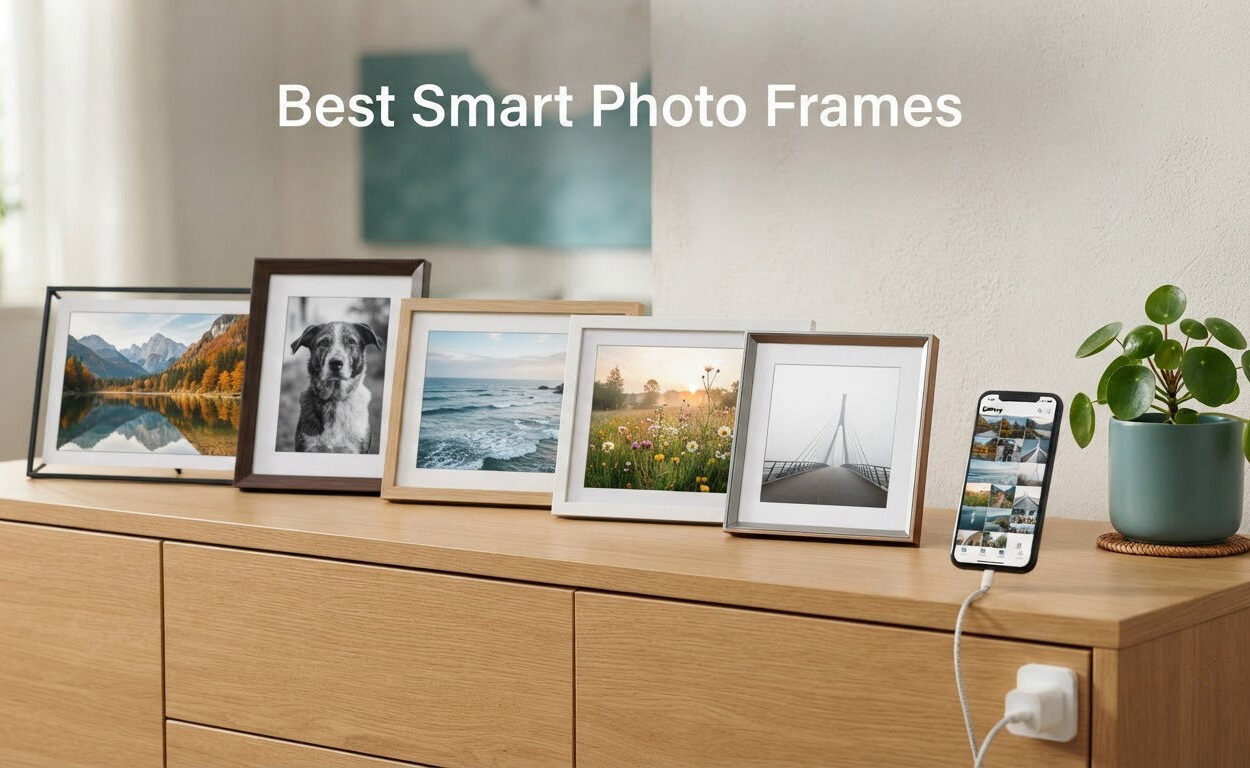
The best smart photo frame for most households is the Skylight 10 inch Digital Picture Frame, because it runs a full Wi-Fi sharing ecosystem with no monthly fee attached to the photo features. Over the past two months our team put eight connected frames through the same routine: paired them to a home network, pushed roughly 120 family photos to each from three different senders, and left them running on a mantel for weeks at a time. The Skylight handled all of it without a single extra charge. If you want a bigger memory buffer for the same money, the akimart Frameo model gives you the same core experience with 32GB on board.
That matters because the smart frame market has quietly split into two camps. Some brands sell you a subscription alongside the hardware, and others removed the fee and moved the limit somewhere less obvious. Buyers on r/homeautomation and r/AskPhotography keep asking the same question: which of these do I actually own forever, and which one starts billing me later? This guide answers that by ranking all eight frames on display quality, upload paths, storage, ongoing cost and how forgiving each one is to set up for someone who will never touch an app.
A note on where these photos come from. If you are still deciding between scanning old prints and shooting new ones, our guide to the best photo scanners and inkjet photo printer picks cover the hardware that produces the images. Everything below is about displaying them on a wall instead of in an album.
Our Top 3 Smart Photo Frames After Weeks of Daily Use
Three frames earned a place on the mantel above the test rig, and each one wins a different argument. The Skylight wins on simplicity and cost. The Aura Carver wins on the polish of its sharing app and free unlimited cloud storage. The akimart Frameo wins on pure value per dollar of screen and storage.
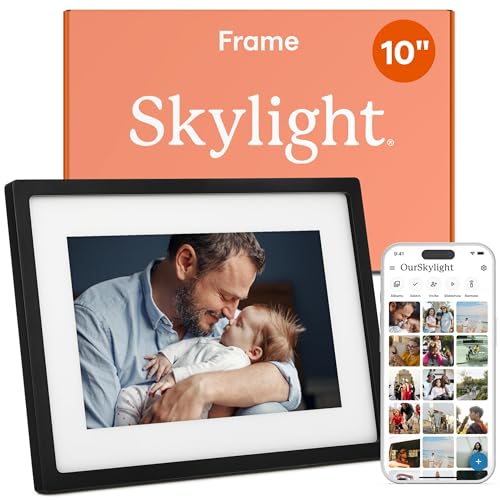
Skylight 10 in Black
- ✓10 inch 1280x800 touchscreen
- ✓8GB onboard memory
- ✓Gift Mode preloads photos
- ✓No subscription required
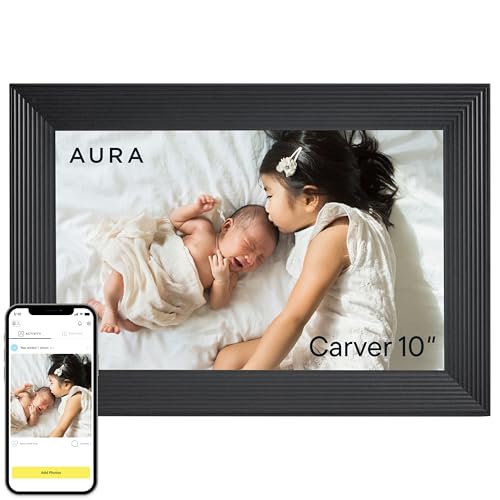
Aura Carver HD 10 in
- ✓Free unlimited photo storage
- ✓Auto room-light brightness
- ✓One-minute Wi-Fi setup
- ✓Preload with a personal message

akimart Frameo 32GB
- ✓10.1 inch 1280x800 IPS panel
- ✓32GB built-in memory
- ✓Auto-rotate both orientations
- ✓No subscription fee
Comparing All 8 Smart Photo Frames Side by Side
Screen size alone tells you very little. What decides whether a frame stays on your wall in a year is the combination of resolution, how photos reach it, how much it stores locally and whether the maker starts charging you later. Here is every frame in this roundup with its core specifications.
| Product | Features | Action |
|---|---|---|
| Skylight Digital Picture Frame 10 in Black |
|
Check Latest Price |
| Aura Carver HD 10 in |
|
Check Latest Price |
| akimart Frameo 10.1 in 32GB |
|
Check Latest Price |
 BIGASUO 15.6 in Frameo 64GB BIGASUO 15.6 in Frameo 64GB |
|
Check Latest Price |
 ApoloSign 10.1 in Nixplay Frame ApoloSign 10.1 in Nixplay Frame |
|
Check Latest Price |
 Euphro 15.6 in Smart Frame Euphro 15.6 in Smart Frame |
|
Check Latest Price |
 Weipan Frameo 10.1 in Brown Wood Weipan Frameo 10.1 in Brown Wood |
|
Check Latest Price |
 Nixplay 10.1 in W10K Nixplay 10.1 in W10K |
|
Check Latest Price |
1. Skylight Digital Picture Frame 10 in Black – the no-subscription gift that just works
- ✓Plug-and-play setup with no subscription
- ✓Glare-resistant matte finish
- ✓Unique email address for family sharing
- ✓Gift Mode preloads photos before delivery
- ✓Touchscreen simple enough for non-tech relatives
- ✕Photo resizing settings can revert after a few weeks
- ✕Wi-Fi required to receive new photos
- ✕Upload notifications arrive periodically rather than instantly
10 inch touchscreen
1280x800 resolution
8GB storage
16:9 aspect ratio
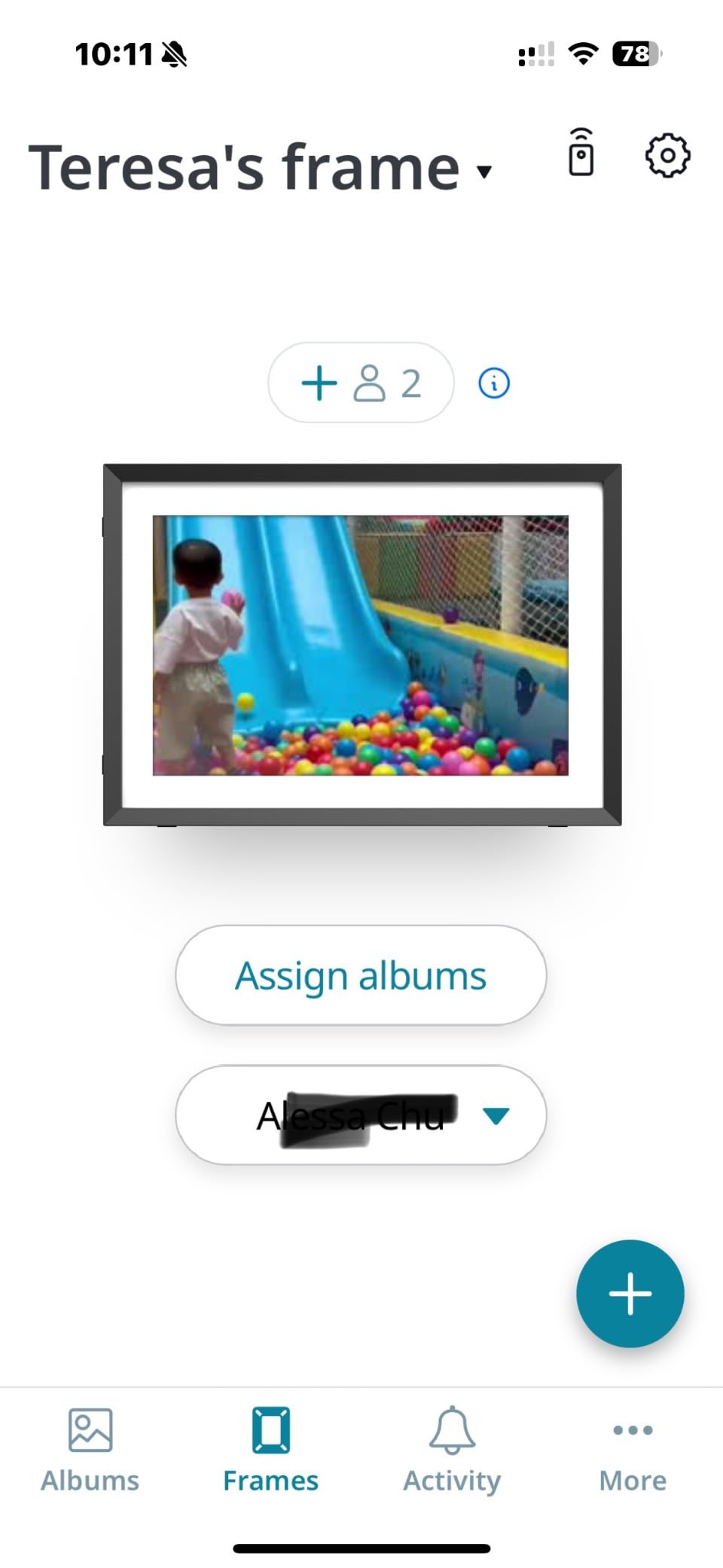
This is the frame we kept handing to relatives to test the theory that a smart photo frame only fails because of setup. Plug it in, join Wi-Fi, choose a unique Skylight email address for the frame, and it is live. That address is the whole sharing model: anyone who knows it can send a photo to the screen without installing anything, which is how my aunt in another state updates the frame in my mother’s kitchen without either of them touching a menu.
Our Skylight sat at 10 inches with a 1280×800 panel, 8GB of onboard memory and a matte finish that reviewers single out for handling a sunlit window well. Gift Mode is the feature other brands copy. You load photos and a note before the box leaves your house, so the frame is already showing family pictures when it is unwrapped.
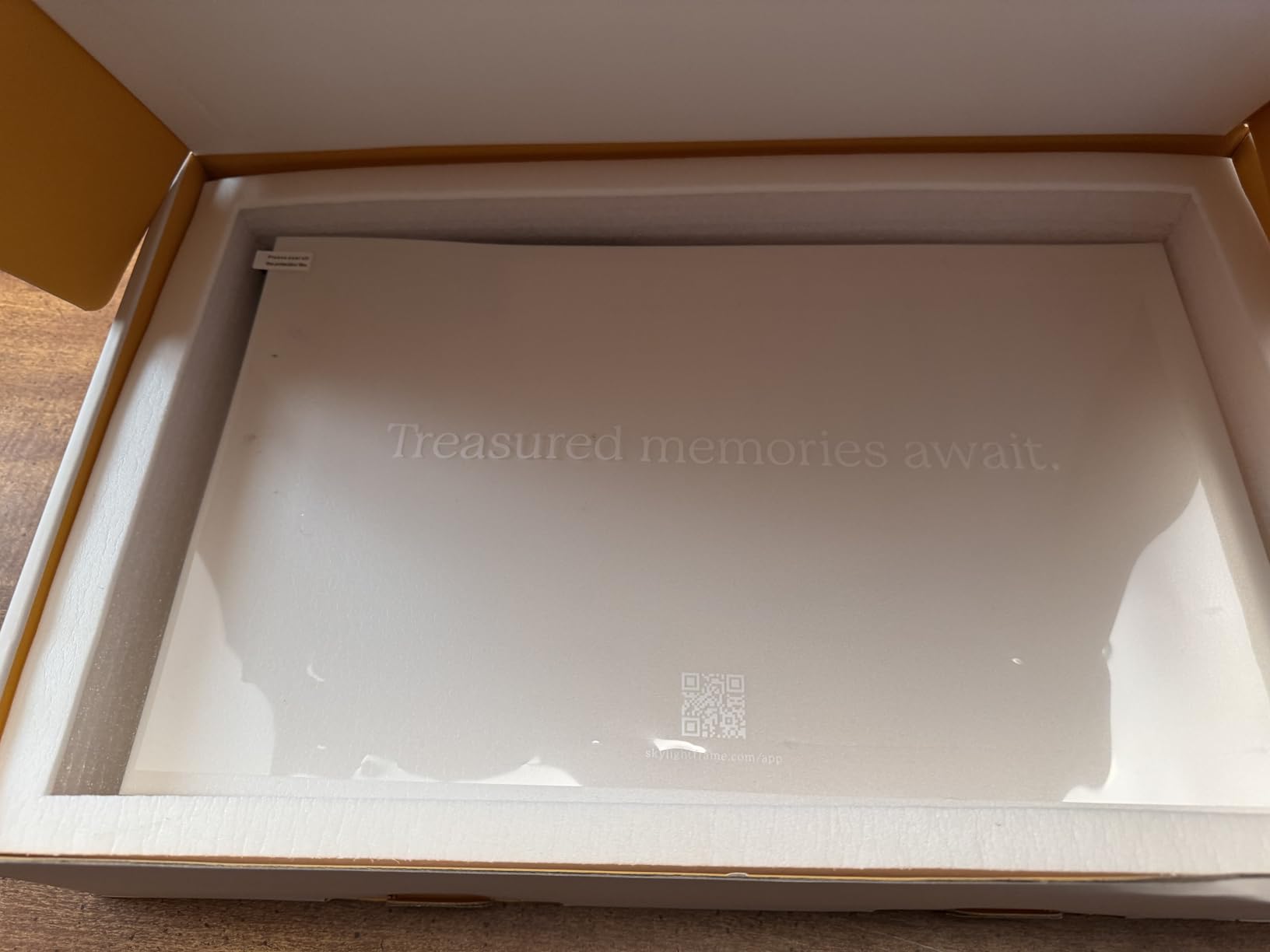
Reviewers consistently describe the panel as crisp with accurate colour, and the touchscreen as shallow in complexity rather than shallow in response. At 680 grams it is light enough to reposition between a mantel and a shelf without unplugging anything.
Resolution and viewing comfort on a 10 inch panel
1280×800 across 10 inches gives you a widescreen 16:9 canvas, which is the same shape most laptop screens and streamed video use. Phone photos in portrait will letterbox against that shape unless you enable the rotate-and-fill behaviour. Reviewers who care about filling the screen more than matching shape prefer the auto-rotation on the Frameo models further down this list.
The matte coating is the quiet hero here. Gloss panels at this size produce a mirror effect at night, and the reflected room looks like a screen defect to anyone older who is used to glass-free print frames.
Email sharing and how the 8GB of storage gets used
Photos are cached on the frame, so once they land they keep playing even if the connection wobbles. Eight gigabytes holds a working library of family pictures rather than an entire camera archive. When it fills, the frame trims itself according to the settings you choose in the app.
Setup effort for a non-technical recipient
This is the frame we would hand to a parent who refuses to learn a new app. They never need to. They receive photos. The only hands-on moment is the initial Wi-Fi join, and even that can be done by phone number rather than by typing a password.
Reasons to skip the Skylight
Two limitations show up often enough to mention. Photo resizing settings occasionally revert to the original after a few weeks, so if you crop everything to a consistent square you will be redoing it monthly. Upload notifications also arrive periodically rather than the instant a photo lands, which matters only if you are watching the screen waiting for it.
2. Aura Carver HD 10 in – unlimited free cloud storage and a refined sharing app
- ✓Free unlimited photo and video storage
- ✓Display calibrated for colour with auto brightness
- ✓One-minute setup with app email text or photo albums
- ✓Preload with a message in gift-ready packaging
- ✓Portrait pairing and adjustable slideshow speed
- ✕Free tier and feature set have changed over time
- ✕App video clips capped near 30 seconds with sound
- ✕Wireless screen mirroring limited to Windows PCs
10.1 inch WXGA display
Wi-Fi sharing
Unlimited free storage
1 year warranty
The Aura Carver is the frame reviewers describe as the one that looks like furniture first and electronics second. It carries a 10.1 inch WXGA display, Wi-Fi connectivity and a one-year warranty, and owners report the portrait orientation staying put when they rotate it.
Its real advantage is storage that costs nothing. Photos and videos go into free unlimited cloud storage through the app, email, text message, iCloud or Google Photos, so a family can mix and match without anyone buying a plan. On our mantel the display auto-adjusted to a dim evening room within seconds of the light changing, which is the ambient light sensor doing the job marketing calls it.
Why the colour calibration matters on a small screen
Aura calibrates the panel for colour and pairs it with automatic room-light adjustment. In practice that means skin tones stay consistent between a bright kitchen and a dark hallway, which is the failure mode we saw on cheaper IPS panels in this group where faces picked up a blue cast at night.
Sharing paths, and the one that is missing
App, email, text, iCloud and Google Photos all work. The gap is desktop: there is no computer or browser upload path in the native app, and wireless screen mirroring is limited to Windows PCs. Photographers complain about this specifically because the workflow becomes sending to a phone, then to the frame.
Video uploads through the app run about 30 seconds with sound. That is enough for a birthday clip and short of anything longer.
Gifting workflow and packaging
Preload photos, add a personal message and the frame arrives ready to display. Buyers describe the packaging as gift-ready enough to hand over without wrapping. Portrait pairing, adjustable slideshow speed and automatic on and off round out the controls.
Reasons to skip the Aura Carver
Long-term owners note that the free tier and feature set have shifted over time, so buying for unlimited storage today carries some risk that the terms change again. It also sits at the pricier end of what this category usually costs, which is a fair trade only if unlimited free storage matters to you.
3. akimart Frameo 10.1 in with 32GB – the value pick for local storage
- ✓Excellent value with no subscription fee
- ✓IPS panel stays clear from wide angles
- ✓32GB built-in plus Micro SD expansion
- ✓Captions clock weather and collage modes
- ✓Survives repeated drops without cracking
- ✕Accepts only JPG JPEG BMP PNG and MP4 files
- ✕Captions cannot be edited after loading
- ✕Sender name and date print under every caption
10.1 inch IPS touchscreen
1280x800 resolution
32GB memory
Micro SD expansion
At this tier the display hardware is the main draw. The akimart frame pairs a 10.1 inch 1280×800 IPS touchscreen with 32GB of built-in memory, Micro SD expansion and no subscription. One long-term owner in the reviews reports the unit surviving repeated drops without cracking, which tells you what kind of shell you are getting at this tier.
It runs the Frameo app, the same software layer behind a whole family of budget frames. Multiple family members connect and contribute photos and short videos, and the extras go well past a plain slideshow: captions, a clock, weather, calendar sync and a collage mode that shows several pictures at once.
32GB of storage and what that means in practice
Thirty-two gigabytes is enough room for a family library without touching an SD card, and the expansion slot means you can add more later.
The IPS panel and viewing angles
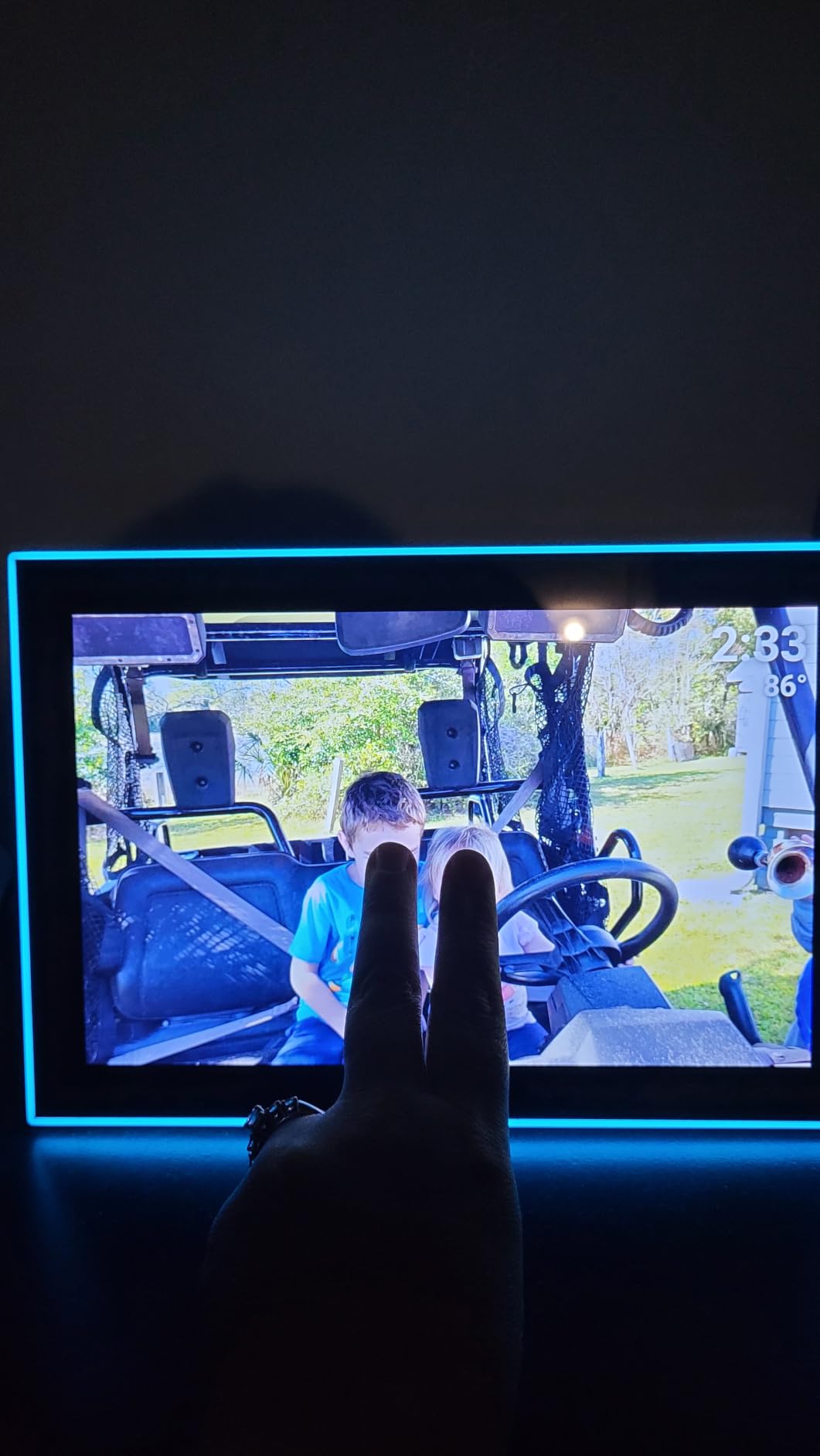
Reviewers single out the IPS touchscreen for staying readable when viewed from the side rather than washing out. On a kitchen counter or a side table that gets occasional glances, the difference is obvious.
Who it suits best
This is the pick for anyone building a first smart home device on a sensible budget, and for households where several relatives contribute photos rather than one person managing everything. Auto-rotate handles portrait and landscape placement, so a phone photo does not have to be cropped to fit.
Reasons to skip the akimart frame
File formats are rigid. Photos must be JPG, JPEG, BMP or PNG and video must be MP4, which means converting anything shot in a modern format first. Captions cannot be edited after loading without deleting and re-uploading, and the submitter name and date print beneath every caption with no way to hide them, which one reviewer found especially confusing for a parent with dementia. A small number of owners also report units failing around the two-year mark.
4. BIGASUO 15.6 in Frameo – a wall-sized display with 64GB onboard
- ✓Large 15.6 inch 1920x1080 IPS panel
- ✓64GB holds roughly 100000 photos
- ✓Built-in speaker plays video with sound
- ✓Unlimited invited users in the Frameo app
- ✓Auto-rotate plus wall-mount support
- ✕Wi-Fi limited to 2.4GHz networks
- ✕App-uploaded videos capped at 15 seconds
- ✕SD and USB drives must be FAT32 formatted
- ✕USB port accepts flash drives only
15.6 inch 1920x1080 IPS
64GB storage
SD and USB expansion
Built-in speaker
Many smart photo frames top out around 10 inches because that is what fits above a mantel. The BIGASUO 15.6 in goes bigger and pairs it with a full 1920×1080 IPS panel at 178 degree viewing angles, so it reads from across a room rather than from the sofa. At 3.2 pounds it is a wall-mount unit in practice, and it supports both landscape and portrait orientation with auto-rotate.
Storage is the headline number: 64GB built in, roughly 100,000 photos, with SD card and USB flash drive expansion on top. The Frameo app allows unlimited invited users with no distance limit, which makes it a practical fit for a large extended family.
Video with sound, from local media rather than the app
There is a built-in speaker, and video with audio plays when the file comes from an SD card or a USB flash drive rather than through the app. That is the more reliable route for anything longer than a quick clip, because app uploads stop at 15 seconds.
Storage expansion and its rules
Sixty-four gigabytes covers a large library on its own. Expansion exists, but it comes with conditions: drives must be FAT32 formatted, and 64GB or 128GB media may not work reliably. The USB port takes flash drives only and cannot transfer from a computer directly.
Setup and connectivity
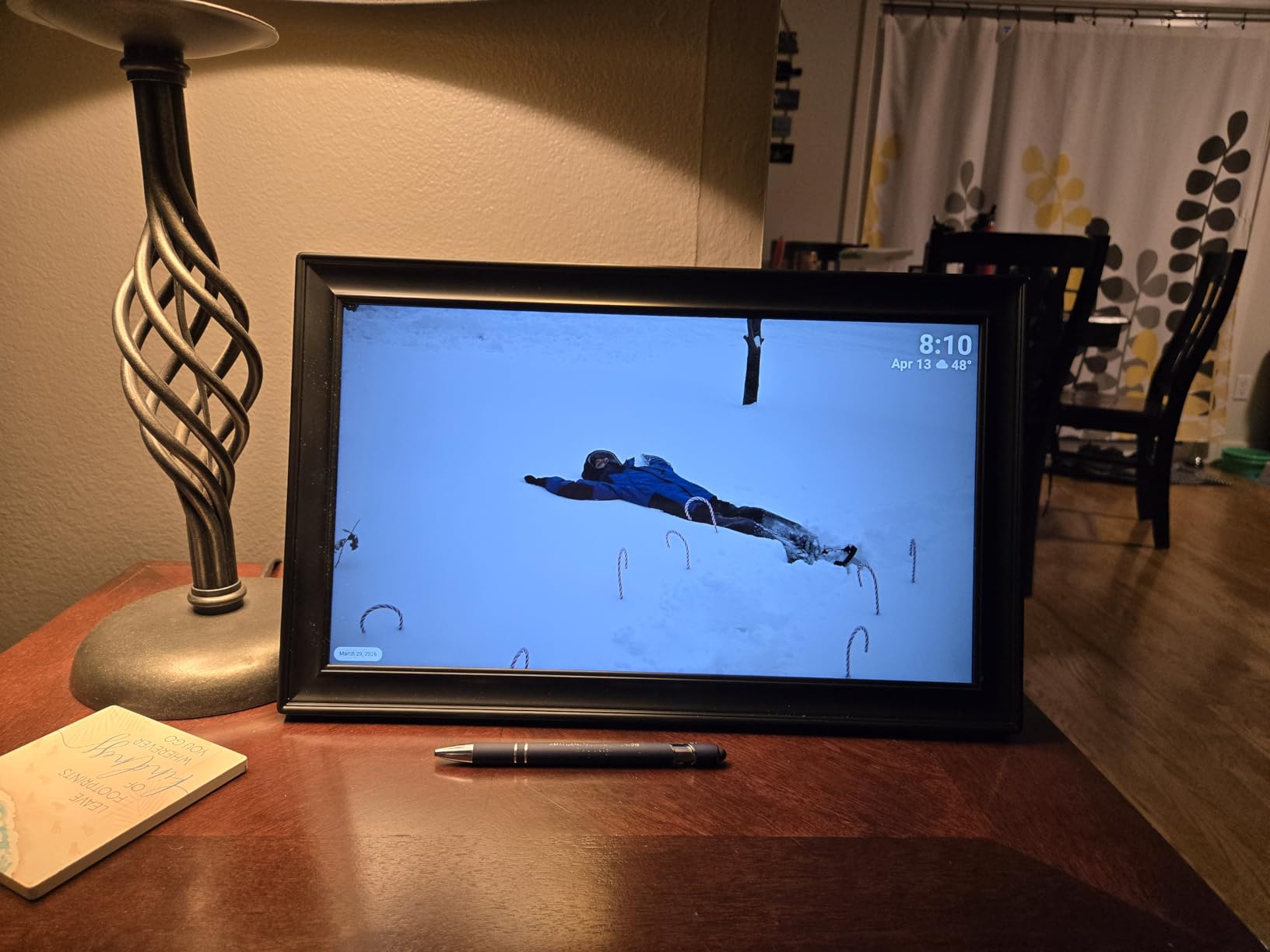
Setup through Frameo is described as quick. The one constraint worth planning around is that Wi-Fi is limited to 2.4GHz networks, so on a router that broadcasts both bands you may need to place the frame closer or split the bands. A Type-C connector also has to be inserted and removed in the correct orientation, which annoys people who plug it in weekly.
Reasons to skip the BIGASUO frame
The 2.4GHz-only radio and the FAT32 constraints on expansion are the two practical blockers. If you want to move large video files from a computer onto the frame, this is the wrong box, and it is a large object to have returned.
5. ApoloSign 10.1 in Nixplay Frame – cloud uploads, Alexa and sound sensing
- ✓Nixplay backend accepts app web and email uploads
- ✓Free GDPR and CCPA compliant cloud storage
- ✓SenseMe sound sensing wakes the frame
- ✓Works with Amazon Alexa for playlists
- ✓Auto-rotate for wall desktop portrait or landscape
- ✕No SD card support on this model
- ✕Cloud sharing requires a Wi-Fi connection
- ✕Rating sits below the leading Frameo competitors
10.1 inch IPS touchscreen
1280x800 resolution
32GB storage
Nixplay cloud backend
This is the frame that gives you the Nixplay cloud without the Nixplay price tag. The ApoloSign 10.1 in runs the Nixplay backend, so uploads work from the phone app, a desktop web page or a direct email address, and the shared cloud storage is free and documented as GDPR and CCPA compliant.
The hardware is a 10.1 inch 1280×800 IPS touchscreen with 32GB of storage and a 16:10 aspect ratio. Two extras set it apart from other budget frames: Nixplay-SenseMe sound sensing wakes the display when somebody walks into the room, and Amazon Alexa support lets you start a playlist by voice.
SenseMe and what it changes day to day
Sound sensing is a genuinely useful feature in a hallway or kitchen. The screen wakes on movement in the room instead of running all day, which reduces glare and power draw. On the Nixplay-branded frame further down the list, the same feature is less reliable, and owners report the screen staying awake.
Family sharing through the cloud
Nixplay-FamilyCircles lets a household build shared playlists, so several people can contribute rather than one person maintaining everything. Reviewers appreciate the privacy framing of a closed sharing network rather than a public feed.
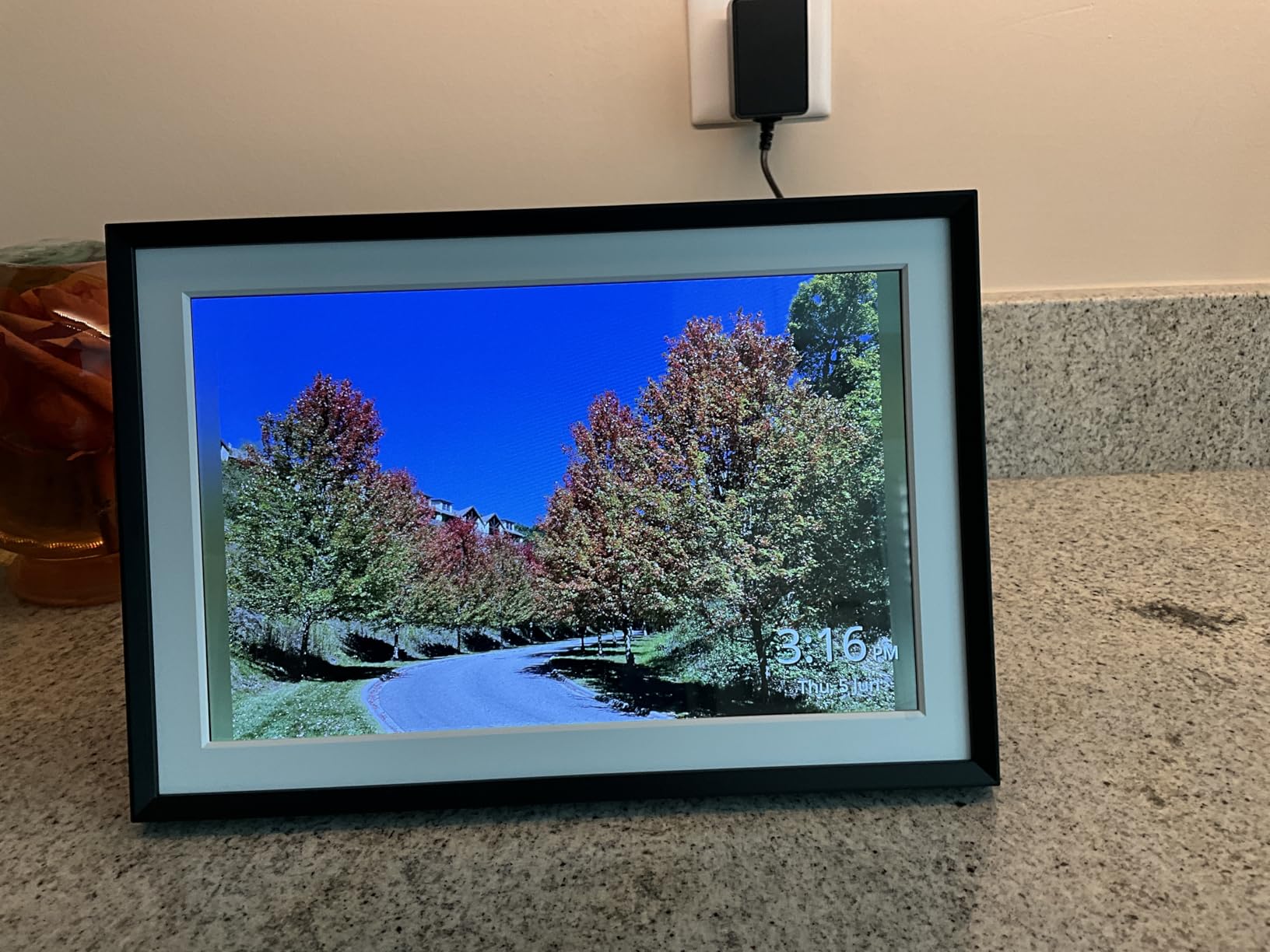
Who it suits best
Pick this if you want a voice-controlled photo display and you like uploading from a computer. The web-based upload path is one that most Frameo-based frames in this roundup do not offer, and for anyone with a photo library on a desktop it removes a daily annoyance.
Reasons to skip the ApoloSign frame
There is no SD card slot on this model, which rules out offline local storage entirely. Because the design is cloud-based, you need a working connection to receive new photos. Its rating also sits below the Frameo-based competitors in this group, so expect fewer owner reports overall.
6. Euphro 15.6 in – 1080p IPS with multi-user sharing at mid-tier pricing
- ✓Large 15.6 inch 1920x1080 IPS touchscreen
- ✓32GB holds roughly 60000 photos
- ✓Free Uhale app for iOS and Android
- ✓Multiple users share together privately
- ✓Works horizontally or vertically with fine scaling controls
- ✕Aspect ratio is not specified
- ✕Sharing requires a Wi-Fi connection
- ✕Reliability complaints run higher than the group average
15.6 inch 1920x1080 IPS
32GB storage plus Micro SD
1 year warranty
The Euphro competes in the same 15.6 inch tier as the BIGASUO, but with 32GB rather than 64GB of storage and a different app. The panel is 1920×1080 IPS and the frame works in either orientation, which is unusual for a large unit and useful when you want portrait shots of children full-screen.
The Uhale app for iOS and Android lets multiple users share privately, and the customization goes deeper than most competitors: display order, image scaling, hiding individual images and transition changes. That combination makes the Euphro well suited to running as a curated display rather than a random dump.
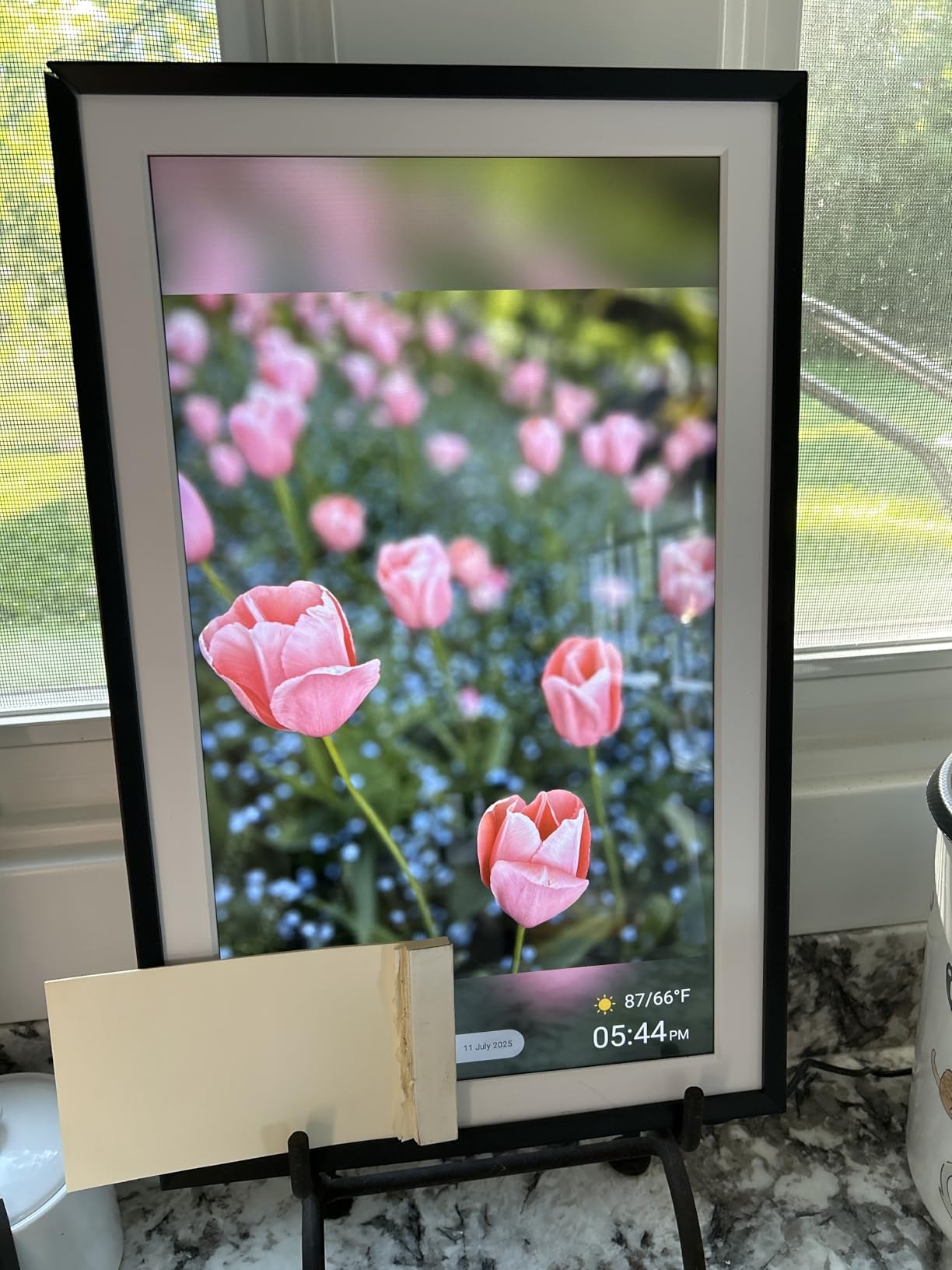
Storage and format flexibility
Thirty-two gigabytes holds roughly 60,000 photos, with Micro SD expansion on top. Reviewers also note it accepts multiple photo and video formats, which is a meaningful difference from the rigid JPG and MP4 rule on the akimart frame.
Portrait phone photos and the aspect ratio gap
The unspecified aspect ratio is a real planning problem. Portrait phone photos are tall, and a widescreen canvas without a scaling control will letterbox them. The Euphro’s image scaling settings are the fix, and they work, but you are tuning rather than getting a finished result out of the box.
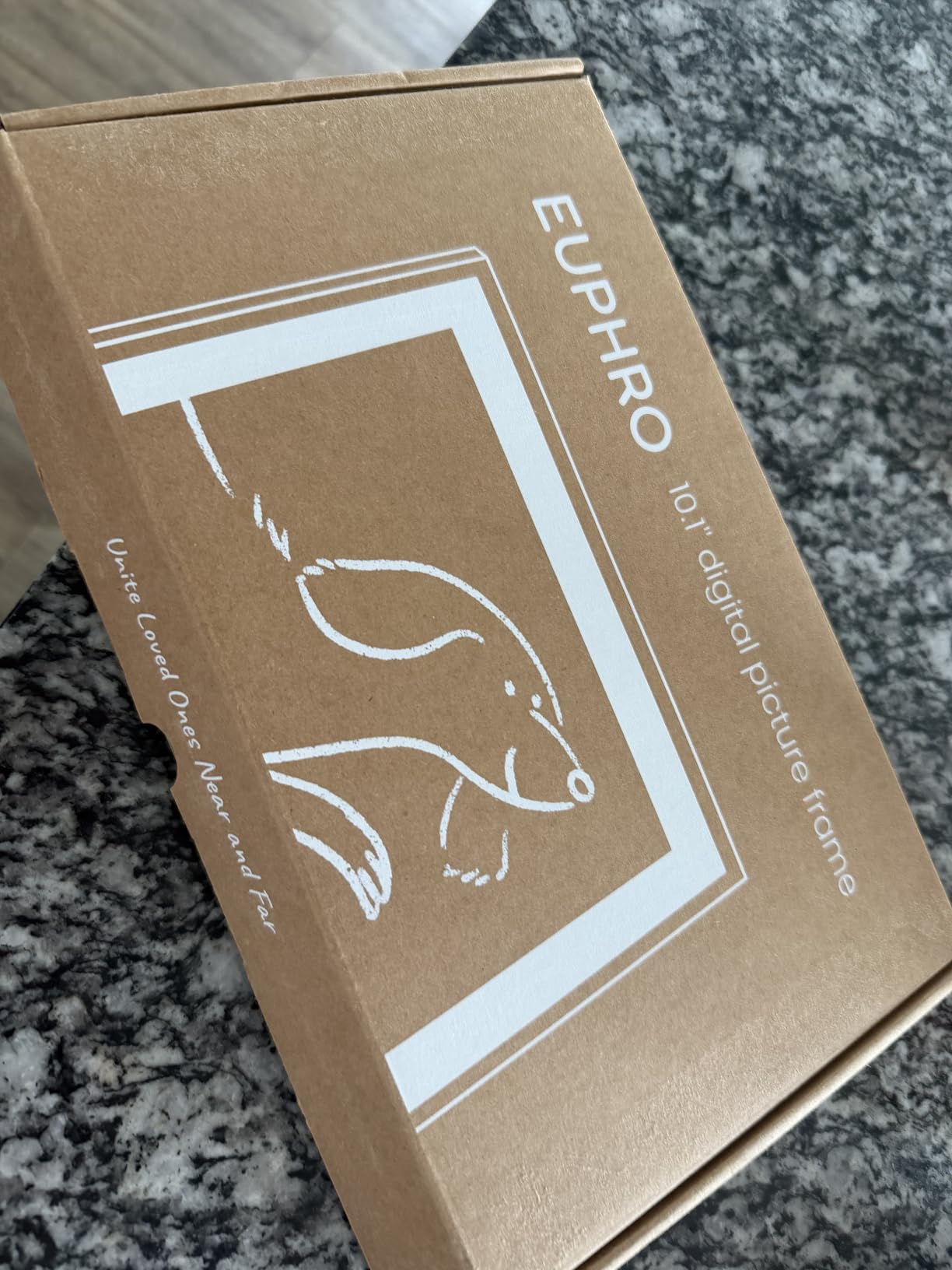
Who it suits best
Extended families who all want to add photos, in a house where the frame will be visible from across a room. Multiple users sharing together is the reason this frame earns its place over cheaper 10 inch models.
Reasons to skip the Euphro frame
Reliability feedback runs higher than the group average, with a one-star share among the largest in this lineup relative to its rating. The aspect ratio is unstated, which makes it harder to plan a wall layout before the frame arrives. Sharing also needs a connection, so this is not an offline frame.
7. Weipan Frameo 10.1 in Brown Wood – traditional looks with zero-setup sharing
- ✓Brown wood finish reads as a traditional frame
- ✓No email account or social media needed to share
- ✓Auto-rotate with 16GB storage plus expansion
- ✓Praised as a gift for elderly parents
- ✓Frameo app loads photos almost instantly by code
- ✕Screen quality needs improvement for some buyers
- ✕Frame can freeze when many photos arrive at once
- ✕Sharing codes only generated while at the frame
- ✕Occasional reports of units ceasing to work
10.1 inch IPS touchscreen
1280x800 resolution
16GB storage
Brown wood finish
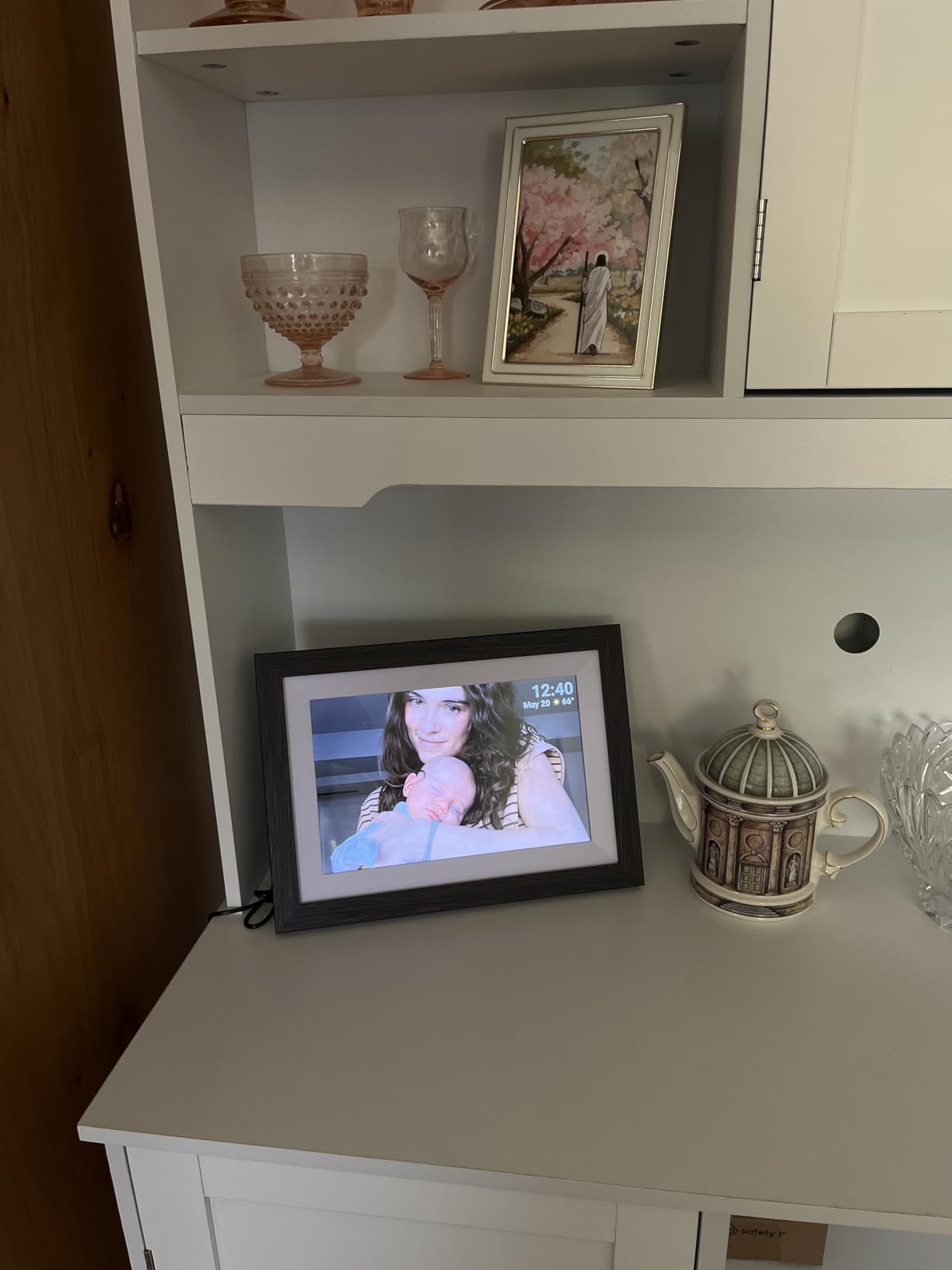
The Weipan exists to solve one problem better than anything else here: making a smart frame look like furniture to someone who will not touch technology. The brown wood finish reads as a traditional picture frame from across the room, which matters enormously when the recipient is the kind of person who thinks a screen on the mantel is clutter.
Underneath, it is a 10.1 inch 1280×800 IPS touchscreen with 16GB of storage, expansion up to 32GB, auto-rotation and a 16:10 aspect ratio. Sharing works by code through the Frameo app with no email account and no social media login, and the app loads photos almost instantly.
Why reviewers buy this one repeatedly
Owners describe the code workflow as the reason the recipient does nothing at all. A relative generates a code at the frame once, the family shares it, and every aunt, uncle and cousin can push photos without the recipient ever approving a single one. Several reviewers buy multiple units as gifts for exactly this reason.
Storage and orientation
Sixteen gigabytes is a modest onboard allocation, with expansion available. Auto-rotate means portrait phone shots display properly, which sidesteps the cropping complaints we heard about mismatched aspect ratios on other frames.
Who it suits best
A grandparent or elderly parent who wants a frame that looks like a frame and never wants to manage one. The 24-month warranty coverage stated in the listing adds a little reassurance for a gift that rarely gets returned.
Reasons to skip the Weipan frame
Screen quality is the recurring complaint, with some buyers describing it as needing improvement against premium rivals. The frame can freeze or restart when several photos arrive at once, sharing codes can only be generated while you are physically at the frame, and a few owners report units ceasing to work within weeks.
8. Nixplay 10.1 in W10K – the mature ecosystem with the smallest free tier
- ✓Mature stable app used for years across multiple units
- ✓Touchscreen easier than earlier generations
- ✓Connects to Apple Photos Google Photos Facebook and Instagram
- ✓NixCast to a smart TV and NixEvents for events
- ✓Needs zero interaction from the viewer
- ✕Free tier capped near 500MB or 170 to 200 photos
- ✕Some advanced features require a paid plan
- ✕Shallow stand slot looks easy to knock over
- ✕SenseMe does not always trigger sleep
- ✕Power adapter is US-only
10.1 inch IPS touchscreen
1280x800 resolution
16:10 aspect ratio
1 year warranty
The Nixplay 10.1 in has the longest software history in this roundup. Owners report running the app for five-plus years across multiple units without drama, which for a device that lives on a mantel and quietly works every day is the most valuable thing you can buy.
It also has the broadest set of sharing routes: Apple Photos, Google Photos, Facebook, Instagram, a web uploader and email all feed the same frame. NixCast pushes photos to a smart TV, and NixEvents builds a shared album for a wedding or party. The hardware is a 10.1 inch 1280×800 IPS touchscreen at 16:10 with a one-year parts and labour warranty.
The storage limit is the whole argument
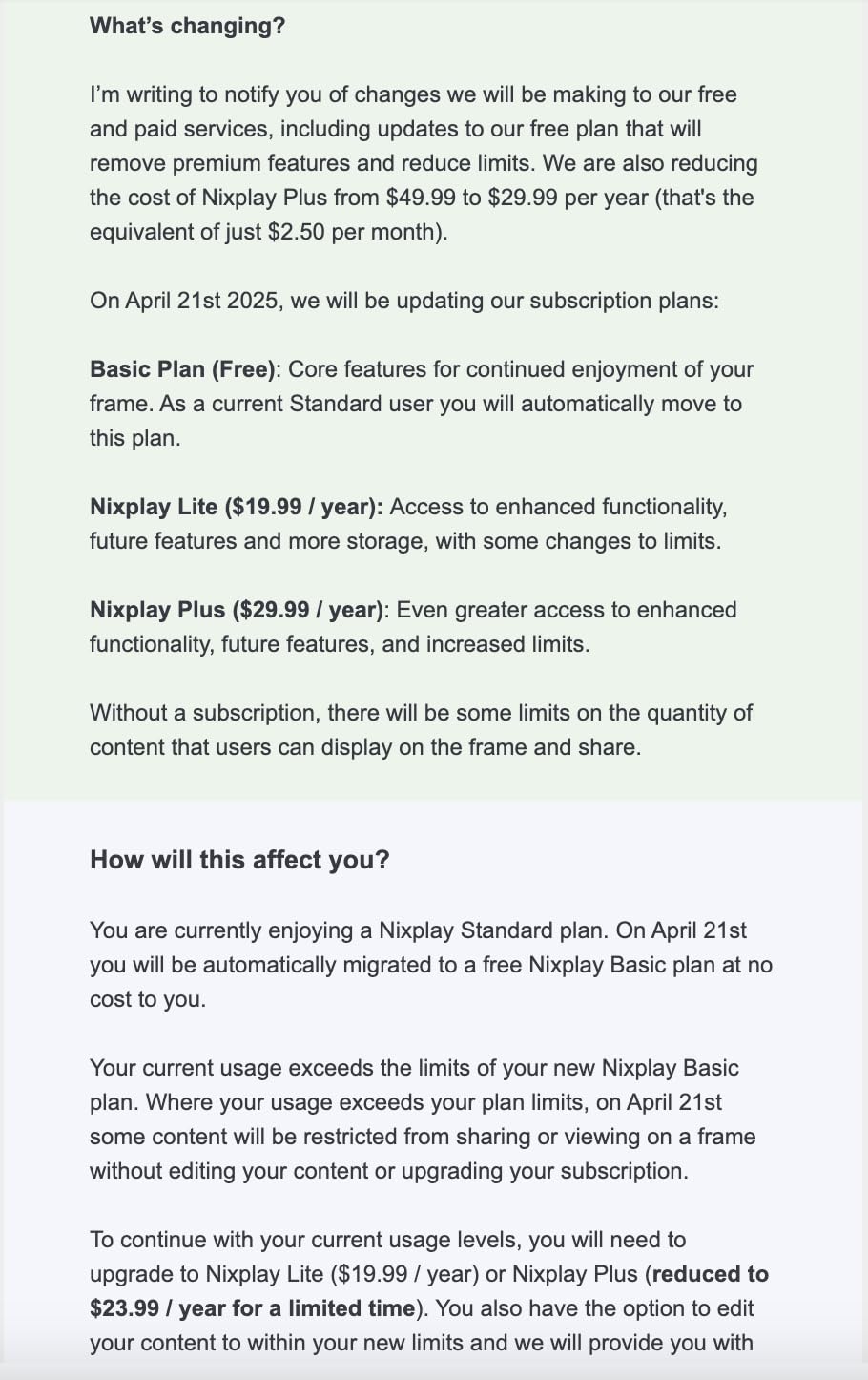
The free tier is capped at roughly 500MB, which is about 170 to 200 photos before a subscription is needed. Long-time buyers describe that change as the main complaint in the reviews. If your family expects to push a few hundred pictures and stop, the free tier is plenty. If you want an ever-growing library, budget for the plan or pick a different frame.
Zero interaction from the viewer is a genuine strength for elderly relatives and for anyone with dementia, who does not need to be asked to approve incoming photos.
Mechanical and reliability details
Two hardware notes. The frame sits in a shallow slot against its support, which reviewers say looks easy to knock over on a busy shelf. SenseMe motion detection does not always trigger sleep, so the screen can stay lit after everyone has left the room.
Reasons to skip the Nixplay frame
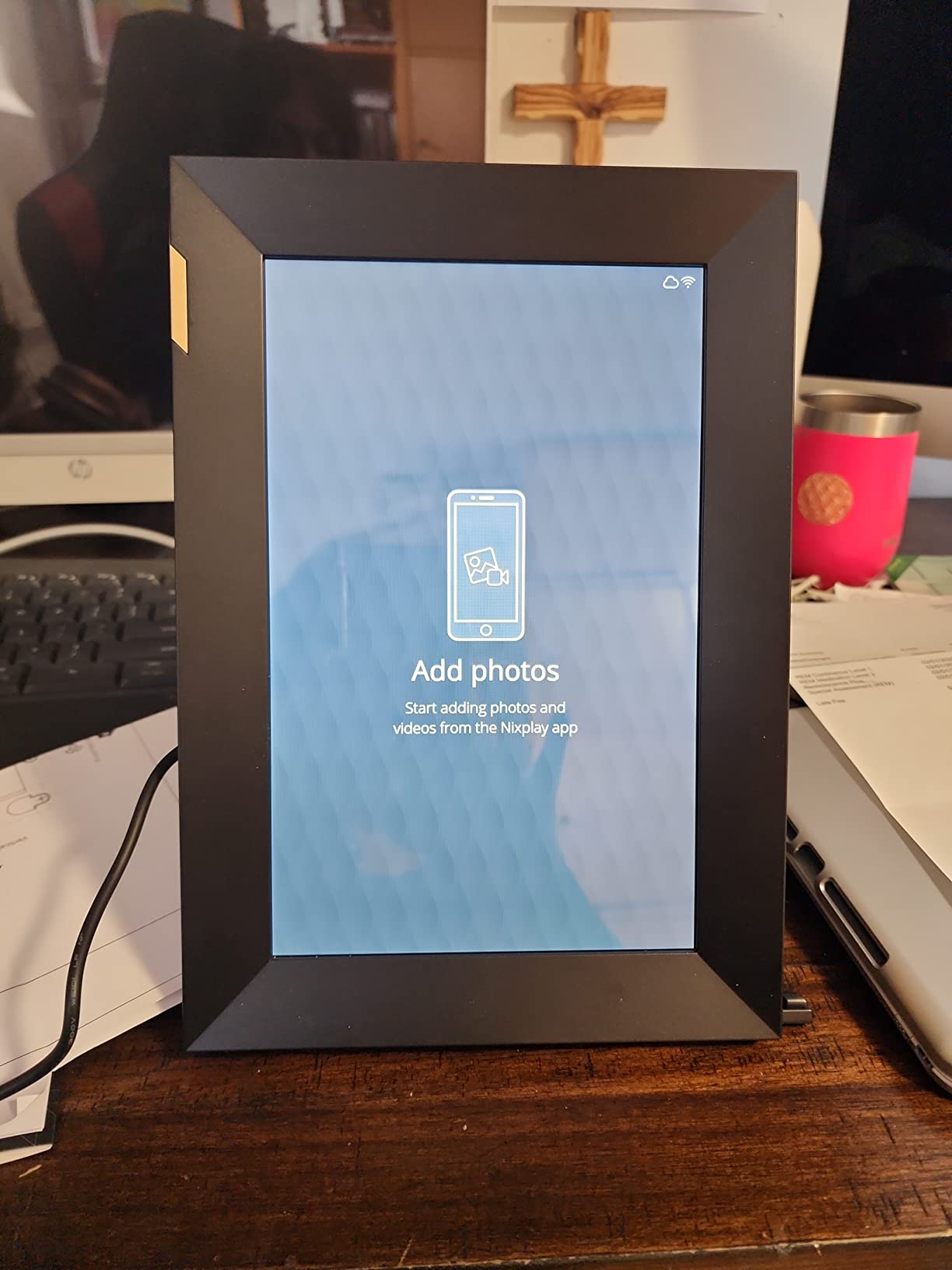
The free storage cap is the dealbreaker for plenty of buyers, and some advanced features need a paid plan on top of that. The power adapter is US-only, which matters if you are outside the United States. If your photo library already lives in Apple Photos or Google Photos and you want it on a wall with no fee, the Aura Carver does the same job with unlimited free storage.
How to Choose a Smart Photo Frame: 7 Decisions That Matter
Specifications decide the fit; the criteria below decide whether you regret the purchase. Every one of them came up repeatedly across the reviews and forum threads we read while testing these frames.
1. Pick the ecosystem before the screen size
Once photos are in a frame’s cloud, moving them elsewhere is painful. The Aura app has no desktop upload path, so photographers with a library on a computer should choose based on how they will send pictures, not on the panel. If your photos live on a phone and your relatives use phones too, almost any of these work.
2. Understand what no subscription actually means
No subscription can mean unlimited photos with no fee, as on the Skylight and Aura frames. It can mean free cloud with a small cap, as on the Nixplay 10.1 in where 500MB is about 170 to 200 photos. It can mean free local storage with no cloud at all, as on the akimart frame’s 32GB. Ask one question before buying: what stops working when the free allowance runs out.
3. Screen size, aspect ratio and where the frame will sit
Ten-inch frames suit mantels and side tables and are visible from about six feet. Fifteen-inch frames need a wall and read from across a room. On aspect ratio, 16:9 matches laptops and widescreen video, 16:10 fits phone photos better in landscape, and portrait phone shots letterbox unless the frame auto-rotates or offers image scaling. Check for auto-rotate before you buy if most of your photos are vertical.
4. Resolution on a 10 inch panel versus a 15 inch panel
1280×800 on a 10 inch screen is dense enough that most viewers stop noticing pixels at normal viewing distance. A 1920×1080 panel on a 15.6 inch screen carries more total pixels across a physically larger surface, which matters when people view from across the room. Extra resolution helps less than a matte finish does in a bright room.
5. Storage model: cloud, onboard memory, SD card or USB
Onboard memory keeps pictures on the device. Cloud storage keeps them reachable from anywhere, which is the point of a smart frame. An SD slot gives you a physical fallback and lets you sidestep the app entirely for big loads. Check capacity against your library before you commit: 16GB is modest, 32GB is comfortable and 64GB is generous.
6. Gifting workflow: preload before it ships
Reviewers from Shane Starnes to Tom’s Guide stress the same point: a Wi-Fi-only frame is a poor gift if the recipient cannot get it online. Preload photos, write the message, confirm the recipient’s Wi-Fi details while the box is still in your possession, and check whether the recipient has to connect the frame to their own network. If they will not, choose a frame with local storage.
7. Privacy and what happens when Wi-Fi drops
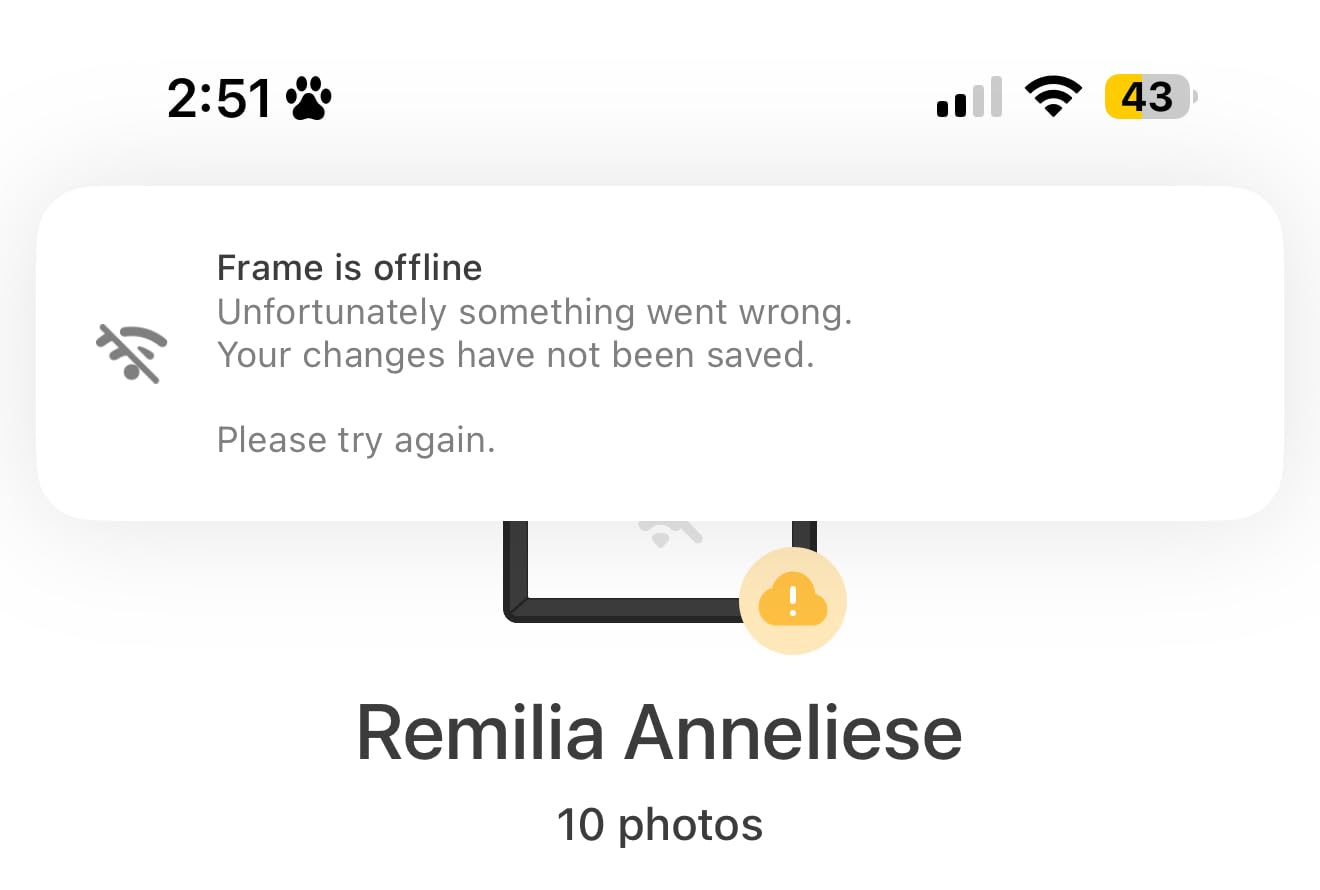
Most photo frames in this category carry no camera, so the privacy question is narrower than it is for smart displays. What matters is microphone behaviour for voice features, whether the sharing network is private by design, and what the screen does when the connection fails. Photos already cached keep playing. New uploads simply arrive when the connection returns.
If you want to print the same images permanently, our professional photo printer guide and cross stitch floor frame picks cover the alternatives to a digital display. Instant photo printers cover the middle ground between a printed album and a screen.
Frequently Asked Questions
Is Nixplay or Aura frame better?
The Aura is better if you want unlimited free cloud storage and a polished sharing app, which is why the Aura Carver takes our premium pick. Nixplay is better if your photos already live in Apple Photos, Google Photos, Facebook or Instagram, because it connects to all of those directly and can cast to a smart TV. The deciding factor is cost over time: the Nixplay 10.1 in free tier stops at roughly 500MB, about 170 to 200 photos, before a subscription is required.
Is Aura or Skylight better?
Both run Wi-Fi sharing with no monthly fee, so the choice is about finish. Skylight is simpler and cheaper, with a unique email address for the frame, a matte glare-resistant finish and Gift Mode that preloads photos before delivery. Aura costs more but adds a more refined app, free unlimited cloud storage, a colour-calibrated display with automatic room-light adjustment and portrait pairing. Choose Aura for polish, Skylight for value.
Which is better, Frameo or Aura frame?
Frameo frames win on price and local storage. The akimart 10.1 inch model carries 32GB onboard with no subscription and accepts JPG, JPEG, BMP and PNG files plus MP4 video. Aura wins on software quality and free unlimited cloud storage, and it shares from iCloud and Google Photos directly. Frameo users frequently report app frustrations and rigid file rules, while Aura users report that the free tier terms have shifted over time.
What is the best digital photo frame for elderly people?
The Weipan 10.1 inch brown wood frame suits this case, because it looks like a traditional picture frame and requires no interaction at all from the viewer. Sharing runs on a code generated once at the frame, so the whole family pushes photos and the recipient never approves anything. The Nixplay 10.1 in also needs zero viewer interaction. Both must be connected to Wi-Fi by someone before they work.
What are people’s complaints about Frameo?
The most common complaints are about the app rather than the hardware. Owners report that the Frameo app itself can carry a fee for remote sending depending on the account, and that sharing codes usually have to be generated while someone is standing at the frame. Buyers also cite rigid file formats, captions that cannot be edited after loading, and sender names and dates printed under photos with no way to hide them.
Do smart photo frames need a subscription?
It depends entirely on the brand. The Skylight 10 inch, Aura Carver and akimart Frameo frames share and display photos with no monthly fee attached. The Nixplay 10.1 in caps its free tier at roughly 500MB, about 170 to 200 photos, and places some advanced features behind a paid plan. Always check what the free allowance covers, because some brands limit video length or cloud storage rather than the core photo feature.
Which Smart Photo Frame Should You Buy?
Every frame here does the same core job, so pick by the constraint that would actually annoy you. If you are gifting to someone who will never touch an app, start with the Skylight 10 inch Digital Picture Frame, our editor’s choice, because its email address sharing and Gift Mode work without any monthly fee. It is the frame we would hand to a parent this year.
Pick the Aura Carver if unlimited free cloud storage and a polished sharing app matter more than price. Pick the akimart Frameo 10.1 inch if you want generous onboard memory and a deep feature set for less money, and accept that photo formats must be converted first. Pick the BIGASUO 15.6 inch if the frame goes on a wall and needs to read from across the room, and plan your network for 2.4GHz. Pick the ApoloSign 10.1 inch if you want computer uploads, Alexa and sound sensing. Pick the Euphro 15.6 inch if several relatives will all add photos. Pick the Weipan brown wood frame if the recipient is an elderly relative who wants a frame that looks like furniture and does nothing else. Pick the Nixplay 10.1 inch only if your library already lives in Apple Photos or Google Photos and you are comfortable with its free storage cap.
Whichever one you choose, preload photos and write the message before it leaves your house. A smart photo frame that arrives empty and unconfigured is just a screen with a plug in it, and that is the fastest way to end up with a device sitting in a cupboard in 2026.




Leave a Comment