
Short answer: the Insignia 43-inch F50 Series is the best 4K TV under 500 dollars in 2026, because it delivers a sharp 4K panel with HDR10 at a price that leaves room in the budget, and it has the largest review base of any set on this list. Twelve sets made the cut, from a 43-inch bedroom screen to a 65-inch living-room panel, and every one of them sits under the same ceiling.
I spend a lot of time reading owner reviews on budget televisions, and the pattern is consistent: nobody in the enthusiast crowd thinks a set in this class is perfect, and buyers who enjoy shopping for TVs are the ones who enjoy it least. On the r/Costco forum, one buyer put it plainly — no TV in that range is going to be perfect. So treat this list as best-available, not flawless.
What separates a good sub-500 set from a disappointing one is almost never resolution. At this money you are buying 3840 x 2160 pixels almost everywhere, which is four times the pixel count of 1080p. What you are actually choosing between is backlight type, color technology, smart platform speed and screen size. If quantum dot color and a Mini-LED backlight matter to you, start with our QLED TV picks and the TCL roundup, which go deeper on those two technologies.
Two more things before the list. First, model numbers change by region — the same television is often sold with an A suffix in the US, a Q suffix in Europe and an R suffix in Asia, which is the single most common source of mismatched reviews on r/4kTV. Second, I did not run lab measurements for this guide. Every specification below is taken from the manufacturer listing and cross-checked against the owner reviews on the same listing, and I say plainly where the owner consensus is thin.
Our Top 3 Picks for the Best 4K TVs Under 500 Dollars

Insignia 43 F50 Series
- ✓4K Ultra LED with HDR10
- ✓375 nit peak brightness
- ✓DTS Virtual-X audio
- ✓3 HDMI ports
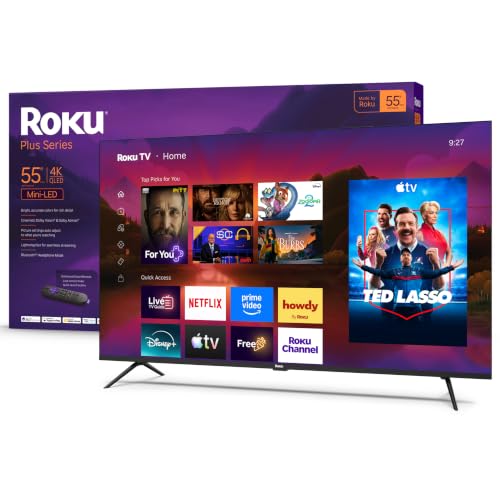
Roku 55 Plus Series
- ✓Mini-LED with full array local dimming
- ✓Dolby Vision and HDR10+
- ✓3.4 channel Dolby Atmos with subwoofer
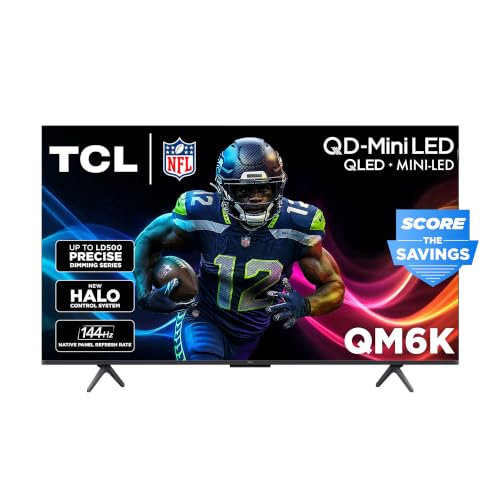
TCL 50 QM6K Series
- ✓QD-Mini LED with TCL Halo system
- ✓144Hz refresh
- ✓Dolby Atmos with Onkyo speakers
The Insignia F50 takes the top slot on volume of proof rather than on a single impressive spec: 12050 owner reviews at a 4.3 average is a much bigger sample than anything else here, and the recurring description is a picture that punches above its cost. The Roku 55 Plus earns best value because a Mini-LED panel with full array local dimming plus Dolby Vision is a combination most buyers assume requires a far larger budget. The TCL QM6K takes premium pick on the strength of its QD-Mini LED backlight and 144Hz refresh, backed by the largest owner-review base of any Mini-LED set here.
Comparing Every 4K TV Under 500 Dollars in 2026
| Product | Features | Action |
|---|---|---|
| Insignia 43 F50 Series 4K Fire TV |
|
Check Latest Price |
 Toshiba 43 C350 Series 4K Fire TV Toshiba 43 C350 Series 4K Fire TV |
|
Check Latest Price |
 Roku 43 Select Series 4K TV Roku 43 Select Series 4K TV |
|
Check Latest Price |
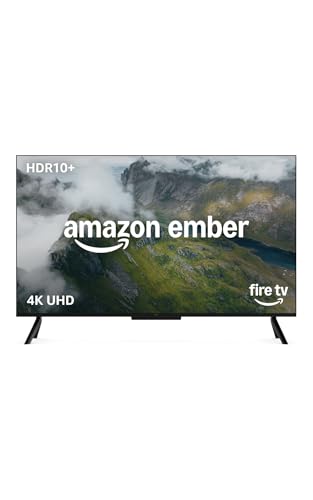 Amazon Ember 43 4-Series Fire TV Amazon Ember 43 4-Series Fire TV |
|
Check Latest Price |
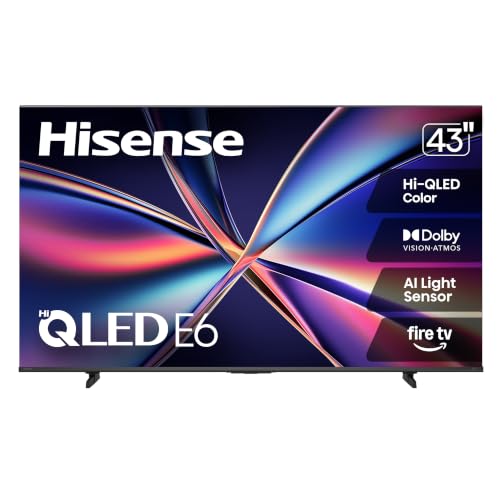 Hisense 43 E6 Cinema Hi-QLED Fire TV Hisense 43 E6 Cinema Hi-QLED Fire TV |
|
Check Latest Price |
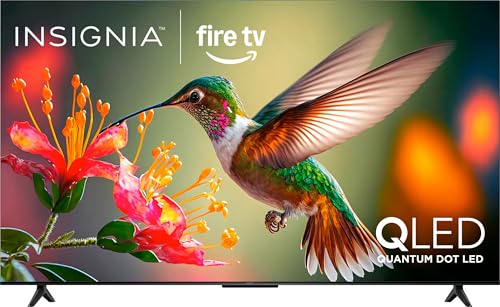 Insignia 55 QF Series QLED Fire TV Insignia 55 QF Series QLED Fire TV |
|
Check Latest Price |
 Samsung 55 M70H Mini LED Tizen TV Samsung 55 M70H Mini LED Tizen TV |
|
Check Latest Price |
| Roku 55 Plus Series Mini-LED QLED TV |
|
Check Latest Price |
 Samsung 65 U8000H Crystal UHD TV Samsung 65 U8000H Crystal UHD TV |
|
Check Latest Price |
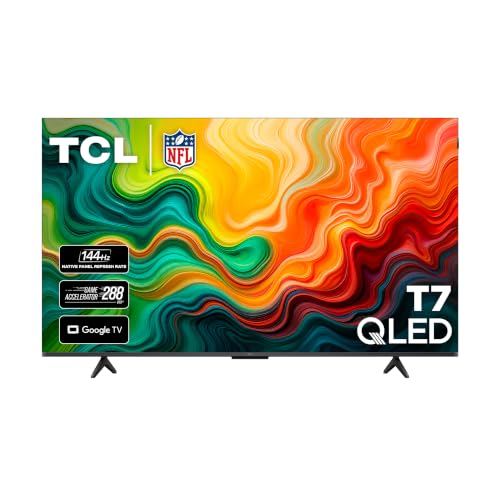 TCL 55 T7 QLED Google TV TCL 55 T7 QLED Google TV |
|
Check Latest Price |
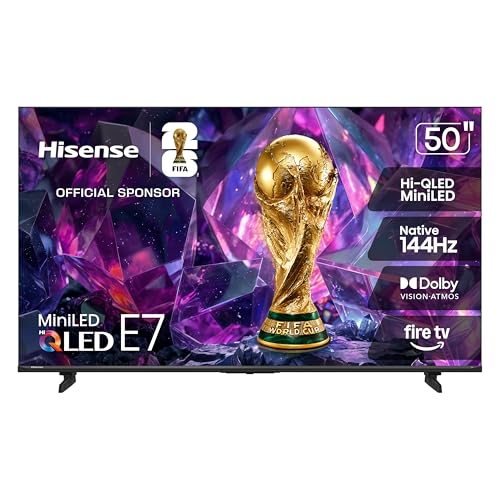 Hisense 50 E7 Cinema Hi-QLED Mini-LED Hisense 50 E7 Cinema Hi-QLED Mini-LED |
|
Check Latest Price |
| TCL 50 QM6K Mini LED QLED Google TV |
|
Check Latest Price |
Read the table for shape, not for a winner. Five sets here are 43-inch, four are 55-inch, two are 50-inch and one is 65-inch, so you are comparing across very different rooms. Every one is 4K. Only five carry a Mini-LED backlight, and that single row of the table is where the picture quality gap opens up most.
1. Insignia 43 F50 Series 4K Fire TV – Our Best Overall Pick
- ✓Sharp 4K picture with HDR10 and deeper blacks than the tier average
- ✓DTS Virtual-X audio outperforms typical budget flat-panel speakers
- ✓Alexa voice remote is genuinely easy for kids and older viewers
- ✓Three HDMI ports plus optical out
- ✓USB
- ✓headphone jack and Ethernet
- ✓Wall-mountable on a standard 200 x 300 VESA pattern
- ✕Fire TV interface is sluggish with slow app loading
- ✕Some ghosting on older or low-bitrate content
- ✕Limited manual picture adjustment options
43 inch 4K Ultra LED
HDR10
Fire TV with Alexa remote
375 nit peak brightness
3 HDMI ports
This is the set I keep coming back to, and the reason is the review count rather than the spec sheet. Twelve thousand owner reviews is a large enough sample that the picture description has stopped being an early-adopter impression and started being a consensus, and that consensus is unusually good. Buyers routinely say the picture rivals sets costing multiples of this one, which is the kind of claim I normally discount until the volume behind it is this deep.
Brightness is listed at a maximum of 375 nits, which is a fair figure for this money and enough for normal evening viewing in a room that is not a sunlit conservatory. HDR10 support is there, though the peak brightness means the format delivers more color and shadow detail than true highlight impact. I would not buy this set for a bright room with a wall of windows.
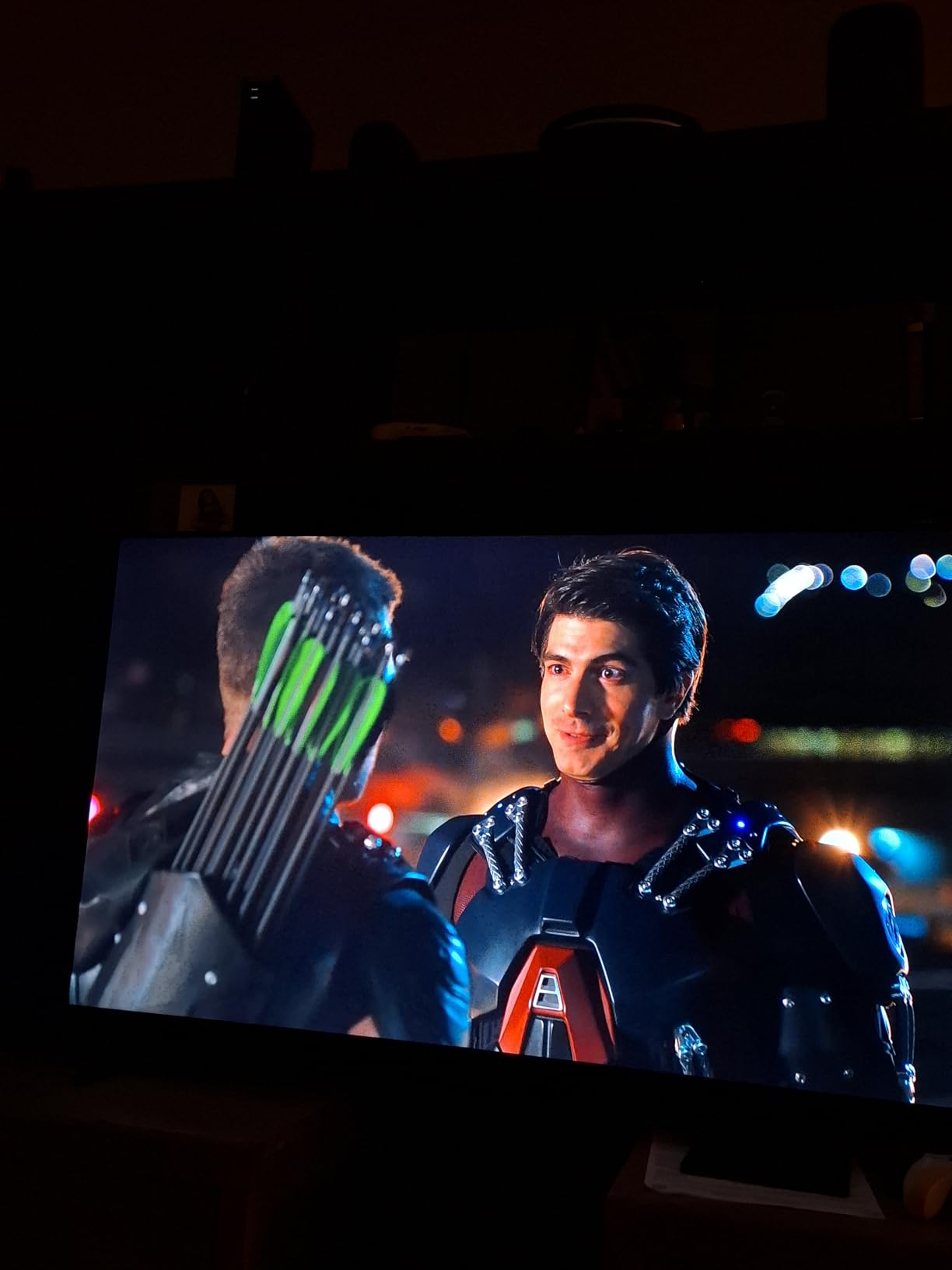
Audio and connectivity are the quiet strengths
DTS Virtual-X is the spec that surprises people, and it is a genuine step above the two-speaker setup most sets in this range ship with. It does not replace a soundbar in a large living room, but for a bedroom, dorm or office set it removes the most common reason people add an audio accessory within a month of buying.
Port selection is generous for the money. Three HDMI inputs, an optical output, USB, a headphone jack, coaxial and Ethernet means you are not dongle-hunting for an old game console. The wall mount pattern is a standard 200 x 300, so it fits most common mounts without an adapter.
Who it suits and who should pass
Choose it if you are outfitting a bedroom, a guest room or a dorm, and you want a sharp 4K screen with a large app catalog and a remote that grandparents can operate. It is also the safe pick for a first TV purchase, because the failure modes are mild and the platform is one everyone recognizes.
Pass if you play competitive games, since the native 60Hz refresh rate will feel dated, or if you sit a long way back in a very bright room. I would also pass if a sluggish interface will annoy you daily, because the Fire TV menus on this set respond slowly and picture settings take a moment to apply.
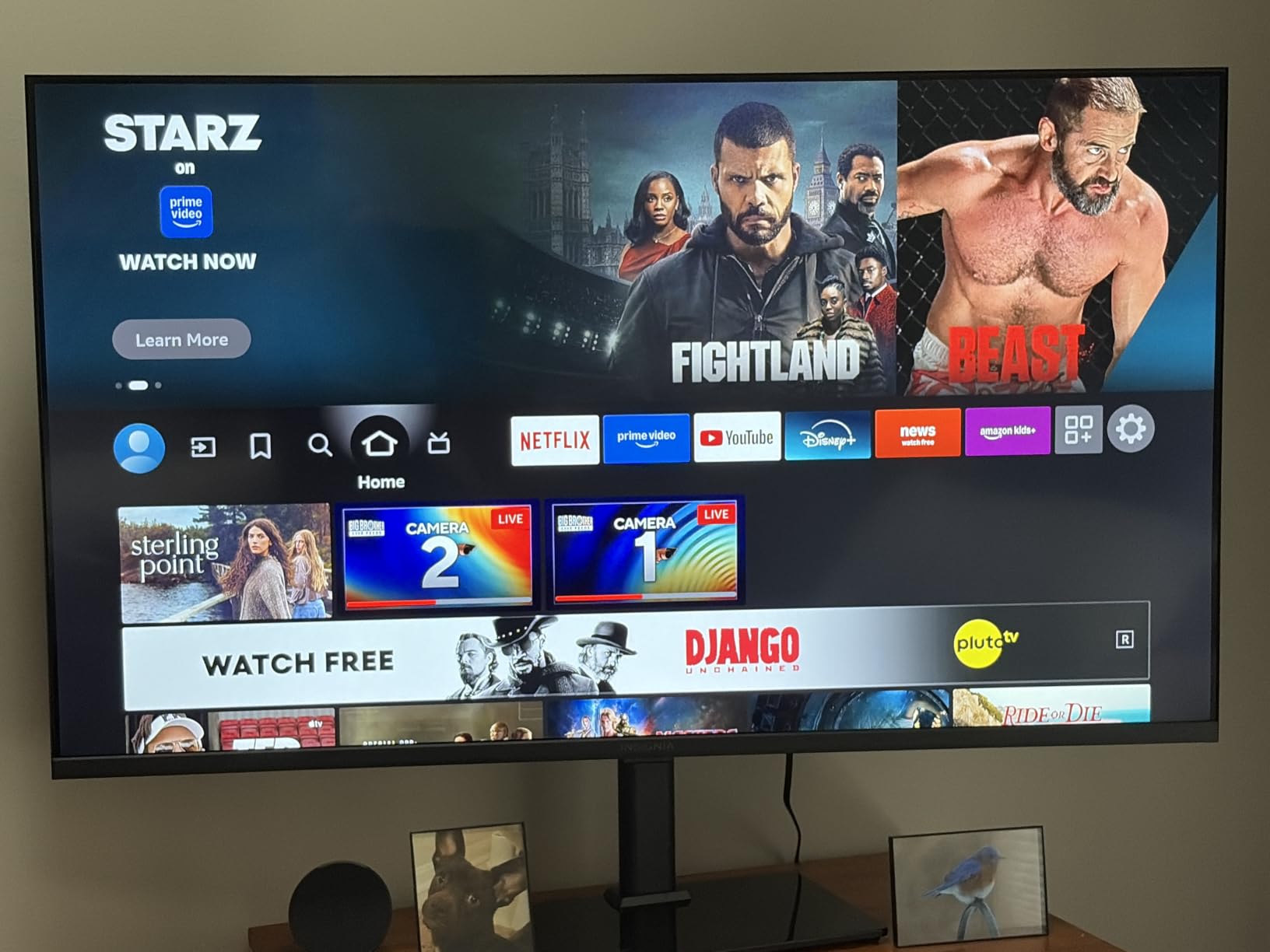
2. Toshiba 43 C350 Series 4K Fire TV – The Budget Pick With Dolby Vision
- ✓Dolby Vision and Dolby Atmos in this bracket is unusual
- ✓REGZA Engine ZR with an AI 4K upscaler sharpens older HD content
- ✓14 watt Dolby Atmos system
- ✓Quick simple setup on a lightweight chassis
- ✓Fits standard 400 x 400 wall mounts
- ✕Narrow viewing angles distort the picture off-center
- ✕Default backlight is bright and slightly washed out of the box
- ✕Remote and menu response is slow
- ✕Onboard sound is only adequate
43 inch 4K UHD LED
Dolby Vision with Dolby Atmos
AI 4K upscaler
Motion Rate 120
400 x 400 VESA
Dolby Vision support is the headline here, and it is rarer in this bracket than the spec sheets suggest. It matters for more people than it used to, because HDR is now a checkbox on most streaming services and a set that decodes it properly has a genuine advantage over a same-priced panel that does not.
The REGZA Engine ZR processor handles an AI 4K upscaler, which does measurable work when you feed it older HD content. Cable and older streaming sources get a cleaner edge than the same source on a set with no upscaling stage. The 5.1 channel Dolby Atmos rating is a processing claim more than a speaker count, so treat the audio as good background sound rather than a home cinema system.
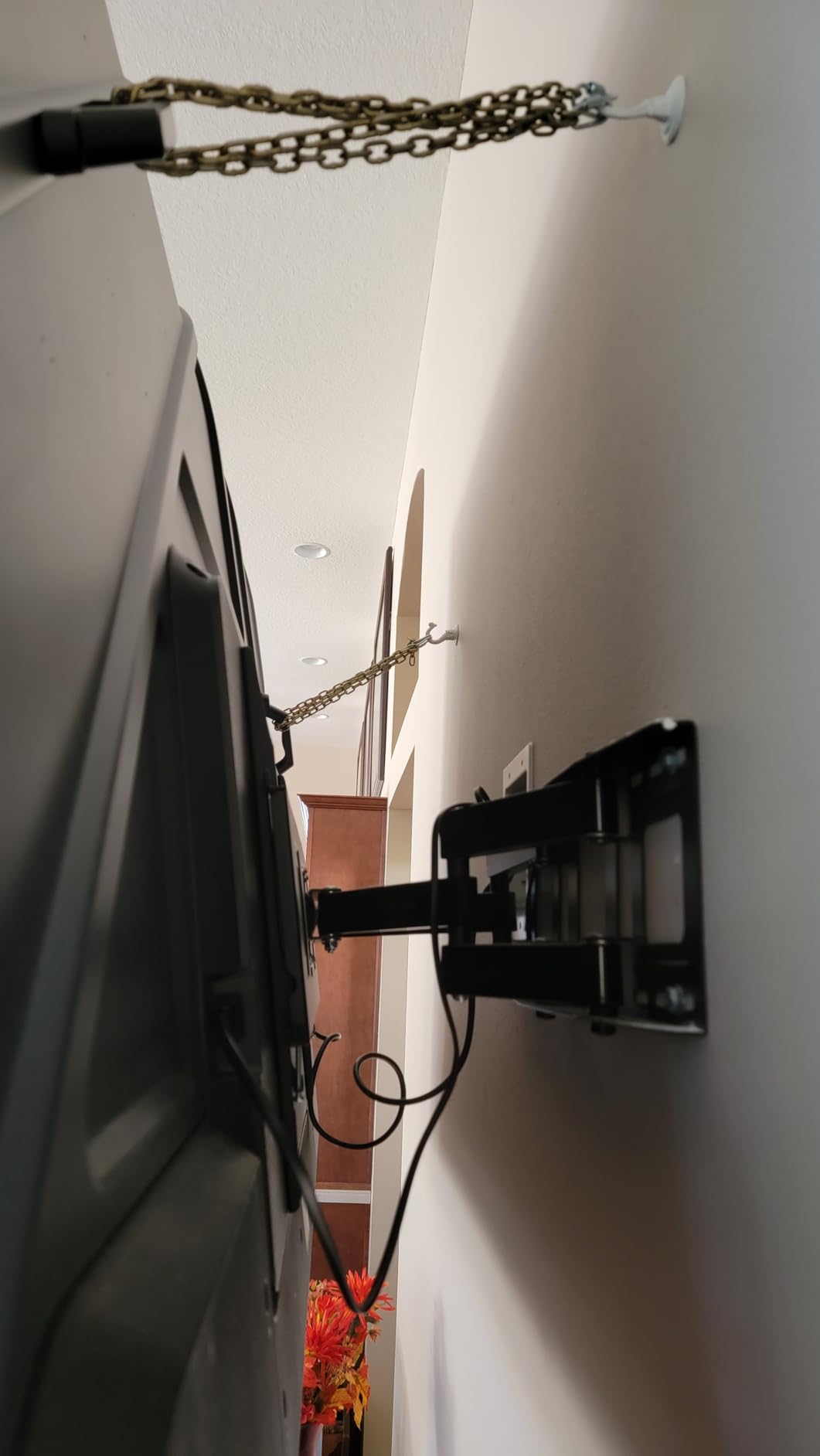
Where the viewing angle limit bites
This is the one weakness I would not paper over. Owners report that the picture distorts when the set is viewed off-center, which is a problem in a wide room where not everyone is square to the screen. In a bedroom or a small room where the viewing position is centered, it rarely comes up.
The other adjustment note is worth knowing before you get it out of the box. The default backlight is bright, and several owners describe the result as slightly washed out. Pulling the backlight down a few notches in the first ten minutes of setup improves the picture more than any other single change, and it is exactly the kind of ten-minute fix that never happens.
Who it suits and who should pass
Choose it for a bedroom, a home office or a secondary room where the seating is centered and you mostly watch Netflix-style streaming. The Motion Rate 120 processing and the Game Mode with ALLM and VRR support make it reasonable for casual console play too, even though the panel itself is 60Hz.
Pass if you have a wide, off-center seating arrangement, or if a slow remote response is going to drive you up the wall. It is also a 43-inch set, and at larger sizes the picture quality declines — the manufacturer does not target this chassis for bigger screens.
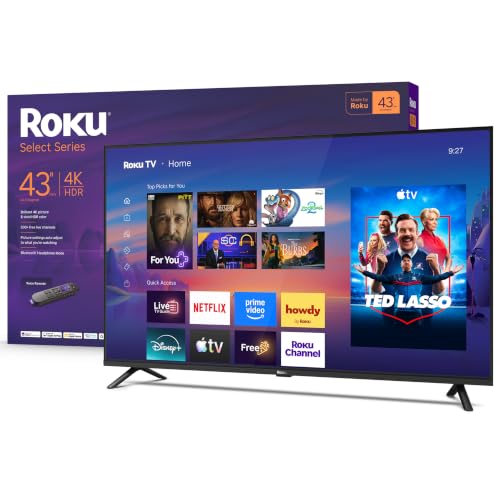
3. Roku 43 Select Series 4K TV – Easiest Setup and the Cleanest Interface
- ✓Roku OS is repeatedly called the best TV interface available
- ✓Sharp 4K HDR picture with accurate color
- ✓Setup and hookup are straightforward
- ✓Built-in over-the-air tuner for free channels
- ✕Average sound compared to sets with dedicated audio hardware
- ✕Internet connection is mandatory during setup
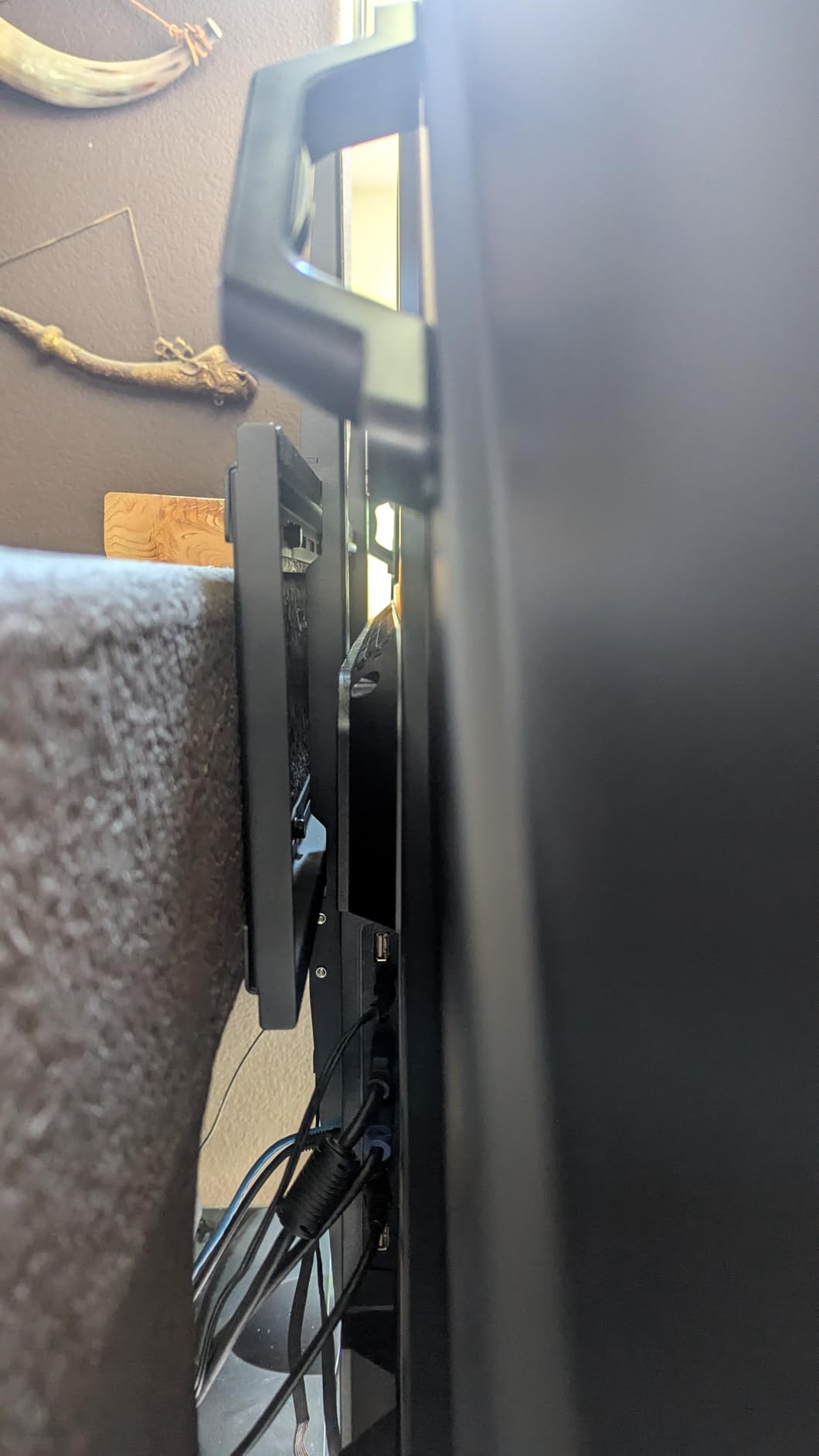
- ✕App launch speed can slow after years of use
- ✕Initial setup pre-loads many apps
43 inch 4K LED with HDR10
Roku OS
Direct LED backlight
4 HDMI inputs
200 x 200 VESA
The reason to buy a Roku set is rarely the panel, and that is exactly why it works so well at this budget. The interface is faster and far less cluttered than Fire TV or Google TV, which means the thing you touch fifty times a day is pleasant to touch. Owners coming from other platforms single out this difference more than anything on the spec sheet.
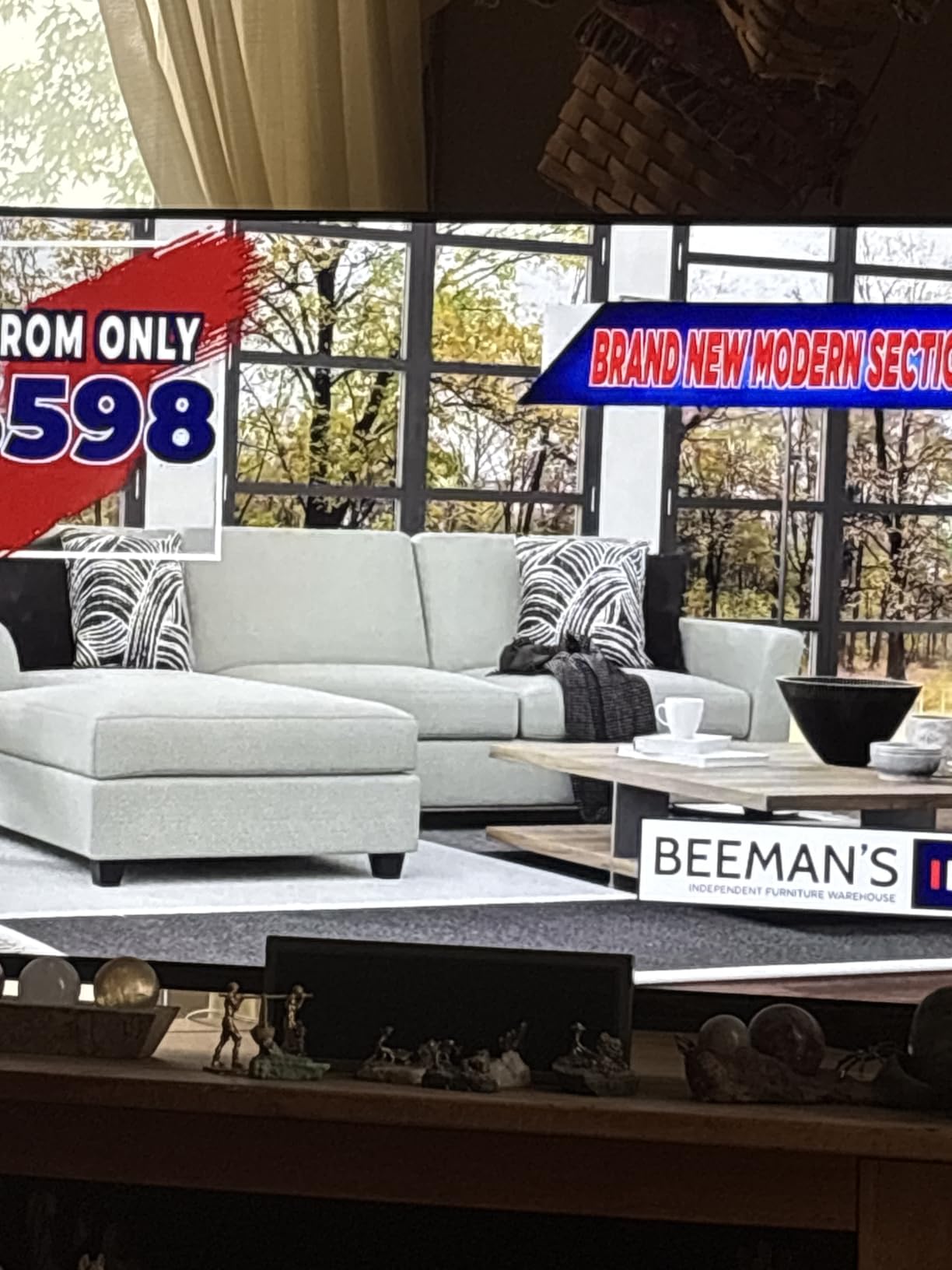
The panel itself is a straightforward 4K LED with direct LED backlighting and HDR10, using Roku Smart Picture to tidy up the signal. Color accuracy is described as good for the tier. Four HDMI inputs is more than most sets here offer, which gives you room for a console, a streaming stick and a disc player at the same time.
The Bluetooth headphone mode nobody expects
Late-night watching without waking the household is genuinely solved by the Bluetooth Headphone Mode on this set, and owners who use it tend to call it the sleeper feature of the whole package. For a bedroom TV, or for parents who want a show after a toddler is asleep, that single feature can decide the purchase on its own.
There is a catch worth knowing. Setup requires an internet connection, so the television will not work as a bare display for a console or computer without going through Roku onboarding first. That is fine for almost everyone, and a real problem for anyone planning to use this mainly as a monitor. Long-term owners also report app loading slowing down after a couple of years, which is a normal pattern for any smart platform.
Who it suits and who should pass
Choose it for a bedroom, a dorm or a first living-room set where the household is tired of ads and menus, and for anyone who wants voice search without dealing with a phone app. Roku Voice, Siri, Alexa and Google Assistant are all supported from the remote.
Pass if audio quality is a priority. The two speakers are tuned for dialogue rather than music or effects, and there is no optical output listed to route sound to a system. It is also the smallest review base of the twelve on this list, so the owner consensus here is thinner than the star rating suggests.
4. Amazon Ember 43 4-Series Fire TV – Fastest Streaming Experience Here
- ✓HDR10+ improves brightness
- ✓contrast and dark-scene detail
- ✓Wi-Fi 6 and a quad-core processor deliver noticeably faster app loads
- ✓Redesigned interface adds app pinning and content categories
- ✓Four HDMI inputs give more connection options than most sets at this level
- ✓Omnisense ambient display wakes to show artwork
- ✕Onboard audio is limited for a 43-inch set
- ✕Full interface benefit depends on the software update
- ✕Alexa+ features and some apps depend on subscriptions
- ✕Cloud gaming adds recurring cost
43 inch 4K Ultra HD with HDR10+
Wi-Fi 6 and quad-core processor
2026 Fire TV experience
4 HDMI inputs
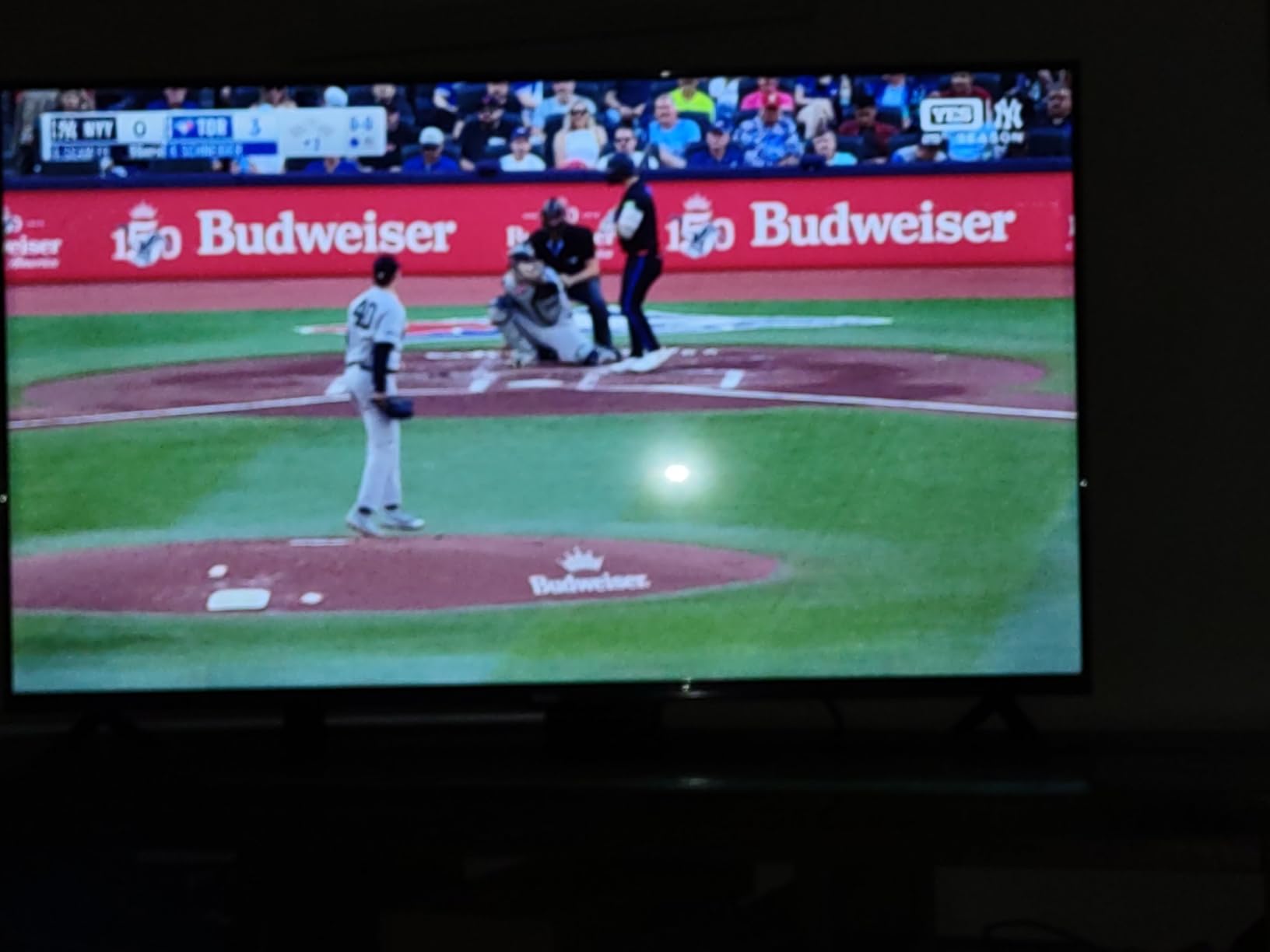
Platform speed is the entire argument for this set. The older Fire TV experience was the slowest of the major platforms, and this model pairs a quad-core processor with Wi-Fi 6 to fix that. Owners consistently report faster app loading and less scrolling than on the older Fire TV sets they replaced, which is a real upgrade rather than a spec-sheet promise.
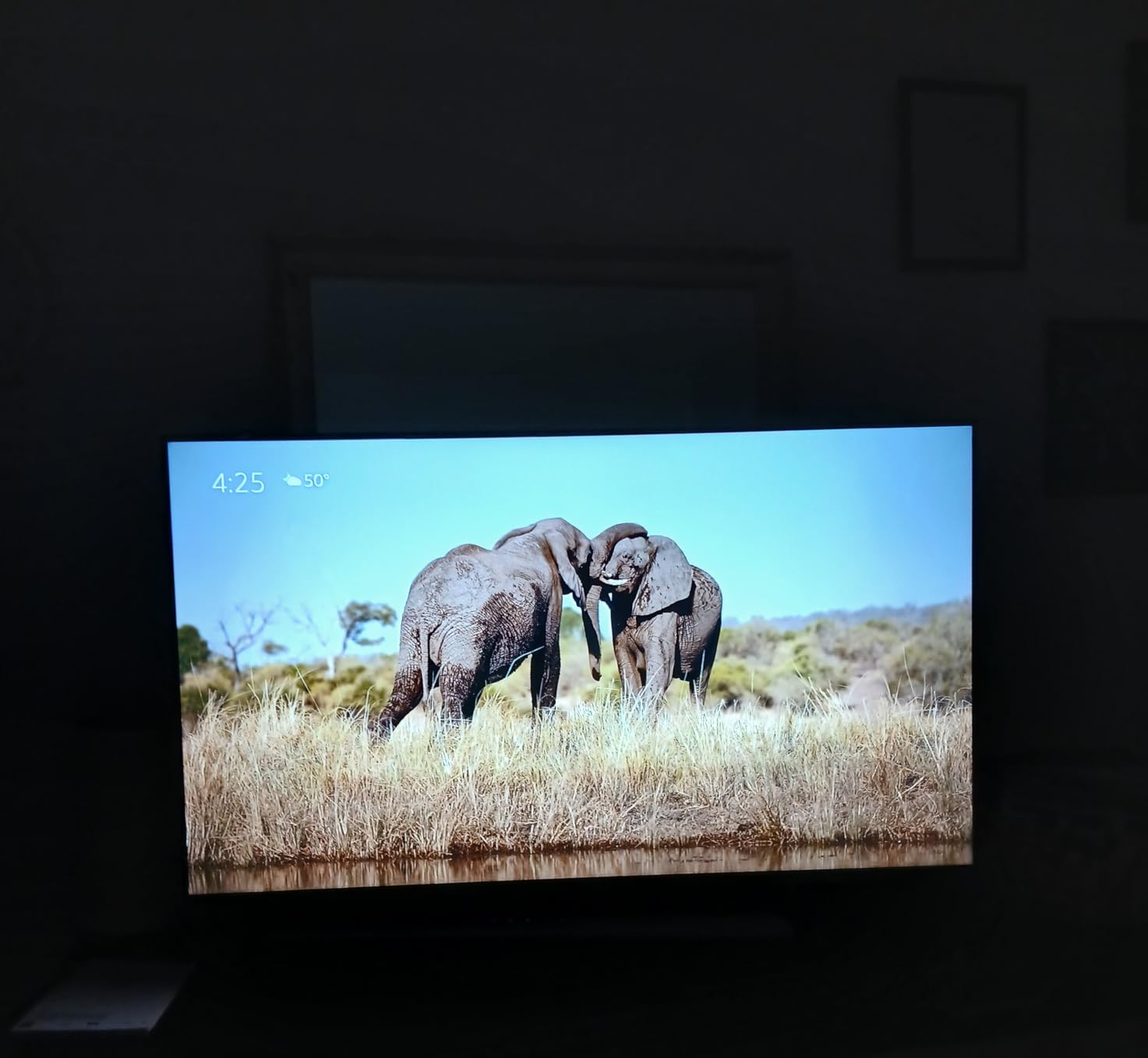
HDR10+ support means the set receives dynamic metadata from compatible content and can adjust brightness scene by scene. The practical benefit at 43 inches is modest but visible in dark interiors. The Omnisense sensor wakes the panel to display artwork when someone walks past, which is a nice touch in a bedroom or hallway.
Cloud gaming and the subscription question
Amazon Luna and Xbox Game Pass cloud gaming are supported, and for a household without a console that is a genuine way to play. It also means the television is a platform rather than a display, and the cost of that platform is the part to think about clearly. Alexa+ features and several apps require a subscription, and the cloud gaming services are recurring costs on top of the hardware.
The four HDMI inputs are more generous than the three ports most sets in this group carry, and they matter more as the number of connected devices grows. If your plan is a console plus a soundbar plus a disc player plus a legacy source, port count becomes a real constraint two years in.
Who it suits and who should pass
Choose it for a streaming-first household, particularly in a bedroom, an office or a first apartment where the television is an appliance for watching rather than a centerpiece in a living room. This set also comes in 50-inch and 55-inch variants if you decide you need more screen.
Pass if you care about sound. Audio is the most common reservation in the reviews, with owners suggesting a soundbar for larger rooms. Also pass if you dislike subscription-shaped services or want a platform that does not ask you to sign in and keep paying for features that are on by default elsewhere.
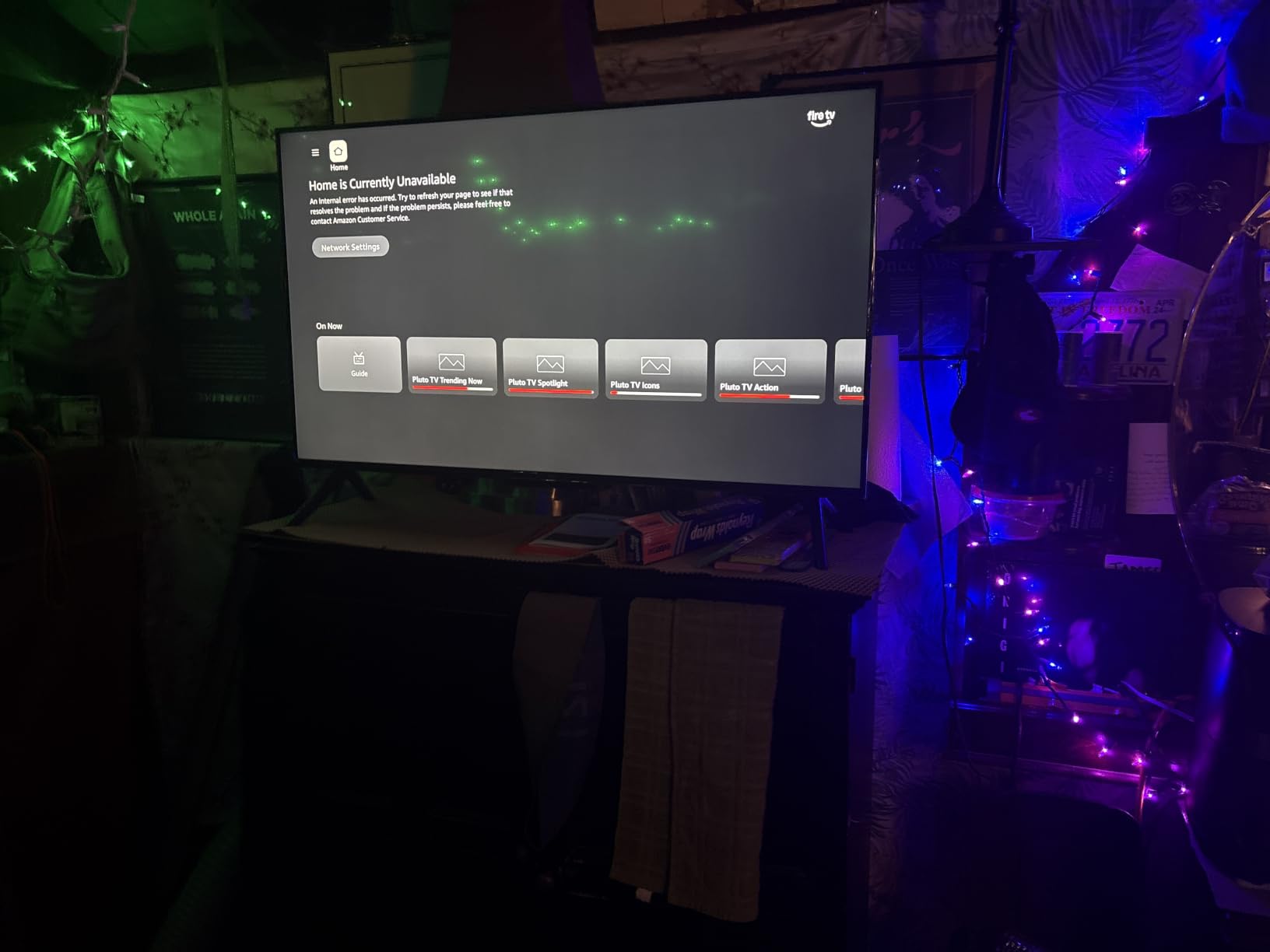
5. Hisense 43 E6 Cinema Series Hi-QLED Fire TV – Most HDR Formats in a 43-Inch Set
- ✓Hi-QLED quantum dot color delivers vivid
- ✓wide-gamut tones
- ✓Dolby Vision plus Dolby Atmos at a mid-budget level
- ✓AI light sensor adjusts brightness to ambient conditions
- ✓Filmmaker Mode preserves original color and frame rate
- ✓AI 4K upscaler and AI Smooth Motion MEMC
- ✓178 degree viewing angle
- ✕60Hz native refresh rate limits motion and gaming
- ✕Only 14 watts of speaker output
- ✕Only three HDMI ports
- ✕Higher share of critical reviews among the set here
43 inch Hi-QLED quantum dot
Dolby Vision with HDR10+ Adaptive
Dolby Atmos
AI light sensor
178 degree viewing angle
This is the format maximalist pick. Dolby Vision, HDR10+, HDR10+ Adaptive, HDR10 and HLG are all listed, which is a wider HDR decode list than anything else at this screen size in the group. For someone who watches a lot of cinema content and wants the set to accept whatever a streaming service throws at it, that coverage matters more than any single processing chip.
Hi-QLED is Hisense’s quantum dot layer, and the wide color gamut it produces is the visible difference from a standard LED filter. Combined with Filmmaker Mode, which holds the original color, frame rate and audio grade, this is the closest thing on the list to a picture-accurate set for the money. The 178 degree viewing angle specification also means off-center seating is less of a problem than on the Toshiba.
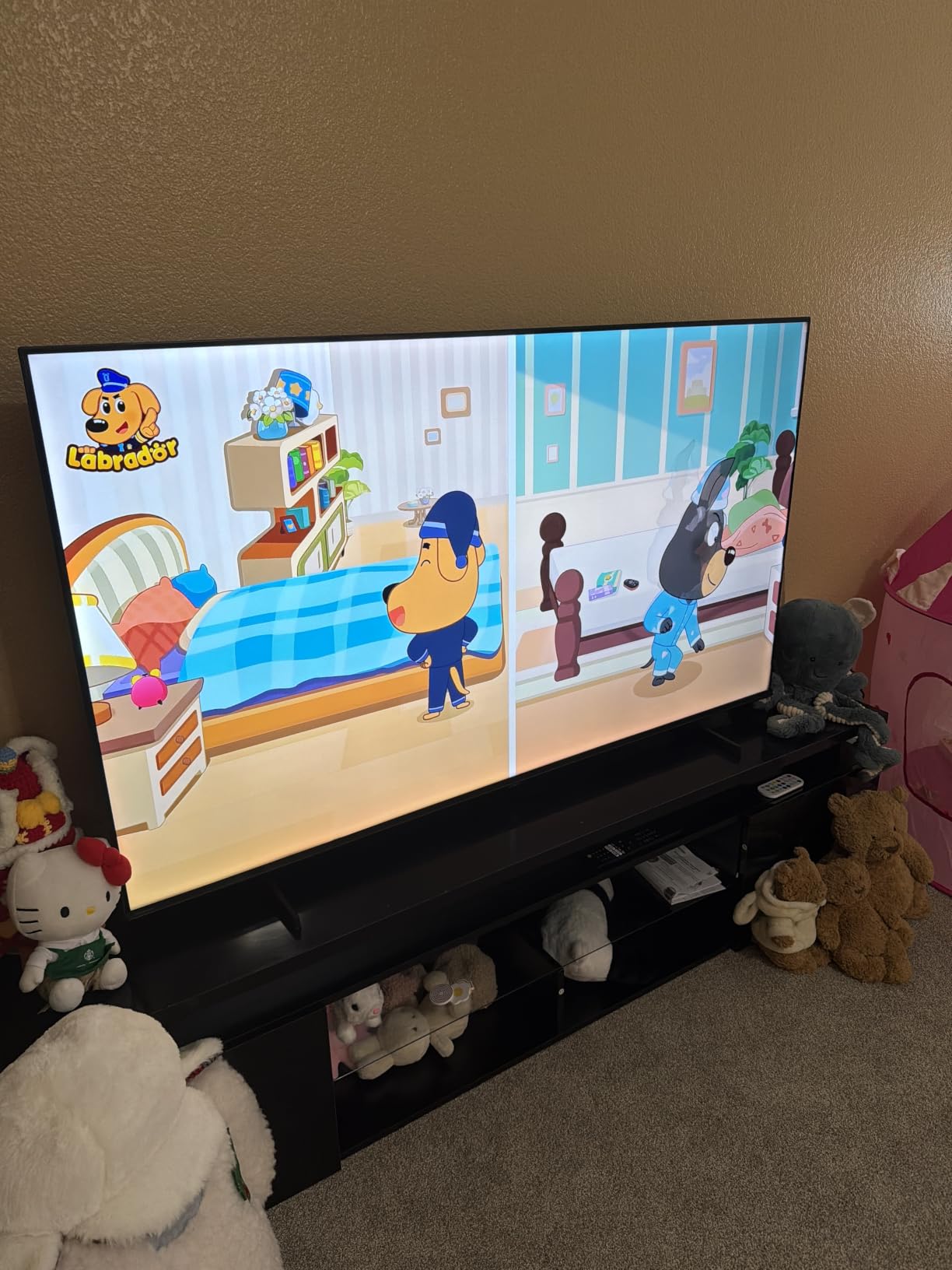
Why the rating is the lowest here
At a 4.0 average across 2724 reviews, this is the lowest-rated set on the list, and the reviews explain why. Buyers who wanted more processing and more brightness from the budget found it underwhelming, while buyers who wanted Dolby Vision and a wide gamut were satisfied. Nothing is broken about the set; the panel simply is not trying to be the brightest thing in the room.
The 14 watt speaker output is thin, and the 60Hz native panel means Motion Rate 120 is a processing trick rather than a real higher refresh. The AI Smooth Motion MEMC engine does clean up soft content, but it cannot manufacture frames that the panel does not have. The AI light sensor is a sleeper feature in a bright room, since it dims the panel in daylight and brightens it at night without you touching a setting.
Who it suits and who should pass
Choose it for a film and documentary household in a medium-size room, particularly if Dolby Vision is on your must-have list. The wide viewing angle also makes it the better pick of the 43-inch sets for a room where seating is spread out.
Pass if you game seriously, or if you want the biggest picture per unit of money — a 55-inch set with a Mini-LED backlight will beat this for movie nights in almost every measurable way. And read the critical reviews before buying, because the gap between what enthusiasts want and what this set delivers is real.

6. Insignia 55 QF Series QLED Fire TV – Best 55-Inch Quantum Dot for the Money
- ✓QLED quantum dot color at a fraction of other 55 inch quantum dot pricing
- ✓Direct LED backlight gives uniform brightness and strong contrast
- ✓Dolby Vision HDR and Dolby Atmos in a budget Fire TV
- ✓Bezel-less metal design looks more premium than the cost implies
- ✓Three HDMI inputs including one with eARC
- ✕60Hz refresh rate limits motion and gaming
- ✕Dolby Atmos is processed by the built-in speakers
- ✕Fire TV interface responsiveness is entry-level
- ✕Only 3 HDMI ports limits consoles plus external audio
55 inch 4K QLED
Quantum dot color with direct LED backlight
Dolby Vision and Dolby Atmos
Bezel-less metal design
Screen size is the feature people underrate. A 55-inch panel fills a living room in a way a 43-inch set never can, and the quantum dot layer on this set costs relatively little more than a standard LED at the same size. The 4.4 average across more than a thousand reviews reflects that owners are getting more screen than they expected for what they paid.
Direct LED backlighting produces even brightness across the panel, which is a visible improvement over edge-lit sets where corners dim. Dolby Vision and Dolby Atmos are both supported, and the bezel-less metal frame looks considerably more expensive in person than the spec list would suggest. For a room where aesthetics matter as much as pixels, that is a genuine part of the value.
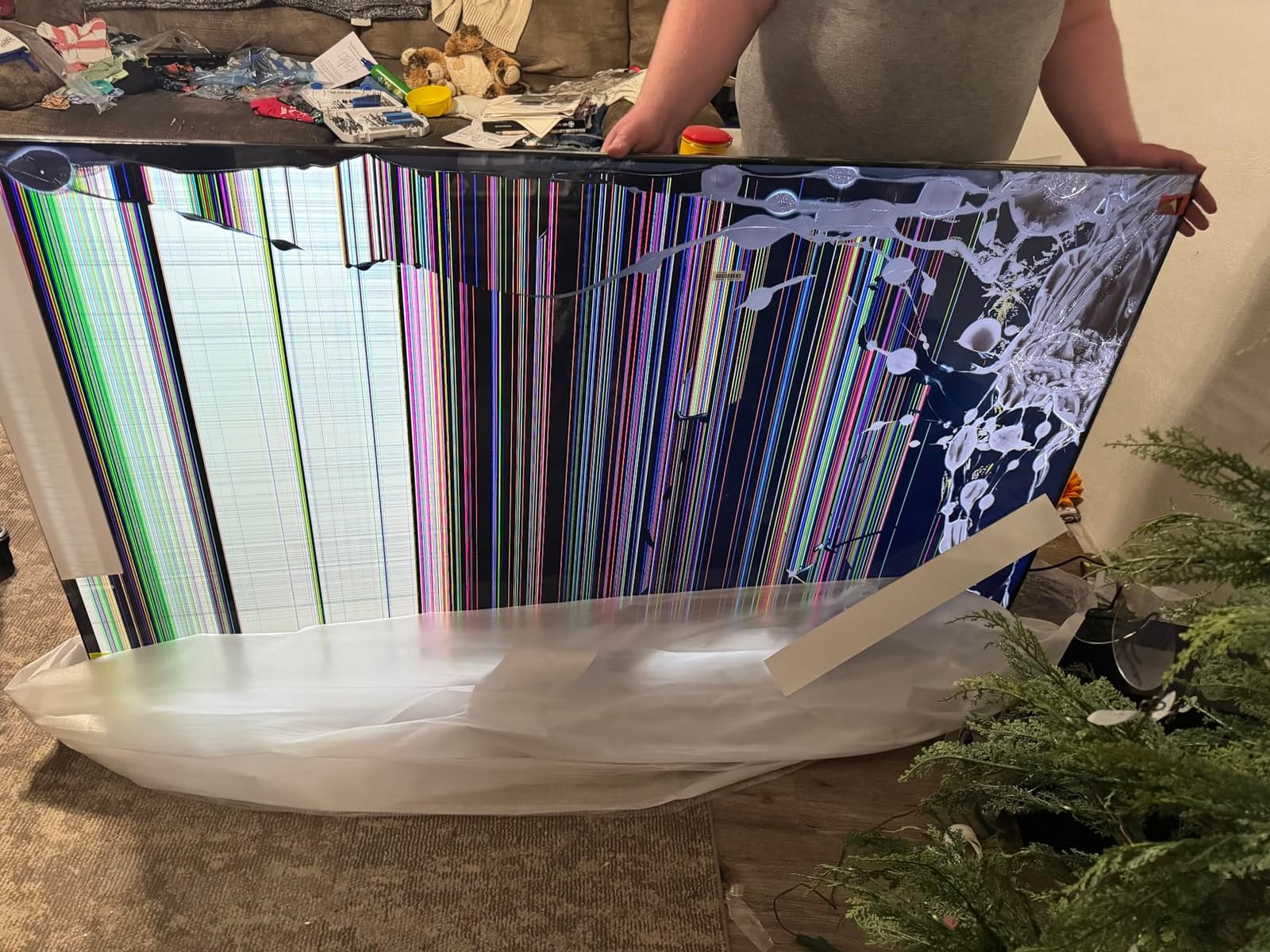
Where the port count will catch you out
Three HDMI inputs including one with eARC is workable but tight. A PlayStation, a soundbar and a disc player uses all three, and then a legacy console, a capture device or a projector has nowhere to go. If you can foresee adding hardware in the next two years, count the ports before you commit.
The 60Hz native refresh rate is the other limit. Fast sports and action scenes are handled by the panel rather than by frame generation, so the motion is what a budget 60Hz panel delivers. That is fine for streaming and for casual gaming. It is not fine if you are used to 120Hz.
Who it suits and who should pass
Choose it for a main living room on a strict budget, especially if you want the largest screen you can get without stretching the ceiling, or if your room is bright enough that a dim panel would look washed out. The wide size also makes it a good choice for a room where several people watch at once.
Pass if you own a current-generation console and care about motion, or if you already own a soundbar and want the budget spent on picture instead. For the same money, the Mini-LED sets further down this list deliver a visibly better image.
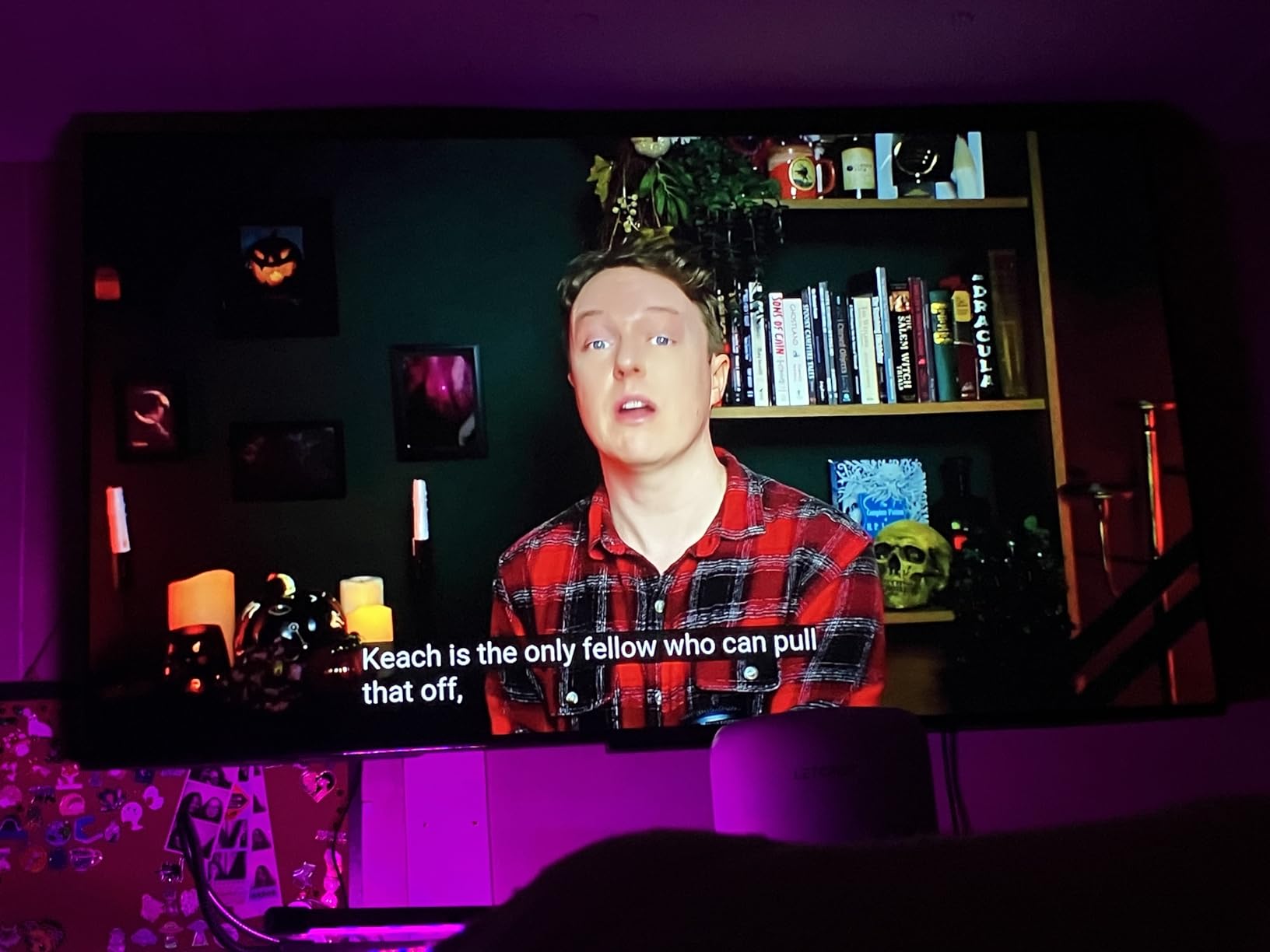
7. Samsung 55 M70H Series Mini LED TV – The Brightest Panel on This List
- ✓Mini-LED backlighting with Supreme Mini LED dimming gives bright highlights and deep blacks
- ✓Up to 2000 nits peak brightness is unusual at this level
- ✓Pure Color Spectrum covers one billion colors
- ✓Lightweight body that is easy to move and assemble
- ✓Samsung TV Plus with 750 plus free channels
- ✓Gaming Hub with cloud gaming and controller pairing
- ✕Included remote is widely criticized and has no direct input switch
- ✕No Alexa built in and voice control is described as spotty
- ✕App store lacks major services such as HBO Max
- ✕Only 3 HDMI ports and no optical output
55 inch 4K Mini-LED
2000 nit peak brightness
HDR10+
Tizen with Samsung TV Plus
Motion Xcelerator Turbo+
The number that sets this set apart is 2000 nits of peak brightness. Nothing else in this group comes close, and it is the difference between HDR content that looks flat and HDR content that visibly pops in a room with any daylight on it. If you watch in a bright room and refuse to accept a washed-out picture, this is the one to look at.
Mini-LED backlighting also brings real contrast improvement over a standard LED, so dark scenes hold shadow detail instead of turning gray. Pure Color Spectrum expands the color range to a claimed one billion colors, and at 22.5 pounds the whole thing is light enough to move between rooms without help.
The remote is the biggest problem here
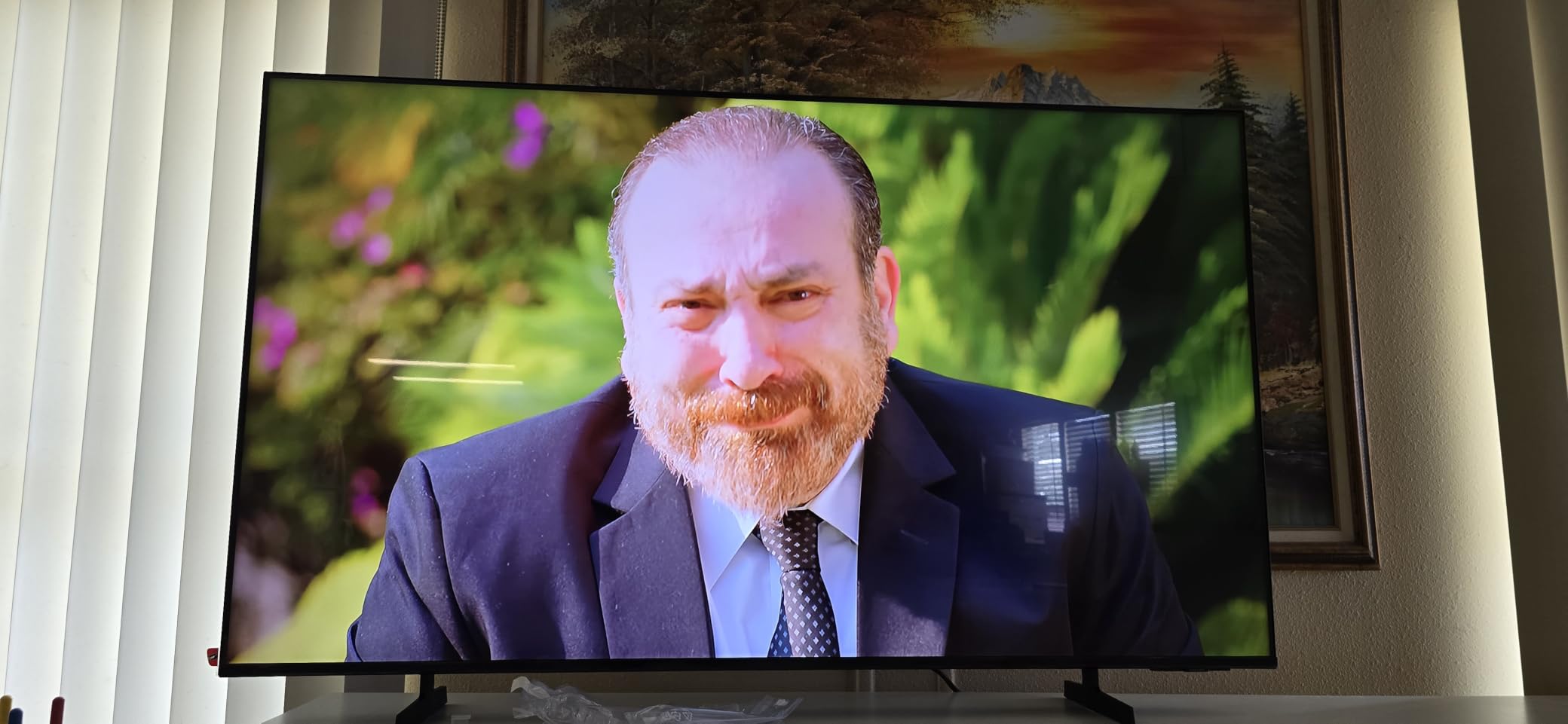
Owners are unusually blunt about the included remote, and it is the most common negative in the reviews. There is no dedicated input switch and no direct volume control, the television does not remember the last source and defaults to a free channel on power-up, and better remotes are sold separately. This is a software and accessory design decision, not a picture problem, and it is worth knowing before you decide the picture is worth the compromise.
The Tizen app store is also thin. Major services including HBO Max are not available in the store, which pushes some owners toward an external streaming device. There is no optical output or RCA input for legacy audio, so connecting an older sound system means going through HDMI eARC only.
Who it suits and who should pass
Choose it for a bright living room, for daytime sports, and for anyone who wants Dolby Vision-class highlight impact without leaving the sub-500 bracket. Soccer Mode and the Gaming Hub with controller pairing make it a good fit if you watch matches regularly.
Pass if you are a streaming-first viewer who refuses to add a streaming stick, since the app store will frustrate you. It is also the least settled set here at 539 ratings, so treat the consensus as promising but thinner than the sets with tens of thousands of reviews. Our Samsung TV guide covers the rest of the range.
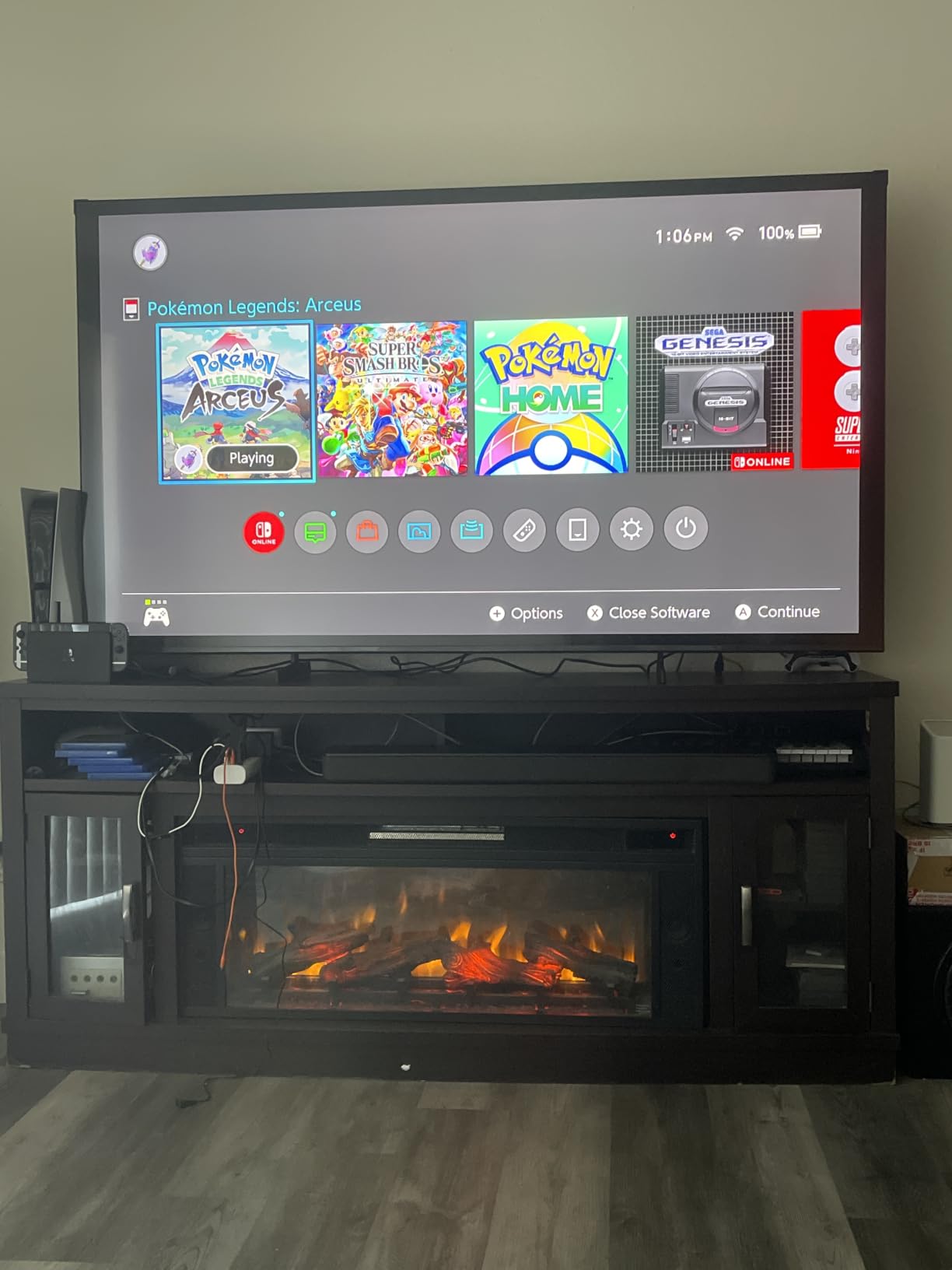
8. Roku 55 Plus Series Mini-LED QLED TV – The Best Value Pick
- ✓Mini-LED with full array local dimming produces rich detail and vivid highlights
- ✓QLED color plus Dolby Vision for accurate color
- ✓4.1 channel Dolby Atmos with a built-in subwoofer is unusually strong
- ✓Roku Smart Picture Max uses AI to tune color and sharpness per scene
- ✓Highest average rating in this roundup
- ✓6.5 millisecond response time
- ✕60Hz native refresh rate despite Mini-LED
- ✕Heaviest Mini-LED set in the group at 27.4 pounds
- ✕High-bandwidth gaming needs the correct HDMI port
- ✕Roku OS app selection is narrower than Google TV
55 inch 4K QLED Mini-LED
Full array local dimming
Dolby Vision with HDR10+
4.1 channel Dolby Atmos with subwoofer
This is the set I recommend to a friend who asks me to just pick one. It is the only 55-inch set here that combines a Mini-LED backlight with full array local dimming, which is the single technical feature that separates a real high-contrast picture from an ordinary bright one. Highlights stay punchy while the rest of the frame stays dark, and on dark cinema content the difference is not subtle.
The audio is the other surprise. A 4.1 channel Dolby Atmos system with a built-in subwoofer at 50 watts is a genuine upgrade over the flat two-speaker packages that dominate this bracket, and owners repeatedly report it removed the need for an immediate soundbar purchase. Response time is listed at 6.5 milliseconds, which keeps input lag low even though the panel itself is 60Hz.
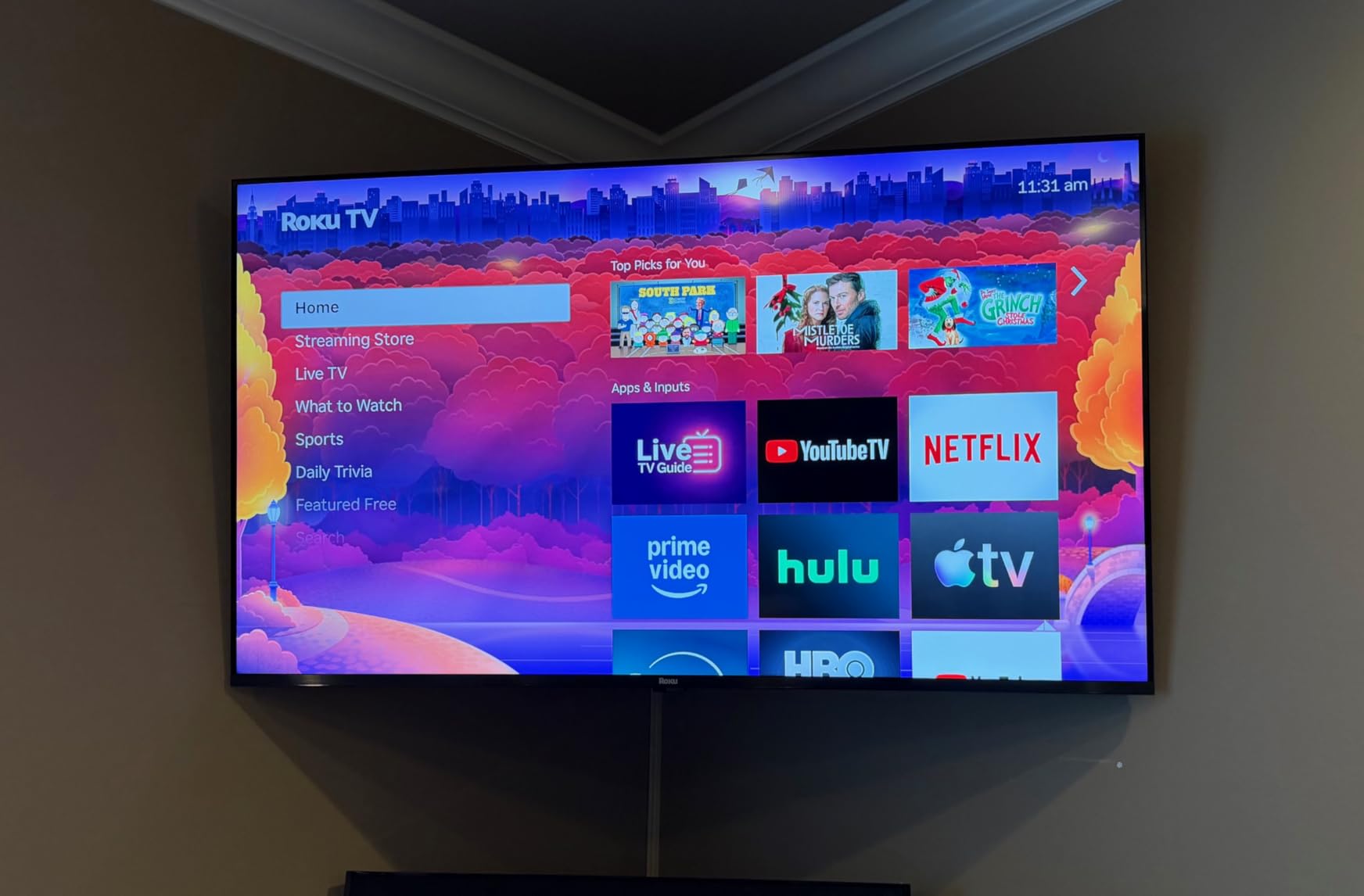
What you give up, honestly
The Mini-LED badge is on the backlight, not the refresh rate. This is a 60Hz native panel, so despite VRR appearing in feature listings, you do not get 120Hz console gaming. Owners also note that hitting the higher bandwidth modes requires identifying the correct HDMI port rather than any of the four, which is an easy mistake to make and a frustrating one to discover.
Two smaller things. At 27.4 pounds this is the heaviest Mini-LED set on the list, so wall mounting is a two-person job. And Roku OS carries a narrower app selection than Google TV for some services, which matters if you depend on a specific streaming app that is not in the catalog.
Who it suits and who should pass
Choose it for a dark or dimly lit living room, for movie nights, and for anyone who wants the highest picture quality per unit of money without leaving the budget. It is also the strongest all-rounder here because the audio means you can defer the soundbar purchase entirely.
Pass if you are a competitive gamer, because 60Hz is the ceiling no matter what the feature list implies. Pass if you have a narrow wall or a light-colored cabinet and cannot get a second pair of hands, because the weight is not trivial. Our QLED roundup has alternatives if you want to go further up the range.
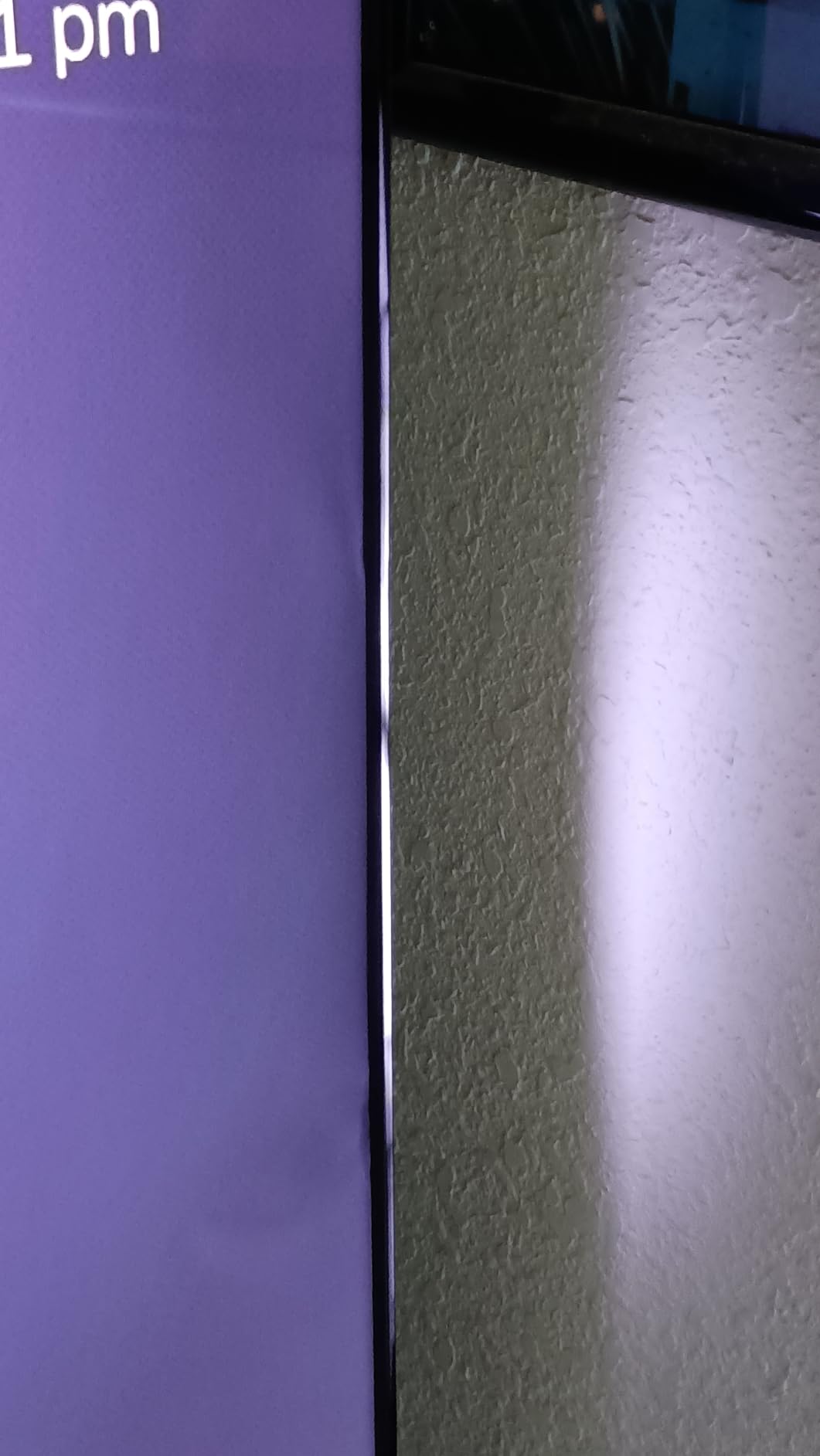
9. Samsung 65 U8000H Crystal UHD TV – The Biggest Screen You Can Fit in the Budget
- ✓Largest screen in this roundup at 65 inches
- ✓Crystal Processor 4K delivers sharp detail with effective upscaling
- ✓Motion Xcelerator keeps sports and game motion smooth at 4K 60Hz
- ✓Alexa is built in
- ✓750 plus subscription-free channels on Samsung TV Plus
- ✓Two year manufacturer warranty
- ✕Only 400 nits peak brightness limits bright-room viewing
- ✕Included remote has no microphone despite built-in Alexa
- ✕Switching inputs requires going through the home menu
- ✕Sparse app inventory with HBO Max and Paramount Plus unavailable
65 inch 4K LED panel
Crystal Processor 4K with upscaling
HDR10+
400 nit peak brightness
Two year warranty
A 65-inch 4K panel is the single biggest screen on this list, and in a large room that is worth more than any picture processing feature. Reviewers treat this set as a size-driven value purchase, and the case is straightforward: if you sit far back, a 65-inch screen at 4K reads as a sharper image than a 55-inch screen, because the pixels are spread over more area and your eyes resolve more of them.
The Crystal Processor 4K does real upscaling work, and Motion Xcelerator keeps fast sports and games smooth at 4K 60Hz. The two year manufacturer warranty is the longest in the group, which matters more than it sounds on a set this size that a family will keep for years. The contrast ratio is listed at 4000:1, and owners report very deep blacks in dim rooms.
The daylight problem, stated plainly
Peak brightness is 400 nits, which is the single biggest compromise on this set. Owners describe colors as skewing primary and washing out in strong daylight, while the same set is praised for very deep blacks in a dim room. That is the classic budget-panel trade-off: excellent in the dark, merely adequate in the afternoon. If your main viewing time is daytime with the blinds open, this is the wrong set.
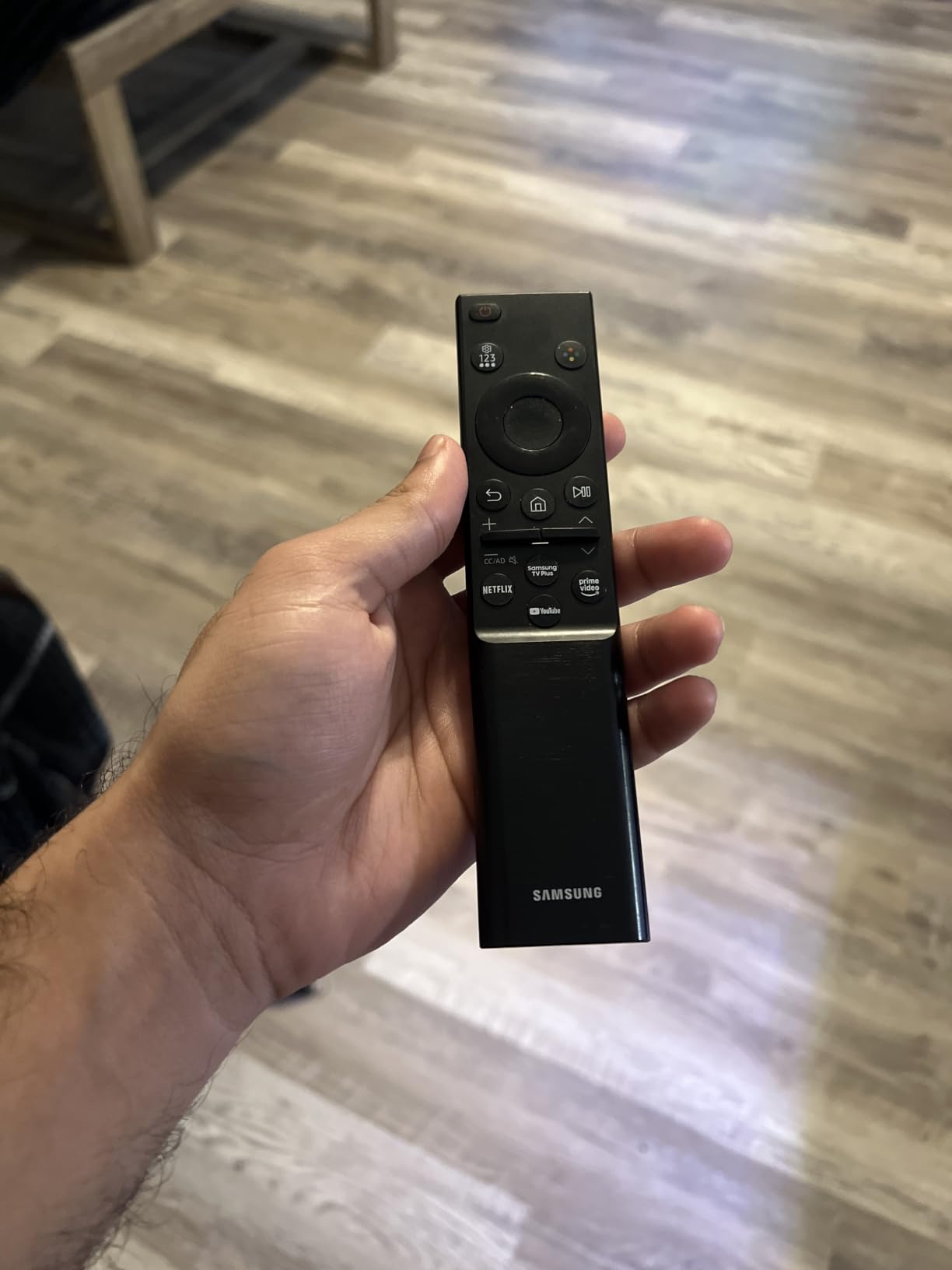
The remote and interface draw consistent criticism too. There is no microphone for voice control despite Alexa being built in, changing inputs requires going through the home menu rather than a dedicated button, and the volume control is a pull-toggle that owners find awkward. The app store is repeatedly called too sparse, with HBO Max and Paramount Plus unavailable. There are also no RCA or composite inputs, so legacy sources are out.
Who it suits and who should pass
Choose it for a big, dim living room, a basement media room, or a family that watches in the evening and wants the biggest possible screen. The two year warranty and 31.8 pound weight make it a set you install once and keep.
Pass if your room is bright during the day, because 400 nits will not hold up against window light. Also pass if app availability matters to your household. If brightness is your priority, the Samsung M70H reaches far higher, and if contrast is, the Roku 55 Plus does it with local dimming.
10. TCL 55 T7 QLED Google TV – The Best Console Pick
- ✓QLED color covering nearly the full DCI-P3 gamut with Mini-LED backlighting
- ✓120Hz native refresh suits PS5
- ✓Switch and PC gaming
- ✓240Hz variable gaming refresh rate
- ✓Dolby Atmos and DTS:X audio is well separated for a built-in system
- ✓Google TV interface is quick and responsive
- ✓Four HDMI inputs including eARC
- ✓Weighs 24.3 pounds and assembles quickly
- ✕Google TV ad load and speed criticized by some owners
- ✕MEMC does not keep up with very fast sports action
- ✕Some glare in bright rooms with many windows
- ✕Remote drains batteries quickly with the backlight on
55 inch 4K QLED
120Hz native refresh with 240Hz variable gaming refresh
Mini-LED backlight
4 HDMI inputs
This is the only set on the list with a 120Hz native panel, and that single spec changes what the set is for. A PlayStation 5 or Xbox Series console can output at 120Hz, and a 60Hz panel has to throw half of those frames away. Motion in sports and in fast games looks materially better here, and PC gamers driving a high-refresh display can use the full capability.
The 240Hz variable gaming refresh rate is a further layer above the native rate, smoothing frame pacing on compatible titles. The QLED layer covers nearly the whole DCI-P3 gamut and the Mini-LED backlight handles contrast, so this is a gaming set that does not compromise on picture. Four HDMI ports mean you can connect a console, a soundbar and a capture device without hunting for an adapter.
Motion processing and the Google TV caveat
Motion Rate 480 with MEMC frame insertion is the spec to be skeptical of. Owners report it does not keep up with very fast sports action and can add visible soap-opera artifacts on slower scenes. The native 120Hz panel is doing the real work here, so if you want the cleanest motion, leave the frame insertion at its default and do not go hunting through the menus.
Google TV is a genuine strength on this set specifically. Owners report it as noticeably more responsive than the platforms on the competing sets they replaced, though the ad-heavy home screen still draws complaints and a few owners add a third-party launcher to clean it up. Note that the HDMI ports are not all equal — reviewers point out that you need to identify the high-bandwidth port for 120Hz operation. And there is some glare in a bright room with several windows, so this is not a daylight set.
Who it suits and who should pass
Choose it if you own a current console and want the games to look as good as the console can make them, or if you game on PC and want high refresh in a living room. TCL customer service is also repeatedly praised for fast replacement, which reduces the risk of a large panel in your home.
Pass if you only watch streaming, because you are paying a refresh rate you will not use, and the Mini-LED contrast is not the full local-dimming story that the TCL QM6K or Roku 55 Plus provide. For the full TCL line, our TCL TV guide is worth a look.
11. Hisense 50 E7 Cinema Series Hi-QLED Mini-LED – Most Specs Per Dollar, With a Caveat
- ✓Mini-LED with full array local dimming yields deep blacks and bright highlights
- ✓Native 144Hz refresh with MEMC is unusually strong in this range
- ✓Dolby Vision IQ
- ✓HDR10+ Adaptive and Dolby Atmos support
- ✓AI Picture engine tunes brightness
- ✓contrast and color scene by scene
- ✓AI light sensor and AI Sports Mode
- ✓Lightweight at 22.3 pounds and easy to set up
- ✕Some owners report recurring Wi-Fi drops requiring factory resets
- ✕Occasional black-screen lockups cleared only by unplugging
- ✕Picture processing on disc and broadcast sources described as less refined
- ✕Plastic stand hardware and less secure packaging
50 inch Hi-QLED Mini-LED
Full array local dimming
Native 144Hz
Dolby Vision IQ with Dolby Atmos
4 HDMI ports
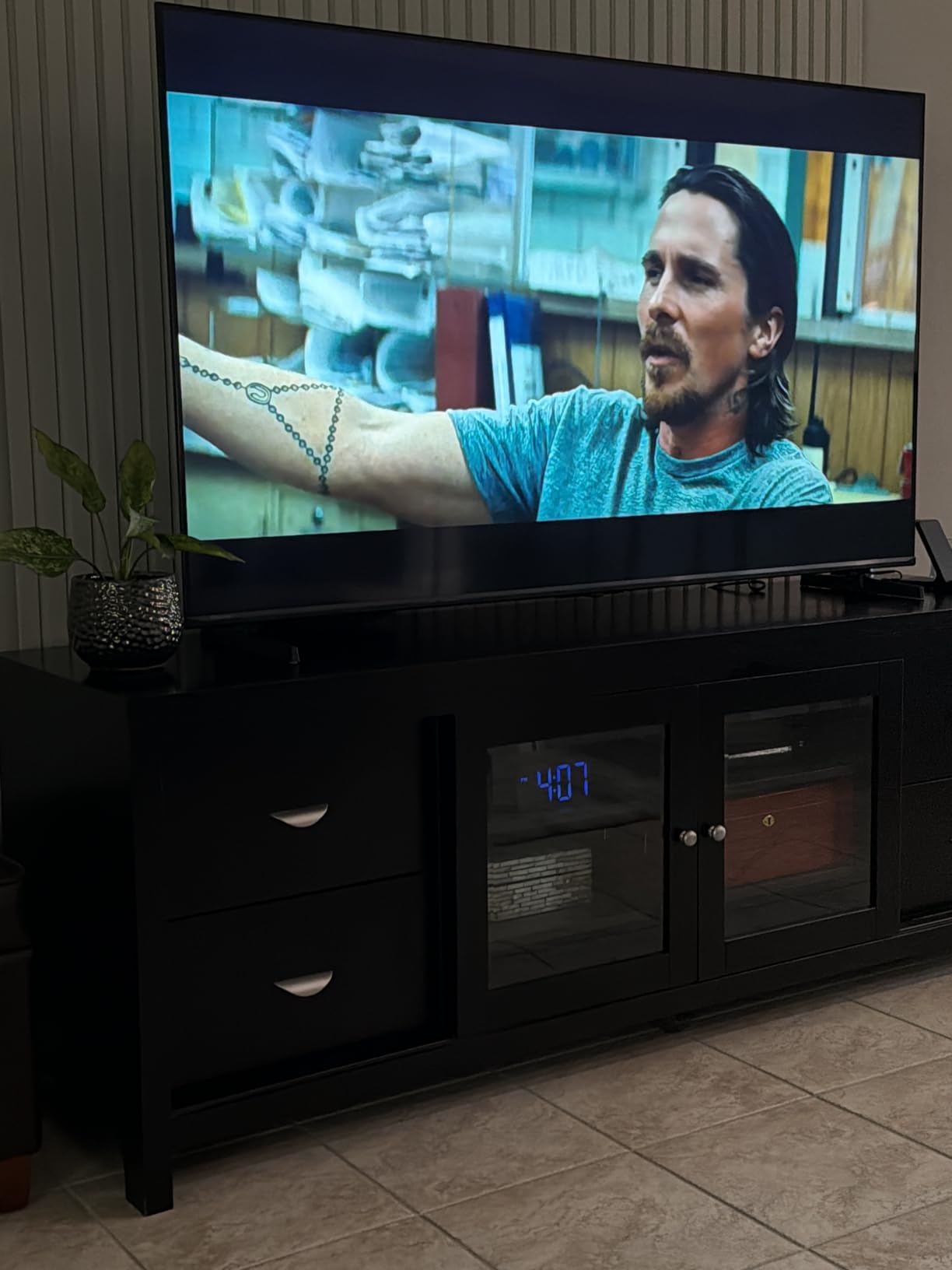
Take the specification list on this set and compare it to the sets above it, and it looks implausible. A 50-inch Mini-LED panel with full array local dimming, native 144Hz refresh, Dolby Vision IQ and HDR10+ Adaptive, plus an AI picture engine that analyzes content scene by scene, would have been a premium product a few years ago. Several owners compare it directly to TCL, Samsung and Sony sets and conclude it wins on value.
Native 144Hz is the number that separates it from most of this list, and the MEMC black frame insertion helps further on slower content. Filmmaker Mode preserves original aspect ratio, color, frame rate and sound for people who want an unprocessed image. The AI light sensor and AI Sports Mode are small touches that adjust the picture to the room and the content automatically.
The software reliability question you must read
Hardware this good with firmware this unstable is the central tension on this set. The reviews include a detailed account of recurring Wi-Fi dropouts requiring factory resets, failed remote pairing during setup and black-screen lockups that only cleared by unplugging the set. That is a quality control concern, not a taste disagreement, and it is the single strongest argument against this pick.
My advice is to buy this from a retailer with a forgiving return window, set it up properly on your own network from day one, and test streaming and console input inside that window. Some owners also find the picture processing less refined on disc and broadcast sources than on app-based streaming, which is the one comparison worth making yourself before deciding. One buyer switched to a TCL after exactly that test. If picture accuracy on physical media matters to you, verify it in person.
Who it suits and who should pass
Choose it for a tech-forward buyer who wants the most capable hardware per unit of money, and for a mixed household that games on a console and watches movies in the evening. The lightweight 22.3 pound body also makes it easier to mount than most sets its size.
Pass if you cannot tolerate the possibility of a firmware problem and you have no easy return path, or if you only need a simple bedroom set. There is nothing wrong with paying less for a 43-inch panel when that is the job. Our LG TV guide is a useful counterpoint if you want a different brand philosophy.

12. TCL 50 QM6K Mini LED QLED Google TV – The Best-Reviewed Set Here
- ✓QD-Mini LED with the TCL Halo system gives deeper blacks and brighter HDR than standard LED
- ✓144Hz refresh supports 120Hz console gaming and high-refresh PC
- ✓Onkyo speaker system with a built-in subwoofer is unusually capable
- ✓Google TV is more responsive than the sets owners replaced
- ✓Most reviewed Mini-LED set in this roundup at 1903 ratings
- ✓Adaptive brightness and extensive picture settings
- ✕Google TV home screen is ad-heavy and needs a third-party launcher
- ✕Requires a Google account and setup time to customize
- ✕Apps can be slow until a software update runs
- ✕Speakers adequate rather than excellent for large rooms
50 inch 4K QD-Mini LED
TCL Halo Control System
144Hz refresh
Dolby Atmos with Onkyo speakers and subwoofer
Ambilight
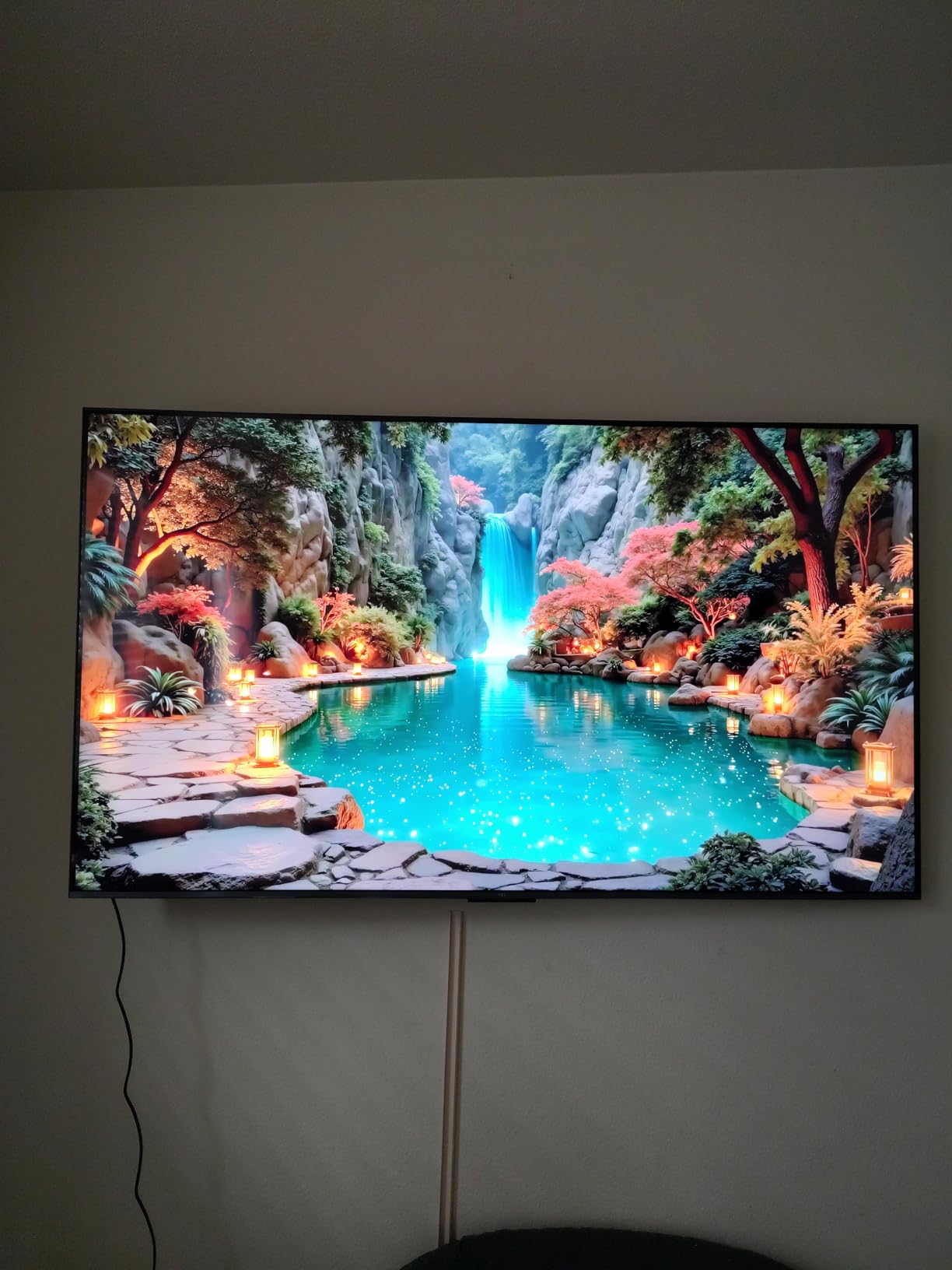
With 1903 owner reviews, this is the most established Mini-LED set on the list, and the reviews use the same word repeatedly: benchmark. Owners present it as the value reference point in its class, and the pattern of feedback is consistent. Mini-LED local dimming delivers blacks and HDR brightness that are visibly better than cheaper LED sets, and the 144Hz panel makes it a genuine gaming display rather than a console compromise.
The TCL Halo Control System is the piece of engineering that matters, coordinating the Mini-LED backlight with the panel to keep highlights from blooming into surrounding dark areas. That is the difference between Mini-LED being a spec-sheet upgrade and being a visible one. The Onkyo speaker system with a built-in subwoofer handles dialogue and effects well enough that many owners skip a soundbar in the first year.
The Google TV experience, honestly
Google TV is the main complaint and it is worth solving rather than accepting. The home screen is ad-heavy, and several owners install a third-party launcher to get a clean row of app icons. Setup requires a Google account and takes some time to customize, and some buyers found apps sluggish until a software update ran. None of this is serious, but it is friction on a device you touch daily.
Two smaller notes. Owners who replaced Samsung and Roku sets report Google TV is noticeably more responsive, which is a genuine improvement over the other platforms at this price. And some buyers find the post-processing motion and clarity settings look artificial enough to switch off entirely, which is a reasonable instinct — Filmmaker-style accuracy is generally better served by leaving the aggressive processing alone. Bluetooth works reliably for headphones and external speakers, and Ambilight adds ambient backlighting on the panel edge.
Who it suits and who should pass
Choose it for a main living room where you want the best picture hardware available in this bracket, especially if you also game or watch films in the evening. The 144Hz panel and Mini-LED dimming make it the most complete package here short of the Hisense E7, and the review base means you are buying a well-understood product rather than a new one.
Pass if a clean, ad-free out-of-box interface is non-negotiable — add a streaming stick or install a launcher first. Also pass if you need the largest possible screen, since this is 50 inches, or if you want a TV that works as a plain display without a Google account. If you are planning an outdoor or covered setup instead, our outdoor TV guide covers that category.
How to Choose a 4K TV on a 500 Dollar Budget
Pick the size first, and spend the ceiling on one big set
Size is the decision that matters most, and it is the one most people get wrong by shopping brand first. The forum consensus in this band is that 55 inches is the aspirational target, and it is realistic if you accept a quantum dot LED panel without Mini-LED dimming. At 43 inches you can afford a better panel, at 50 inches you can reach Mini-LED, and at 65 inches you are accepting brightness limits as the price of the size.
Spend the ceiling on one set rather than splitting it across a television and a soundbar, in my view. These sets are designed to be the anchor of a room, and the built-in audio on the top three picks here is good enough to start with. A good soundbar added later is an upgrade you can make when you have the money, while a mediocre panel is something you live with every day.
QLED and Mini-LED are where the picture gap opens
QLED is a quantum dot color filter layer, and on a budget set it buys you a wider color gamut and better saturation than a standard LED filter. It does not buy you contrast. Mini-LED backlighting is the feature that changes contrast, because thousands of small LEDs behind the panel let the set dim specific regions of the screen instead of raising and lowering the whole backlight at once.
That leads to local dimming, and it is the single biggest picture-quality split at this budget. Seven of the twelve sets here are standard LED or QLED without local dimming. Five carry a Mini-LED backlight, and two of those add full array local dimming: the Roku 55 Plus and the Hisense 50 E7. If dark-room movie quality is the priority, that distinction is worth more than any processor claim.
Roku TV, Google TV and Fire TV compared honestly
Roku OS is the interface most owners on this list describe as the least annoying. It is fast, uncluttered, and the ad load is manageable. Its weakness is app selection breadth — it is narrower than Google TV for some services, and it cannot function as a bare display because setup requires an internet connection.
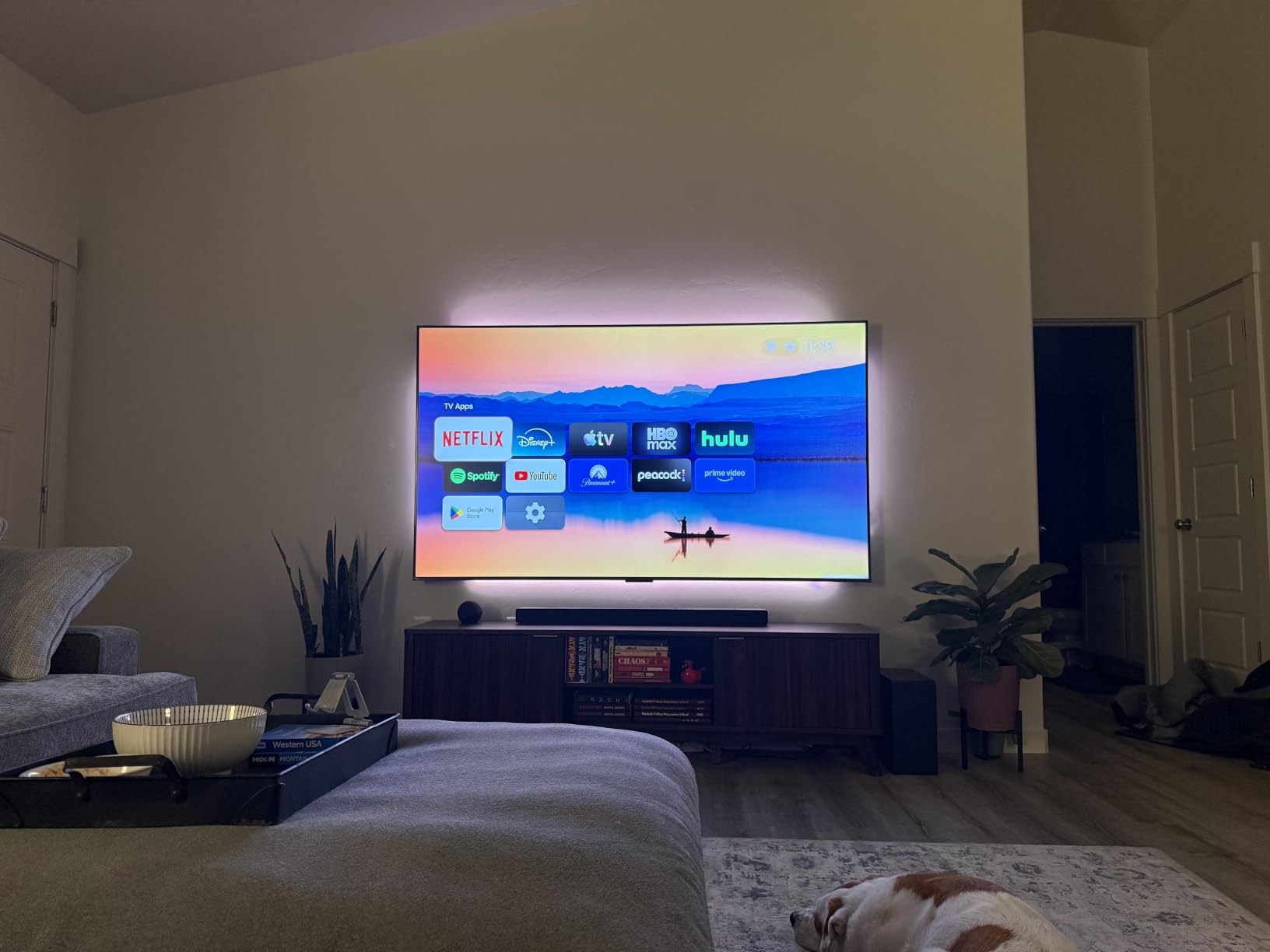
Google TV has the widest app catalog and the best voice search, and on the TCL T7 specifically owners report it responding faster than the platforms they replaced. Its weakness is the home screen, which is ad-heavy enough that several owners install a third-party launcher. It also requires a Google account.
Fire TV is the most improved of the three this year, with the newer processor and Wi-Fi 6 on the Amazon Ember 43 fixing most of the sluggishness that used to define the platform. Its weakness remains audio quality on these panels and a subscription-shaped feature set. None of the three is wrong. Pick on how much you dislike menus, because that is what you will live with daily.
Set your HDR expectations at 375 to 500 nits
Most sets in this bracket list HDR support, and most sets in this bracket cannot deliver highlight impact that justifies the format. The Insignia F50 is listed at 375 nits of maximum brightness and the Samsung U8000H at 400 nits. At those levels, HDR is delivering better shadow detail and richer color, not the blinding highlights that justify the format on a good television.
The two exceptions are worth knowing. The Samsung M70H is listed at 2000 nits, which is a genuine step up and the reason daylight viewing works on it. And the Mini-LED sets hold brighter highlights in a dark room because the backlight can push hard where the image needs it. If you want a picture that visibly changes between SDR and HDR, target those sets rather than the cheapest HDR-compatible one.
Gaming: 60Hz is the norm and 120Hz is the exception
Nine of the twelve sets here have a 60Hz native panel, which means a current console outputs at 60Hz and games look exactly as the console intended. That is perfectly playable and it is the budget reality. The exceptions are the TCL T7 at 120Hz native, the TCL QM6K at 144Hz, and the Hisense E7 at 144Hz.
Be careful with feature listings on this. A set can list variable refresh rate and still have a 60Hz panel, and on the Roku 55 Plus and Hisense E7 the higher bandwidth modes require identifying the correct HDMI port rather than any port. If you own a current-generation console and play competitive or fast-motion games, put the 120Hz and 144Hz sets at the top of your list. If you do not, do not pay for refresh rate you will never see.
The panel lottery and the regional model-name trap
Two problems make budget TV research harder than it should be, and neither is solved by any competitor guide I read. The first is the panel lottery. Manufacturers do not disclose whether a given size uses an IPS or a VA panel, and the same model number can ship with different panels by size or by production batch. That is why the same set is praised for deep blacks by one owner and called washed out by another.
VA panels give better contrast and deeper blacks but narrower viewing angles. IPS panels give wider angles but lift blacks. Neither is better; they suit different rooms, and you cannot tell which one you are getting from the spec sheet. The second problem is regional model numbering — the same television sold as an A series in the US, a Q series in Europe and an R series in Asia. Reviews do not line up and the specifications may not even match. If you are outside the US, check the manufacturer page for your region before reading anyone else’s review, including mine.
Return windows and warranty length as real buying levers
On near-identical budget sets, the return policy is often the tiebreaker. A panel lottery you cannot research in advance is a panel lottery you resolve by opening the box, living with the set for the full return window, and exchanging it if the room does not suit it. That only works if the retailer allows enough time, so check the window before you buy, especially on a large 65-inch set you cannot easily transport back.
Warranty length is the second lever. Most sets here carry a one year limited warranty. The Samsung U8000H carries two years, which on a large panel you plan to keep for a decade is worth more than a minor picture upgrade. Do not buy a third-party extended plan for a set that already carries two years, and weigh any protection plan against what it actually covers, which at this tier is usually damage rather than a panel failure.
4K TVs to Avoid on This Budget
The most common advice on the forums for this budget is not a brand name, it is a specification. On r/hometheater the recurring line is to avoid side-lit sets and prefer QLED, and the sentiment that TCL and Hisense deliver better value per unit of hardware than the premium names at the same budget is widespread. That is a hardware observation, not a loyalty judgement, and it holds up when you look at the backlight type listed on each spec sheet.
Here is what I would walk away from, in order of how much trouble it causes.
Premium brands at budget spec. When a familiar brand name appears on a set with an edge-lit LED panel and no local dimming, you are paying for the badge and the software, not the picture. Check the backlight configuration before the brand, because at this budget the hardware varies more between models than it does between brands.
HDR claims with brightness under 500 nits. A badge that says Dolby Vision or HDR10+ does not mean the panel can deliver it. A set listed at 375 or 400 nits will look flat in daylight no matter which format it decodes. Prioritize brightness and contrast, then treat the HDR format as a bonus.
Motion Rate and Motion Xcelerator claims read as refresh rates. A 60Hz panel with a 120 or 480 motion rate is interpolating frames in software. The naming is designed to look like a specification. Look for native refresh rate in the technical details, not the marketing badge.
Sets with a 43-inch panel sold as large-screen value. Manufacturers do not target these chassis for bigger screens, and picture quality per inch falls away above 43 inches on the same platform. If you want a 55-inch set, buy a 55-inch set rather than the 43-inch version with a large-set discount applied to it.
Any television you cannot return. Open-box, display units and marketplace listings with a restricted return window are a bad pairing with the panel lottery. If the seller will not let you live with it, you are gambling.
Frequently Asked Questions
What is the best 4K TV under 500 dollars?
The Insignia 43-inch F50 Series is our best overall pick, because it pairs a sharp 4K LED panel with HDR10 and DTS Virtual-X audio, and its 12050 owner reviews make it the most proven set in this price bracket. For a bigger screen, the Insignia 55 QF Series adds QLED quantum dot color, and the TCL 50 QM6K delivers Mini-LED backlighting and a 144Hz panel.
What is the best 4K TV under 500 for gaming?
The TCL 55 T7 is the best console pick, with a 120Hz native panel and a 240Hz variable gaming refresh rate, so a PlayStation 5 or Xbox Series can output at full refresh instead of 60Hz. The TCL 50 QM6K and Hisense 50 E7 go further with native 144Hz panels. For non-competitive gaming, any of the 60Hz sets on this list performs perfectly well.
What is the best value 4K TV under this budget?
The Roku 55 Plus Series delivers the most hardware per unit of money here: a Mini-LED backlight with full array local dimming, QLED color, Dolby Vision and HDR10+, plus a 4.1 channel Dolby Atmos system with a built-in subwoofer. It holds a 4.5 average, the highest rating in this roundup. Note that the panel is 60Hz, so it suits movies and streaming more than competitive gaming.
What smart TV platform is best: Roku TV, Google TV or Fire TV?
Roku OS is the least annoying to use, with a fast uncluttered interface, but it carries a narrower app selection and requires an internet connection during setup. Google TV has the widest app catalog and best voice search but ships an ad-heavy home screen that some owners replace with a third-party launcher. Fire TV has improved significantly with newer processors and Wi-Fi 6, and is weakest on built-in audio.
What smart TVs should you stay away from on a tight budget?
Avoid sets with edge-lit backlighting rather than direct LED, HDR badges on panels listed under 500 nits of brightness, and motion rate numbers that are actually software interpolation on a 60Hz panel. Also skip premium brand names attached to budget-spec hardware, and any set sold without a workable return window, because the undisclosed IPS or VA panel variation cannot be resolved without time at home.
Is a sub-500 4K TV actually worth buying?
Yes, if your expectations are realistic. These panels deliver genuine 3840 x 2160 resolution, wide color gamuts on the QLED and Mini-LED models, and Dolby Vision on several sets. What you give up is local dimming on most models, native refresh above 60Hz on all but three, and bright-room performance on the dimmer sets. No set here is perfect, and the forum consensus is that you buy the best available option rather than a flawless one.
What is the difference between QLED and a standard LED TV?
A standard LED TV uses a standard color filter, so bright colors tend to look less saturated and whites can appear slightly tinted. QLED adds a quantum dot layer of tiny color particles that produce a purer, wider color gamut, which shows most in skin tones and saturated reds and blues. QLED changes color accuracy and range. It does not change contrast, which is what Mini-LED backlighting with local dimming delivers.
What size TV should I buy on a 500 dollar budget?
At 43 inches you can afford the best panel in the bracket. At 50 inches you can reach Mini-LED backlighting, which is the point where contrast improves noticeably. At 55 inches you get a large quantum dot set without local dimming. At 65 inches you are accepting around 400 nits of brightness as the cost of the size, which is fine in a dim room and poor in daylight. Spend the ceiling on one set rather than splitting it.
Final Verdict: Which 4K TV Under 500 Dollars Should You Buy?
If you want one set and no further thought, buy the Insignia 43-inch F50 Series. It is our editor’s choice because a 4.3 average across 12050 owner reviews is the strongest evidence in this list, the picture punches above its cost, and the ports and audio mean it works in a bedroom, an office or a first living room without extras.
If you want a large screen in a main living room and your room is dim in the evening, choose the Roku 55 Plus Series. Full array local dimming, Dolby Vision and a real 4.1 channel Dolby Atmos system make it the best picture-and-sound package available in this bracket, and the built-in subwoofer means you can skip the soundbar for a year.
If you game, choose the TCL 55 T7 for 120Hz or the TCL 50 QM6K for 144Hz with Mini-LED backlighting. If daylight viewing is the priority, the Samsung 55 M70H at 2000 nits is the only set here that will hold a punchy picture against window light. If you need the biggest screen possible, the Samsung 65 U8000H wins on size and warranty length.
Whichever you choose, buy it from a retailer with a forgiving return window and live with it for the full period before you commit. That single habit resolves the panel lottery better than any review, specification page or forum thread. These are the best 4K TVs under 500 dollars in 2026, and the difference between a good one and a disappointing one is almost always a return policy rather than a spec.





Leave a Comment