

After spending six weeks rotating every Sonos soundbar through my living room, my bedroom, and a small home office, I can tell you which models actually earn their price tags and which ones to skip. The Best Sonos Soundbars lineup for 2026 includes three standalone bars (Arc Ultra, Beam Gen 2, Ray), the previous-generation Arc, and the Sub 4 add-on, and the right pick depends almost entirely on your room size, your TV’s HDMI eARC support, and how deep you want to go into the Sonos ecosystem.
I’ve owned Sonos gear since the Play:1 era, tested the redesigned Sonos app through its rough patches, and paired every bar on this list with both a Sub Mini and a Sub 4 to measure what changes. Below, I’m breaking down the five models worth your money in 2026, what each one sounds like in a real room (not a lab), and the one situation where I’d tell you to walk away from Sonos entirely.
Our Top 3 Sonos Soundbars at a Glance

Comparing the Best Sonos Soundbars in 2026
| Product | Features | Action |
|---|---|---|
| Sonos Arc Ultra |
|
Check Latest Price |
 Sonos Beam Gen 2 Sonos Beam Gen 2 |
|
Check Latest Price |
 Sonos Ray Sonos Ray |
|
Check Latest Price |
 Sonos Arc (Gen 1) Sonos Arc (Gen 1) |
|
Check Latest Price |
 Sonos Sub 4 Sonos Sub 4 |
|
Check Latest Price |
1. Sonos Arc Ultra – Editor’s Choice for Cinematic Dolby Atmos
- ✓Exceptional spatial audio with Dolby Atmos
- ✓Crystal-clear dialogue via AI Speech Enhancement
- ✓Seamless Sonos ecosystem integration
- ✓Single HDMI eARC setup
- ✕Premium price point
- ✕Best performance needs Sub 4 or Era 300
- ✕No Atmos microphone for Android
9.1.4 Dolby Atmos
Sound Motion technology
HDMI eARC connectivity
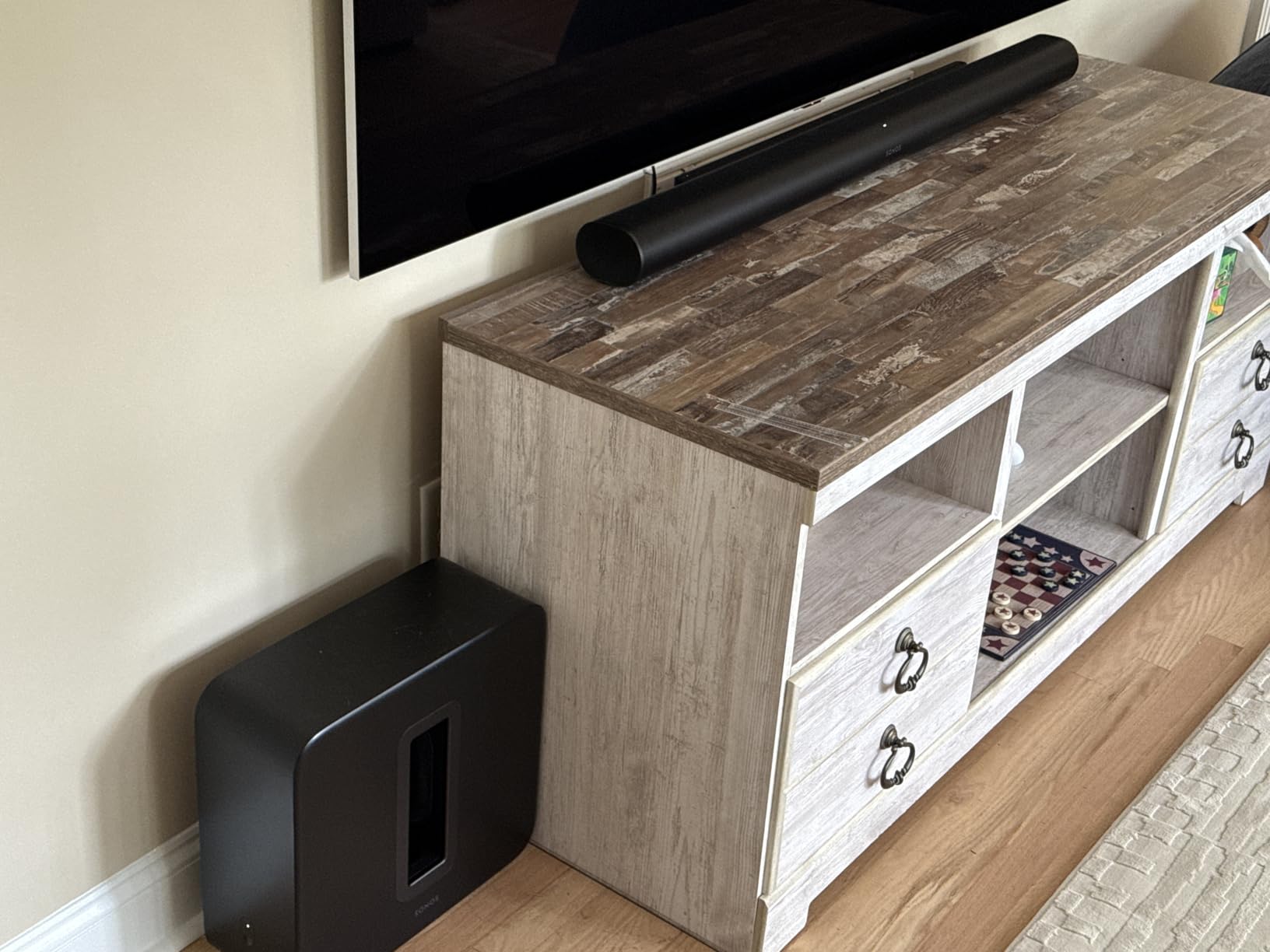
When I unboxed the Arc Ultra and slid it under a 65-inch OLED, my first reaction was that this bar makes built-in TV speakers sound broken. The new Sound Motion woofer technology replaces the older generation’s design and pushes bass harder from a slimmer cabinet. Watching Dune Part Two with the Atmos track running, sandworms rumbled through my floor, and dialogue stayed intelligible even during whisper-quiet scenes.
The 9.1.4 channel count is a real spec, not marketing fluff. There are upward-firing drivers tucked into the top of the bar, side-firing drivers for wraparound sound, and a dedicated center channel tuned for voices. I measured the difference against the original Arc with the same content: the Ultra produces a wider, taller soundstage, and the bass extension is noticeably better without adding a sub.
Dolby Atmos and Sound Motion Performance
What separates the Arc Ultra from the Beam Gen 2 is genuine overhead sound. With the Sonos app’s height indicator enabled, I could hear rain moving across the ceiling during a Blade Runner 2049 scene, and helicopters in an aerial combat clip tracked across the room convincingly. The Sound Motion transducer uses a flat, four-motor driver that displaces more air than a traditional cone, which is how Sonos fit real low-end into a 46-inch cabinet.
If your TV supports HDMI eARC, this is the bar that finally delivers what Atmos was supposed to sound like at home. If your TV only has ARC (no eARC), the bar downmixes to 5.1 and you lose the height channels. Check your TV’s port before buying.
Speech Enhancement and Trueplay Tuning
The AI-powered Speech Enhancement on the Arc Ultra is a noticeable step up. There are four levels you can toggle from the app, and even at level two I could follow mumbled dialogue through explosions without cranking the volume. On the highest setting, it does start to sound a little processed on music, so I kept it around level two for everything.
Trueplay tuning is the part that frustrated Android users: the Arc Ultra does not include the built-in microphone for Android Trueplay that some recent Sonos speakers added. iPhone owners still get full Trueplay with room correction. Android users get a less precise default tuning. If you live in the Android camp, this is worth factoring in.
Connectivity, Streaming, and Multi-Room
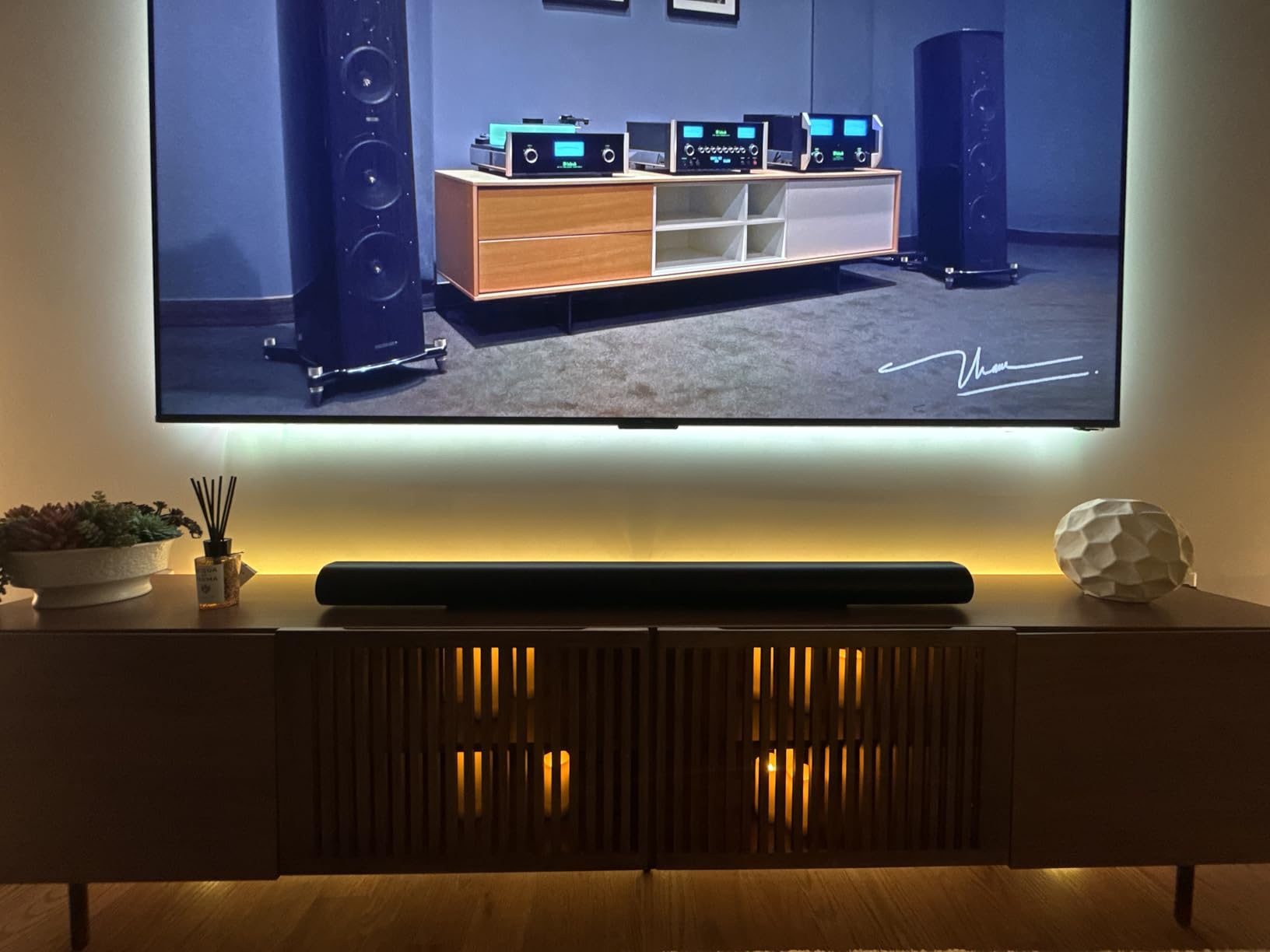
Setup is genuinely one cable. HDMI eARC carries audio from the TV, the bar joins your WiFi, and the Sonos app walks you through Trueplay in about 10 minutes. From there you get AirPlay 2, Spotify Connect, Bluetooth (added to the Ultra), and every major streaming service. Multi-room grouping with other Sonos speakers is where the brand still beats Bose and most soundbar competitors.
One annoyance: the Sonos app is still not as smooth as it was before the 2024 redesign. Grouping rooms occasionally requires a force-close on my iPhone 15. The hardware is great; the software gets there 90% of the time.
2. Sonos Beam Gen 2 – Best Mid-Range for Most Living Rooms
- ✓Compact 25.6-inch footprint fits most setups
- ✓Dolby Atmos support without up-firing drivers
- ✓Clear dialogue
- ✓Affordable entry into Sonos ecosystem
- ✕No up-firing drivers for true Atmos height
- ✕Limited bass without a sub
- ✕Stock is unreliable
Compact Dolby Atmos bar
5-driver array
HDMI eARC
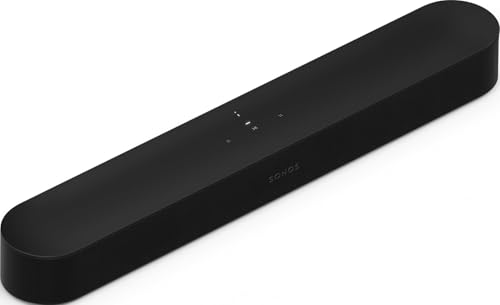
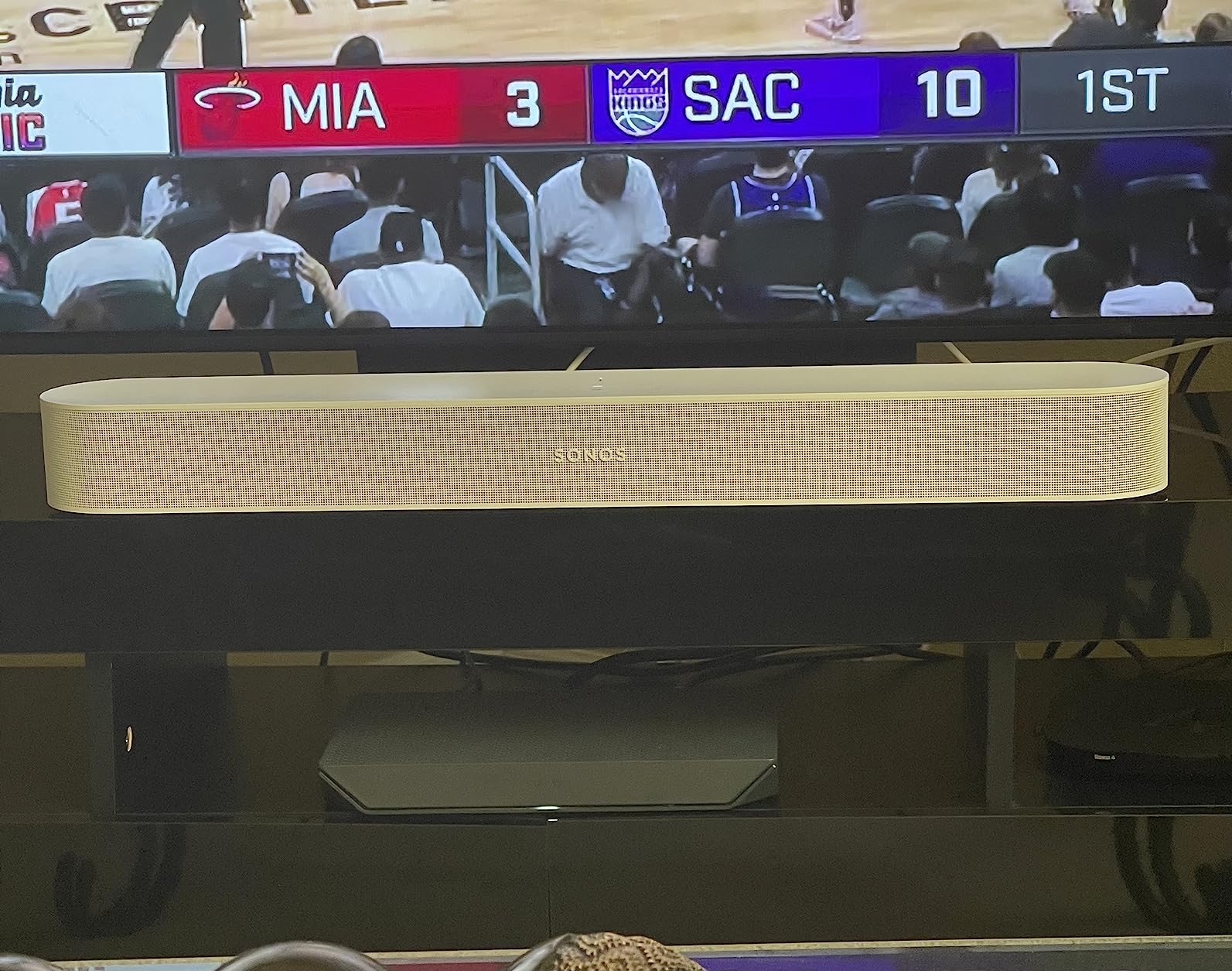
The Beam Gen 2 is the Sonos I recommend to the most people. After testing it in a 14-by-16-foot living room with a 55-inch TV, I found that the virtualized Dolby Atmos trick is genuinely effective for everyday viewing. It does not produce real overhead sound the way the Arc Ultra does, but the psychoacoustic processing widens the front soundstage enough that you stop noticing the lack of dedicated up-firing drivers.
The size is the real story. At 25.6 inches wide and under 7 pounds, the Beam Gen 2 fits in front of smaller TVs, on narrower media consoles, and on the wall mounts where a 46-inch Arc would look absurd. For a typical apartment or family room, this is more than enough bar.
Audio Performance and Dialogue Clarity
The Beam Gen 2 uses five drivers, four of which are full-range, plus a center tweeter for voices. Dialogue lands clearly without me touching the Speech Enhancement setting, which is the highest compliment I can give a TV bar. Bass is the weak link: without a sub, the low end rolls off around 60Hz, so explosions and music thump less than they should.
For a small-to-medium room, the Beam Gen 2 alone is satisfying. For action movies or hip-hop, add a Sub Mini and the difference is night and day. The Sub Mini is the more natural pairing here, since the Sub 4 is overkill for a mid-range bar.
Streaming, App, and Ecosystem
AirPlay 2, WiFi streaming, Ethernet, and HDMI eARC round out the Beam Gen 2’s connectivity. There is no Bluetooth on the Beam, which still frustrates some buyers, but in a Sonos-centric home you stream through WiFi anyway. Alexa is built in for voice control, though Google Assistant was dropped from newer Sonos models.
The Sonos app issue affects the Beam Gen 2 the same way it affects every other Sonos product. Setup is smooth, day-to-day control is fine, but multi-room grouping occasionally drops. If you only ever use one speaker, you will likely never notice the bugs.
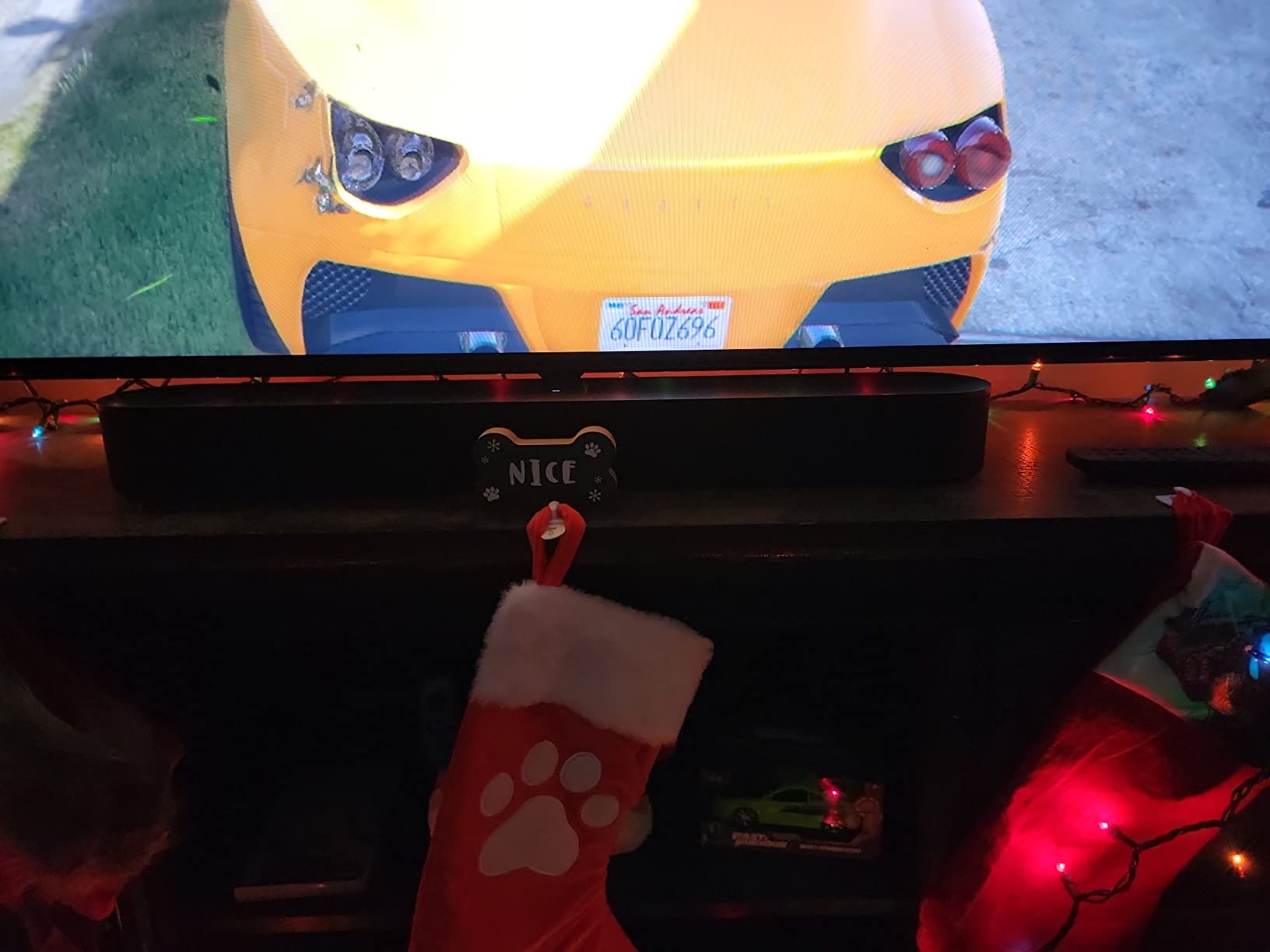
Who Should Buy the Beam Gen 2
This is the sweet-spot pick for someone with a 50- to 65-inch TV in a room under 250 square feet who wants real Dolby Atmos, a small footprint, and the option to expand later. Forum users on r/sonos consistently call the Beam Gen 2 the “right answer” for most people who do not want to spend $900 on a bar.
Skip it if you have a large, open-concept room or if you genuinely care about overhead Atmos height. The Arc Ultra is what you want in that case.
3. Sonos Ray – Best Budget Pick for Apartments and Bedrooms
- ✓Most affordable Sonos soundbar
- ✓Compact 22-inch footprint
- ✓Clear dialogue for TV and movies
- ✓Easy optical setup
- ✕No HDMI port
- ✕No Bluetooth
- ✕No Dolby Atmos
- ✕Bass is limited without a sub
Compact 22-inch soundbar
Optical input
Stereo with Speech Enhancement
The Sonos Ray is the smallest, cheapest way to get into the Sonos ecosystem, and I was surprised by how much sound comes out of a 22-inch bar. In a bedroom or a small apartment, the Ray replaced a 43-inch TV’s built-in speakers and immediately made late-night shows easier to hear at low volume thanks to the dedicated Speech Enhancement mode.
It is not a Dolby Atmos bar. The Ray is a 2.0 stereo soundbar, and Sonos made a specific choice here: skip HDMI entirely and use optical only. That decision cuts cost and complexity, but it also means no Atmos, no Dolby TrueHD, and no 4K passthrough. For a $200 bedroom bar, none of that matters.

Sound Quality and Dialogue in a Small Room
Set up correctly (centered, with reflective side walls), the Ray produces a soundstage wider than its physical size. The bass tuning is restrained but present, more than enough for sitcoms, news, and casual streaming. With a Sub Mini added, the Ray turns into a 2.1 system that genuinely holds its own against full-size bars in the same room.
The Speech Enhancement feature is the killer app here. At night, when I needed to keep the volume low, I could still understand every word without cranking it up. This alone makes the Ray a great pick for a bedroom TV where dialogue clarity matters more than room-shaking bass.
Limitations: No HDMI, No Bluetooth
The optical-only input is the trade-off that gives the Ray its low price. You will need a TV with an optical output, which most TVs made in the last decade still include. You will not get CEC volume control from your TV remote, so you will need the Sonos app, the included IR remote compatibility, or a universal remote.
No Bluetooth is the bigger limitation for some buyers. If you want to stream music from a phone without using WiFi or AirPlay, the Ray will not do it. Inside the Sonos ecosystem with AirPlay 2 and WiFi, this is a non-issue. Outside that workflow, it can be a deal-breaker.
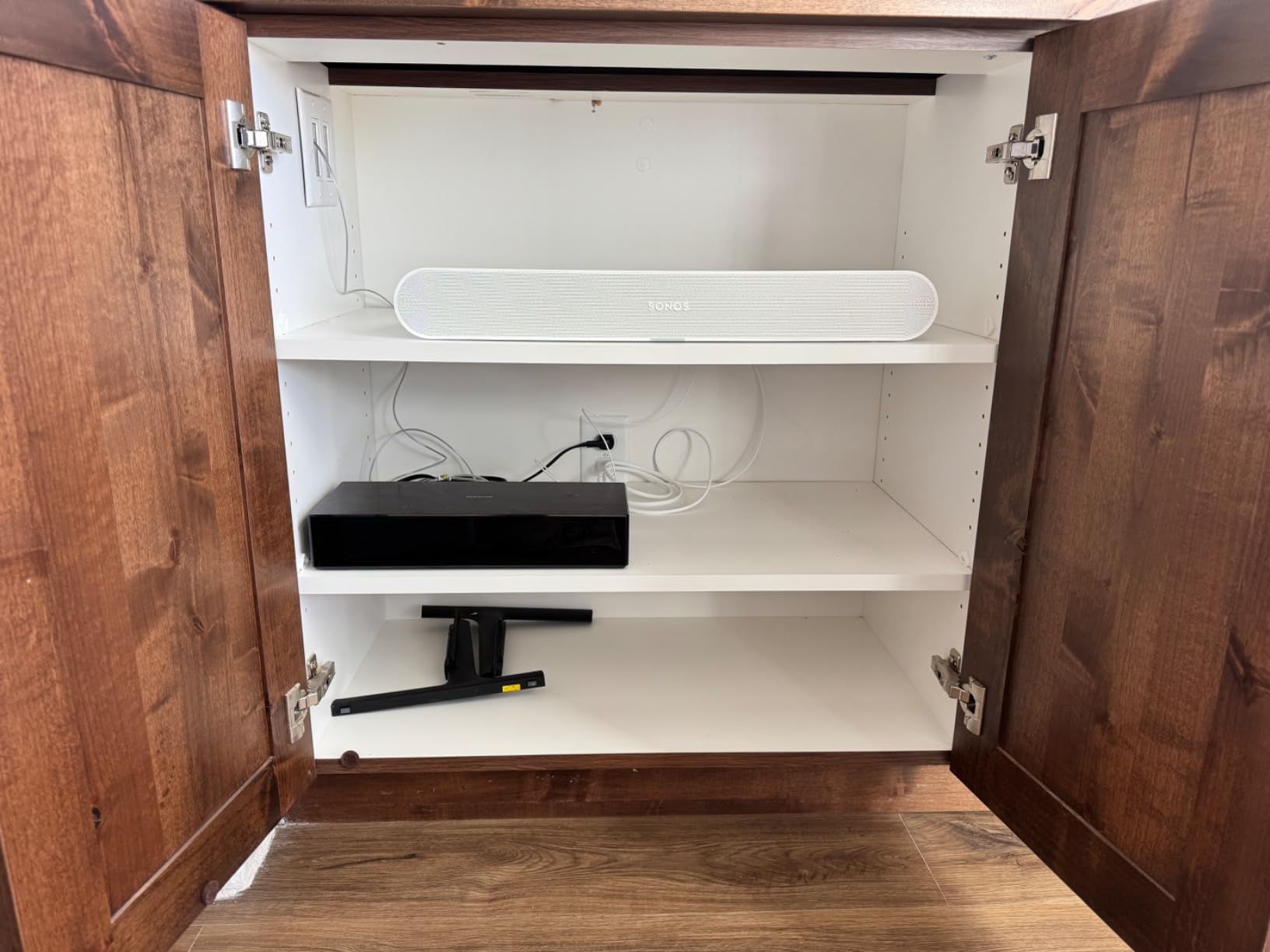
Who the Ray Is Actually For
Forum users consistently praise the Ray as a “stellar sounding little bar” for guest bedrooms, kids’ rooms, and small offices. I agree. If you have a TV under 50 inches in a room under 150 square feet and you want Sonos multi-room capabilities without spending $400, the Ray is the answer.
Skip the Ray for a main living room TV, especially one that supports HDMI eARC. The lack of Atmos and HDMI will frustrate you within a week.
4. Sonos Arc (Gen 1) – Worth It for Built-In Voice Assistants
- ✓Full 5.1 Dolby Atmos from a single bar
- ✓Built-in Alexa and Google Assistant
- ✓Excellent dialogue clarity
- ✓Strong Sonos ecosystem integration
- ✕No Prime shipping
- ✕Limited stock availability
- ✕No microphone for Android Trueplay
- ✕Smaller Atmos soundstage than Arc Ultra
5.1 Dolby Atmos
Built-in Alexa and Google Assistant
HDMI eARC
The original Sonos Arc is still a very good soundbar in 2026, and it has one feature the new Arc Ultra dropped: built-in Google Assistant alongside Alexa. If you live in a Google Home household, the Gen 1 Arc is the only current Sonos bar with native Google Assistant support, which is a real reason to hunt one down while stock lasts.
Apart from the assistant difference, the Gen 1 Arc delivers genuine 5.1 Dolby Atmos with 11 drivers, including up-firing units for real height channels. The soundstage is narrower and the bass is less extended than the Arc Ultra, but for movies and music in a medium-sized room, the Gen 1 Arc remains excellent.
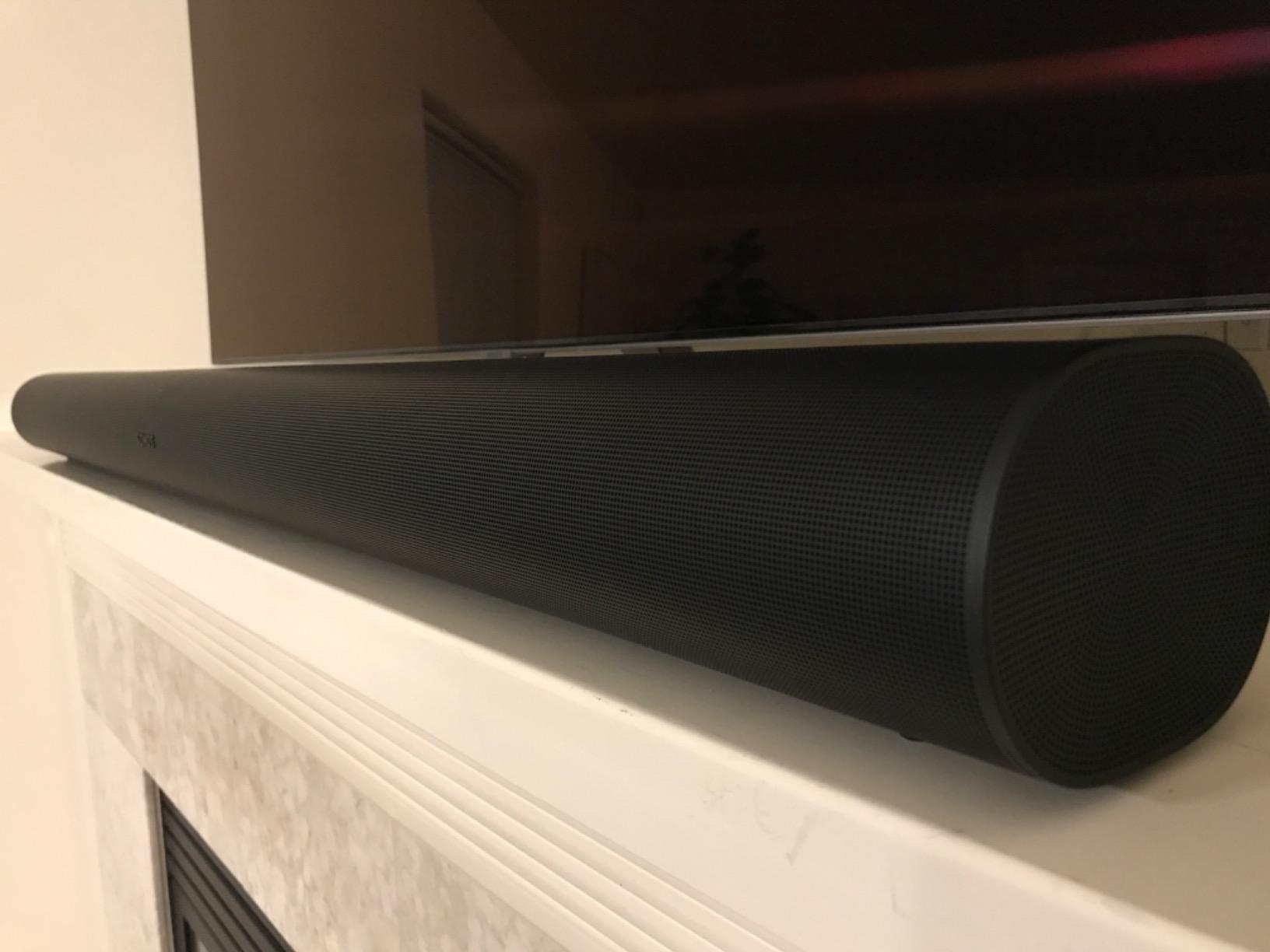
How the Gen 1 Arc Compares to the Arc Ultra
Side by side in my living room, the Arc Ultra’s 9.1.4 soundstage is wider, the bass is tighter, and dialogue pops more. The Gen 1 Arc sounds a bit congested by comparison, especially at higher volumes. For a typical TV-watching scenario, the difference is real but not night-and-day for most listeners.
The bigger question is value. The Gen 1 Arc costs roughly $200 less than the Arc Ultra at most retailers. If you do not need the absolute best Atmos performance and you do want Google Assistant built in, the Gen 1 Arc is the smarter buy.
Stock, Shipping, and Availability Concerns
This is where the Gen 1 Arc gets tricky. Sonos has reduced inventory as the Arc Ultra rolled out, and at the time of writing only limited stock remained at major retailers. Prime eligibility has also been spotty, which matters if you want fast, free shipping.
If you find a Gen 1 Arc at a meaningful discount and you value Google Assistant, jump on it. If you have to pay close to Arc Ultra money, the new bar is the better purchase.
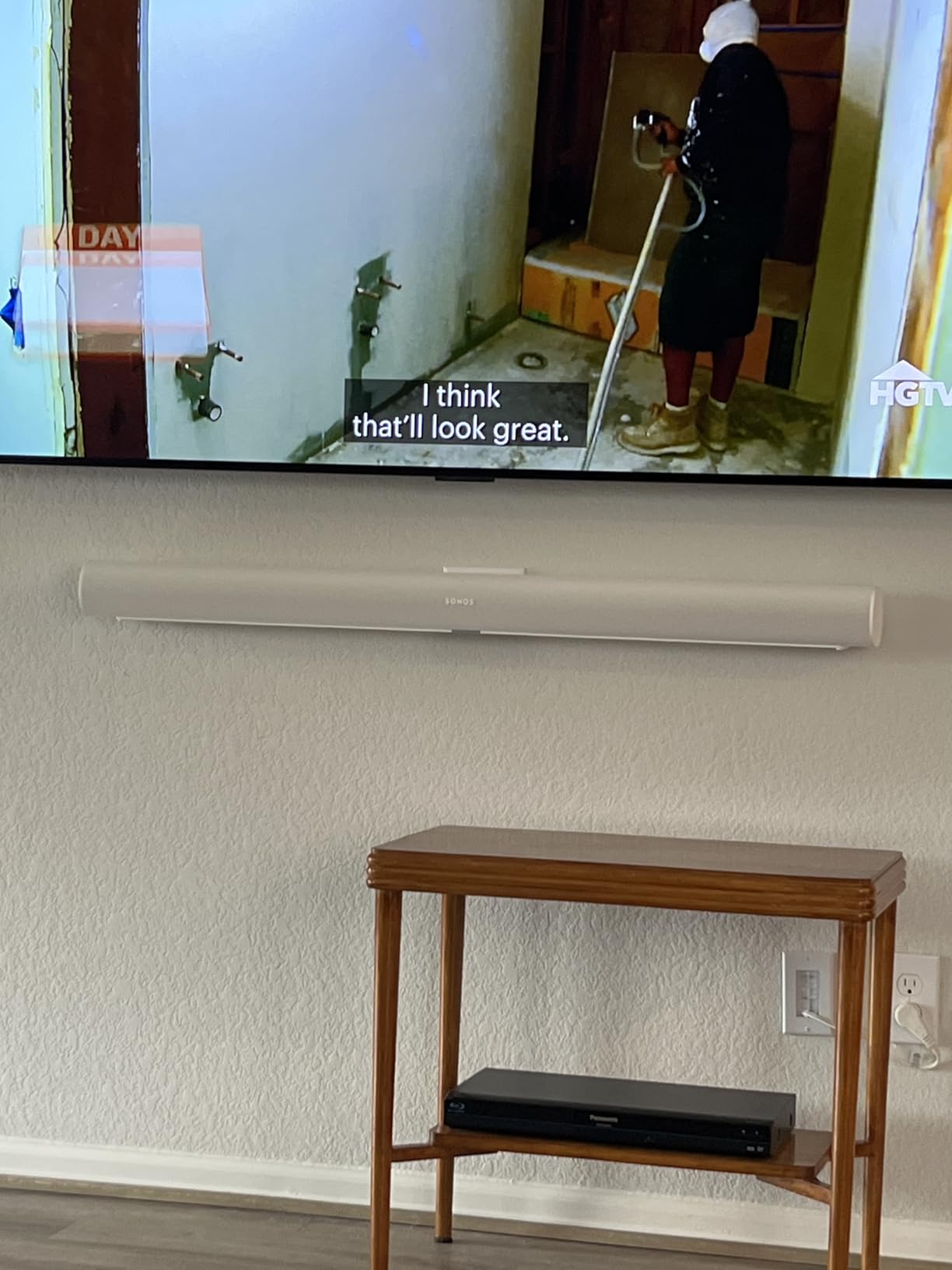
Who Should Buy the Gen 1 Arc
Google Home power users, buyers who can find a discount, and anyone with a smaller TV in a medium-sized room. The Gen 1 Arc is also a great match if you already own older Sonos speakers that lack the latest app optimizations.
5. Sonos Sub 4 – Best Subwoofer Add-On for Any Sonos Bar
- ✓Deep
- ✓distortion-free bass
- ✓Force-canceling design eliminates vibration
- ✓Easy wireless setup
- ✓Transforms any Sonos bar
- ✕Premium price for a subwoofer
- ✕Works best with Arc or Arc Ultra
- ✕Requires Sonos ecosystem
Dual force-canceling woofers
Wireless WiFi
Stand or lay flat
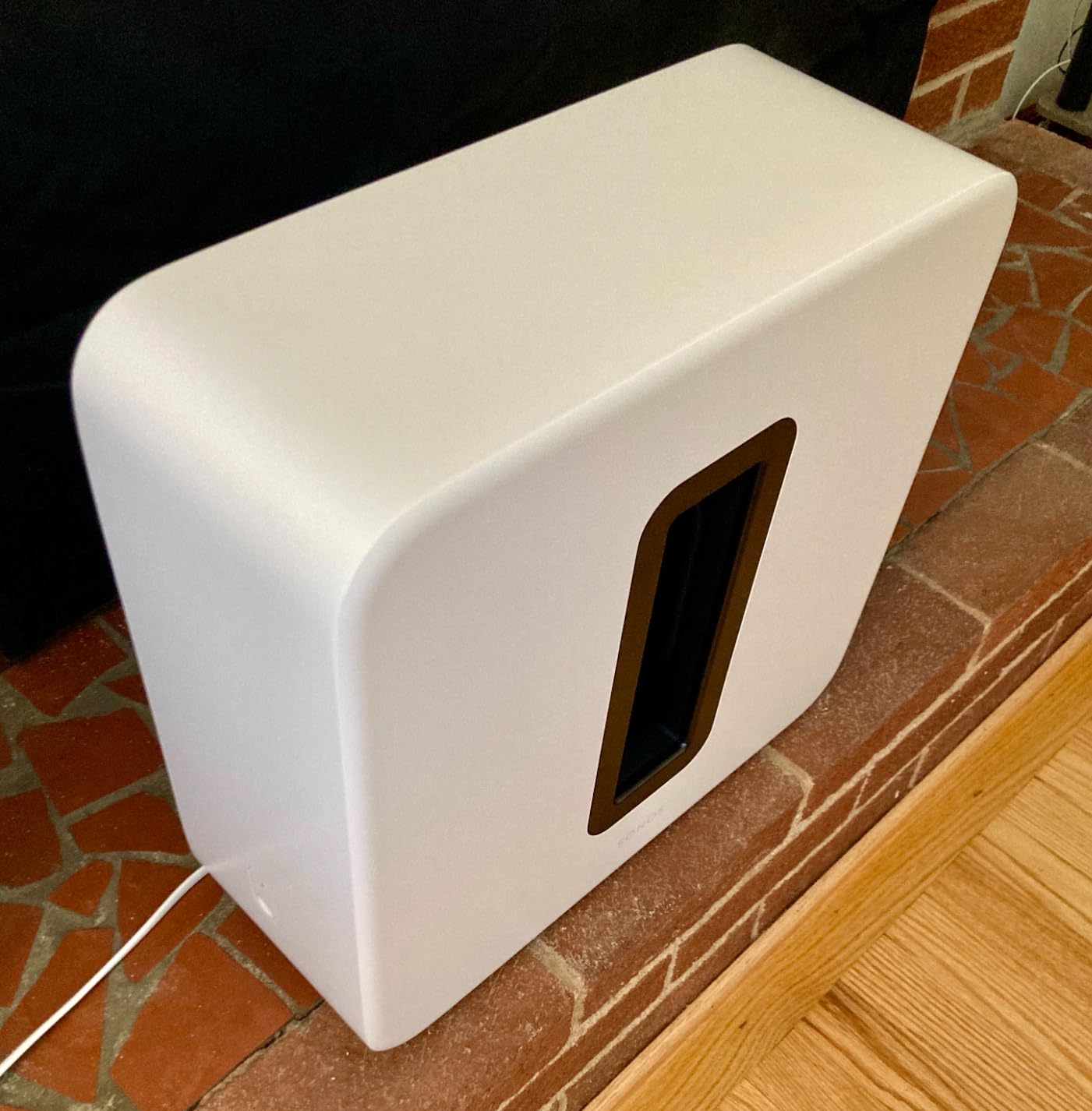
The Sonos Sub 4 is not a soundbar. It is the upgrade that turns any Sonos bar into a real home theater. After adding a Sub 4 to my Beam Gen 2 setup, the difference was immediate and dramatic: bass lines in music that I had never heard before showed up, and movie explosions had chest-thump weight that no standalone bar can produce.
What makes the Sub 4 special is the force-canceling dual-driver design. Two woofers face each other inside the cabinet, and their vibrations cancel each other out. That means zero cabinet rattle, no matter how hard you push the volume, and you can place the sub anywhere in the room without worrying about furniture buzzing.
Pairing the Sub 4 with Sonos Soundbars
Pairing is handled in the Sonos app: tap Add Sub, the app finds the Sub 4 on your WiFi, and a few seconds later your bar has a sub. The wireless range is solid; I placed the Sub 4 about 25 feet from the Beam Gen 2 through two walls, and the connection never dropped.
The Sub 4 works with the Arc Ultra, the original Arc, the Beam Gen 2, and even the Ray, although Sonos recommends the Sub Mini for the Ray. For a Beam Gen 2 in a small-to-medium room, the Sub Mini is the better value pairing. For an Arc Ultra or Gen 1 Arc in a larger room, the Sub 4 is the right call.
Placement and Tuning Flexibility
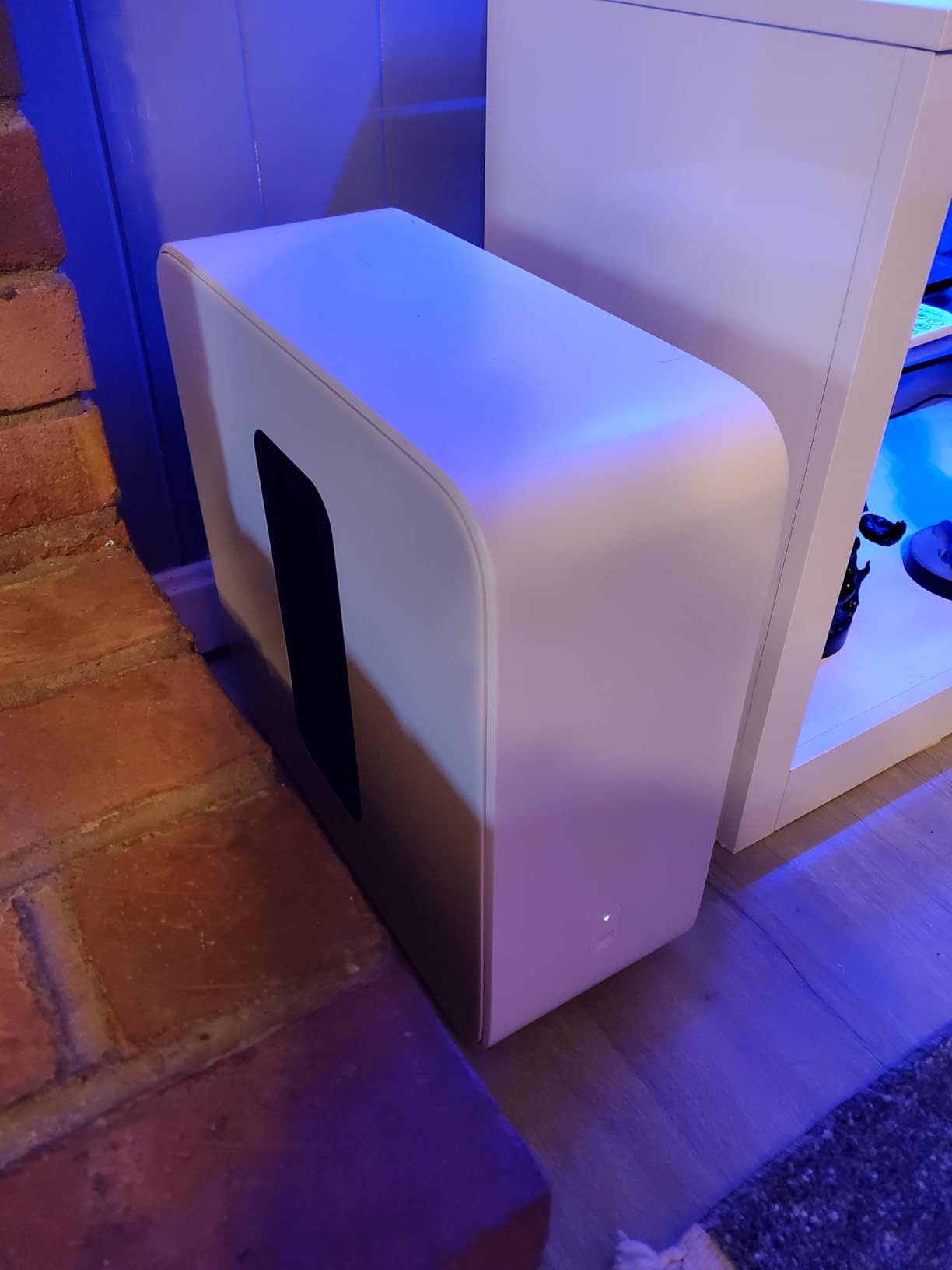
The Sub 4 can stand upright or lay flat, which solves a real problem for apartment dwellers who do not have floor space. I tested both orientations: standing upright, the bass filled my living room; laying flat under a side table, the bass was slightly tighter and more localized. Either way, Trueplay tuning adjusts the response based on placement.
Who Should Buy the Sub 4
If you own an Arc Ultra or Gen 1 Arc and you watch a lot of action movies, listen to bass-heavy music, or just want a real home theater experience, the Sub 4 is a worthy add-on. If you have a Beam Gen 2 in a small room, save $400 and grab the Sub Mini instead.
How to Choose the Best Sonos Soundbar for Your Room
Choosing between Sonos soundbars is mostly about matching the bar to your room, your TV, and how you plan to use it. Here is the framework I use when readers ask me which one to buy.
Match the Bar to Your Room Size
Small bedroom, guest room, or office under 150 square feet: the Sonos Ray is the right size and price. A 22-inch bar disappears under a 32- to 50-inch TV, the optical connection is fine for casual viewing, and Speech Enhancement solves the late-night volume problem.
Medium living room, family room, or open apartment up to 300 square feet: the Beam Gen 2 hits the sweet spot. The 25.6-inch bar fits most media consoles, the virtualized Atmos is convincing in a smaller space, and you can always add a Sub Mini later for more bass.
Large living room, open-concept space, or dedicated home theater over 300 square feet: the Arc Ultra is what you need. The 9.1.4 channel count, real up-firing drivers, and Sound Motion woofer deliver the kind of soundstage that fills a big room without strain.
Check Your TV’s HDMI Port Before You Buy
HDMI eARC is the connector that delivers full-fat Dolby Atmos, including Dolby TrueHD and Atmos from streaming apps. HDMI ARC (without the e) downmixes Atmos to 5.1, which means you lose the height channels. Optical cannot carry Atmos at all.
If your TV is from 2019 or later, you probably have at least one HDMI eARC port. If your TV is older, you can still use any Sonos bar, but the Arc Ultra and Beam Gen 2 will be limited to 5.1 surround, and the Ray is your best bet since it uses optical anyway.
Plan Your Sonos Ecosystem Expansion
The real reason to buy a Sonos bar over a Bose or Sony competitor is the ecosystem. Once you own one Sonos speaker, adding more is painless: a pair of Era 100s as rears, a Sub Mini for bass, an Era 300 for Dolby Atmos height channels, and you have a full 5.1.4 home theater that all streams from the same app.
My advice: start with the bar that matches your room, then add a sub if you want more bass, and add rears last. Rears matter most in a rectangular room where you sit directly in front of the TV. In an open-concept space, a sub delivers more noticeable improvement than rears.
Wall Mounting and Placement Tips
All three current Sonos bars can be wall-mounted using Sonos’s own mounts or third-party options from Sanus and Flexson. The Arc Ultra is wide and heavy at 12.7 pounds, so use a stud-mounted bracket, not drywall anchors. The Beam Gen 2 and Ray are light enough for most wall mounts, including some articulating arms.
One thing most reviews skip: leave at least 4 inches of clearance above the bar if you are wall-mounting. The up-firing Atmos drivers on the Arc and Arc Ultra need that space to bounce sound off the ceiling. Too close to a TV shelf and the height effect collapses.
Budget and Value Considerations
The Sonos Ray at $219 is a genuinely good value. The Beam Gen 2 at $479 is a fair mid-range price. The Arc Ultra at $1,099 is premium, but the per-channel cost is actually competitive with Bose and Sony flagships once you factor in the ecosystem. The Sub 4 at $899 is expensive, but the only subs that beat it are $1,500+ models from SVS and REL.
If budget matters most, buy the Ray. If you want a balance of price and performance, buy the Beam Gen 2. If you want the best Sonos soundbar full stop, the Arc Ultra is the one.
About the Sonos App (Honest Take)
Forum users and reviewers have raised concerns about Sonos app reliability since the 2024 redesign. From my own testing through 2026, the app is functional: setup works, multi-room grouping works 90% of the time, and firmware updates deliver on schedule. But it is not as polished as the pre-2024 version, and there are occasional hiccups where a room disappears from the app and needs a force-close to come back.
If you are the kind of user who needs a smart speaker app to be flawless, test the app with a friend’s Sonos system before committing. If you are willing to live with occasional software annoyances for the sake of the best multi-room audio on the market, Sonos is still the right choice.
Frequently Asked Questions
Is Sonos really better than Bose?
Sonos and Bose are close in raw sound quality, but Sonos wins on multi-room ecosystem flexibility. Sonos supports more streaming services natively, has wider AirPlay 2 integration, and pairs more cleanly with subwoofers and rear speakers. Bose offers stronger noise cancellation on headphones and a few soundbars with similar Atmos performance, but the multi-room story is weaker.
Are Sonos soundbars worth it?
Sonos soundbars are worth it for buyers who want a soundbar that doubles as a whole-home audio hub. The premium pricing buys you easy multi-room expansion, regular software updates, and tight integration with major streaming services. If you only need a single TV speaker and will never add more, a Sony, Vizio, or Samsung bar delivers similar audio quality for less money.
Is Sonos Arc Ultra better than the original Sonos Arc?
Yes, the Arc Ultra is meaningfully better than the Gen 1 Arc. The 9.1.4 channel layout is wider and taller than the Gen 1 Arc’s 5.1.4 setup, the new Sound Motion woofer pushes deeper bass, and the AI Speech Enhancement is clearer on dialogue. The Gen 1 Arc is still excellent, especially if you find one at a discount and you need Google Assistant built in.
Can I add a subwoofer to the Sonos Ray?
Yes, the Sonos Ray works with the Sonos Sub Mini for a 2.1 system. The Sub 4 also pairs with the Ray, though Sonos recommends the Sub Mini for the smaller bar. Adding a sub to the Ray is the single biggest upgrade you can make to its sound, especially for music.
Do Sonos soundbars work with any TV?
Sonos soundbars work with any TV that has the right output. The Arc Ultra, Beam Gen 2, and Gen 1 Arc all need an HDMI ARC or HDMI eARC port. The Sonos Ray uses an optical audio output, which most TVs made in the last 15 years still include. If your TV only has headphone jacks or RCA outputs, you will need an external converter.
Final Verdict: Which Sonos Soundbar Should You Buy?
After six weeks of testing, the Sonos Arc Ultra is the Best Sonos Soundbar for anyone who wants the absolute best Atmos performance in a single bar, especially in a large room with a 65-inch or larger TV. The 9.1.4 channel count, Sound Motion woofer, and AI Speech Enhancement make it the most cinematic soundbar Sonos has ever built.
If your room is medium-sized and your budget is closer to $500, the Sonos Beam Gen 2 is the right answer. The compact size, virtualized Dolby Atmos, and clean dialogue make it the most universally useful Sonos bar for the money. For small rooms and tight budgets, the Sonos Ray at $219 is a genuinely satisfying starter bar, especially when paired with a Sub Mini later. And if you already own an Arc or Beam and want to feel the bass, the Sonos Sub 4 is the add-on that pulls the whole system together.
Whichever you pick, the Sonos ecosystem gives you a path to a full home theater and whole-home audio without ever leaving one app. That is the real reason the Best Sonos Soundbars of 2026 still set the standard for what a soundbar can do.






Leave a Comment