
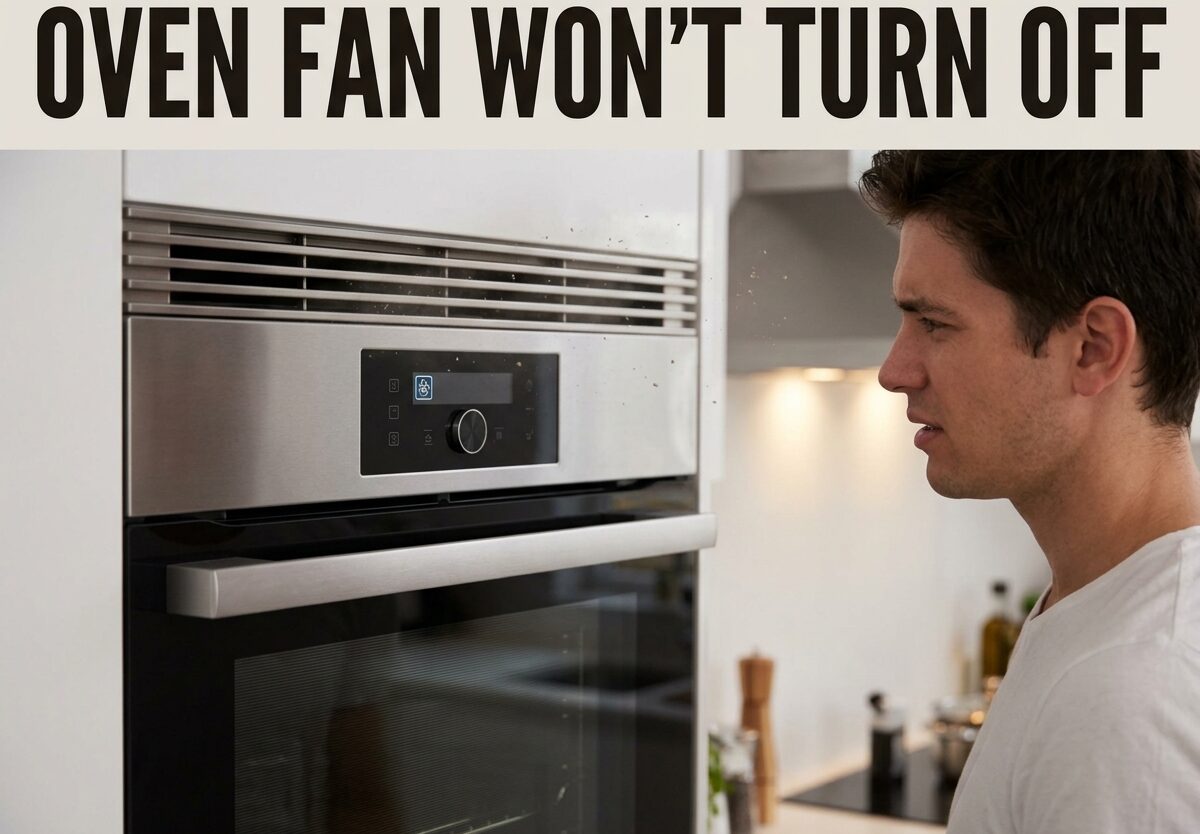
If your oven fan won’t turn off, you’re dealing with a frustrating and potentially concerning issue. I’ve seen this problem countless times, and it usually leaves homeowners wondering whether their oven is broken or if this behavior is normal. The cooling fan that keeps running endlessly can drive up energy bills and create unnecessary noise in your kitchen.
In most cases, an oven fan that won’t turn off indicates a specific component malfunction. The good news is that many of these issues are diagnosable and some are even fixable yourself with the right tools and safety precautions.
An oven fan that won’t turn off is typically caused by one of these three issues: a faulty cooling fan thermostat that fails to detect the oven has cooled down, a stuck relay on the control board keeping the circuit closed, or a defective temperature sensor that continuously signals the oven is still hot.
Common Reasons Your Oven Fan Won’t Turn Off
Before diving into troubleshooting, it helps to understand what components could be causing the problem. Based on my experience helping homeowners diagnose oven issues, these are the most common culprits.
The cooling fan thermostat is the most frequent cause. This small component is designed to monitor the oven’s internal temperature and tell the fan when to shut off once it drops below a safe threshold (usually around 70°C or 158°F). When this thermostat fails, it can’t detect that the oven has cooled, so it keeps the fan running indefinitely.
A stuck relay on the control board is another common issue. The relay acts like an electrical switch that controls power to the fan. When the contacts inside the relay weld together or get stuck, the circuit remains closed and the fan stays on continuously.
The temperature sensor (also called a thermistor) measures the actual oven temperature and sends that information to the control board. If this sensor fails and sends incorrect data indicating the oven is still hot, the control board will keep the fan running as a safety measure.
In some cases, the main control board itself develops a malfunction. This can happen due to power surges, age-related wear, or moisture damage. When the control board fails, it may not process signals correctly and could keep the fan on constantly.
Blocked ventilation can also cause extended fan operation. If your oven’s vents are obstructed by cookware, foil, or accumulated debris, heat can’t escape properly. This trapped heat triggers the cooling system to keep running longer than normal.
How Long Should an Oven Cooling Fan Run?
One question I hear often is whether the fan behavior is actually abnormal. It’s important to understand what’s considered normal operation before assuming something is broken.
A properly functioning oven cooling fan should run for approximately 15-30 minutes after you finish cooking. This is completely normal and intentional – the fan needs time to dissipate residual heat from the oven cavity and protect sensitive electronic components from damage.
If your fan runs for more than an hour after cooking, or if it continues running when the oven is completely cold to the touch, something is definitely wrong. I’ve seen cases where the fan runs for hours or even days nonstop, which clearly indicates a malfunction that needs attention.
Another sign of abnormal operation is the fan turning on immediately when you power up the oven, before any heating has occurred. This suggests the control system thinks the oven is already hot when it isn’t.
Oven Fan Wont Turn Off: How to Troubleshoot
Ready to diagnose the problem? Follow these steps to identify what’s causing your oven fan to run continuously. Always prioritize safety when working with appliances.
Step 1: Confirm Abnormal Operation
Before testing components, verify that the fan behavior is actually abnormal. Wait at least 45 minutes after cooking and check if the fan is still running. Touch the oven exterior – if it’s cool but the fan continues, you have confirmed a problem.
Step 2: Safety First
Disconnect your oven from power before performing any diagnostic tests. For electric ovens, unplug it or turn off the circuit breaker. For gas ovens, turn off the gas supply and disconnect the electrical power. Never attempt testing with power connected.
Step 3: Test the Cooling Fan Thermostat
Locate the cooling fan thermostat, usually found near the top or back of the oven cavity. Use a multimeter to test for continuity. At room temperature, the thermostat should show continuity (complete circuit). If it shows no continuity when cool, the thermostat is faulty and needs replacement.
For a more thorough test, use a heat source (like a hair dryer) to warm the thermostat while monitoring the multimeter. It should lose continuity at its rated temperature (typically around 158°F). If it doesn’t open when heated, it’s defective.
Step 4: Check the Temperature Sensor
Find the temperature sensor, usually a thin metal rod protruding into the oven cavity. Test its resistance with your multimeter at room temperature. Most sensors should read between 1000-1200 ohms at room temperature.
Compare your reading to your oven’s service manual specifications. A reading that’s significantly higher or lower than the specified range indicates a failed sensor that requires replacement.
Step 5: Inspect the Control Board and Relay
Access the control board (usually behind the control panel). Look for visible signs of damage: burned areas, bulging capacitors, or corrosion. Locate the cooling fan relay – it may be a separate component or integrated into the board.
If it’s a separate relay, test it with your multimeter or try tapping it gently with a screwdriver handle. I’ve seen cases where a stuck relay temporarily starts working again after a tap, confirming it’s the problem. If the relay is integrated into the control board and faulty, you’ll typically need to replace the entire board.
Step 6: Check Ventilation
Inspect your oven’s ventilation openings for blockages. Look for accumulated grease, food debris, or items placed too close to vents. Ensure adequate clearance around the oven and that vent openings in your cabinetry aren’t obstructed.
Brand-Specific Oven Fan Issues
Different oven brands have unique characteristics when it comes to cooling fan problems. I’ve compiled the most common issues by manufacturer to help you narrow down the problem.
Bosch Oven Fan Keeps Running
Bosch ovens are notorious for temperature sensor failures. The thermistor in Bosch models frequently fails, causing the fan to run continuously. If you own a Bosch oven, test the temperature sensor first – it’s the most likely culprit. Bosch also uses a separate cooling fan relay that can stick closed over time.
Samsung Oven Fan Won’t Turn Off
Samsung oven owners often report control board issues with continuously running fans. The relay on Samsung control boards is prone to welding closed, especially after power surges. Some Samsung models also have a known issue with firmware bugs that cause fan operation problems – check if a software update is available for your model.
GE Oven Fan Keeps Running
GE ovens commonly develop issues with the cooling fan thermostat located near the top of the oven cavity. The thermostat contacts can fuse together, keeping the circuit closed. GE also uses a thermal fuse that, when blown, can cause abnormal fan behavior in certain models.
Whirlpool Oven Fan Stays On
Whirlpool ovens typically experience problems with the electronic control board. The relay on Whirlpool boards is known to stick, especially in older models. Some Whirlpool models also have a cooling fan switch that can become stuck in the “on” position.
Frigidaire Oven Fan Running All the Time
Frigidaire models commonly suffer from both thermostat and control board issues. The cooling fan thermostat in Frigidaire ovens is located in a position that makes it vulnerable to heat damage over time. Their control boards also have a history of relay failures in models manufactured before 2020.
Repair Costs: DIY vs Professional
Understanding the potential costs can help you decide whether to tackle the repair yourself or call a professional. Here’s what you can expect to pay for common fixes.
A cooling fan thermostat replacement typically costs $15-40 for the part. If you’re comfortable with DIY appliance repair, this is a manageable fix. A professional would charge $100-200 including labor for the same repair.
Temperature sensors cost $20-60 as a replacement part. The installation requires some disassembly but is still within reach for capable DIYers. Professional repair runs $120-250 depending on your location and oven model.
Control board replacement is the most expensive repair, with parts costing $150-400 depending on your oven brand and model. This repair is more complex and typically requires professional installation, bringing the total cost to $300-600 in most cases.
Consider your oven’s age and overall condition when deciding whether to repair. If your oven is over 10 years old and has other issues, replacement might be more cost-effective than a major control board repair.
FAQs
Why does my oven fan keep running?
The most common causes are a faulty cooling fan thermostat, a stuck relay on the control board, or a defective temperature sensor. These components fail to detect that the oven has cooled, so they keep the fan running continuously.
Why won’t the fan on my oven turn off?
When the fan won’t turn off, it typically means a component has failed in the cooling system. The cooling fan thermostat may be stuck closed, the relay on the control board may be welded shut, or the temperature sensor is sending incorrect signals.
What do I do if my oven fan won’t turn off?
Start by confirming the fan is running abnormally (more than 45 minutes after cooking). Disconnect power, then test the cooling fan thermostat and temperature sensor with a multimeter. If those check out, inspect the control board for a stuck relay. If you’re not comfortable with electrical testing, call a professional appliance technician.
Why is the fan still running when the oven is off?
The cooling fan is designed to continue running after you turn off the oven to dissipate residual heat. Normal operation is 15-30 minutes of continued fan operation. If it runs longer than an hour or the oven is completely cool, a component has failed and needs repair.
What causes the fan to continuously run?
Continuous fan operation is caused by a failed cooling fan thermostat, a stuck relay on the control board, a defective temperature sensor, a malfunctioning control board, or blocked ventilation that prevents proper heat dissipation.
Why does my GE oven fan keep running?
GE oven fans commonly keep running due to a faulty cooling fan thermostat located near the top of the oven cavity. The thermostat contacts can fuse together, keeping the circuit closed. Some GE models also have thermal fuse issues that cause abnormal fan behavior.
Why does my Whirlpool oven fan keep running?
Whirlpool oven fans typically stay on due to electronic control board issues. The relay on Whirlpool boards is known to stick closed, especially in older models. Some Whirlpool models also have a cooling fan switch that can become stuck in the on position.
Conclusion
An oven fan that won’t turn off is almost always caused by a specific, identifiable component failure. The cooling fan thermostat, stuck relay, or temperature sensor are the most common culprits. By following the troubleshooting steps I’ve outlined, you can narrow down the problem and decide whether to tackle the repair yourself or call in a professional.
Remember that safety should always come first. If you’re not comfortable working with electrical components or testing with a multimeter, there’s no shame in calling a qualified appliance technician. The cost of professional repair is often worth the peace of mind and ensures the job is done correctly.



Leave a Comment