
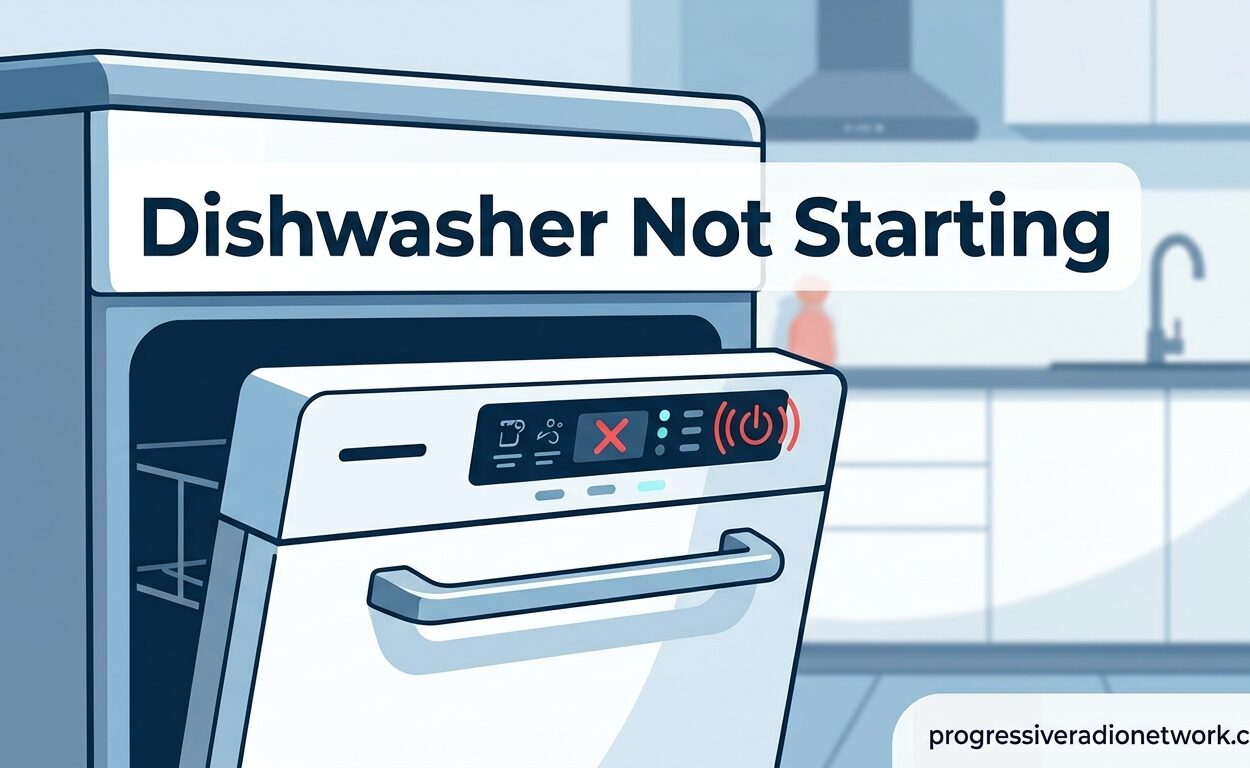
You load the dishwasher after dinner, press start, and nothing happens. No motor hum, no water flowing, just silence or maybe a few blinking lights. A dishwasher not starting is one of the most frustrating appliance issues, especially when you’re facing a sink full of dirty dishes. I’ve seen this problem hundreds of times, and in most cases, the fix is something you can handle yourself without calling a technician.
Most dishwasher starting issues fall into just a few categories: power problems, control settings, door latch issues, or component failures. The good news is that about 80% of these problems are simple fixes you can complete in under 10 minutes. I’ll walk you through exactly what to check, in order from most likely to least likely causes, so you can get your dishwasher running again.
Quick Troubleshooting Checklist: 5-Second Checks in 2026
Before diving into detailed troubleshooting, run through these quick checks. These simple issues cause most dishwasher starting problems and take just seconds to verify.
- Check the control lock: Look for a lock icon or light on the control panel. If illuminated, the control lock is preventing any button presses from registering.
- Verify the door is fully closed: Open and firmly close the door again. Listen for a definite click as the latch engages.
- Check for power: Look for any lights or display on the control panel. Completely dead units likely have a power supply issue.
- Inspect the GFCI outlet: If your dishwasher plugs into an outlet under the sink, check if the GFCI reset button has popped out.
- Check for delayed start: Look for a delay hours display or indicator light that shows a delayed start cycle has been activated.
Control Lock Enabled: Most Common Overlooked Issue
The control lock feature is the number one reason I see for dishwashers that won’t start, yet it’s also the most commonly overlooked. This feature, designed to prevent accidental button presses (especially from children), completely disables the control panel when activated.
Most modern dishwashers have a control lock indicator. You’ll typically see a small padlock icon illuminated on the display, or the words “Control Lock” or “Child Lock” may appear. When this feature is active, pressing any button does nothing—the dishwasher won’t respond at all.
To disable the control lock, look for a button labeled “Control Lock,” “Lock,” or featuring a padlock icon. You usually need to press and hold this button for 3-5 seconds. Some models require holding two buttons simultaneously (often the “Heated Dry” and “Start” buttons together) for about three seconds until the lock indicator turns off.
If you’re unsure which button controls the lock feature, consult your owner’s manual or look for the lock icon on the control panel. Once disabled, try starting your dishwasher again.
Dishwasher Not Starting: Door Latch Problems
The door latch assembly is the most common mechanical failure point that prevents a dishwasher from starting. Your dishwasher has a safety switch that won’t allow the unit to run if the door isn’t properly closed and latched. This prevents water from leaking out during operation.
If your dishwasher won’t start but has power (lights are on, display works), a faulty door latch is the most likely culprit. The door might appear closed, but if the latch mechanism isn’t fully engaging or if the switch inside is broken, the dishwasher won’t start.
Test your door latch by closing the door firmly and listening for a solid click. Try pushing firmly on the door center while pressing start. If the dishwasher starts when you apply pressure, the latch isn’t engaging properly. This could mean the door striker is misaligned, the latch is worn, or the door springs have weakened over time.
Door latch switches can fail internally. If your dishwasher is completely unresponsive despite having power, and you’ve ruled out the control lock, the door switch may have failed. This requires accessing the switch (usually behind the inner door panel) and testing it with a multimeter for continuity.
Power Supply Issues: GFCI, Breaker, and Connections
Power problems are the second most common reason for a dishwasher not starting. These issues range from tripped breakers to faulty connections, and they’re often simpler to fix than you might expect.
If your dishwasher is completely dead with no lights or display, start at your electrical panel. Look for a tripped circuit breaker—it will be in the middle position or clearly switched off. Reset it by flipping it fully off, then back on. Dishwashers typically require a dedicated 15 or 20-amp circuit.
Many dishwashers plug into a GFCI outlet under the kitchen sink. These safety outlets can trip easily, especially in areas with moisture or electrical fluctuations. Locate the outlet (you may need to remove items from under the sink) and check if the reset button has popped out. Press it firmly until it clicks and stays in.
Hardwired dishwashers don’t have a plug, but they still have a junction box where the house wiring connects. This is usually accessible through the lower front kick plate. If you’re comfortable working with electrical wiring, check that all wire nuts are tight and connections are secure. If not, this is a job for a professional electrician.
How to Reset Your Dishwasher: Step-by-Step Instructions
Resetting your dishwasher can clear electronic glitches, error codes, and memory issues that might be preventing normal operation. I recommend trying a reset before moving to more complex troubleshooting steps.
For plug-in dishwashers:
- Locate the power cord under your sink (you may need to move items or use a flashlight)
- Firmly unplug the dishwasher from the outlet
- Wait 2-5 minutes to allow all capacitors to fully discharge
- Plug the dishwasher back in securely
- Close the door and try starting a normal cycle
For hardwired dishwashers:
- Turn off the dishwasher at the circuit breaker (flip the breaker to OFF)
- Wait at least 5 minutes to ensure all power drains from the system
- Turn the breaker back on
- Wait 60 seconds for the electronic control board to initialize
- Close the door and attempt to start a cycle
Some dishwasher models have a reset button or reset sequence. Check your owner’s manual for model-specific instructions. Common reset methods include pressing and holding the Start button for 3-5 seconds, or pressing specific button combinations like “Heated Dry” + “Normal Wash” twice in succession.
Sleep Mode and Delay Start: Often Overlooked Settings
Modern dishwashers have energy-saving features that can make it seem like the unit isn’t starting when it actually is functioning normally. Two settings in particular cause confusion: sleep mode and delay start.
Sleep mode is an energy-saving feature that dims or turns off the control panel display after a period of inactivity. Your dishwasher hasn’t actually stopped working—it’s just in a low-power state. Usually, pressing any button or opening and closing the door will wake it up.
Delay start allows you to program the dishwasher to run hours later, often during off-peak energy times or when hot water demand is lower. If someone accidentally set a delay start (perhaps by pressing buttons while cleaning the control panel), the dishwasher won’t start immediately. Look for a display showing delay hours or a light indicating “Delay Start” is active. To cancel, press the delay start button repeatedly until the display returns to zero, or press and hold the cancel button for 3 seconds.
Some models automatically activate delay start if you press start without first selecting a cycle. The default might be set for several hours. Always select your wash cycle first, then press start to avoid accidental delays.
Thermal Fuse Failure: When to Call a Professional
If you’ve tried all the above steps and your dishwasher is still completely dead with no power at all, you may be dealing with a blown thermal fuse. This safety component protects the dishwasher from overheating by cutting power if temperatures get too high.
Thermal fuse failure typically leaves your dishwasher completely unresponsive—no lights, no display, nothing. Unlike a tripped breaker, which affects the entire circuit, a blown thermal fuse only affects the dishwasher.
Testing a thermal fuse requires removing the dishwasher’s access panels and using a multimeter to check for continuity. The fuse is usually located behind the lower access panel near the bottom of the tub. If you’re comfortable with basic electrical testing, you can check this yourself. However, thermal fuse failure is often a symptom of another problem (like a failing heating element or blocked vent), so simply replacing the fuse may not provide a permanent fix.
A blown thermal fuse typically costs $15-30 for the part. Professional replacement costs $150-250 including labor. If your dishwasher is over 8-10 years old, a major component failure like this might be a good time to consider replacement rather than repair.
Control Board Issues: Expensive but Necessary Repairs
The main control board is the brain of your dishwasher, coordinating all functions from wash cycles to timing. When the control board fails, symptoms can include no response at all, random button presses registering incorrectly, or the dishwasher starting but stopping mid-cycle.
Control board failure is more common in dishwashers 7+ years old, especially those located in humid environments or areas with power surges. The electronic components can degrade over time, or power surges can damage sensitive circuits.
Unfortunately, control board replacement is one of the more expensive dishwasher repairs. The part itself typically costs $150-300 depending on your model, with professional labor adding another $150-200. For newer, high-end dishwashers, this repair may be worth it. For older or budget models, replacement might be more cost-effective.
Before condemning the control board, I recommend one final check: inspect the ribbon cable connecting the user interface (buttons and display) to the control board. These cables can become loose or corroded over time. Reseating the connection (unplugging and firmly reconnecting) sometimes resolves issues that mimic control board failure.
Signs Your Dishwasher May Need Replacement
Sometimes troubleshooting reveals that your dishwasher has reached the end of its service life. Here are the signs that indicate replacement might be better than repair:
- Age over 10 years: Most dishwashers last 10-15 years. If yours is over a decade old and needs a major repair, consider replacement.
- Rust damage: Extensive rust on the tub or rack tines cannot be repaired and indicates water quality issues that will continue causing problems.
- Multiple component failures: When two or more major components fail simultaneously (control board + pump, for example), replacement is usually more cost-effective.
- Repair cost over 50% of replacement: A good rule of thumb is if the repair costs more than half the price of a new dishwasher, buy new instead.
- Poor performance even when working: If your dishwasher runs but dishes come out dirty, it may have worn spray arms, a failing pump, or other age-related issues that will only get worse.
Brand-Specific Troubleshooting Notes
While most dishwasher troubleshooting applies across brands, some manufacturers have unique features or common issues worth noting:
Whirlpool & KitchenAid: These models often use a “Clean Light” blinking code to indicate errors. Seven blinks typically means heating element failure, while four blinks indicate a drain problem. To reset, press the “Heated Dry” button followed by “Normal Wash,” repeating this sequence twice, then press cancel.
GE: Some GE models have a hidden reset button inside the door frame. Open the door and look along the top edge of the tub opening for a small recessed button. Pressing this can reset certain error conditions.
Samsung: Samsung dishwashers often display specific error codes on the digital display. Code “LC” means the leak sensor is triggered—check for water in the base pan. Code “OE” indicates a drain problem.
Bosch: Bosch dishwashers are known for being quiet, which makes it hard to tell if they’re running. Look for a small red dot or indicator light on the floor that illuminates when the cycle is active. If this light appears but no wash action occurs, you may have a motor or circulation pump issue.
FAQs
Is there a reset button on a dishwasher?
Most modern dishwashers don’t have a dedicated reset button. To reset your dishwasher, unplug it or turn off the circuit breaker for 2-5 minutes, then restore power. Some models have reset sequences like pressing and holding the Start button for 3-5 seconds, or pressing Heated Dry + Normal Wash twice. Check your owner’s manual for model-specific reset instructions.
How do I know if my dishwasher fuse is blown?
A blown thermal fuse causes your dishwasher to be completely dead with no lights or display, even though it has power. Unlike a tripped breaker (which affects the whole circuit), a blown fuse only affects the dishwasher. To confirm, you’ll need to access the fuse (behind the lower access panel) and test it with a multimeter for continuity. No continuity means the fuse is blown and needs replacement.
Why is my dishwasher turning on but not starting?
If your dishwasher has power but won’t start, the most common causes are: (1) Control lock is enabled—look for a lock icon and disable it by holding the lock button for 3-5 seconds; (2) Door latch isn’t fully engaged—close the door firmly and listen for a click; (3) Delay start is activated—check for delay hours on the display and cancel it; (4) Door switch failure—the switch that detects door closure may need replacement.
How do you reset a dishwasher that won’t start?
Reset a plug-in dishwasher by unplugging it for 2-5 minutes, then plugging back in. For hardwired models, turn off the circuit breaker for 5 minutes, then restore power. After restoring power, wait 60 seconds for the control board to initialize, then try starting a cycle. Some models have reset sequences like holding Start for 3 seconds or pressing Heated Dry + Normal Wash twice in sequence.
What does it mean when dishwasher lights blink but won’t start?
Blinking lights usually indicate an error code or that a cycle is paused. On Whirlpool/KitchenAid models, 7 blinks mean heating element failure, while 4 blinks indicate a drain problem. First, try opening and closing the door firmly, then press start. If that doesn’t work, try resetting by turning off power for 5 minutes. If blinking continues, count the blinks and check your manual for the specific error code meaning.
How much does it cost to repair a dishwasher that won’t start?
Simple DIY fixes like resetting the breaker or disabling control lock cost nothing. Professional repairs vary: door latch replacement costs $100-200, thermal fuse replacement runs $150-250, and control board replacement costs $300-500. If repair costs exceed 50% of a new dishwasher’s price (typically $400-800 for basic models), replacement is usually more cost-effective, especially for units over 8-10 years old.
Conclusion: Next Steps for Your Dishwasher Not Starting
A dishwasher not starting is frustrating, but most problems are fixable without expensive professional help. Start with the simple checks: verify the control lock is off, ensure the door is fully latched, and confirm power is reaching the unit. These three items account for the majority of no-start issues I encounter.
If those quick checks don’t solve the problem, try resetting your dishwasher by disconnecting power for 5 minutes. This simple step clears electronic glitches and can restore normal operation. Sleep mode and delay start settings are also common culprits that are easily overlooked.
For completely dead units with no power at all, check your electrical panel for a tripped breaker and inspect any GFCI outlets under the sink. If power is confirmed but the unit remains unresponsive, you may be dealing with a blown thermal fuse or control board issue—repairs that cost $150-500 but may still be worthwhile for a quality dishwasher.
If you’ve worked through all these steps and your dishwasher still won’t start, it’s time to call a professional appliance repair technician. They can diagnose component failures and provide repair quotes that help you decide between fixing your current unit or investing in a replacement. With proper maintenance, most dishwashers provide 10-15 years of reliable service, so even a significant repair may extend your appliance’s life by many years.




Leave a Comment