
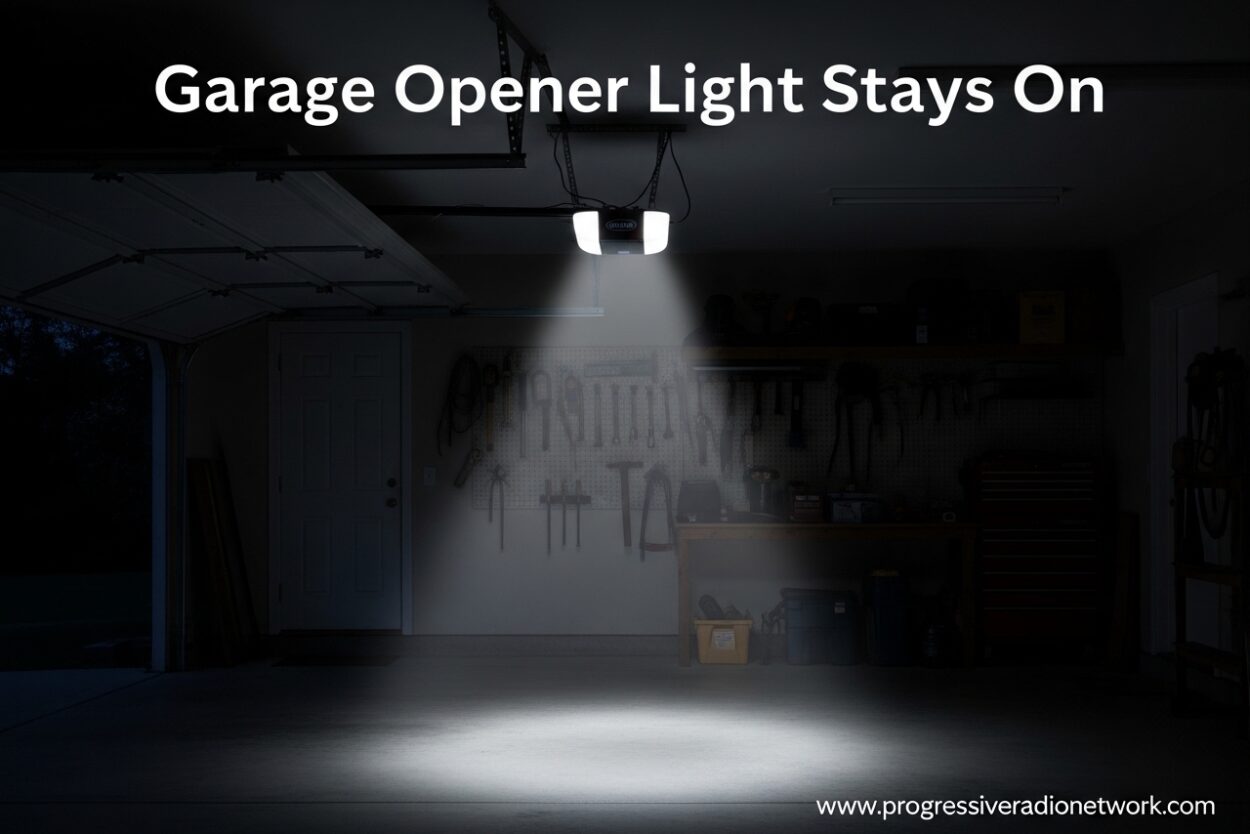
If your garage opener light stays on continuously, you’re not alone. This is one of the most common garage door opener issues homeowners face in 2026. The good news is that most causes are simple to fix yourself.
Most garage door openers are designed to keep their lights on for 4-1/2 minutes after activation. This timer feature provides safety lighting as you enter or exit your garage. However, when the light refuses to shut off after this period, something needs attention.
I’ve helped dozens of homeowners troubleshoot this exact problem. In this guide, I’ll walk you through every possible cause and solution, from the simplest fixes to more complex electrical issues.
How Your Garage Door Opener Light System Works
Understanding the basics helps you diagnose the problem faster. Your garage door opener’s light is controlled by a logic receiver board inside the motor unit. This board manages the timer function and activates the light bulb when triggered.
Most modern openers from brands like LiftMaster, Chamberlain, Genie, and Craftsman use this same basic system. The logic board receives signals from multiple sources: your wall control panel, remote controls, and sometimes motion sensors built into the opener itself.
The timer function normally keeps the light on for 4-1/2 minutes after the door opens or closes. This provides convenient illumination while you’re walking in or out. After the timer expires, the light should automatically shut off to conserve energy.
When something disrupts this system, the light stays on continuously. Let’s look at why this happens.
Garage Opener Light Stays On: 6 Common Causes
These six reasons account for over 95% of cases where a garage door opener light won’t turn off. I’ll explain each cause and how to fix it.
1. Accidentally Pressed Light Button
This is the most common cause and the easiest to fix. Your wall control panel has a dedicated light button that manually overrides the timer. When pressed, the light stays on continuously until you press the button again.
I see this happen frequently in households with children or when someone is cleaning the garage area and accidentally leans against the wall console. The button might be labeled “Light” or show a lightbulb icon.
Check your wall control panel first. If the light button appears stuck or feels different than usual, this might be your culprit. Simply press it again to toggle the light off.
2. Motion Sensor Activation
Many newer garage door opener models include built-in motion sensors. These sensors detect movement in your garage and automatically activate the light for safety and convenience. The feature works great for security, but it can cause frustration when the light stays on unexpectedly.
Pets are common triggers for motion sensors. A cat walking through the garage or even a large dog sleeping near the opener can keep the light activated. Some sensors are sensitive enough to detect movement through windows or from passing vehicles outside.
The motion sensor typically has a range of 10-15 feet and stays active for several minutes after detecting motion. If you have an active garage with frequent movement, the light may rarely turn off.
3. Timer Malfunction
The timer relay on your logic board controls the automatic shutoff function. When this component fails, the light stays on permanently. This is a common issue with older garage door openers (10+ years old).
Timer malfunctions can develop gradually. You might notice the light staying on slightly longer than usual before it progresses to staying on continuously. Heat exposure and power surges can accelerate this type of failure.
Unfortunately, a failed timer relay usually requires professional repair or logic board replacement. However, you can confirm this diagnosis by ruling out other causes first.
4. Power Outage Aftermath
Power outages can confuse your garage door opener’s electronics. When power returns, the logic board might not reset properly, causing the light to remain stuck in the “on” position.
This issue is especially common in areas with frequent electrical storms or unstable power grids. Even brief power interruptions can trigger the problem. I’ve seen this happen after utility company switching or when a circuit breaker trips.
The good news is that power-related issues often resolve themselves with a simple reset procedure, which I’ll cover in the troubleshooting section below.
5. LED Bulb Interference
Many homeowners don’t realize that certain LED light bulbs can interfere with garage door opener electronics. LED bulbs emit small amounts of radio frequency (RF) signals that can confuse the logic board, especially in older opener models.
This phenomenon is well-documented in garage door forums. The RF interference from LEDs can mimic remote control signals or prevent the timer from functioning correctly. Some brands are more prone to this issue than others.
If you recently switched to LED bulbs and started experiencing problems, try switching back to incandescent bulbs temporarily to see if the issue resolves.
6. Logic Board Failure
The logic receiver board is the brain of your garage door opener. When it fails, multiple functions can malfunction, including the light timer. Logic board failure typically affects older units or those exposed to extreme conditions.
Symptoms of logic board failure include: lights staying on continuously, remote controls not working, random door movements, or complete unresponsiveness. Power surges, lightning strikes, and moisture exposure are common causes of logic board damage.
Logic board replacement typically costs between $150-300 depending on your opener model. In some cases, especially with very old units, complete opener replacement might be more cost-effective.
Step-by-Step Troubleshooting Guide
Follow these steps in order to diagnose and fix your garage opener light issue. I’ve arranged them from easiest to most complex.
Step 1: Check the Wall Control Panel
Locate your wall-mounted door control panel. Look for a button labeled “Light” or showing a lightbulb icon. Press this button once and wait 30 seconds to see if the light turns off.
If pressing the button toggles the light on and off, your problem is solved. The button was likely activated accidentally. If pressing the button has no effect, move to the next step.
Step 2: Unplug and Reset the Opener
Locate the power cord for your garage door opener motor unit. Unplug it from the electrical outlet. Wait at least 30 seconds to allow the logic board to fully discharge and reset.
Plug the unit back in. The light may briefly flash or turn on, which is normal. Wait 5 minutes to see if the light turns off automatically. This simple reset fixes about 40% of cases, especially those related to power glitches.
Step 3: Test with Different Bulbs
If you’re using LED bulbs, remove them and install standard incandescent bulbs. Wait several minutes to observe if the light behavior changes. Incandescent bulbs don’t emit RF signals and won’t interfere with the opener electronics.
If the problem resolves with incandescent bulbs, you’ve identified LED interference as the cause. Look for garage door opener compatible LED bulbs or stick with traditional bulbs.
Step 4: Disable Motion Sensor Feature
If your opener has a motion sensor feature, you can disable it through the wall control panel menu. Press and hold the light button for 10 seconds until the opener light blinks. This indicates the motion sensing feature has been deactivated.
Test the light behavior after disabling this feature. If the light now turns off normally, the motion sensor was detecting movement in your garage and activating the light.
Step 5: Inspect Wiring Connections
Turn off power to your garage at the circuit breaker panel. Remove the cover from your garage door opener motor unit. Visually inspect the wiring connections for signs of damage, corrosion, or loose wires.
Check the terminal screws where the wall control wires connect to the logic board. Tighten any loose connections. Look for burnt or discolored areas that might indicate electrical problems. If you’re uncomfortable with electrical work, this is the point to call a professional.
Brand-Specific Troubleshooting
Different garage door opener brands have unique features that can affect light behavior. Here are brand-specific solutions that might help.
LiftMaster and Chamberlain Openers
LiftMaster and Chamberlain (both owned by the Chamberlain Group) share similar technology. These brands use a multi-function wall control with a dedicated light button. The motion sensor feature on these models can be activated by pressing the motion detection button on the wall console.
To reset a LiftMaster or Chamberlain opener, locate the “Learn” button on the motor unit. Press and hold it for 6 seconds until the LED light turns off. This resets the light timer and other features to factory settings.
Genie Garage Door Openers
Genie openers often have the wall control integrated into a single button console. The light function is typically controlled by pressing the main button twice in quick succession. Some Genie models use a separate light button on the remote control.
For Genie openers with Intellicode technology, power cycle the unit by unplugging for 1 full minute to reset the logic board. Genie also recommends checking for interference from nearby LED lighting fixtures.
Craftsman and Other Brands
Craftsman garage door openers are often manufactured by Chamberlain and share similar troubleshooting steps. Check your owner’s manual for model-specific instructions, as Craftsman has used different manufacturers over the years.
For other brands like Overhead Door, Wayne Dalton, or Linear, consult the manufacturer’s website or customer support. Most brands offer troubleshooting guides specific to their models.
When to Call a Professional
While most garage opener light issues are DIY-friendly, certain situations require professional help. Call a garage door technician if you notice any of these warning signs.
Burning smells or unusual sounds from the motor unit indicate serious electrical problems that could pose fire hazards. Continuing to operate the opener in this condition is dangerous.
Visible damage to the logic board, such as burn marks, corrosion, or cracked components, requires professional replacement. Logic board replacement involves working with electrical components and precise programming.
If your opener is over 15 years old and experiencing multiple problems, replacement might be more cost-effective than repair. Modern openers offer improved safety features, battery backup, and smartphone connectivity.
Expect to pay $75-150 for a professional service call, plus parts if needed. Complete opener replacement typically costs $300-600 including installation.
FAQ
Why is my garage opener light staying on?
Your garage opener light stays on due to a stuck light button on the wall control, activated motion sensor, timer malfunction, power surge aftermath, LED bulb interference, or logic board failure. The most common cause is accidentally pressing the light button on your wall console.
How long does a garage door opener light stay on normally?
A garage door opener light normally stays on for 4-1/2 minutes after activation. This timer is built into the logic receiver board and provides safety lighting while entering or exiting your garage. If the light stays on longer than this period, there’s a problem.
How do you fix a sensor light that stays on?
To fix a garage door sensor light that stays on, first check if the light button on your wall control is stuck. Press it to toggle off. Next, unplug the opener for 30 seconds to reset the logic board. If using LED bulbs, try incandescent bulbs to rule out RF interference. Disable motion sensors by holding the light button for 10 seconds.
Why won’t the light go off on my garage door opener?
The light won’t go off on your garage door opener because the timer relay has failed, the logic board is malfunctioning, or a short circuit is keeping power to the light fixture. This is common in older openers and usually requires professional repair or logic board replacement.
How to get garage light to turn off?
To get your garage light to turn off, press the light button on your wall control panel, unplug the opener for 30 seconds to reset it, disable motion sensors by holding the light button for 10 seconds, or replace LED bulbs with incandescent ones to eliminate RF interference.
Conclusion
When your garage opener light stays on, start with the simple fixes before calling a professional. Most cases are resolved by checking the wall control button, resetting the opener, or switching bulb types. The 4-1/2 minute timer is your baseline for normal operation.
Regular maintenance helps prevent these issues. Keep your opener clean, protect it from power surges with a quality surge protector, and use compatible light bulbs. When in doubt, consult a professional garage door technician rather than risking further damage to your system.
With this guide, you should be able to diagnose and fix most garage opener light problems yourself. Start with the wall control button and work through the troubleshooting steps systematically. Your garage light should be working properly again in no time.


Leave a Comment