
The quietest power supply for most builds is the be quiet! Pure Power 13 M in pure silence terms and the Corsair RM850e in verified build terms, because both hold their cooling fan at zero RPM until real load arrives and use fluid-based or rifle bearings that do not rattle as they age. Quiet is not a spec on the box. It is a fan curve, a bearing type, a fan diameter, and an efficiency rating working together.
That matters more than most buyers expect. Every other fan in a PC costs a few dollars and ten minutes of screwdriving to replace. A power supply is a sealed box bolted to the floor of your chassis, and the one noise problem you cannot fix without pulling the whole build apart is the one coming out of it.
So this roundup is ranked by acoustic behaviour first. Wattage is still covered thoroughly, because a silent supply that is too small will spin its fan up constantly, and a silent supply that is way oversized wastes money and sits at a load percentage that is harder on capacitors. I went through the spec sheets, warranty terms, and owner feedback for the 12 units below and sorted them on three things: how the fan behaves when the system is idle, what the fan is made of, and how large the fan is for the watts it moves.
Before the picks, one definition. Power supply noise comes in two forms that need different solutions. Fan noise is mechanical, scales with load, and disappears when a semi-passive fan stops. Coil whine is a high-pitched electrical hum from the inductors under heavy draw, and it has nothing to do with any fan. If you are chasing a whine, a quieter fan will not fix it, and no amount of case padding will either.
A note on measurement. Manufacturers publish fan curves and noise ratings, but independent acoustic lab data is scarce, so I have used the Cybenetics noise certifications, the fan mode behaviour, bearing types, and fan diameters published in the spec sheets, plus what long-term owners report after the honeymoon period. Anything I could not verify is left out.
Our Top 3 Quietest Power Supplies for 2026

Corsair RM850e 850W
- ✓ATX 3.1 with native 12V-2x6
- ✓120mm rifle bearing fan
- ✓Cybenetics Gold
- ✓7-year warranty

be quiet! Pure Power 13 M
- ✓Semi-passive zero-RPM mode
- ✓Cybenetics A++ noise rating
- ✓LLC topology
- ✓10-year warranty

ASUS Prime 750W Gold
- ✓Dual ball bearing axial-tech fan
- ✓ATX 3.1 with 16-pin cable
- ✓80 Plus Gold
- ✓8-year warranty
The RM850e takes the top slot because it is the rare quiet-capable supply that also has a deep enough review history to trust. The Pure Power 13 M takes the noise crown on its certified acoustics and zero-RPM behaviour. The ASUS Prime takes the durability angle with a dual ball bearing fan rated to outlast sleeve designs.
All 12 Quiet Power Supplies Compared Side by Side
| Product | Features | Action |
|---|---|---|
| Corsair RM850e 850W |
|
Check Latest Price |
 Corsair RM750e 750W Corsair RM750e 750W |
|
Check Latest Price |
| be quiet! Pure Power 13 M 1000W |
|
Check Latest Price |
 be quiet! Power Zone 2 1000W be quiet! Power Zone 2 1000W |
|
Check Latest Price |
 MSI MAG A750GL PCIE5 750W MSI MAG A750GL PCIE5 750W |
|
Check Latest Price |
 MSI MAG A850GL PCIE5 850W MSI MAG A850GL PCIE5 850W |
|
Check Latest Price |
 Corsair RM1000x Shift 1000W Corsair RM1000x Shift 1000W |
|
Check Latest Price |
 Thermaltake GF1 750W Thermaltake GF1 750W |
|
Check Latest Price |
 Thermaltake Toughpower GT 750W Thermaltake Toughpower GT 750W |
|
Check Latest Price |
 Rosewill VMG 750W Rosewill VMG 750W |
|
Check Latest Price |
 Thermaltake Smart 700W Thermaltake Smart 700W |
|
Check Latest Price |
| ASUS Prime 750W Gold |
|
Check Latest Price |
1. Corsair RM850e 850W – The Quiet All-Rounder With the Deepest Track Record
- ✓Fully modular cabling for clean routing
- ✓ATX 3.1 and PCIe 5.1 ready with native 12V-2x6
- ✓120mm rifle bearing fan with a calculated fan curve
- ✓105C-rated Japanese capacitors
- ✓Modern Standby support
- ✕Some owners report slight coil whine under heavy load
- ✕7-year warranty trails the 10-year rivals
850W
Fully modular
120mm rifle bearing fan
ATX 3.1 with 12V-2x6
Cybenetics Gold
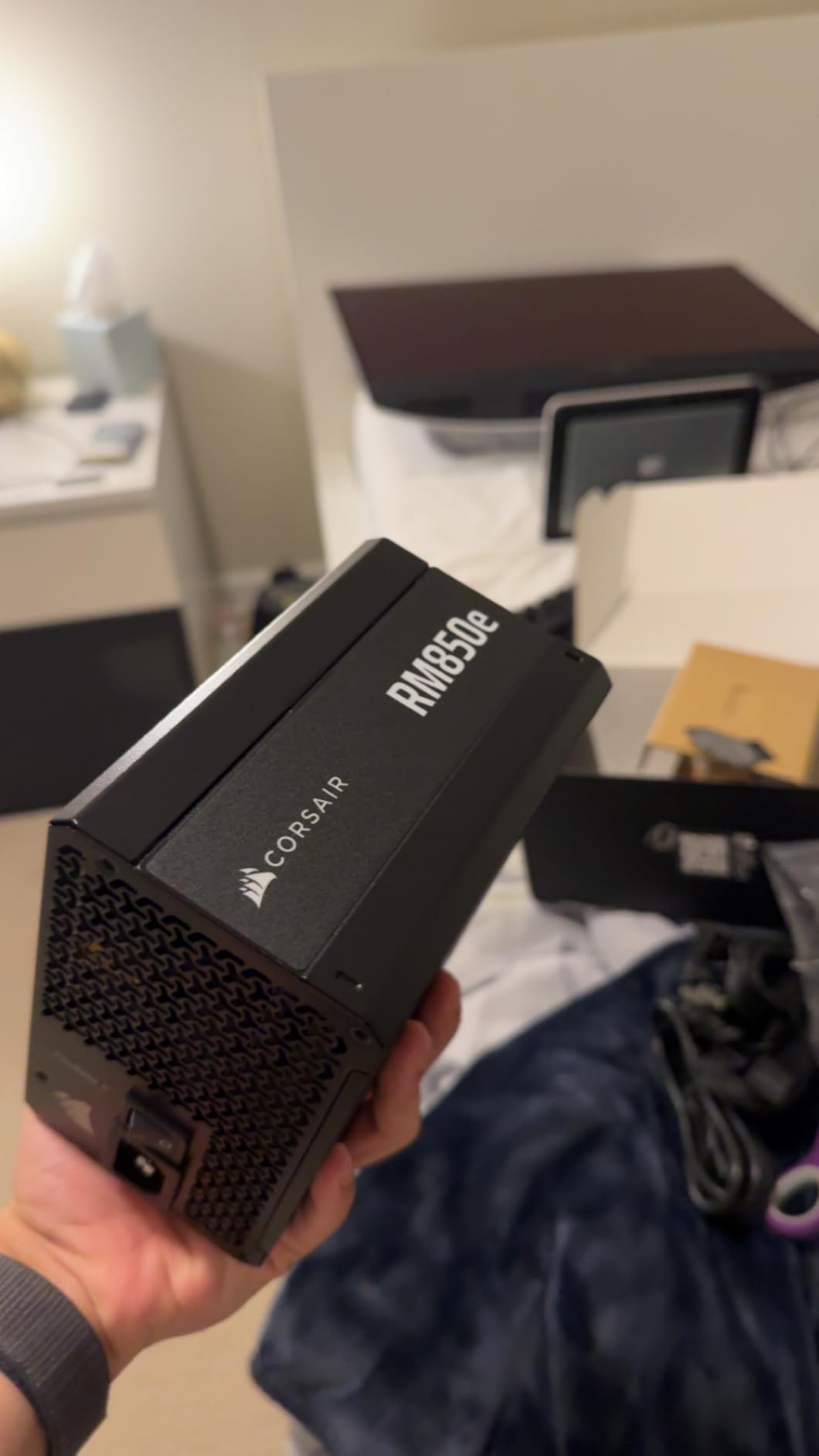
This is the unit I put in builds that have to be quiet and cannot be a gamble. The 120mm rifle bearing fan is a fluid-dynamic design, which is the quietest mainstream bearing type you can buy, and Corsair pairs it with a calculated fan curve rather than a fixed speed. That means the fan genuinely sits at zero RPM through light loads instead of spinning lazily at 600 RPM and broadcasting itself.
Across 906 ratings it averages 4.7, and owners consistently describe it as silent at idle and unobtrusive under load. The build is a 5.91 x 5.51 x 3.35 inch fully modular box, which matters more than it sounds: a modular supply lets you run only the cables you need, which reduces clutter and improves airflow around the intake.
Why the rifle bearing matters more than the fan size
A rifle bearing suspends the rotor on a thin film of oil rather than on dry metal sleeves. The result is less starting torque, a smoother spin-up, and a bearing that does not develop the dry rattle that sleeve bearings pick up after a year or two. On a component you cannot easily open and service, that longevity argument is worth more than a bigger fan.
The 120mm diameter is the mainstream choice, and at 850W it is entirely adequate. Larger 135mm and 140mm fans move more air at lower RPM, but the efficiency rating does a lot of that work here. At Cybenetics Gold, this unit wastes less energy as heat, so the fan does not have to spin as hard to keep the internals cool.
ATX 3.1 handling and the native 12V-2×6 cable
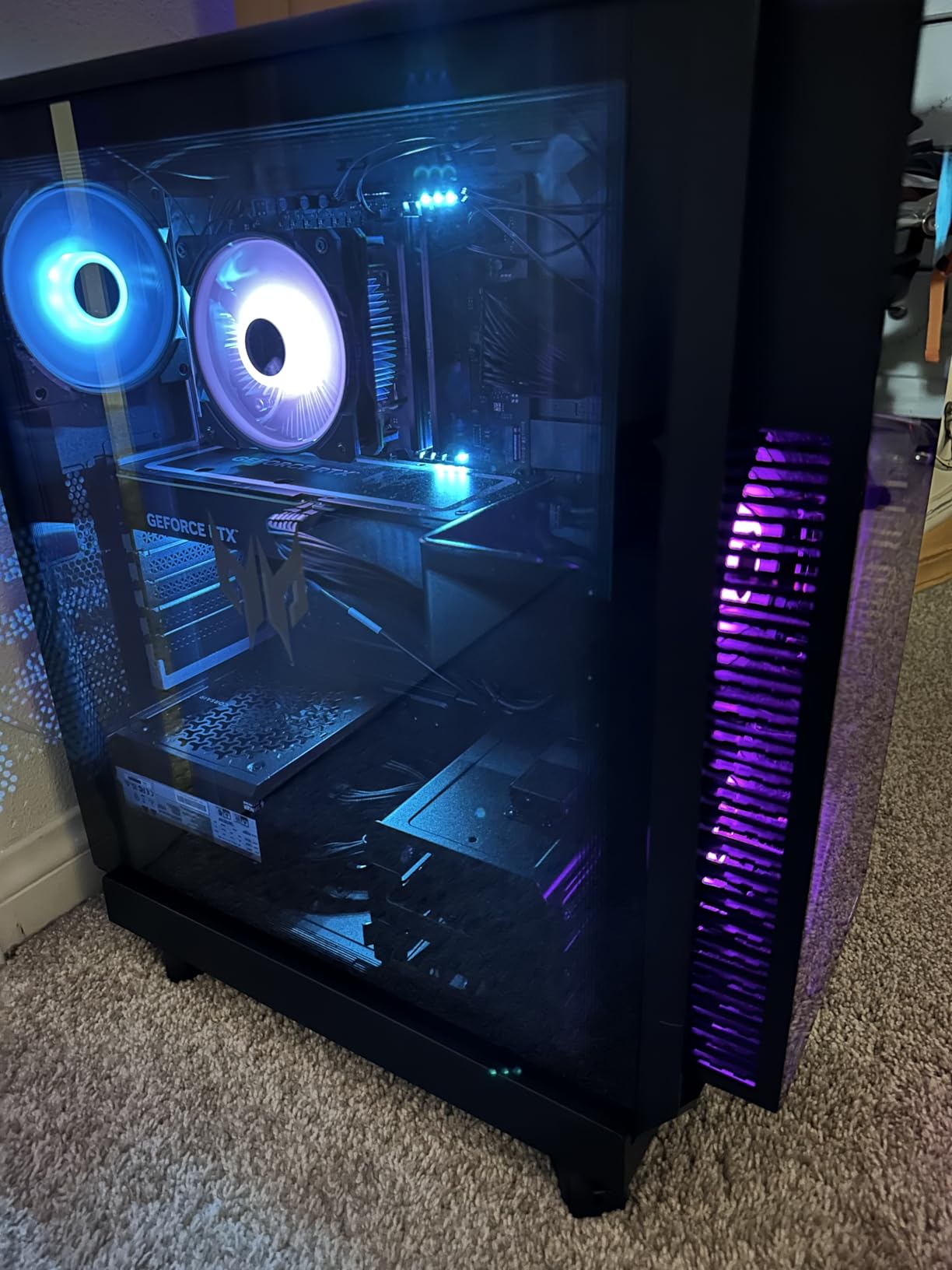
The RM850e carries Intel ATX 3.1 certification with a native 12V-2×6 cable in the box, so modern high-end graphics cards get a direct 12V-2×6 connection rather than a bundle of 8-pin adapters daisy-chained together. Fewer adapters means fewer contact points to buzz, and that has a real effect on the high-pitched whine people report at full tilt.
105C-rated Japanese electrolytic capacitors are the other quiet-related detail. Higher-rated capacitors hold their characteristics longer in a hot internal cavity, and a supply that runs cooler electrically is a supply whose fan does not have to work as hard to keep the rest of the components stable.
Where it falls short
The recurring complaint in reviews is slight coil whine under heavy sustained load, which is the inductor hum discussed earlier and is not a fan problem. A handful of owners also note that the 7-year warranty is shorter than the 10-year terms offered by several competitors in this list, which is a fair criticism for a purchase you expect to keep for a decade.
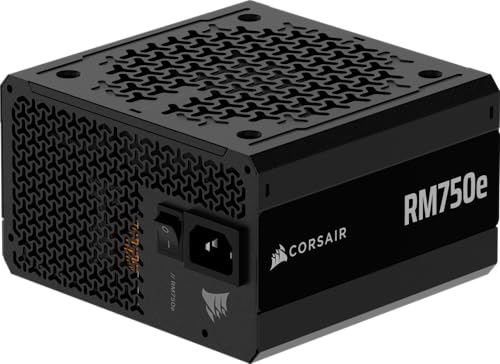
2. Corsair RM750e 750W – Quiet Handling for Mid-Range and Upper-Mid-Range GPUs
- ✓Same quiet rifle bearing fan design as the 850W
- ✓ATX 3.1 and PCIe 5.1 ready
- ✓Native 12V-2x6 cable included
- ✓Compact 5.91 x 5.51 x 3.35 inch footprint
- ✓7-year manufacturer warranty
- ✕A small minority of 1-star reviews mention coil whine or fan noise
- ✕750W leaves less headroom for a future GPU upgrade
750W
Fully modular
120mm rifle bearing fan
ATX 3.1 with 12V-2x6
The RM750e is the same acoustic design as the RM850e with a lower ceiling, and for a lot of builds that is the correct trade. At 439 reviews and 4.6 average, it has the same calculated fan curve and the same 120mm rifle bearing fan, so the idle behaviour that actually governs whether a PC is perceived as quiet is identical.
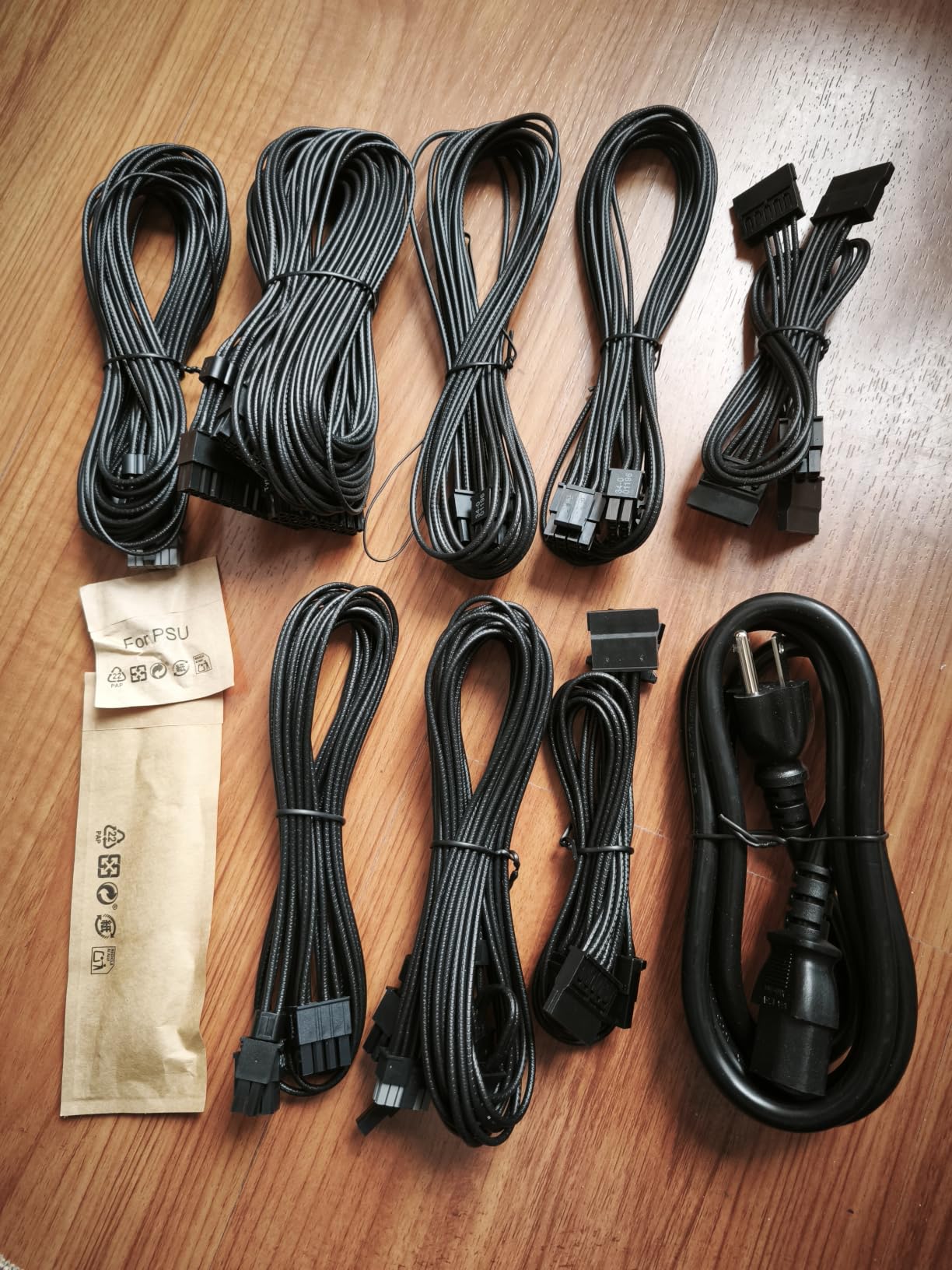
Weight is 3.3 pounds, so it slides into the same chassis as the 850W without any clearance check on your part. Fully modular cabling and 105C-rated capacitors round out a package that is, in practical terms, the quieter of the two Corsair options for a mid-range card.
Sizing behaviour at 750W
A 750W unit paired with a typical mid-range graphics card sits in the range where a semi-passive fan stays stopped for most of a session. Play a lighter game and the load never climbs high enough to start the fan at all. That is the sweet spot for silence: high enough wattage to absorb a transient spike, low enough that the fan curve never triggers.
The math works out well for anyone pairing this with a card that does not need a 12V-2×6 at full rating, though the native cable is included regardless. Our 850W power supply guide covers where the wattage line actually sits for current-generation cards if you are choosing between tiers.
What the negative reviews actually say
Some 1-star reviews mention coil whine or fan noise, and it is worth being precise about that split. Coil whine is an inductor characteristic, common to every supply with a high current rating. Fan noise complaints on this model are far rarer, and a fan that starts and stops constantly under normal desktop use is usually a fan curve reacting to a warm intake rather than a defective unit.
Ambient temperature drives that behaviour more than most buyers expect. A power supply sitting in a hot chassis with a clogged filter will run its fan earlier in the curve even though nothing is wrong with it. Keeping dust out of the intake is the cheapest noise fix available.
3. be quiet! Pure Power 13 M 1000W – The Benchmark for Zero-RPM Silence
- ✓Exceptionally quiet semi-passive zero-RPM mode
- ✓Cybenetics Platinum efficiency and A++ noise rating
- ✓ATX 3.1 with native 12V-2x6 and 4 PCIe connectors
- ✓LLC topology for tight voltage regulation
- ✓Handles 2x power excursions
- ✕Cables reported as stiff and short
- ✕CPU cable may be tight for routing behind a motherboard tray
- ✕Runs hot under heavy sustained load
1000W
Semi-passive zero-RPM
Cybenetics Platinum and A++ noise
ATX 3.1 with 12V-2x6
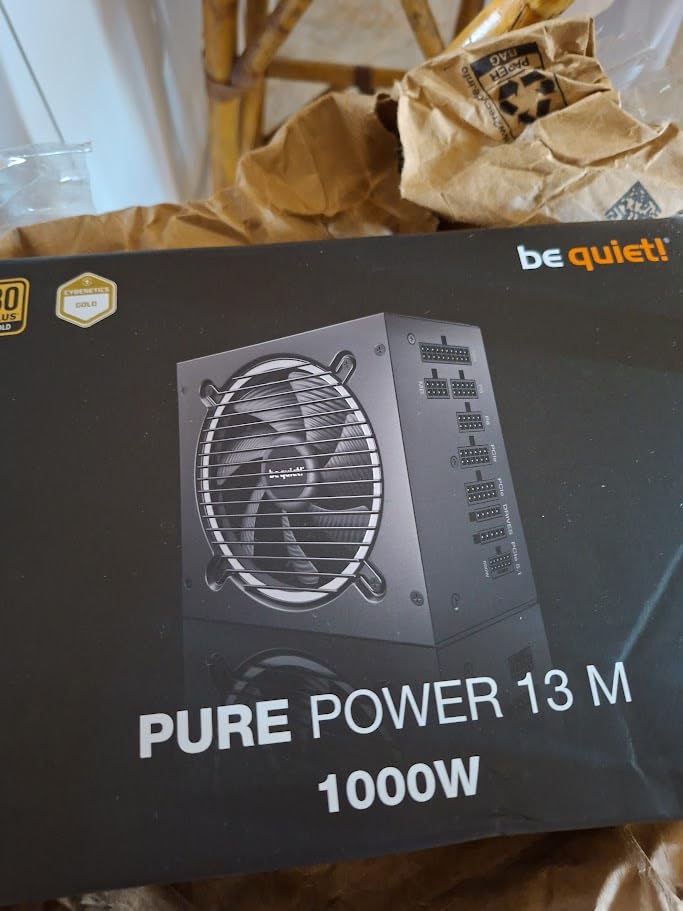
If the question is how quiet a power supply can get, this is the unit to measure against. It carries a Cybenetics A++ noise certification alongside Platinum efficiency, which is a rarer combination than the marketing pages usually let on, and its semi-passive zero-RPM mode is the headline feature the brand is built around.
The 1000W rating is not excessive for a single high-end graphics card, because a bigger supply running at a moderate load percentage is exactly the configuration that keeps a semi-passive fan stopped longest. Run a system that would only pull 350W and the fan in this unit may not spin at all for the entire session. Owners across 310 reviews averaging 4.7 consistently describe it as the quietest thing in their build.
What the zero-RPM mode actually does
Semi-passive operation means the fan is electrically stopped below a set load threshold, not merely slowed down. Once you cross that threshold, it ramps up along a curve tuned to keep the same airflow the fan would have produced at the higher temperature. The practical difference between a stopped fan and a fan at 400 RPM is enormous, because human hearing is far more sensitive to changing tones than to a steady low hum.
This is also the supply most often criticized for running warm, and those reports are consistent. Efficiency at high load, measured at up to 94.4 percent for 80 Plus Gold, does not fully offset a 1000W unit running near its ceiling in a poorly ventilated case. If your chassis has a glass side panel facing a wall, that shows up in the fan curve.
LLC topology and transient handling
LLC topology is a resonant design that holds voltage regulation tight across a wide load range, and it is worth having on a supply that will sit near 40 percent load for most of its life. A single massive 12V rail rated to handle 2x power excursions is the other half of the silence story: modern GPUs spike briefly under ray tracing and frame generation, and a supply that does not flinch at those spikes will not trigger a fan response to them.
Four PCIe 6+2-pin connectors are included alongside the native 12V-2×6, which is generous for a single-card build and useful if you ever add hardware. 80 Plus Gold certification here means up to 94.4 percent efficiency, which is unusually high for that tier.
The cable complaints are real
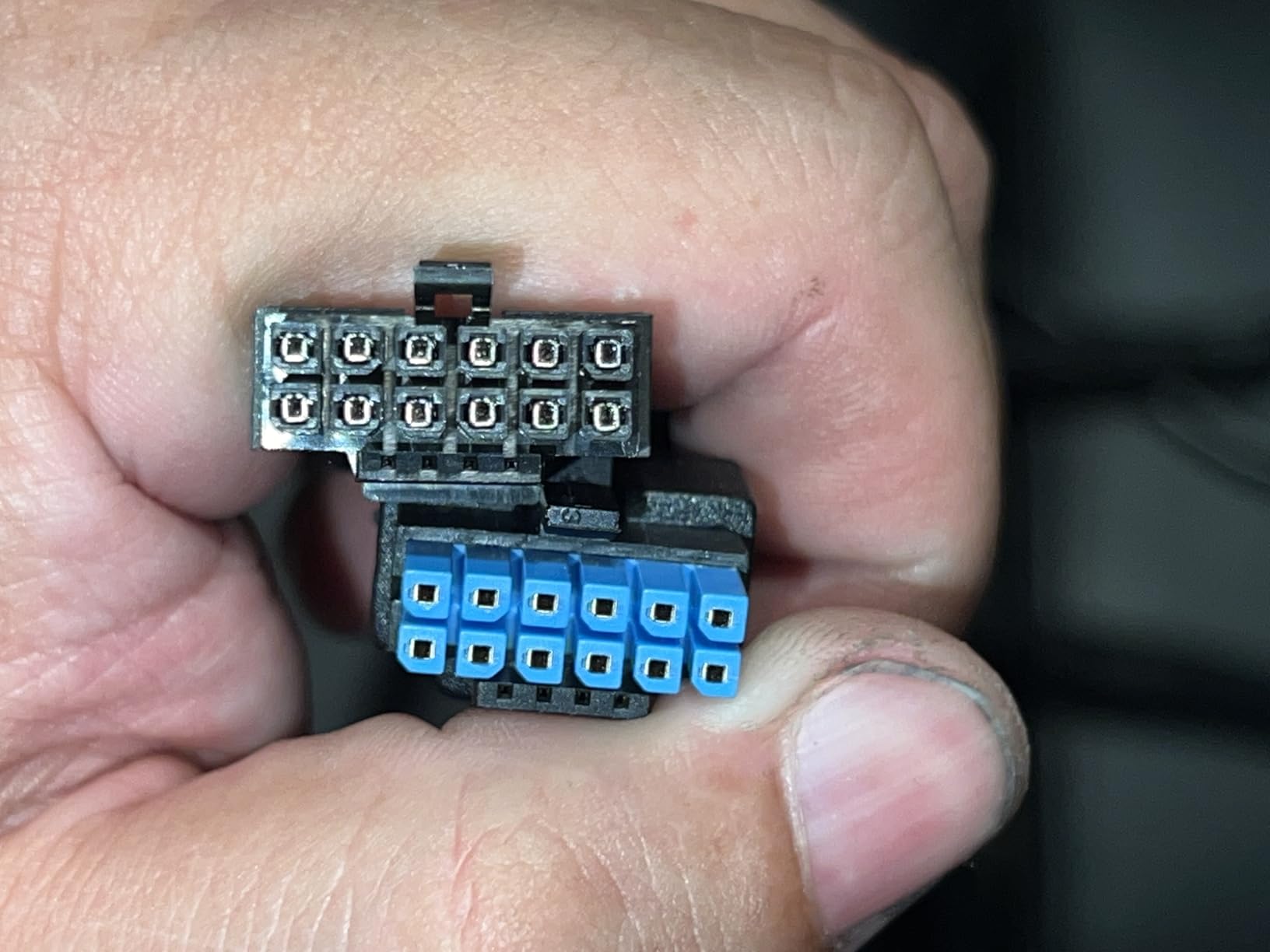
Owners report the cables as stiff, short, and visually plain, and specifically mention the CPU cable running short for routing behind a full-tower motherboard tray. That is a real installation constraint in large cases, and it is the one practical reason to choose a different unit despite the acoustic advantage. A cable that will not reach forces a sharp bend right at the connector, which is bad for both cable life and airflow.
4. be quiet! Power Zone 2 1000W – The Largest Fan in the Group at 140mm
- ✓Largest cooling fan here at 140mm for lower RPM at a given airflow
- ✓Semi-passive zero-RPM mode with the Pure Wings 3 fan
- ✓90-degree angled 12V-2x6 connector simplifies cable routing
- ✓80 Plus Platinum and Cybenetics Platinum efficiency
- ✓10-year warranty
- ✕Only 3 PCIe 6+2-pin connectors
- ✕Relatively new model with a shorter review history
- ✕Runs in a non-modular cable layout in some configurations
1000W
140mm Pure Wings 3 fan
Zero-RPM semi-passive
80 Plus Platinum and Cybenetics Platinum
Fan diameter is the most underweighted noise variable, and this is where it shows. A 140mm fan moves a given volume of air at a much lower rotational speed than a 120mm unit, and lower RPM means less bearing noise, less blade-tip turbulence, and a lower pitch that sits below the range most people notice.
It runs at 1000W with 80 Plus Platinum and Cybenetics Platinum certification, up to 94.0 percent efficiency. LLC topology handles voltage regulation, and a single 12V rail is rated for 2x power excursions. At 124 reviews and 4.6, the sample is thinner than the established models here, which is the main reason it does not sit higher in this list.
The angled connector is a quiet feature too
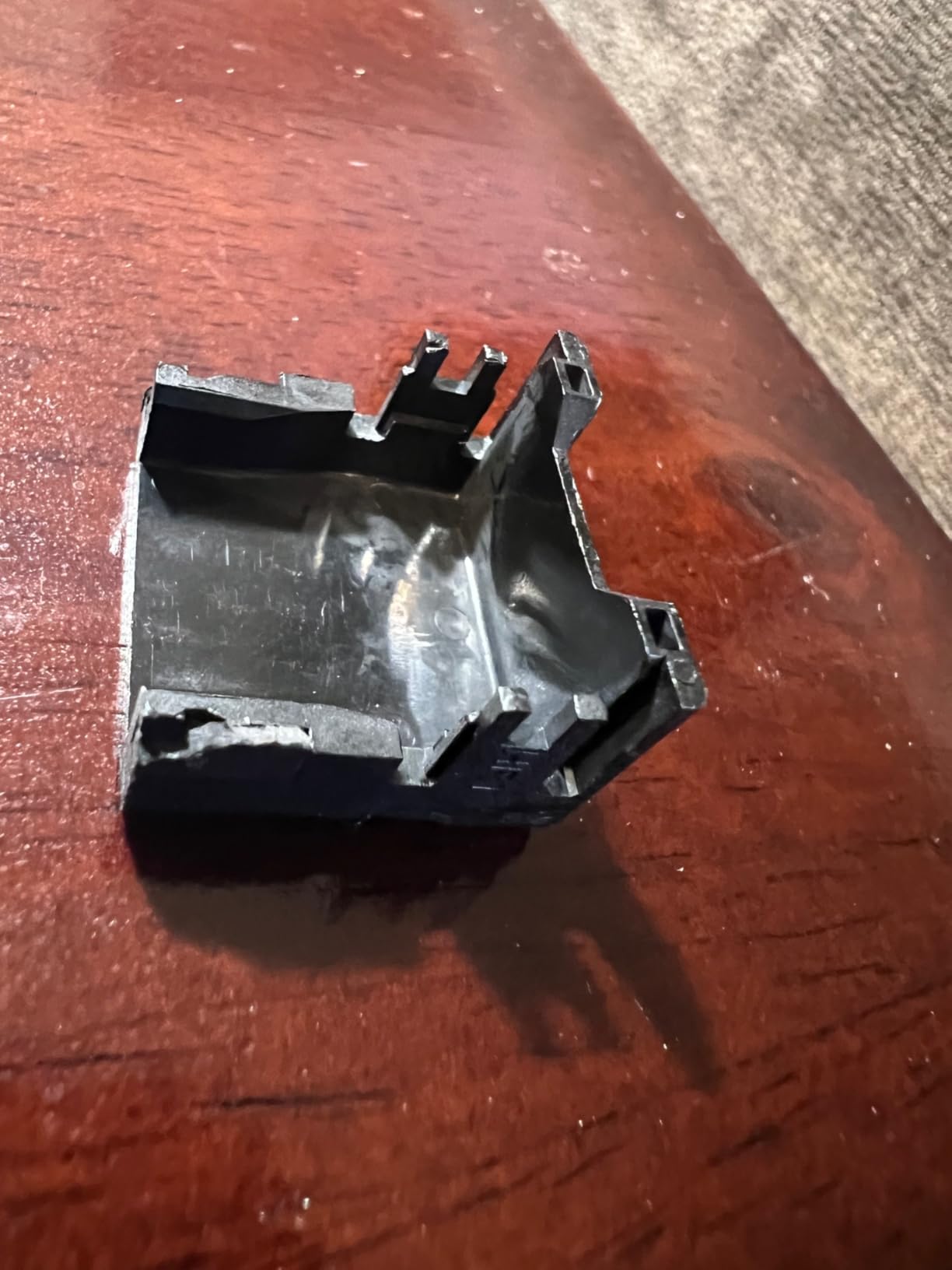
The bundled 90-degree angled 12V-2×6 connector is one of the smarter decisions in this category. A right-angle plug routes the cable out of the way of the graphics card backplate, which reduces the pressure on the connector and, just as usefully, keeps the cable from pressing against a panel where it can pick up a faint resonance.
Three PCIe 6+2-pin connectors is a modest count. If you are running a single modern graphics card, you will not touch more than one of them. If you plan to add a capture card, a second accelerator, or a pile of 2.5-inch drives with power needs, this is where the connector count becomes the limiting factor.
Efficiency as an acoustic advantage
Platinum certification at 94.0 percent means roughly six percent of the input power never becomes heat, which is a small number that compounds. Less internal heat means the cooling fan can sit lower on its curve at the same wattage, and a lower curve position means more time in the silent band.
The mesh front design with cable designations printed directly on the case is a quality-of-life touch that also has an acoustic angle: clear labelling reduces the temptation to leave unused cables hanging in the airflow instead of routing them away from the intake.
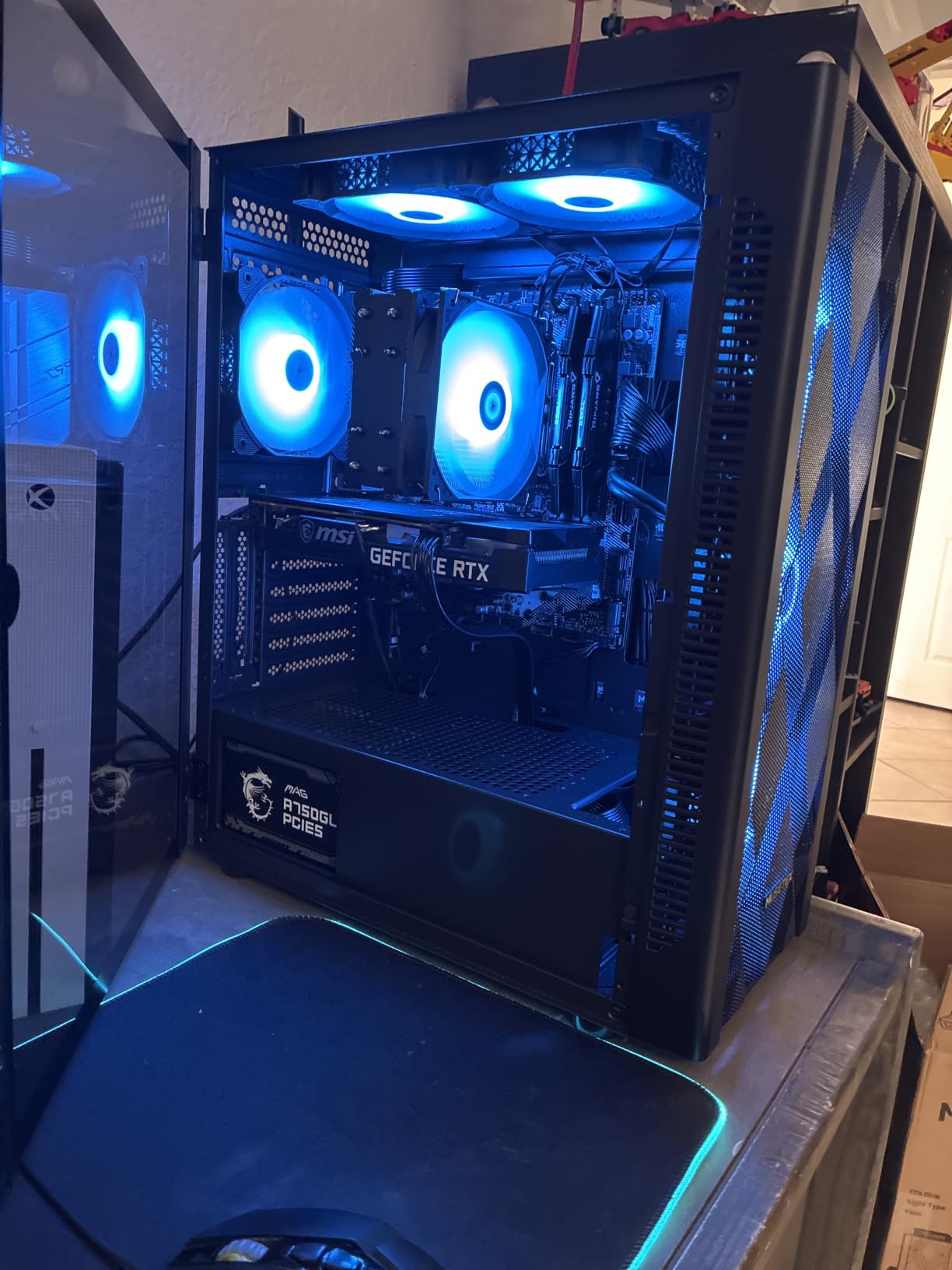
5. MSI MAG A750GL PCIE5 750W – The Quiet Value Pick With 1468 Ratings Behind It
- ✓Fully modular design at a price tier most 750W units cannot match
- ✓10-year limited manufacturer warranty
- ✓ATX 3.1 and PCIe 5.1 ready with native dual-color 12V-2x6
- ✓62A single 12V rail
- ✓Compact design fits most cases
- ✕Measured dimensions are larger than the compact label suggests
- ✕Minimum input voltage listed as 230V in the spec sheet
- ✕750W may limit a future high-end GPU upgrade
750W
Fully modular
ATX 3.1 and PCIe 5.1 ready
80 Plus Gold
62A single 12V rail
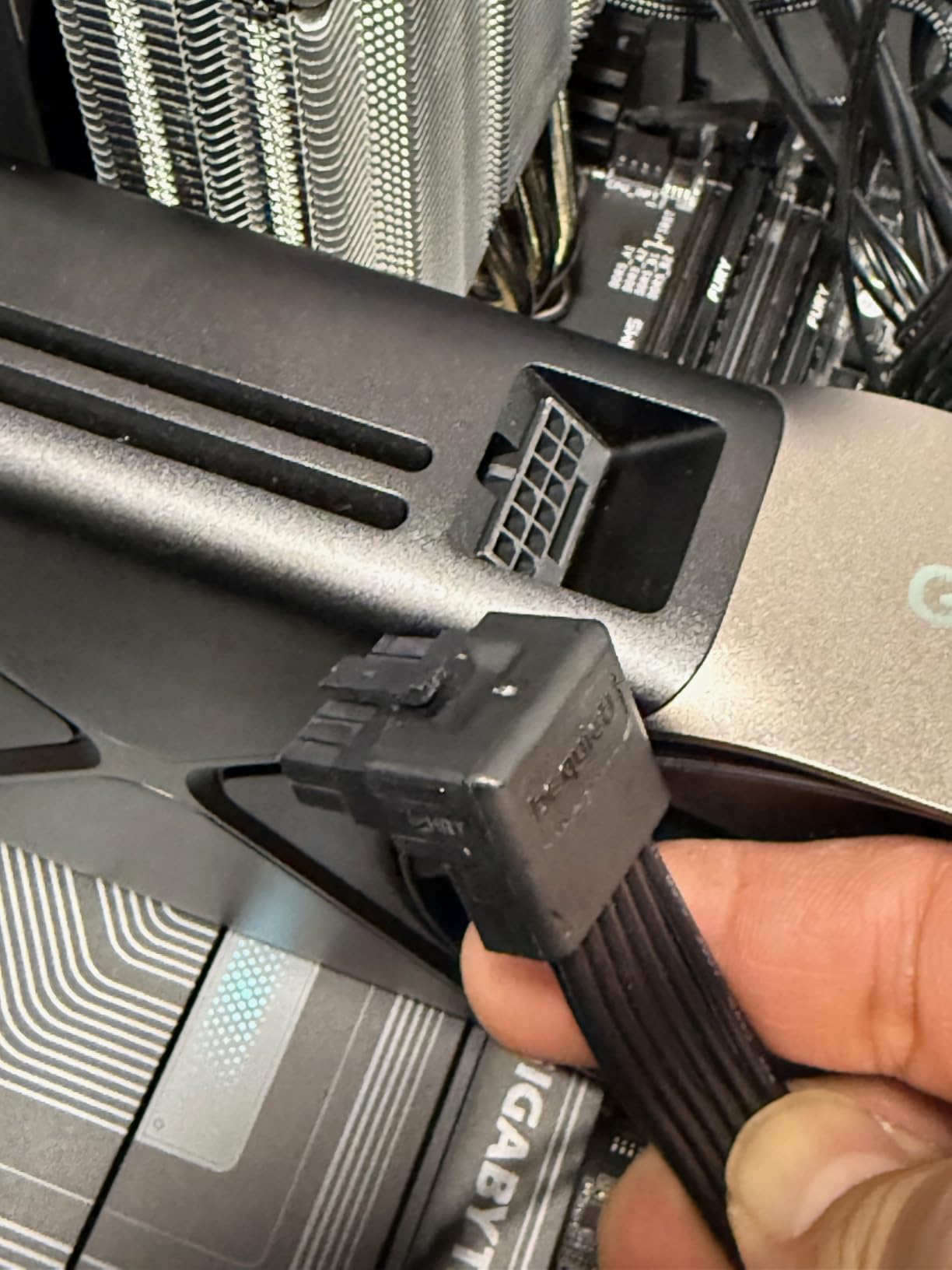
The most-reviewed 750W unit in this group at 1,468 ratings and 4.6 average, with 84 percent five-star. It is also the best-selling power supply in its category overall, which is its own kind of reliability data. Fully modular, ATX 3.1 and PCIe 5.1 ready, native dual-color 12V-2×6 cable, and a 10-year warranty.
On the acoustics question, it uses a 120mm air-cooled fan in a fully modular chassis. The spec sheet does not publish a noise certification, so the honest position is that you are buying a proven platform with good long-term owner satisfaction rather than a published acoustic target.
What the 62A 12V rail gives you
A 62A single 12V rail is a strong figure for a 750W unit and it simplifies the mental model when you are planning the build. Modern graphics cards draw primarily from 12V, and a high-amperage single rail means you are not distributing a card’s demand across multiple rails and hoping each holds up.
The native dual-color cable is a small quality-of-life improvement. Matching connector colours to the PSU sleeve makes it far easier to verify a connection at a glance during installation, which reduces the chance of an unseated plug causing an intermittent fault that sounds like a buzzing fault.
Measure before you buy for a compact case
The listing calls this a compact design, and it is smaller than a full-size tower unit, but the stated item dimensions are 12 x 9 x 5 inches and the chassis is deeper than the Corsair units in this list. If your case is a compact mATX or a small-form-factor enclosure, check the actual power bay depth against those numbers rather than trusting the label.
The 230V minimum input voltage listing is worth a look if you live in a 110V region, since some spec sheets list the mains figure inconsistently across regional variants. Most buyers report no issue, but it is a two-second check that removes a two-hour headache.
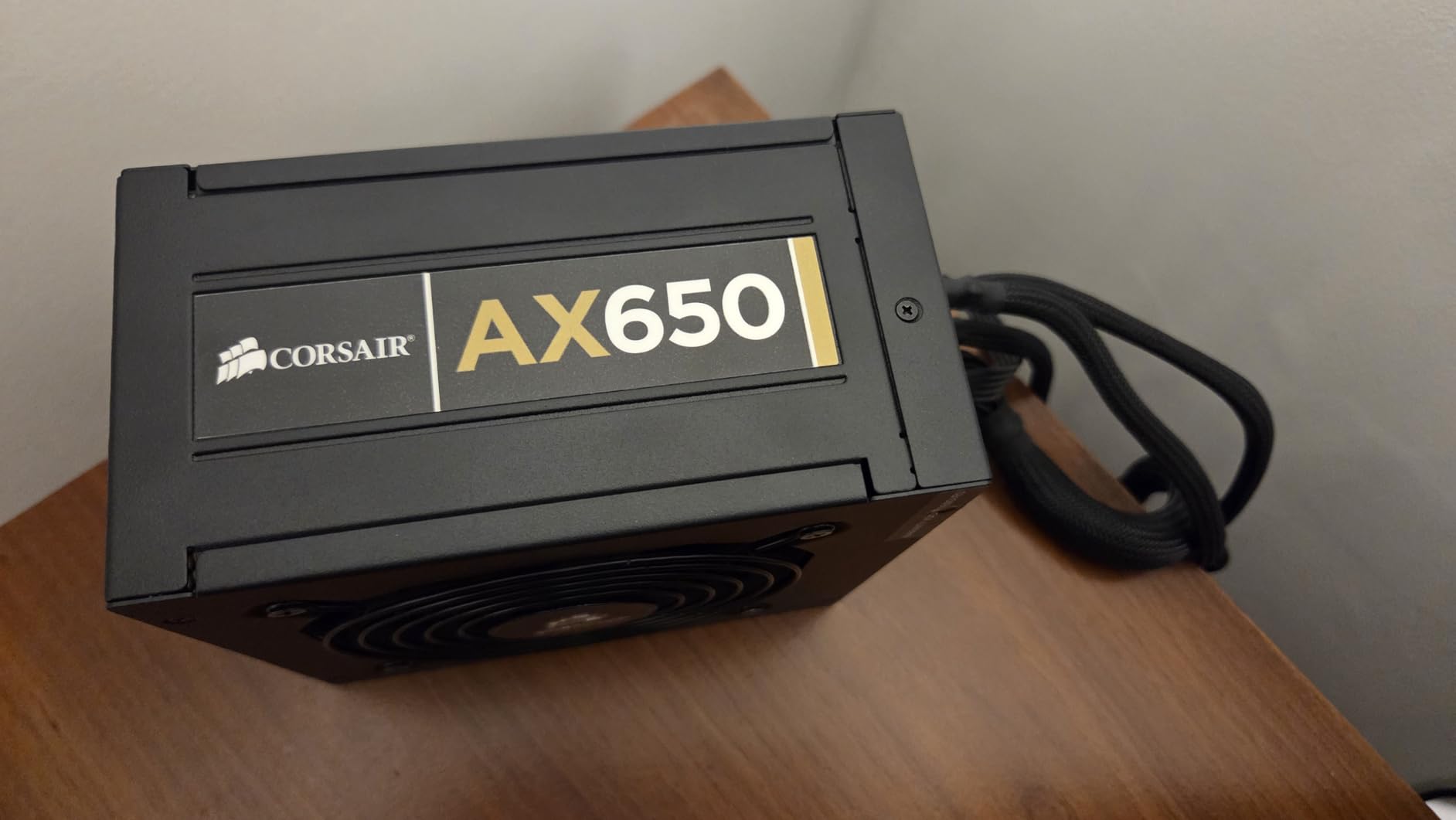
6. MSI MAG A850GL PCIE5 850W – Most Reviews Here, With a Dual-Fan Caveat
- ✓Largest review base in this roundup at 2042 ratings
- ✓850W headroom for high-end graphics cards
- ✓ATX 3.1 and PCIe 5.1 ready with native dual-color 12V-2x6
- ✓20 connectors included for complex builds
- ✓10-year limited manufacturer warranty
- ✕Dual-fan layout can produce more noise than a single large fan
- ✕4.4 rating trails the 750W sibling
- ✕Stated dimensions may not fit compact cases
850W
Dual fan cooling
20 connectors included
ATX 3.1 and PCIe 5.1 ready
With 2,042 ratings, this has the deepest owner history in the roundup, and at 4.4 it also has the lowest average of the twelve. That combination is informative: a huge installed base means more chances for a bad unit, and a 1-star rate of roughly 8 percent points to more quality-control variance than the models that keep a tighter spread.
It is also the one unit here with a dual-fan cooling layout, and that matters directly to this article’s subject. Two fans move air in the same chassis volume as one larger fan, but each one has to spin faster to move its share. For a quiet build, fan diameter is generally the better lever, which is why this sits below its 750W sibling despite the extra wattage.
When the extra connectors earn their place
Twenty included connectors is a genuine advantage for specific builds: a streaming rig with multiple SSDs, a workstation with a rack of drives, or any system that needs more than two 8-pin PCIe runs. For a standard single-GPU gaming machine, most of those connectors stay in the box unused.
Unused fully modular cables are not stored, they are left in the chassis behind the drive trays, where they can restrict airflow. The modularity is what lets you route them out of the way, and it is one of the quieter benefits of the design even though nobody lists it as an acoustic feature.
Rating variance is the honest drawback
A 4.4 average against a sibling’s 4.6 across a similarly sized review pool usually points to a real difference, not just sampling noise. Owners who rated it lower tend to mention the fan and the size rather than electrical performance, and the electrical side, ATX 3.1 readiness with the native 12V-2×6 and a 10-year warranty, is solid on paper.
If your priority is a large review base and a long warranty, this delivers. If your priority is the lowest possible sound, the same brand’s 750W sibling is the better acoustic buy at a lower rating spread.
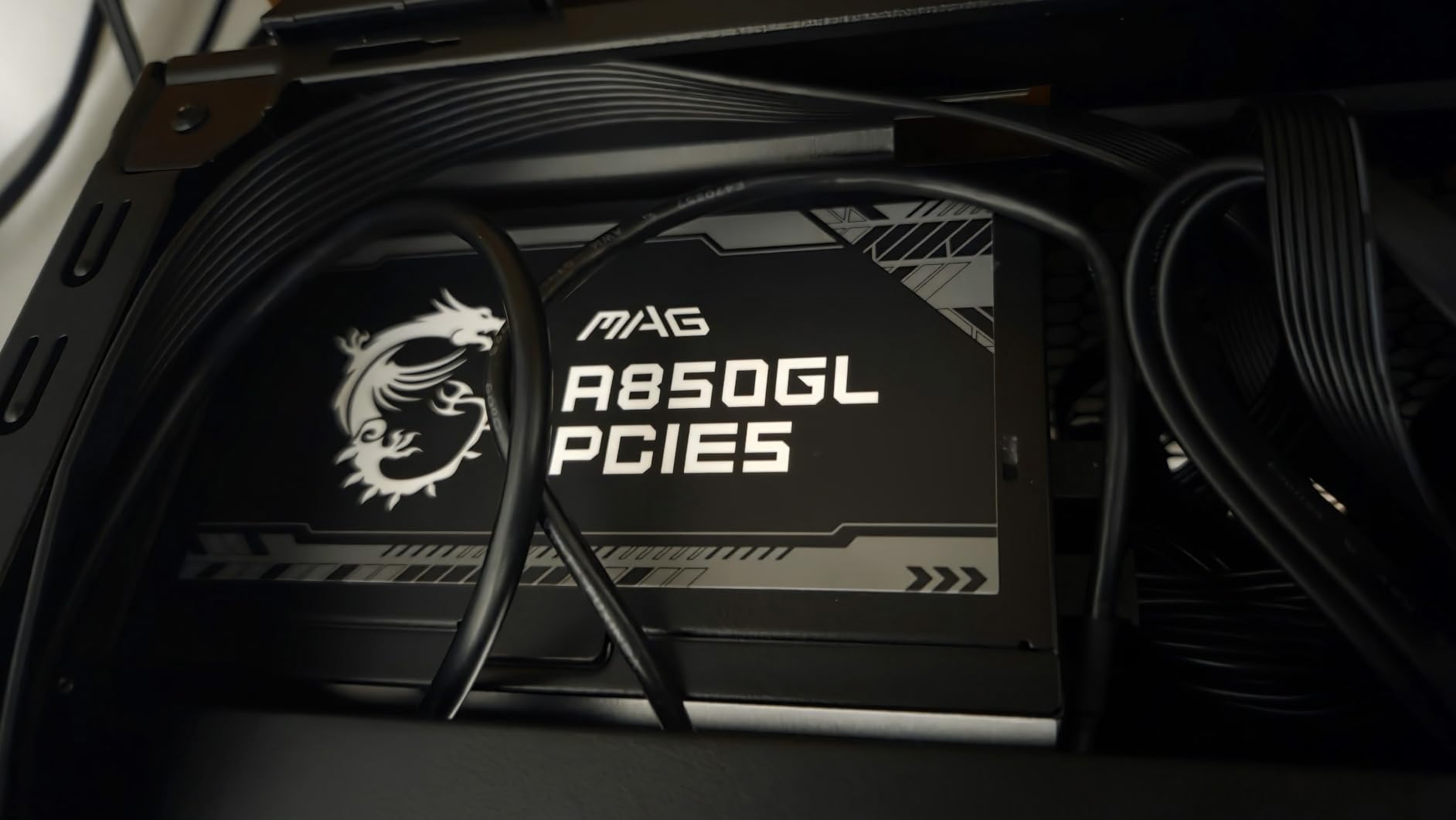
7. Corsair RM1000x Shift 1000W – Side-Mounted Connectors and a Micro-Fit Harness
- ✓Side-mounted connectors make cable routing far easier
- ✓Zero RPM fan mode keeps it near-silent at low and medium loads
- ✓Micro-Fit Type 5 Gen 1 connectors take less space than standard modular
- ✓Flexible cables with no inline capacitors
- ✓10-year manufacturer warranty
- ✕Side connector orientation does not suit every case layout
- ✕Heaviest unit here at 4.2 pounds
- ✕Rated lower in the category overall
1000W
Side-mounted modular connectors
Zero RPM fan mode
105C Japanese capacitors
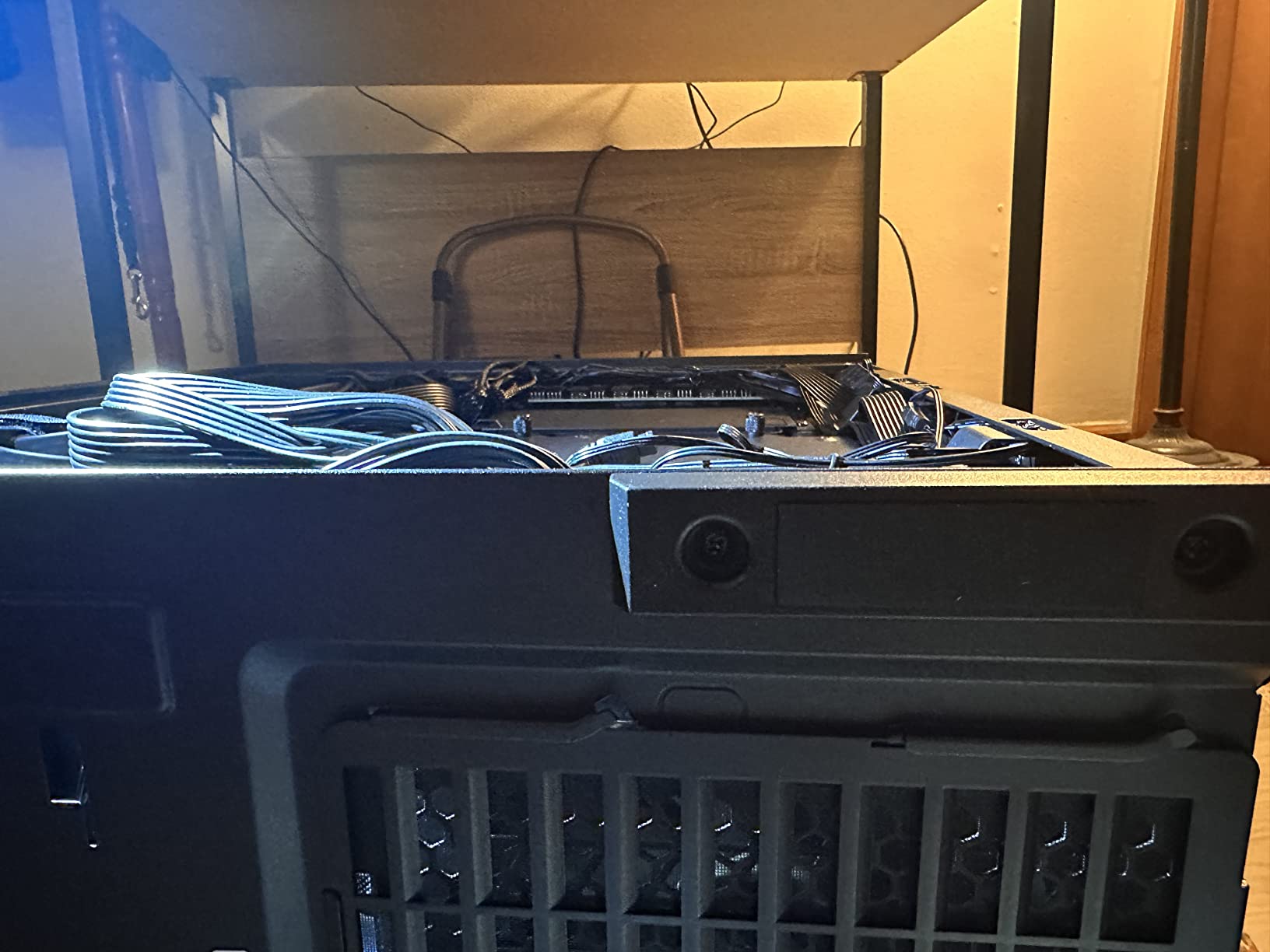
Cable management is an acoustic feature. Cables routed neatly behind the tray do not block the intake, and a tidy chassis has fewer loose strands to resonate against panels. The RM1000x Shift takes that further than anyone else here by moving the connector bank to the side of the chassis, so plugs attach facing outward rather than straight back into the case.
At 1000W with a Zero RPM fan mode at low and medium loads, the acoustic story is good. The catch is compatibility: side-mounted connectors only help in a case whose power bay is shaped to expose that face, and in a case that does not, the arrangement can work against you. Check the case first.
Micro-Fit connectors and the space they save
Corsair uses Micro-Fit Type 5 Gen 1 modular connectors here, which have a smaller footprint than standard modular plugs. That matters inside a cramped power bay where a bundle of thick cables pushes the unit toward the case wall and restricts the intake path behind it. More clearance around the intake means better airflow, which means a quieter fan.
The cables themselves are described as flexible with no inline capacitors. Inline capacitors are large bulges in the middle of a run, and removing them makes a cable easier to bend around a drive bay instead of fighting it. Owners running RTX 5080 and i9-class systems report flawless power delivery across 555 reviews at 4.6.
Why the weight is not a problem
At 4.2 pounds it is the heaviest unit in this roundup, and that gets raised as a drawback. In practice a power supply hanging in its own bay is not structurally loaded in any meaningful way; the weight matters more when you are lifting the unit into position during the build, and once installed it is irrelevant.
Modern Standby compatibility is the feature that pays off in daily use. It allows the system to wake from sleep faster, which means less time sitting in a high-draw transitional state where the fan is spinning for a reason that has nothing to do with your workload.
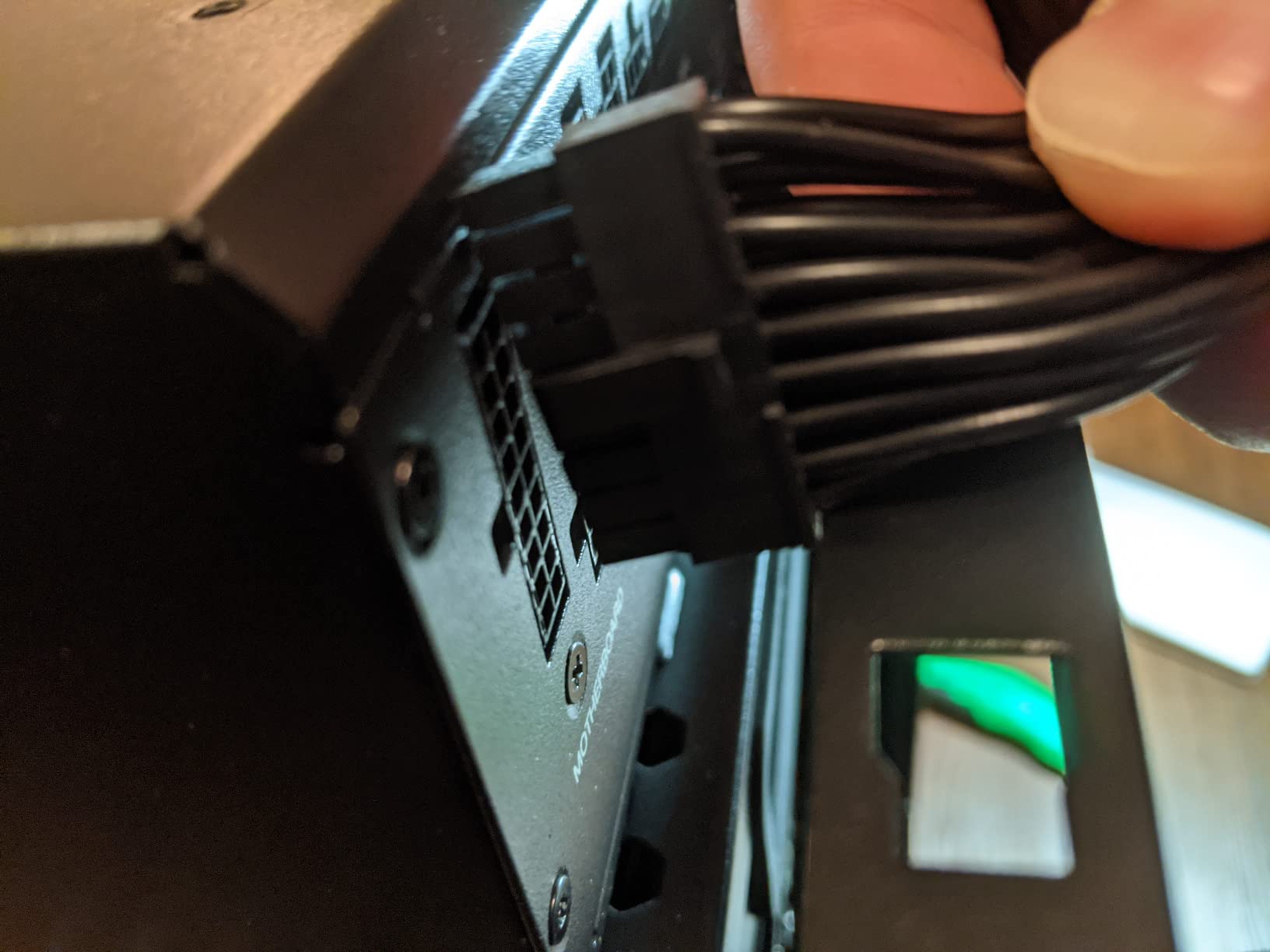
8. Thermaltake GF1 750W – A 140mm Fluid Bearing Fan in a Compact Box
- ✓Large 140mm fluid bearing fan moves air at low RPM
- ✓Smart Zero Fan mode stops the fan at light loads
- ✓Compact 5.9 x 5.5 x 3.4 inch dimensions fit small cases
- ✓10-year manufacturer warranty
- ✓80 Plus Gold efficiency with DC-to-DC single rail
- ✕No explicit ATX 3.1 or PCIe 5.1 certification in the spec listing
- ✕Older platform with a 20-pin system bus connector
- ✕Spec sheet lists an implausible minimum input voltage
750W
140mm fluid bearing fan
Smart Zero Fan mode
Fully modular
The Thermaltake GF1 combines the two quietest design choices in a single package: a 140mm fluid bearing fan, which is both the largest diameter and the best bearing type in this roundup, inside a chassis that measures 5.9 x 5.5 x 3.4 inches. That combination is rare, because large fans usually come in large housings.
At 750W, 80 Plus Gold, fully modular, and a 10-year warranty, it is one of the strongest specifications per unit of money in this list. Owners across 338 reviews at 4.6 describe the fan behaviour as the standout feature.
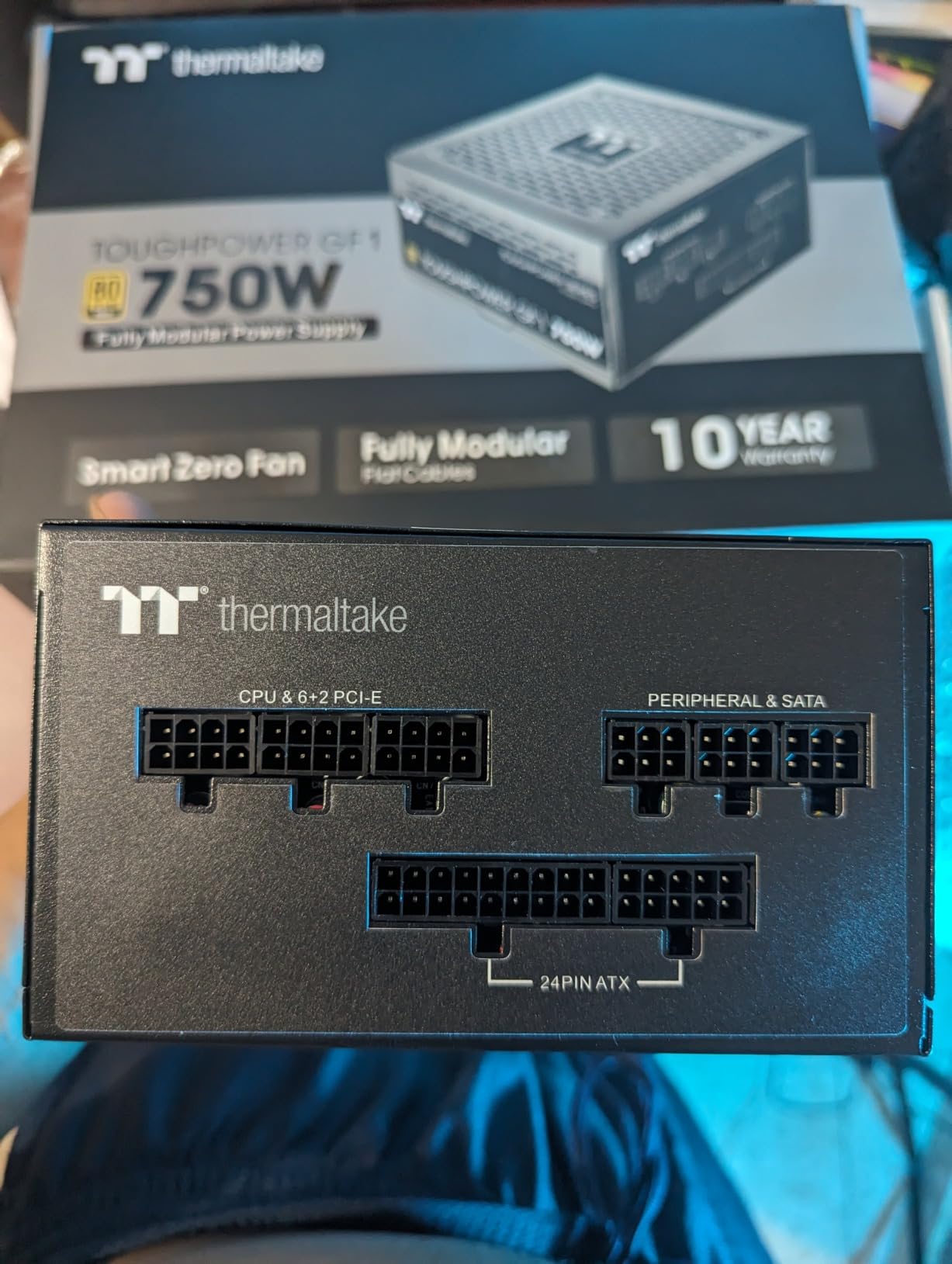
Fluid bearing plus 140mm is the ideal combination
Fan size and bearing type solve different halves of the noise problem, and solving both at once is what makes this unit interesting. A 140mm fan at low RPM produces less airflow noise than a 120mm fan doing the same job quickly. A fluid bearing then removes the mechanical rattle underneath that airflow noise, so the remaining sound is just moving air, which is the part the human ear forgives most easily.
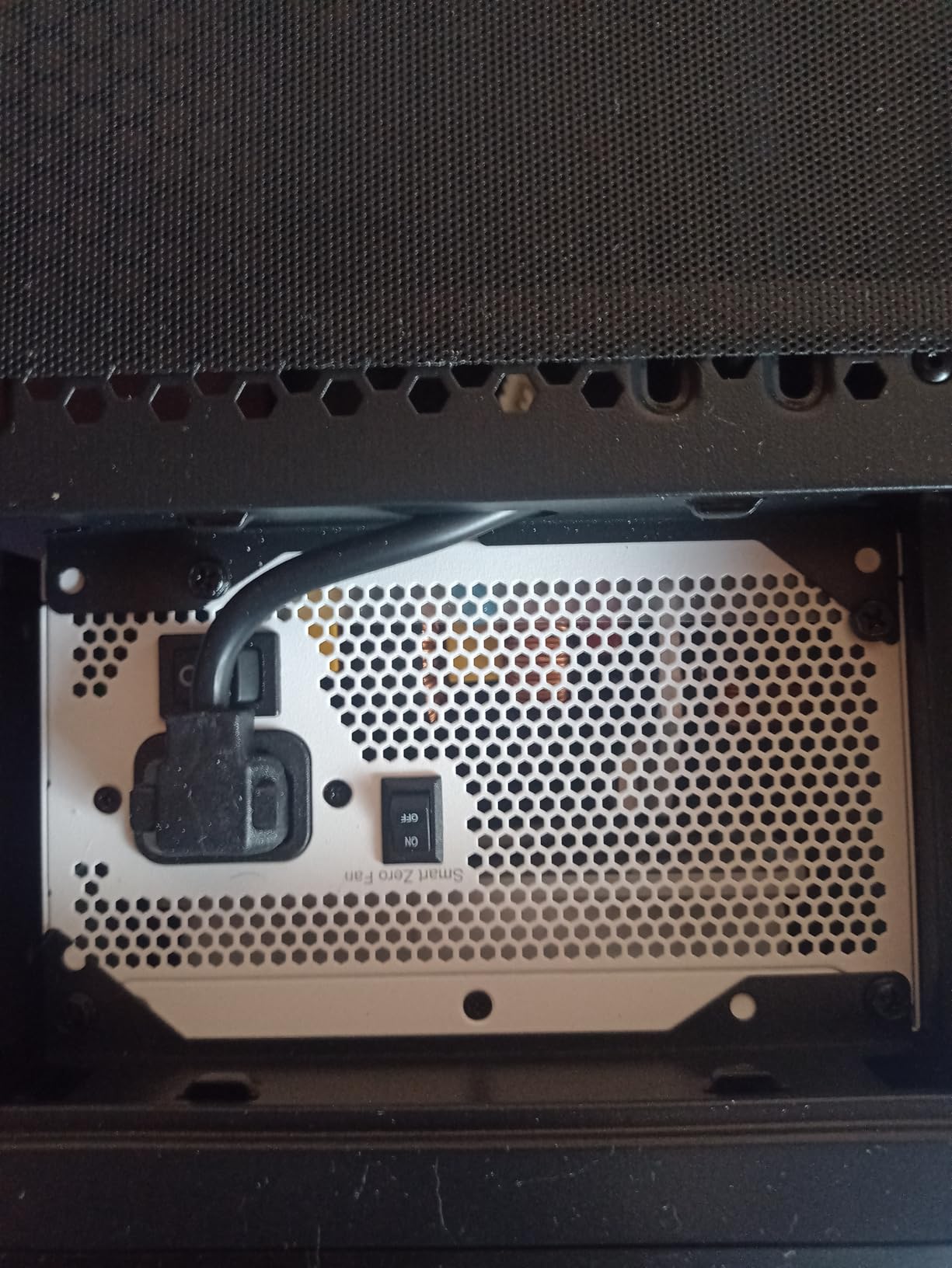
Smart Zero Fan mode handles the idle state by stopping the fan at light loads. Intel C6/C7 state support and ErP Ready compliance are listed alongside it, which are the platform-level power states that let the supply idle efficiently enough for the fan to stay off.
Read the spec sheet critically
This listing has three spec inconsistencies that are worth knowing about. The minimum input voltage is listed as 750 volts, which is obviously a data entry error for a unit rated at 100 to 240 volts. The system bus connector is listed as 20-pin, reflecting an older ATX generation. And the current rating is listed as 15A, which is implausibly low for a 750W supply.
None of that is a dealbreaker on its own, but combined with the absence of an explicit ATX 3.1 or PCIe 5.1 certification, it tells you the platform is a generation behind. If you are building new with a current-generation graphics card, make sure the 12V-2×6 path is supplied by an appropriate adapter and that the transient handling is up to the task.
9. Thermaltake Toughpower GT 750W – Flat Cables and a Native 300W Connector
- ✓Native 300W PCIe 5.1 12V-2x6 connector for current graphics cards
- ✓Low-profile flat black cables improve airflow and fit tight cases
- ✓Smart Zero Fan keeps it near-silent at idle and light loads
- ✓80 Plus Gold efficiency up to 90 percent
- ✓5-year manufacturer warranty
- ✕5-year warranty is shorter than most units here
- ✕Weight of 5.3 pounds is heavy for a 750W unit
- ✕Fixed cable and connector bundle shipped with the full harness
750W
ATX 3.1 and PCIe 5.1
Native 300W 12V-2x6
Smart Zero Fan
Thermaltake puts the quiet-building features in the cable bundle rather than the fan. The low-profile flat black cables are the reason to look at this unit if you are routing through a narrow space or a slim side panel, because flat cables bend into tight channels that round ones will not.
On the acoustic side, Smart Zero Fan technology adjusts fan speed to load, which is the standard semi-passive behaviour in this category. A single 12V rail and 80 Plus Gold efficiency up to 90 percent keep internal heat in check, which keeps the fan lower on its curve.
Why flat cables reduce noise indirectly
The connection between cable shape and sound is straightforward once you see it. Round cables resist a bend, so builders route them through the nearest gap, and a bundle of stiff round cables in a tight passage restricts the airflow path around the power supply intake. Restricted intake means a hotter internal cavity means a faster-spinning fan.
Flat cables follow the path you give them, so they can be run in a shallow layer along the case floor. That leaves the intake side clear, and it is a change you can see in the fan curve without any measurement equipment.
ATX 3.1 with a 300W-rated connector
The native PCIe 12V-2×6 connection is rated at 300W here, which is the figure that matters for a 750W supply. It covers current-generation high-end graphics cards without an adapter chain, and native connectors avoid the contact resistance that makes adapter setups run warmer and occasionally produce a faint high-frequency noise under sustained load.
At 194 reviews and 4.6, the history here is short relative to most of this roundup. The 5-year warranty is the shortest among the well-reviewed units, which is the fair trade to weigh against the flat cable set and the native connector.
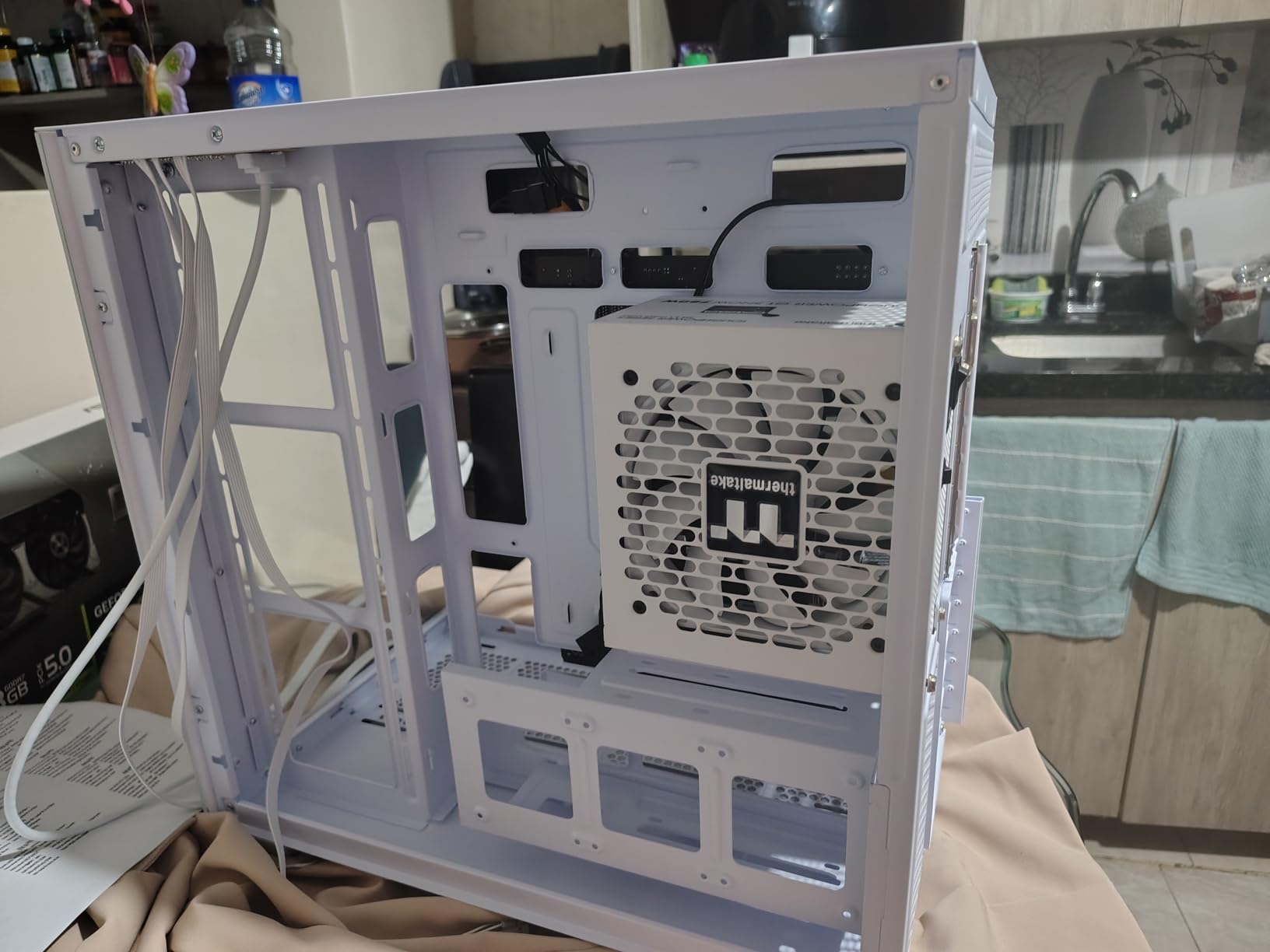
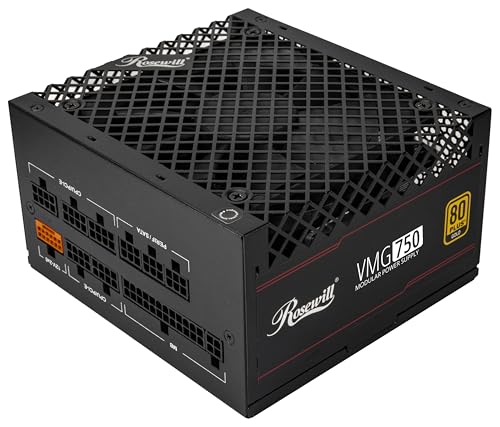
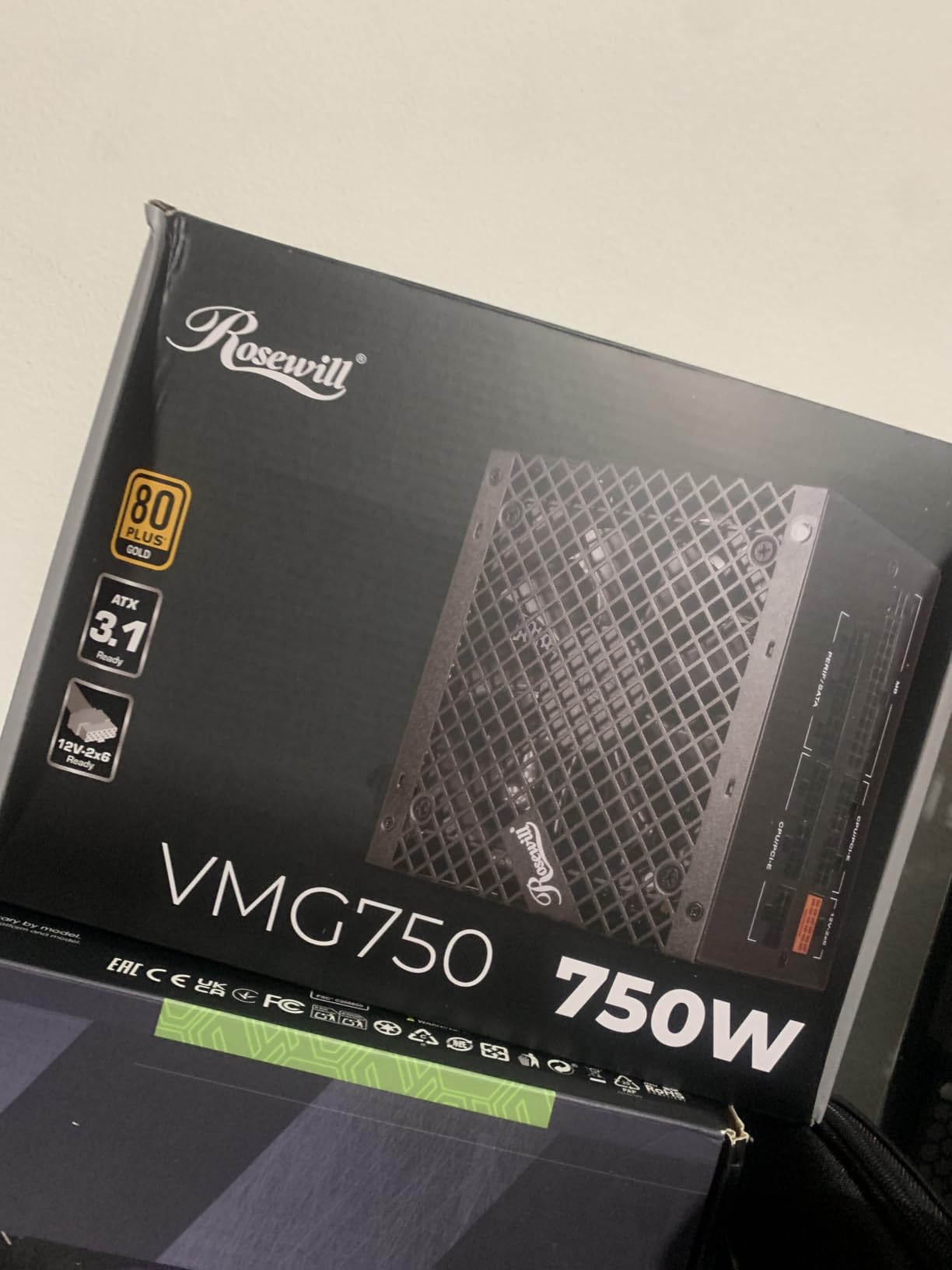
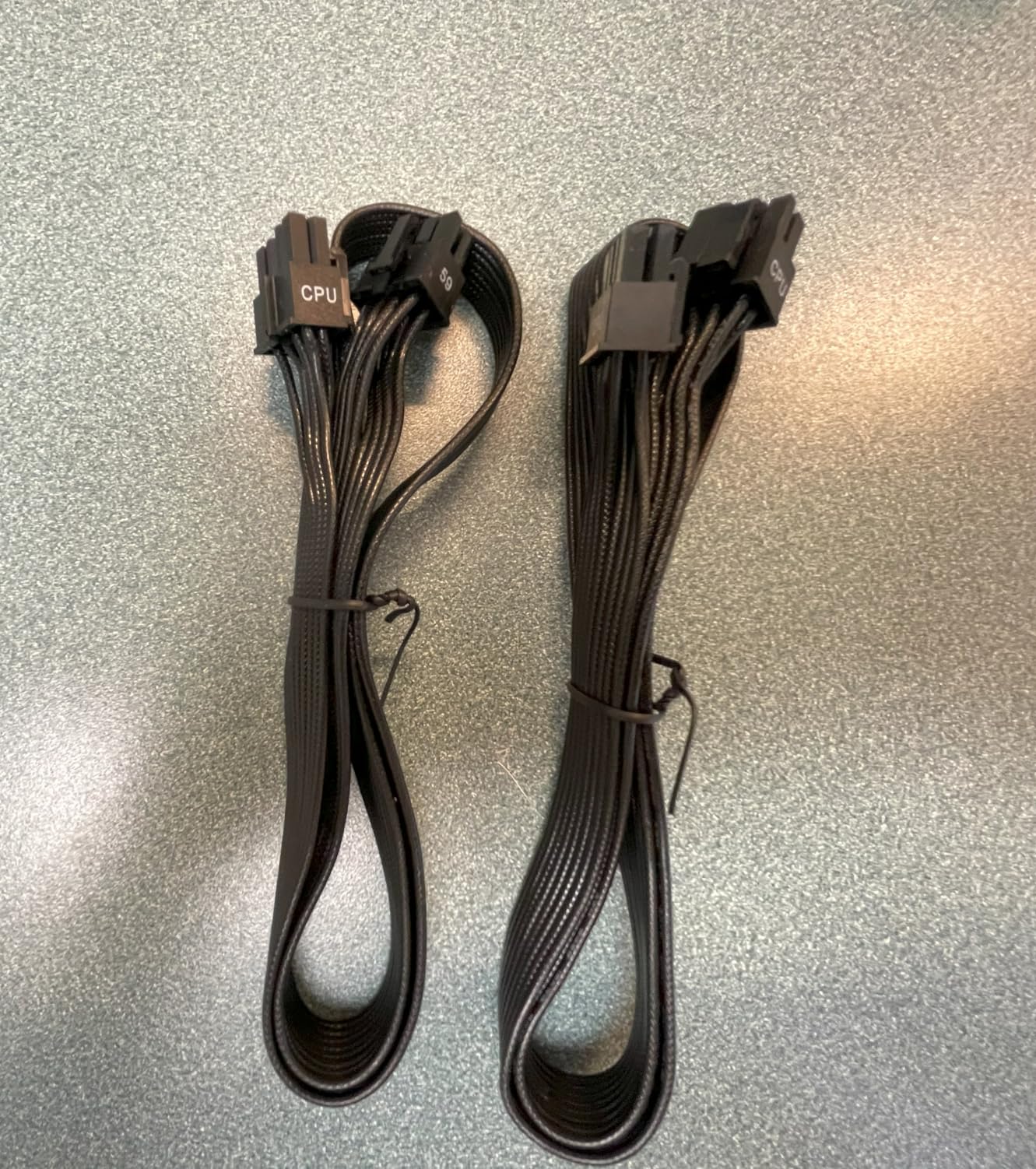
10. Rosewill VMG 750W – The Smallest Chassis With an FDB Fan
- ✓120mm FDB fan owners describe as smooth and very quiet
- ✓Chassis about 35 percent smaller than typical units at 140 x 150 x 86mm
- ✓Fully modular with a generous set of PCIe 8-pin leads
- ✓235 percent power excursion and 300 percent GPU power excursion
- ✓Six-protection suite covering OCP OPP OTP OVP SCP UCP
- ✕Lowest rating in this roundup at 4.3 with a 12 percent 1-star share
- ✕One owner reported random restarts traced to transient load spikes
- ✕Printed instructions and cable labelling are thin
750W
120mm FDB silent fan
140 x 150 x 86mm chassis
600W 12V-2x6 cable
The Rosewill VMG is the only unit in this roundup where the form factor is the entire argument. Its chassis measures 140 x 150 x 86mm, roughly 35 percent smaller than a typical ATX supply, and that is the difference between fitting a power supply in a compact build and having to pick a different case.
Inside, it pairs a 120mm fluid dynamic bearing fan with full modularity and 100 percent Japanese electrolytic capacitors. Owners specifically describe the fan as smooth and quiet, and at 204 reviews with 77 percent five-star, the response is generally positive with a visible minority of complaints.
Size versus noise at 750W
The trade-off is a 120mm fan instead of the 135mm and 140mm options elsewhere in this list, and a smaller chassis with less surface area for heat to escape through. In practice, a 750W load inside a compact steel shell runs warm enough that the fan curve climbs earlier than it would in a full-size chassis.
That is the honest version of this recommendation: it is the right answer for a small case, and it is not the quietest option at this wattage. The 235 percent power excursion and 300 percent GPU power excursion figures do suggest strong transient handling, which matters for current graphics cards and reduces the chance of a protection circuit tripping and forcing a fan to full speed.
The six-protection suite and what owners report
OCP, OPP, OTP, OVP, SCP, and UCP cover overcurrent, overpower, over-temperature, over-voltage, short-circuit, and under-current conditions. That is a thorough list and it is the right defensive design for a component bolted into a closed chassis.
The recurring negative report is random restarts traced to transient load spikes, roughly seven months after purchase for one owner, which lines up with the 4.3 average and the 12 percent 1-star share, the highest negative share in this group. If you build here, keep the documentation and the receipt, because the five-year warranty is the safety net.
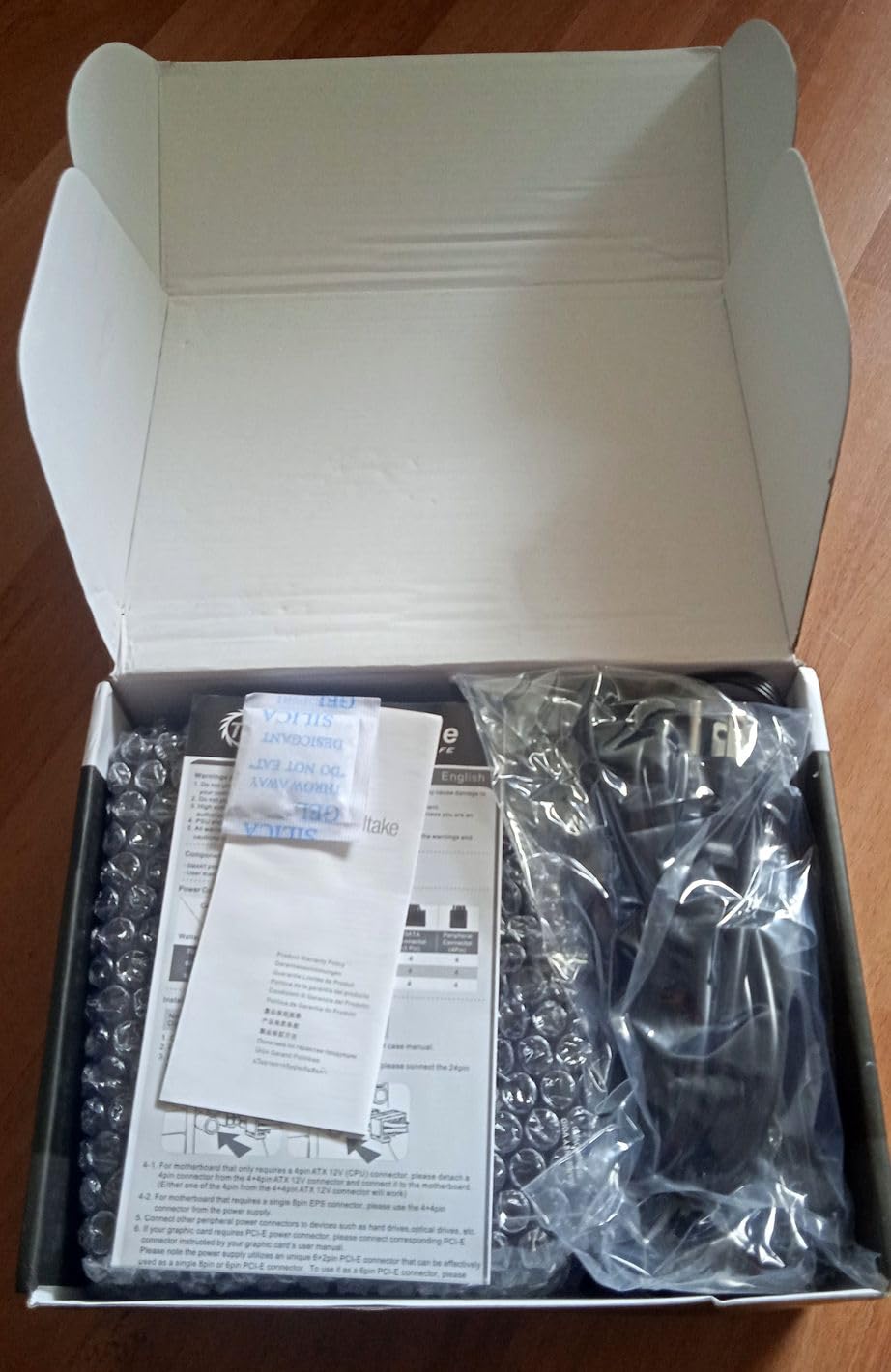
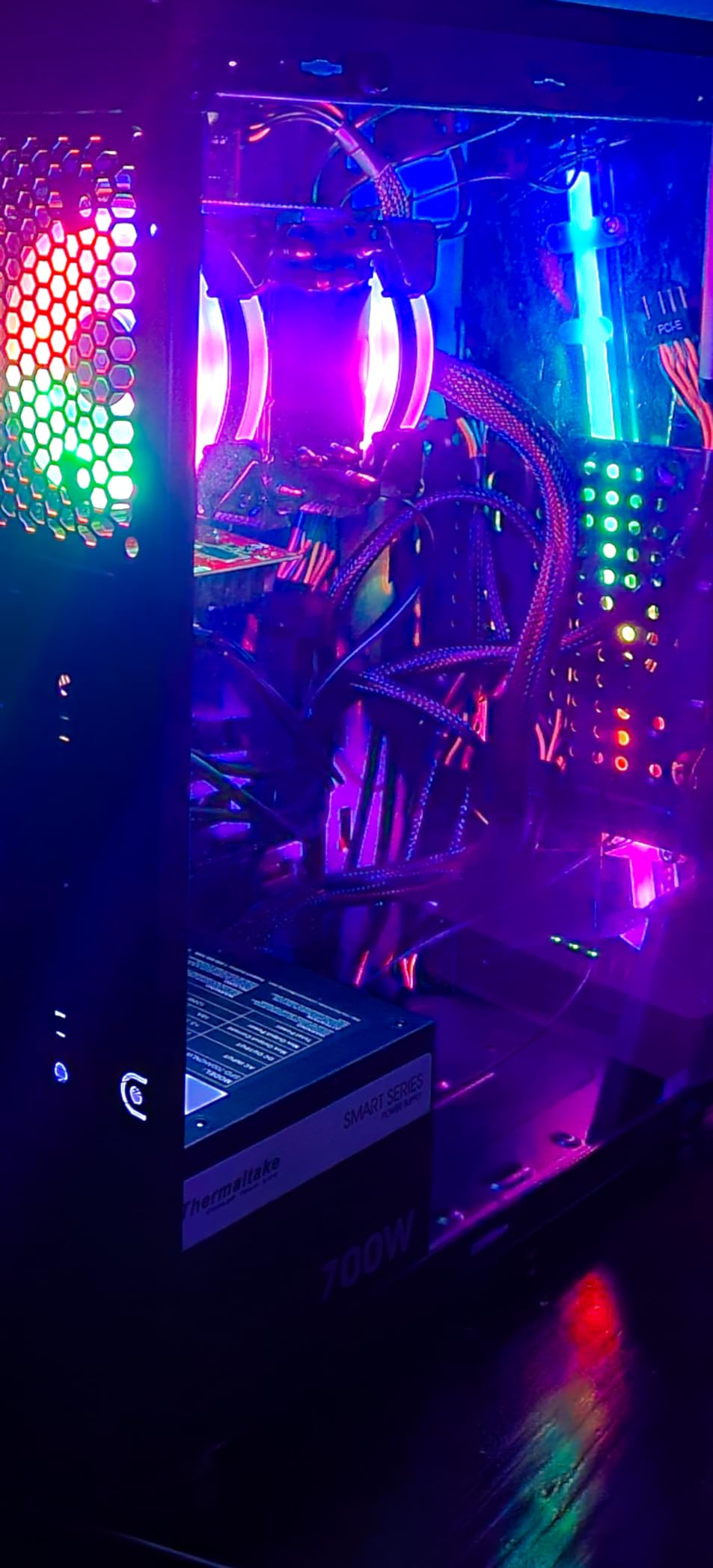
11. Thermaltake Smart 700W – The Most Endorsed Quiet Unit in the Group
- ✓Fan repeatedly described as inaudible even under sustained gaming load
- ✓Rock-solid continuous power with no coil whine reported over years
- ✓4397 ratings give the longest owner history in this roundup
- ✓Compact standard ATX size fits older cases
- ✓5-year warranty and Haswell-ready platform
- ✕Non-modular design means all cables are permanently attached
- ✕80 Plus certified at up to 86 percent is a lower efficiency tier
- ✕Plain appearance of the supplied cable sleeving
700W
Non-modular
Ultra quiet 120mm fan
80 Plus certified up to 86 percent
5-year warranty
With 4,397 ratings averaging 4.6, this is the most reviewed unit in the entire roundup by a wide margin, and 81 percent of those are five-star. It also happens to be the oldest design here, predating the current ATX generation, and that combination is worth understanding rather than dismissing.
What makes it interesting for a quiet build is the fan reports. Long-term owners describe the 120mm fan as inaudible, even during extended gaming sessions, and repeatedly report clean power delivery with no coil whine and no unexpected shutdowns across years of use. For a component that sits in an acoustically sensitive room, a track record that long has its own value.
What an older platform gets right about noise
Fan noise is mostly a function of how much heat needs to move and how large the fan moving it is. A 700W unit running a mid-range system draws less total power than the 850W and 1000W units in this list, so it produces less heat to begin with, and at 80 Plus certified efficiency up to 86 percent it is not the most efficient design available but it is adequate at light and moderate loads.
The result is a supply that simply never asks much of its fan. A single ultra quiet 120mm fan handling a 700W budget at a 40 percent load is an easy job, and easy jobs are quiet jobs.
The non-modular trade-off, honestly assessed
Non-modular means every cable is permanently attached, including the ones you will never use, and they all have to be stuffed into the case somewhere. That is genuinely bad for airflow, and airflow is an acoustic variable. It is the main reason this unit is not higher in the list despite its ratings.
It is also the reason it still belongs here. A non-modular harness is a real disadvantage, but a rock-solid 700W supply with a 4,397-rating history is a better outcome for some builders than a modular one with a thinner record. Efficiency at up to 86 percent is a lower tier than the Gold units here, so expect slightly more internal heat over a decade of service.
12. ASUS Prime 750W Gold – The Longest-Lived Fan Design at 4.8
- ✓Highest average rating in this roundup at 4.8 with 93 percent five-star
- ✓Dual ball bearings rated to last up to twice as long as sleeve designs
- ✓Axial-tech fan with a smaller hub and barrier ring for more downward pressure
- ✓Fully modular with a bundled 16-pin PCIe 5.0 cable
- ✓8-year warranty
- ✕Carries a higher price than the other 750W options here
- ✕Single fan design so acoustics rest on one bearing
750W
Dual ball bearing axial-tech fan
ATX 3.1 with 16-pin cable
80 Plus Gold
8-year warranty
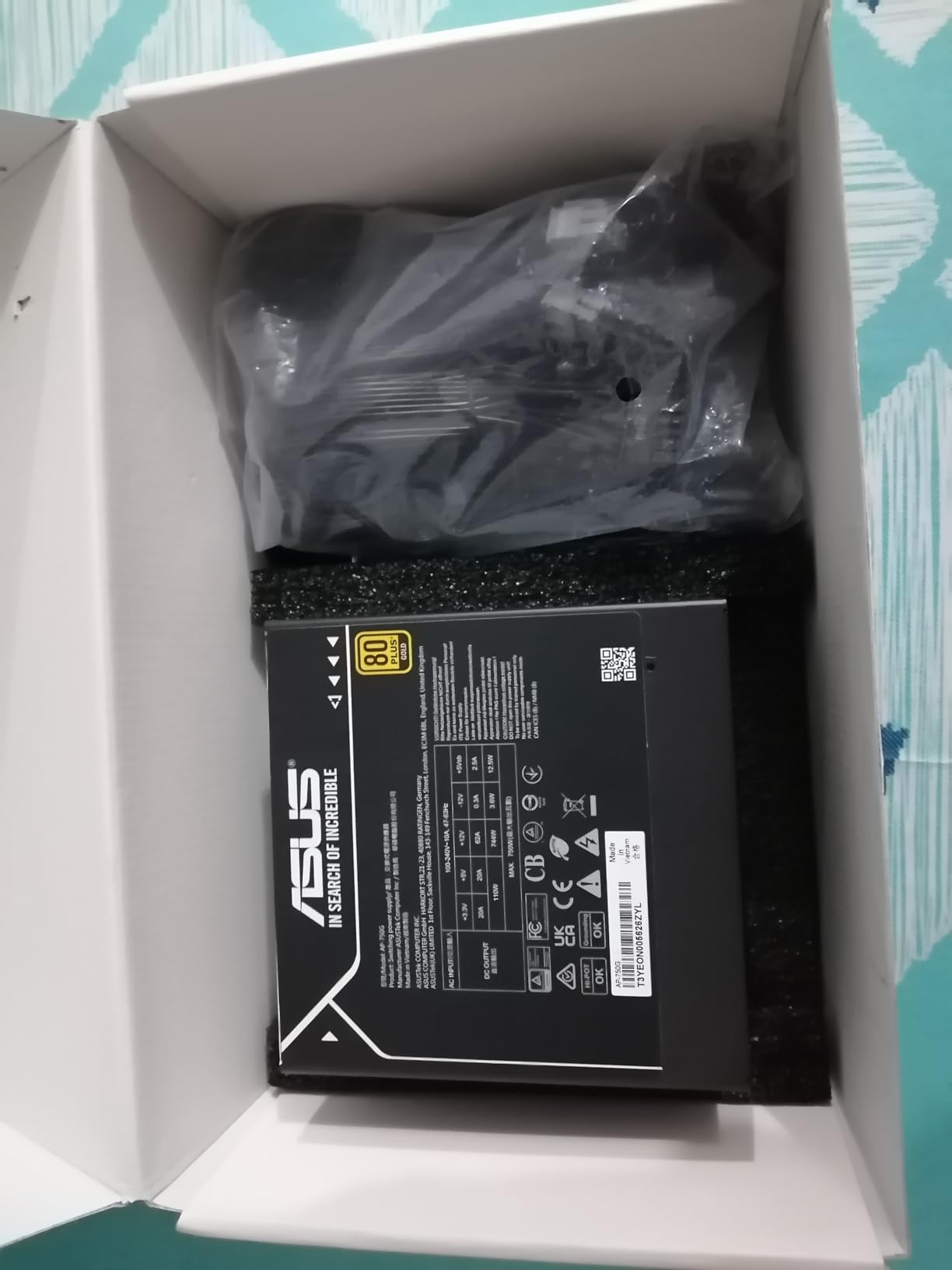
The ASUS Prime 750W Gold rates highest in this roundup at 4.8 across 194 reviews, with 93 percent five-star. That is a smaller review pool than most of the units here, so treat it as a strong signal rather than a settled verdict, but the specific design choices it makes are aimed squarely at long-term acoustic behaviour.
That is the dual ball bearing fan. Ball bearings, in either a single or dual configuration, are the most durable bearing type in this category, and ASUS rates them to last up to twice as long as sleeve bearing designs. On a sealed component you cannot service, bearing longevity is arguably the most important noise specification you can buy.
Reading the axial-tech fan design
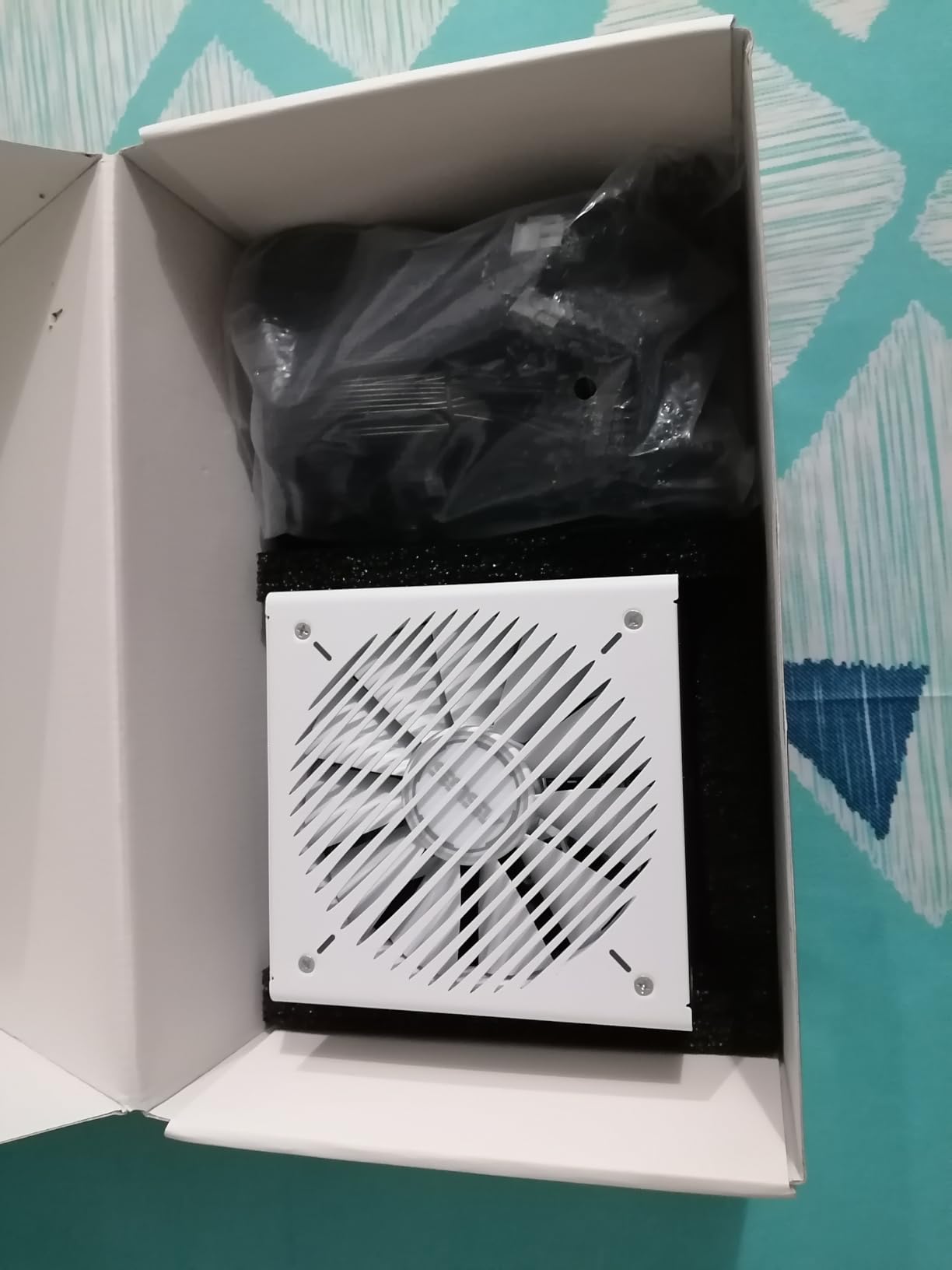
The axial-tech design uses a smaller fan hub, which allows longer blades, and adds a barrier ring that increases downward air pressure. Both are aimed at getting more airflow through the same opening at a lower RPM. The shaft is shortened, which reduces the moment the motor has to work against, and that is where the quietness comes from.
80 Plus Gold efficiency here comes from low-ESR capacitors and premium component selection. Low equivalent-series-resistance capacitors move charge more freely, which means less waste heat in the filtering stage, which means the fan has less to remove.
ATX 3.1 with a bundled 16-pin cable
ATX 3.1 compliance with a bundled 16-pin PCIe cable compatible with PCIe Gen 5.0 graphics cards means a current-generation card connects natively. The 8-year warranty is the longest among the 750W units in this roundup, and two colour options ship in the same package, which is a small but real help if your case interior is a visible part of the build.
The single fan design is worth noting against the dual-fan MSI in this list. One well-built fan with a durable bearing generally produces a purer, steadier sound than two smaller fans sharing the same airflow duty, and steadier tones are easier to live with than a shifting two-fan pitch.
How to Choose a Quiet Power Supply
What actually makes a power supply quiet
Three mechanisms do nearly all the work. First, fan size: a 135mm or 140mm fan moves air at a lower RPM than a 120mm fan doing the same job, and lower RPM is quieter. Second, semi-passive mode: the fan stops entirely below a load threshold, which matters far more than most people expect because most of a PC’s life is spent at light load. Third, bearing type: this is the durability half of the equation.
A fourth factor sits behind all three, which is efficiency. A more efficient supply wastes less power as heat, so the same fan has less to remove. That is why two supplies of identical wattage can behave very differently, and why comparing fan sizes across units with different efficiency ratings tells you less than it appears to.
Semi-passive, zero RPM, and fully fanless are three different things
These get used interchangeably and they are not the same. Semi-passive means the fan is electrically stopped below a stated load threshold and ramps up smoothly above it. Zero RPM mode is simply the marketing name Corsair, Seasonic, and NZXT use for semi-passive operation. Fully fanless means there is no fan at all, which requires either a very low wattage ceiling or extremely high efficiency, because passive cooling alone has to dissipate all the losses.
Semi-passive is the practical choice for most builds. The threshold varies by unit, so check what your specific model does rather than assuming a percentage, and remember that a warm chassis or a clogged dust filter can pull the fan into its curve earlier than the rated load.
Fan bearing type predicts noise years from now
The hierarchy runs roughly: fluid dynamic bearing and rifle bearing at the top for everyday quiet use, then dual ball bearing which is the most durable but not always the softest, and then sleeve bearing, which is cheapest and most likely to develop dry rattle as the lubricant ages.
For a sealed component you cannot open, durability is the deciding factor. The rifle bearing fans in the Corsair RM units, the fluid dynamic bearing in the Rosewill VMG, and the dual ball bearing fan in the ASUS Prime are all choices that should stay quiet for the life of the build. Forum discussion on r/bequietofficial shows that even quiet-branded supplies can develop a rhythmical hum after several months of normal operation, which is exactly why bearing specification is worth more attention than marketing adjectives.
Size for load percentage, not just for wattage
A larger supply running a lighter load sits further down its fan curve and keeps the fan stopped longer, which is the quietest configuration available. The practical rule: add your CPU TDP, add your GPU TDP, add roughly 90W for the rest of the system, and keep about 30 percent headroom for transient spikes. If that total lands near the rated wattage, step up one tier for the acoustics.
Our 850W power supply breakdown walks through where the wattage floors sit for current graphics cards, which is the step most people skip. Oversizing by a full tier is a defensible move when noise is the goal, and it is far cheaper than replacing a supply later.
ATX 3.1 and the 12V-2×6 connector
ATX 3.1 is the current power supply standard, and the one-line difference matters: it adds the 12V-2×6 connector for current-generation graphics cards and requires validated transient spike handling, which is what lets a supply ride through the short power excursions a high-end GPU produces when ray tracing and frame generation kick in. An older ATX 3.0 unit can work with an adapter, but it was not validated for those excursions.
Nine of the twelve units in this roundup are ATX 3.1 ready with a native 12V-2×6. Fewer contact points also means fewer adapters to buzz, so the standard helps the acoustics indirectly. If your build includes a current-generation card, treat ATX 3.1 as a requirement rather than a preference.
Cabling, form factor, and the airflow nobody counts
Fully modular cabling lets you run only what you need, which reduces clutter and keeps the intake path clear. Flat cables suit tight channels, and the side-mounted connector arrangement on the RM1000x Shift is the most aggressive version of that idea. If your build is small-form-factor, the SFX route is worth reading separately, and you will find our SFX power supply guide covers the format properly. The broader modular options are in our modular power supply roundup.
Whatever the format, the quiet upgrade path is ordered: power supply first, then case fans, then the CPU cooler, then the graphics card, then cable management. Several users on r/buildapc assume their coil whine is coming from the power supply when the source is the graphics card, so before you blame the supply, unplug it and listen to the bare system.
Coil whine is a separate problem from fan noise
Coil whine is a high-pitched electrical whine that appears under heavy load, and it is neither dangerous nor a defect in most cases. It comes from the inductors in the supply vibrating at a frequency your ears are unusually sensitive to, and it is most audible in a quiet room when your ears are already close to picking it up. It is not affected by a quieter fan, a bigger fan, or better bearings.
Fan noise and coil whine need different fixes, and mixing them up is the most common reason buyers return a supply that was never the problem. If the sound rises and falls with load and has a mechanical character, it is a fan. If it is a thin, steady, high-pitched tone that only appears under sustained graphics load, it is the inductors or the card.
Frequently Asked Questions
Which power supply is the best for low noise?
For most builds, the Corsair RM850e is the best balance of verified quietness and dependability, using a 120mm rifle bearing fan with a calculated fan curve that holds zero RPM through light loads. If you want the quietest unit outright, the be quiet! Pure Power 13 M carries a Cybenetics A++ noise certification and semi-passive zero-RPM mode at 1000W.
Which power supply is better, Corsair or be quiet!?
Corsair and be quiet! take different approaches. be quiet! optimizes acoustics first, publishing noise certifications and building around semi-passive fan curves, which is why it leads on measured silence. Corsair pairs comparable fan hardware with longer review histories and wider availability. Pick be quiet! if quiet is the primary goal, and Corsair if you want the same acoustic design backed by thousands of ratings.
Which 850W power supply is the most quiet?
The Corsair RM850e is the quietest 850W unit in this roundup. It uses a 120mm rifle bearing fan with a calculated fan curve, carries ATX 3.1 certification with a native 12V-2×6 cable, and holds a 4.7 rating across 906 reviews. The MSI MAG A850GL PCIE5 also offers 850W, but its dual-fan layout can produce more sound than a single well-built fan.
What is the best ATX power supply?
The best ATX power supply is the one that matches your load, uses a durable fan bearing, and stops its fan at light loads. In this roundup the Corsair RM850e stands out for a 4.7 rating across 906 reviews, ATX 3.1 certification, and a rifle bearing fan, while the be quiet! Pure Power 13 M leads on certified acoustics. Both are ATX 3.1 ready with native 12V-2×6 cables.
Is a fully fanless power supply better than a semi-passive one?
A fully fanless supply produces zero fan noise, but it needs very high efficiency or a low wattage ceiling to stay cool without airflow. A semi-passive supply stops its fan at light loads and ramps it up only when needed, which handles heavier loads more safely. For most gaming builds semi-passive is the better choice, and fully fanless makes more sense for low-wattage office and home theater systems.
Why is my PSU fan loud at idle?
The most common causes are a warm chassis, a clogged dust filter blocking the intake, or an aggressive fan curve reacting to ambient temperature. Power supplies pull in air from the case, so a hot interior makes the fan start earlier than the rated load. Cleaning the filter and improving case airflow usually fixes it. If the fan is loud under load instead, the supply is likely undersized for your system.
Is coil whine from a power supply dangerous?
No, coil whine is not dangerous. It is a high-pitched electrical tone produced by the inductors under heavy load, and it is most noticeable in a quiet room with your ears close to the case. It does not indicate a fault or a failing component. However, coil whine is often blamed on the power supply when the actual source is the graphics card, so test by unplugging the supply to confirm the source.
How loud should a power supply be?
At idle in a quiet room, a good semi-passive supply should be completely inaudible because the fan is stopped. Under sustained gaming load, a quality unit should produce a low, steady airflow sound rather than a whine or a rattle. If you can clearly hear your power supply over a case fan at moderate load, that is a sign it is undersized or that its intake airflow is restricted.
The Quiet Verdict for 2026
If you want the quietest supply in this roundup and your cable routing can handle a short CPU cable, the be quiet! Pure Power 13 M wins on certified acoustics and zero-RPM behaviour. If you want that quietness with a deeper track record behind it, the Corsair RM850e is the pick, and it is the unit I would put in a build I expect to keep for a decade.
A few quick archetypes. Fans in a compact case, pick the Rosewill VMG for its 35 percent smaller chassis and accept the lower average rating. Want the longest-lived fan, go with the ASUS Prime 750W Gold and its dual ball bearing design. Building around a 140mm fan, the Thermaltake GF1 and the be quiet! Power Zone 2 both deliver. Already know you will keep the existing power supply design, the Thermaltake Smart 700W has the longest owner history here at 4,397 ratings. Running a high-end card and willing to pay for it, the RM1000x Shift solves cable routing better than anything else in the group.
Whichever you choose, buy the fan mode, the bearing type, and the size you need for your actual load, then leave the rest of the acoustics to the case. The best quiet power supplies in 2026 all share the same foundation: a fan that stops when it can, a bearing that will not rattle in year three, and enough headroom that it never has to work hard.





Leave a Comment