
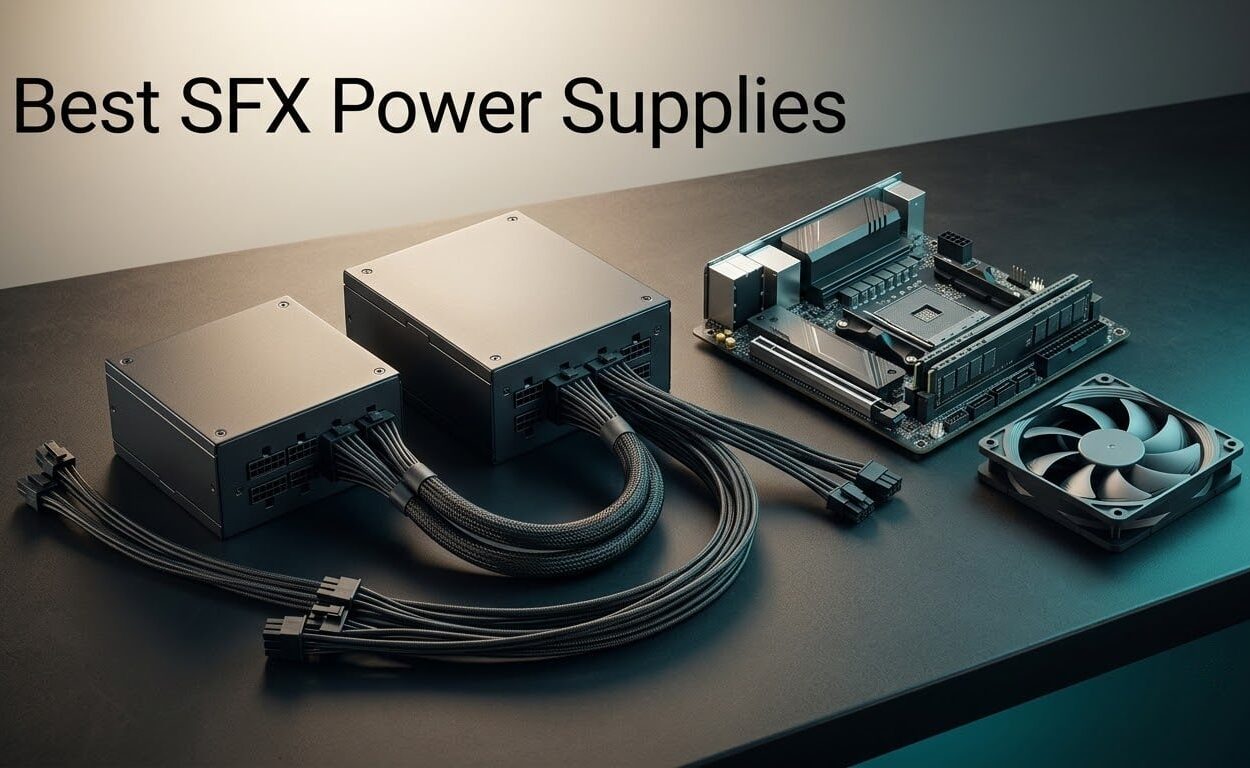
The best SFX power supply overall is the Cooler Master V750 SFX Gold. It is the only unit here that carries both an 80 Plus Gold rating and a Cybenetics Noise A certification, includes a native ATX 3.1 12V-2×6 cable, and has the deepest owner-feedback pool of any SFX PSU on the market at nearly 450 reviews. If you need 1000W in SFX-L form factor, the SilverStone SX1000 Platinum is the answer instead.
That is the short version. The rest of this guide covers ten SFX and SFX-L units from 450W to 1000W, explains which one belongs in your specific case, and is honest about where each of them falls down.
What SFX actually is: a power supply form factor measuring 125mm wide, 63.5mm tall and 100mm deep. It exists so a full-power PC can be built in a 10 to 20 litre chassis where a standard ATX unit physically will not fit. Electrically an SFX PSU behaves exactly like an ATX unit. The only real differences are size, the smaller fan that has to cool it, and the price premium you pay for that fan.
I have spent the last few weeks reading every listing in this category closely, cross-checking manufacturer specifications against 80 Plus and Cybenetics certification records, warranty terms, and the long-running owner feedback threads on r/sffpc, r/coolermaster and the TechPowerUp forums. I have not put these units on a load tester, so treat every acoustic claim in this roundup as reported experience rather than as a measurement I produced. I would rather say that plainly than dress up spec sheets as lab results.
If you also need a full-size unit, our guides to the best 850W power supplies and the best 80 Plus Gold power supplies cover the ATX side of the market in the same format.
Our Top 3 SFX Power Supplies
Three picks cover most small form factor builds in 2026: a quiet all-rounder for standard SFX cases, a Platinum-efficiency reference unit, and the only 1000W SFX-L option we could verify.
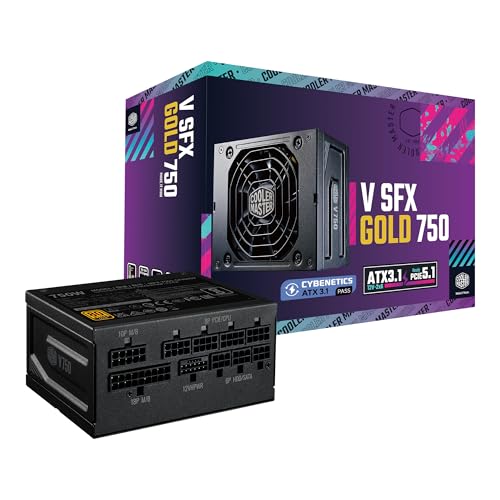
Cooler Master V750 SFX Gold
- ✓750W
- ✓ATX 3.1 native 12V-2x6
- ✓Cybenetics Noise A
- ✓fully modular

All 10 SFX Power Supplies Compared Side by Side
Every unit in the roundup, with the specification that matters most for a small case listed first. Full pros, cons and skip conditions follow in the individual reviews.
| Product | Features | Action |
|---|---|---|
| Cooler Master V750 SFX Gold |
|
Check Latest Price |
 Corsair SF750 2024 Corsair SF750 2024 |
|
Check Latest Price |
 be quiet! SFX Power 3 be quiet! SFX Power 3 |
|
Check Latest Price |
 be quiet! SFX-L 600W be quiet! SFX-L 600W |
|
Check Latest Price |
| SilverStone SX1000 Platinum |
|
Check Latest Price |
 SilverStone SX700-G SilverStone SX700-G |
|
Check Latest Price |
 GAMEMAX GS-650G BK GAMEMAX GS-650G BK |
|
Check Latest Price |
 ASUS ROG Loki SFX-L 1000W ASUS ROG Loki SFX-L 1000W |
|
Check Latest Price |
 Lian Li SP750 V2 Lian Li SP750 V2 |
|
Check Latest Price |
 ASUS ROG Loki SFX-L 750W ASUS ROG Loki SFX-L 750W |
|
Check Latest Price |
How We Picked These 10
Five criteria carried the weight, and I weighted them in this order: wattage headroom for a modern discrete GPU, acoustic behaviour, platform currency, cabling and case fit, then warranty length. No unit made the list on wattage alone.
Wattage headroom. A PSU that runs at 95% of its rated output for hours runs hotter and its fan spins harder. We favoured units that leave 20 to 30 percent headroom over the expected draw.
Acoustics. The SFX format forces a small fan onto a dense power supply. We weighted published noise certifications first, then Cybenetics LAMBDA ratings, then reported owner experience.
Platform currency. ATX 3.1 with a native 12V-2×6 cable matters for any build with a current-generation graphics card, because adapter dongles add clutter and a second connection point.
Cabling and case fit. Fully modular cabling, cable length appropriate to a tight chassis, and an included bracket for larger cases.
Warranty. The r/sffpc consensus is blunt on this: a 7 to 10 year term is the single most-cited confidence signal in small form factor PSU threads. Three-year terms are a real mark against a unit.
1. Cooler Master V750 SFX Gold – The Best SFX Power Supply Overall
- ✓Largest owner feedback pool in the category at 449 reviews
- ✓90-degree 12V-2x6 cable rated up to 450W to the GPU
- ✓Short custom-length modular cables suit tight SFF routing
- ✓Double certified for 80 Plus Gold and Cybenetics Noise A
- ✓Amorphous metal transformer and full-bridge LLC for thermal headroom
- ✕Short cable lengths run out in larger tower cases
- ✕One 12V-2x6 connector per cable limits multi-GPU setups
750W SFX
ATX 3.1 with native 12V-2x6
Cybenetics Gold and Noise A
10 year warranty
Best for: a standard SFX Mini-ITX gaming build where quietness matters as much as power. Skip if your case is a mid tower, or you plan to run two graphics cards.
This is the unit I keep coming back to. Roughly 77 percent of its ratings are five star, and the owner feedback has a consistency that is unusual in this category. People describe the same three things: it fits, it is quiet, and the cables are the right length for a small chassis.
The certification story is what actually separates it. It is double certified, carrying both 80 Plus Gold and a Cybenetics Gold and Noise A rating. Cybenetics tests acoustic output directly, which is the number that matters in a sealed SFF chassis, and Noise A is the quietest tier they publish.
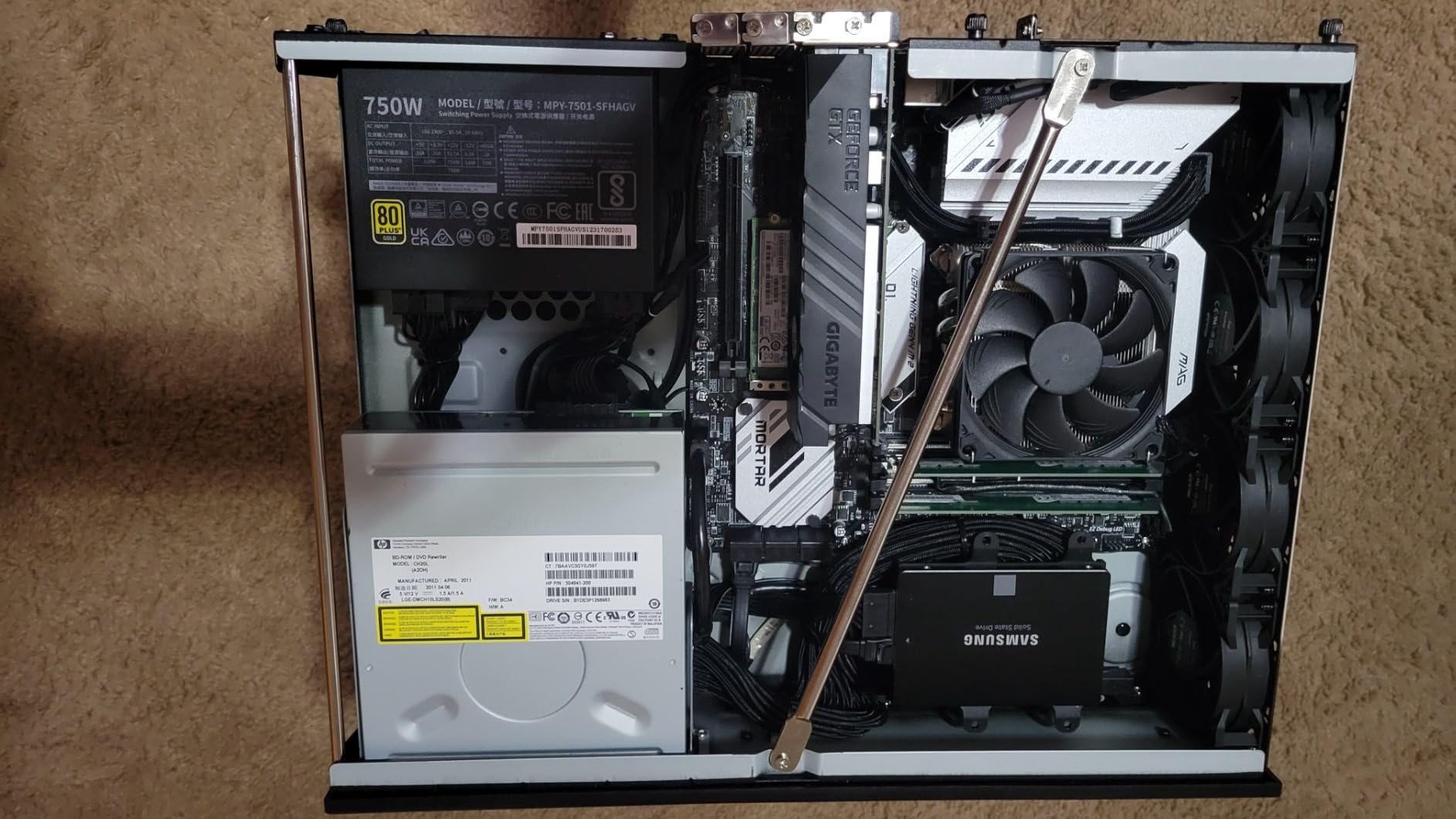
The physical design is sensible in ways that only matter once you have the case open. The integrated transformer, rectifier, full-bridge LLC stage and EMI-inhibited amorphous metal are there to move heat out of a unit with roughly a tenth of the cooling surface of an ATX supply. That is the whole game with SFX thermal design.
ATX 3.1 and the 90-Degree 12V-2×6 Cable
This is the most current platform in the roundup at standard SFX size. The bundled 12V-2×6 cable exits the PSU at 90 degrees, which saves real space behind the motherboard tray and keeps the connector clear of the side panel in the tightest cases.
The ATX 3.1 rating means the unit is rated to deliver up to 450W to the graphics card over that single connector. Owner feedback repeatedly singles out this cable as a reason to buy, particularly for anyone who does not want a separate adapter hanging off the PSU.
Why the Noise A Certification Matters More Than the Gold Badge
80 Plus measures efficiency, not noise. Two PSUs can both be 80 Plus Gold and differ by an enormous margin in audible output. Cybenetics Noise A is the certification to look at if your build is meant to be heard, or not heard.
It is worth separating this unit from the widely discussed Cooler Master V SFX Gold 850. Multiple r/coolermaster and r/pcmasterrace threads report that older 850W members of the V SFX Gold family produced noticeable coil whine, and r/buildapcsales has a thread asking outright how pervasive the problem is. The 750W unit here is a later ATX 3.1 revision with its own Cybenetics Noise A certification, and owner feedback on it does not repeat that complaint. Judge the two separately.
Cable Length, Modularity and Case Fit
The bundled cables are deliberately short, which is correct for the SFF envelope and wrong for anything larger. Several owners report needing extensions in tower cases. Because the cables are fully modular, unused leads never enter the chassis at all, which is the single biggest space saving in a small build.
One 12V-2×6 connector per cable means multi-GPU configurations need additional PCIe runs. For a single high-end card, which is the normal SFF use case, it is a non-issue.
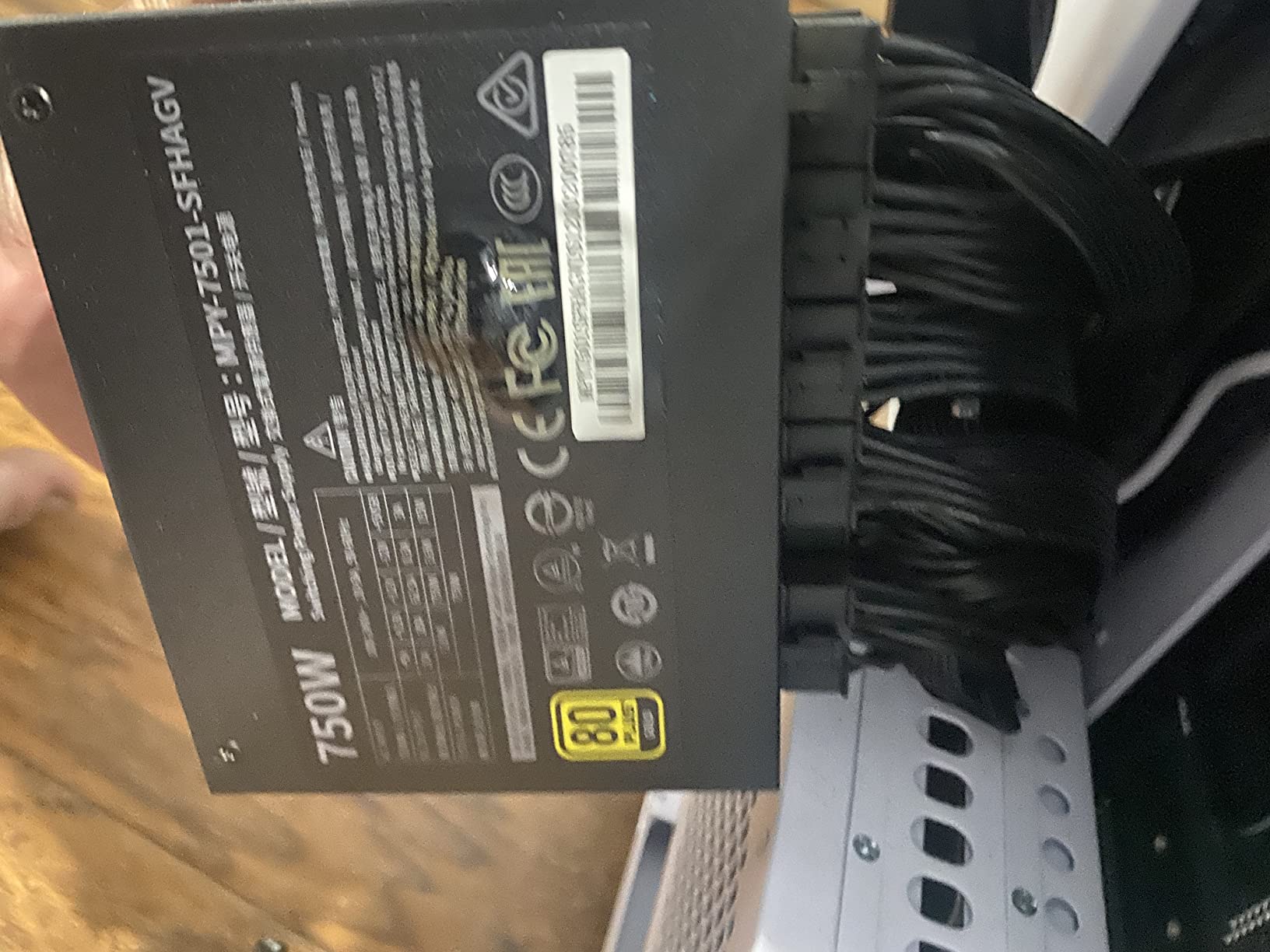
2. Corsair SF750 2024 – Best Platinum-Efficiency SFX Unit
- ✓Very quiet under load with a zero-RPM mode for low and moderate draw
- ✓Fully modular Type-5 Micro-Fit cabling routes cleanly in tight cases
- ✓ATX 3.1 and PCIe 5.1 ready for transient spike absorption
- ✓105C rated Japanese capacitors
- ✓SFX-to-ATX bracket included for larger enclosures
- ✕17 inch motherboard cable runs out in some cases
- ✕No longer SFX-specific motherboard cable is offered
- ✕A small number of isolated reports of an opened box and one catastrophic failure
750W SFX
80 Plus Platinum
92mm FDB fan with zero-RPM mode
7 year warranty
Best for: a 750W build that will run near capacity for long stretches, such as a compact rendering or streaming workstation. Skip if cable reach matters more than efficiency, or you need a native 12V-2×6 cable at standard SFX size.
Owners treat this as the reference SFX unit, and the TechPowerUp forum consensus broadly agrees that the SF platform is the strongest SFX design going. The 2024 revision brings ATX 3.1 and PCIe 5.1 compliance, which means it is built to absorb the transient power spikes current graphics cards produce on load transitions.
Platinum efficiency is not a marketing flourish at 750W in a small chassis. Less waste heat means the 92mm fluid dynamic bearing fan has less work to do, and this unit pairs that with a zero-RPM mode that keeps the fan stopped entirely at low and moderate draw.
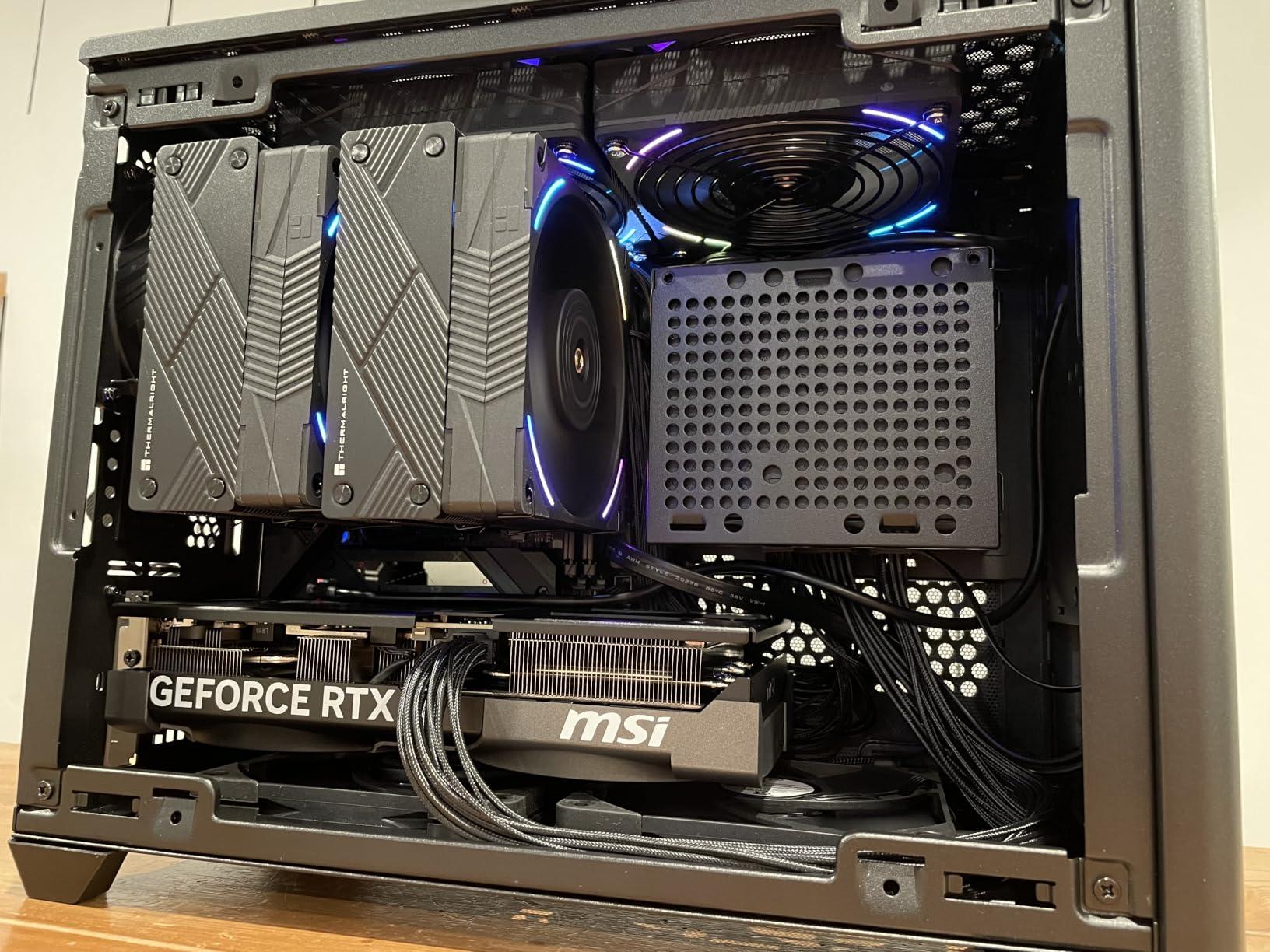
Zero-RPM Mode and the 92mm FDB Fan
A 92mm fan has more blades and more swept area than the 80mm unit found in some budget SFX designs, and a fluid dynamic bearing is quieter at low RPM than a plain sleeve or ball bearing. The zero-RPM mode means that during desktop work, browsing or light gaming, there is no fan noise at all.
This is where the short cable complaint lives. The bundled motherboard cable is 17 inches, which is generous in a 13 litre chassis and inadequate in a 30 litre one. Corsair does not sell a longer SFX-specific replacement, so owners in larger cases have to improvise.
Component Quality and the Warranty Question
The 105°C rated Japanese capacitors are a build-quality signal that r/sffpc builders consistently treat as more meaningful than the efficiency badge. Thermal headroom on the primary electrolytics is what determines how hard the unit is driven and for how long.
Seven years of warranty is solid, though it is shorter than the ten-year terms offered by the Cooler Master V750 and the Lian Li SP750 V2 in this roundup. Around 10 percent of ratings on this listing are one star, and while most of that traces back to cable reach, a small number describe an opened box or a dramatic electrical failure. Isolated reports are what you would expect at this review volume, but they are worth knowing about.
Modular Type-5 Cabling in a Tight Case
Type-5 Micro-Fit modular connectors are the current SFX standard, and the fully modular layout means the chassis only contains the leads you actually use. In a case with no room for cable storage, that difference is the whole build.
The SFX-to-ATX bracket in the box is a genuinely useful inclusion. It lets you carry the unit into a larger enclosure later without buying a different power supply, which partially offsets the cost if your case plans change.
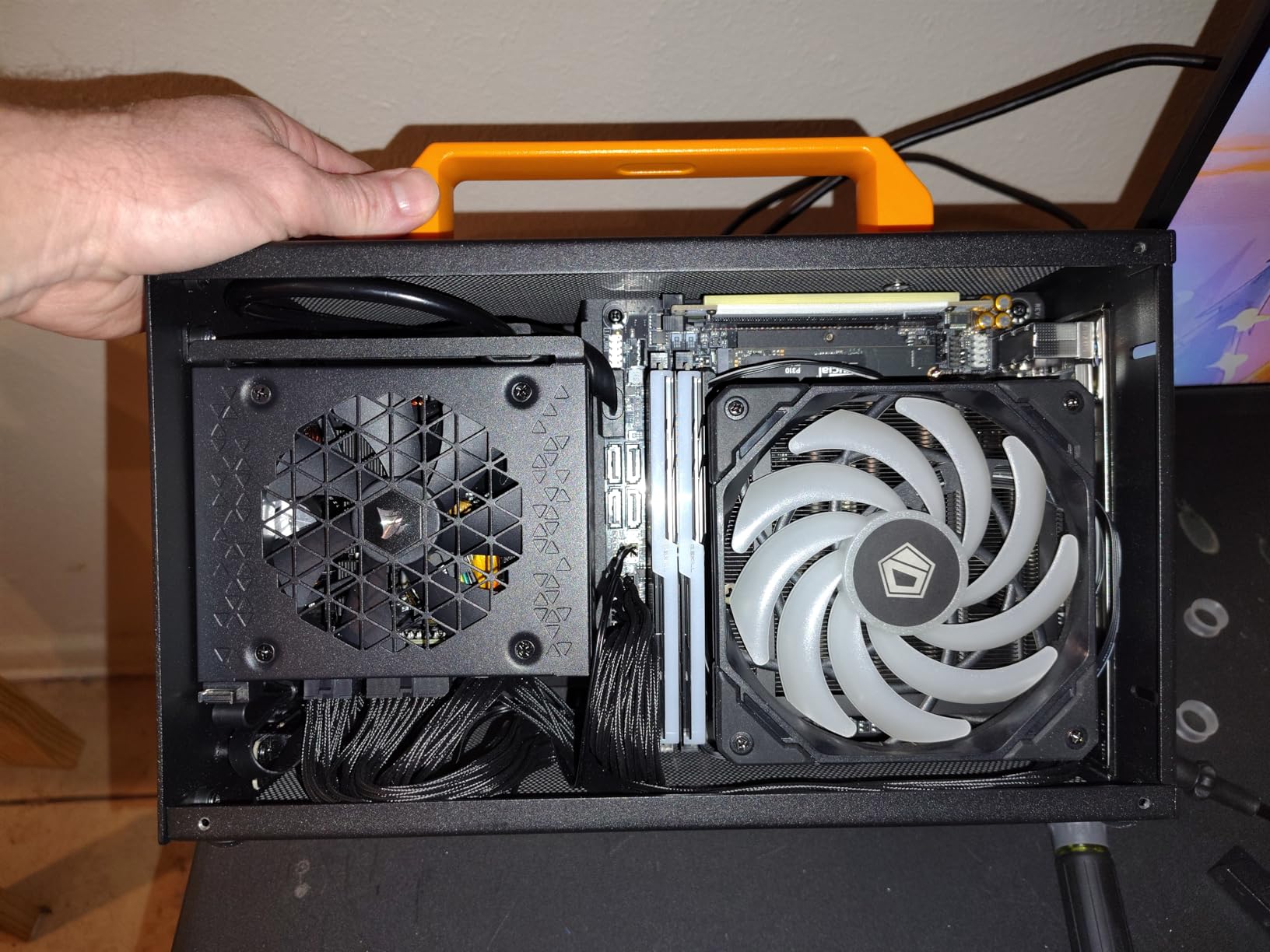
3. be quiet! SFX Power 3 450W – Best for Quiet Low-Wattage SFF Builds
- ✓Acoustics-led design from a brand built around near-silent operation
- ✓Fully modular cabling suits tight SFF routing
- ✓450W suits efficient low-power ITX and office systems
- ✕450W ceiling is restrictive for modern GPUs and CPUs
- ✕Only two PCIe connectors in the specification data
450W SFX
Fully modular
80mm fan
Single-rail output with two PCIe connectors
Best for: an office-class small box, a compact HTPC, or a low-power ITX build with integrated graphics. Skip if you plan to add a discrete high-end graphics card at any point.
About 70 percent of ratings here are five star, with another 15 percent at four. Owner feedback centres on exactly what the brand name promises: silent running, and a body small enough to disappear into a tight enclosure.
The 450W ceiling is the defining constraint, and it is a real one. In 2026 that figure supports a system with efficient CPU silicon and integrated graphics comfortably. It does not support a current-generation discrete GPU plus a power-hungry CPU, which is the configuration most people reading a small form factor PSU guide are building.
Why an 80mm Fan Is Not Automatically a Problem
Small fans are usually associated with noise, but that is a function of the load on them, not their diameter. At 450W the internal heat load is low enough that a temperature-controlled 80mm fan spinning at moderate RPM produces less audible output than a 92mm fan working hard in a 750W unit.
That is why this unit holds a 4.4 average from 152 reviews in a category where people are actively hunting for problems. It simply is not being asked to do much.
Two PCIe Connectors and What That Means
The specification data lists two PCIe connectors. For a single mid-range graphics card, that is sufficient. For anything requiring more than two 6+2 pin runs, you will need to source additional cables, and mixing modular cables between different power supplies is not safe.
Fully modular cabling remains a genuine advantage even in a low-wattage unit, because the space saved in a small chassis matters just as much when the transformer is smaller.
Where 450W Actually Stops Being Enough
Use this as a rule of thumb: 450W covers integrated graphics and a 65W to 105W class processor comfortably. It does not cover a high-end discrete GPU plus a high-TDP CPU, and it does not cover a multi-GPU workstation. Crossing that line means either a different power supply or a different build.
If you are still deciding, and the case accepts ATX, read our modular power supply guide before committing to a form factor.
4. be quiet! SFX-L 600W – Best for 600W Small Form Factor Builds
- ✓80 Plus Gold efficiency up to 92 percent lowers heat and wall draw
- ✓Four PCIe connectors support multi-GPU configurations
- ✓Stable LLC topology with synchronous rectification and DC-to-DC conversion
- ✓Modular cabling plus an included SFX-to-ATX adapter bracket
- ✓Temperature-controlled 120mm fan tuned for low acoustic output
- ✕Only a 3 year warranty
- ✕Tied for the shortest term in this roundup
- ✕SFX-L length will not fit every small enclosure
600W SFX-L
80 Plus Gold up to 92 percent
120mm fan
Four PCIe connectors
Best for: a compact build that needs more than the 450W unit can give but does not warrant a 750W purchase, especially one with room for the deeper SFX-L body. Skip if warranty length is a deciding factor for you.
Seventy-three percent five star with 153 reviews is a solid showing, and the owner feedback is unusually specific about why people like it: quiet thermals, genuine Gold efficiency, and four PCIe connectors, which is more than anything else at this wattage.
Those four connectors matter more than the number suggests. Multi-GPU configurations are rare now, but the extra run is also what you use for a high-end card with three 8-pin inputs plus power for an accelerator or a high-current PCIe device.
Four PCIe Connectors at 600W
This is the unit to pick if your graphics card has more than two power inputs and you want to avoid adapters entirely. The alternative at this wattage would be a 750W unit spending money on headroom you do not need.
DC-to-DC conversion with synchronous rectification and an LLC primary is the right topology for 600W, and it is the reason the voltage regulation holds up as loads change. Clean rails are what keeps a quiet PC quiet, because unstable rails produce audible artefacts in audio work.
The 120mm Fan Advantage of SFX-L
This unit is the clearest illustration of what SFX-L buys you. It is longer than standard SFX, and in exchange it carries a 120mm fan instead of the usual 92mm. More swept area at the same airflow means a lower RPM for the same cooling, and lower RPM is where quiet lives.
The catch is fit. Before buying any SFX-L unit, measure the maximum power supply length your case allows. Several SFF chassis accept standard SFX and nothing more, and discovering that after delivery is the single most common fitment mistake in this category.
Why the 3 Year Warranty Matters Here
Three years is among the shortest warranty terms in this roundup, and the r/sffpc community treats warranty length as a primary confidence signal for a component you cannot easily replace. It is not a dealbreaker on a 600W unit for a machine you will keep a few years, but it is a fair criticism.
The included SFX-to-ATX adapter bracket is a nice touch that lets the unit move into a larger case later without a new power supply.
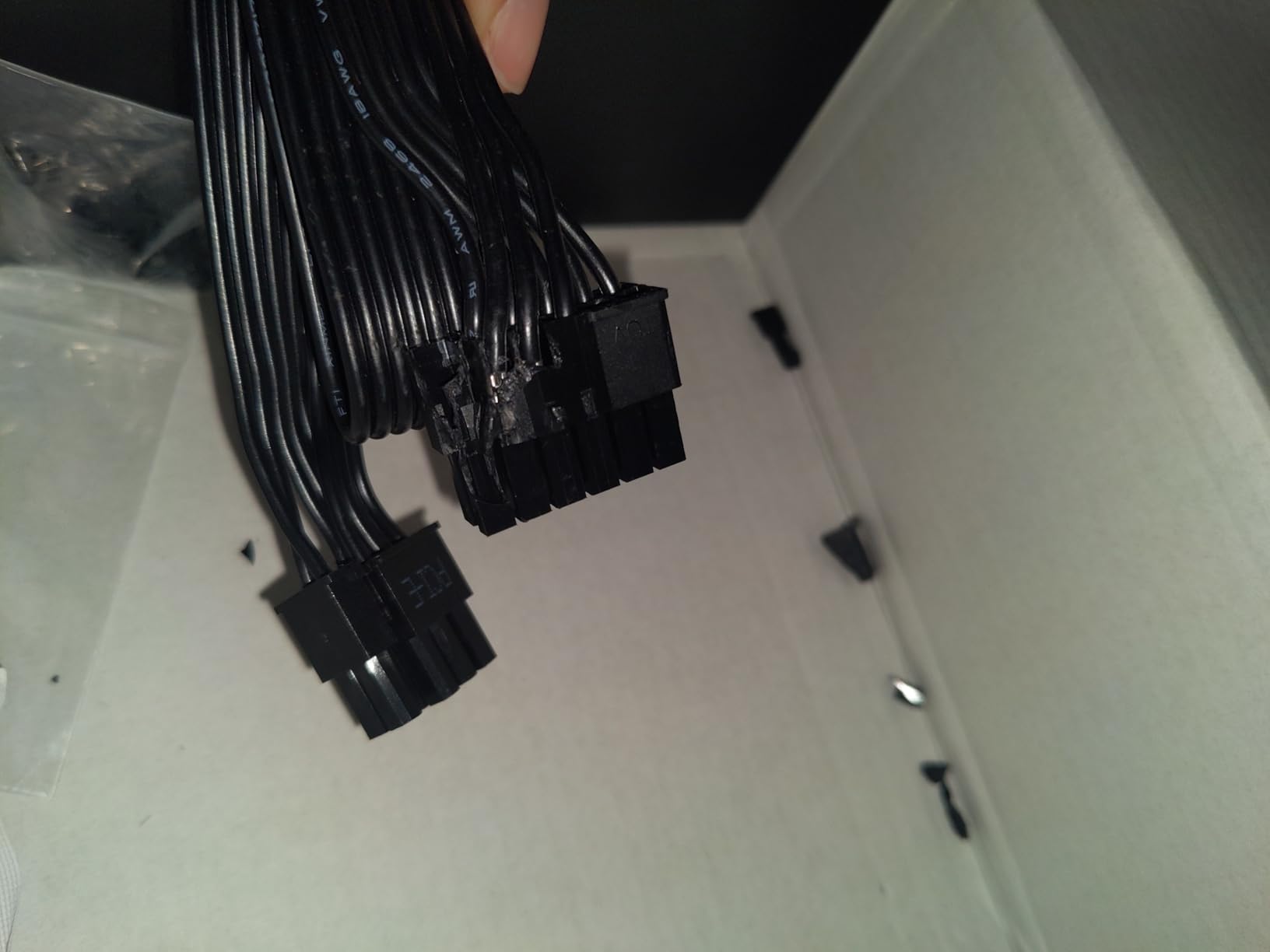
5. SilverStone SX1000 Platinum – The Only 1000W SFX-L Unit We Could Verify
- ✓1000W continuous output rated for 24/7 operation at 50C
- ✓Single 12V rail at 83.3A with all Japanese capacitors
- ✓Semi-fanless so the 120mm fan stays off at idle and low load
- ✓Flat flexible fully modular cables pack into the tightest SFF cases
- ✓Covers GPU configurations nothing else in SFX-L can power
- ✕Coil whine and fan noise reported at higher load on both revisions
- ✕Longer SFX-L body can crowd GPU clearance in some ITX cases
- ✕ATX mounting needs the separately sold PP08 bracket
- ✕One buyer found a PCIe cable with loose wires out of the box
1000W SFX-L
Single 12V rail at 83.3A
Semi-fanless 120mm dual ball bearing fan
5 year warranty
Best for: a small form factor workstation or a compact machine with a power-hungry GPU, where 750W genuinely is not enough. Skip if silence under sustained load is your top priority.
Sixty-nine percent five star and 13 percent four star across 145 reviews. Owners consistently single out three things: the headroom, the flat cable routing, and the fact that the fan stays off at idle.
This is the unit that answers the question most roundups avoid. If your small build genuinely needs 1000W, this is what you are looking at. There is very little else in SFX-L form factor at this output level.
1000W Rated for 24/7 Operation
The 1000W figure here is a continuous rating qualified for 24/7 operation at 50°C, which is a materially different claim from a peak rating. The single 12V rail at 83.3A with all Japanese capacitors gives you the full output on one rail, so there is no per-rail budget to track when a transient load arrives.
That single-rail design also simplifies transient behaviour, which matters more for current graphics cards than the headline wattage does. Modern GPUs spike hard and briefly, and a unit with one strong rail and 105°C-rated Japanese capacitors has the headroom to absorb that without dropping out of regulation.
Semi-Fanless Idle, Louder Under Load
The 120mm dual ball bearing fan stays off at idle and low load, which is the quietest possible operating state. Under sustained heavy load, owner reviews report both coil whine and audible fan noise, and this is flagged on both the V1.0 and V1.1 boards, so it is not a single-batch issue.
That is the honest tradeoff. Pushing 1000W through a chassis this small means a fan that is working, and the acoustic result depends heavily on how your case and CPU cooler treat it. If your build sits next to you on a desk rather than in a rack, read the acoustic section further down before settling.
Flat Cables, SFX-L Length and the Bracket Question
The flat flexible fully modular cables are widely praised for packing into tight SFF cases where round cable bundles simply will not fit. Be aware that the modular pinouts here are not interchangeable with cables from any other brand, which is true of every modular PSU on this list.
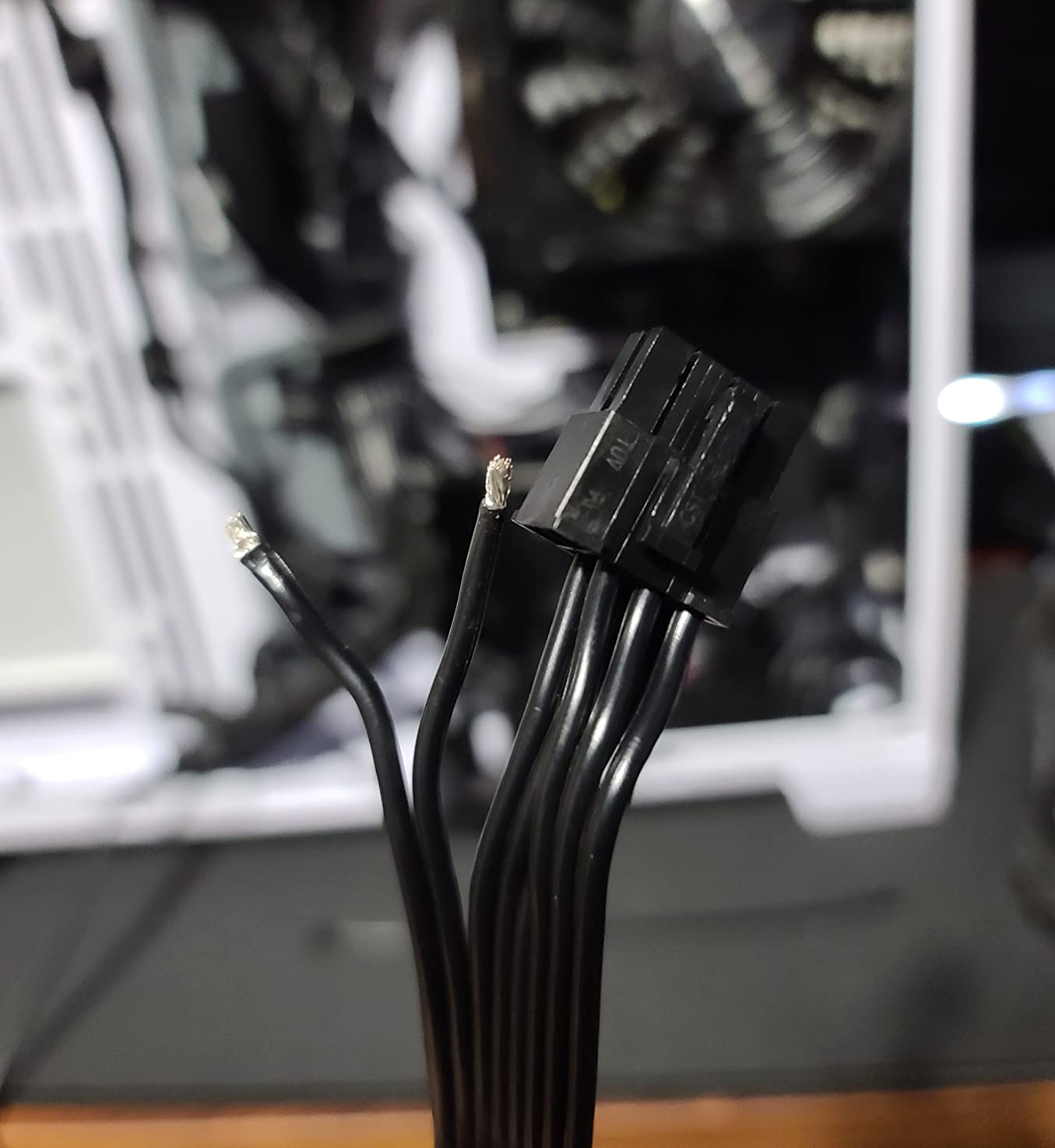
Two practical notes. The SFX-L body is longer than standard SFX and can crowd GPU clearance in some ITX cases, so measure before you commit. And ATX mounting requires the separately sold PP08 bracket, which is not in the box. One buyer also documented a QC failure with loose wires in a new PCIe cable, so inspect the leads on arrival.
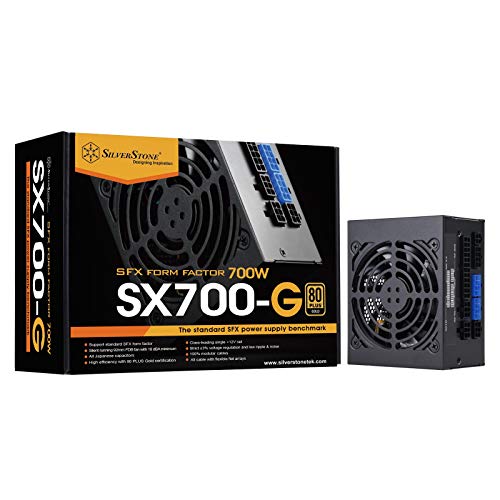
6. SilverStone SX700-G 700W – Best Budget 700W SFX Unit
- ✓Silent 92mm fluid dynamic bearing fan rated from 18 dBA minimum
- ✓All Japanese capacitors for stability under load
- ✓100 percent modular flat cable arrays ideal for SFF routing
- ✓Class-leading single 12V rail with strict 3 percent voltage regulation
- ✕SFX mounting holes do not line up with standard ATX layouts
- ✕3 year parts and labor warranty is short for the class
- ✕Not ATX 3.x so no native 12V-2x6 connection
700W SFX
92mm FDB fan from 18 dBA
All Japanese capacitors
100 percent modular flat cables
Best for: a 700W build on a tighter budget where efficiency and cable routing matter more than having the newest connector standard. Skip if your graphics card uses a single 12V-2×6 input, or you want a long warranty.
Sixty-five percent five star and 15 percent four star from 139 reviews is a dependable long-run showing for a unit that has been in the market for years. The feedback is consistent: quiet cooling, clean flat modular cabling, stable rails.
Where this unit beats newer rivals is electrical behaviour. The class-leading single 12V rail with strict 3 percent voltage regulation and low ripple and noise is the kind of spec that the PCPartPicker forum crowd measures directly rather than takes on trust.
Load Regulation and Why It Matters
Load regulation is how closely a rail holds its target voltage as the draw on it changes. It is a differentiator that users can actually measure, and it matters most in audio work, where rail instability becomes audible as hum or noise in a quiet room.
The 3 percent figure here sits at the strict end of what is achievable in this class. Combined with low ripple, it means downstream components see a cleaner signal than most competing units of similar output.
The 18 dBA Minimum Fan Claim
The 92mm fluid dynamic bearing fan is rated from 18 dBA minimum, which is a manufacturer figure rather than a measurement we made, but it is consistent with owner reports of near-silent behaviour. A 92mm fan at 700W in SFX format is a harder thermal job than a 120mm fan, and the fluid dynamic bearing is doing real work in keeping it quiet.
All Japanese capacitors throughout means there is no question about thermal headroom on the primary electrolytics, which is the build-quality proxy most consistently trusted in the small form factor community.
What You Give Up Compared With Newer Units
Two things. It predates ATX 3.0 and 3.1, so there is no native 12V-2×6 cable and you will need adapters for a current-generation graphics card that uses one. And the 3 year parts and labor warranty is short next to the 7 and 10 year terms in this roundup.
Also note that SFX mounting holes do not align with standard ATX layouts, so a bracket is required if you move it to a larger case. The 100 percent modular flat cable arrays are the standout feature, and in a tight chassis they are worth a lot of room.
7. GAMEMAX GS-650G BK 650W – Budget Pick for a First SFF Build
- ✓80 Plus Gold with APFC
- ✓LLC and DC-DC for 90 percent or higher typical efficiency
- ✓Main Japanese 105C capacitors plus solid capacitors
- ✓ATX 3.0 and PCIe 5.0 ready platform
- ✓Full protection suite against OVP
- ✓UVP
- ✓OPP and SCP faults
- ✕No 12VHPWR cable included despite the PCIe 5.0 readiness claim
- ✕Only a single PCIe connector listed in the specification data
- ✕Much smaller review base than the established brands here
650W SFX
80 Plus Gold with APFC, LLC and DC-DC
ATX 3.0 and PCIe 5.0 platform
FDB fan
Best for: a first small form factor build on a tight budget, with a single mid-range graphics card. Skip if your card needs a native 12V-2×6 cable or more than one PCIe power run.
Sixty-eight percent five star from 72 reviews. That is positive sentiment, but the sample is thin, and a smaller review base means less long-term evidence about reliability than the established brands in this roundup carry.
The specification sheet is solid where it counts. APFC, LLC and DC-to-DC design delivering 90 percent or higher typical efficiency, main Japanese 105°C capacitors, and a full fault protection suite.
The 12VHPWR Cable That Is Not in the Box
This is the single most important caveat in this entry. The unit is described as ATX 3.0 and PCIe 5.0 ready, but no 12VHPWR cable is included. If your graphics card takes a 12V-2×6 or 12VHPWR input, you will be relying on the adapter that ships with the card, and you will be plugging that adapter into a single PCIe cable.
That is workable, but it is not the clean solution. An adapter adds a second connection point in exactly the place where small form factor builders are trying to avoid extra bulk.
Single PCIe Connector and What It Rules Out
Only one PCIe connector is listed in the specification data. That covers a single mid-range card with up to one 6+2 pin run. Anything requiring two or more runs is out, and there is no safe way to add a second without the correct matching cable.
At 650W, this unit sits in the gap between the 600W SFX-L and the 700W SFX option. The question worth asking is whether the 700W SilverStone, with more connectors and a decade of owner feedback behind it, is the smarter purchase at this point.
Reading the Review Base Honestly
72 reviews is enough to see a pattern but not enough to call a long-term reliability record. Nothing in the feedback raises a red flag, and the 4.2 average is respectable, but this is a newer platform than most of the list.
For a first SFF build with a modest graphics card, the efficiency certification, the Japanese capacitors and the protection suite are genuinely good value. Just do not build a high-end machine around it.
8. ASUS ROG Loki SFX-L 1000W Platinum – Best for a Lit Gaming Build
- ✓ROG heatsinks over critical components lower temperatures and extend component life
- ✓Axial-tech 120mm PWM fan delivers strong cooling at low noise
- ✓Bundled 16-pin PCIe cable delivers up to 600W to Gen 5 graphics cards
- ✓80 Plus Platinum efficiency up to 92 percent
- ✓Aura Sync lighting that coordinates with the rest of a gaming setup
- ✕SFX-L depth makes cable storage tight in ultra-compact cases
- ✕Aura Sync lighting carries a separate 3 year warranty
- ✕Brand positioning carries a premium versus comparable wattage from other makers
1000W SFX-L
80 Plus Platinum up to 92 percent
120mm PWM ARGB fan
10 year warranty
Best for: a SFX-L gaming build where the lighting has to match the rest of an ASUS board and fans. Skip if you are on a strict budget, or your case has no room for the deeper SFX-L body.
Eighty-one percent five star is the joint-highest share of any unit in this roundup, across 67 reviews. The sentiment is strongly positive around silence, the bundled native 16-pin Gen 5 cable, sleeved cable quality and the built-in lighting.
One r/watercooling user described moving to an ASUS Loki SFX-L 1000W after two consecutive 850W SFX units with bad coil whine, and reported it as a completely different acoustic experience. That is a single owner, not a measurement, but it aligns with the ROG heatsink design philosophy described below.
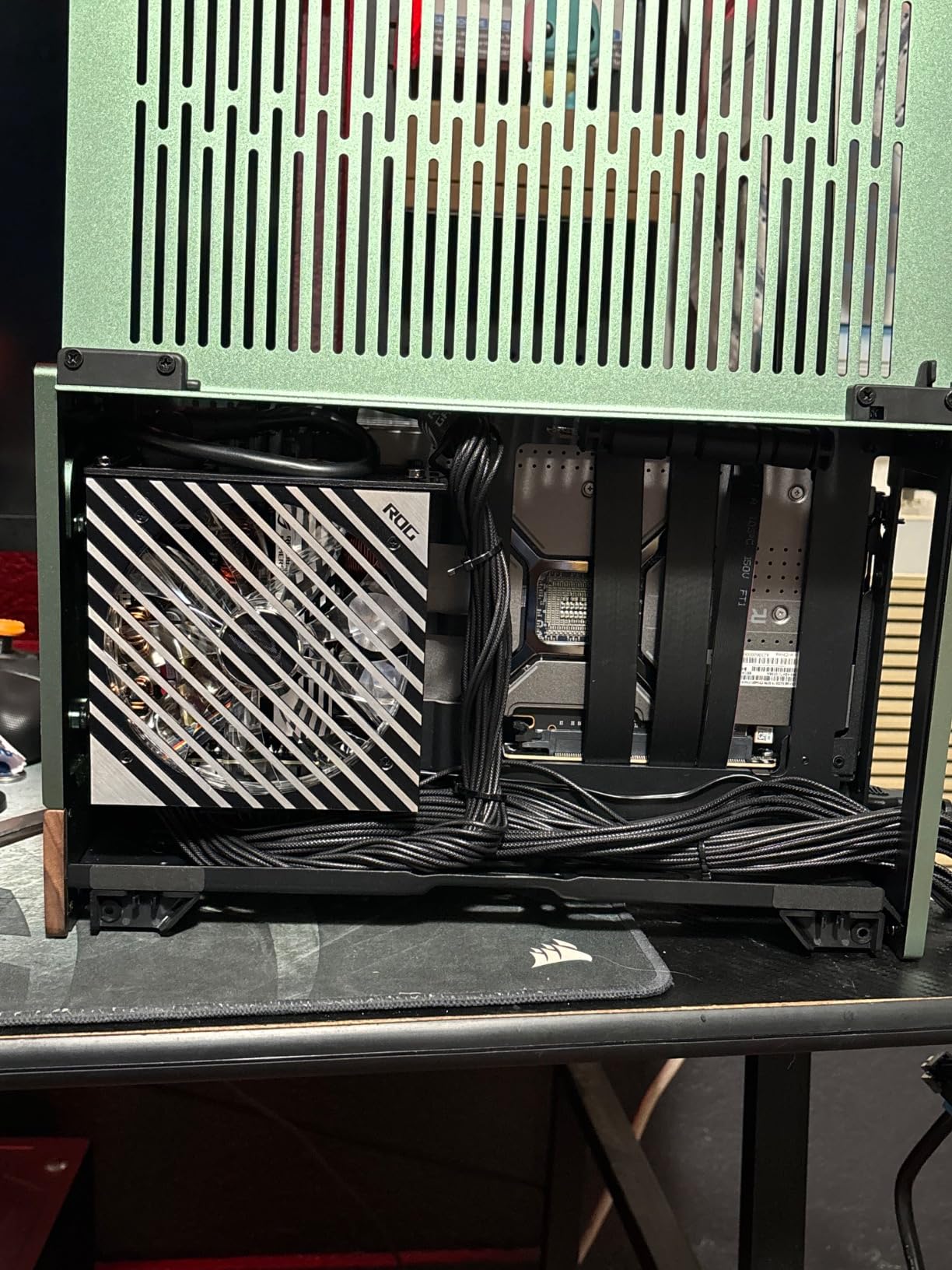
ROG Heatsinks and the 120mm Axial-Tech Fan
The distinguishing feature of this unit is thermal hardware rather than electrical. ROG heatsinks sit over the critical components to lower temperatures, and lower temperatures mean the fan does not have to work as hard, which is where the reported quietness comes from.
The Axial-tech 120mm PWM fan provides that airflow margin. In SFX-L format that fan is the main reason to accept the longer body, because a 120mm unit moving a given volume of air at a given temperature can run at a lower RPM than a 92mm unit doing the same job.
Platinum Efficiency and the Bundled 16-Pin Cable
80 Plus Platinum at up to 92 percent efficiency keeps heat low and draws less waste power from the wall, which compounds with the heatsink and fan design rather than working against it.
The bundled 16-pin PCIe cable delivers up to 600W to a PCIe Gen 5 graphics card, so no adapter dongle is needed. Note the ATX version is listed as 3.0 with PCIe 5.0 readiness, rather than the 3.1 of the Cooler Master V750 and Lian Li SP750 V2. In practice a 3.0 unit with a native 16-pin cable works with current cards; the distinction matters more for the sense-pin seating behaviour on the newest connector revision.
Warranty, Lighting and the SFX-L Fit Question
The warranty is 10 years on the core product, which is the joint-longest in this roundup, though the RGB lighting carries a separate 3 year term. That split is worth noting if lighting is a selling point for you, because that is the part most likely to fail first.
The main practical criticism is the SFX-L depth, which leaves less room to stow excess cabling in ultra-compact cases. Owners also note the brand positioning carries a premium against comparable wattage from other manufacturers, which is a real consideration when a 750W unit of similar output is available.
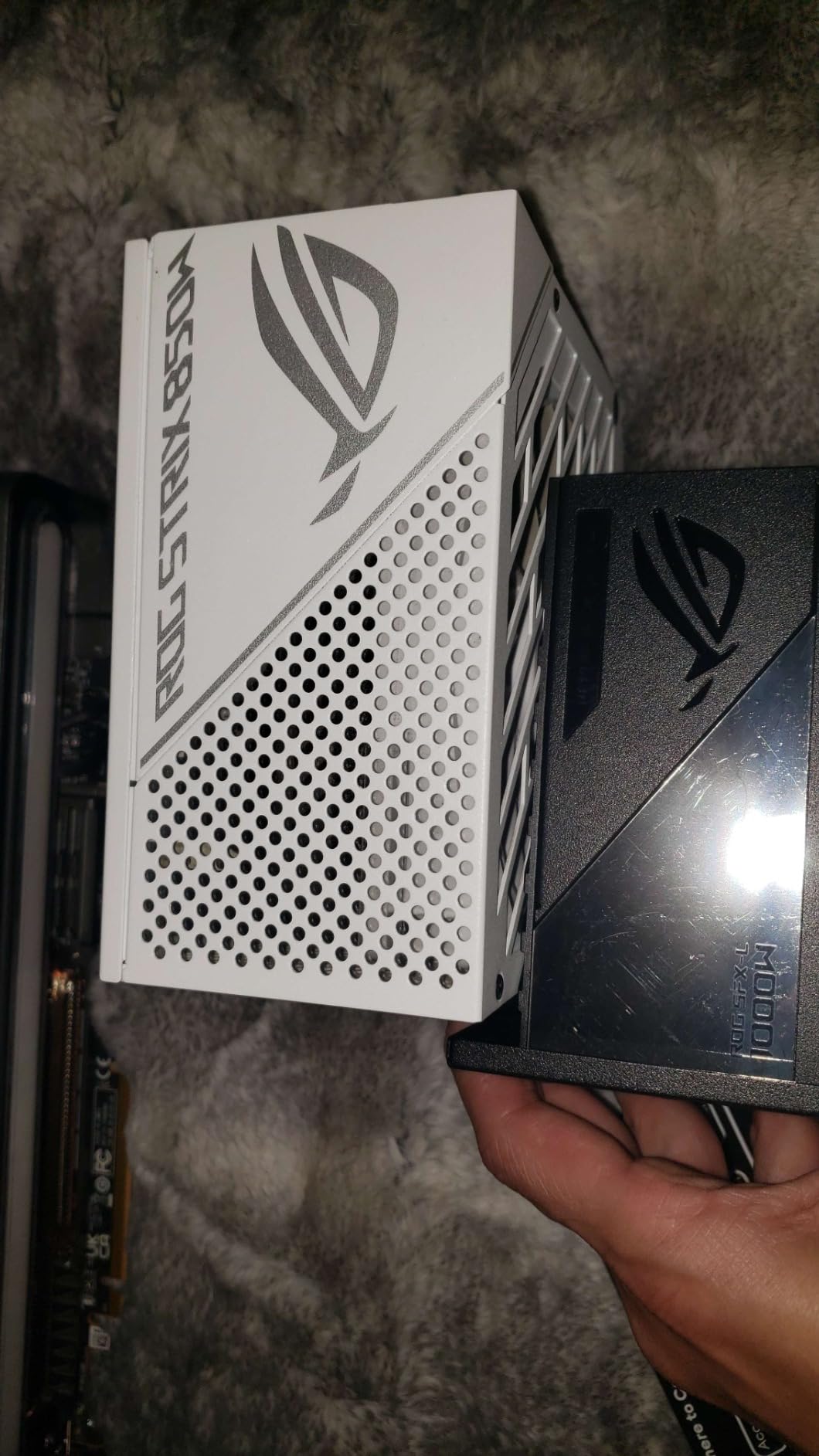
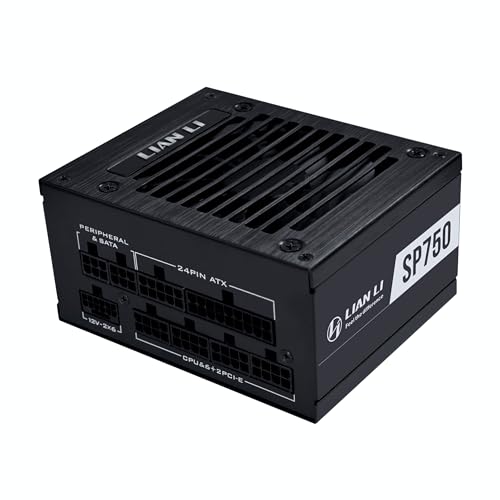
9. Lian Li SP750 V2 750W – Most Versatile SFX Power Supply
- ✓4.5 stars with 80 percent five star ratings
- ✓ATX 3.1 certified and PCIe Gen 5 ready with transient spike protection
- ✓Native two-tone 12V-2x6 cable with visual safe-connection cues
- ✓5VSB standby rail raised from 2.5A to 3A for power-hungry peripherals
- ✓Fully modular with a premium 92mm fluid dynamic bearing fan
- ✕Shorter review history than the long-running SFX units here
- ✕80 Plus Gold rather than Platinum efficiency
750W SFX
ATX 3.1 with native two-tone 12V-2x6
92mm FDB fan
10 year warranty
Best for: a 750W Mini-ITX gaming build that wants the newest connector standard and a 10 year warranty. Skip if you need Platinum efficiency or want a long-established review history.
One of only two at 4.5 stars here, with 80 percent five star and 6 percent four star. The sentiment is favourable across efficiency, the native 12V-2×6 connector and the fully modular quiet design.
It is also built to the official SFX size specification of 63.5mm height or less, which matters more than it sounds. It is one of very few current-generation SFX units that is unambiguously within spec, and that is a real reliability argument in a category where clearance is tight.
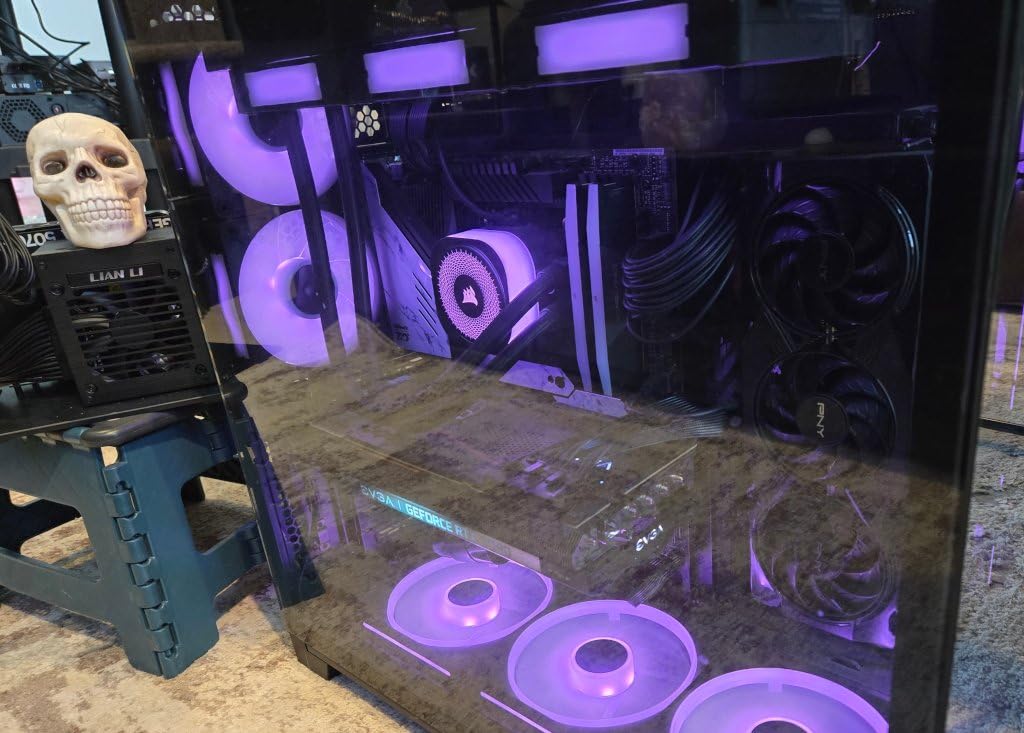
The Two-Tone 12V-2×6 Cable and Why It Helps
The native 12V-2×6 cable uses a two-tone connector with visual cues for correct seating. The colour difference tells you when the plug has gone in fully and latched, which addresses the connector-melting failures that have made headlines with earlier 12VHPWR designs.
The unit is ATX 3.1 certified and PCIe Gen 5 ready, with transient spike resistance specified. That is the current standard, and it is the one to buy in 2026 if you are running a current or next-generation graphics card.
The 3A Standby Rail Upgrade
The 5VSB standby rail was raised from 2.5A to 3A, which is a small spec change with a practical effect. The standby rail supplies power to devices that stay live when the system is asleep or in standby, and modern motherboards with fast boot, large RGB ecosystems and always-on devices draw more from it than older specifications allowed.
It is the kind of detail that causes premature cut-outs in otherwise capable power supplies, and having headroom here removes a class of confusing troubleshooting.
What You Give Up Against Platinum Units
Efficiency is 80 Plus Gold rather than Platinum. In a standard SFX case with a 92mm fan that is a reasonable trade, because lower efficiency produces somewhat more heat, but the 750W output is modest enough that the platform still runs cool.
The 92mm fluid dynamic bearing fan handles the cooling, and the 10 year hardware warranty is the joint-longest in the roundup. The main limitation is review history: 66 reviews is a short record for a component people expect to last a decade, so you are trusting the platform design rather than a long observation period.
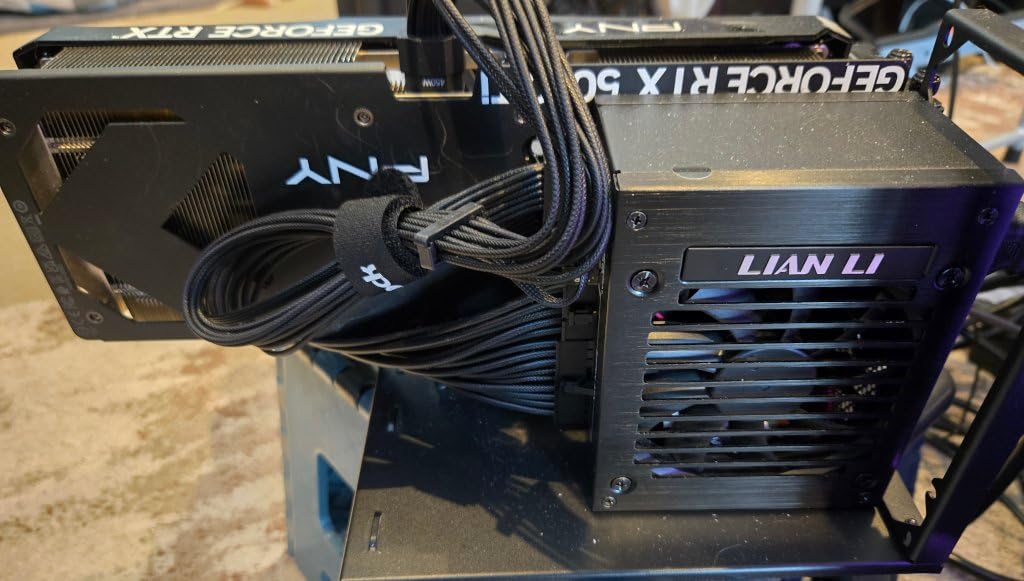
10. ASUS ROG Loki SFX-L 750W Platinum – Best for Silent Gaming
- ✓Lambda A acoustic certification for noise below 25 dB
- ✓120mm axial-tech PWM fan stays silent under light load
- ✓Individually sleeved premium cables that bend well in tight corners
- ✓Bundled 16-pin PCIe Gen 5 cable avoids adapter clutter
- ✓80 Plus Platinum efficiency runs cool
- ✕Cables are long for a SFF build and some owners re-pinned and shortened them
- ✕SFX-L body is deeper than standard SFX and limits cable stowage space
750W SFX-L
80 Plus Platinum
Lambda A certified below 25 dB
120mm PWM ARGB fan
Best for: a gaming build where the machine should be effectively inaudible, and where the case has room for SFX-L. Skip if you need standard SFX length or very short cables.
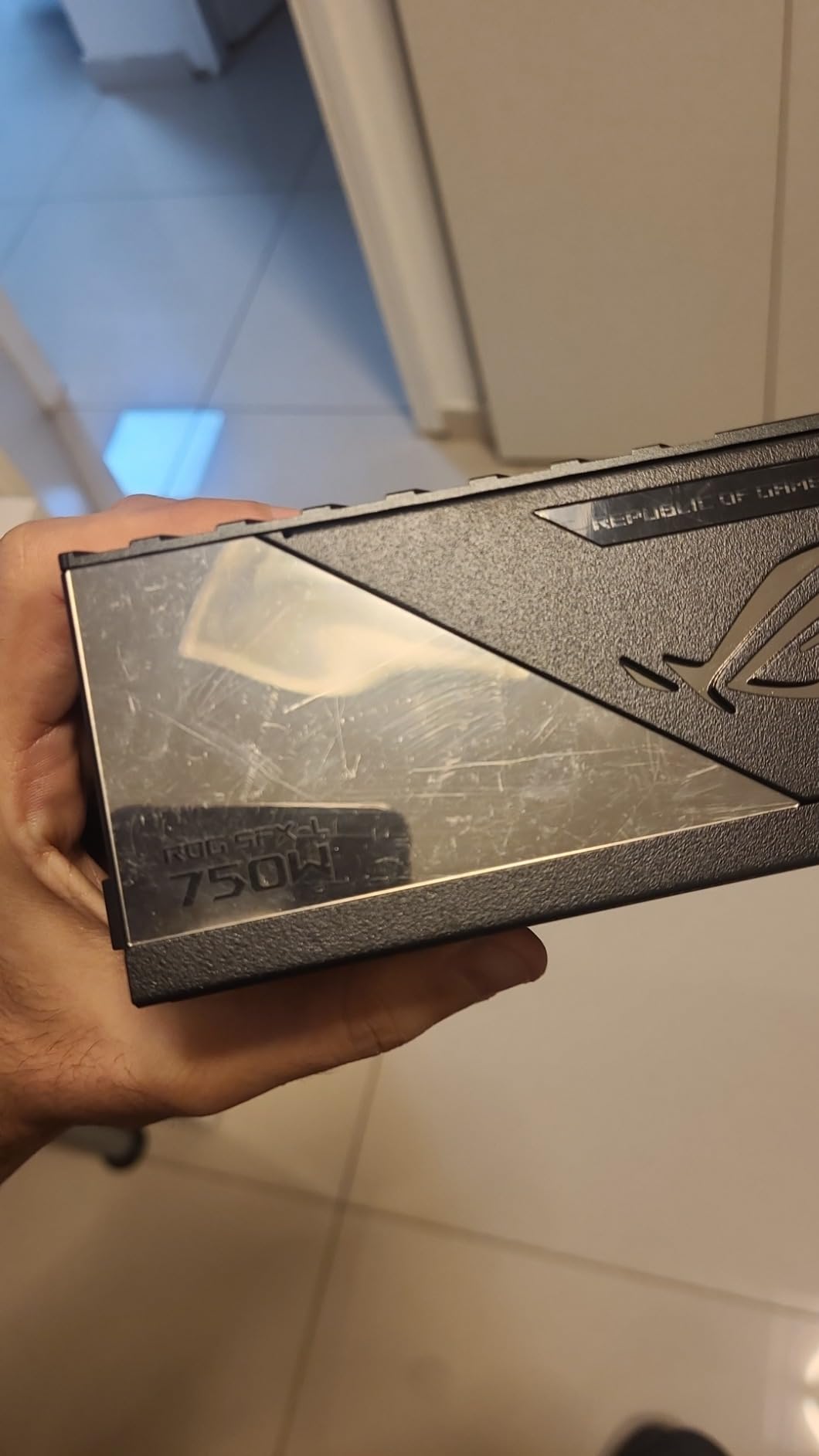
Tied for the highest rating in the roundup at 4.5 stars, with 74 percent five star and 15 percent four star across 52 reviews. The Lambda A certification for acoustic performance below 25 dB is the headline number, and it is the only unit here with a published decibel figure.
Detailed owner write-ups praise near-silent thermals under gaming load, the single-cable Gen 5 GPU connection, the cable sleeving and the build aesthetics. For a machine that lives on a desk next to a microphone, that combination is the point of the unit.
Lambda A Certification and What Below 25 dB Means
The Lambda A rating is a Cybenetics acoustic certification, and 25 dB is close to the threshold of ordinary conversation. In a small sealed chassis with the case sitting on a desk, that is the difference between a machine you stop noticing and one you do not.
The 120mm axial-tech PWM fan is what makes it achievable, and owners report it stays silent under light load while staying barely audible during gaming. Pair that with 80 Plus Platinum efficiency, which runs cool and reduces the thermal load the fan has to move.
Sleeved Cables and Single-Cable GPU Connection
Individually sleeved premium cables that bend easily in tight corners are a genuine quality-of-life feature in SFF work, where every degree of bend radius counts and a stiff cable forces you to compromise on something else.
The ATX 3.0 compliance with an included 16-pin PCIe Gen 5.0 cable means no adapter clutter, and the cable delivers up to 600W to a current-generation card. One cable to the GPU is exactly what you want when there is no room for a second run.
Where This Unit Frustrates Builders
Cable length is the recurring practical complaint. These cables are long for a SFF build, and several owners had to re-pin and shorten them, which is skilled work and not something a first-time builder should have to do to finish a machine.
The SFX-L body is also slightly deeper than standard SFX, which leaves less room to stow excess cabling in ultra-compact cases. Measure your case twice before ordering.
SFX vs SFX-L: Which Form Factor Fits Your Case
SFX measures 125mm wide, 63.5mm tall and 100mm deep. SFX-L is identical in width and height but deeper, and that extra depth exists for one reason: to carry a 120mm fan instead of the standard 92mm. That is the entire difference, and it drives everything else about the buying decision.
The Fit Checklist Before You Order
Measure the maximum power supply length your case allows, in millimetres, with the drive cage and any included bracket removed. Then compare it against the depth of the unit. Standard SFX at 100mm deep fits most SFF chassis. SFX-L units in this roundup measure roughly 125mm deep, and several of the smallest ITX cases will not take them.
Second, check the mounting holes. Standard SFX and SFX-L units generally do not line up with ATX mounting positions, and some SFX units do not line up with each other. If you might move to an ATX case later, check that a suitable bracket is included or available.
Which Models Here Are SFX-L
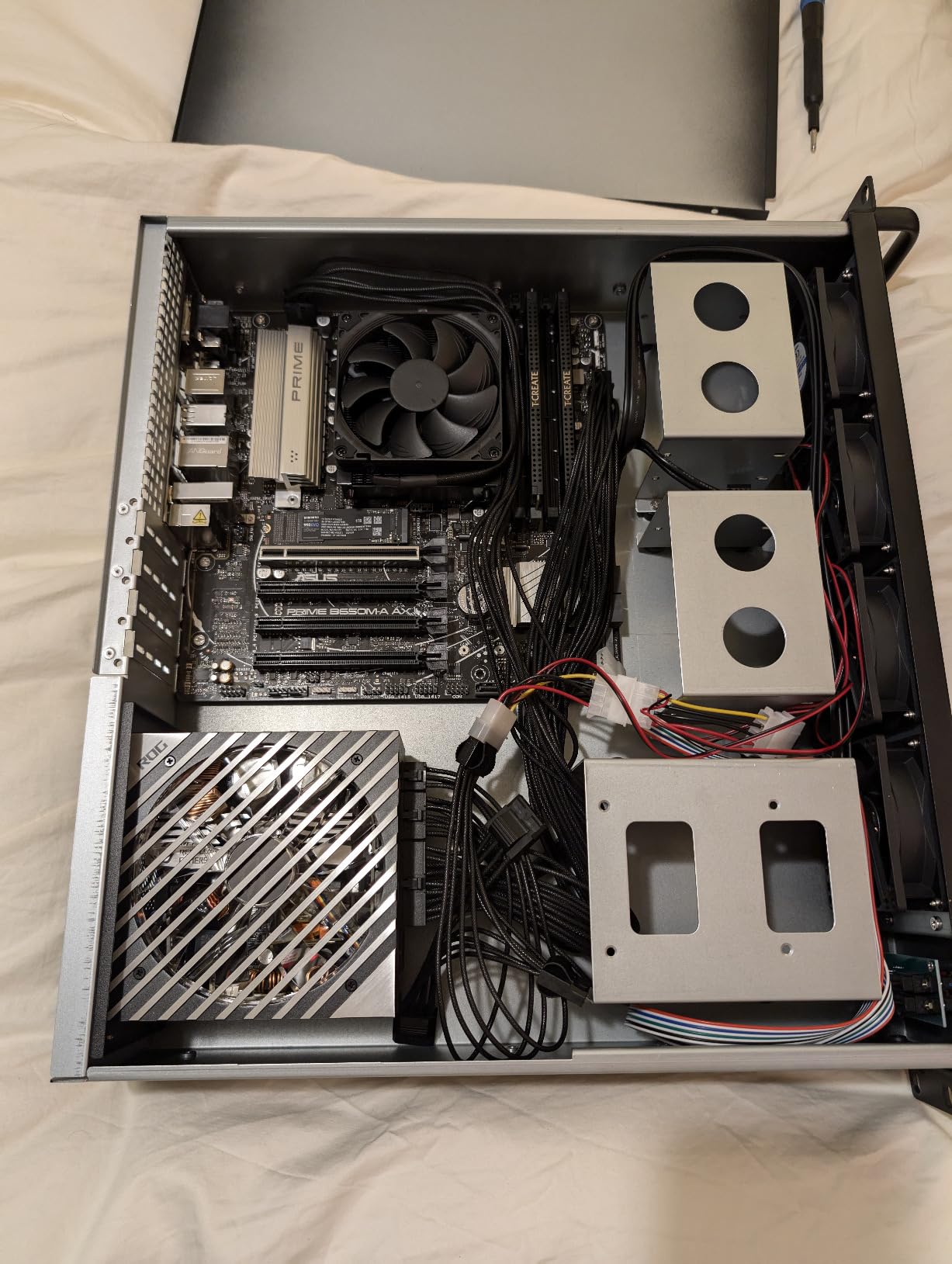
Four of the ten here are SFX-L: the be quiet! 600W, the SilverStone SX1000 Platinum, and both ASUS ROG Loki models. All four carry a 120mm fan. Both ASUS models report dimensions of 4.9 by 4.9 by 2.5 inches, and the SilverStone SX1000 reports 5.12 by 4.92 by 2.5 inches, both roughly 125mm deep.
Everything else, including the Cooler Master V750, the Corsair SF750, the Lian Li SP750 V2, both SilverStone SFX models, the be quiet! 450W and the GAMEMAX 650W, is standard SFX at roughly 100mm deep. That is the safer default if your case is on the small side.
Using an SFX PSU in an ATX Case
Yes, and it is a reasonable way to buy now and resize later. You bolt the SFX unit to an SFX-to-ATX bracket and mount that in standard ATX positions. The Corsair SF750 and the be quiet! 600W include a bracket in the box.
Two units here need a separate purchase for this: the SilverStone SX1000 requires the PP08 bracket, and the SilverStone SX700-G has SFX mounting holes that do not align with standard ATX layouts without an adapter. Also note that short SFF cable bundles, which are a virtue in a small case, become a real constraint in a tower.
How Much Wattage an SFX Power Supply Actually Needs
Wattage is the question the r/sffpc threads ask most often, and the answer is almost always less than people expect. The rule of thumb that keeps working: add your expected peak system draw, then add 25 to 30 percent headroom for transients and longevity.
450W and 600W Are for Efficient Builds
The be quiet! 450W covers integrated graphics and a 65W to 105W class processor with room to spare. The 600W SFX-L adds headroom for a mid-range discrete card, and its four PCIe connectors make it a sensible choice when you want more power runs without jumping output class.
Neither is the answer if you are building with a current high-end discrete GPU and a high-TDP CPU. That combination is where 750W becomes the floor rather than the ceiling.
750W Covers Most SFF Gaming Builds
750W is the sweet spot for small form factor gaming, and five of the ten units here sit at that level. With 25 percent headroom, 750W comfortably covers a current mid-to-high-range card paired with a power-hungry processor, which is the most common enthusiast SFF build.
Our picks at 750W differ on what you optimise. The Cooler Master V750 is the quietest with the newest platform. The Corsair SF750 is the efficiency leader. The Lian Li SP750 V2 has the highest rating and a 10 year warranty. The ASUS ROG Loki SFX-L 750W is the quietest under gaming load, at the cost of SFX-L length.
1000W Is for Genuinely Power-Hungry Machines
1000W is not a comfortable default. It exists for compact workstations, for a very high-end graphics card paired with a high-TDP CPU, and for any small build that also has to travel to LAN events.
Two options here: the SilverStone SX1000 Platinum, which is the only verified 1000W SFX-L unit in this roundup, and the ASUS ROG Loki SFX-L 1000W Platinum, which adds ROG cooling and lighting at a brand premium. One r/watercooling user, having been burned by two 850W SFX units with bad coil whine, reported that moving up a tier to this unit solved the problem. That is one account, but it lines up with the heatsink design.
Is There a 1200W SFX PSU?
Yes. The highest-watt SFX-L hardware we could identify in this category reaches 1200W with the ASUS ROG Loki SFX-L 1200W Titanium. It is not in this roundup because it did not meet the review-evidence threshold we set for inclusion, and we would rather say that plainly than recommend a unit we cannot support with owner feedback.
For almost every build we can think of, 1000W in SFX-L form factor is already more than enough. If you genuinely need 1200W, buy a standard ATX Platinum or Titanium unit in a slightly larger case instead of chasing the top of the SFX-L range.
ATX 3.0 vs ATX 3.1 and the 12V-2×6 Question
ATX 3.0 and ATX 3.1 are not marketing versions of the same thing. The change that matters to a buyer is on the graphics card connector, and it affects how you power a current-generation GPU.
What Changed Between the Two Standards
ATX 3.0 introduced the 16-pin 12VHPWR connector for PCIe Gen 5 graphics cards, rated to deliver up to 600W over a single cable. Early implementations of that connector had insertion and retention problems, and the first-generation cable design was involved in a widely reported series of failures.
ATX 3.1 revised the connector into 12V-2×6, adding sense pins that let the power supply and graphics card communicate about the connection. The revised connector is physically similar but not interchangeable with 12VHPWR, and the two-tone colouring on newer cables gives you a visual cue that the plug is fully seated.
ATX Versions Across This Roundup
Three units here are listed as ATX 3.1: the Cooler Master V750 SFX Gold, the Corsair SF750 2024, and the Lian Li SP750 V2. Two are listed as ATX 3.0: both ASUS ROG Loki models, each with a bundled 16-pin PCIe Gen 5 cable.
The GAMEMAX GS-650G BK is listed as an ATX 3.0 and PCIe 5.0 platform, but does not include a 12VHPWR cable despite that readiness, which makes it materially less convenient for a current GPU. The remaining units predate both standards.
A practical note: manufacturer pages for the same product sometimes disagree about the ATX version, and revisions of a model can differ. Check the model number on the box rather than relying on a listing title alone.
Do You Need a Native Cable?
If your graphics card has a 12V-2×6 or 12VHPWR input, a native cable from the power supply is better than an adapter for two reasons. The adapter adds a second connection point in a chassis with no room for it, and native cables route more cleanly behind the motherboard tray.
If you buy a unit that ships the adapter instead, the rule is simple: push the connector in until it latches, do not route a hard bend right at the plug, and check that the connector is fully seated every time you open the case.
Efficiency, Fan Noise and Coil Whine
Noise is where small form factor builds are won and lost. The SFX format compresses a power supply into a fraction of the space, which forces a small fan to move air through a dense board. Choosing well is mostly about managing heat so the fan never has to work hard.
80 Plus vs Cybenetics, and Why You Want Both
80 Plus certifies efficiency at defined load points, which tells you how much energy becomes heat. Cybenetics additionally certifies actual acoustic output, which is the number that predicts whether you will hear the unit.
Two units here carry published noise certification. The Cooler Master V750 is Cybenetics Gold and Noise A, and the ASUS ROG Loki SFX-L 750W carries Lambda A certification at below 25 dB. If your build is meant to be quiet, start your search with those two rather than reading efficiency badges.
Zero-RPM Mode and What It Actually Buys You
Zero-RPM mode stops the fan entirely at low and moderate draw, which is a large part of the perceived quietness of a modern SFX unit during everyday use. The Corsair SF750 2024 pairs zero-RPM with a 92mm fluid dynamic bearing fan, and the be quiet! units use temperature-controlled fans designed around low acoustic output as a brand priority.
Be realistic about where the noise comes from at load, though. A PSU at 30 percent of its rating with a semi-passive fan curve is near-silent. A PSU at 90 percent of its rating is not, regardless of certification.
Community-Reported Acoustic Experience, Unit by Unit
Owner discussion in this category is dominated by build threads, and the acoustic record there is genuinely useful. It is also inconsistent, so treat it as reported experience rather than measurement.
On the Cooler Master V SFX Gold family, r/coolermaster and r/pcmasterrace threads report that the 850W members produced noise that owners say greatly exceeded their case fan noise, and that the V SFX Gold variant was noticeably louder than the V850, ramping up as motherboard power draw increased. r/buildapcsales has a thread asking directly how pervasive the coil whine problem is. Our 750W entry is a different, later ATX 3.1 revision with its own Noise A certification, and its owner feedback does not repeat those complaints. Read the two separately.
On the SilverStone SX1000 Platinum, owner reviews of this unit report both coil whine and audible fan noise at higher load, flagged on both the V1.0 and V1.1 boards. On the ASUS ROG Loki SFX-L 1000W, one r/watercooling user reported moving to it after two 850W SFX units with bad coil whine and finding it quiet. We include that because the product is named in the thread, not because one report is proof.
The overall pattern from the community is consistent enough to act on: platforms with large heatsinks, high efficiency certification and a 120mm fan report the quietest results, and the loudest complaints attach to older high-density designs pushed near their rating.
Modular Cables, Routing and the Pinout Safety Rule
Cabling is where most small form factor builds are won or lost, and one rule in this section is not optional.
Never Reuse Modular Cables From Another Power Supply
Modular cable pinouts differ between manufacturers and between models from the same manufacturer. A 6+2 pin cable that fits perfectly can still deliver the wrong voltage to the wrong rail. The r/sffpc threads record a persistent fear about exactly this, and it is a well-founded one.
Use only the cables supplied with your power supply, or cables explicitly sold for that exact model. The SilverStone SX1000 documentation makes the same point in its own guidance. If you need a longer run, buy the correct replacement cable rather than an extension from a different unit.
And keep away from non-modular add-in cable doubling tricks. They are the source of most of the horror stories in these threads.
Short Cables and the SFF Routing Problem
Short cable length is a feature in a 13 litre chassis and a bug in a 30 litre one. The Cooler Master V750, the SilverStone SX700-G and the be quiet! 600W are the units where length is most often reported as a problem, and the Corsair SF750’s 17 inch motherboard cable is the other recurring complaint.
Fully modular cabling helps more than the raw length suggests, because unused leads never enter the chassis at all. In a case with no cable storage compartment, that is the difference between a build that closes and a build that will not.
Flat Cables for the Tightest Cases
If your chassis has no room for round cable bundles, prioritise flat flexible cables. The SilverStone SX700-G and the SilverStone SX1000 Platinum both ships flat modular arrays, and the flat routing on the SX1000 is widely praised by owners building in very tight ITX cases.
One caution on sleeved cables: individually sleeved leads bend more easily, which is a benefit, but the ASUS ROG Loki SFX-L 750W ships with cables long enough that several owners re-pinned and shortened them. If your case is compact, check the cable length before ordering rather than after.
Frequently Asked Questions
Which SFX power supply is the best?
The Cooler Master V750 SFX Gold is the best overall SFX power supply. It combines a 750W rating with ATX 3.1 compliance and a native 12V-2×6 cable, holds the largest owner review base in the category at 449 reviews, and carries both 80 Plus Gold and a Cybenetics Noise A acoustic certification. For a 1000W SFX-L build, the SilverStone SX1000 Platinum is the alternative.
What is the difference between an SFX and an SFX-L power supply?
SFX and SFX-L are identical in width and height at 125mm by 63.5mm, but SFX-L is deeper. The extra depth exists to hold a 120mm fan instead of the standard 92mm, which lets the same wattage run at lower RPM and therefore quieter. The tradeoff is fit: many small form factor cases accept standard SFX only, so measure your case before buying an SFX-L unit.
What is the highest watt SFX power supply available?
SFX-L hardware reaches 1200W, with the ASUS ROG Loki SFX-L 1200W Titanium as the highest-watt example in this form factor. Within this roundup, the highest output units are the SilverStone SX1000 Platinum and the ASUS ROG Loki SFX-L 1000W Platinum, both at 1000W. For nearly every build, 1000W in SFX-L form is already more than sufficient.
Is there a 1200W SFX PSU?
Yes, the ASUS ROG Loki SFX-L 1200W Titanium exists and is the highest-watt SFX-L unit in this category. We did not include it in the roundup because it did not meet the owner-review threshold we require for a recommendation. If your build genuinely needs 1200W, consider a standard ATX Platinum or Titanium unit in a slightly larger case rather than the top of the SFX-L range.
What is the best 1000W SFX power supply?
The SilverStone SX1000 Platinum is the pick at 1000W. It is the only 1000W SFX-L unit in this roundup, rated for 24/7 operation at 50 degrees Celsius, with a single 12V rail at 83.3 amps, all Japanese capacitors and a semi-fanless 120mm fan. Its main drawback is reported coil whine and fan noise under sustained heavy load.
What does SFX mean on a power supply?
SFX is a compact power supply form factor measuring 125mm wide, 63.5mm tall and 100mm deep. It was created so a full-power PC can be built in a small form factor or Mini-ITX case where a standard ATX unit will not physically fit. Electrically an SFX unit behaves identically to an ATX unit. The only differences are physical size, the smaller cooling fan, and the price premium.
Which 850W power supply is the quietest?
At 750W, the quietest options in this roundup are the ASUS ROG Loki SFX-L 750W, which carries a Lambda A certification for noise below 25 dB, and the Cooler Master V750 SFX Gold, which is Cybenetics Noise A certified. The Corsair SF750 2024 also performs well, with a zero-RPM mode that stops the fan entirely at low and moderate draw. For our wider 850W picks, see our best 850W power supplies guide.
Should I reuse modular cables from my old power supply?
No. Modular cable pinouts differ between manufacturers and between models from the same manufacturer, and a cable that physically fits can still deliver the wrong voltage to the wrong rail. Use only the cables that shipped with your power supply, or replacement cables sold for that exact model. This applies to every fully modular PSU in this roundup, including the SilverStone SX1000, whose own documentation makes the same point.
The Bottom Line
If you want one recommendation for a small form factor gaming PC in 2026, take the Cooler Master V750 SFX Gold. Standard SFX size, the newest ATX 3.1 platform with a native 12V-2×6 cable, a published noise certification, and enough owner feedback for you to know what you are buying.
If you need 1000W in SFX-L form factor, the SilverStone SX1000 Platinum is the only verified option here, and you should accept the reported acoustic behaviour under sustained load as the cost of that headroom. If you want the quietest gaming experience and your case has room for the deeper body, the ASUS ROG Loki SFX-L 750W is the one with a published decibel figure behind it.
If you are on a tighter budget, the Lian Li SP750 V2 gives you ATX 3.1, a native two-tone 12V-2×6 cable and a 10 year warranty, and the SilverStone SX700-G covers 700W builds with excellent voltage regulation. If your case accepts ATX, stop reading and check our 850W power supply guide instead, because a standard unit costs less and cools better at the same wattage.
Whichever you pick, measure the case first, use only the cables supplied with your power supply, and check the connector seating every time you open the machine.






Leave a Comment