
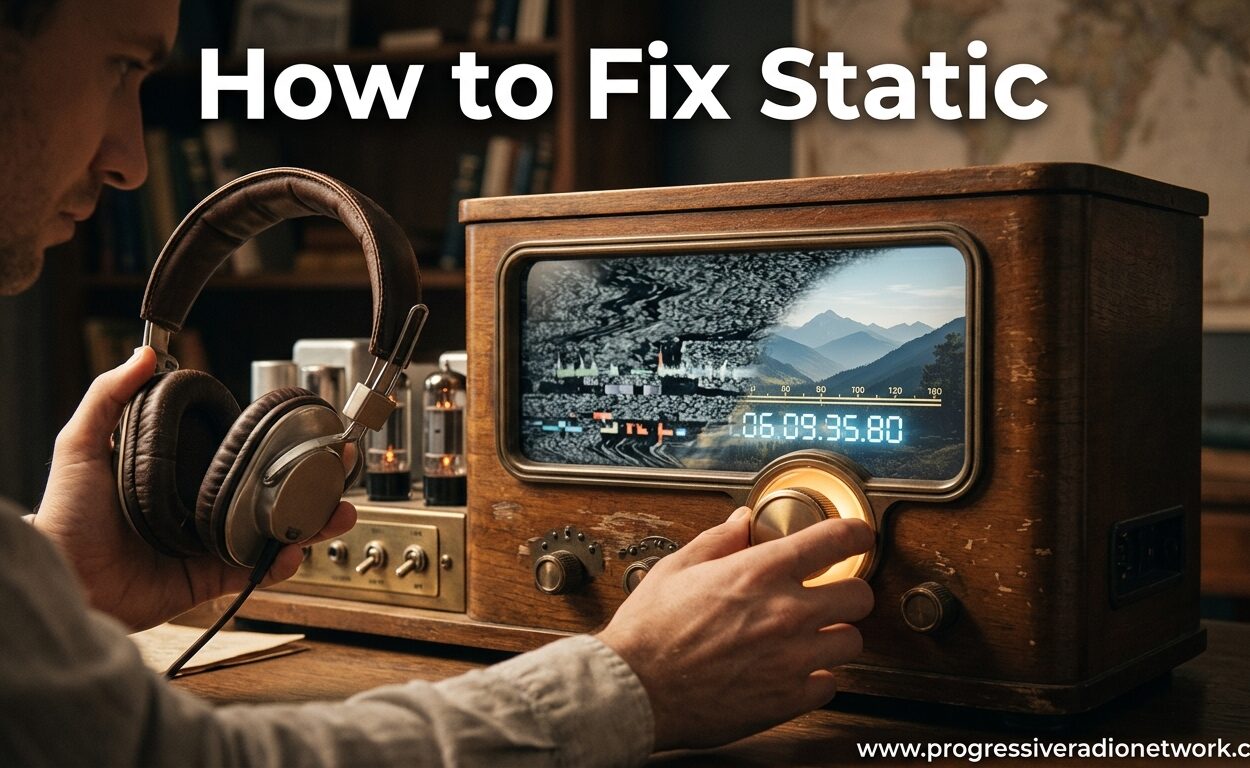
Audio static falls into two categories. Electrical interference comes from poor grounding, electromagnetic interference (EMI), or radio frequency interference (RFI). Mechanical static comes from dust, damaged cables, or failing components. I will walk you through diagnosing and fixing both types.
Cable and Connection Fixes
Loose or oxidized connections are the most common cause of headphone and speaker static. Start with the simplest fixes first.
Unplug and firmly reconnect all cables. A loose connection creates intermittent contact that manifests as crackling or popping sounds. Ensure each connection clicks or seats fully. Clean connector pins with a dry cloth if you see any corrosion or oxidation.
Replace damaged cables immediately. Frayed cable jackets or kinks in headphone wires eventually break internal conductors. These breaks cause intermittent connections that sound like static. Headphone extension cables can develop oxidation that causes static, so inspect yours regularly. If you share audio with others, consider a quality headphone splitter to avoid connection issues from frequent plugging and unplugging.
Switch to balanced cables for professional setups. XLR or TRS balanced cables reject electromagnetic interference better than unbalanced RCA or TS cables. The extra conductor carries an inverted signal that cancels out noise picked up along the cable run.
Separate power cables from audio cables. Running power cords parallel to audio cables induces electrical interference. Cross them at 90-degree angles when they must intersect, or maintain at least six inches of separation.
Grounding and Interference Solutions
Ground loops cause a persistent hum or buzz in audio systems. This is different from static but equally annoying. The solution usually involves proper grounding.
Connect all equipment to the same power outlet or power strip. This ensures everything shares the same ground reference. Multiple ground points at different potentials create current flow that you hear as noise.
Use a ground loop isolator for stubborn cases. These devices break the ground connection between audio components while maintaining signal integrity. They cost between $15 and $40 and solve most ground-related noise issues instantly.
Move equipment away from interference sources. WiFi routers, cell phones, fluorescent lights, and dimmer switches generate electromagnetic interference. Keep audio equipment at least three feet from these sources. Different wireless headphone technologies handle interference differently, so choose your wireless tech carefully. For sleep environments, noise cancelling earbuds designed for sleep can help isolate you from both external noise and electrical interference.
Clean dust from speaker drivers and ports. Dust accumulation on speaker cones or inside headphone drivers can create static-like sounds. Use compressed air to blow out debris from speaker ports and driver openings. Never use liquid cleaners on drivers.

Leave a Comment