
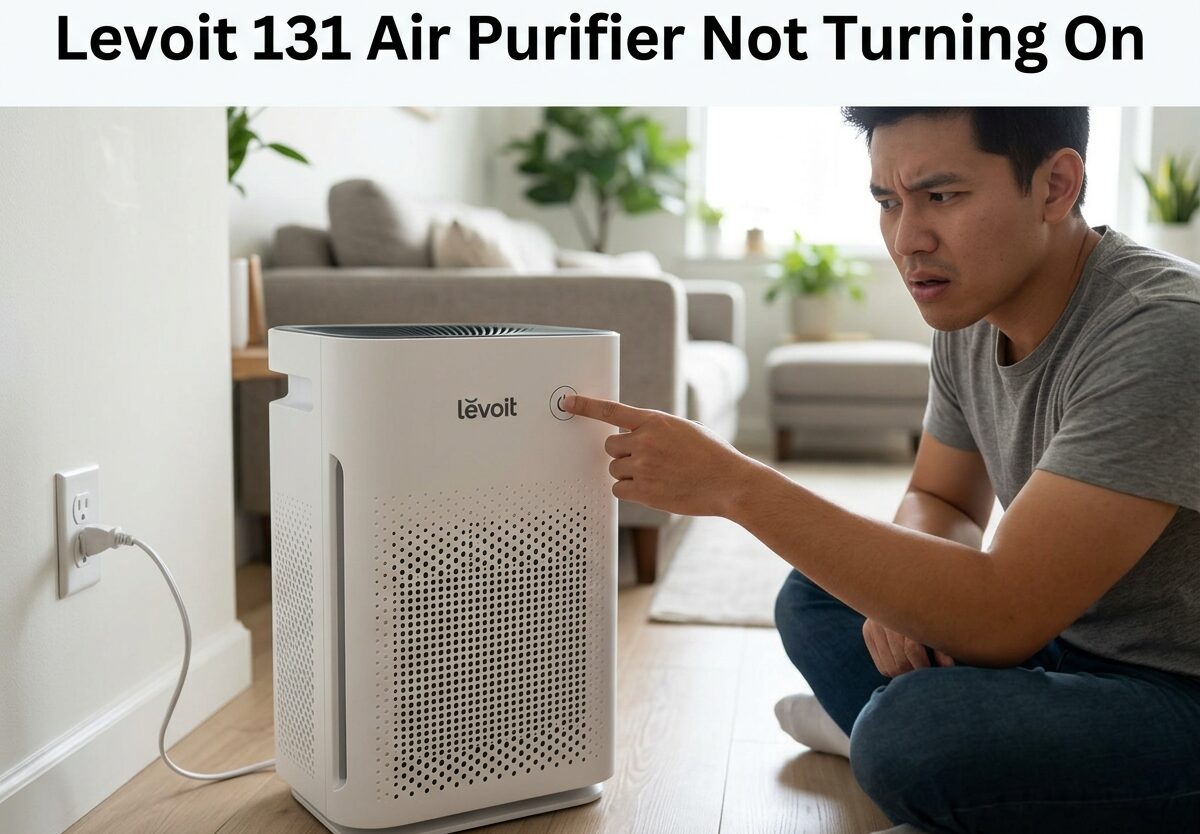
There’s nothing more frustrating than pressing the power button on your Levoit 131 Air Purifier and getting zero response. No lights, no fan, just silence. If your Levoit 131 Air Purifier is not turning on, you’re not alone – this is one of the most common issues owners face with the LV-PUR131 and LV-PUR131S models.
Based on community reports and manufacturer guidance, most power issues stem from three simple causes: a misaligned filter cover triggering the safety switch, a power reset needed after outages or filter changes, or a faulty outlet connection. The good news is that 80% of these cases can be fixed at home in under 10 minutes without any tools.
In this guide, I’ll walk you through every proven solution to get your Levoit 131 running again, starting with the quickest fixes and progressing to more advanced troubleshooting if needed.
Quick Fixes for Levoit 131 Air Purifier Not Turning On
Before diving into detailed troubleshooting, let’s cover the most common solutions that work for most users. These fixes address the top three reasons why your Levoit 131 won’t power up.
The filter cover safety switch is the number one culprit. This Levoit 131 Air Purifier not turning on issue often happens right after cleaning or replacing the filter. The back cover has a safety mechanism that prevents operation if not perfectly aligned. Even a slight gap can keep your unit completely dead.
Second is the power reset requirement. After power outages, filter changes, or extended non-use, the Levoit 131 sometimes needs a hard reset to clear internal memory and restart properly.
Third is outlet or power cord problems. Damage to the cord from vacuum cleaners, pets, or moving furniture can break the connection internally. Always test with a known working outlet first.
Filter Cover Safety Switch Check
The back filter cover on your Levoit 131 contains a critical safety switch. When the cover isn’t seated correctly, the switch won’t engage, and power is cut to the entire unit. This is by design to prevent operation without proper filtration.
To check the filter cover alignment, first remove the back cover completely. Look at the bottom edge where it meets the unit body. You’ll notice a small plastic tab or switch mechanism. This must align perfectly with the corresponding slot on the purifier.
When reinstalling, press firmly along the bottom edge until you hear or feel a distinct click. The cover should sit flush against the unit with no gaps at the corners. Test alignment by pressing on each corner – there should be no movement or clicking sounds.
Many users report that this fix alone resolves their Levoit 131 Air Purifier not turning on problem, especially after cleaning or filter replacement. Take your time with this step, as proper alignment is crucial.
Test Your Power Outlet
A faulty outlet is another common cause. Before assuming your purifier is broken, plug a different device into the same outlet to verify it’s working. If the test device doesn’t work either, you’ve found your problem – check your circuit breaker or try a different outlet.
Also inspect the power cord carefully along its entire length. Look for kinks, fraying, or bite marks from pets. Even internal damage that isn’t visible can cause failure. Try wiggling the cord near the plug and near the purifier while plugged in – if the unit flickers or briefly powers on, the cord has internal damage and needs replacement.
Quick Power Reset (5-10 Minutes)
Sometimes your Levoit 131 just needs a complete power cycle to clear any electronic glitches. Unplug the unit from the wall outlet and wait at least 5-10 minutes before plugging it back in.
This wait time allows internal capacitors to fully discharge and clears any residual charge that might be causing issues. After the wait period, plug the unit back in and try the power button again.
For many users, this simple reset resolves the Levoit 131 Air Purifier not turning on issue, especially after power surges, outages, or when the unit hasn’t been used in an extended period.
Step-by-Step Levoit 131 Power Troubleshooting
If the quick fixes above didn’t resolve your issue, don’t worry. There are several more detailed troubleshooting steps to try before considering repair or replacement.
Step 1: Verify Filter Cover Alignment
Even if you think the cover is on correctly, remove it and reinstall it carefully. The safety switch is located at the bottom right corner of the filter compartment. Make sure the cover’s tab presses this switch completely.
Line up the cover with the unit body, press firmly at the bottom first, then secure the top. You should feel resistance as the safety switch engages. The cover should not wiggle or move once properly seated.
Step 2: Extended Power Reset (20-30 Minutes)
Some users on Reddit report success with longer wait times. Completely unplug your Levoit 131 and wait 20-30 minutes before trying again. This extended wait allows for a deeper discharge of internal components.
In more stubborn cases, some users have reported leaving the unit unplugged for 1-2 days before it suddenly started working again. This suggests that certain internal components may need extended time to fully reset or discharge residual power.
Step 3: Locate and Use the Reset Button
The Levoit 131 has a reset button located inside the side vent area. To find it, look through the slats on the right side of the unit (when facing the front). You’ll see a small button recessed inside.
Use a paperclip or similar thin object to press this button. Hold it down for 3-5 seconds, then release. Wait a few seconds and try the power button again. The reset button clears filter replacement reminders and can help reset the internal electronics.
Some users find that holding the reset button for up to 10 seconds yields better results. After resetting, check if any indicator lights respond – this shows the unit is receiving power.
Step 4: Check for Red Light Indicator
When you plug in your Levoit 131, observe any indicator lights. A red light typically indicates that the filter needs replacement or that the unit has detected an issue.
If you see a red light but the unit won’t fully power on, try replacing the filter if it’s been more than 6-8 months of regular use. A severely clogged filter can sometimes trigger safety protocols that prevent normal operation.
After replacing the filter, don’t forget to hold the reset button for 3-5 seconds to clear the filter replacement indicator. The unit should then recognize the new filter and allow normal operation.
Step 5: Clean the Air Quality Sensor
The air quality sensor on the front of the unit can become dirty or dusty, causing erratic behavior. Locate the small circular sensor near the bottom front grille.
Use a soft, dry cloth or compressed air to gently clean the sensor area. Avoid using water or cleaning solutions directly on the sensor. After cleaning, wait 5 minutes and try powering on the unit again.
Some users report that a dirty sensor can cause the unit to malfunction or not respond to power commands, especially in Auto mode.
Step 6: Touch Button vs Physical Button Models
Levoit produced both touch screen and physical button versions of the 131. If you have a touch button model, the touch surface can become unresponsive due to dirt, moisture, or failure.
Clean the touch button area with a slightly damp cloth (not wet) and dry thoroughly. If the touch button still doesn’t respond, try pressing firmly in the center of the button area. Touch buttons can sometimes lose sensitivity over time.
For physical button models, listen for an audible click when pressing. No click could indicate a failed button mechanism beneath the surface.
Advanced Solutions: When Basic Fixes Don’t Work
If you’ve tried all the above steps and your Levoit 131 Air Purifier is still not turning on, there may be an internal component issue. These problems require more advanced troubleshooting or professional repair.
Capacitor Failure Symptoms
Several Reddit users and Amazon reviewers have reported capacitor failure as a common cause of complete power loss. The Levoit 131’s control board contains capacitors that can fail over time, especially if the unit is used in areas with power fluctuations or surges.
Symptoms of capacitor failure include the unit appearing completely dead with no response at all, intermittent power where it works sometimes but not others, or having to wait increasingly long periods (hours or days) before the unit will turn on again.
The capacitors in question are typically 16V 470uF electrolytic capacitors on the control board. When these fail, they can’t properly store and release the charge needed to power up the unit’s electronics.
Control Board Issues
Beyond capacitors, other control board components can fail. Power surges, voltage spikes, or simply age can damage the board’s circuits. If you’ve experienced frequent power outages or storms, this could be the culprit.
Signs of control board failure include no lights or sounds whatsoever, burning smell coming from the unit, or visible damage on the board if you’re comfortable opening the unit (note: this voids warranty).
When to Contact Levoit Support
If your unit is still under warranty (typically 1-2 years from purchase), contact Levoit customer support before attempting any internal repairs. They may offer replacement or repair options.
Levoit’s customer service can be reached through their official website or the contact information in your user manual. Have your model number (LV-PUR131 or LV-PUR131S) and purchase receipt ready when contacting them.
Even if out of warranty, Levoit support may offer troubleshooting advice specific to your situation or discounted replacement options.
Prevention Tips to Avoid Future Power Issues
Once you get your Levoit 131 running again, these prevention tips can help avoid future problems.
Always use a surge protector with your air purifier. This protects against power spikes that can damage capacitors and the control board. Quality surge protectors are a small investment compared to replacing your purifier.
Replace filters on schedule, typically every 6-8 months depending on air quality and usage. A severely clogged filter puts strain on the motor and can trigger safety features.
Keep the unit clean, especially the air intake vents and sensor areas. Dust buildup can interfere with sensors and reduce efficiency. Regular cleaning with a soft, dry cloth prevents many issues.
Avoid frequent on-off cycling. Let the unit run continuously rather than constantly turning it on and off, which creates power fluctuations that stress electronic components.
Frequently Asked Questions
Why is my Levoit air purifier not turning on?
The most common cause is the back filter cover not being properly aligned, which triggers the safety switch. Other causes include a faulty outlet, damaged power cord, or the unit needing a power reset after an outage or filter change.
Where is the reset button on my Levoit air purifier?
The reset button is located inside the right side vent slats of the Levoit 131. Look through the vent openings and you’ll see a small recessed button. Use a paperclip to press and hold it for 3-5 seconds to reset the filter indicator and internal electronics.
How long should I unplug my Levoit to reset it?
For a basic reset, unplug for 5-10 minutes. For stubborn issues, try 20-30 minutes. Some users report success leaving it unplugged for 1-2 days, suggesting certain components need extended discharge time. Always wait before plugging back in.
What does a red light on my Levoit 131 mean?
A red light typically indicates the filter needs replacement. After installing a new filter, hold the reset button for 3-5 seconds to clear the indicator. If the red light persists with a new filter, there may be a sensor issue requiring cleaning or professional service.
Can a bad capacitor cause my Levoit to not turn on?
Yes, capacitor failure is a known issue with the Levoit 131. The 16V 470uF capacitors on the control board can fail over time, causing complete power loss or intermittent operation. Symptoms include the unit appearing completely dead or working only after extended wait periods.
Conclusion
Dealing with a Levoit 131 Air Purifier not turning on can be frustrating, but most cases resolve with simple troubleshooting. Start by checking the filter cover alignment – this safety mechanism is the number one cause of power issues. Then work through power resets, outlet testing, and the reset button procedure.
If basic fixes don’t work, capacitor failure or control board issues may be the cause, especially in older units or those exposed to power surges. In these cases, contact Levoit support if under warranty, or consider professional repair versus replacement costs.
Remember to use a surge protector and maintain regular filter changes to prevent future issues. With proper care, your Levoit 131 should provide years of reliable air purification service.

Leave a Comment