
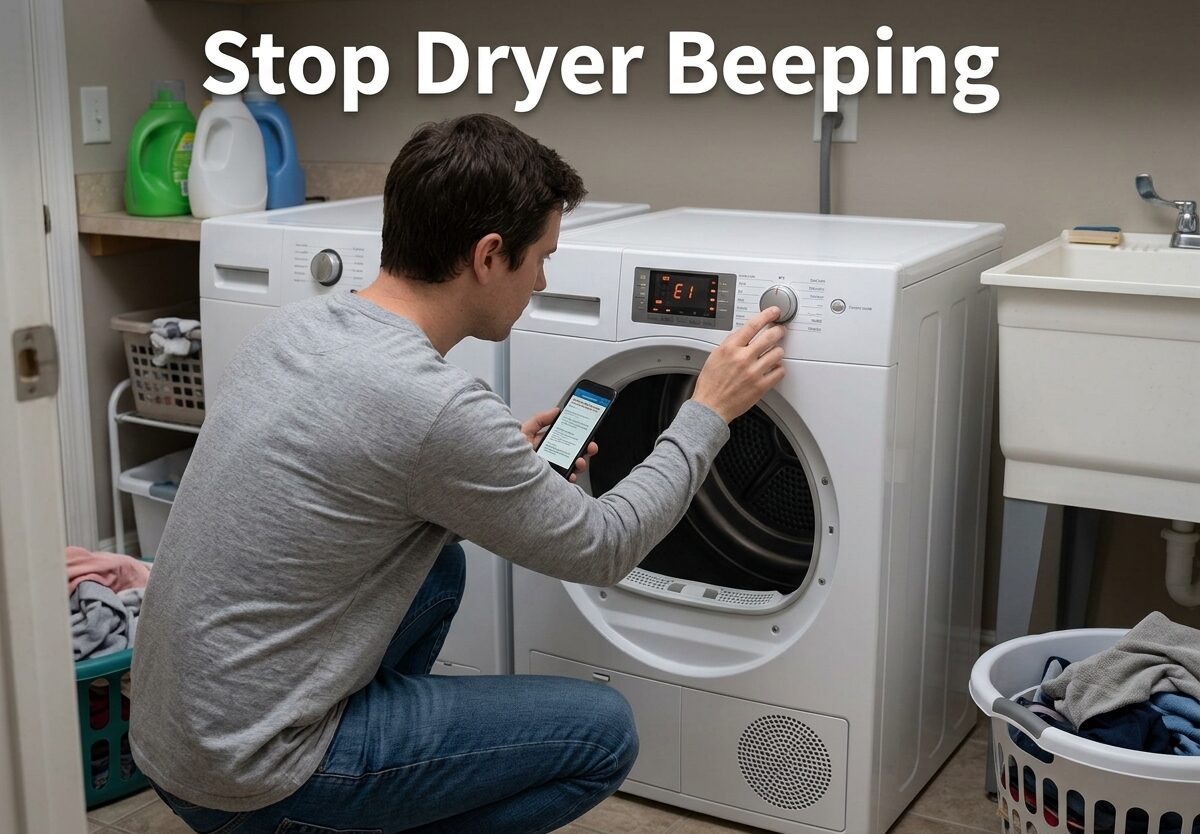
That relentless chime when your dryer finishes a cycle can turn a helpful appliance into an aggravating one. Whether you are dealing with late-night laundry sessions, a sleeping baby, or just prefer silence, learning how to stop dryer beeping is simpler than you might think. This guide covers every major brand and troubleshooting scenario so you can finally enjoy quiet laundry days.
How to Stop Dryer Beeping
Most dryers built in the last decade include a dedicated button to disable the end-of-cycle buzzer. The trick is knowing which button controls the sound and how long to hold it.
The Universal 3-Second Fix
For most dryer models, the solution involves holding a single button for three seconds. Locate the button labeled End Beep, Cycle Signal, Audio, or Delicate on your control panel. Press and hold this button for approximately three seconds. Your dryer will typically emit a beep to confirm the sound has been disabled or cycled to the next volume setting.
This method works across most major brands because manufacturers use similar control board logic. The button may be labeled differently depending on your model, but the function remains the same.
Volume Adjustment Options
Rather than turning the sound completely off, many dryers offer multiple volume settings. After holding the button, you may need to press it repeatedly to cycle through options: High, Medium, Low, and Off. Each press typically advances to the next setting with a confirmation tone.
If your dryer has a digital display, you might see the current setting indicated there. Some models will show “OFF” or display a muted speaker icon when the buzzer is disabled.
Understanding the Damp Beep Feature
Beyond the standard end-of-cycle alert, many dryers include a Damp Beep or Damp Alert feature. This separate setting alerts you when clothes reach a damp-dry state, useful if you want to remove items that benefit from air drying.
The Damp Beep operates independently from the main cycle signal. Disabling the end-of-cycle buzzer does not automatically turn off the damp alert. If you want to silence both sounds, you may need to adjust two separate settings.
How to Turn Off Dryer Buzzer by Brand
While the three-second hold method works universally, button placement and labeling vary by manufacturer. Here is how to disable the buzzer on dryers from the five most common brands.
Maytag
On Maytag dryers, locate the Delicate button on the control panel. Press and hold this button for three seconds. Your dryer will beep to confirm the end-of-cycle sound has been switched off. If your model has an End Beep button instead, use that same three-second hold method.
Whirlpool
Whirlpool dryers typically use the End Beep or Cycle Signal button for sound control. Touch and hold this button for approximately three seconds to cycle through volume settings or turn the sound off entirely. Some Whirlpool models label this button as Audio Level.
GE (General Electric)
GE dryer models usually feature a Damp Alert or End of Cycle Signal button. Hold this button for three seconds to disable the buzzer. Some GE dryers require you to press and hold the Cycle Signal button located near the timer dial.
LG
LG dryers often use a Silent or Mute button, typically marked with a speaker icon. Press and hold for three seconds to toggle the sound settings. If your LG model lacks a dedicated mute button, check for a Cycle Signal or End Beep button.
Samsung
Samsung dryers frequently include a My Cycle or Time Signal button for sound control. Hold the button for three seconds to turn off the buzzer. Some Samsung models require you to access the sound settings through the display menu.
Troubleshooting: Why Your Dryer Keeps Beeping
Sometimes the standard fix does not work, or the beeping starts again after you thought you silenced it. Here is how to handle common troubleshooting scenarios.
The Dryer Still Beeps After Disabling
If you followed the disable steps but the dryer continues beeping, you may have adjusted the wrong setting. Some dryers have separate controls for end-of-cycle sound and damp alerts. Check your user manual for specific button functions.
Power resets can also restore default settings on some dryer models. If your dryer was unplugged or experienced a power outage, the buzzer setting may have reverted to the factory default. Simply repeat the three-second hold method after power is restored.
Dryer Beeping Mid-Cycle
Beeping that occurs while the dryer is still running typically indicates a different issue than end-of-cycle alerts. This can signal a problem with the door switch, thermostat, or moisture sensor. Open the dryer door to see if the beeping stops.
Some dryers beep mid-cycle to indicate wrinkles have been detected in certain modes. Check your specific cycle settings to see if this feature is enabled.
Constant Beeping When the Dryer Is Off
A dryer that beeps continuously without being in use often has a faulty component requiring professional attention. Common causes include a malfunctioning control board, a stuck thermostat, or a shorted moisture sensor.
If unplugging the dryer and letting it rest for several minutes does not stop the beeping, contact a qualified appliance technician. Attempting to repair electrical components without proper training can be dangerous.
Understanding Beep Patterns
Certain beep patterns indicate specific issues rather than simple end-of-cycle notifications. Three beeps, for example, sometimes signal an error code that requires attention. Repeated rapid beeps often indicate a problem with the moisture sensor or heating element.
Consult your dryer manual for the specific error code patterns for your model. If you no longer have the manual, search for your dryer model number online to access digital documentation.
When to Call a Professional
While most buzzer issues resolve with simple button adjustments, persistent beeping can indicate serious problems. Call a technician if your dryer beeps constantly despite being off, emits burning smells while beeping, fails to start but beeps, or shows error codes you cannot clear.
Faulty door switches, damaged control boards, and malfunctioning thermostats require professional diagnosis and repair. Attempting do-it-yourself repairs on these components can be unsafe.
FAQs
How to make a dryer stop beeping?
Press and hold the End Beep, Cycle Signal, Audio, or Delicate button for three seconds. Your dryer will emit a confirmation beep when the sound is disabled. If your model has multiple volume settings, you may need to press the button repeatedly to cycle through Low, Medium, High, and Off options.
How do I disable the buzzer on my dryer?
Locate the sound control button on your dryer panel (commonly labeled End Beep, Cycle Signal, Audio, or Delicate). Hold the button for approximately three seconds until you hear a confirmation tone. The exact button name varies by brand: Maytag uses Delicate, Whirlpool uses End Beep or Cycle Signal, GE uses Damp Alert or End of Cycle Signal.
Why is my dryer beeping constantly?
Constant beeping when the dryer is not in use typically indicates a faulty component such as a malfunctioning control board, stuck thermostat, or shorted moisture sensor. It may also mean the dryer is stuck in a diagnostic mode. Unplug the dryer for several minutes to reset. If the beeping continues when it is off, contact a professional appliance technician.
How do I manually reset my dryer?
Unplug the dryer from the electrical outlet and wait at least 60 seconds. This allows the control board to fully discharge and reset. Reconnect the power and try your normal operations. Note that a manual reset may restore factory default settings including sound preferences, so you may need to disable the buzzer again using the three-second hold method.
Conclusion
Learning how to stop dryer beeping takes just seconds once you know the right button to press. The universal three-second hold on the End Beep, Cycle Signal, Audio, or Delicate button works for most major brands.
If the standard method fails, check for separate damp alert settings or power resets that may have restored default sounds. Persistent beeping unrelated to cycle completion may indicate a faulty component requiring professional service.
With these solutions, you can finally enjoy peaceful laundry days without that relentless end-of-cycle chime.





Leave a Comment