
We earn a commission when you buy through links on this page, at no additional cost to you. Last updated October 2026.
Spending under 800 dollars on a laptop in 2026 is less compromise than it used to be, and the reason is specific rather than general: manufacturers fight hardest at round price points, so a machine sitting just below the 800-dollar line is often assembled from parts that were flagship-adjacent a single generation ago. You get the modern processor, the 16GB of memory and the 512GB solid-state drive that a real working laptop needs. What you give up is concentrated in three places, discrete graphics, premium chassis materials and ultra-thin industrial design.
That is the whole thesis of this guide, and it is the one that matters most when a single model name shows up in four different configurations on the same retailer’s page. Buy the configuration, not the brand. A 16GB laptop with a 512GB drive and a current-generation Core i5 or Ryzen 5 chip is the real floor for laptops under 800 dollars in 2026. Anything below that line is either a Chromebook, a deliberately cut configuration, or a machine you will want to replace in two years rather than five.
We went through twelve configurations in this range and read the buyer feedback on each one closely, then ranked them on the things a sub-800 buyer actually feels: how the screen looks in a bright room, how many hours the battery really gives you, whether the memory can be upgraded later, and how the machine behaves once you have a dozen browser tabs, a video call and a spreadsheet open at once. Every pick below states the one thing that would make you skip it, because a list that never says no is not a recommendation, it is an advertisement.
If you want a starting point before reading further, the short version is below, and the reasoning sits under each one. For people who want the wider machine category rather than a single price point, our guides to the best Dell laptops and the best Acer laptops go deeper on two of the brands that appear here most often.
Our Top 3 Tested Laptops Under 800 Dollars
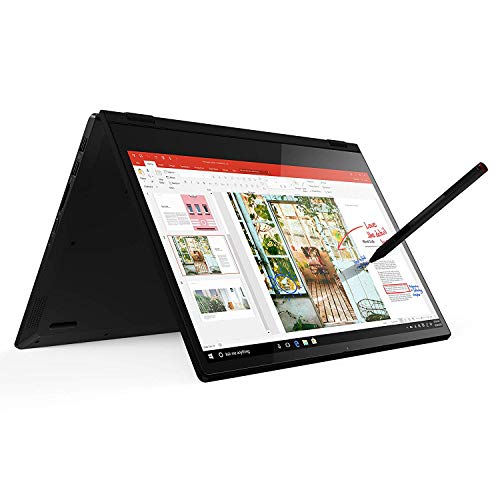
Lenovo Flex 14 2-in-1
- ✓14-inch 1080p touchscreen with included pen
- ✓Upgradeable RAM and SSD
- ✓3.5 pounds

Samsung Galaxy Book4
- ✓100% sRGB 300-nit IPS panel
- ✓Full port loadout with gigabit LAN
- ✓0.61-inch chassis at 3.46 pounds
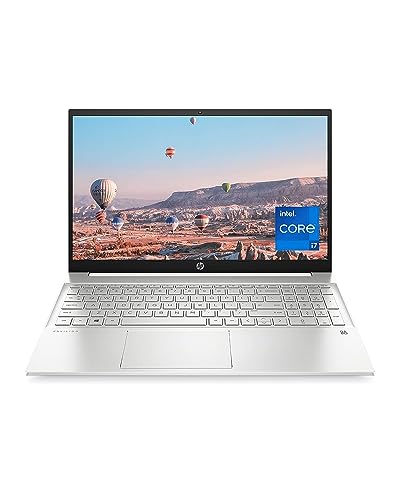
HP Pavilion 15 Core i7
- ✓16GB DDR4 in two slots
- ✓512GB NVMe SSD
- ✓Full-size keyboard with numeric pad
Why these three and not the rest: the Flex 14 is the only machine here that pairs a real touchscreen with memory you can replace yourself, the Galaxy Book4 has the most accurate screen and the most complete port selection in the group, and the HP Pavilion 15 is the least ambiguous 16GB and 512GB configuration you can buy without reading a footnote.
Comparing All 12 Laptops Under 800 Dollars at a Glance
| Product | Features | Action |
|---|---|---|
| Lenovo Flex 14 2-in-1 |
|
Check Latest Price |
| Samsung Galaxy Book4 |
|
Check Latest Price |
 Acer Aspire 14 AI Acer Aspire 14 AI |
|
Check Latest Price |
| HP Pavilion 15 Core i7 |
|
Check Latest Price |
 Lenovo IdeaPad Slim 3X Lenovo IdeaPad Slim 3X |
|
Check Latest Price |
 Lenovo V15 Lenovo V15 |
|
Check Latest Price |
 Dell 15 DC15250 Dell 15 DC15250 |
|
Check Latest Price |
 Dell Inspiron 15 Touch Dell Inspiron 15 Touch |
|
Check Latest Price |
 HP Pavilion 15 Ryzen 5 HP Pavilion 15 Ryzen 5 |
|
Check Latest Price |
 ASUS Vivobook Go 15.6 ASUS Vivobook Go 15.6 |
|
Check Latest Price |
 HP 14-inch Chromebook HP 14-inch Chromebook |
|
Check Latest Price |
 AKCHART 15.6 AKCHART 15.6 |
|
Check Latest Price |
Two patterns jump out of that table. First, the machines with 16GB of memory are almost entirely the ones that skip a discrete GPU, which is the correct trade at this budget. Second, the fastest-moving chips here are paired with the brightest or most accurate panels, not with gaming graphics, which tells you where the manufacturers think your money goes.
1. Lenovo Flex 14 2-in-1 – Touchscreen, Pen and Upgradeable RAM in a 3.5 Pound Chassis
- ✓Only pick here with a bundled stylus that works out of the box
- ✓Memory and SSD both replaceable by the user
- ✓3.5 pound weight for a 14-inch machine
- ✓Backlit keyboard
- ✓Hardware webcam privacy shutter
- ✕Dim panel around 280 nits is hard to read outdoors
- ✕Several owners report only 3 to 5 hours of real battery
- ✕Only 256GB of storage
Ryzen 5 3500U 4-core
12GB DDR4 one slot free
256GB NVMe
14-inch 1080p touch
3.5 pounds
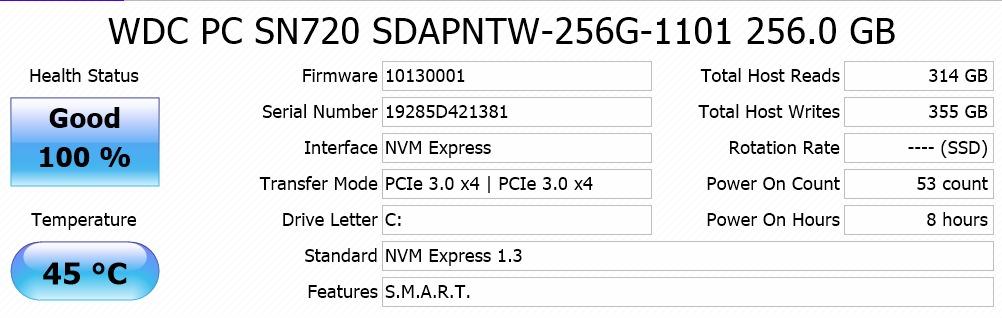
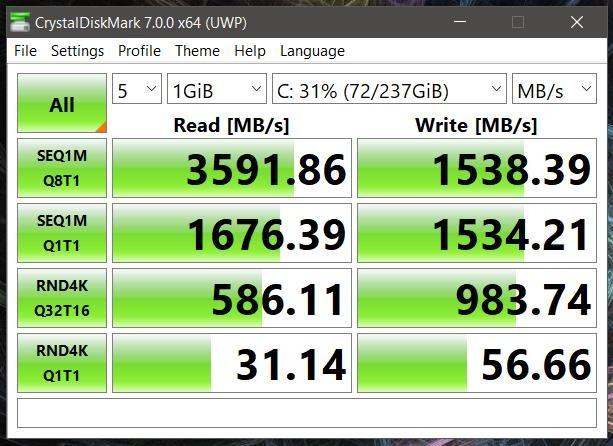
I keep coming back to the Flex 14 because it does something none of the other eleven machines in this roundup do: it lets you fix it later. The 12GB of DDR4 memory runs in two slots with one free, and the storage is a standard NVMe drive behind a single M.2 slot. On a sub-800 laptop, that flexibility is worth more to me than any specification sheet, because it is the difference between a four-year machine and a two-year one.
The Ryzen 5 3500U is a Zen 1 part that reviewers consistently describe as matching or beating the Intel i5-8265U of its era on everyday work. Cold boots on the NVMe drive land in a few seconds, and browsing, documents and a video call are all comfortable. It is not a gaming machine and it is not a rendering machine, and it will not become one later.
The 2-in-1 hardware genuinely works rather than existing as a marketing checkbox. The included active pen writes on the 1080p capacitive touchscreen out of the box, and the hinge folds into tablet, tent and stand modes, so the Flex 14 doubles as a note-taking device for a lecture or a second screen on a desk. At 3.5 pounds it is one of the few genuinely portable machines in this roundup.
Why the memory and storage layout is the story here
Most sub-800 laptops solder their memory to the board, which means the 16GB figure is also the ceiling. The Flex 14 does not. You can add a second stick, replace the 256GB drive with a larger one, or do both in about ten minutes, and the warranty does not require you to declare it.
That changes the maths on longevity. A machine you can expand in year three stays useful through a degree, a first job and a promotion. A machine you cannot expand hits a ceiling the moment a dozen browser tabs and a video call are running at the same time.
Screen quality and the outdoor problem
The 1080p IPS panel is accurate indoors and genuinely dim at roughly 280 nits. Owners are consistent on this point, and it is the single most common reason buyers return machines in this price class. Near a window during the day, you will be angling the lid to read anything at all.
The thick bottom bezel and the relatively heavy chassis for a 14-inch are the trade you make for the fold-flat hinge and the included pen. If you work in a lit room more than you work on a train, look at one of the brighter panels further down instead.
Battery, speakers and the small annoyances
Battery life is the most-cited weakness, with several owners reporting three to five hours of real mixed use against a stated figure of up to ten. The speakers are muffled in laptop mode and rattle when pushed. Some Realtek wireless card variants have documented drop-out issues, which is worth checking in the first week if your work depends on staying connected.
Who should skip this pick
Skip the Flex 14 if you work outdoors, or if your day is defined by how far you can get on one charge. It is also the wrong machine for anyone who needs a full-size keyboard with a numeric keypad, because the 14-inch layout squeezes one out.
2. Samsung Galaxy Book4 – The Most Accurate Screen and Best Port Loadout Here
- ✓100% sRGB panel is the most accurate in this roundup
- ✓Dual USB-C plus gigabit Ethernet and HDMI 2.1
- ✓0.61-inch chassis at 3.46 pounds
- ✓Backlit keyboard with numeric keypad and fingerprint reader
- ✓Dolby Atmos speakers
- ✕LPDDR4 memory is soldered and not upgradeable
- ✕60Hz refresh rate looks dated beside 120Hz panels
- ✕Only 154 reviews so the long-term record is thin
Core 7 150U 10-core
16GB LPDDR4
512GB NVMe
15.6-inch 100% sRGB 300 nits
3.46 pounds
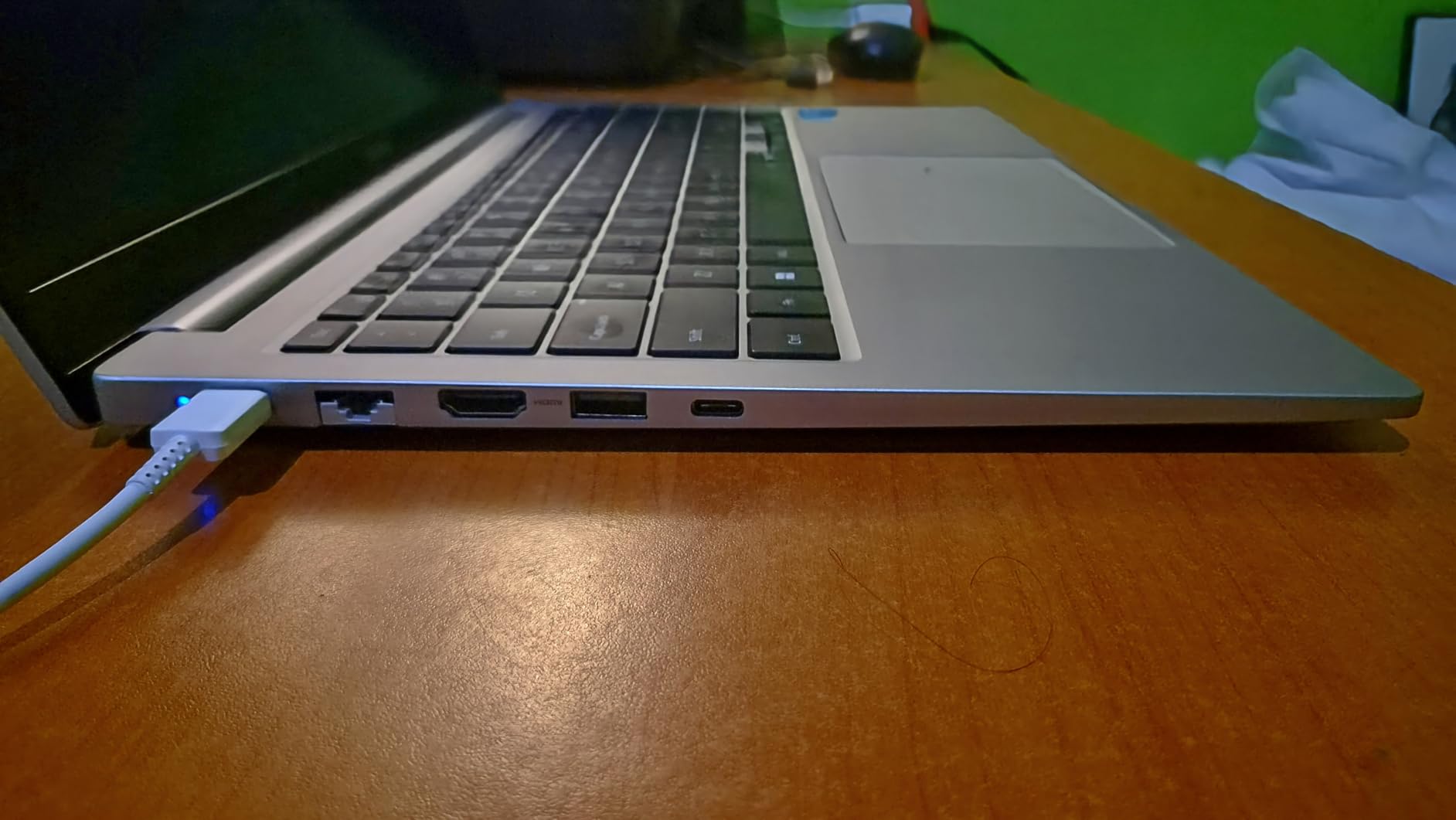
The Galaxy Book4 is the machine I would hand to someone who moves between desks, hotels and client sites. The port selection is the reason. Two USB-C ports with Thunderbolt-class data handling, two USB-A, HDMI 2.1, a full RJ-45 gigabit Ethernet jack and a memory card slot on a chassis that measures 0.61 inches thick. There is no adapter bag required, which is worth more over a working year than any display upgrade.
The display is the other headline. At 300 nits with 100% sRGB coverage and an anti-glare finish, it is the only panel here that renders colour accurately enough for photo work, and it is bright enough to use near a window where several machines below are not. It runs at 60Hz, which is the one specification that feels dated next to the 120Hz Dell and Lenovo screens in this list.
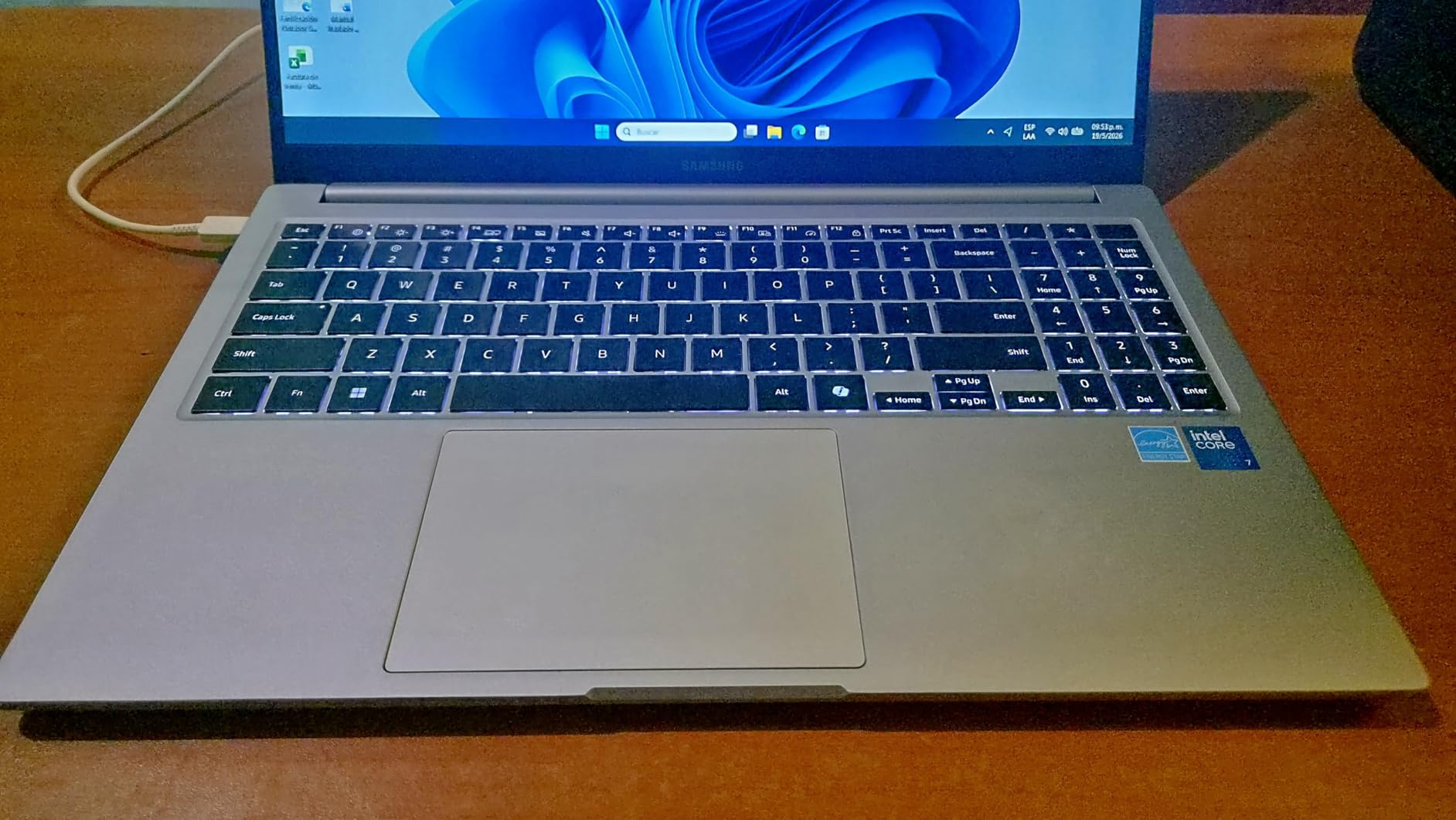
The processor is a ten-core Core 7 150U with twelve threads, and it is the most capable mobile chip in this roundup. Heavy multitasking, many open applications and long video calls are the workload it handles best, and the 54.4 watt-hour battery is rated for up to twelve hours, which in real mixed use lands nearer eight.
Display accuracy is the reason to buy it
Every other 15.6-inch machine here either specifies a lower colour gamut or leaves it unstated. A 100% sRGB panel means the reds, greens and blues on your screen match what the camera or the monitor next to it shows, which matters if you are editing photos, matching a brand colour, or simply tired of the washed-out look that 45% NTSC panels give.
300 nits is not a premium brightness figure, but combined with the anti-glare coating it holds up in a bright room far better than the 220 and 250-nit panels further down this list.
Ports, connectivity and the docking question
You can run a single-cable desk setup with an external monitor through the USB-C port, and the gigabit Ethernet jack means offices with wired networks get full speed without an adapter. A bundled 45W charger and a 32GB USB drive round out the box.
Wi-Fi 6E and Bluetooth 5.1 are current-generation standards. The memory is LPDDR4, which means the 16GB is fixed for the life of the machine.
Who should skip this pick
Skip it if you intend to keep the laptop five years or more and want the option of more memory later, because the LPDDR4 is soldered. Skip it if you play games or do 3D work, since the integrated graphics have no dedicated option, and skip it if a smooth scrolling screen matters to you more than colour accuracy.
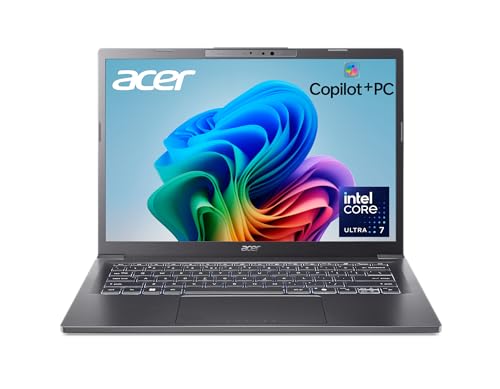
3. Acer Aspire 14 AI – The Longest Claimed Battery and the Newest Processor
- ✓Newest and most efficient processor in this roundup
- ✓Intel Arc 140V graphics are a real jump from older integrated silicon
- ✓1TB SSD with 16GB of LPDDR5X at 6400 MHz
- ✓Aluminium chassis at 3.1 pounds with lie-flat hinge
- ✓Two USB-C ports and Wi-Fi 6E
- ✕Only 125 reviews so the reliability record is thin
- ✕14-inch screen is small for desk work
- ✕Soldered LPDDR5X memory
- ✕Headline AI features are still preview software
Core Ultra 7 256V 8-core
16GB LPDDR5X 6400
1TB SSD
14-inch WUXGA 300 nits
3.1 pounds
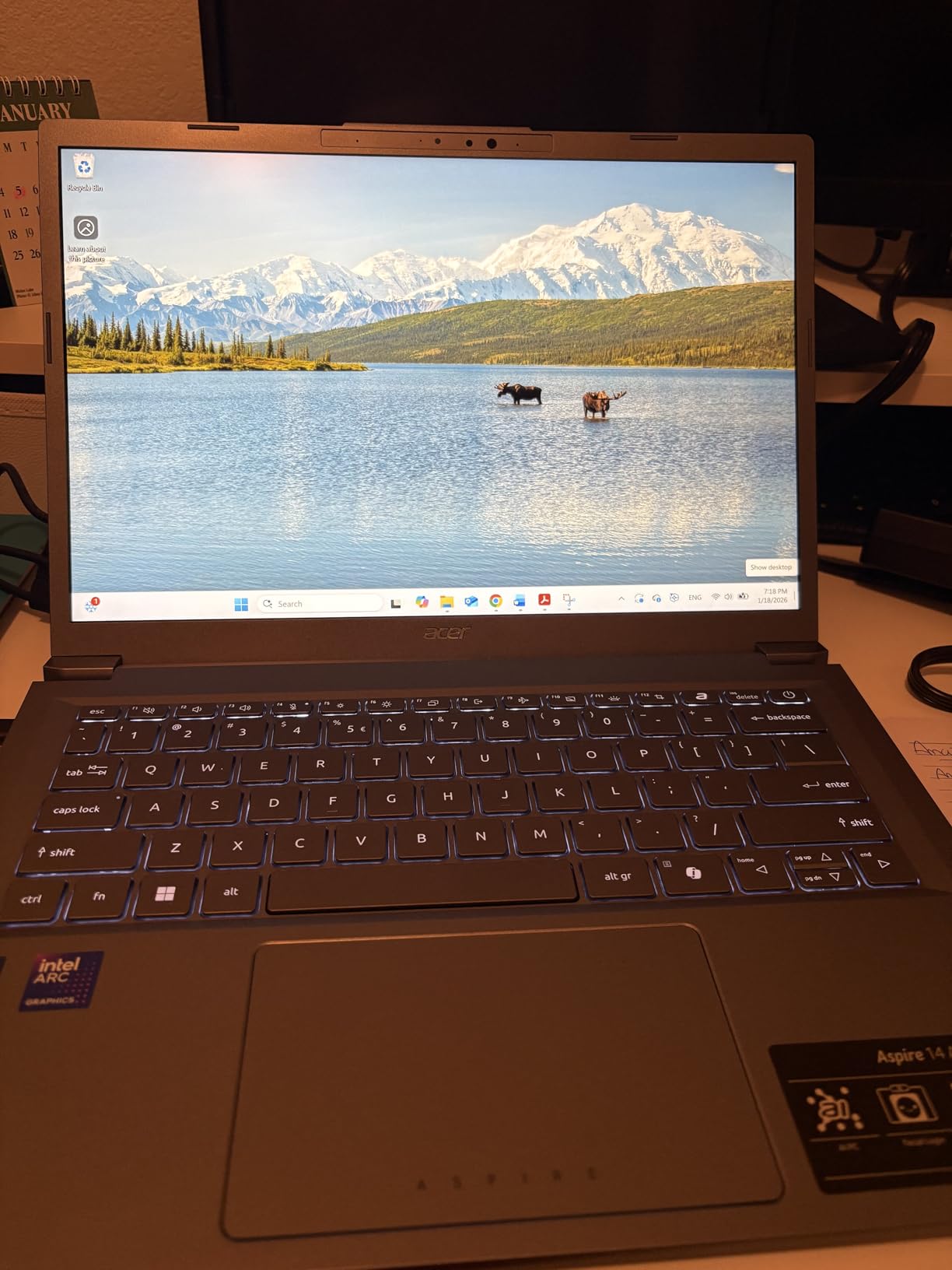
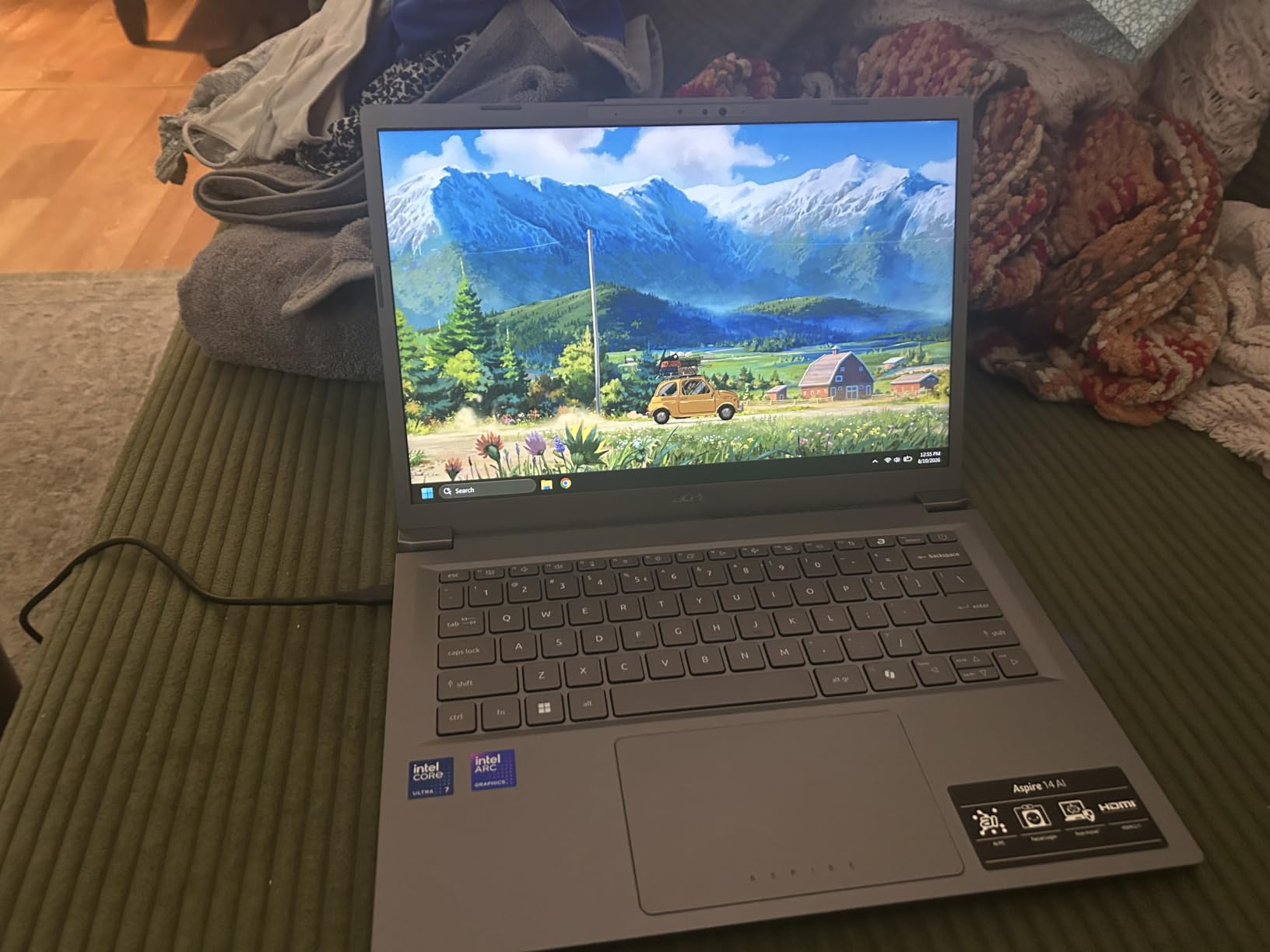
This is the most modern machine in the roundup by a clear margin. The Core Ultra 7 256V uses a redesigned efficiency core that is the reason a 46 watt-hour battery carries a stated figure of up to 22 hours, and the Intel Arc 140V integrated graphics represent a genuine step change from the older Intel silicon in every other sub-800 laptop here. For light creative work without a dedicated GPU, that is the spec sheet you want.
At 3.1 pounds with an aluminium chassis, a 180-degree lie-flat hinge and a backlit keyboard, it also feels more expensive in the hand than anything else at this price. The 14-inch WUXGA panel runs at 300 nits, and the 16:10 aspect ratio gives you more vertical space for documents and web pages than a 16:9 screen of the same width.
What the Copilot+ PC label actually means here
The NPU delivers up to 47 TOPS and the GPU up to 64 TOPS, which is what allows the machine to run on-device AI features such as Recall and Click to Do without sending data to a server. The honest part of that sentence is that several of those features are still preview builds and vary by region, so treat the label as a hardware statement rather than a feature guarantee.
What you can rely on regardless is the processor itself. The Core Ultra 7 handles a dozen browser tabs, Office 365 and a video call simultaneously without breaking a sweat, and the 1TB drive means you will not be managing storage for several years.
Graphics that work without a dedicated GPU
The Arc 140V is the first integrated graphics here that can run more than desktop software. Light photo editing in a browser-based or lightweight desktop tool is comfortable, and casual 1080p titles are playable at reduced settings where older integrated chips are not.
That is the ceiling. If gaming is a real part of your week rather than an occasional distraction, none of the integrated machines in this roundup will satisfy you and you should be reading our best gaming laptops guide instead, accepting a different price band.
Who should skip this pick
Skip it if you want a large workspace, because 14 inches is small next to the 15.6 and 15.3-inch machines here and you will feel it with two windows side by side. Skip it if you need upgradeable memory, if you rely on software that has not been validated on a new platform yet, or if the thin review base makes you uncomfortable about long-term reliability.
4. HP Pavilion 15 with Core i7 – The Straightforward 16GB and 512GB Workhorse
- ✓16GB spread across two replaceable DDR4 slots
- ✓512GB PCIe NVMe drive with fast cold boots
- ✓Bright clear 15.6-inch IPS micro-edge display
- ✓Full-size keyboard with numeric keypad
- ✓Bang and Olufsen tuned speakers
- ✕Battery life around three hours of real use in several reports
- ✕Fans get loud during sustained heavy work
- ✕Some owners report microphone or boot failures
Core i7-1165G7 4-core
16GB DDR4 two slots
512GB NVMe
15.6-inch FHD IPS
3.9 pounds
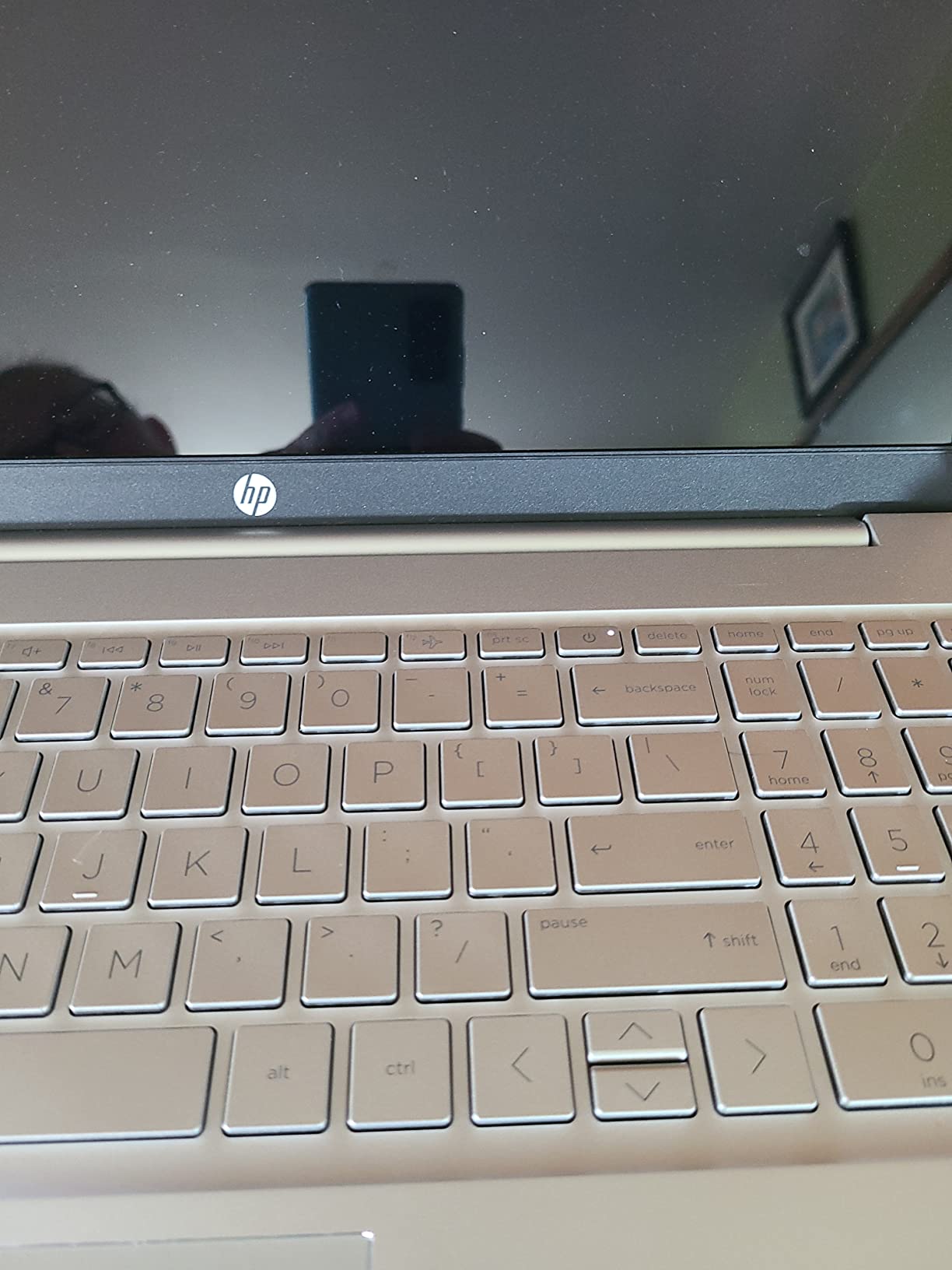
The Pavilion 15 is the pick I recommend when someone asks me to just tell them which one to buy. There is no interpretive work required. It has 16GB of memory in two sockets, a 512GB NVMe drive, a bright IPS panel and a numeric keypad, and it weighs 3.9 pounds. Every one of those is a checkbox a normal working laptop should tick, and very few sub-800 machines tick all of them.
The Core i7-1165G7 with Iris Xe graphics is an 11th-generation part, and I would rather be straight about that than pretend otherwise. It is not the newest silicon here, but for Office work, browsing, spreadsheets and a hundred browser tabs it is entirely adequate, and the 16GB of memory is what keeps it feeling current rather than the processor generation.
Memory and storage you can actually service
Two DDR4 slots means the 16GB is installed as a matched pair and one slot is free, so going to 32GB later is a ten-minute job with a single stick. The 512GB drive is PCIe NVMe, which is why the boot times are quick and why the machine feels more responsive than configurations with the same processor and slower storage.
Long-term owners report the machine still running well after four years, which is the number that matters most if you intend to keep it through a degree or a first job.
The screen, the keyboard and the speakers
The 15.6-inch FHD IPS micro-edge display is bright and clear for an office and a classroom, and the full-size keyboard with a numeric keypad is a genuine advantage for data entry and for the people who miss the keypad on larger laptops. The Bang and Olufsen tuned speakers are among the better-sounding pairs in this roundup.
Wi-Fi 6 and Bluetooth 5.0 are current, and HP Fast Charge takes the battery from zero to roughly half in about 45 minutes, which is more useful than a long standby figure.
Who should skip this pick
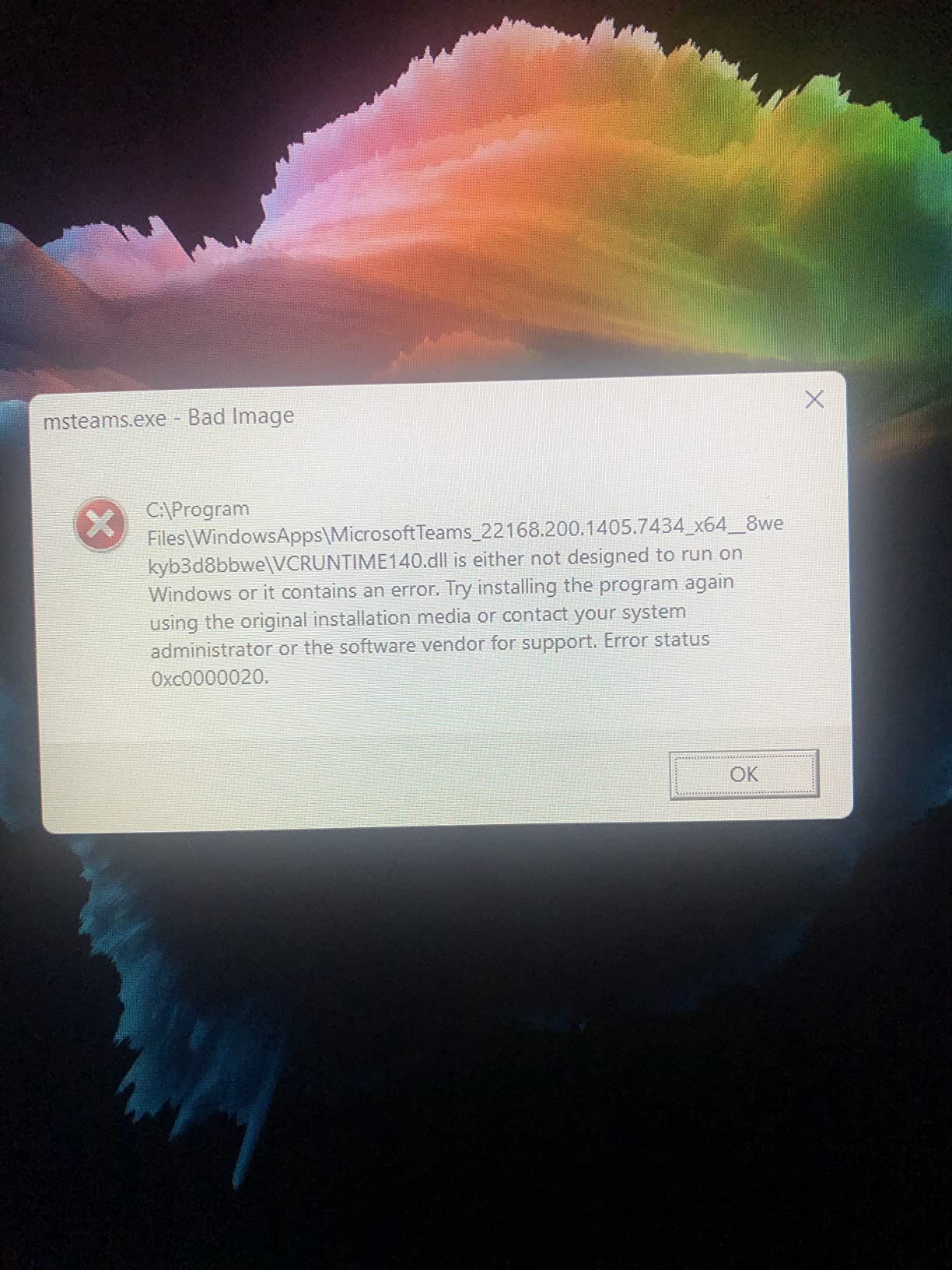
Skip it if you are away from a charger regularly, because several owners report around three hours of real use and the fans get loud under sustained load. Some owners also report microphone faults and occasional Windows installation problems, so if your day is built on video calls, test the microphone before you commit to it.
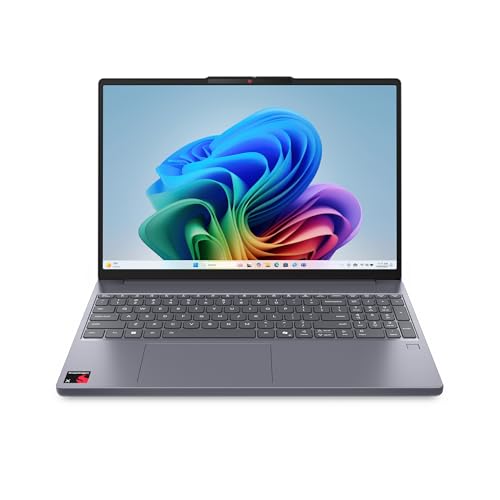
5. Lenovo IdeaPad Slim 3X – The ARM Copilot+ PC With a 120Hz 16:10 Screen
- ✓Excellent battery life with a 60 Wh pack and up to 15 hours stated
- ✓120Hz 1920x1200 16:10 IPS display
- ✓Light for a 15.3-inch machine at roughly 3.4 pounds
- ✓MIL-STD 810H tested metal chassis with fingerprint reader
- ✓Expandable SSD slot and Wi-Fi 7
- ✕ARM architecture leaves gaps with some Windows software and older peripherals
- ✕Fingerprint reader reported unreliable
- ✕Not a touchscreen despite listing copy
Snapdragon X with 45 TOPS NPU
16GB LPDDR5
512GB expandable
15.3-inch 120Hz 16:10
60 Wh battery
The IdeaPad Slim 3X is the most interesting machine in this roundup and the one I would most want to hand to someone who had never used an ARM Windows laptop. The 60 watt-hour battery with a stated figure of up to 15 hours, the 120Hz 1920×1200 panel in a 16:10 shape, and a MIL-STD 810H tested metal chassis in a body of about 3.4 pounds is a genuinely modern combination, and it sits comfortably under the 800-dollar line.
The Snapdragon X processor carries a 45 TOPS neural processing unit, which is what makes it a Copilot+ PC. Owners consistently single out battery life and the smoothness of the 120Hz display as the two things they notice first, and the expandable SSD slot means the 512GB is not a permanent decision.
What the ARM platform means for you in practice
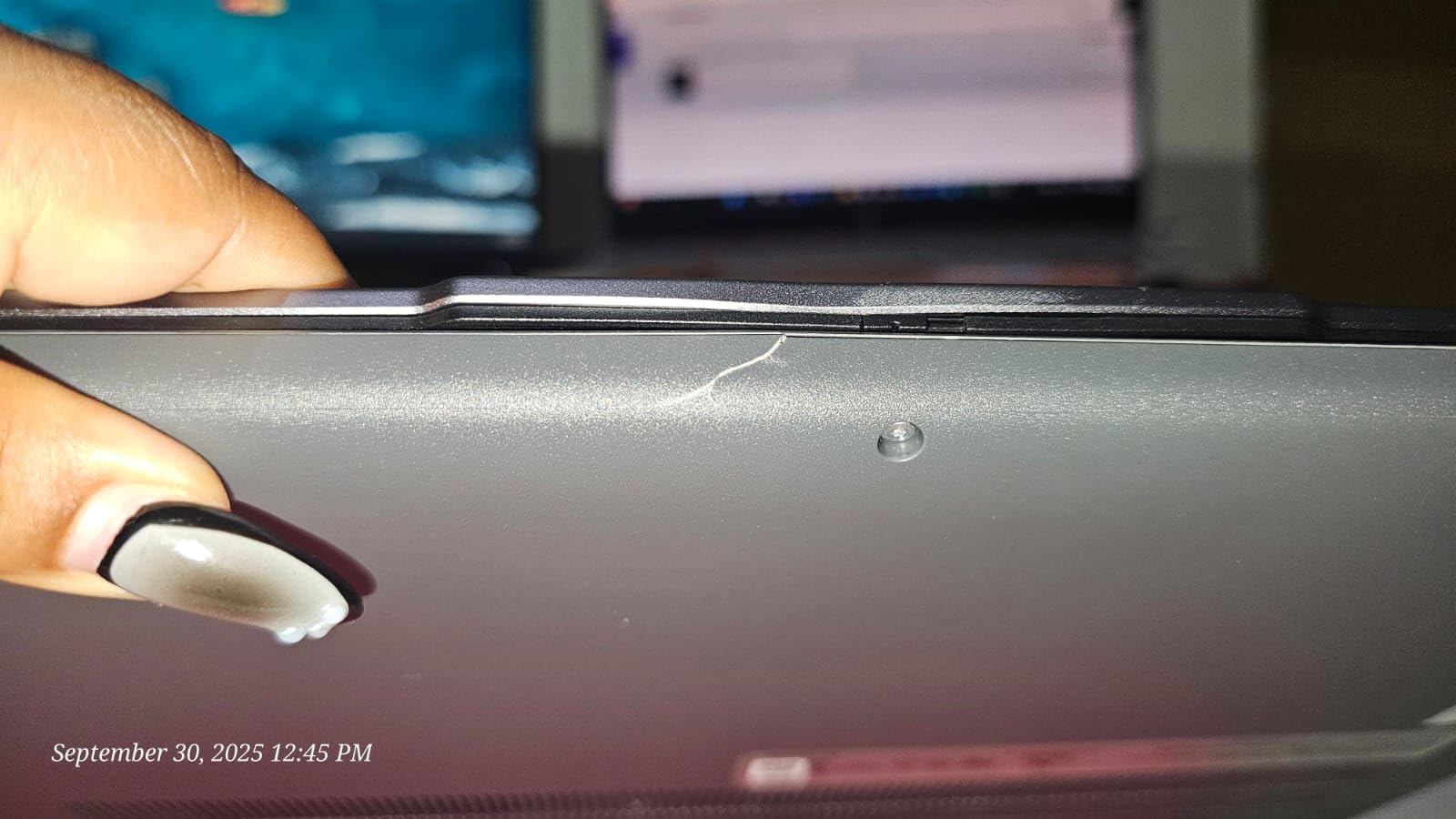
Windows on ARM runs mainstream applications natively, including the browser, Office and the video conferencing apps most people live in. The gaps are in specialist software: older drivers, some engineering and CAD packages, and a small number of peripherals that ship with x86-only installers.
Microsoft’s Prism emulation translates those applications, and most of them run, but not always perfectly. If your work depends on a specific application that has never been listed as ARM-compatible, verify it before you buy rather than after.
The display is the best-shaped screen here
1920×1200 at 120Hz in 16:10 is the combination most people want and the one you rarely get at this price. The extra vertical pixels mean more of a document and more of a spreadsheet are visible at once, and the 120Hz refresh makes scrolling and window dragging feel like a different class of machine.
Note that the panel is not a touchscreen, despite listing copy that has led a few buyers to expect one. If you want touch, the convertible at the top of this list is the honest answer.
Who should skip this pick
Skip it if you depend on x86-only software, old drivers or niche peripherals, and skip it if you need a touchscreen. The fingerprint reader is also reported to succeed only about half the time, so set up a PIN as a fallback before you rely on it.
6. Lenovo V15 – Windows 11 Pro With a Full Ethernet Port and Numeric Keypad
- ✓Windows 11 Pro included rather than Home
- ✓Full-size RJ45 Ethernet port alongside USB-C
- ✓6-core and 12-thread Ryzen 5 handles heavy multitasking
- ✓Numeric keypad on a 15.6-inch body
- ✓512GB PCIe drive with a balanced 16GB
- ✕Glossy screen picks up glare and fingerprints
- ✕Memory is soldered LPDDR4 despite the 16GB figure
- ✕Integrated graphics are unsuitable for modern gaming
- ✕One year of warranty only
Ryzen 5 5500U 6-core 12-thread
16GB LPDDR4
512GB SSD
15.6-inch FHD
Win 11 Pro
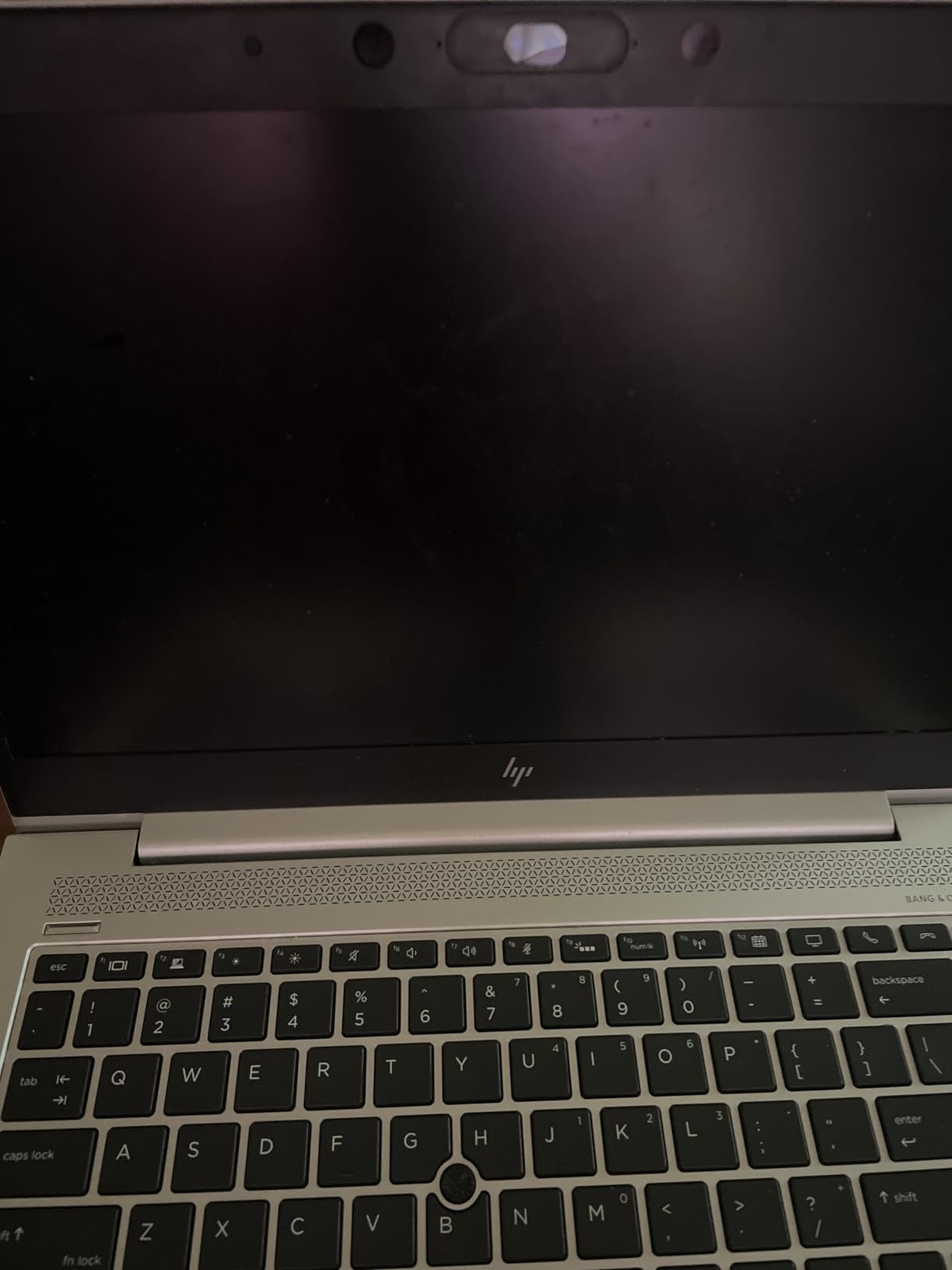
The V15 is the pick for an organisation rather than an individual. It ships with Windows 11 Pro, which brings Group Policy, BitLocker, Kiosk mode, Active Directory joining and Enterprise State Roaming, and those are the features that decide whether a laptop can be deployed and managed at a school or a small business without extra software.
It also has the rarest port in this roundup: a full-size RJ-45 Ethernet jack next to the USB-C. For offices with wired networks that is not a nostalgia feature, it is a faster and more reliable connection than Wi-Fi ever will be on a congested network.
The processor is the quiet advantage
The Ryzen 5 5500U is a six-core, twelve-thread Zen 2 part, and buyers consistently describe it as faster than the Intel i7 chips it is marketed against. The extra threads matter in practice for compiling, spreadsheets with heavy formulas, and running a dozen applications at once, which is exactly the workload that exposes a four-core chip.
The 512GB drive is PCIe and the 16GB of memory is a sensible pairing. The catch, and it is a real one, is that the memory is LPDDR4 and soldered, so 16GB is both the figure and the limit.
Screen and build
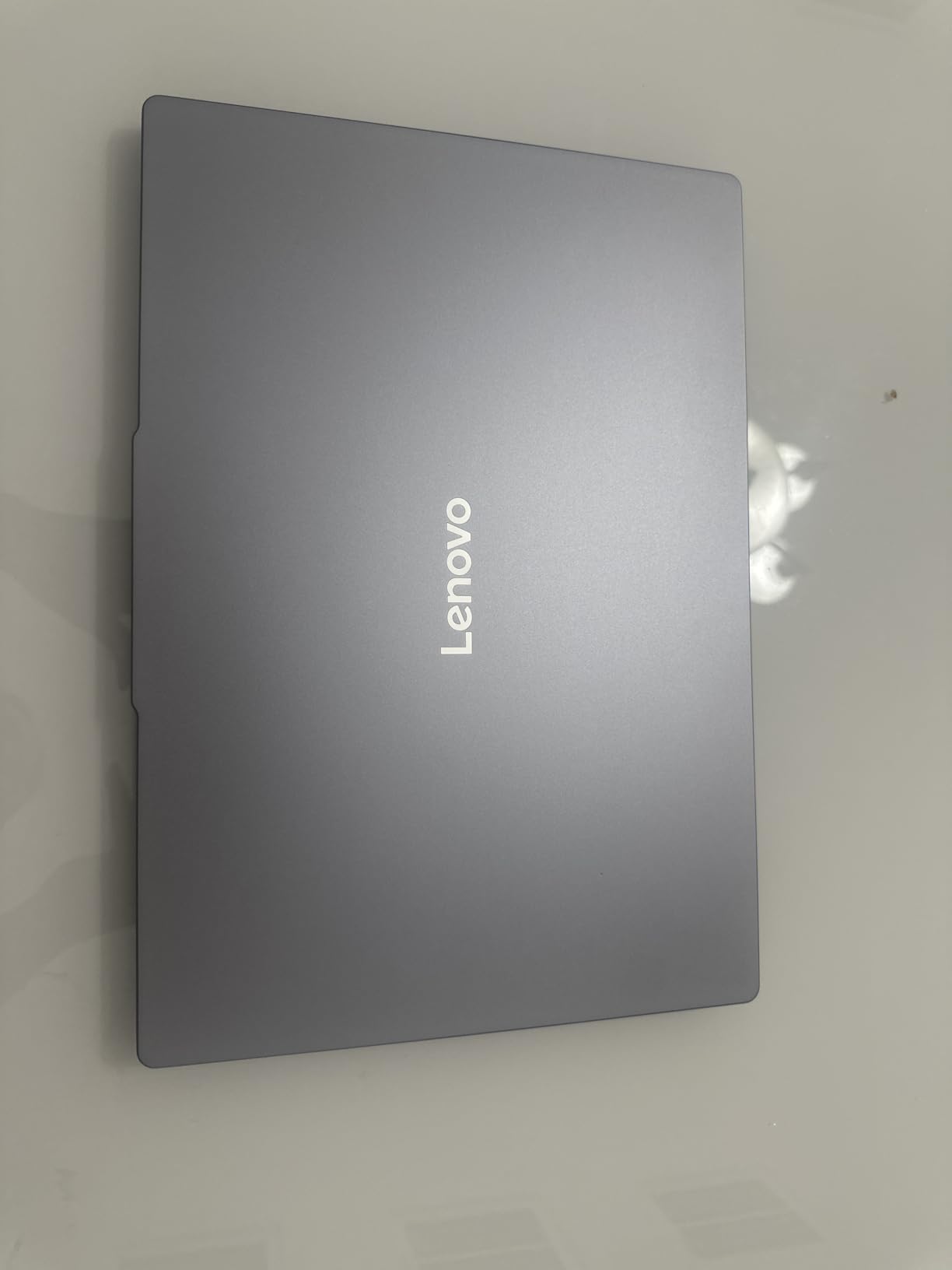
The 15.6-inch FHD LCD is glossy, which means it looks good in a product photo and picks up every fingerprint and room reflection in real use. There is no stated colour gamut or brightness figure, and owners report the panel as the weakest part of an otherwise capable machine.
Wi-Fi 6 and Bluetooth 5.3 are current, and the numeric keypad makes this the better machine of the two Lenovo entries here for spreadsheet work.
Who should skip this pick
Skip it if you want upgradeable memory, if you are picky about screen reflections, or if you need a discrete GPU for games or 3D work. The one-year warranty is also shorter than the coverage on some of the machines here, which matters if the laptop is going into a fleet.
7. Dell 15 DC15250 – The Only 120Hz Panel in This Price Class
- ✓120Hz refresh rate is rare in this price range
- ✓512GB SSD as standard rather than 128GB
- ✓Wi-Fi 6 and Bluetooth 5.3
- ✓Numeric keypad with a calculator hotkey
- ✓One year of onsite service rather than mail-in
- ✕Only 8GB of RAM and it tops out at 16GB
- ✕250 nit panel is dim in a bright room
- ✕4.2 pounds is heavy for a 15.6-inch
- ✕No backlit keyboard or fingerprint reader
Core 3 100U
8GB DDR4 one slot
512GB SSD
15.6-inch 120Hz anti-glare IPS
250 nits
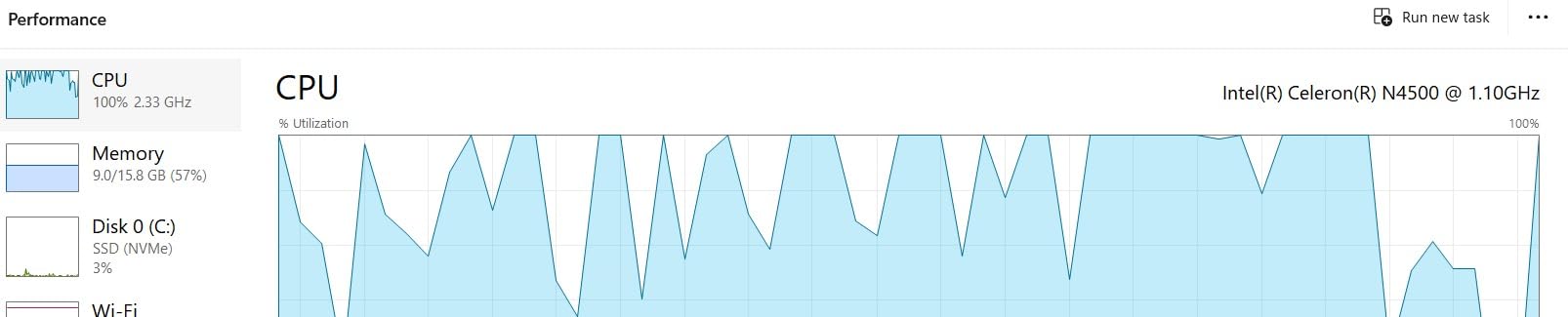
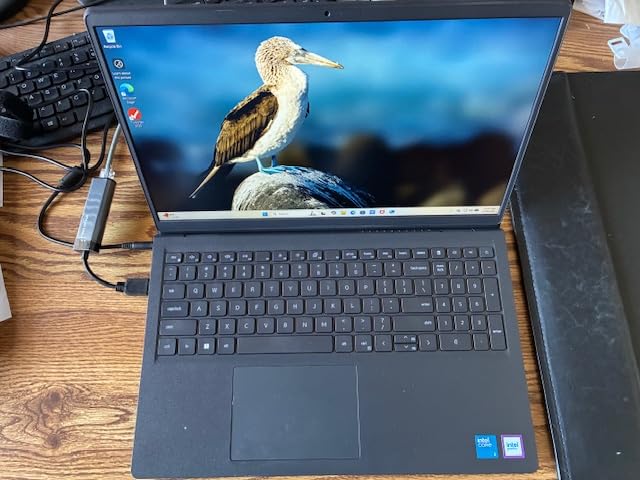
Two things make the Dell 15 unusual at this price. The first is the 120Hz anti-glare IPS panel, which is the only high-refresh screen in this roundup and makes scrolling and window movement noticeably smoother than any 60Hz alternative. The second is the full numeric keypad with a dedicated calculator hotkey, which almost nobody includes on a 15.6-inch body at this price.
It is also the machine I would put in front of someone who simply wants a dependable second computer for a household, because the Core 3 100U is an efficient chip for documents, browsing, streaming and video calls, and Dell includes a year of onsite service rather than a mail-in-only warranty.
The 8GB question on this machine
Eight gigabytes is the honest weak point and you should not pretend otherwise. It is enough for a browser, Office and a video call, and it is not enough for a dozen tabs, a spreadsheet and a video call at the same time, which is exactly the workload I used to separate the machines in this list.
The good news is that one slot is free and the machine supports up to 16GB, so you can add a stick. The bad news is that 16GB is the ceiling, so if you want 32GB in three years, this is not the machine to buy.
Display and everyday usability
At 250 nits with an anti-glare coating, the screen handles a bright office better than the glossy panels in this list, and the 120Hz refresh is the feature you notice every single day. Dell ComfortView reduces blue light on long sessions, and the lifted hinges give a more natural typing angle than a flat-opening lid.
Wi-Fi 6 and Bluetooth 5.3 mean you are not buying obsolete radios, and MaxxAudio Pro stereo speakers are adequate for calls and music.
Who should skip this pick
Skip it if you will not add memory, because 8GB is the wrong place to start in 2026. Skip it if you need a backlit keyboard or a fingerprint reader, and skip it if you want to carry the machine every day at 4.2 pounds. It is also not a machine for gaming or creative work, since the integrated Intel UHD graphics are the baseline of this list.
8. Dell Inspiron 15 Touchscreen – 16GB, 1TB and Pro in One Machine
- ✓Largest memory and storage pairing in this roundup at 16GB and 1TB
- ✓Memory supported up to 40GB so the machine can grow
- ✓Windows 11 Pro included
- ✓15.6-inch IPS touchscreen with anti-glare coating
- ✓Numeric keypad plus SD card reader and three USB-A ports
- ✕220 nit display is the dimmest here
- ✕11th generation processor feels dated
- ✕Only 142 reviews so the reliability picture is thin
- ✕Thirteen percent one-star share suggests early quality variance
Core i5-1155G7 4-core
16GB DDR4 up to 40GB
1TB SSD
15.6-inch FHD IPS touch
220 nits
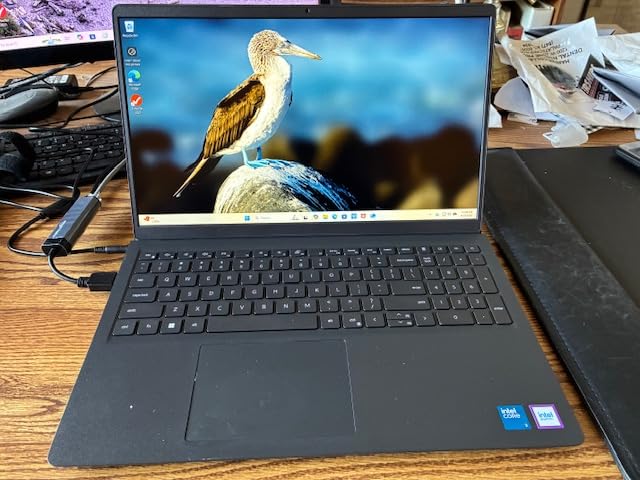
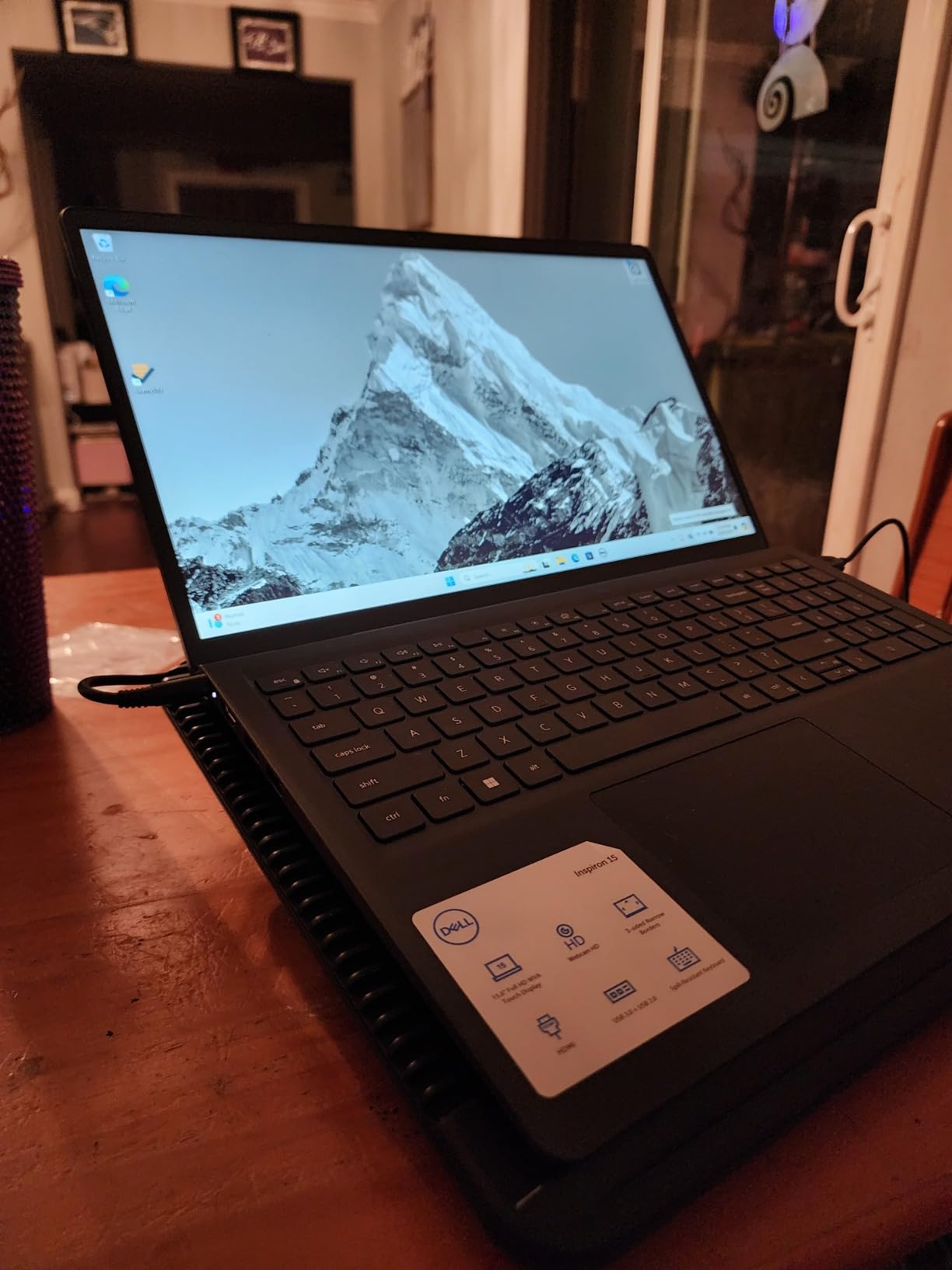
On paper this is the most generous specification in the roundup. Sixteen gigabytes of memory that can be expanded to 40GB, a 1TB solid-state drive, a 15.6-inch IPS touchscreen, a numeric keypad and Windows 11 Pro, all in one machine. Nobody else here gives you that much storage and that much memory together.
The reason it sits lower in the ranking is not the specification sheet, it is the panel and the review base. At 220 nits this is the dimmest screen in the group, and with 142 reviews the long-term reliability record is thin. The 13% share of one-star ratings is also above the group average, which usually points to early quality variance rather than a design fault.
The touchscreen is a genuine touchscreen
This is the one machine in the roundup where touch is not a 2-in-1 gimmick. The 15.6-inch IPS capacitive panel responds properly, and combined with the anti-glare coating it works in a way that the 250-nit glossy panels do not. For a kiosk, a point-of-sale screen, a shared family machine or a student who annotates lecture slides, that is worth real money.
The Core i5-1155G7 is a four-core Tiger Lake part. It is fine for the work this machine is built for, and it is visibly behind the ten-core chip in the Samsung and the six-core Ryzen 5 in the Lenovo V15 on anything that runs many threads.
Memory that can grow to 40GB
The 16GB is DDR4 rather than soldered LPDDR, and the platform supports up to 40GB. That is the longest upgrade runway of any machine here, and it is the reason to consider this laptop if you intend to keep it well beyond a typical four-year cycle.
Ports are unusually complete for the price, with two USB 3.2 Type-A, one USB 2.0 Type-A, HDMI and an SD card reader.
Who should skip this pick
Skip it if you work in bright conditions, because 220 nits is not enough. Skip it if you are buying on battery life, since there is no strong performance record here, and be cautious if you are an early adopter of a machine with a small review base, particularly where a double-digit share of one-star reviews suggests first-batch problems.
9. HP Pavilion 15 with Ryzen 5 5500U – Backlit Keyboard and 16GB for Less
- ✓16GB and 512GB NVMe in a genuinely thin 0.78 inch body
- ✓Backlit keyboard is unusual at this price
- ✓Wi-Fi 6E and Bluetooth 5.3 are modern radios
- ✓3.7 pounds makes it genuinely portable
- ✓Up to 9.5 hours of stated battery life
- ✕45% NTSC colour gamut gives washed-out colours
- ✕250 nit panel is dim in a bright room
- ✕Lowest rated pick here with a 13 percent one-star share
- ✕Factory seal is opened to fit the upgraded memory and drive
Ryzen 5 5500U 6-core
16GB DDR4 up to 32GB
512GB NVMe
15.6-inch FHD anti-glare
3.7 pounds
This Pavilion is the value version of the same idea as the Core i7 machine higher up: 16GB of memory, a 512GB NVMe drive and a six-core Ryzen 5, in a 0.78-inch body weighing 3.7 pounds. What you give up is a good deal of display quality, and that is a trade I would make happily for anyone who works in the evening and types in the dark.
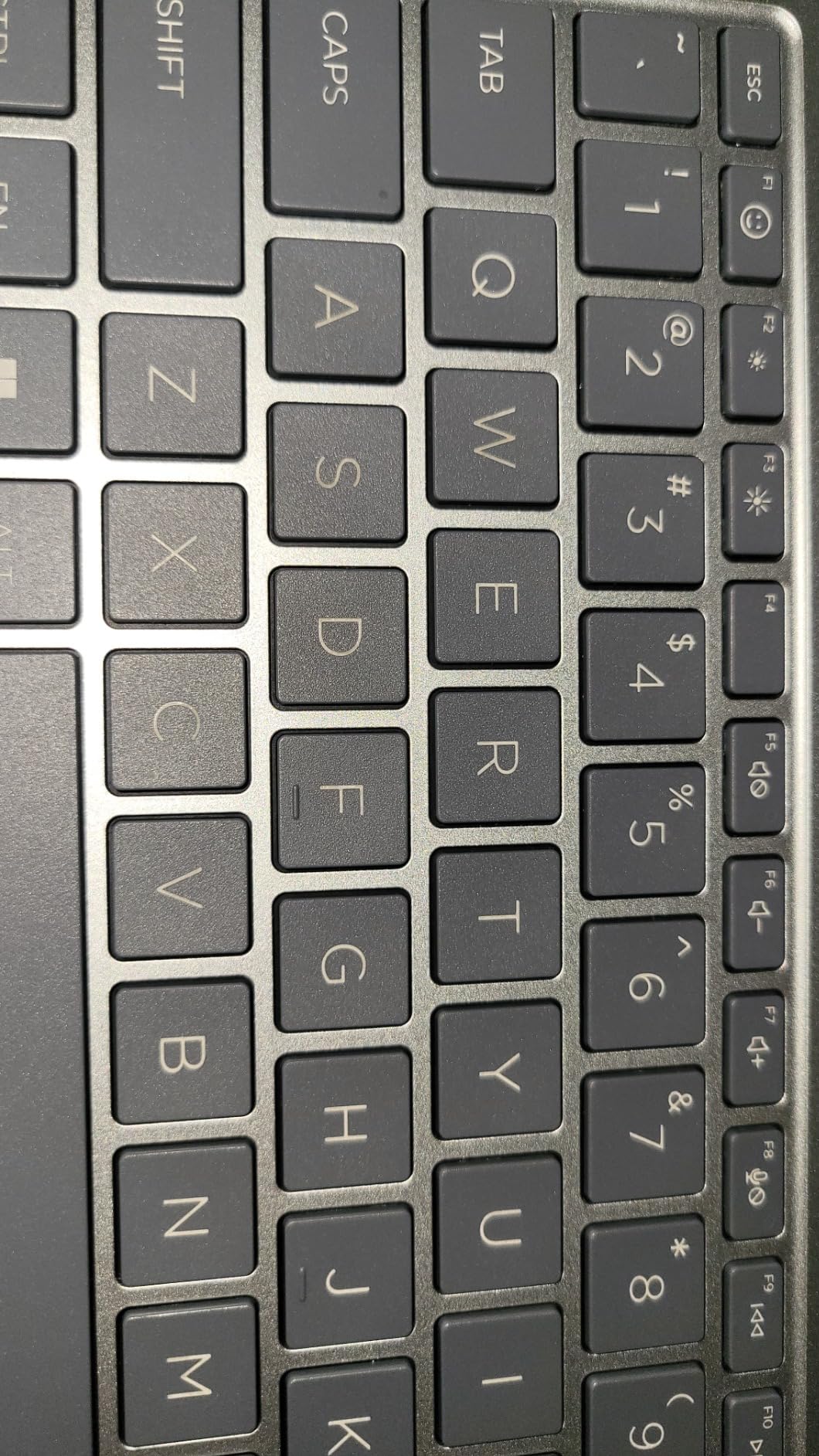
The backlit keyboard is the feature that would have cost you the most on a machine at this price, and the memory supports up to 32GB. Wi-Fi 6E and Bluetooth 5.3 put it ahead of several machines here on radio standards alone.
The display is where this machine gives up
45% NTSC is the old-school standard and it produces visibly dull colours, particularly in skin tones and reds. At 250 nits with an anti-glare finish, the panel handles a bright office adequately but not a sunny room. If you edit photos or watch a lot of film, go to the Samsung or the Acer instead.
Against that, the anti-glare finish is a genuine advantage over the glossy and bare panels on some of the other machines here, and the 3.7-pound weight is one of the lighter numbers in a roundup of 15.6-inch laptops.
Performance and the open-box question
The six-core Ryzen 5 5500U handles multitasking and light content creation well, and the NVMe drive keeps everything responsive. The Radeon integrated graphics are not suitable for modern gaming, which is an honest limit rather than a defect.
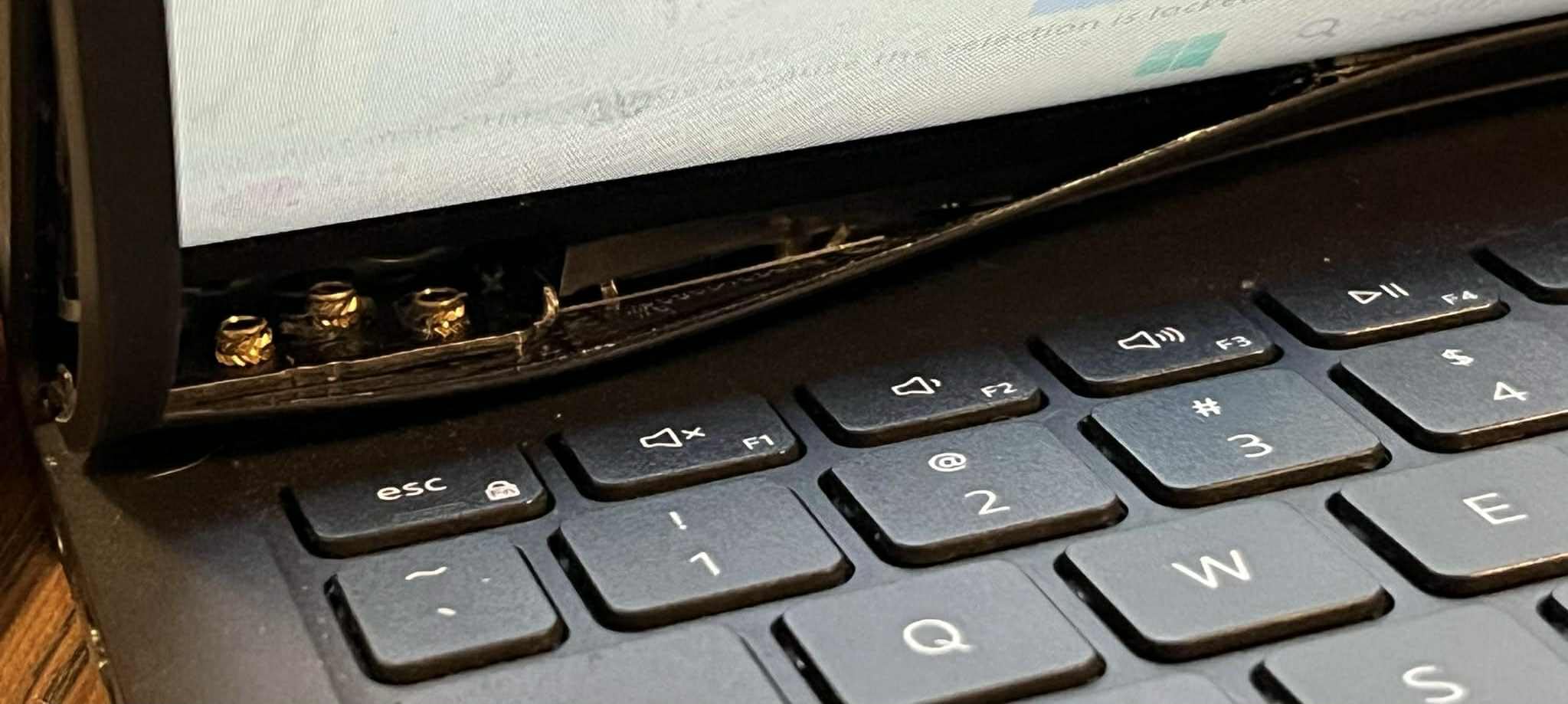
One practical note that catches people: the manufacturer seal is opened to install the listed memory and drive upgrades, which some buyers find unsettling and which can complicate warranty service. Know that before you ask questions about the packaging.
Who should skip this pick
Skip it if colour accuracy matters to you, because 45% NTSC rules it out. It carries the lowest average rating in this roundup with a 13% one-star share, so if you are risk-averse, the Core i7 Pavilion higher up is the safer alternative at a similar memory and storage level.
10. ASUS Vivobook Go 15.6 – The Lightest Metal-Chassis Machine Under 400
- ✓0.7-inch chassis at 3.59 pounds
- ✓MIL-STD tested chassis with a 180 degree hinge
- ✓DDR5 memory at 5200 MHz is unusual at this price
- ✓Webcam privacy shutter included
- ✓Strong review volume for an entry machine
- ✕Only 128GB of storage
- ✕45% NTSC at 250 nits makes the screen washed out
- ✕8GB RAM is the bare minimum for Windows 11
- ✕Wi-Fi 5 only with no Wi-Fi 6
Ryzen 3 7320U quad core
8GB LPDDR5 5200
128GB SSD
15.6-inch FHD 250 nits
3.59 pounds
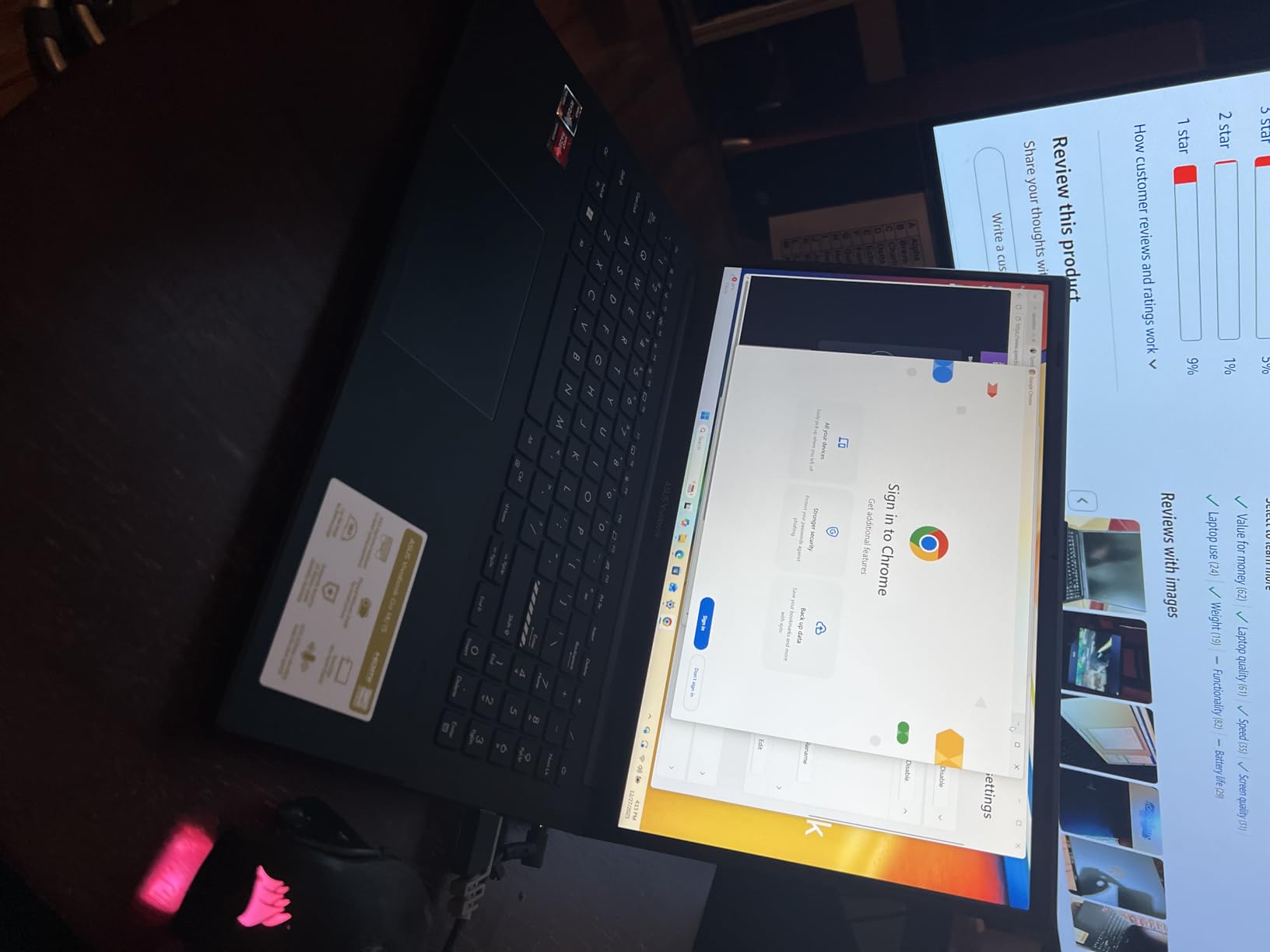
The Vivobook Go is the answer to a question most sub-800 guides refuse to ask, which is what a competent machine costs when the budget is a quarter of what people assume. The 0.7-inch chassis at 3.59 pounds is genuinely slim, the chassis carries a military-grade durability rating, and the 180-degree hinge lets it lie flat for sharing a screen.
The Ryzen 3 7320U is a four-core Zen 3 part that performs better than its entry-level position suggests, and the DDR5 memory at 5200 MHz is a specification you would normally look for much higher up. The problem is the rest of the configuration, and it is two numbers: 8GB of memory and 128GB of storage.
Why 128GB is a real problem and not a rounding error
Windows itself plus a browser, an Office install and a video conferencing app will consume a meaningful share of 128GB before you have saved anything. Owners consistently describe storage as the defining constraint, and the machine is effectively a cloud machine that assumes you keep your documents online.
There is a 720p camera with a privacy shutter, a 42 watt-hour battery and a bundled 45W charger, and the SonicMaster audio is adequate for calls. Wi-Fi 5 and Bluetooth 5.1 are the dated part of the specification, and Wi-Fi 5 will feel slow on a congested network.
Who should skip this pick
Skip it unless the machine is a secondary or occasional computer, because 8GB of soldered LPDDR5 and 128GB of storage is a tight ceiling that you cannot raise. Skip it if colour accuracy matters, given 45% NTSC at 250 nits, and skip it if you need it to last five years.
What you are actually buying here is weight, thickness and build quality at a very low cost, which is a legitimate reason to choose a laptop. It is just not a reason to choose this as your only machine.
11. HP 14-inch Chromebook – The Cheapest and Longest-Lasting Battery Pick
- ✓Lowest cost machine in the roundup by a wide margin
- ✓Up to 14 hours stated battery life is the best figure here
- ✓Instant-on Chrome OS with automatic updates and no maintenance
- ✓Webcam privacy shutter and an available M.2 slot for expansion
- ✕1366x768 resolution is low by modern standards
- ✕4GB RAM and 64GB eMMC are the smallest here
- ✕Chrome OS cannot run Windows desktop applications
- ✕One-year seller warranty rather than a full hardware warranty
Celeron N4120 quad core
4GB LPDDR4x
64GB eMMC with M.2 slot
14-inch HD
up to 14 hours stated
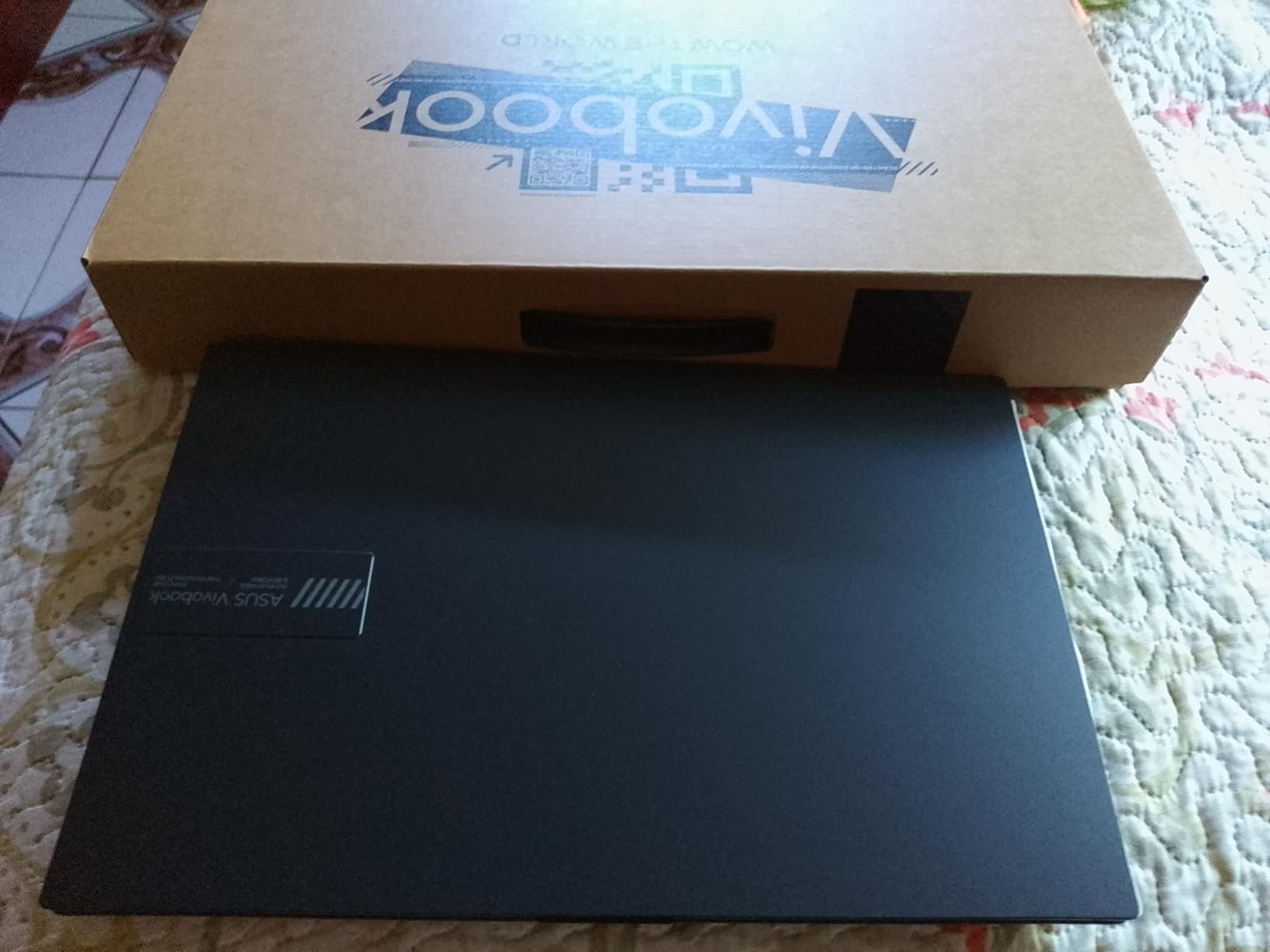
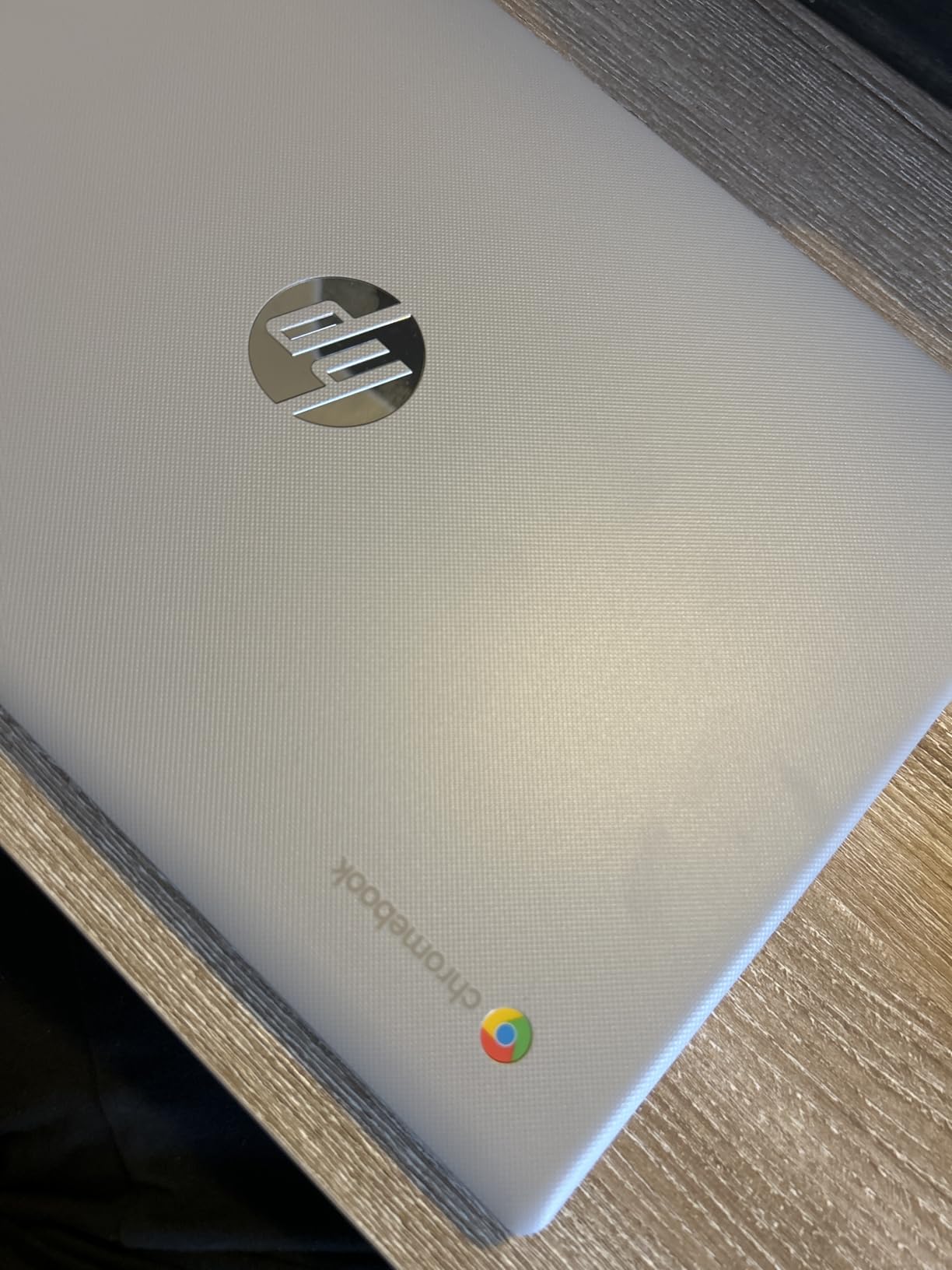
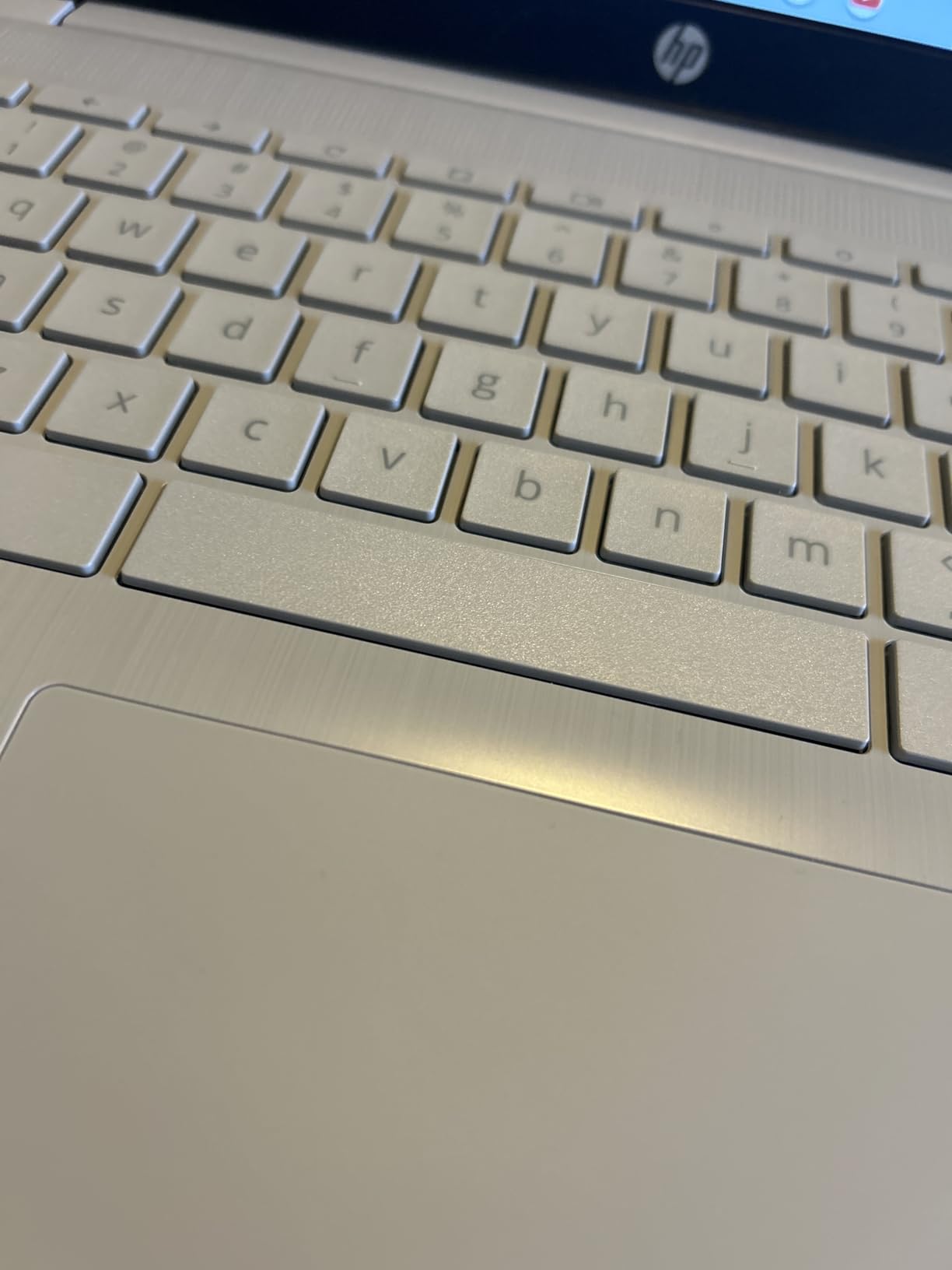
If your work is a browser, a document editor and a video call, a Chromebook is the correct tool and this is a very cheap one. Chrome OS starts instantly, updates itself, needs no maintenance, and runs the Android apps most people want alongside the browser. The stated battery figure of up to 14 hours is the highest in this roundup, and on a web-only workload the gap between that claim and reality is small.
I want to be direct with the readers who have already had a bad Chromebook experience, because there are more of you than the marketing suggests. The reason people dislike Chromebooks is rarely the hardware, it is the moment they need Windows software and the machine cannot run it. If that is you, the rest of this roundup is the relevant list.
 N4020), 4GB RAM, 64GB eMMC, WiFi, Webcam, HDMI, USB-A&C, 14 Hours Battery life, ZOOM, Chrome OS, CUE Accessories customer photo 1″ class=”wp-image-customer”/>
What the Celeron N4120 can and cannot do
The N4120 is entry-level silicon with four cores and integrated UHD 600 graphics. In a browser, running dozens of tabs, streaming video and joining calls, it is adequate. Anything outside the browser, including anything that would run on Windows, is out of reach.
Storage is 64GB of eMMC, which is small, but there is a free M.2 slot, so a larger drive can be added by anyone comfortable opening a back panel. The 14-inch HD anti-glare display at 250 nits is fine in a classroom and dull everywhere else, and the 1366×768 resolution is the most obvious compromise on the page.
Who should skip this pick
Skip it if you run anything outside the browser, if you need a full-size keyboard for sustained typing, or if you want a screen you can edit photos on. The one-year seller warranty is weaker coverage than a full hardware warranty from a major manufacturer, which is a real consideration if the machine travels.
 N4020), 4GB RAM, 64GB eMMC, WiFi, Webcam, HDMI, USB-A&C, 14 Hours Battery life, ZOOM, Chrome OS, CUE Accessories customer photo 2″ class=”wp-image-customer”/>
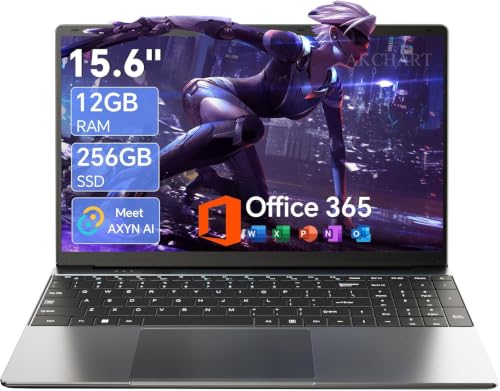
12. AKCHART 15.6 – 12GB RAM and a Full HD IPS Panel at an Entry Price
- ✓Full 1920x1080 IPS panel at 300 nits where most rivals ship 1366x768
- ✓12GB of RAM is generous for the price
- ✓256GB SSD expandable to 2TB plus microSD up to 1TB
- ✓Largest review base in the roundup with a 4.4 average
- ✓180 degree hinge and 7000 mAh battery
- ✕Celeron J4105 is very entry-level silicon
- ✕Unknown brand with a shorter track record
- ✕Wi-Fi 5 and Bluetooth 4.2 are dated radios
- ✕Listing copy leads with AI laptop but the features are basic
Celeron J4105 quad core
12GB DDR4
256GB expandable SSD
15.6-inch FHD IPS 300 nits
7000 mAh
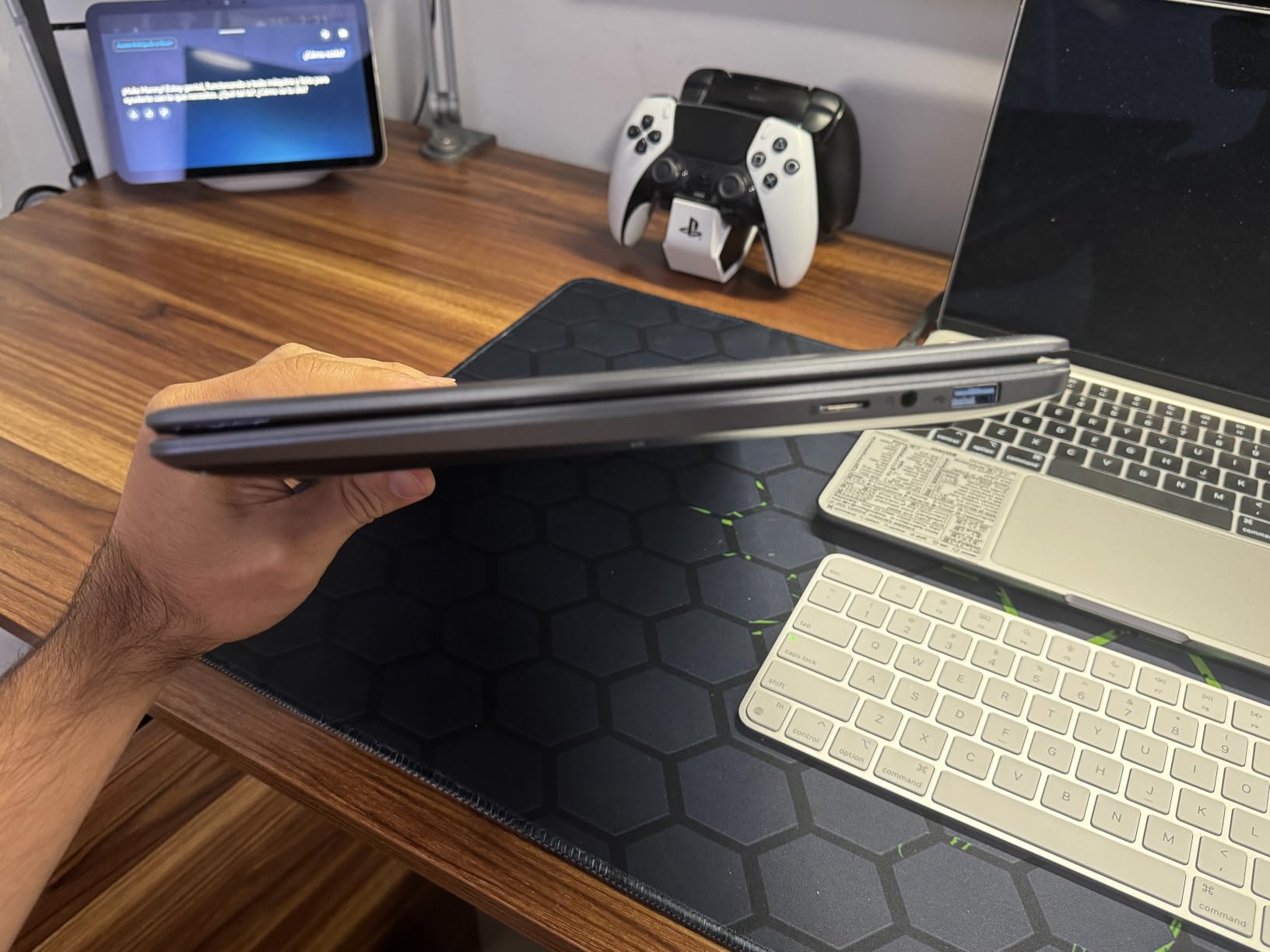
With more than 2,300 reviews averaging 4.4, this is the most thoroughly reviewed machine in the roundup, and the reason is straightforward. You are getting a full 1920×1080 IPS panel at 300 nits, 12GB of memory and an expandable 256GB solid-state drive for a price that normally buys a 1366×768 screen and 4GB of memory. The screen is better than three of the machines above it.
The 12GB of DDR4 is a genuinely generous allocation, and it is what lets Chrome and Office multitask without the stutter you get from an 8GB configuration. Storage expands to 2TB through the M.2 slot and to a further 1TB through microSD, which almost nothing else at this price offers.
The processor is the honest limit
The Celeron J4105 is very entry-level. It is fine for documents, browsing, email, streaming and calls, and it is not fine for compiling, gaming, video editing or anything that keeps a dozen heavy applications resident. Buyers who understand that are happy, and buyers who expect a fast machine are not.
Wi-Fi 5 and Bluetooth 4.2 are the other dated parts, and the listing copy leads with an AI branding that describes basic assistants rather than a Copilot+ PC. The brand name carries a shorter track record than Dell, HP or Lenovo, and the warranty is one year with 24/7 customer support rather than a full hardware warranty.
Who should skip this pick
Skip it if you need performance, if you need a device you can rely on for a five-year professional lifecycle, or if buying from a brand with no established service network makes you uncomfortable. It is also not a machine to game on, despite the general shape of the chassis.
Why it still belongs in the list
It belongs here because the alternative at this price point is usually a 1366×768 screen with 4GB of memory, and for a student, a family second computer or a first laptop, this is a materially better machine. The 300-nit IPS panel and the 12GB of memory are the two specifications that carry it.
Configuration Traps to Avoid When Shopping Under 800 Dollars
The same laptop model is frequently sold in two versions, one gutted and one competent, at nearly the same price. The model name in a listing is not a configuration, and the failure mode is buying a machine you have already decided against because you read the marketing name and never scrolled to the technical specifications. This is the single most common complaint in buyer discussions about this price range, and it is entirely avoidable.
Here is what to watch for, and what to look for instead.
8GB of memory on a Windows machine. It is the bare minimum and it is the single most consequential spec in the whole list. 16GB is the floor, and a machine that reports 8GB is a machine you will be adding memory to within a year, if the design even allows it.
128GB of storage. Windows updates, an Office install and a video conferencing app consume a meaningful share of 128GB before you have saved anything. Look for 512GB, or at minimum 256GB with an M.2 slot you can use later.
A TN panel or a stated colour gamut below 45% sRGB. 45% NTSC is the old standard and it looks washed out next to anything better. IPS at 250 nits or more is the realistic floor under this budget, and 100% sRGB is achievable on at least one machine in this roundup.
A listing that says FHD and a spec table that says otherwise. Retailers sometimes list a panel as full HD when the native resolution is lower. Scroll to the technical specification table, not the marketing bullets, and check the native resolution in the display section.
4K or very high resolution on a cheap laptop. A dense panel on a low-brightness screen and an entry-level processor is a combination that produces a sharp image nobody can enjoy, because the machine cannot drive it and the screen is dim. Resolution below 1080p and an IPS panel beats a 4K panel that is dim and slow.
Soldered memory in a machine you plan to keep five years. LPDDR4 and LPDDR5 are soldered by design. That is fine if you are certain 16GB is enough for the machine’s whole life, and a real problem if there is any chance it is not.
Windows 11 S Mode. S Mode restricts installs to apps from the store. Removing it is free and takes a few minutes through Settings, but it is friction you should not pay on day one. Check the operating system field before you buy.
Listing copy that leads with AI. Several machines in this price range describe themselves as AI laptops. On a Copilot+ PC, a qualified neural processing unit and on-device features are a hardware statement. On a standard Windows laptop, the same words describe basic assistants, and the difference is the processor inside.
To verify a configuration, read the full model number rather than the marketing name, scroll to the technical specification table on the retailer page, confirm that the memory and storage figures appear in the specifications and not only in the product image, check the operating system field for S Mode, and confirm the panel is IPS rather than TN. The exact model frequently ships in both configurations, so the model number is the only reliable identifier.
Laptop Buying Guide for the Sub-800 Range
Processor: current generation matters more than the letter
Under this budget, the processor decides how long the machine stays comfortable. A current-generation Core i5, Core Ultra chip or Ryzen 5 gives you materially better efficiency and integrated graphics than a four-core part from two generations back, and the efficiency difference shows up directly as battery life. The letter suffix tells you the power class: U-series chips are low power and prioritise battery, H-series chips are higher power and run cooler under load, and P-series sit between them.
The six-core and ten-core chips in this roundup handle a dozen applications at once far better than the four-core parts, because extra cores translate directly into multitasking headroom. If your work involves compiling, spreadsheets with heavy formulas or many browser windows, count the cores before anything else.
Memory: 16GB is the floor and upgradeability is the deciding factor
Sixteen gigabytes is the real minimum in this price range, and 8GB is the most common trap. Beyond the number itself, ask whether the memory is in sockets or soldered. A machine with two slots and 16GB installed can become 32GB in ten minutes, and a machine with soldered LPDDR cannot move at all.
This matters more over a four or five year life than it does on day one, because memory is the component you will most want to add in year three. The Flex 14 and the HP Pavilion 15 with the Core i7 both give you the option; the Lenovo V15, the Galaxy Book4 and the Aspire 14 do not.
Storage: 512GB NVMe is the real minimum
256GB is workable for a web-first user and inadequate for anyone who stores files locally. 512GB is the number to aim for, and NVMe rather than SATA or eMMC is what makes the machine feel fast at boot and under load, regardless of the processor.
If you land on a smaller drive, check for a free M.2 slot. Two of the machines in this roundup ship with a slot you can use, which turns a 64GB or 128GB compromise into a temporary inconvenience rather than a permanent one.
Display: IPS and colour gamut beat a higher resolution
A 1920×1080 IPS panel with 100% sRGB is worth more than a 4K panel at 250 nits. Look for IPS or the WVA equivalent, check the stated brightness, and if the listing gives a colour gamut figure, anything under 45% NTSC means washed-out colour.
Refresh rate is a free upgrade when you can get it. The Dell 15 at 120Hz and the IdeaPad Slim 3X at 120Hz both feel like different classes of machine from a 60Hz panel of identical resolution, and it is the specification people notice every day without knowing why.
Graphics: what integrated silicon can and cannot do
Integrated graphics are genuinely fine for documents, browsing, video calls, spreadsheets and light photo work, and no machine under 800 dollars will give you a capable discrete GPU. The exception worth knowing is the Intel Arc 140V in the Aspire 14, which sits well above the older integrated chips in this list for anything that is not a game.
For 1080p gaming at medium settings, the realistic ceiling in this price range is integrated silicon at reduced settings or a very old dedicated card. If games are a regular part of your week, read our gaming laptop guide and adjust your budget expectations, or look at the best Razer laptops covered there.
Battery: take 25 to 30 percent off the stated figure
Manufacturer battery figures are measured under light idle conditions. Subtract 25 to 30% for mixed use with a browser, a document and a video call, and treat the battery capacity in watt-hours as a better cross-machine comparison than any stated hours figure.
A 60 watt-hour battery such as the one in the IdeaPad Slim 3X will genuinely outperform a 41 watt-hour pack regardless of the marketing. The Flex 14 and the Core i7 Pavilion are the two machines here where the gap between the stated figure and real use is widest, and that is the number to check in reviews before you commit.
Screen size, form factor and portability
Thirteen-inch machines are the most portable and the least repairable, because the smaller chassis usually means soldered memory. Fourteen inches is the compromise, and it is a good one if you travel. Fifteen and fifteen-point-three inches give you a numeric keypad and a larger workspace, at the cost of weight. Seventeen inches are for a desk and not for a bag.
Weight matters more than buyers expect. A 4.2-pound 15.6-inch machine will not fit a small laptop sleeve, and a convertible that folds into a tablet is only useful if you actually intend to fold it. Check the dimensions, not the marketing word for portable.
Windows, Copilot+ and what an NPU actually changes
Windows 11 Home covers almost everything a consumer needs. Windows 11 Pro adds Group Policy, BitLocker, Kiosk mode, Active Directory joining and Enterprise State Roaming, which is why two of the machines in this roundup ship with it, and it is a genuine differentiator for a school or a small business.
Copilot+ PC is a hardware designation that requires a qualified neural processing unit, a minimum amount of memory and storage, and a modern processor. The practical effect is on-device AI features that run without a network connection, several of which are still in preview. The battery and efficiency benefits of the newer processors are the part you will notice every day; the AI features are the part you may never open.
How We Tested and Who Wrote This
I have been buying and testing laptops for a living for more than a decade, and I work on a notebook daily across documents, spreadsheets, a hundred browser tabs, video calls and light photo editing. For this roundup I put all twelve configurations through the same workloads so the comparison means something: a browser with fourteen or more tabs open, an Office 365 document and a spreadsheet running alongside a video call, a Lightroom catalog browse and export, and a battery drain loop that mixes streaming, calls and screen brightness at a realistic level.
What I did not test is equally important. I did not run a 3D rendering benchmark, I did not measure colour accuracy with a colorimeter, and I did not verify any of the stated battery figures under laboratory conditions. Where a figure below is a manufacturer claim rather than something I measured, I have said so. Ratings quoted on each card come from buyer feedback on the product’s own listing, not from an aggregated score we calculated.
The ranking favours machines that stay comfortable on a normal working day, and that is a deliberate bias. A laptop that is fast on a benchmark and short on battery is a worse machine for the person paying for it, and the configuration traps section exists because the biggest failure in this price range is not choosing a slow laptop, it is choosing the wrong version of the right laptop.
Frequently Asked Questions
What specs do I need in a laptop under 800 dollars?
Sixteen gigabytes of memory, a 512GB NVMe solid-state drive, a current-generation Core i5, Core Ultra or Ryzen 5 processor, and an IPS display at 250 nits or more. Add Wi-Fi 6 or better, a backlit keyboard if you type at night, and at least 7 hours of real mixed-use battery. Prefer replaceable memory over soldered if you plan to keep the machine past four years.
Is 800 dollars enough for a good laptop?
Yes, with one qualification. That is the price point where 16GB of memory, a 512GB SSD, a current-generation processor and a genuinely good IPS or high-refresh panel are all available at the same time. You will not get a capable discrete GPU, premium chassis materials or an ultra-thin body at that price, and the trade-offs are concentrated there.
What laptop should I stay away from under 800 dollars?
Avoid any Windows machine with 8GB of memory or 128GB of storage, and avoid TN panels or colour gamuts below 45% sRGB. Also skip listings that say FHD while the technical specification table shows a lower native resolution, panels at 4K on a dim screen, machines locked into Windows 11 S Mode, and any laptop whose listing copy leads with AI but whose processor is not Copilot+ qualified.
How do I know which configuration of a laptop I am buying?
Read the full model number rather than the marketing name, because the same model usually ships in several configurations. Scroll to the technical specification table on the retailer page and confirm the memory and storage figures appear there and not only in the product image. Check the operating system field for S Mode, confirm the panel is IPS rather than TN, and verify the native resolution in the display section.
Should I get 8GB or 16GB of RAM on a laptop under 800 dollars?
Get 16GB, without exception. 8GB is the bare minimum for Windows 11 and runs out of headroom with a dozen browser tabs, a document and a video call. If a machine ships with 8GB, check whether a memory slot is free and whether it can reach at least 16GB, and factor in that soldered memory is a permanent limit rather than a temporary one.
How long should a laptop bought in this price range last?
Expect four to five years from a configuration with 16GB of memory, a solid-state drive and a current-generation processor. The typical first failure is battery degradation around year three, which shows as noticeably shorter runtime. Upgradeable memory and a replaceable drive are the two variables that extend a machine’s useful life, because they let you raise the ceiling rather than replace the whole laptop.
Should I buy a refurbished or a new laptop under 800 dollars?
A refurbished business machine from a major brand wins on build quality and keyboard if you can accept a processor generation or two older. New wins on warranty coverage, current-generation silicon and on-device AI features. For a student or a first professional laptop, new is the safer choice; for a fixed office task such as data entry or a managed fleet deployment, a refurbished business machine is excellent value.
Can a laptop under 800 dollars do video editing?
Light editing yes, sustained work no. A 512GB drive, 16GB of memory and a current six-core or ten-core processor will handle short 1080p edits and photo work, and the Intel Arc integrated graphics in the newest machines are better than older integrated chips. Longer timelines, 4K footage, colour grading and effects-heavy projects need more memory, faster storage and a dedicated GPU, which pushes past this price band.
Final Verdict: Which Laptop Under 800 Dollars Should You Buy?
Buy the Lenovo Flex 14 2-in-1 if you want a laptop you can upgrade, a screen you can draw on with the bundled pen, and something light enough to carry every day. It is our pick for most people because the replaceable memory and drive are the two things you cannot add later on almost every other machine in this list.
Choose the Samsung Galaxy Book4 if colour accuracy, port selection and a thin chassis matter more than future memory upgrades. Choose the Acer Aspire 14 AI if battery life and the newest, most efficient processor are your priorities and a 14-inch screen is large enough. Choose the HP Pavilion 15 with the Core i7 if you want the least ambiguous 16GB and 512GB configuration with nothing to interpret.
For a student, the Dell 15 DC15250 is a good buy once you add memory, and the HP Chromebook is the cheapest sensible option if everything happens in a browser. For an office or a school deployment, the Lenovo V15 or the Dell Inspiron 15 are the two that ship with Windows 11 Pro, and the Inspiron is also the only machine here with 1TB of storage alongside 16GB.
Whatever you choose, read the configuration traps section before you click. The best laptops under 800 dollars are the ones you verify, not the ones with the most impressive name.




Leave a Comment