
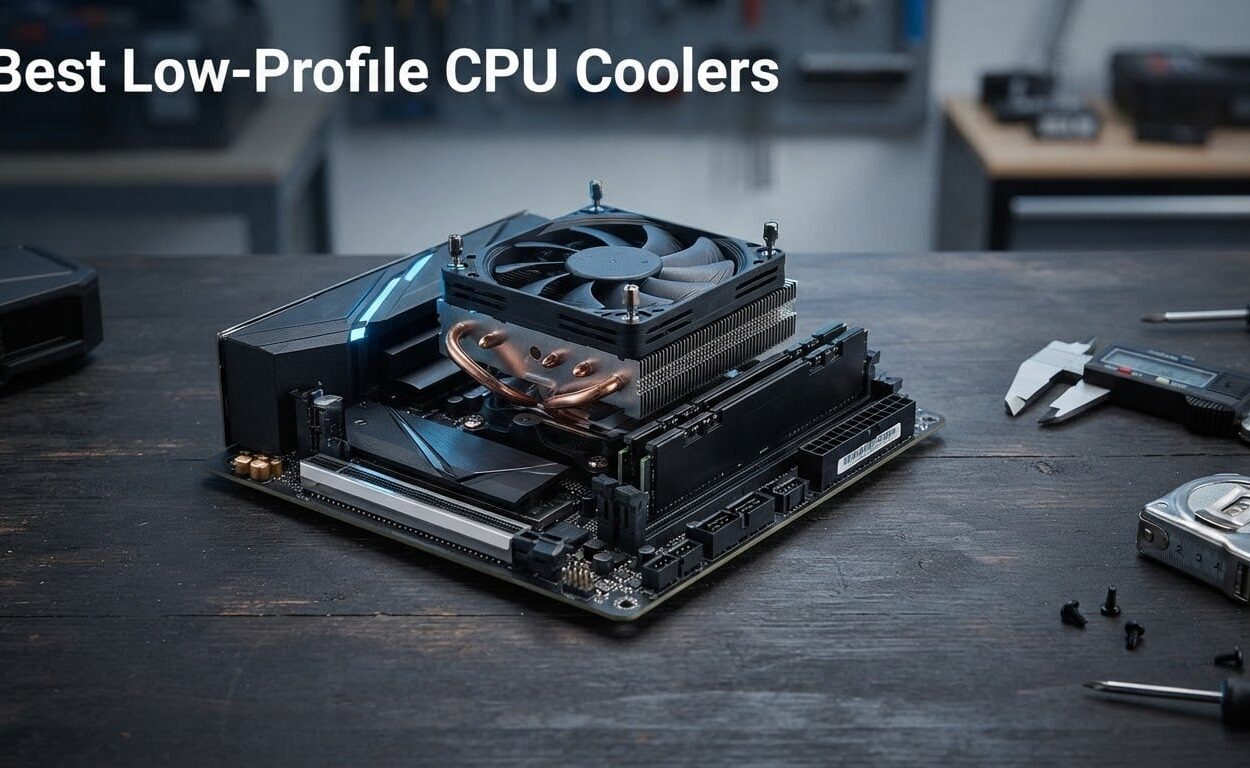
Picking the best low profile CPU coolers almost always starts with a tape measure, not a spec sheet. If your case advertises 65mm of cooler clearance, anything taller simply will not close, and the build stops until you source a replacement. I spend a lot of time in compact build threads, and the same failure repeats: people buy on heat pipe count, then discover the fan clips the memory modules or that the published height was eaten by a bulging side panel.
To build this list I compared ten low-profile CPU coolers against the four things that actually decide whether one works in a small chassis: total height in millimetres, fan size and static pressure, socket support for AM5 and LGA1851, and clearance around the RAM slots. I also weighed what buyers report back after living with each cooler, since the fan noise and install difficulty you see in reviews tells you more than the packaging does. This is a specification-based comparison rather than a lab test, and I say so up front rather than dressing up a spreadsheet as a benchmark rig.
The payoff is a set of picks organised the way builders actually think, in millimetre bands, plus the compatibility details the roundups I read skipped entirely. If you want a broader look at cooling on a normal-size chassis, our air CPU cooler guide covers full-tower options, and the low cost CPU cooler guide covers builds where the budget matters more than the footprint.
What Is a Low-Profile CPU Cooler?
A low-profile CPU cooler is a compact CPU cooler built to a reduced height, typically 37mm to 70mm, instead of the 120mm or more of a standard tower cooler. That reduced height lets the cooler fit inside slim desktops, mini-ITX cases, HTPC enclosures, and rack servers where a full tower would stop the side panel from closing.
Instead of a tall fin stack, these coolers use a short, wide heatsink with a small top-down or bottom-exhaust fan. Within the same height budget, more heat pipes and a larger 120mm fan almost always mean more cooling capacity, which is why the 70mm models comfortably handle chips that a 37mm model cannot touch.
Our Top 3 Low-Profile CPU Coolers for Compact Builds in 2026
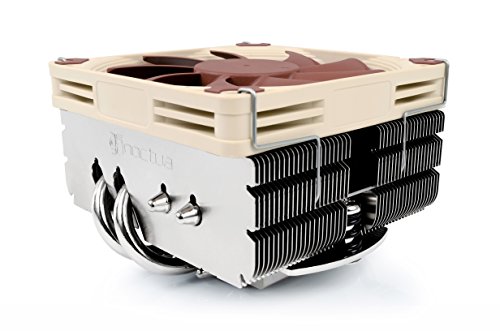
Noctua NH-L9x65
- ✓65mm total height
- ✓92mm NF-A9x14 slim PWM fan
- ✓No RAM or PCIe overhang
- ✓6-year warranty
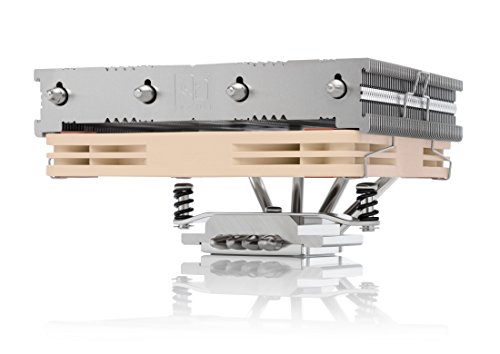
Noctua NH-L12S
- ✓70mm total height
- ✓Four copper heatpipes
- ✓120mm NF-A12x15 slim fan
- ✓6-year warranty

ID-COOLING IS-55 Black
- ✓57mm total height
- ✓Five copper heatpipes
- ✓120mm slim PWM fan at 54.6 CFM
Comparing All 10 Low-Profile CPU Coolers Side by Side in 2026
This table lists every cooler in the roundup in one place. Height is the number that decides whether a build completes, so it comes first, followed by the fan and heat pipe count that decide how hard it works.
| Product | Features | Action |
|---|---|---|
| Noctua NH-L9x65 |
|
Check Latest Price |
 Noctua NH-L9a-AM4 Noctua NH-L9a-AM4 |
|
Check Latest Price |
 AMD Wraith Stealth AM4 AMD Wraith Stealth AM4 |
|
Check Latest Price |
| Noctua NH-L12S |
|
Check Latest Price |
| ID-COOLING IS-55 Black |
|
Check Latest Price |
 ID-COOLING IS-40X V3 ID-COOLING IS-40X V3 |
|
Check Latest Price |
 Cooler Master i70C ARGB Cooler Master i70C ARGB |
|
Check Latest Price |
 Thermalright AXP90-X53 Full Thermalright AXP90-X53 Full |
|
Check Latest Price |
 be quiet! Pure Rock LP be quiet! Pure Rock LP |
|
Check Latest Price |
 Thermalright AXP120-X67 Thermalright AXP120-X67 |
|
Check Latest Price |
How We Picked: Measuring Clearance Before Comparing Specs
Every ranking on this page starts with the same filter. I pulled the published height for each cooler and discarded anything taller than the case category it belongs to. Then I compared the fan, because a 120mm slim fan moves materially more air than a 92mm slim fan and stays quieter at the same airflow target.
Socket support came next, and this is where a lot of roundups go wrong. A cooler listed for AM4 usually works on AM5, but you have to confirm it, and LGA1851 support is newer and less universal.
Finally I read the owner feedback, because the recurring complaints are consistent and useful. Fan screw length, RAM overhang, bundled paste quality, and missing hardware all show up repeatedly, and those are the issues that surface months after the build is finished. I have not bench-tested these coolers in a controlled environment, so treat every temperature figure below as a reported result rather than a measurement of mine.
1. Noctua NH-L9x65 – The Best Overall Low-Profile CPU Cooler for Compact Builds
- ✓65mm height clears tight HTPC and SFF cases
- ✓No RAM or PCIe overhang on most boards
- ✓NF-A9x14 PWM fan rated at 23.6 dB(A)
- ✓SecuFirm2 kit covers LGA1851 LGA1700 AM5 AM4
- ✓NT-H1 paste and 6-year warranty included
- ✕Aimed at CPUs with low to moderate heat dissipation
- ✕92mm slim fan moves less air than a 120mm
65mm height
92mm NF-A9x14 slim fan
23.6 dB(A)
LGA1851, LGA1700 and AM5
6-year warranty
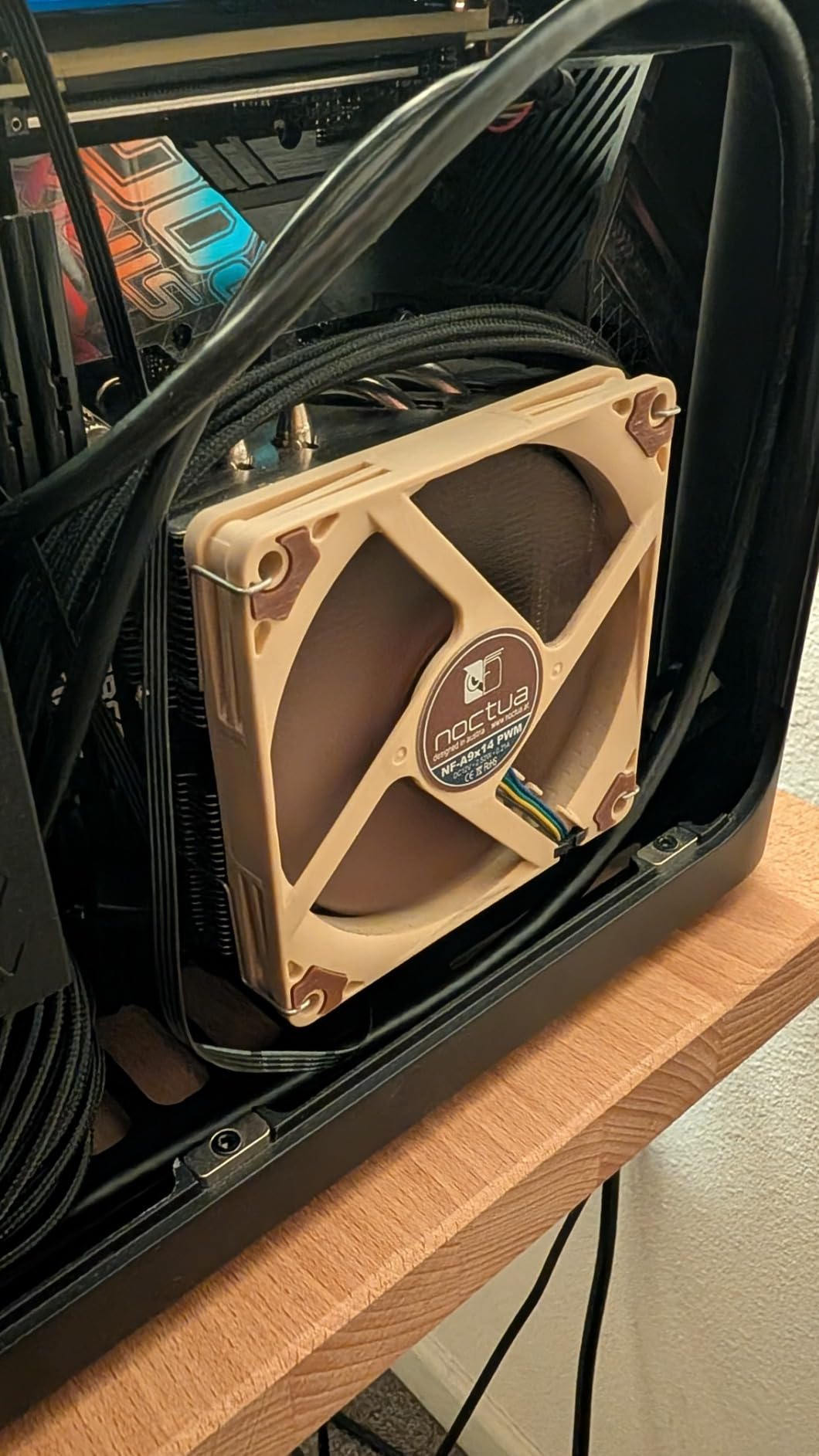
The NH-L9x65 is the cooler I suggest to anyone who has not already measured their exact clearance. At 65mm it sits in a band that a huge number of small cases accept, and it carries a 92mm slim fan rated at 23.6 dB(A) with PWM control, which is quiet enough for a desk that doubles as a listening position.
The build quality is what you would expect at this level. It uses a copper base and copper heat pipes with an aluminium fin stack, soldered joints and nickel plating, and it weighs 413 grams, which is heavy for its size and helps it stay planted on the socket.
Height and RAM Clearance on the NH-L9x65
At 65mm tall, this cooler clears most cases that advertise 70mm or more, and it fits underneath many 65mm designs with a little room to spare. The footprint is the more interesting part: Noctua designs it so it does not overhang the RAM or PCIe slots on most current motherboards, which removes the single most common complaint about slim coolers in ITX builds. Because the footprint is tight and the fan sits directly over the socket, you also keep access to the near-socket headers on a mini-ITX board.
Fan Performance and Noise Floor
The NF-A9x14 is a 92mm slim fan rated at 23.6 dB(A) with a maximum speed of 2500 rpm and an airflow capacity of 57.5 cubic meters per hour. Noctua includes the Low-Noise Adaptor, which lets you cap the fan at a lower ceiling when you want silence over cooling headroom.
Owners consistently describe this as the near-silent default for ITX and HTPC builds. The caveat that shows up just as consistently is that it was designed for low to moderate heat dissipation, so pairing it with an unrestricted high-wattage chip will leave it working at full speed for long stretches.
Socket Support and Mounting
The SecuFirm2 mounting system covers Intel LGA1851, LGA1700, LGA1200 and LGA115x, plus AMD AM5 and AM4 with the offset mounting option for best efficiency. That offset option is worth using: it shifts the cooler toward the CPU edge so the mounting pressure lands on the right part of the integrated heat spreader.
Noctua recommends the NH-L9x65 for parts such as the Ryzen 7 7700 and the 7800X3D, and the NT-H1 thermal compound is included in the box, so nothing extra is needed for the install. The six-year manufacturer warranty is the longest in this group.
Skip This If You Are Running a Hot Chip Unrestricted
Two situations rule it out. The first is a flagship processor running at its default power limits rather than a power-limited setting, because the 92mm slim fan has less thermal headroom than a 120mm unit. The second is a case with clearance below 65mm, where you need to step down to a 45mm or 53mm model instead.
2. Noctua NH-L9a-AM4 – Best for the Tightest 37mm Cases
- ✓Only 37mm tall
- ✓the shortest Noctua low-profile design
- ✓Full RAM and PCIe compatibility on ITX boards
- ✓NF-A9x14 PWM fan rated at 23.6 dB(A)
- ✓SecuFirm2 mount is quick and tool-light
- ✓NT-H1 paste and 6-year warranty included
- ✕AM4 socket only
- ✕lowest heat capacity of the Noctua low-profile range
37mm total height
92mm NF-A9x14 slim fan
23.6 dB(A)
AMD AM4 only
6-year warranty
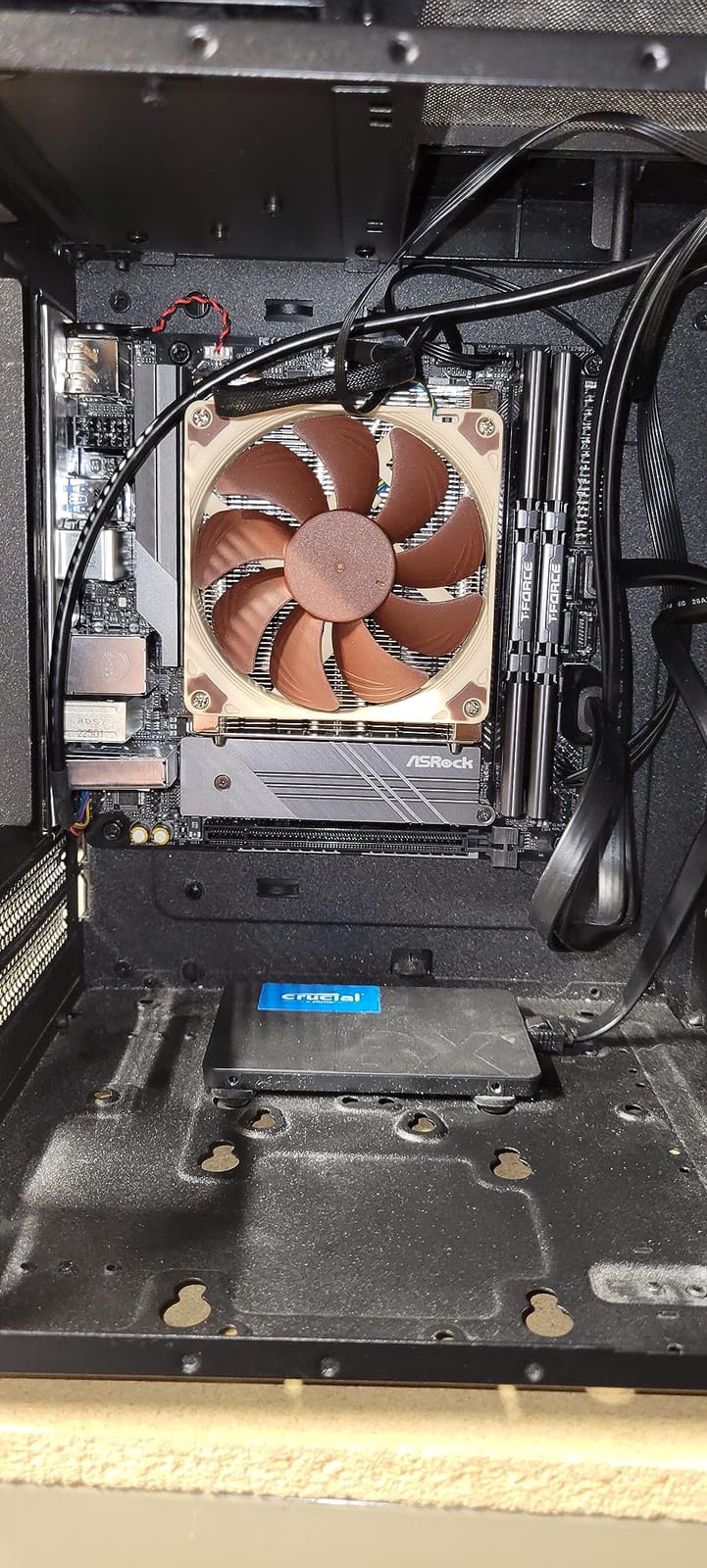
When your case gives you 37mm and nothing else, this is the cooler. Nothing else in the Noctua line goes this short, and the footprint is small enough to clear every RAM slot and every PCIe slot on a mini-ITX board.
The 92mm NF-A9x14 is the same fan used in the larger Noctua low-profile models, rated at 23.6 dB(A) with a top speed of 2500 rpm and 57.5 cubic meters per hour of airflow capacity. Noctua ships the Low-Noise Adaptor for PWM-controlled automatic speed adjustment.
Where 37mm Changes the Whole Build
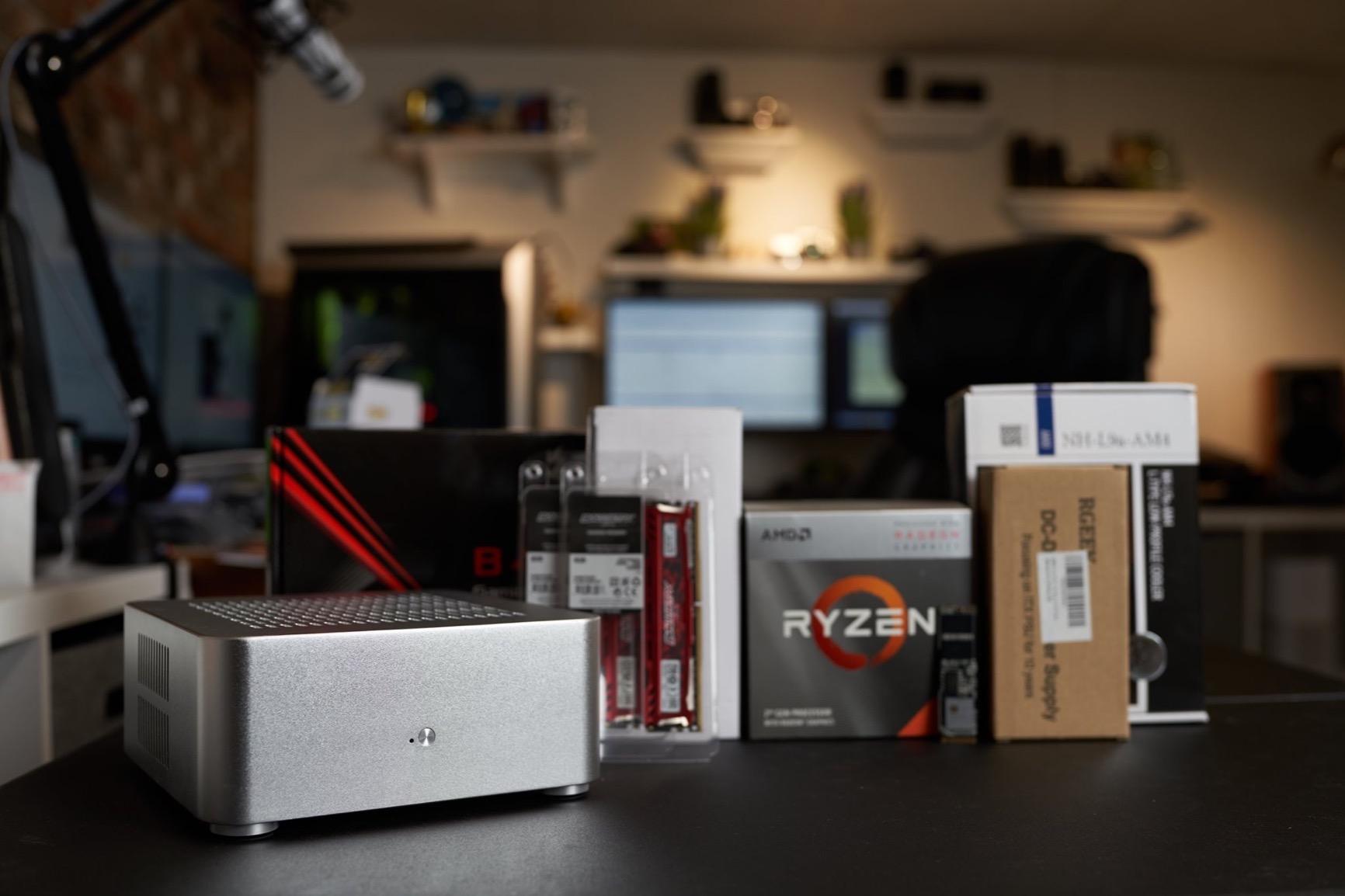
A 37mm ceiling usually means an HTPC enclosure, a slim all-in-one chassis, or a very compact office box. In those machines the binding constraint is almost never CPU power, because the processors that ship with such systems are designed for low sustained wattage.
Thermal Ceiling and the AM4 Restriction
This cooler is built for AMD AM4 Ryzen CPUs and APUs with moderate heat load, and Noctua names chips such as the 5600 and the 4750G, 4650G and 4600G as examples. It is the lowest heat capacity in the Noctua low-profile range, so it is not the right partner for a high-wattage X3D part running at full power.
The socket restriction is the part to plan around. If you are on AM5 or any Intel platform, this cooler is simply not an option, and you should look at the 45mm and 53mm models further down instead.
Mounting and Included Paste
The SecuFirm2 system for AM4 is one of the more tool-light mounting setups in the category, and the award-winning NT-H1 thermal compound is in the box. At 465 grams it is the heavier of the two ultra-slim Noctua designs, which again helps with socket contact.
Owners call it the reference ultra-low-profile cooler for AM4 Ryzen and APU builds. The recurring limitation is simply the socket restriction and the lower ceiling for high-TDP processors.
Best For and Skip If
Best for AM4 APU builds, HTPCs, and any enclosure with a documented 37mm limit. Skip it if you are on AM5, on Intel, or running a hot Ryzen chip at full power, because you will be leaving performance on the table in a cooler that is already at its physical limit.
3. AMD Wraith Stealth AM4 – The Direct Mounting Fix for a Thin Case
- ✓Direct screw mounting on AM4 with no backplate work
- ✓Pre-applied paste removes a separate purchase
- ✓90mm PWM fan on a 4-pin connector
- ✓Handles low to moderate TDP Ryzen chips quietly
- ✓Widely available and easy to source
- ✕Fan assembly slides while the screws are tightened
- ✕Pre-applied paste can bond to the CPU on removal
- ✕Not recommended above roughly 95W
- ✕Can overhang taller RAM modules
Socket AM4 direct screw mounting
90mm PWM fan
Aluminium heatsink
Pre-applied thermal paste
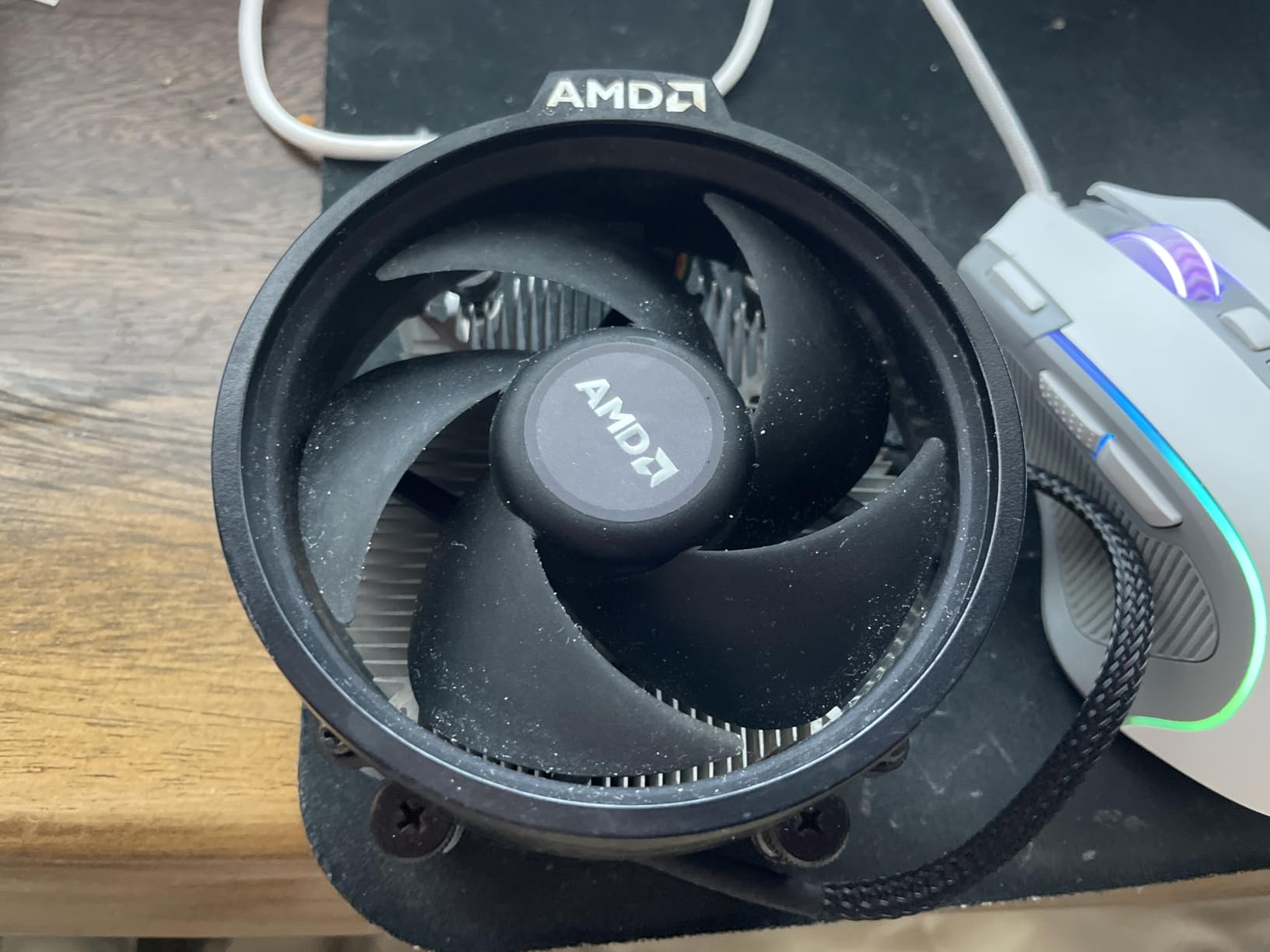
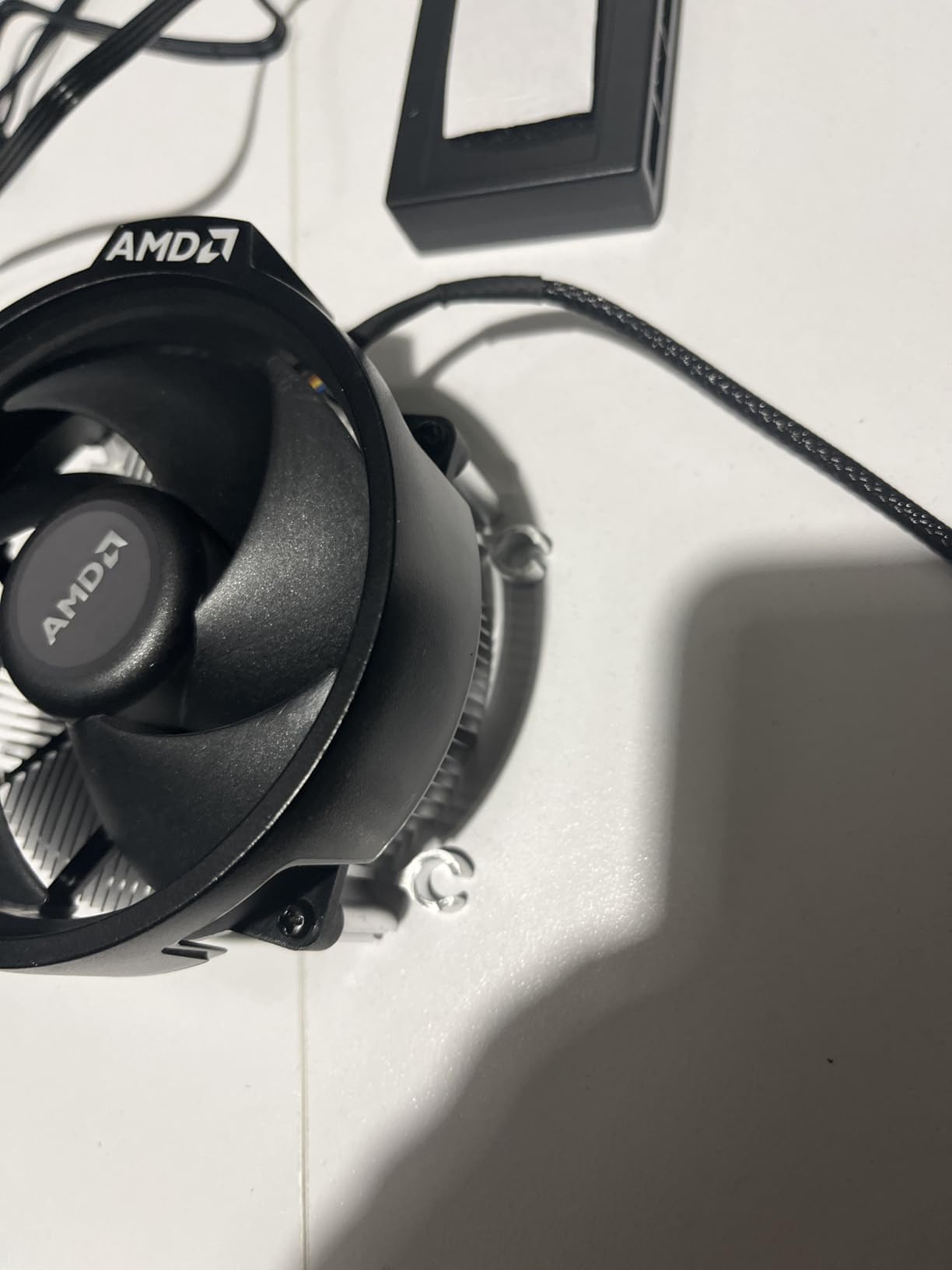
The Wraith Stealth is the pragmatic pick when you need a functioning cooler for an AM4 board now, and nothing about it is meant to be a highlight reel. It mounts directly to the socket with screws, ships with the thermal compound already applied, and includes a 90mm PWM fan on a 4-pin connector with a roughly 9-inch cable.
Direct Mounting and Pre-Applied Paste
Two details make it easy to live with. Direct screw mounting to the AM4 socket means no backplate removal on most boards, and the pre-applied thermal paste means you do not need to buy compound separately. On a small board where space and patience are both limited, that simplicity matters more than it does on a full ATX build.
The tradeoff is on the other side of the install. The fan assembly tends to slide while you tighten the screws, so alignment takes a steady hand, and the factory paste can bond to the CPU surface, which makes removal awkward later on.
Where the Limits Show Up
Owners rate it as an excellent value that quietly handles entry-level to mid-range Ryzen chips, with solid basic cooling for roughly 65W to 95W parts. Above that, it is out of its depth, and the RAM overhang issue is the other recurring complaint, since it can sit over taller memory modules.
Best For and Skip If
Best for a straightforward AM4 office or entry gaming machine, and for anyone who wants a working cooler without a mounting project. Skip it for hot chips, for tall-memory boards, and for anyone who plans to move the cooler between platforms later, because it is socket-locked to AM4.
4. Noctua NH-L12S – Most Thermals in 70mm of Clearance
- ✓Best thermal headroom in the 70mm class with four heatpipes
- ✓120mm slim fan moves more air than 92mm slim units
- ✓Covers LGA1851 LGA1700 AM5 and AM4
- ✓NT-H1 paste and SecuFirm2 kit included
- ✓6-year manufacturer warranty
- ✕Largest and heaviest Noctua low-profile option at 70mm
- ✕Premium pricing for the category
70mm total height
Four copper heatpipes
120mm NF-A12x15 slim fan
LGA1851 and AM5
6-year warranty
With 70mm to work with, the NH-L12S has the most thermal capacity of the ten coolers here. Four copper heat pipes feed an aluminium fin stack, and the NF-A12x15 120mm slim PWM fan with Low-Noise Adaptor moves considerably more air than any 92mm unit in this list, which is the whole reason it handles chips the shorter coolers cannot.
It is the successor to the NH-L12 and weighs 520 grams. Noctua describes it as a fit for Intel Core Ultra parts such as the 290K and 250K, and Ryzen chips including the 9950X3D and 9700X, which tells you where its ceiling sits.
Why the 120mm Fan Changes the Physics
A 120mm fan has roughly twice the blade area of a 92mm fan at the same depth, so it can push air through a fin stack at a lower speed for the same result. Lower speed means lower noise, and it means the cooler reaches its target temperature before it has to spin up to the point where it becomes audible.
That margin is what makes the NH-L12S usable with high-wattage processors in a small chassis. The shorter 65mm and 57mm coolers in this roundup do the job well, but they hit their limit sooner once a chip is running all cores.
Socket Coverage Including LGA1851
The mounting system covers Intel LGA1851, LGA1700, LGA1200, LGA1156, LGA1155, LGA1151 and LGA1150, plus AMD AM5 and AM4 with the offset mounting option. NT-H1 thermal paste is included, and the six-year warranty matches the rest of the Noctua low-profile range.
That socket list matters more than it used to, since plenty of older roundups still describe Noctua low-profile coolers as LGA115x-only, which is not true for current hardware. The other cost is money: it sits at the top of the category, and if your processor is a 65W part that never leaves low-power states, the money buys cooling capacity you will not use.
Best For and Skip If
Best for a small form factor gaming build running a Ryzen X3D or Core Ultra chip, and for anyone who wants quiet under sustained all-core load in a compact case. Skip it if your clearance is under 70mm, or if your processor is a power-limited office chip where a 45mm model does the same job.
5. ID-COOLING IS-55 Black – Best Cooling Per Millimetre
- ✓Five heatpipes in a 57mm profile give strong cooling for the height
- ✓Handles 65W to 95W chips such as the Ryzen 5 9600X
- ✓Removable slim fan makes installation easier in tight cases
- ✓Good memory compatibility on Mini-ITX boards
- ✓All-black finish
- ✕Included 15mm fan screws are too short for some 25mm replacement fans
- ✕Included fan is louder than competing slim fans under load
- ✕Some buyers reported missing brackets or screws
57mm total height
Five copper heatpipes
120x120x15mm PWM fan
54.6 CFM max
13.8-31.2 dB(A)
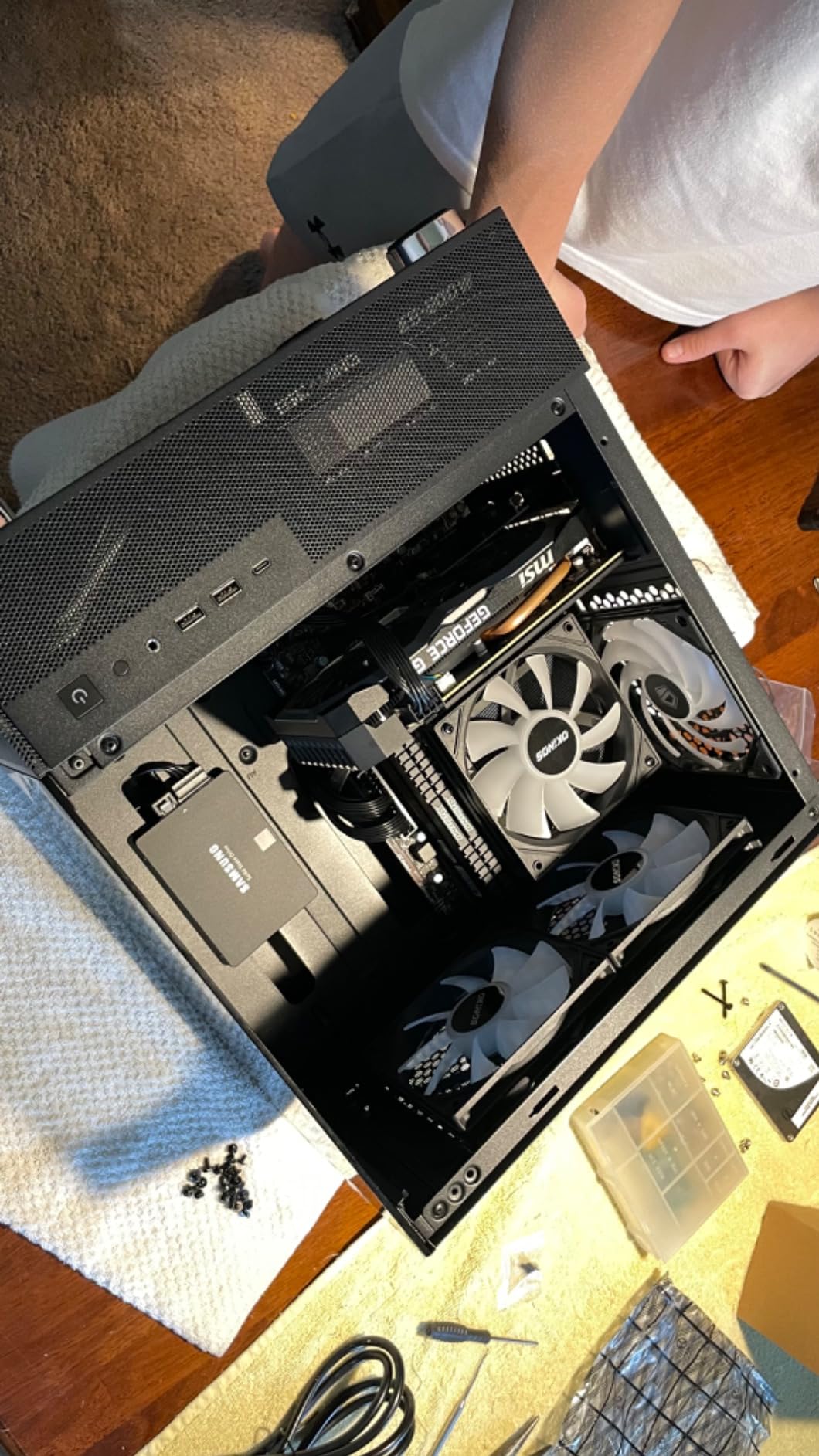
Five heat pipes inside 57mm is the spec that makes the IS-55 interesting. That is more pipe count than anything in this roundup except the 67mm Thermalright, packed into a shorter body, and it pairs with a 120x120x15mm PWM fan rated at 54.6 CFM and up to 3300 rpm.
Owners commonly report the biggest cooling improvement they have seen over the cooler that came with their processor, on chips in the 65W to 95W range such as the Ryzen 5 9600X and the Ultra 7 265K. At 450 grams it is a substantial cooler for its size.
Heat Pipe Count Against Height
The usual rule is that heat pipes matter more than fan size when the budget is very tight, and the IS-55 proves it. Five copper pipes inside a 57mm body give it more conduction surface than most 65mm designs with fewer pipes, and the wider 120mm fan spreads air across a broad fin face.
The trade is noise. The specified range is 13.8 to 31.2 dB(A) with a top speed of 3300 rpm, and owners consistently call the included fan louder than competing slim fans once the processor is under load.
Socket Support and Memory Clearance
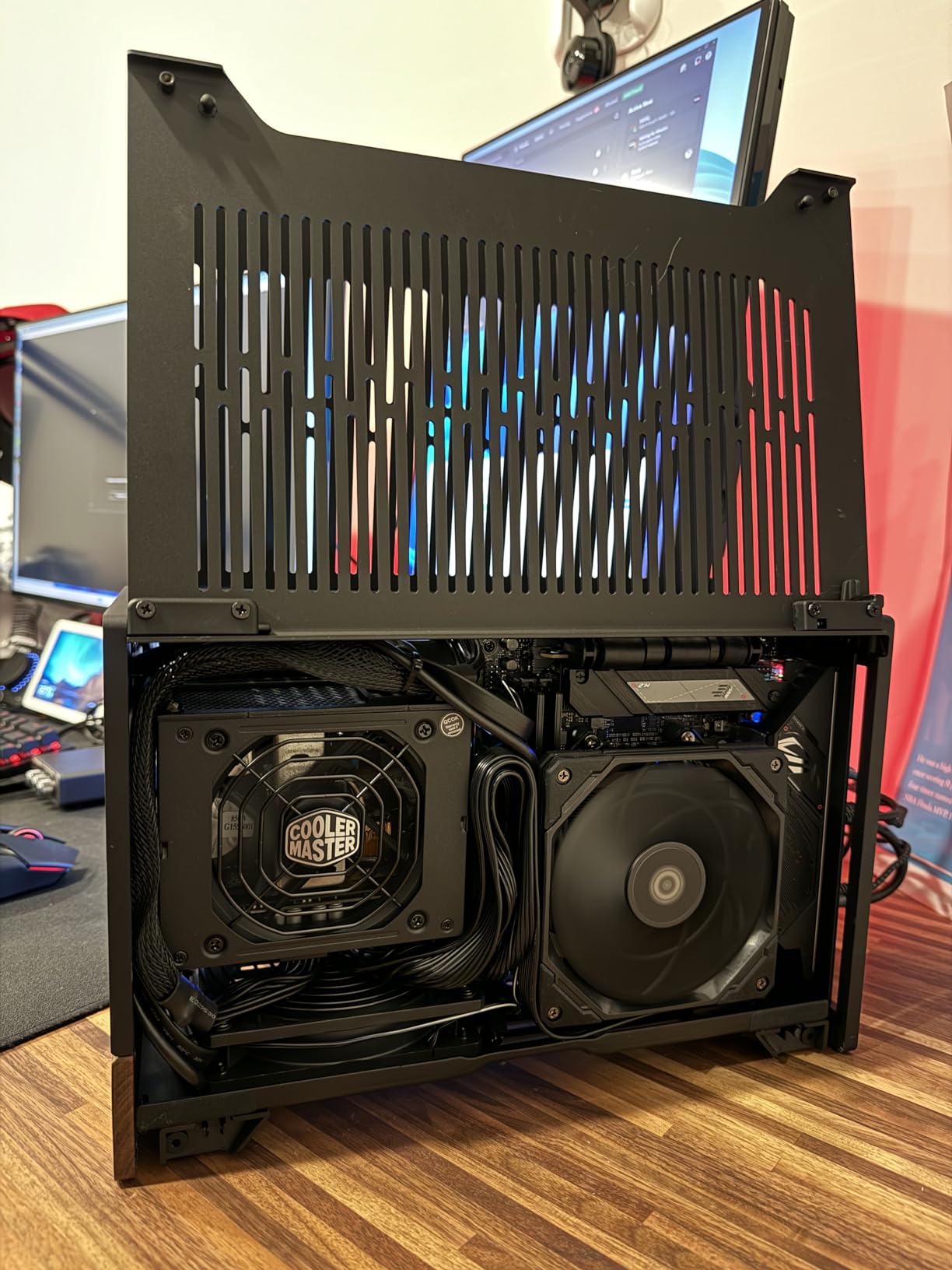
It covers Intel LGA1851, LGA1700, LGA1200 and the 115x sockets, plus AMD AM5 and AM4, which makes it one of the broadest socket lists in this roundup. The small-footprint design also gives it good memory compatibility even on Mini-ITX boards, and the all-black finish suits cases without a window.
The fan is removable, and that matters more than it sounds: in a tight chassis you can often only get the mounting bracket into position if the fan comes off first.
Known Hardware Quirks
Two practical notes from owners. The included 15mm fan screws are too short for some 25mm replacement slim fans, so plan to buy the correct screws if you intend to swap the fan. And some buyers have reported missing brackets or screws in the box, so check the kit before you start.
Best For and Skip If
Best for a 57mm clearance budget where you want as much cooling as possible, and for AM5 or LGA1851 builders on a moderate wattage chip. Skip it if silence is your priority and you can live with 65mm or 70mm, because the Noctua models are meaningfully quieter under the same load.
6. ID-COOLING IS-40X V3 – Compact Four-Pipe Power at 45mm
- ✓Very short 45mm height for extreme clearance limits
- ✓Four heatpipes plus a 92mm fan beat much larger bundled coolers
- ✓Excellent RAM and memory module compatibility
- ✓Supports LGA1700 and AMD AM5
- ✓Affordable mid-range pricing
- ✕Highest noise rating in this group at up to 35.2 dB(A)
- ✕Less consistent results than taller five-pipe alternatives
- ✕Limited headroom for high-TDP processors
45mm total height
Four copper heatpipes
92mm slim PWM fan
46 CFM max
35.2 dB(A) max
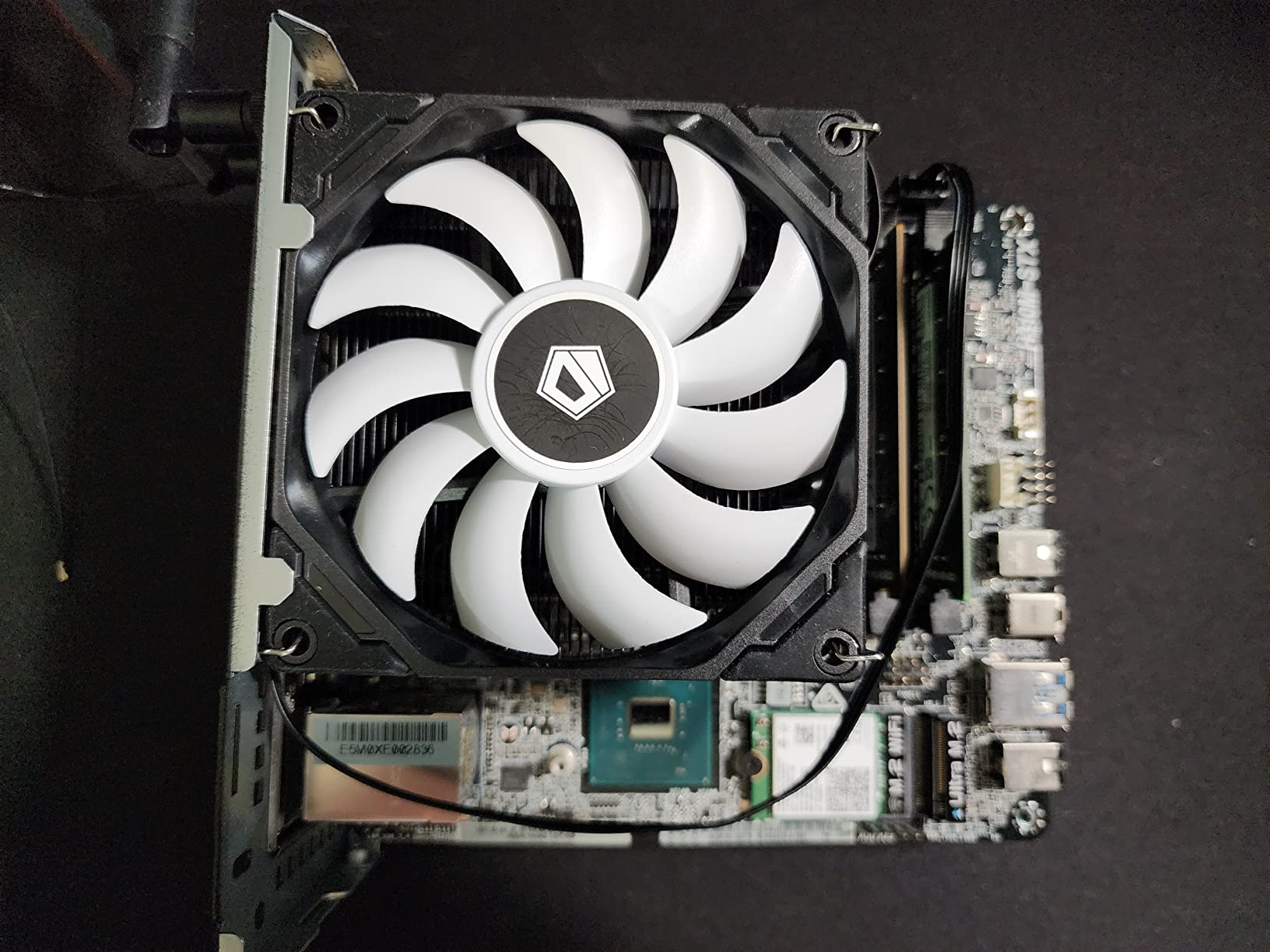
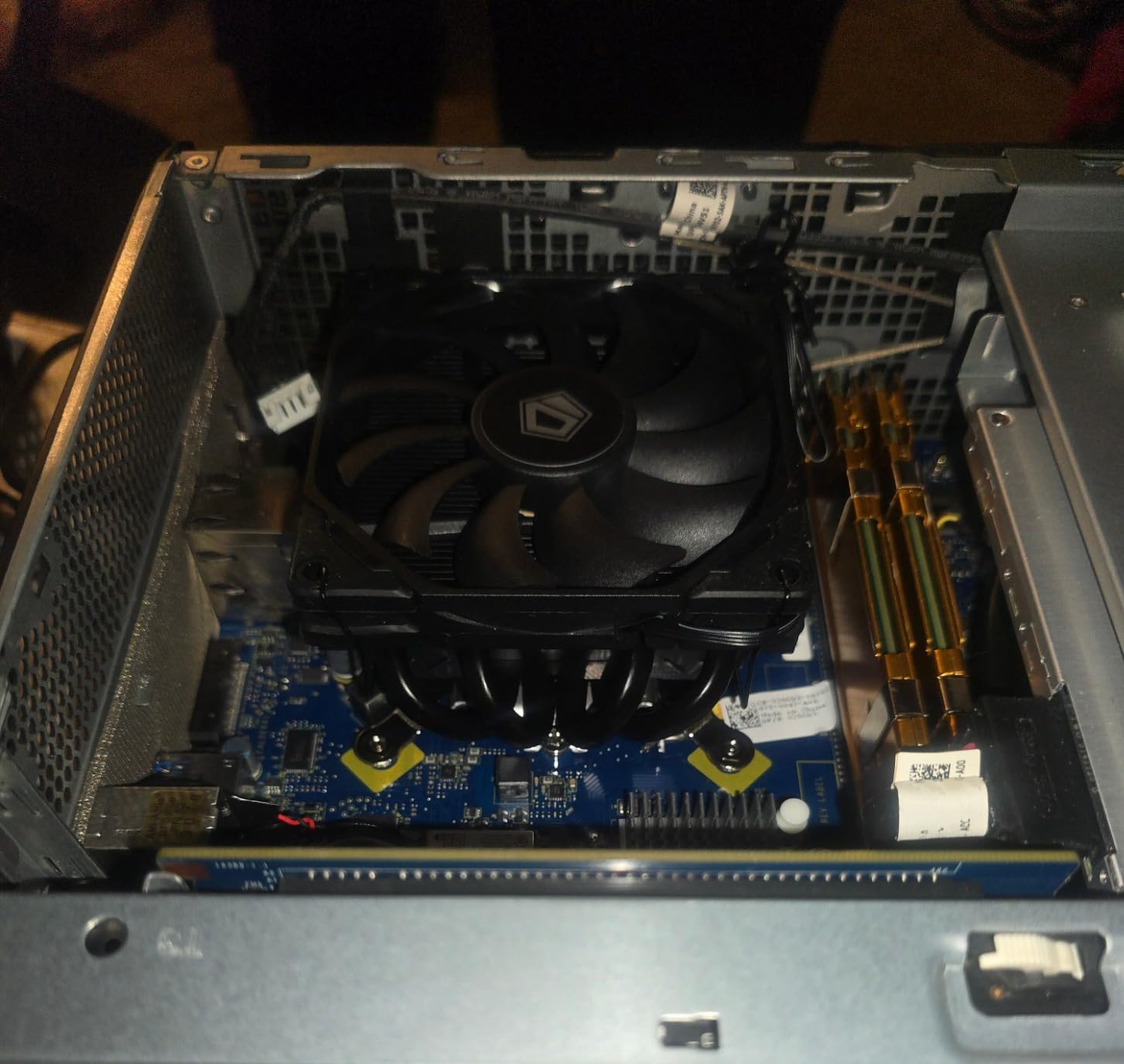
The IS-40X V3 answers a specific problem: you have somewhere between 40mm and 55mm and you want four heat pipes rather than two. At 45mm tall it uses four copper heat pipes and a 92mm slim PWM fan rated at 46 CFM, up to 2500 rpm and up to 35.2 dB(A).
It covers Intel LGA1700, LGA1200 and the 115x sockets, plus AMD AM5 and AM4. At 11.2 ounces and 3.62 inches square it is genuinely light and genuinely small, which makes it a good match for a portable or travel build where every gram matters.
What Four Pipes at 45mm Actually Buys You
Four pipes at 45mm gives you considerably more conduction surface than the two-pipe designs that usually occupy this height band, and owners report large temperature improvements over bundled coolers on 65W-class chips. It is a meaningful upgrade rather than a cosmetic one.
The limit shows on heavier parts. This is not the cooler to pair with a chip that will sit at its power limit for hours, and the lower 4.3 rating reflects more mixed experiences than the taller picks in this list.
The Noise Trade-Off at This Height
The 92mm fan tops out at 2500 rpm and 35.2 dB(A), the highest maximum noise figure among the coolers here. In a small case the fan has less room to breathe, so you hear it more than you would in a tower chassis.
If the machine will sit in a living room or next to a microphone, this is the single biggest reason to spend the extra millimetres and move up a tier instead.
Socket and RAM Compatibility
The socket list is Intel LGA1700, LGA1200 and the 115x generations plus AMD AM5 and AM4, with no RGB lighting at all. The small footprint gives it excellent RAM and memory module compatibility, which is precisely why it suits mini-ITX boards with tall memory installed.
One socket caveat worth checking on your board: LGA1851 support is not listed for this model, so if you are building on that platform, confirm the mounting hardware with the manufacturer before ordering.
Best For and Skip If
Best for 45mm-class builds on 65W processors, portable systems, and anyone who needs clearance more than silence. Skip it for a hot desktop processor, for a quiet living-room machine, or for a confirmed LGA1851 platform.
7. Cooler Master i70C ARGB – The Pick for RGB and Quiet Office Builds
- ✓70mm height with a full-size 120mm PWM fan
- ✓ARGB lighting syncs with common motherboard software
- ✓Screw-on bracket is sturdier than push-pin designs
- ✓Very quiet at idle and moderate load
- ✓Good improvement over the original Intel cooler
- ✕Intel LGA1700 and LGA1851 only
- ✕Only 37 CFM airflow
- ✕far below the other 120mm fans here
- ✕Rated for 95W TDP so not for unlocked chips
- ✕Some buyers report height varying from the advertised 70mm
70mm height
120mm PWM fan at 37 CFM
ARGB lighting
Rated for 95W TDP
LGA1700 and LGA1851
The i70C ARGB exists for a specific reason: to replace the Intel cooler that comes in the box with something that looks better in a windowed case. It is 70mm tall, carries a 120mm PWM fan adjustable from 650 to 1800 rpm, and adds frosted-blade ARGB lighting that most motherboard software recognises.
Cooling is handled by an aluminium fin stack with a copper insert base, rated for 95W TDP, and airflow is listed at 37 CFM. At 0.41 kg it is light, and the screw-on mounting bracket is a real step up from a push-pin design.
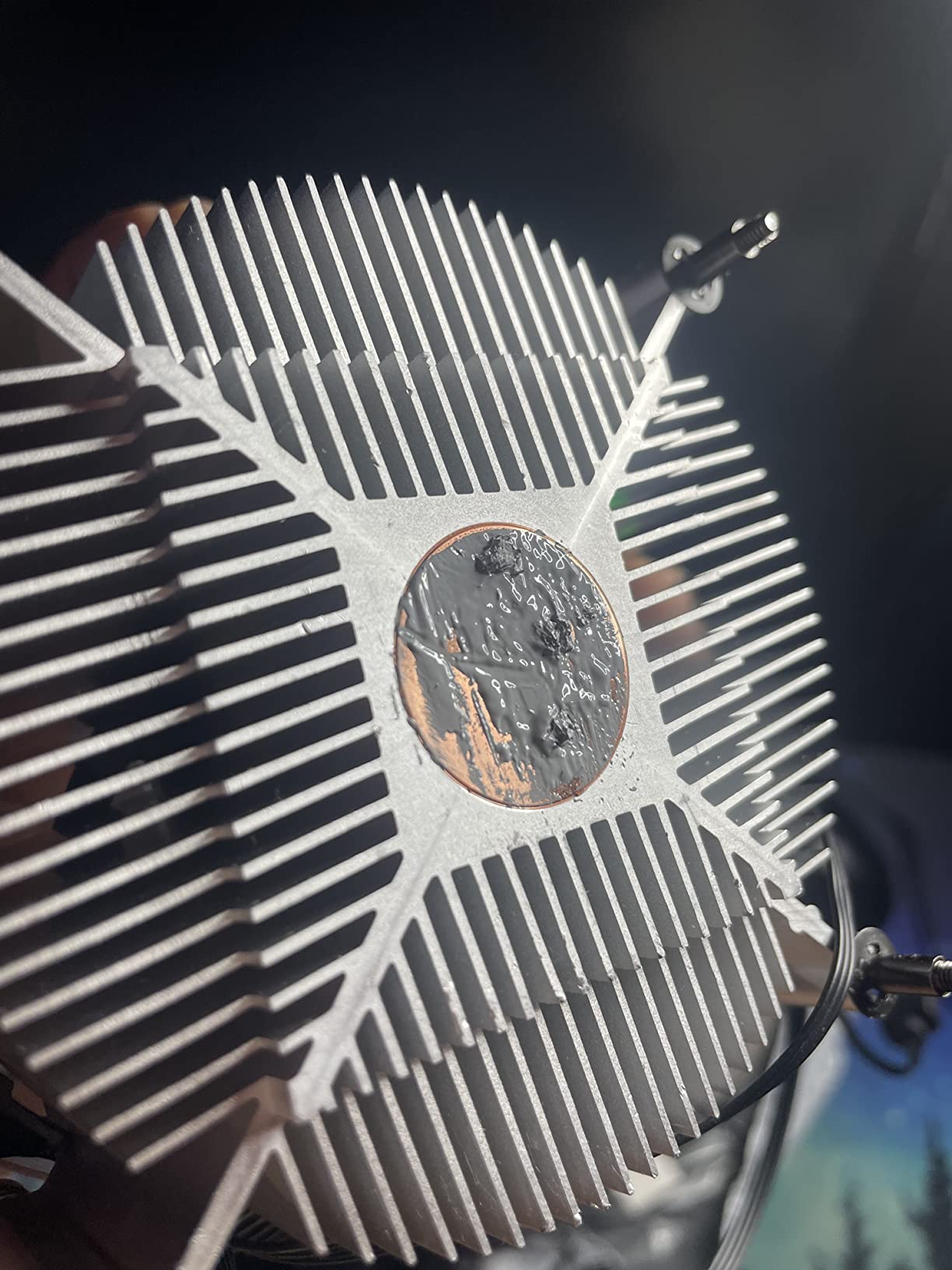
A Bundled-Cooler Replacement, Not an Enthusiast Part
The 95W TDP rating and 37 CFM airflow figure put this cooler in a completely different class from the Noctua and Thermalright models here. It is built for i3 and mainstream i5-class processors, which is precisely what the box cooler it replaces handles.
Owners treat it as a stylish, quiet drop-in rather than a thermal upgrade. If your plan involves an unlocked desktop chip, step up a tier instead.
Socket Limits and the 95W Ceiling
This is an Intel-only cooler, listed for LGA1700 and LGA1851. There is no AMD mounting hardware in the box, which rules it out entirely for AM5 and AM4 builds no matter how good the rest of the spec looks.
The 95W rating is the other hard limit. Feedback is cautious about scaling to higher-wattage processors, and a few buyers have also reported the physical height varying slightly from the advertised 70mm, so measure your case rather than trusting the number.
What You Get for the Money
ARGB lighting is included whether you want it or not, which is a fair criticism in a case with no RGB. In exchange you get a quieter fan curve than the original Intel cooler at idle and moderate load, a sturdier screw-on bracket, a much better-looking build, and a two-year warranty that is longer than the one year on the be quiet! model.
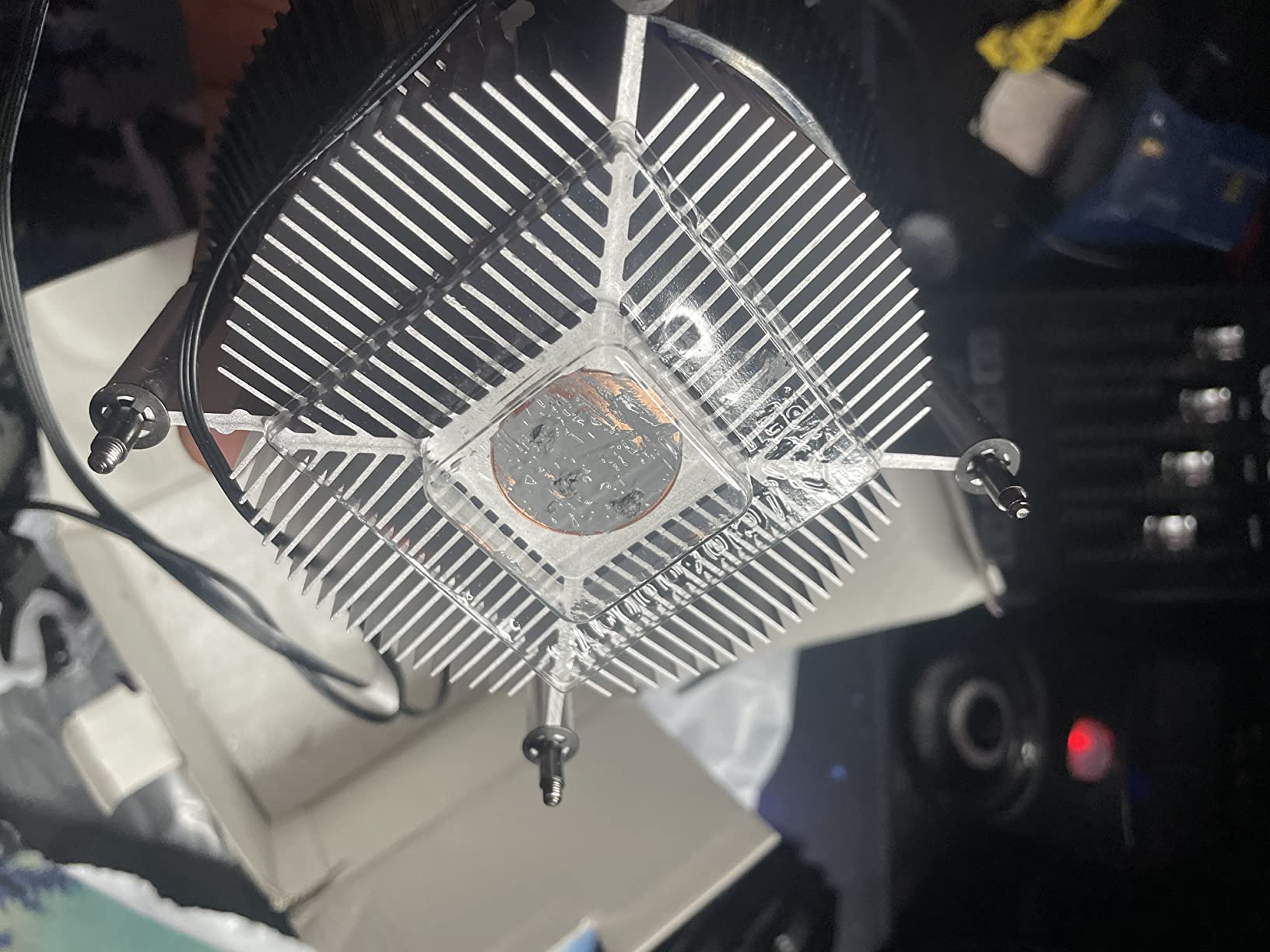
Best For and Skip If
Best for an Intel i3 or mainstream i5 build in a glass or display case where lighting matters. Skip it for AMD platforms, for unlocked high-wattage chips, and for any build where you would rather spend the money on a cooler that can actually cool a hot processor.
8. Thermalright AXP90-X53 Full – Full Copper at 53mm
- ✓Pure copper 53mm body outperforms pricier low-profile alternatives
- ✓Full copper resists oxidation better than aluminium fins
- ✓92mm fan rated at 42.58 CFM and 1.33 mmH2O
- ✓Supports LGA1851 LGA1700 AM5 and AM4
- ✓Thermal paste included
- ✕Bundled 92mm fan is often replaced by owners
- ✕Not the quietest option even with an aftermarket fan
- ✕AM5 install needs mounting arms swapped
- ✕One report of missing mounting screws
53mm total height
Full pure copper body
4x6mm AGHP heatpipes
92mm TL-9015R PWM fan
22.4 dB(A)
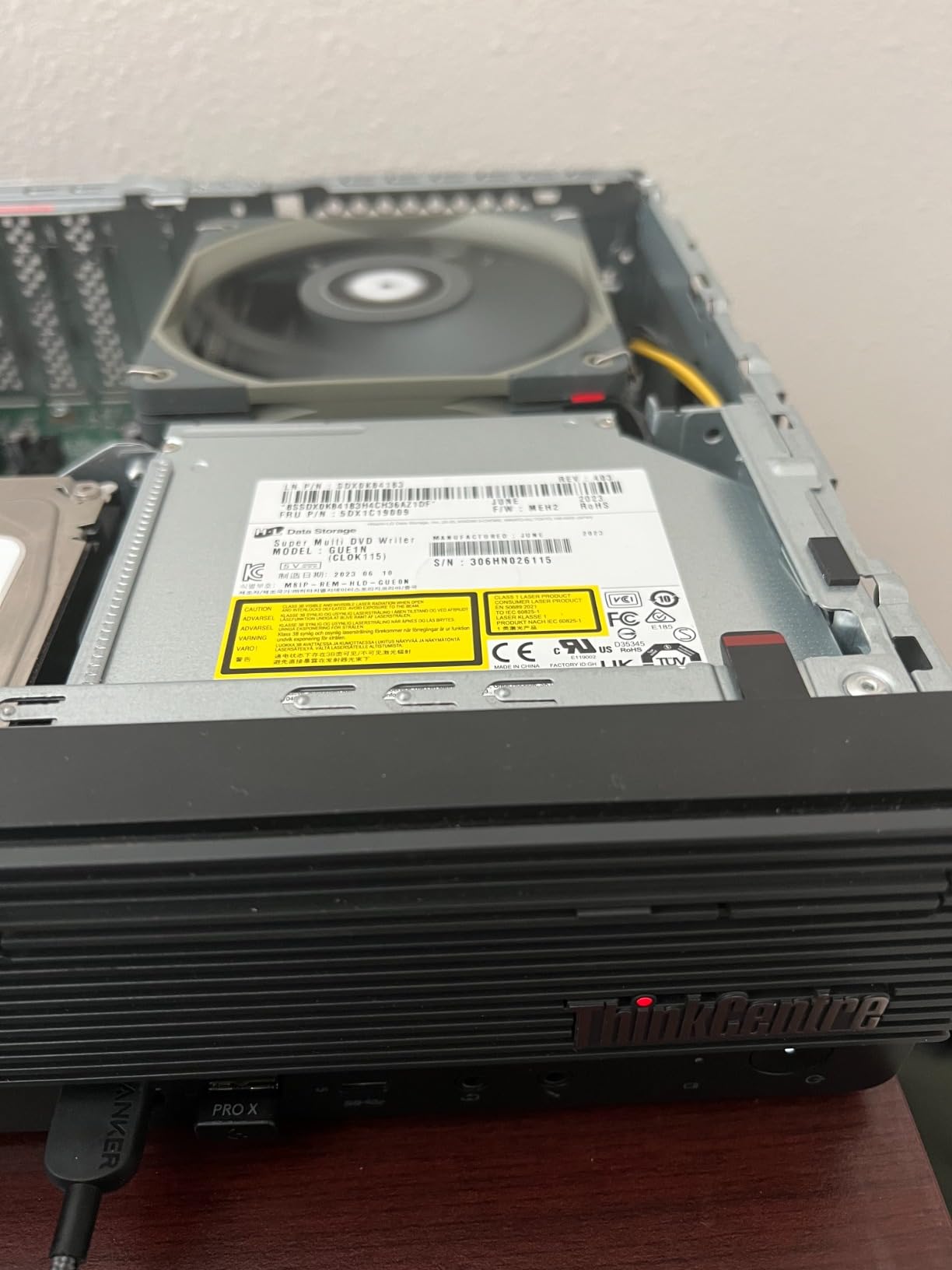
The AXP90-X53 Full is unusual because the entire heatsink, base included, is pure copper rather than aluminium fins on a copper base. At 53mm tall with four 6mm heat pipes using AGHP processing, it holds a lot of conduction surface in a very short body, and it weighs just 100 grams.
The bundled TL-9015R is a 92mm slim PWM fan rated at 42.58 CFM, up to 1.33 mmH2O of static pressure, 2700 rpm plus or minus 10 percent, and 22.4 dB(A). That static pressure figure is the number that matters in a restrictive small chassis.
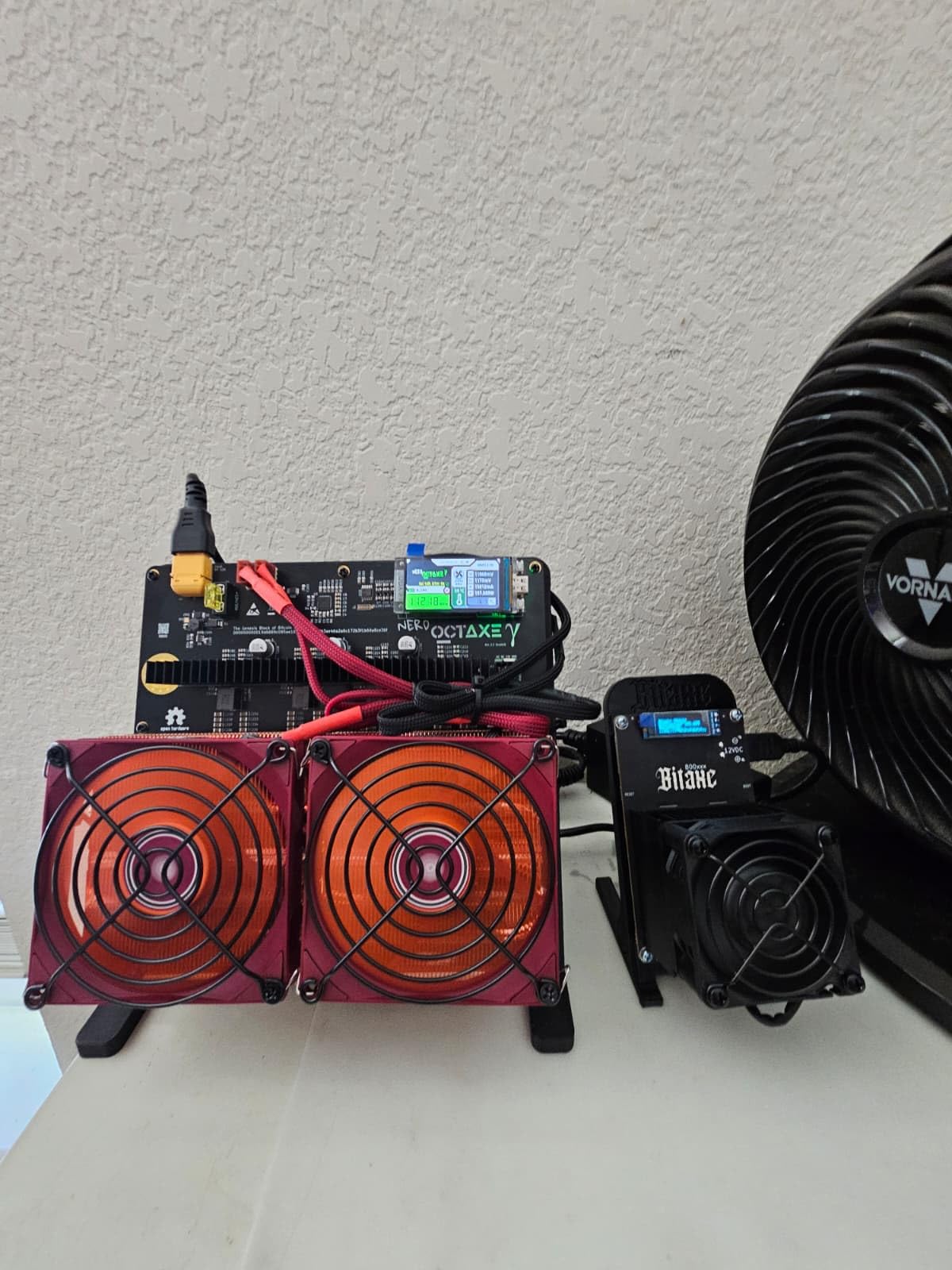
Why Full Copper Changes the Result
Aluminium fins move air well but conduct heat poorly, so a conventional design relies on the copper base to catch the heat and the fins to shed it. A full copper design removes that weak link, which is why several owners report the X53 Full out-cooling pricier low-profile alternatives in side-by-side comparisons.
It also resists oxidation better over years than an aluminium-fin variant, so the thermal performance does not decay the way some cheaper heatsinks do. The machined copper bottom is micro-carved to reduce wind damage across the fin array.
The Fan Is the Weak Point
Owners repeatedly swap the bundled 92mm fan for a higher static-pressure model and see further gains, and the review consensus is that the supplied fan is the mediocre part of an otherwise strong cooler. Budget for a replacement slim fan if you care about noise.
Sockets, AM5 Mounting, and Clearance
The heatsink supports Intel LGA1700, LGA1200, LGA1851 and the 115x sockets, plus AMD AM4 and AM5. Thermal paste is included, and the overall cooler size is 94.5 by 95 by 53mm, so memory clearance is not a concern even with tall modules.
Two installation notes. On AM5 the mounting arms have to be swapped and the factory brackets removed, and the arms are unmarked, so read carefully before forcing anything. If the backplate conflicts with motherboard components, the long screws and a reversed backplate position are the documented fix.
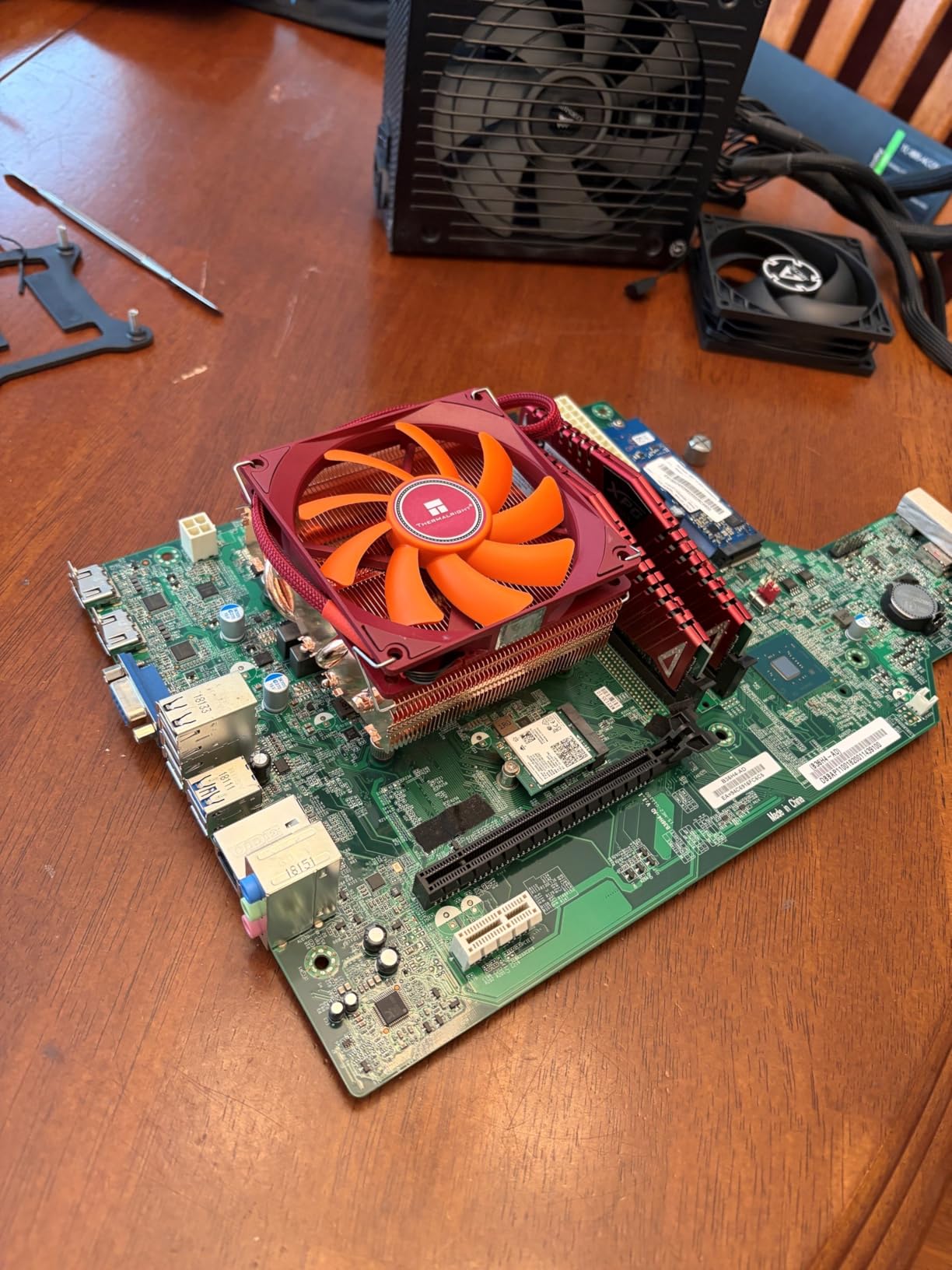
Best For and Skip If
Best for a 53mm build where you want strong thermals on a moderate-power chip and plan to replace the fan anyway. Skip it if you need the bundled fan to be quiet out of the box, or if you want a plug-and-play install on AM5.
9. be quiet! Pure Rock LP – 45mm and Rated for 100W
- ✓45mm height with a copper heatpipe design
- ✓92mm be quiet! fan is exceptionally silent for its size
- ✓Handles 100W-class chips including power-limited i7 parts
- ✓Minimalist square design suits glass and display cases
- ✓Available in black or silver
- ✕Poorly written documentation with ambiguous Intel bracket positions
- ✕Not adequate for unrestricted high-TDP flagship CPUs
- ✕Only 33 CFM airflow limits sustained heavy-load performance
- ✕One report of missing screws in the box
45mm total height
Rated for 100W TDP
92mm fan at 33 CFM
30.6 dB(A) max
Both Intel and AMD
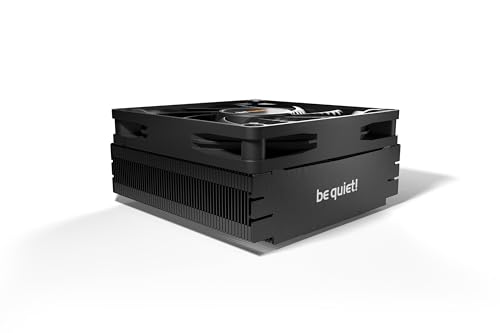
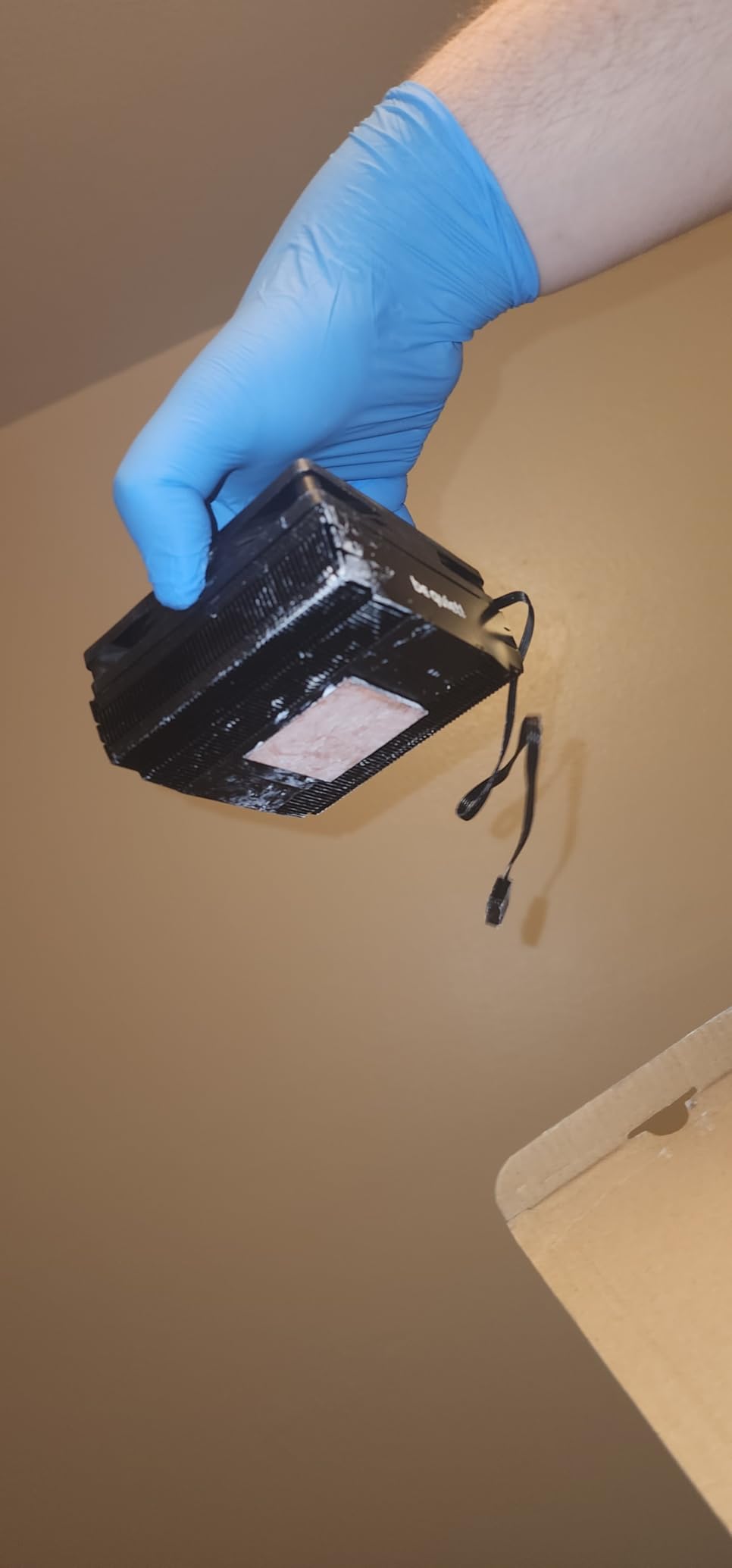
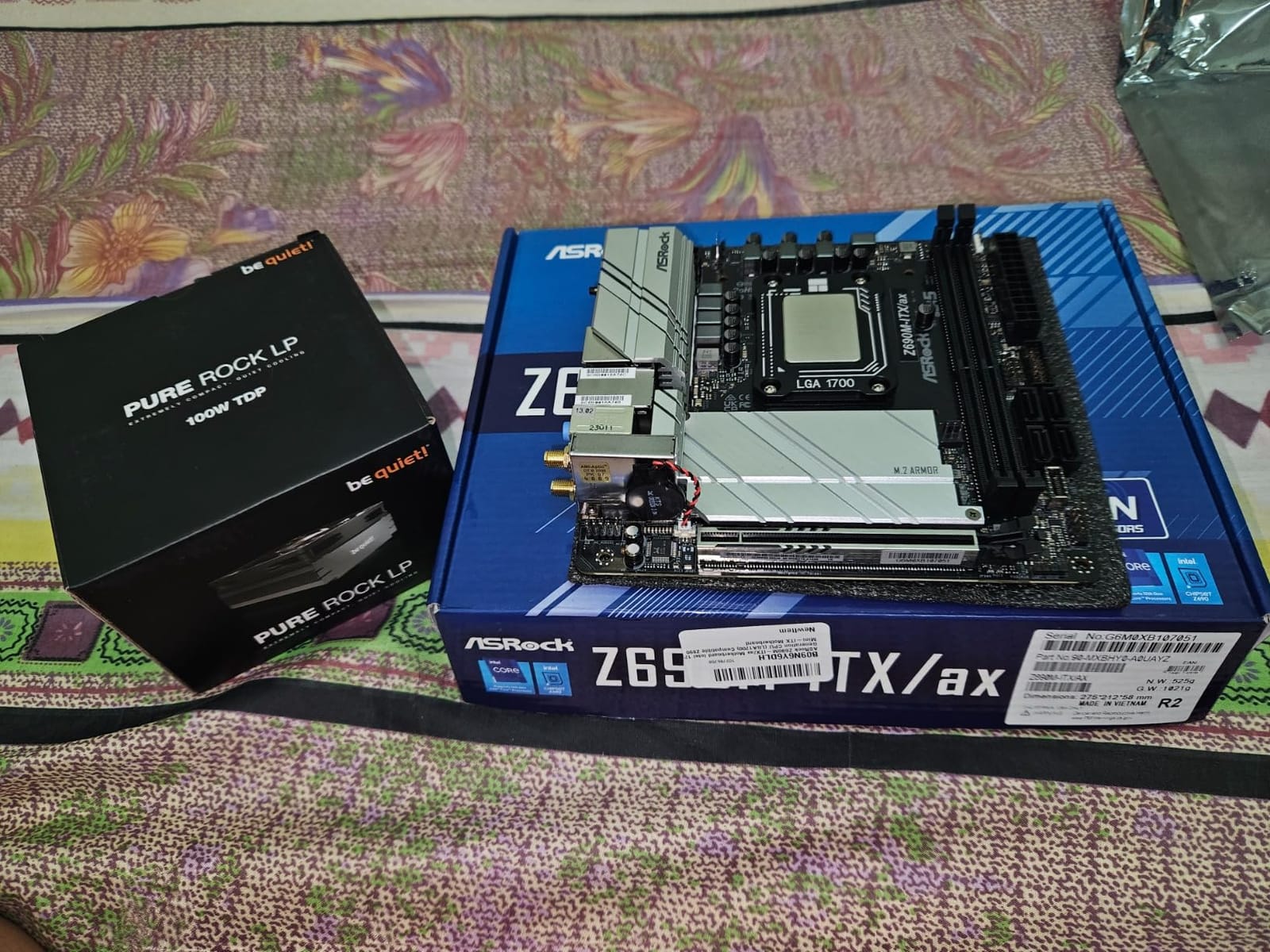
The Pure Rock LP is the quietest 45mm option in this roundup, and it is the only one here with a stated 100W TDP rating. At 45mm tall with a copper heatpipe solution and a 92mm be quiet! fan rated at up to 30.6 dB(A) and 2500 rpm, it covers more socket platforms than most of its size class.
Owners single it out for solving heat problems in ultra-slim and all-in-one ITX chassis where taller coolers will not fit, and for near-silent 92mm fan operation in an enclosure with very little airflow volume.
The 100W Rating and What It Really Means
A stated TDP rating is a manufacturer claim, not a guarantee, so treat it as guidance about which class of processor the cooler was designed for. In practice the Pure Rock LP handles power-limited i7 parts and mid-range Ryzen chips well, and it is not adequate for unrestricted flagship processors.
The 33 CFM airflow figure is the reason for that limit. It is the lowest airflow number in this roundup, and it is what holds back sustained heavy-load performance even though noise stays manageable.
Documentation Is the Weak Spot
The most common criticism has nothing to do with thermals. The instructions are sparse, and in particular the Intel bracket spacing positions are not clearly explained, which means you may be guessing at the mounting layout on a socket where getting it wrong can affect contact pressure.
Budget an extra fifteen minutes with a reference photo of your socket layout before you start, and check the box contents carefully, since one buyer reported missing screws.
Sockets, Warranty, and Appearance
It supports Intel LGA1700, LGA1200, LGA1150, LGA1151 and LGA1155, plus AMD AM5 and AM4. Note that LGA1851 is not on the list, so confirm hardware if you are building on that platform.
Best For and Skip If
Best for a quiet 45mm build on a 100W-class or power-limited processor, especially in a living-room machine. Skip it for unlocked flagship chips, for confirmed LGA1851 platforms without checking hardware, and for anyone unwilling to spend extra time on the mounting instructions.
10. Thermalright AXP120-X67 – Six Heatpipes and a 120mm Fan
- ✓Six heatpipes and 59 CFM give strong thermals for a 67mm profile
- ✓Slim 120mm PWM fan runs quietly even at full speed
- ✓Handles power-limited i7-14700KF and Ryzen 7 9800X3D in SFF builds
- ✓Clips accept both 15mm and 25mm slim fans
- ✓Excellent value for the performance
- ✕Will not clear RAM with heatspreads unless mounted in reverse orientation
- ✕Included thermal compound is thick and hard to spread
- ✕Bundled fan motor durability questioned after about two years
67mm total height
Six 6mm copper heatpipes
120mm fan at 59 CFM
26.1 dB(A)
Aluminium fins on copper base
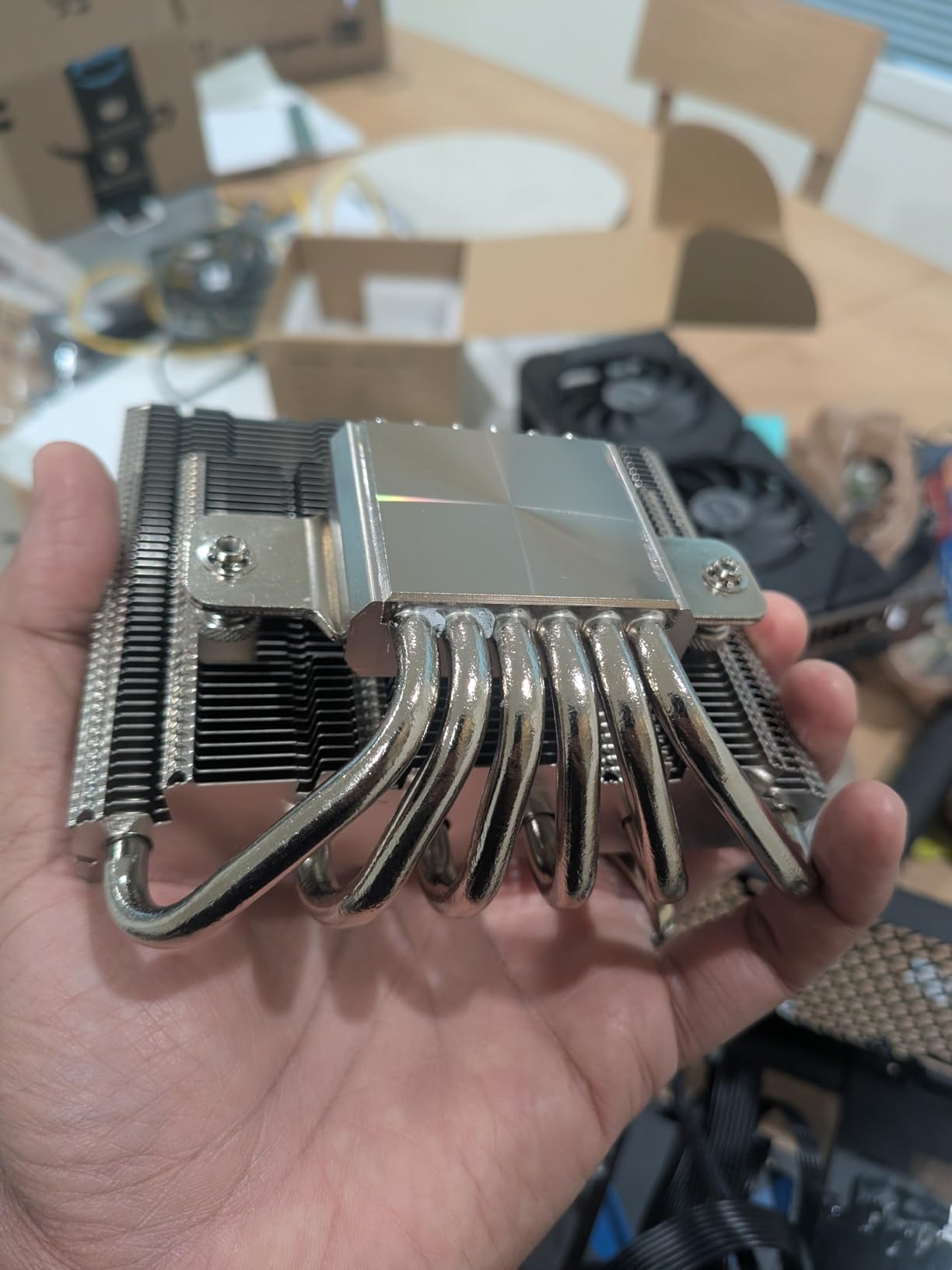
The AXP120-X67 is the most powerful cooler in this roundup on paper. Six 6mm AGHP copper heat pipes feed an aluminium fin stack on a copper base, and the bundled TL-C12015 is a standard 120x120x15mm PWM fan rated at 1800 rpm, 59 CFM and 26.1 dB(A). Overall size is 123.5 by 120 by 67mm, and it weighs 608 grams.
Independent testing and user reports both position it as a standout performer, with side-by-side comparisons against the Noctua L9 favouring it on temperature. The fan clips accept both 15mm and 25mm slim replacements, which is a detail most coolers in this price bracket do not offer.
Thermals at 67mm
Six pipes plus a 120mm fan is the combination that lets it handle a power-limited i7-14700KF or a Ryzen 7 9800X3D inside a small case. It is also tall enough to pull air through the case side panel, which matters in layouts with limited front intake.
RAM Clearance and Reverse Mounting
This is the most important practical note in the review. It will not clear RAM with heatspreads unless you mount it in the reverse orientation, with the fan underneath the fin stack blowing up into it rather than a conventional top-down arrangement.
Reverse mounting changes the airflow path through the case, so check how your chassis moves air before committing. On some boards with built-in standoffs you also need the double-sided screws and washer.
Accessories and Long-Term Concerns
The bundled thermal compound has been criticised as thick and hard to spread, so bring your own paste if you care about a clean application. Reviewers have also questioned the durability of the included fan motor after roughly two years of use, which matters if you intend to keep this build for a long time.
Socket support on the printed list covers Intel LGA1700, LGA1200, LGA2011, LGA2066 and the 115x sockets plus AMD AM4. AMD AM5 is not on the printed list, so verify it with the manufacturer before ordering for a Ryzen 5000 or newer board.
Best For and Skip If
Best for a 67mm case where thermals matter most and your memory modules have low-profile heatspreads, or where you are comfortable with reverse mounting. Skip it if you run tall memory and do not want to change the fan orientation, or if the bundled compound and fan reliability bother you.
Low-Profile CPU Coolers by Height Tier
Grouping these coolers by clearance band is the fastest way to narrow the list. Your case manufacturer publishes a maximum cooler height in millimetres, and that number is the first filter. Start with the band it falls into and work outward from there.
37mm and under: the Noctua NH-L9a-AM4 is the only pick here that fits, and only on AM4. If your clearance is below 37mm, you are into custom or workstation solutions rather than a retail cooler.
45mm to 55mm: the ID-COOLING IS-40X V3 and the be quiet! Pure Rock LP both sit at 45mm, and the Thermalright AXP90-X53 Full at 53mm is the strongest of the three. This is the band most ultra-slim ITX and all-in-one cases fall into.
57mm to 60mm: the ID-COOLING IS-55 Black is the pick, with five heat pipes in a body most manufacturers would not fit three into.
65mm to 70mm: the widest selection. Noctua NH-L9x65 at 65mm, then the Cooler Master i70C ARGB, Thermalright AXP120-X67 at 67mm, and the Noctua NH-L12S at 70mm. If your case accepts 70mm, buy the NH-L12S unless your processor is low-power.
Remember that the published clearance figure is not always the usable one. Side panel bulge, dust filters, and cable routing each eat into it, so leave a few millimetres of margin rather than buying a cooler that matches the number exactly.
RAM Clearance and GPU Clearance: What to Check Before You Buy
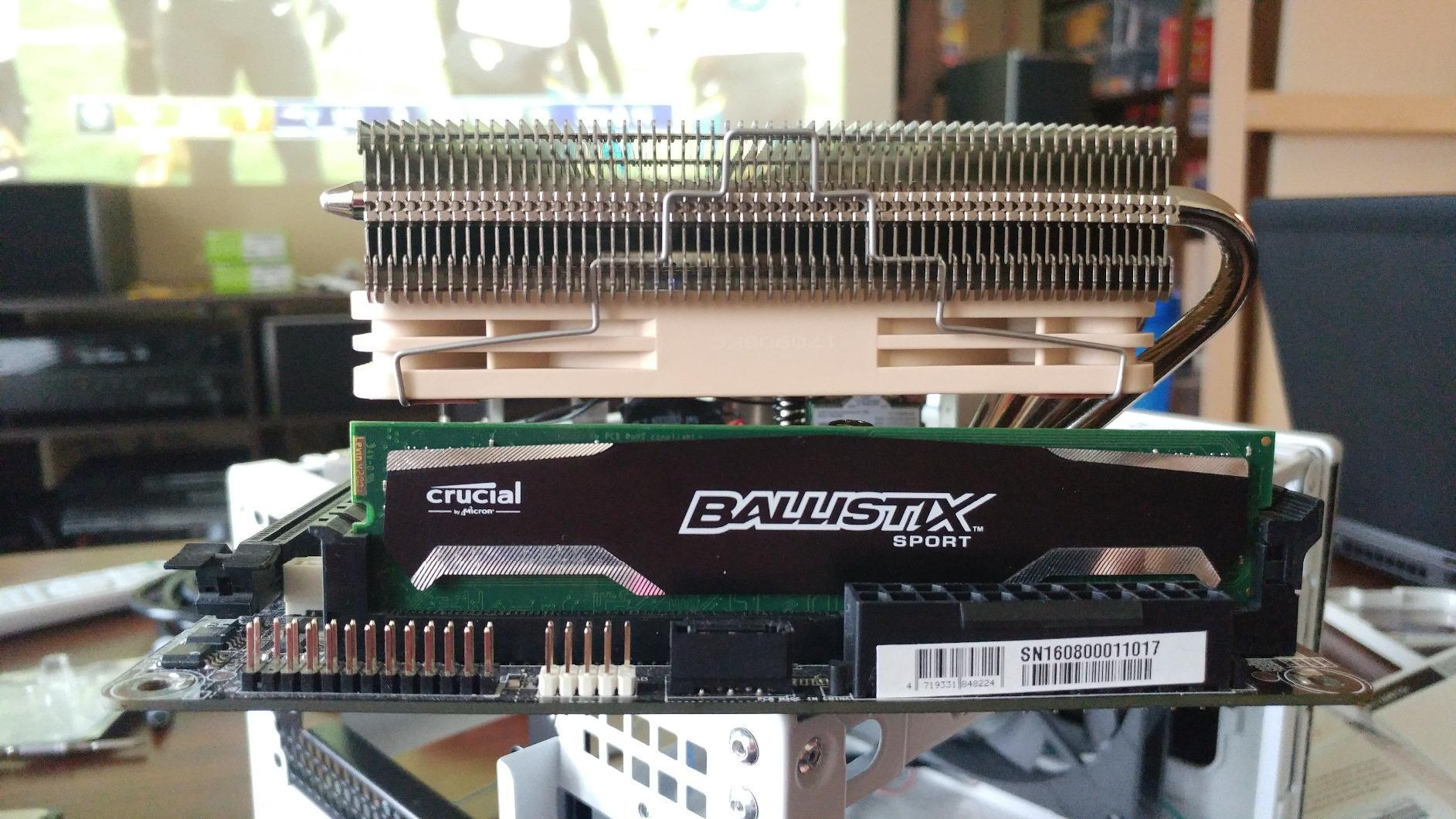
Tall RAM modules colliding with a slim cooler is the most repeated problem in compact-build communities, and it is the first thing to verify. The safe rule is simple: if your memory has heatspreads or stands taller than the cooler’s fin stack, the modules underneath the cooler will not seat fully.
Four of the coolers here are explicitly designed around that problem. The Noctua NH-L9x65 and the NH-L9a-AM4 both avoid overhanging the RAM or PCIe slots on most current motherboards, and the ID-COOLING IS-55 Black and IS-40X V3 both list good memory compatibility on mini-ITX boards. The AXP90-X53 Full is not a concern at all at 94.5mm square.
The one to check carefully is the Thermalright AXP120-X67. Reviewers report it will not clear RAM with heatspreads in the normal orientation, and that it needs reverse mounting to fit. The Noctua NH-L12S has the largest footprint here at 5.03 by 5.74 inches, so confirm the free space around your memory.
GPU clearance is the other half of the puzzle in sandwich-layout cases. When a graphics card mounts vertically against the side panel, it can sit directly in front of the cooler’s intake and quietly degrade performance with no obvious symptom other than higher temperatures. Bigger footprints like the NH-L12S and AXP120-X67 are the most exposed to this, so check your case’s GPU orientation before committing to a tall low-profile cooler.
Matching Cooler Height to Your CPU’s Power Draw
Height matters because it limits heat pipe count and fan size, which together limit how much heat you can move. Matching the cooler to your processor’s sustained power draw is more useful than matching it to its peak boost figure, because a chip that briefly hits a high wattage for a fraction of a second is easy to cool, while a chip that holds a high wattage for twenty minutes is not.
65W-class processors: any cooler in this roundup handles these comfortably. This covers the Ryzen 5 9600X, the Ryzen 7 7700, the 4750G and 4650G APU class, and power-limited mobile-derived chips. The 37mm and 45mm options are entirely appropriate here.
95W to 105W class: you want four or more heat pipes and ideally a 120mm fan. The ID-COOLING IS-55 Black, the Thermalright AXP120-X67, the be quiet! Pure Rock LP at its 100W rating, and the Noctua NH-L9x65 all sit in this band. The AMD Wraith Stealth tops out around 95W.
125W and above: you need a 120mm slim fan and as much pipe count as the height allows. That points at the Noctua NH-L12S with its four pipes and NF-A12x15, or the Thermalright AXP120-X67 with six pipes and 59 CFM. The Cooler Master i70C ARGB is rated for 95W and is not the right tool here.
170W and above, or unrestricted flagship chips: low-profile air cooling gets genuinely difficult at this level. The Noctua is positioned for Core Ultra parts such as the 290K and Ryzen chips like the 9950X3D, which tells you it has capacity here, but only if your case accepts 70mm. Below that, a low-profile AIO is the more honest answer.
Top-Flow vs Bottom-Exhaust in a Cramped Chassis
Airflow direction matters far more in a small case than in a tower, because there is very little air to move and every component is close together. Top-flow coolers push air straight down across the CPU and the surrounding board, which also pushes air over the VRM, the M.2 drive and the chipset.
That secondary effect is a genuine benefit in compact builds. In a machine with no front intake fan, a top-down cooler is often the only source of airflow crossing the motherboard, so it does work well beyond the processor itself.
Bottom-exhaust, or downdraft, coolers blow air downward and out through the case floor, which is why they are common in specific chassis designs. The drawback is that whatever sits under the cooler, often a graphics card in a sandwich layout, absorbs that air and runs warmer as a result.
Most of the coolers here are top-flow designs. The Thermalright AXP120-X67 can be mounted in reverse, which turns it into a bottom-exhaust unit, and the effect on your memory clearance and case airflow is worth planning before you commit to that orientation.
Air vs Low-Profile AIO in a Small Case
An all-in-one liquid cooler is more complex than it looks in a small chassis, and the risk is real. The pump block has to sit in the same space the air cooler occupies, radiator mounting options are limited, and tubes plus a radiator need routing space that a slim chassis often does not have.
The upside is capacity. Liquid moves heat out of the case rather than into it, so the same total cooling capacity produces lower CPU temperatures in a cramped enclosure. That makes liquid the more honest answer for high-wattage processors in cases under 65mm of clearance.
My advice is to buy air unless you are pairing a high-wattage processor with a genuinely short case.
How to Install a Low-Profile CPU Cooler in a Tight Case
Install order matters more than usual in a compact build, because access to the socket gets worse once the board is mounted. The reliable sequence is: prepare the cooler first, mount the board with the backplate in place, apply paste, then attach the cooler before connecting anything else.
Step 1: fit the backplate while the board is out of the case. Nearly every cooler here uses a backplate, and reaching it after the motherboard is installed in a tight chassis is miserable work. The AXP90-X53 even documents a reversed backplate position for boards where the plate conflicts with components.
Step 2: apply thermal compound, not too much. A pea-sized amount is the standard rule. On the AMD Wraith Stealth the paste is already applied, which saves a step but can bond the heatsink to the CPU later. If you are mounting any of the others, bring your own paste.
Step 3: tighten in a cross pattern. Work diagonally rather than one screw at a time so mounting pressure spreads evenly. This is the single best way to avoid the uneven-contact throttling that shows up as a cooler that performs worse than its spec sheet suggests.
Step 4: attach the fan header last. In most boards the CPU fan header sits near the socket, so plugging the cable in before the cooler is fitted is impossible. Route the cable before you slide the heatsink into place.
Step 5: check the side panel before powering on. Do a dry fit, then close the panel fully without forcing it. If it bulges, you have mis-measured the case clearance and you need a shorter cooler, not a harder push.
Frequently Asked Questions
What is the best low profile CPU cooler?
The Noctua NH-L9x65 is the best overall low-profile CPU cooler for most compact builds, because 65mm of height clears a wide range of small cases, the footprint does not overhang the RAM or PCIe slots on most motherboards, and the 92mm NF-A9x14 slim PWM fan runs at 23.6 dB(A). If you have 70mm of clearance and run a high-wattage processor, step up to the Noctua NH-L12S, which adds four heat pipes and a 120mm fan.
What is the best low-budget CPU cooler?
For the money, the ID-COOLING IS-40X V3 gives you four copper heat pipes and a 92mm slim PWM fan at only 45mm tall, which is unusual because most coolers in that height band use two pipes. The ID-COOLING IS-55 Black steps up to five pipes and a 120mm fan at 57mm if you have the clearance. Both cover AMD AM5 and Intel LGA1700, and both are far quieter than the cooler your processor arrived with.
What is RAM clearance with CPU coolers?
Low-profile coolers vary enormously here. The Noctua NH-L9x65 and NH-L9a-AM4 are designed not to overhang the RAM or PCIe slots on most current motherboards, and the ID-COOLING IS-40X V3 and IS-55 Black both list good memory compatibility on mini-ITX boards. The Thermalright AXP120-X67 will not clear RAM with heatspreads unless you mount it in reverse, with the fan underneath the fin stack. Always check your memory height against the cooler’s fin stack before ordering.
What is the most reliable CPU cooler?
Reliability in this category comes down to warranty length, the mounting system, and fan longevity. The three Noctua models here carry a six-year manufacturer warranty and use the tool-light SecuFirm2 mounting system, which is the strongest combination available. The AMD Wraith Stealth is mechanically the simplest and has no pump or liquid loop, but its pre-applied paste can bond to the CPU and make removal difficult, and its rated ceiling sits around 95W.
How risky is AIO cooling in a small case?
Low-profile AIO cooling carries more risk in a compact chassis because the pump block, radiator, and tubes all compete for the same limited space, and radiator mounting options are often restricted. The benefit is real, though: liquid moves heat out of the case instead of into it, so capacity is higher for the same footprint. Buy air cooling unless you are pairing a high-wattage processor with a case under 65mm of clearance, since air has no pump to fail and nothing that can leak.
Bottom Line: Which Low-Profile CPU Cooler Should You Buy
If your case accepts 70mm and you run a hot processor, the Noctua NH-L12S is the pick, with four heat pipes and a 120mm slim fan in the tallest profile here. For most other builds, the Noctua NH-L9x65 at 65mm is the choice, because it combines a broad socket list with a footprint that clears RAM and PCIe slots. If you have 67mm and want the highest airflow figure available, the Thermalright AXP120-X67 moves 59 CFM.
Below 60mm of clearance, the ID-COOLING IS-55 Black at 57mm delivers the most cooling per millimetre, and at 45mm the choice is between the quieter be quiet! Pure Rock LP and the cheaper four-pipe ID-COOLING IS-40X V3. Whatever you buy, measure the case, check the memory height, and confirm your socket before the order goes in. For the wider cooling picture, read our low profile graphics card guide to match the rest of a compact build.





Leave a Comment