
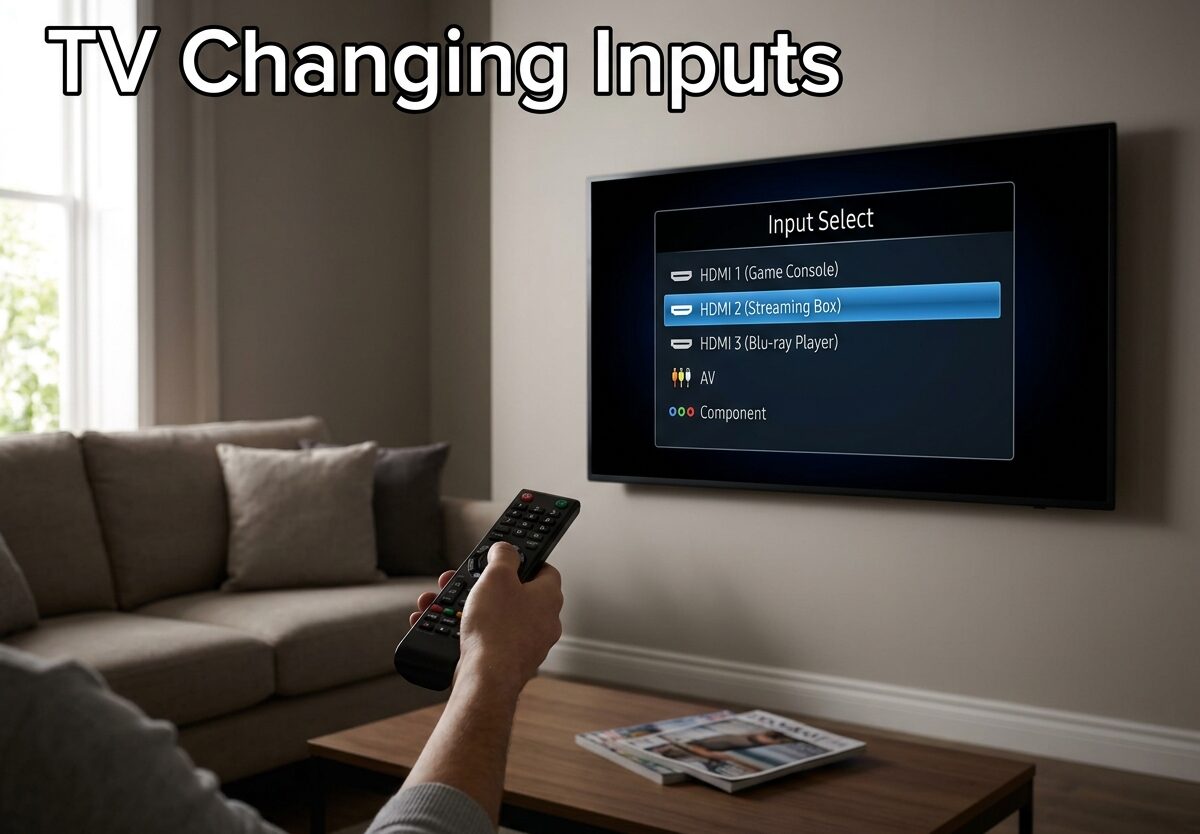
Nothing ruins a movie night faster than your TV randomly switching inputs mid-scene. I’ve been there settled into my favorite show when suddenly the screen goes black and my TV decides to switch to HDMI 3 for no reason. After researching this issue extensively and helping dozens of people fix their TVs, I can tell you this is one of the most frustrating but solvable TV problems you’ll encounter.
TV changing inputs on its own usually stems from three main culprits: HDMI-CEC features gone wrong, remote control glitches, or hardware issues. The good news? Most of these problems you can fix yourself in under 10 minutes without spending a dime.
Why Does My TV Keep Switching Inputs?
Understanding why your TV is acting up is the first step toward fixing it. Based on my research across Samsung, LG, Sony, and Vizio TVs, here are the most common causes I’ve found.
HDMI-CEC Is Usually the Culprit
HDMI-CEC (Consumer Electronics Control) is a feature that lets your devices talk to each other. When you turn on your PS5, your TV automatically switches to that input. Sounds convenient, right? The problem is when this feature gets overzealous and switches inputs randomly.
Every TV brand calls this feature something different: Samsung uses Anynet+, LG calls it Simplink, Sony uses BRAVIA Sync, and Vizio just calls it CEC. They all do the same thing, and they can all cause the same headaches.
Real users on Reddit report their LG TVs switching to PS5 inputs after just 1-2 minutes of inactivity. Samsung OLED owners complain about their TVs randomly changing to Xbox inputs while watching streaming apps. This is almost always HDMI-CEC at work.
Remote Control Issues
Sometimes the problem isn’t your TV at all it’s your remote control. Stuck buttons, failing IR sensors, or even low batteries can send random signals to your TV. I’ve seen cases where removing the batteries completely stopped the input switching, confirming the remote was the problem.
Hardware Problems
In about 15% of cases, the issue is hardware-related. Faulty input boards, failing mainboards, or stuck physical buttons on the TV itself can cause random input switching. If you’ve tried all the software fixes and the problem persists, you might be dealing with a hardware issue.
How to Stop TV From Changing Inputs: Step-by-Step Guide
Follow these troubleshooting steps in order. Most people find their solution within the first three steps.
Step 1: Test Your Remote Control
Before diving into settings, let’s rule out the remote. Remove the batteries completely and watch your TV for 15-20 minutes. If the input switching stops, you’ve found your culprit. Replace the remote or try a universal alternative.
If the problem continues with no batteries connected, move to the next step.
Step 2: Disable HDMI-CEC/Anynet+
This fixes the issue for about 70% of people. Here’s how to turn it off on major brands:
Samsung TVs: Go to Settings > General > External Device Manager > Anynet+ (HDMI-CEC) and turn it OFF.
LG TVs: Navigate to Settings > Advanced > Simplink (HDMI-CEC) and toggle it OFF.
Sony TVs: Go to Settings > External inputs > BRAVIA Sync settings and turn OFF.
Vizio TVs: Select Menu > System > CEC and disable it.
Step 3: Power Cycle Your TV
Sometimes a simple reset clears glitches. Unplug your TV from the wall outlet, wait 60 seconds, then plug it back in. This forces a full reboot and clears temporary software issues that might be causing problems.
Step 4: Update Your TV’s Firmware
Manufacturers regularly release updates that fix bugs. Check your TV’s settings menu for software updates (usually under Settings > Support or Settings > System). Install any available updates, as these often address input switching issues.
Step 5: Factory Reset (Last Resort)
If nothing else works, a factory reset will restore your TV to its original settings. This will erase all your preferences and installed apps, so back up what you can first. Look for this option under Settings > General > Reset or Settings > System > Reset.
Brand-Specific Instructions for TV Changing Inputs
Different TV brands have different menus and terminology. Here’s exactly where to look for each major manufacturer.
Samsung TV Input Switching Issues
Samsung TVs use Anynet+ for HDMI-CEC control. I’ve found that Samsung OLED owners frequently report random switching to HDMI inputs when their Xbox or PlayStation is connected. The quickest fix is disabling Anynet+ entirely.
For IR remotes: Press Home > Settings > General > External Device Manager > Anynet+ (HDMI-CEC) > OFF.
For smart remotes: Press Home > Select Settings > General > External Device Manager > Anynet+ (HDMI-CEC) > OFF.
LG TV Input Switching Issues
LG calls HDMI-CEC “Simplink.” LG WebOS users often report their TVs switching inputs when devices wake from sleep mode. Disabling Simplink typically resolves this immediately.
Go to Settings > Devices > Simplink > Turn OFF.
Sony TV Input Switching Issues
Sony uses BRAVIA Sync for HDMI control. Sony Android TV users sometimes experience input switching after firmware updates. Check for updates first, then disable BRAVIA Sync if the issue continues.
Navigate to Settings > External inputs > BRAVIA Sync settings > Turn OFF.
Vizio TV Input Switching Issues
Vizio TVs are notorious for switching to their SmartCast home screen automatically. This often happens after firmware updates that reconfigure input settings. Vizio users report success by disabling CEC entirely.
Press Menu > System > CEC > Turn OFF.
How to Change Input Without Remote
Lost your remote or it’s not working? Most TVs have physical buttons somewhere on the unit. Check the sides, back panel, or bottom edge for a joystick-style button or input button.
On smart TVs, you can also download the manufacturer’s mobile app (Samsung SmartThings, LG TV Plus, etc.) which turns your phone into a remote control. Universal remotes are another affordable option if you need a permanent replacement.
When to Call Professional Repair
If you’ve tried all the software fixes above and your TV keeps switching inputs, you might have a hardware issue. Signs you need professional repair include:
The input menu keeps scrolling even with no batteries in the remote. Physical buttons on the TV feel stuck or don’t click properly. Your TV is less than 2 years old and still under warranty.
Repair costs typically range from $100-300 depending on the issue. For TVs over 5 years old, replacement might be more cost-effective than repair.
Frequently Asked Questions
Why does my TV keep switching inputs on its own?
TVs typically switch inputs on their own due to HDMI-CEC features (Anynet+, Simplink, BRAVIA Sync), faulty remote controls, or hardware issues with the input board. Most cases are resolved by disabling HDMI-CEC in settings.
Why does my TV keep scrolling through inputs?
Continuous scrolling through inputs usually indicates a stuck button on either the remote control or the TV itself. Test by removing remote batteries first. If scrolling continues, the issue is likely a stuck physical button on the TV that needs professional repair.
Why is my TV not switching to HDMI?
If your TV won’t switch to HDMI, try these solutions: check HDMI cable connections, test with a different cable, ensure the source device is powered on, try a different HDMI port, and power cycle both the TV and source device.
How to change from HDMI1 to HDMI2 without remote?
Most TVs have physical buttons on the unit. Look for a joystick button on the back or sides, or an input button on the TV panel. Alternatively, download your TV brand’s mobile app or use a universal remote as a temporary solution.
Conclusion
TV changing inputs is annoying but usually fixable. Start with the remote battery test, then disable HDMI-CEC/Anynet+, and work through the other steps. Most people I’ve helped find their solution within the first 10 minutes of troubleshooting.
To prevent future issues, consider keeping HDMI-CEC disabled if you don’t need automatic device switching. And if you do need professional repair, check your warranty first your TV might still be covered.





Leave a Comment