
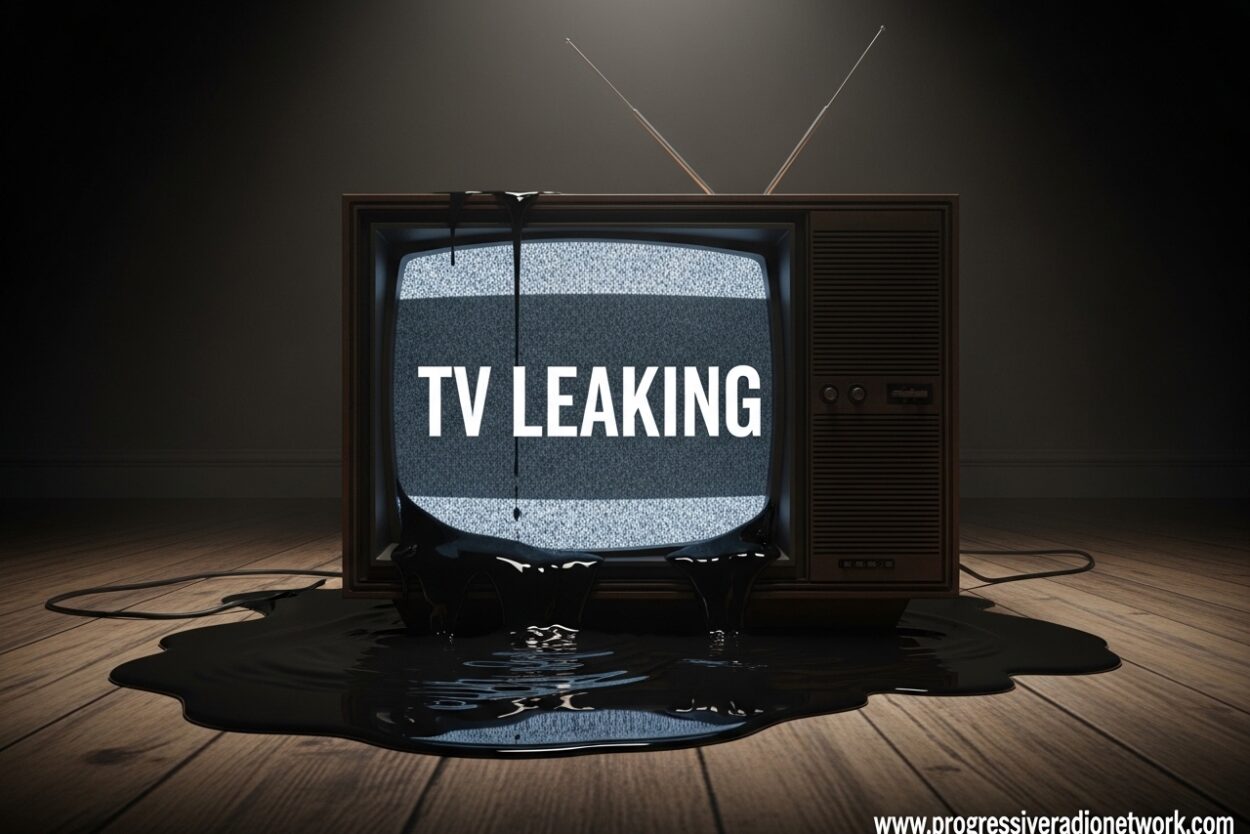
Discovering your TV leaking can be a stressful experience, but knowing exactly what to do in those first critical minutes can mean the difference between a full recovery and permanent damage. Whether it’s from a flood, spill, roof leak, or mysterious condensation, water damage strikes fast and you need to act even faster.
I’ve seen countless cases where quick action saved expensive televisions that seemed destined for the recycle bin. The key is understanding what’s happening inside your TV and following the right steps in the right order.
What Is TV Leaking?
TV leaking refers to visible fluid or moisture inside your television display, typically caused by water damage from floods, spills, or high humidity condensation. When you see what looks like fluid leaking from your TV, it’s usually not liquid crystal escaping but rather water that has penetrated the display casing.
The confusion often comes from LCD (Liquid Crystal Display) technology. While the liquid crystals themselves are sealed between glass layers and rarely “leak” in the traditional sense, water intrusion can cause similar visual effects that make it appear fluid is escaping.
Different TV types handle water damage differently. LCD TVs are vulnerable to water reaching the liquid crystal layer, causing permanent discoloration and spots. LED TVs face similar issues with their backlight systems. OLED TVs, while more resistant to some forms of damage, can suffer immediate circuit board failure when exposed to moisture.
Immediate Steps When Your TV Is Leaking
Step 1: Unplug immediately. This is the most critical step and must be done before anything else. Water and electricity create short circuits that can permanently destroy your TV’s internal components within seconds. Don’t touch the TV if you’re standing in water or if the power cord is wet.
Step 2: Remove from water source. If your TV is sitting in water, near an active leak, or still being sprayed, carefully move it to a dry location. Two people should lift larger TVs to avoid dropping them. Place the TV on a dry surface with good airflow.
Step 3: Initial assessment. Look for where water entered. Was it from above, a side spill, or bottom flooding? This helps determine which components are most at risk. Take photos of any visible water or damage for insurance purposes.
Step 4: Do NOT turn it on. I cannot stress this enough. Testing if your TV works after water exposure is the fastest way to turn repairable damage into a total loss. Patience saves electronics.
Signs of TV Water Damage
Water damage isn’t always obvious immediately. Some signs appear within hours while others develop over days or weeks.
Visual indicators: Yellow or brown spots on the screen, dark patches that won’t go away, horizontal or vertical lines, screen discoloration that resembles water spreading, flickering or pulsing brightness, and dead pixel clusters are all red flags.
Functional issues: Your TV might not turn on at all, turn on then immediately shut off, have audio but no video, display an image but with strange artifacts or colors, or respond sluggishly to remote commands.
Hidden damage signs: Even if your TV appears to work fine initially, problems can develop later. Corrosion on circuit boards continues spreading long after water evaporates. Many users report their TV working for a week after water exposure before suddenly failing permanently.
TV Leaking: How to Properly Dry a Water-Damaged TV
The drying process is where most people make mistakes. Rushing this step or using the wrong methods can turn a recoverable TV into electronic waste.
Step 1: Position for drainage. If water entered from above, tilt your TV slightly forward (screen facing down at about 15 degrees) to allow water to drain away from sensitive components. Place towels underneath to catch dripping water.
Step 2: Increase airflow. Set up fans to blow across (not directly into) your TV’s ventilation areas. Open windows if humidity is low outside. A dehumidifier in the room can significantly speed up the process.
Step 3: The waiting game. Minimum drying time is 48 hours, but 72 hours is ideal. Larger TVs or those with more water exposure may need up to 5 days. I know it’s tempting to test it sooner, but every extra hour increases your chances of success.
What NOT to do: Never use a hairdryer or heat gun on your TV. High heat can warp internal components and melt plastic parts. Avoid direct sunlight as it can damage the screen. Don’t shake your TV to remove water—this can spread moisture to previously dry areas.
Minimal vs Severe Water Damage
Understanding the severity of your TV’s water exposure helps determine if recovery is possible.
Minimal damage recovery is possible when: Water exposure was brief (seconds to minutes), the TV was unplugged immediately during exposure, only the exterior casing was affected, the TV is small to medium-sized (easier drying), and you catch it within the first hour.
Severe damage indicators include: The TV was powered on when wet, exposure lasted more than 30 minutes, water poured directly into ventilation holes, submersion (even partial), visible corrosion on ports or internal components if visible, and any attempt to power on while wet.
Forums are filled with stories of people whose TVs worked initially after water damage only to fail permanently weeks later. This delayed failure happens because corrosion continues eating away at connections long after the water is gone.
When to Call a Professional vs Replace
The repair vs replace decision comes down to cost, TV value, and damage extent.
Consider professional repair when: Your TV is high-end and less than 2 years old, repair costs are under 50% of replacement value, you have an extended warranty covering water damage, the TV has sentimental value, or it’s a specialty model not easily replaced.
Replacement makes sense when: Your TV is over 3 years old, repair estimates exceed 50% of replacement cost, water damage was extensive with submersion, the TV was running when wet causing widespread electrical damage, or newer models offer significantly better features.
Professional repair costs typically range from $150-400 for screen issues and $100-250 for circuit board repairs. For TVs that cost less than $500 new, replacement is often the economical choice.
FAQ
Can I fix a leaking TV myself?
Minor water damage can sometimes be fixed at home if you act quickly and follow proper drying procedures. Unplug immediately, position for drainage, and let it dry for 48-72 hours with good airflow. However, never open your TV casing yourself—this voids warranties and risks electric shock. Internal repairs require professional training and tools.
What does TV leakage look like?
TV leakage typically appears as yellow or brown spots on the screen, dark patches that resemble water spreading, horizontal or vertical lines, screen discoloration, or areas that appear wet behind the display. You might also see condensation inside the screen or actual water dripping from ventilation ports. In severe cases, you may notice a sweet chemical smell indicating internal component damage.
Can a TV recover from water damage?
Yes, TVs can recover from water damage if addressed within 24 hours and proper drying procedures are followed. Recovery chances are highest when the TV was unplugged immediately during exposure, drying time was adequate (48-72 hours minimum), and no attempt was made to power on while wet. LCD screens with visible liquid crystal intrusion rarely recover fully, but circuit board damage is often repairable by professionals.
How long does it take for a TV to dry out after water damage?
Minimum drying time is 48 hours, but 72 hours is recommended for complete drying. Larger TVs or those with significant water exposure may need up to 5 days. The drying environment matters—warm, dry rooms with good airflow and dehumidification speed up the process significantly. Never rush this step by applying heat or trying to power on early.
How to know if a TV is water damaged?
Signs of water damage include yellow or brown spots on screen, dark spreading patches, horizontal or vertical lines, screen flickering or pulsing, the TV not turning on, turning on then immediately off, audio working but no video, strange artifacting or colors, and sluggish response to remotes. Hidden damage can appear weeks later as corrosion spreads, causing sudden failure after initially working fine.
Preventing Future TV Water Damage
Prevention is always better than dealing with TV leaking after the fact.
Placement matters: Keep TVs away from windows where rain might enter, avoid placing near aquariums or water features, don’t install directly below roof leak-prone areas, and maintain at least 6 inches of clearance from the floor in flood-prone areas.
Humidity control: Use dehumidifiers in damp rooms, especially basements. Consider a small dehumidifier near your TV in naturally humid climates. Condensation can form inside TVs without any direct water exposure, particularly during rapid temperature changes.
Spill protection: Don’t place drinks near your TV, especially on higher surfaces. If you must have beverages nearby, use covered containers. Consider wall mounting to keep TVs out of accidental spill zones entirely.
Regular inspection: Check for water stains on ceilings above your TV, monitor for musty smells indicating moisture problems, and inspect ventilation ports regularly for dust or debris that traps moisture.
Conclusion
TV leaking is a time-sensitive emergency where every minute counts. Unplugging immediately, avoiding the temptation to test your TV, and following proper drying procedures gives you the best chance of recovery. For newer, high-end TVs, professional repair is often worth the investment. Older TVs or those with extensive damage usually make more financial sense to replace.
Remember that water damage can continue causing problems weeks after the initial event. If your TV was powered on when wet or submerged, replacement is typically the safest choice both financially and for safety reasons. Prevention through proper placement and humidity control remains your best defense against TV water damage.


Leave a Comment