
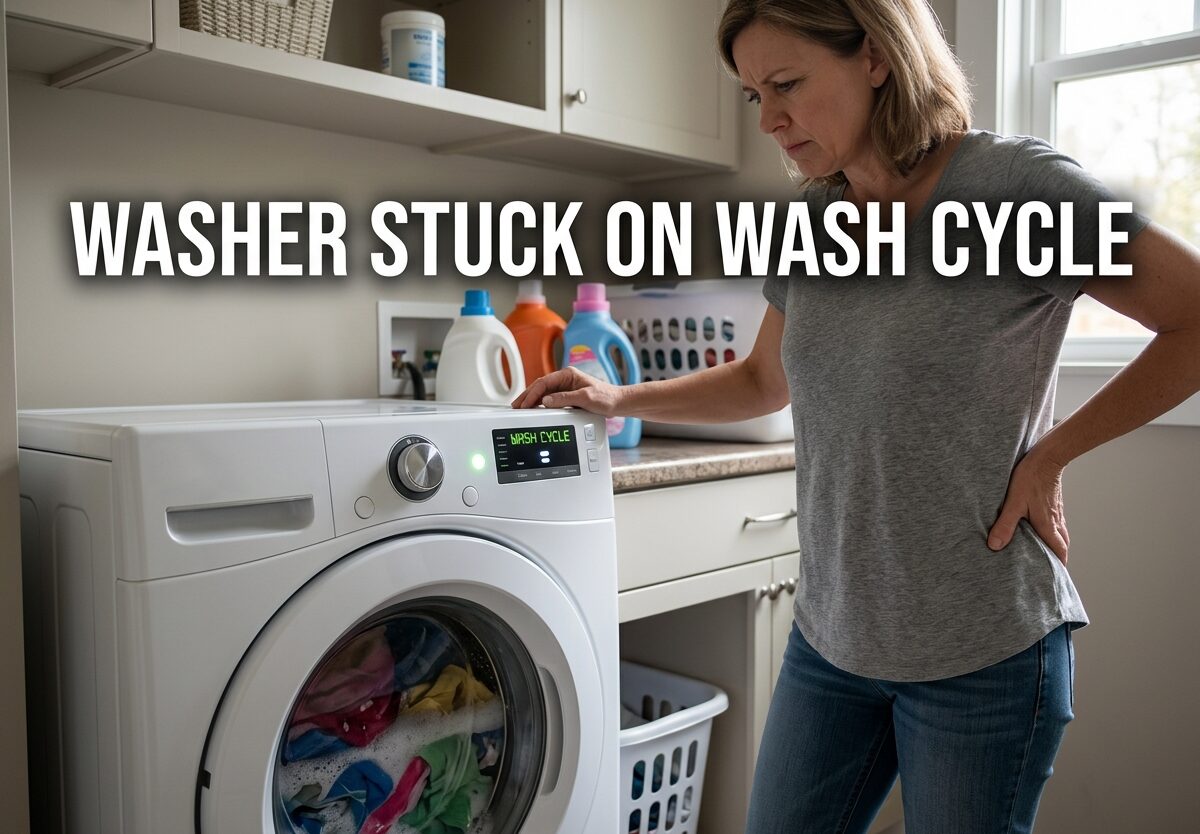
Nothing stops laundry day faster than a washer stuck on wash cycle. You load the machine, start it, and come back an hour later to find it still churning away in the wash phase. Clothes are soaking in soapy water, the timer hasn’t moved, and you’re facing either a costly repair call or figuring out how to fix it yourself.
I’ve seen this issue hundreds of times working with washing machines. A washer stuck on wash cycle usually stems from a few specific components failing – most commonly the lid switch, timer, or drain pump. The good news is that many of these fixes are DIY-friendly and cost significantly less than a service call.
In this guide, I’ll walk you through exactly what causes a washing machine to get stuck on wash cycle and give you step-by-step troubleshooting instructions to diagnose and fix the problem yourself.
Quick Fixes to Try First
Before diving into component testing, try these simple fixes that often resolve a washer stuck on wash cycle:
- Perform a hard reset: Unplug your washing machine from the power outlet for at least 5 minutes. This drains residual power from the control board and can reset electronic glitches. Plug it back in and try starting a new cycle.
- Check the lid: Open and close the washer lid firmly. For top load washers, the lid switch must engage for the cycle to advance. Make sure nothing is obstructing the lid from closing completely.
- Verify the outlet: Plug another device into the same outlet to confirm it’s working properly. A tripped GFCI outlet can cause the washer to malfunction without completely cutting power.
- Check for error codes: Look at your washer’s display for any error codes or flashing lights. Consult your owner’s manual to decode what these mean – they can point directly to the problem component.
- Reduce load size: Overloading is a common cause of cycle issues. Remove some items and restart the cycle. An overloaded washer can’t agitate properly, which may prevent it from advancing.
- Check water supply: Ensure both hot and cold water valves are fully open. Insufficient water flow can prevent the washer from filling to the proper level, delaying cycle progression.
Common Causes of Washer Stuck on Wash Cycle
When your washing machine won’t advance past the wash cycle, it’s almost always due to one of these five components failing. Understanding what each part does helps you diagnose the problem faster.
Lid Switch Assembly: The lid switch is a safety mechanism that prevents the washer from spinning or draining when the lid is open. When this switch fails, the control board doesn’t receive the signal that the lid is closed, so it won’t advance the cycle. This is the most common cause of a top load washer stuck on wash cycle.
Washer Timer: The timer controls the sequence of operations throughout the wash cycle. It sends electrical signals to different components at predetermined times. When the timer motor fails or contacts burn out, the washer can’t progress to the next phase. Timer failure is common in older washers with mechanical dials.
Drain Pump: The drain pump removes water from the tub after the wash cycle. If it’s clogged or failed, the washer won’t drain properly and can’t advance to rinse or spin. Many modern washers won’t progress if they don’t detect proper drainage.
Water Level Pressure Switch: This sensor monitors the water level in the tub and tells the control board when the washer has filled enough. If it malfunctions, the washer may overfill or not fill enough, preventing cycle advancement.
Main Control Board: Electronic control boards coordinate all washer functions. They can fail due to power surges, moisture damage, or component failure. Control board issues are more common in newer front load washers with electronic displays.
How to Diagnose a Faulty Lid Switch
The lid switch is the easiest component to test and is the culprit in most cases of a washer stuck on wash cycle. Here’s how to check it:
- Unplug the washer: Safety first – always disconnect power before working on appliances.
- Locate the lid switch: On top load washers, it’s typically under the main top, near the lid opening. You may need to pry up the top panel with a putty knife to access it.
- Inspect for damage: Look for visible cracks, burns, or broken plastic on the switch assembly.
- Test with a multimeter: Set your multimeter to continuity mode. Touch one probe to each terminal on the switch. When the lid is closed, you should get a continuity reading (usually close to zero ohms). When open, there should be no continuity.
- Test the plunger: Manually depress the switch plunger while testing. If you don’t get continuity when the plunger is pressed, the switch is faulty and needs replacement.
- Check wiring: Inspect the wires leading to the switch for burns, breaks, or loose connections. Damaged wiring can cause intermittent failures.
A replacement lid switch typically costs $15-40 and can be installed in 15-30 minutes with basic tools. This is often the most cost-effective first repair to attempt.
Testing the Washer Timer and Control Board
If the lid switch tests good, the timer or control board may be causing your washer stuck on wash cycle issue. Here’s how to diagnose:
- Listen for timer operation: On mechanical timers, you should hear a small motor running during the cycle. If it’s silent, the timer motor may have failed.
- Manual advance test: With the washer unplugged, slowly turn the timer dial through its cycles. You should feel resistance and distinct clicks at each position. If it spins freely or feels gritty, the timer is worn out.
- Check for burnt contacts: Remove the timer’s cover and inspect the internal contacts. Burn marks or corrosion indicate failure.
- Test control board fuses: On electronic washers, check for blown fuses on the control board. A blown fuse indicates a power surge or short circuit.
- Look for visible damage: Inspect the control board for burnt components, bulging capacitors, or corrosion from moisture exposure.
- Check error codes: Many modern washers display specific error codes for control board problems. Consult your manual for code meanings.
Timer replacements typically cost $50-150, while control boards can run $100-300 plus installation. These repairs are more complex and may require professional help depending on your comfort level with appliance repair.
Drain Pump and Water Level Issues
A malfunctioning drain pump or water level sensor can also cause your washer to remain stuck on wash cycle. Here’s what to check:
- Listen for drain pump operation: During the drain portion of the cycle, you should hear the pump running. If it’s silent, the pump may be dead.
- Check for clogs: Remove the drain hose from the standpipe and check for obstructions. Small items like coins or socks can block the pump.
- Inspect the pump filter: Many front load washers have a cleanable filter on the drain pump. Remove it and clean out any debris.
- Test pump resistance: With power disconnected, use a multimeter to check the pump’s resistance. Most pumps should read between 10-50 ohms. Infinite resistance indicates a failed pump.
- Test the water level switch: Locate the pressure switch (usually a round component with a small tube attached). Blow gently into the tube – you should hear clicking sounds. No clicking suggests a faulty switch.
- Check the air dome tube: The tube connecting to the water level switch can become clogged with detergent residue. Remove and clean it with warm water.
Drain pumps typically cost $30-80 and are relatively easy to replace. Water level switches are around $20-50 and straightforward to install.
Emergency Drain Procedure for Washer Full of Water
If your washer is stuck on wash cycle and full of water, you need to drain it before attempting repairs or calling a technician. Here’s how:
- Stop the cycle: Press pause/cancel or turn the timer to the off position.
- Lay down towels: Place plenty of towels around the washer to catch water spills.
- Locate the drain filter: On front loaders, find the small access panel at the bottom front. Place a shallow pan under the filter.
- Slowly open the filter: Water will rush out. Open gradually to control the flow.
- Use gravity draining: For top loaders without an accessible filter, disconnect the drain hose from the standpipe and hold it lower than the washer tub. Gravity will drain the water into a bucket or floor drain.
- Use a wet/dry vacuum: If available, you can suction water directly from the drum through the drain hose.
- Use a submersible pump: For large amounts of water, a submersible pump can quickly empty the washer tub.
Never attempt to move a washer full of water – it can weigh over 200 pounds and cause injury or damage. Always drain it first.
Brand-Specific Reset Sequences
Different washer brands have unique reset procedures that can resolve electronic glitches causing a stuck cycle. Try the reset for your brand before attempting component replacements:
Whirlpool/Maytag/Amana: Unplug for 1 minute, then lift and close the lid six times within 12 seconds. This signals a reset to the control board. For electronic models, rotate the cycle dial counterclockwise one full turn, then clockwise three clicks, then counterclockwise one click.
Samsung: Unplug the washer for 5 minutes. While unplugged, press and hold the Start/Pause button for 5-10 seconds. This drains residual power. For specific models, the reset sequence is: Temp, then Spin, then Temp, then Spin within 6 seconds.
LG: Unplug for 10 seconds. On front loaders, simultaneously press and hold the Spin and Soil Level buttons for 3 seconds. For top loaders, press the Spin Speed and Soil Level buttons together. The display should show “CL” or “00” indicating reset mode.
Kenmore: Unplug for 1 minute. For models with mechanical dials, lift the lid 6 times within 12 seconds after plugging back in. For electronic models, press the Power button to turn off, wait 30 seconds, then press Power again to restart.
GE: Unplug the washer for at least 30 seconds. Plug back in and immediately lift and close the lid 6 times within 12 seconds. Some models require holding the Start/Pause button for 5 seconds while plugging in.
When to Call a Professional
While many washer stuck on wash cycle issues are DIY-repairable, some situations warrant professional help. Consider calling a technician if:
- The washer is less than 2 years old and still under warranty
- You’ve attempted basic troubleshooting without success
- The repair requires specialized tools you don’t have
- You’re uncomfortable working with electrical components
- The washer has complex electronic control boards requiring diagnostic equipment
- Multiple components have failed, suggesting a systemic issue
Professional appliance repair typically costs $150-400 including parts and labor. If your washer is over 8-10 years old and the repair exceeds half the cost of a new machine, replacement may be more economical.
Frequently Asked Questions
Why does my washer keep getting stuck on the wash cycle?
A washer repeatedly stuck on wash cycle usually indicates a failing component. The most common causes are a faulty lid switch, malfunctioning timer, clogged drain pump, or defective water level sensor. Electronic control boards can also cause this issue in modern washers.
Why isn’t my washer going past the wash cycle?
Your washer won’t advance past wash because it’s not receiving the signal to progress. This happens when the lid switch doesn’t detect the lid closed, the timer fails to send the next signal, or the drain pump can’t remove water. Modern washers also require proper water level sensing before advancing.
What should I do if my washer machine is stuck on wash and full of water?
First, stop the cycle and lay down towels around the washer. Locate the drain filter at the bottom front and slowly open it to drain water into a shallow pan. If no filter exists, disconnect the drain hose from the standpipe and hold it lower than the washer tub to gravity-drain into a bucket or floor drain. Never attempt to move a washer full of water.
How to reset a washing machine that is stuck on one cycle?
Unplug your washer for 5-10 minutes to drain power from the control board. After plugging back in, try a brand-specific reset sequence. For Whirlpool/Maytag, lift and close the lid six times within 12 seconds. For Samsung, press Start/Pause while plugging in. For LG, press Spin and Soil Level together for 3 seconds.
Why won’t my washing machine finish its cycle?
A washing machine that won’t finish cycle typically has a component failure preventing progression. Common culprits include lid switch failure, timer malfunction, drain pump clogs, water level sensor issues, or electronic control board problems. Some models also pause when load balance is off or door lock engagement fails.
Conclusion
A washer stuck on wash cycle is frustrating but usually fixable. Start with the simple fixes – unplug for a hard reset, check the lid closure, verify the GFCI outlet hasn’t tripped, and try reducing the load size. If these don’t work, systematically test the lid switch, timer, drain pump, and water level sensor using the diagnostic steps above.
Most repairs cost between $15-150 in parts and can be completed in under an hour with basic tools. If you’re uncomfortable with electrical testing or the washer is still under warranty, professional repair is the safer choice. Remember to always unplug the washer before any diagnostic work and never attempt to move a washer full of water.
With the right troubleshooting approach, you can save hundreds on service calls and get your laundry routine back on track.





Leave a Comment